

You can either spend $8,000/month on a human assistant who works 9–5, or you can spend $49/month on an AI that handles your inbox before you wake up. That math hits different in 2026.
This isn't a list of AI chatbots wearing business casual. These are autonomous AI employee platforms — tools that own specific jobs, run routines, and execute work without you hovering over them.
Here's who made the cut, why they made it, and what separates them from the dozens that didn't.
Quick Comparison: Top AI Employee Platforms in 2026
| Platform | Core Job | Best For | Starts At |
|---|---|---|---|
| Sintra AI | AI employees marketplace (1,000+ integrations) | Solopreneurs, agencies, SMBs | ~$1/day |
| Taskade | Agent workspace + app builder | Teams & operators | Free |
| Lindy AI | Inbox, calendar & meetings | Professionals, founders | $49.99/mo |
| AccioWork | E-commerce ops & sourcing agents | DTC, dropship, B2B | Free tier |
| Dooza | Named AI employees by function | Founders, agencies | $49/mo |
| Relevance AI | Enterprise multi-agent workforce | Growth teams, enterprise | Custom |
| Relay.app | Workflow automation + human approvals | Ops, SaaS, agencies | Free |
| Gumloop | AI workflow automation, no-code | Solo builders, content teams | Free |
How We Tested Every AI Employee Platform on This List
Every platform here was hands-on tested against real business tasks — not just screenshots from a product demo.
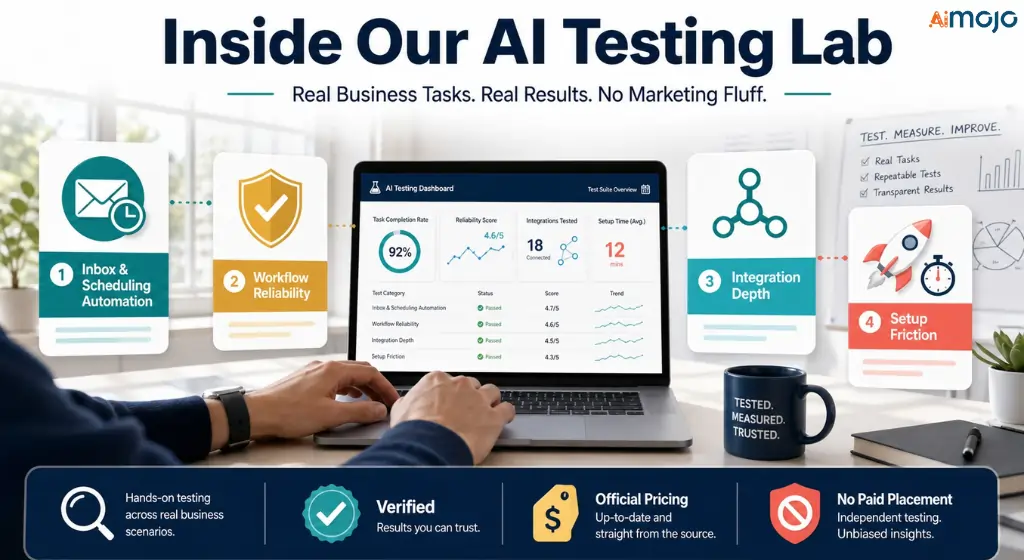
We ran each tool through four stress tests: inbox and scheduling automation (does it actually handle emails without constant babysitting?), workflow reliability (does it break silently or fail loud?), integration depth (real bidirectional sync vs. surface-level webhooks), and setup friction (time from signup to first autonomous task completed).
Pricing was verified directly from each platform's official pricing page. Features were cross-checked against official documentation and changelogs — nothing is sourced from a third-party listicle.
Platforms were ranked on actual execution quality, not on how aggressively they market themselves. Tools with generous free tiers, transparent pricing, and low maintenance overhead ranked higher than technically impressive products that require a developer to deploy.
We have no paid placement on this list. Affiliate relationships, where they exist, are disclosed separately and have zero influence on position or score.
1. Sintra AI — Hire a Full Team. Pay Less Than a Part-Timer.
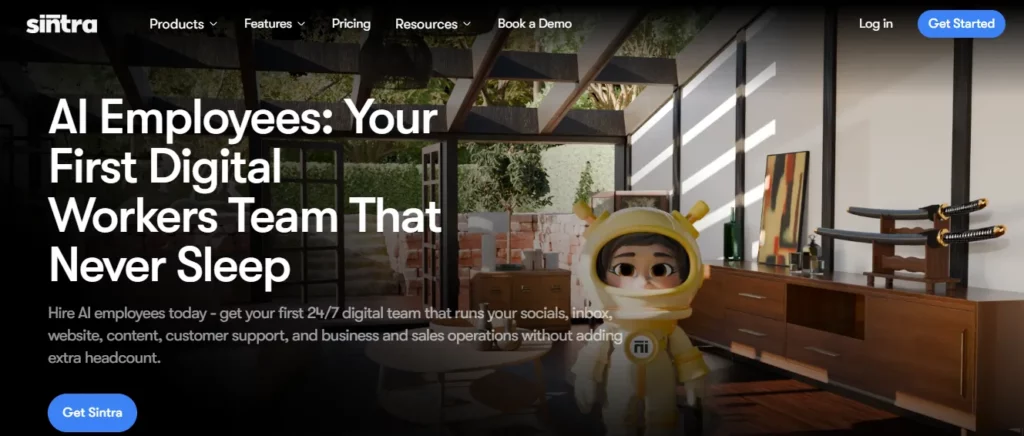
Sintra's pitch is blunt: “Hire AI employees that work around the clock.” And unlike half the tools on this list, they actually mean employees — plural, specialized, and already trained.
The Marketplace Model Nobody Else Has
Sintra runs an AI Employees Marketplace — you browse, hire the workers you need, set a daily budget cap per employee, and go. No building workflows. No prompt engineering. You plug in your socials, your website, your dashboards, and they get to work.
Over 50,000 business owners already use Sintra this way. The use cases skew practical: marketing agencies using it for caption writing and data analysis, solo ecommerce operators who want the equivalent of a full digital team, fitness coaches automating content and client onboarding.
What the AI employee roster covers:
1,000+ native integrations — not through Zapier wrappers. Every AI employee you hire connects directly into the tools your business already runs on.
The Brain AI layer sits underneath all of it. Upload your brand docs, tone references, product details, and business context once. Every AI employee you hire draws from it — so your social manager and your copywriter stay on-brand automatically, without you re-explaining yourself every session.
2. Taskade — One Prompt. One App. 500,000 Agents Deployed.

Taskade is what happens when a project management tool stops pretending and goes full AI-native. The number that says everything: 500,000+ AI agents deployed across 1 million users — with 100,000+ live apps running in production.
Genesis: Describe It, Get an App
The star of Taskade in 2026 is Taskade Genesis — you write a plain-English description of what your business needs, and it builds a live, running app. Not a template. An actual functional system with connected projects, AI agents, and automations tied together.
Teams at Nike, Netflix, Airbnb, Tesla, and Disney use it daily. So do solo agency operators. That range tells you something about the flexibility.
Under the hood:
| Feature | What It Does |
|---|---|
| 15+ frontier AI models | GPT, Claude, Gemini — pick per agent or run Auto mode |
| Multi-agent orchestration | Manager agent delegates to specialists, includes a review step |
| 7 project views | List, Board, Table, Gantt, Mind Map, Calendar, Org Chart |
| Memory modes | Manual → Daily → Hourly → Real-time (scales with plan) |
| 100+ integrations | Slack, Gmail, Teams, Stripe, HubSpot, GitHub, WordPress |
| App security | AES-256 encryption, Google CASA certified, SOC 2 in progress |
Your data is never used to train AI models. Apps keep running even after you burn through credits — only new AI generation is gated.
3. Lindy AI — Your Work Life, One Text Away
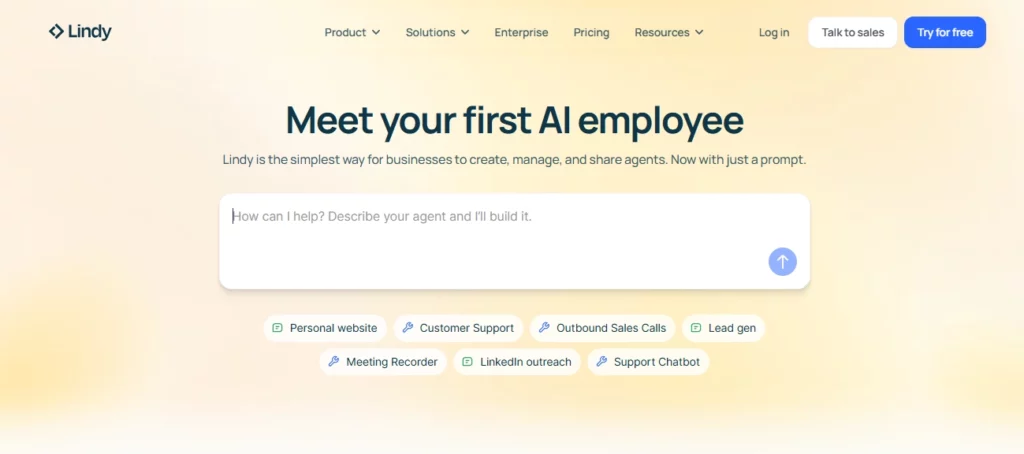
Lindy made a very specific product decision: instead of asking you to log in to another dashboard, your AI assistant texts you back. That might sound gimmicky until you realize the time you waste context-switching between tools.
It Runs on iMessage. Yes, Actually.
Lindy connects to your phone number and responds via iMessage or SMS. Sign up, connect a number, get a text from Lindy — the whole setup takes 60 seconds. From there, your inbox, calendar, and follow-ups run on autopilot.
The deeper value is Lindy's adaptive learning: it observes how you write emails, how you respond to specific contacts, and how you prioritize your calendar. Over weeks, it starts drafting replies that sound like you — not like a generic AI assistant.
Plan breakdown (2026):
Important: Lindy drafts, it doesn't send — you review before anything goes out. That's a deliberate choice, not a limitation.
The comparison Lindy makes on their own pricing page: a human assistant runs $8,000/month, replies in hours, and is unavailable on sick days. Lindy runs at $49.99, replies immediately, and never takes a day off.
4. AccioWork — Alibaba's AI Agent That Sources, Builds, and Launches
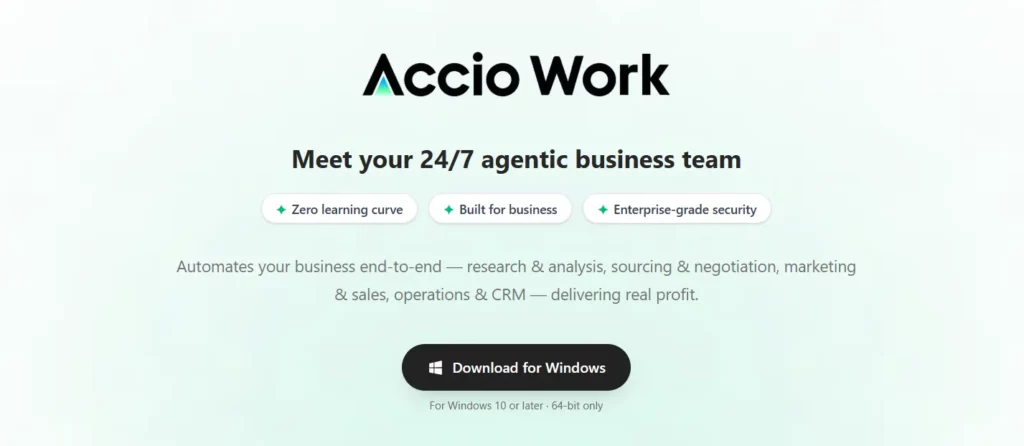
Launched by Alibaba International in March 2026, AccioWork is the only platform on this list built on top of 25 years of actual global trade data. That's not a marketing line — it means when an AccioWork agent researches products or matches suppliers, it's pulling from Alibaba's live transaction network, not a training dataset.
What “Zero Setup” Actually Looks Like
Drop in a business idea. AccioWork deploys a team of specialized agents that handle market research, product selection, supplier matching, store design, and live listings — simultaneously. The claim of building an online store in 30 minutes is backed by the architecture: agents work in parallel, not sequentially.
The agent team by function:
The desktop app version (macOS + Windows) runs locally — a sandboxed environment where browser actions require your explicit approval. For operators handling sensitive vendor data or proprietary product research, nothing leaves your device unless you say so.
There's also a Skills Marketplace where you can install, build, or monetize packaged workflow packs.
5. Dooza — You Hire. They Work. You Approve.
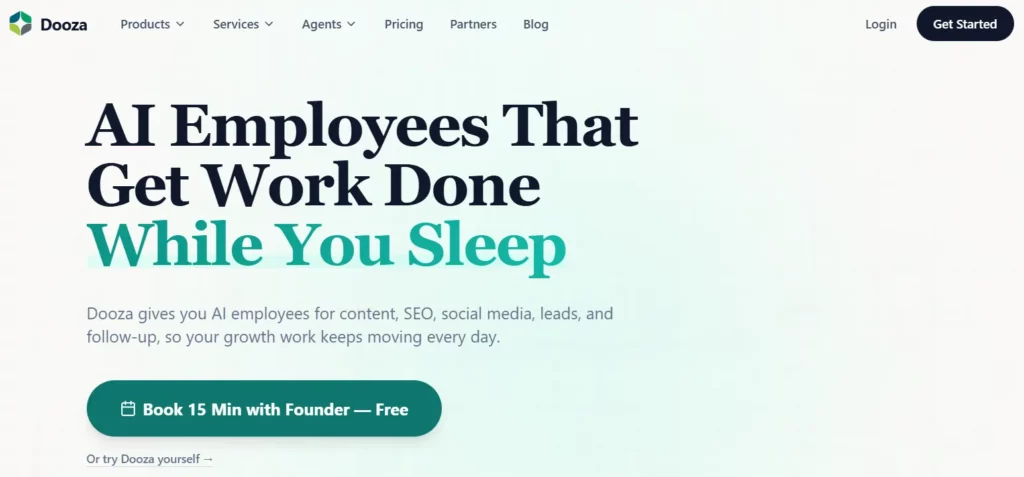
Dooza doesn't ask you to build anything. Their entire positioning is framed around employment, not software. You hire named AI employees — Maily owns your email, Somi owns social, Ranky owns SEO — and they run their routines every single day without being asked.
The “Done While You Slept” Model
By 9am, Dooza's standard morning output looks like this: “3 posts published, 12 emails handled, SEO report ready.” That's the product promise — and it's built into how the platform is structured.
Every Dooza plan includes free concierge onboarding: their team connects your integrations, sets up your AI employees routines, and makes sure everything works before you're left on your own. No Zapier setup, no workflow configuration.
Who each AI employee owns:
Pricing — transparent, no per-seat nonsense:
| Plan | Price | What's Different |
|---|---|---|
| Starter | $49/mo | All AI employees, base usage, 24/7 operation |
| Growth | $79/mo | 2x usage capacity, scales with volume |
| Managed | $199/mo | 84 hours of done-for-you setup + sales/support automation built out for you |
7-day money-back guarantee, no questions asked.
Integrations run through Composio (1,000+ apps) plus custom MCP connectors and API workflows for private tools. If your stack is non-standard, it's covered.
6. Relevance AI — When AI Agents Need to Be Accountable
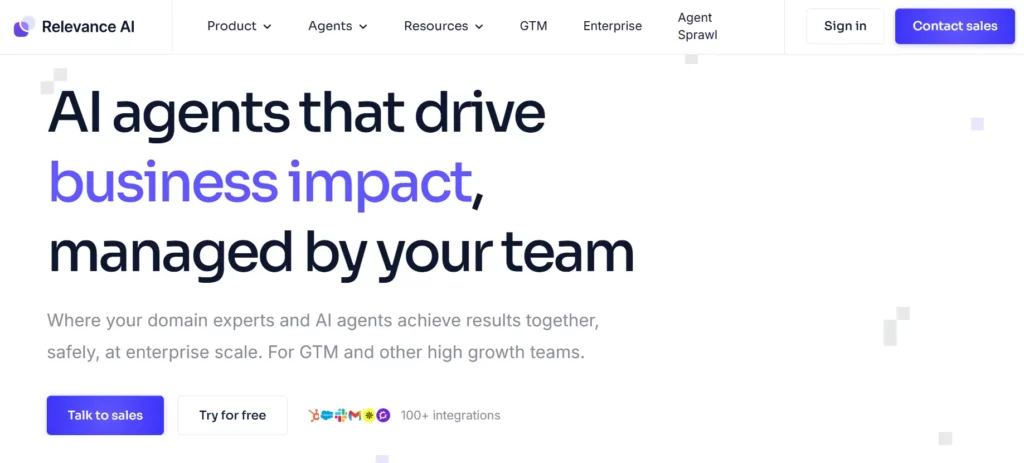
Most AI employee tools are built for founders running lean. Relevance AI is built for companies where a broken agent isn't an inconvenience — it's a liability. Think sales ops, customer success, legal, compliance, healthcare.
Agent Teams With Real Governance
Every agent in Relevance AI gets its own memory, tool access, and task scope. A manager agent coordinates specialist agents beneath it — each running in parallel on their assigned domain. You can trigger agents from Microsoft Teams meeting events, emails, webhooks, or manual runs.
What makes the enterprise architecture different:
The use case that matters most: agents that handle sensitive decisions (pricing approvals, refund logic, outbound comms) need to be auditable. Relevance AI makes that the default, not an enterprise add-on.
7. Relay.app — Automation That Asks Before It Acts
The problem with most automation tools: they either require a developer or they automate the wrong thing at the worst possible time. Relay.app solves the second problem by making human approval a native workflow feature — not a workaround.
Teach It Once, It Runs Forever
You describe a skill in plain English. Relay converts it into a consistent, visual workflow. Your agent runs it automatically — but any step flagged as sensitive (outbound emails, file access, financial actions) pauses for your sign-off before executing.
The Relay feature set:
Pricing:
The free tier is genuinely functional — not a neutered demo. Most teams upgrade when they hit step limits, not feature limits.
8. Gumloop — The No-Code AI Workflow Builder for Solo Operators
Gumloop sits in a different lane from the rest of this list. It's not role-based AI employment — it's a visual AI workflow builder where you connect data sources, AI models, and output actions without writing a single line of code. Think of it as the scrappy, fast-moving option for people who want full control without the complexity.
Build Workflows That Think
The core concept: drag, connect, run. Each “node” in your workflow can be an AI model call, a web scrape, a spreadsheet read, a Slack message, or a conditional branch. Chain them together and you've got an autonomous pipeline that runs on a schedule or trigger.
What Gumloop handles well:
It's become the go-to for content teams and solo affiliate operators who want to build aggressive content pipelines — pulling competitor data, processing it through an AI model, and pushing formatted outputs into a CMS — all automated.
What Separates the Good Ones From the Expensive Ones
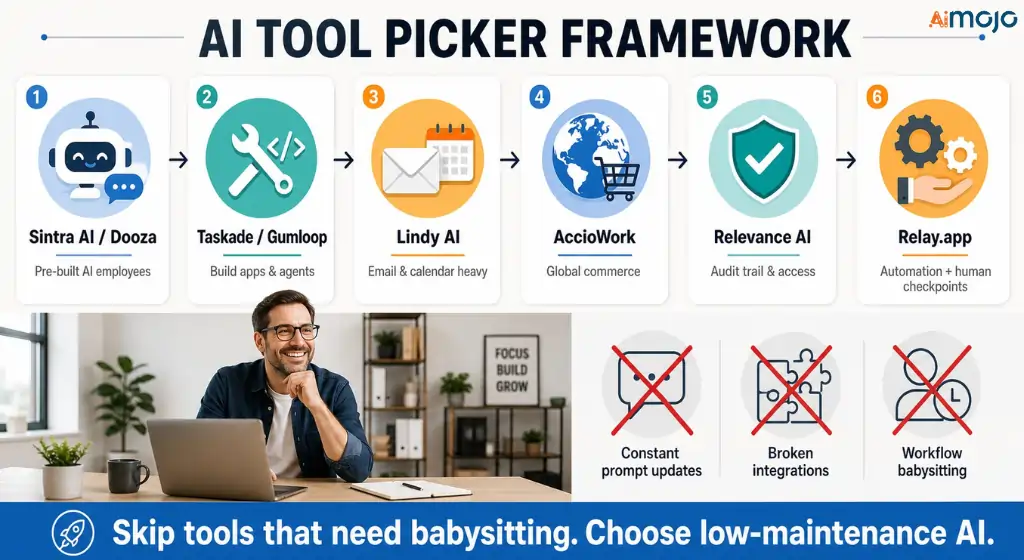
Here's the honest framework for picking:
The tools that fail businesses in 2026 are the ones that require you to maintain them — constant prompt updates, broken integrations, workflows that need babysitting. The tools on this list are picked specifically because they reduce that overhead, not add to it.
FAQ: AI Employee Platforms in 2026
What is an AI employee platform?
It's a platform where AI agents handle specific, recurring job functions — email management, SEO, lead follow-up, social posting — autonomously and on schedule. Unlike generic AI assistants, these tools take action inside your existing apps without you prompting them each time.
How are AI employee platforms different from ChatGPT or Claude?
You prompt ChatGPT. AI employee platforms have routines. Dooza's Somi posts to your social channels every morning without a single message from you. Lindy processes your inbox overnight. That's the difference — proactive execution vs. reactive responses.
Can you actually trust AI employees to handle real business tasks?
The short answer is yes — with the right approval setup. Tools like Relay.app and Lindy keep humans in the loop on anything that gets sent externally. Platforms like Relevance AI provide full audit logs. You set the boundaries; the AI operates inside them.
Which AI employee platform works best for a one-person business?
Sintra AI and Dooza are built exactly for this. Sintra's marketplace lets you hire as many or as few AI employees as you need with a daily budget cap. Dooza includes free concierge onboarding — they do the setup for you.
Is there a free AI employee platform worth using?
Taskade has the most generous free tier with real utility — 3,000 one-time credits, 1 workspace, and full access to Genesis for app building. Relay.app's free tier covers basic workflow automation. Lindy offers a 7-day full-feature trial.
What's the ROI case for paying $49–$99/month for an AI employee?
A human VA handling email, social, and SEO part-time costs $800–$2,000/month minimum. A Dooza Growth plan ($79/mo) running Maily, Somi, and Ranky covers all three 24/7. The math makes itself.
Do AI employee platforms replace your whole team?
No — and the ones worth buying don't claim to. They replace the repeatable, high-frequency, low-judgment work that was eating your team's hours. Strategy, client relationships, creative direction — those stay human. The 3–5 hours/day of operational busywork? That's what these tools exist to absorb.
AiMojo Recommends:


 BONUS: Get our $200 “AI Mastery Toolkit” FREE when you sign up!



