

Sintra AI had one job — make small business owners feel like they had a full team. For a lot of people, it nailed that pitch. Friendly interface, 12 named helpers, a shared “Brain” that stores your business context. Solid entry point.
Then the credits ran out. Mid-project. Again.
That's the real Sintra story in 2026. The “unlimited” plan quietly became 250 credits a month. Failed tasks still burn credits. And the helpers hand you a polished draft, then leave the actual execution — sending the email, scheduling the post, chasing the follow-up — to you.
A few review credibility concerns have also come up around Sintra's ratings, which has made some buyers a bit more cautious before committing to the $52–$97/month price range.
These 7 Sintra AI alternatives are what you actually want: AI agent automation tools that finish work, integrate with the apps you already run on, and don't charge you for a task that failed.
Sintra AI Alternatives: Quick Comparison
| Tool | Type | Free Plan | Starts At |
|---|---|---|---|
| Marblism | AI Employees (pre-built) | ❌ (7-day MBG) | $24/mo |
| Lindy AI | No-code AI agents | ✅ 400 credits | $49.99/mo |
| Relevance AI | Custom agent workforce | ✅ | Custom |
| Taskade | Workspace + AI agents | ✅ 3,000 credits | $6/mo |
| Gumloop | No-code AI automation | ✅ 5,000 credits | $37/mo |
| Make (Integromat) | Visual automation | ✅ 1,000 credits | $9/mo |
| n8n | Self-hosted automation | ✅ (self-hosted) | €20/mo cloud |
What Makes a Sintra AI Alternative Worth Switching To?
Before picking anything, run these four checks — they map directly to Sintra's biggest failure points:
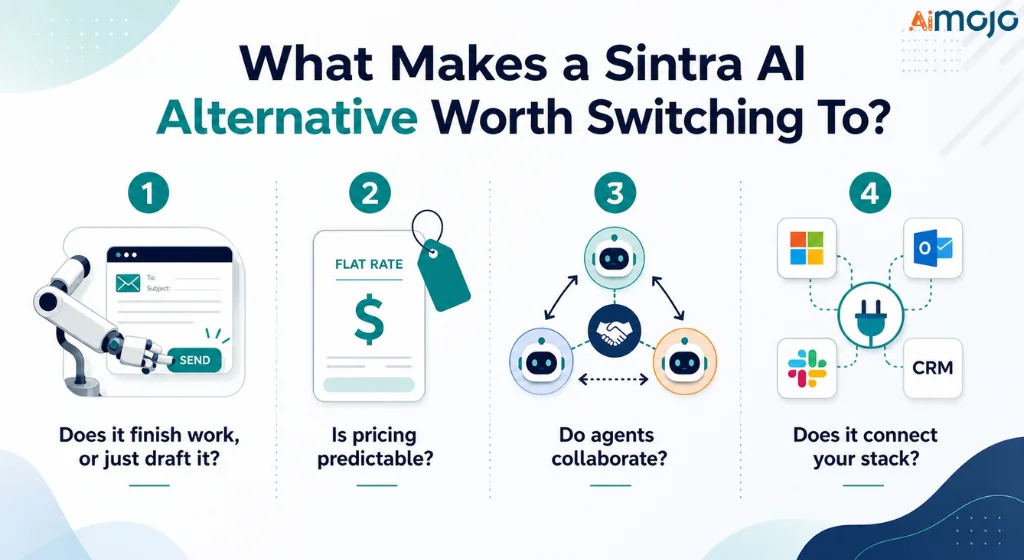
1. Does it finish work, or just draft it?
Sintra helpers stop at suggestions. Real alternatives execute: send the email, publish the post, log the CRM entry.
2. Is pricing predictable?
Credit meters that penalize heavy use — and charge for failures — make budgeting impossible. Look for flat plans, visible credit tiers, or self-hosted control.
3. Do the agents collaborate, or work in silos?
Sintra's helpers share a Brain but don't hand off tasks to each other. Multi-agent coordination is table stakes for anything complex.
4. Does it connect your actual stack?
Sintra claims 1,000+ integrations; user reports flag gaps with Microsoft/Outlook. Verify the specific apps your business runs on before committing.
1. Marblism — Six AI Employees, One Flat Bill, No Credit Games

Best for: Small business owners who want Sintra's concept, minus the credit cap and the “here's a draft, good luck” problem.
Marblism is the most direct functional replacement on this list. It gives you six pre-built AI Employees — each with a defined role — that coordinate with each other.
Not just a shared context database. Actual AI-to-AI task handoff, where one employee's output feeds directly into another's work. That's the gap Sintra reviewers kept describing: “the bots could be linked together better.”
Meet the six AI Employees:
What actually makes it different from Sintra:
Every employee includes a human-in-the-loop approval step before anything goes public — no rogue emails, no unauthorized posts. The entire setup is conversational, no workflow building required. And critically: 50 hours of AI work per month, no per-task credit meter. Chat and quick tasks don't consume those hours. Compare that to Sintra's 250 shared credits that vanish mid-project.
Marblism passed an independent CASA Tier 2 security audit (OWASP ASVS Level 2), uses AES-256 encryption at rest, and does not train models on your data.
Backed by: Y Combinator (W24). Used by 40,000+ businesses. Rated 4.8/5 on Trustpilot.
“Marblism has been a game changer, coming from Sintra. The speed and accuracy are amazing, and the social media manager is my favorite part.” — Bryce Mead, Trustpilot (April 2026)
2. Lindy AI — The AI That Actually Runs Your Inbox (Not Just Drafts for It)
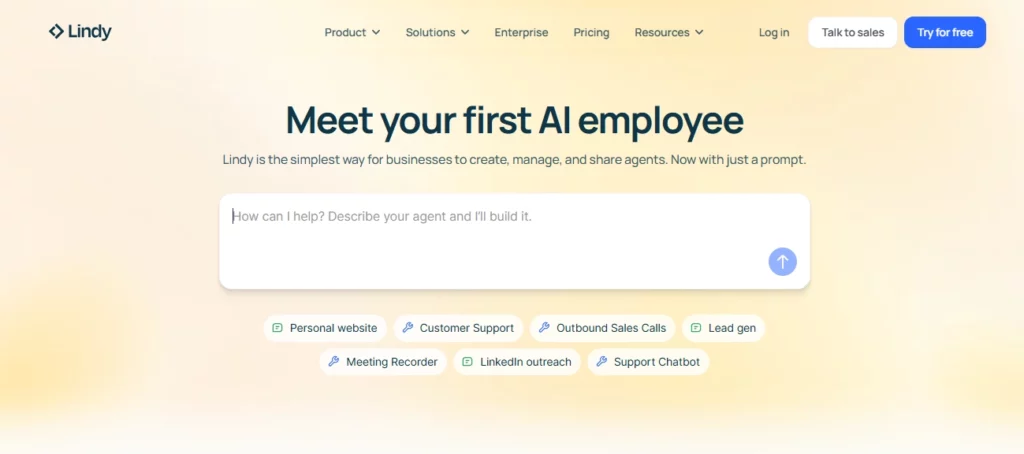
Best for: Founders and ops managers drowning in email, meeting prep, and calendar management who want one assistant that handles all of it.
Lindy focuses on one thing — the executive assistant job — and goes deeper on it than anything else in this category. Where Sintra gives you a “General Assistant” helper that produces suggestions, Lindy builds purpose-built agents that trigger on real events and take real actions across your connected apps.
What Lindy does that Sintra's helpers don't:
The key differentiator is multi-modal execution. A Lindy agent can monitor your Gmail inbox, draft a reply using HubSpot CRM context, send it after your approval, update the CRM record, schedule a follow-up in Calendly, and post a Slack notification — all in one automated chain. Sintra's helpers operate as isolated chat windows.
Standout capabilities:
The visual workflow builder is drag-and-drop, and there's a library of pre-built templates for sales, support, scheduling, and research that get you operational fast.
3. Relevance AI — Build Your Own AI Workforce (No Developers Required)
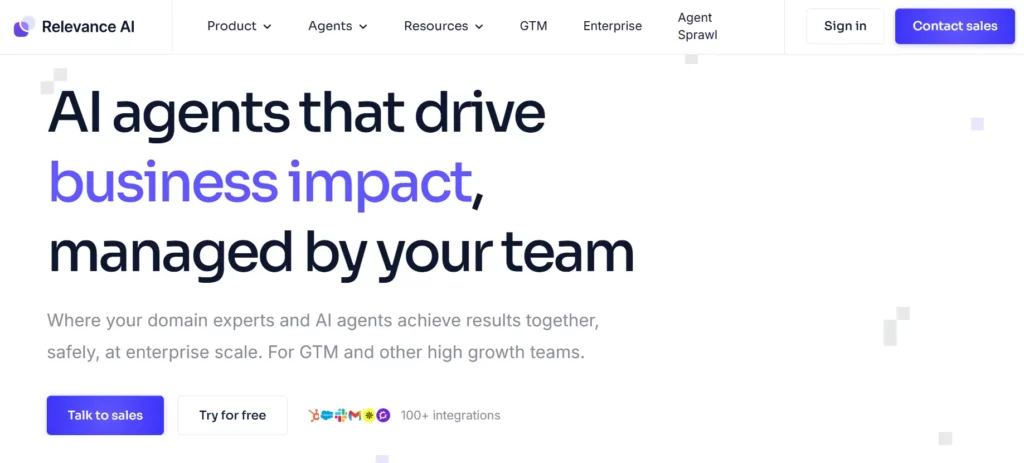
Best for: Operations teams and growth-focused agencies that want to design custom multi-agent workflows and don't need pre-built roles.
Relevance AI flips the Sintra model entirely. Instead of fixed helpers, you build your own AI agents from scratch using a low-code visual builder — then orchestrate them into a coordinated “AI Workforce” where agents delegate to each other, evaluate each other's output, and escalate to a human when context is ambiguous.
The enterprise compliance stack most tools skip:
This is where Relevance AI genuinely separates from the field. Its enterprise tier includes SSO, role-based access control (RBAC), audit logs, agent A/B testing, agent evaluation scoring, smart escalations, and dedicated account management. These aren't bolt-on additions — they're core to how the platform handles governance at scale.
Also notable: SOC 2 Type II and GDPR compliance are verified, and the platform is model-agnostic (bring your own LLM — GPT, Claude, Gemini, or open-source).
Key technical features:
4. Taskade — The Workspace That Makes Your AI Agents Actually Useful

Best for: Budget-conscious remote teams and solo operators who want AI agents embedded into real project work — not living in a separate tool.
Taskade solves a problem the other tools on this list don't address: tool sprawl. With Sintra, your AI helpers live in one window, your projects in Notion, your tasks in Asana, and your docs in Google Drive. Taskade folds tasks, documents, real-time team collaboration, AI agents, and automations into one workspace.
Agents v2 (2026 update) — what's actually new:
The 2026 platform refresh shipped Agents v2 with 33 built-in agent tools — including web search, live data extraction, YouTube transcription, and website scraping — plus 24 Genesis AI App Kits for common team workflows. Agents are trained on your workspace files, past projects, and connected data sources. They build persistent memory across sessions, not just single-conversation context.
The multi-LLM setup is practical, not just a feature bullet:
Paid tiers (Starter and up) let you assign a different AI model per agent. Claude for writing, GPT for analysis, Gemini for research — each agent routes to the model that suits its task. Pro tier includes 15+ frontier models from OpenAI, Anthropic, and Google.
Platform-wide numbers (2026):
5. Gumloop — Drag, Drop, Deploy: No-Code AI Automation That Finishes the Job
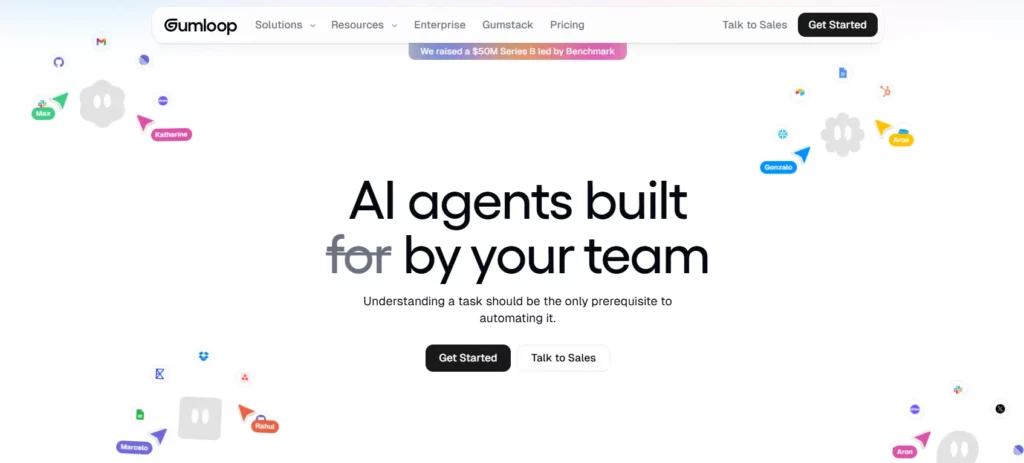
Best for: Non-technical teams who want to build custom AI-driven workflows visually, without touching code and without hiring a developer.
Gumloop is built around one idea: AI automation that executes end-to-end, not automation that hands you a draft and stops. The visual canvas lets you chain AI actions, conditional logic, and app triggers into workflows that run themselves — closer to a production system than a chatbot interface.
Why it's different from the “drag-and-drop” you've seen before:
Most no-code tools layer AI on top of existing connectors as an afterthought. Gumloop builds workflows that are AI-native by default — multi-model support across Anthropic, OpenAI, Gemini, and DeepSeek, with MCP (Model Context Protocol) hosting built in. Workflows trigger from Slack messages, incoming emails, or Teams notifications, then run to completion without manual intervention.
Verified capabilities:
Real free-tier value: 5,000 credits + one seat on the free plan — enough to build, test, and ship one real working workflow before paying $37/month.
Gumloop is rated 4.8/5 on G2, with reviewers consistently citing how fast they got a working AI workflow live without engineering involvement.
6. Make — The Budget Automation Builder Sintra Users Keep Landing On

Best for: Cost-conscious founders who need branching, conditional automation across 3,000+ apps — and don't want to pay Zapier prices for it.
Make (formerly Integromat) covers almost the same ground as Zapier at roughly half the entry cost. Its visual “scenario” builder uses a flowchart-style canvas with routers, filters, iterators, and error handlers — meaning a single Make scenario can branch, loop, recover from errors, and execute parallel paths without bolting on a second tool.
What makes Make genuinely more capable than simpler tools:
The scenario architecture handles complexity that trigger-action tools can't. A Zapier Zap runs step-by-step. A Make scenario can fork at a decision point, run both paths simultaneously, merge the outputs, and retry failed steps automatically — all in one visual flow. Scheduling down to one-minute intervals also means near-real-time automation for time-sensitive workflows.
Verified 2026 platform specs:
One thing to model before you scale: Make switched from an operations-based pricing model to credits in 2025 — the same type of metered billing that frustrated Sintra users. Credit consumption varies by step complexity and data volume. Map out your expected monthly scenario runs at your intended complexity level before scaling up.
Rated 4.8/5 on Capterra — users consistently praise the visual scenario builder and how much branching automation they get for the entry price.
7. n8n — Full Infrastructure Control for Teams That Don't Compromise on Data
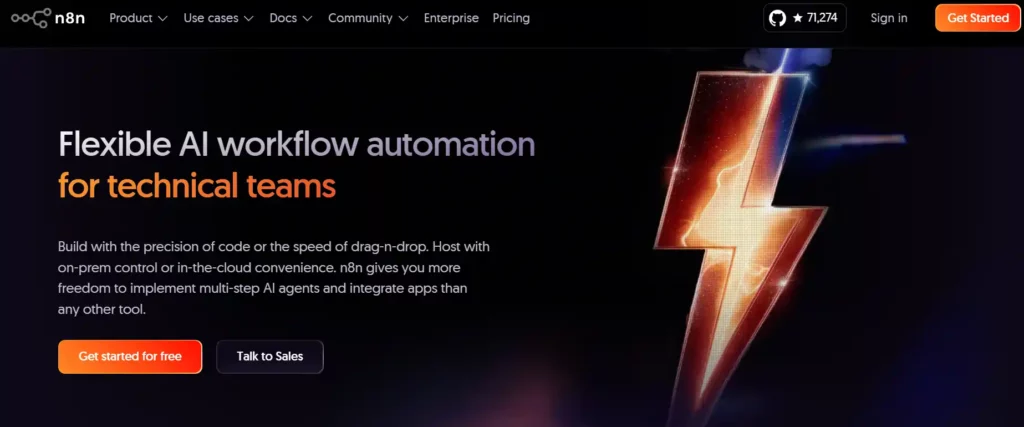
Best for: Technical teams, agencies, and companies with data residency requirements who want zero vendor lock-in and maximum workflow flexibility.
n8n is the only tool on this list where the answer to “who owns your data and what it costs to run” is entirely under your control.
Self-host it on your own servers using Docker, pay only for infrastructure and LLM API costs, and build workflows with no usage meter of any kind. For teams that ran into Sintra's “failed tasks still burn credits” problem, this is the structural fix.
The technical depth that sets it apart:
Every n8n workflow node can drop into custom JavaScript or Python — you're never capped by what the visual interface supports. The AI agent layer includes LangChain integration, multi-model support, and human-in-the-loop checkpoints.
For compliance-heavy teams: Business and Enterprise tiers on the cloud plan include SSO, role-based access control, and audit logs — the same governance stack as Relevance AI, but on infrastructure you control.
Verified 2026 specs:
Cloud pricing (billed annually):
Starter at €20/month, Pro at €50/month, Business at €667/month, Enterprise custom. The self-hosted Community edition is free with no usage limits outside your own infrastructure.
Rated 4.7/5 on G2 among technical users, who consistently cite self-hosting control and the ability to write custom code as the deciding factors.
Which Sintra AI Alternative Fits Your Situation?
| Your Situation | Best Pick |
|---|---|
| Want Sintra's concept, minus credit caps and half-finished tasks | Marblism |
| Inbox, meetings, and calendar are your biggest drain | Lindy AI |
| Need custom agent workflows with governance at scale | Relevance AI |
| Want AI + projects + docs in one tool on a tight budget | Taskade |
| Non-technical team, want to build custom AI workflows visually | Gumloop |
| Need branching automation across 3,000+ apps at low cost | Make |
| Technical team, data residency requirements, zero lock-in | n8n |
Frequently Asked Questions
What are the best Sintra AI alternatives in 2026?
Marblism, Lindy AI, Relevance AI, Taskade, Gumloop, Make, and n8n are the strongest Sintra AI alternatives — each solving a different gap left by Sintra's credit limits and execution problems.
Why do people look for Sintra AI alternatives?
Sintra's 250-credit monthly cap, failed tasks that still burn credits, helpers that stop at drafts instead of finishing work, and a suspended Trustpilot TrustScore are the main reasons users leave.
Is there a Sintra AI alternative with no credit cap?
Yes — Marblism includes 50 hours of AI work per month on a flat plan, with no per-task credit meter. n8n self-hosted is also uncapped (you pay only for your own infrastructure and LLM API usage).
Which Sintra AI alternative is best for non-technical users?
Marblism and Taskade are the strongest no-setup options for non-technical users. Gumloop is the best pick if you want to build custom automations without code.
Does Sintra AI have a free plan?
No — Sintra AI has no free plan. It requires upfront payment and offers only a 14-day money-back guarantee. Most alternatives on this list (Taskade, Gumloop, Make, n8n, Lindy) offer a free tier or trial.
Which alternative is best for agencies managing multiple clients?
Taskade (unlimited businesses on Business plan) and Marblism (unlimited businesses on every plan) are both built to handle multi-client setups without per-seat or per-client pricing penalties.
Is Relevance AI better than Sintra for enterprise teams?
For teams needing custom multi-agent workflows, RBAC, SSO, audit logs, agent A/B testing, and compliance certifications (SOC 2 Type II, GDPR), Relevance AI is significantly more capable than Sintra.
What is the cheapest Sintra AI alternative?
Make starts at $9/month with 10,000 credits — the lowest paid entry on this list. Taskade's Starter plan is $6/month. n8n community edition and Gumloop's free plan both cost $0 to start.
The Bottom Line
Sintra got the concept right — small businesses want a team of AI specialists, not a single chatbot. What it got wrong was delivery: a credit system that punishes heavy use, helpers that suggest instead of execute, and a pricing model that breaks down the moment you actually rely on it.

Every tool on this list fixes at least one of those problems. Most fix several. Pick based on what Sintra specifically failed you on — not on feature counts — and you'll land on the right one fast.
AiMojo Recommends:


 BONUS: Get our $200 “AI Mastery Toolkit” FREE when you sign up!



