

With cyber threats becoming increasingly sophisticated, relying solely on passwords to protect your sensitive online accounts is a significant risk. Even common security measures like SMS-based two-factor authentication can be compromised through attacks like SIM swapping, leaving your accounts dangerously exposed.
An authenticator app offers a superior solution, creating a vital security shield for your digital identity. By generating unique, time-sensitive codes directly on your device, these powerful apps prevent unauthorized access and protect you from costly account takeovers. Choosing the right one is your first step toward truly securing your online presence.
What is an Authenticator App and Why Do You Need One?
An authenticator app is a mobile security application that generates time-based, one-time passwords (TOTP) for two-factor authentication.
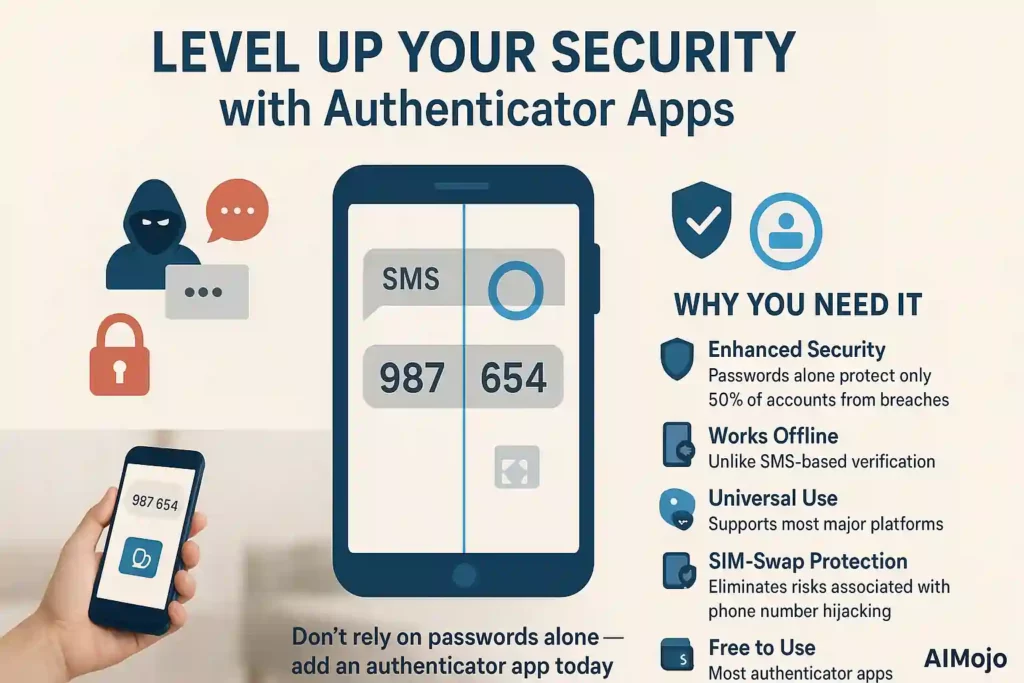
Unlike SMS codes that can be intercepted, authenticator apps create unique 6-8 digit codes that refresh every 30 seconds, providing an extra layer of protection for your online accounts.
Why you need one:
Modern cyber threats target weak authentication methods. With data breaches affecting millions yearly, implementing two-factor authentication through a dedicated app significantly reduces your vulnerability to account takeovers and identity theft.
Stay Protected with These Leading Authenticator Apps
| 🏆 Authenticator App | ⭐ Key Strengths | 👥 Best For |
|---|---|---|
| Google Authenticator | Simple, reliable | Basic users |
| Microsoft Authenticator | Push notifications | Microsoft ecosystem |
| Authy | Multi-device sync | Multiple devices |
| Duo Security | Enterprise features | Business users |
| 2FAS Authenticator | Privacy focused | Open-source lovers |
| Aegis Authenticator | Android customization | Android power users |
1. Google Authenticator
Protect your digital life with Google Authenticator, the simple and reliable solution for two-factor authentication (2FA). It generates secure, time-based verification codes directly on your device, adding a powerful security layer to all your online accounts.
This app works even without an internet connection, ensuring you always have access. With seamless cloud synchronization through your Google Account, your codes stay safe and accessible across all your devices, making security effortless and robust.
Google Authenticator Key Functions
How We Picked
We selected this app for its exceptional reliability, straightforward user interface, and the trusted security architecture of the Google ecosystem.
For a straightforward, no-cost security boost from a highly trusted developer.
(5/5) — Excellent for its simplicity and security.
2. Microsoft Authenticator
Microsoft Authenticator offers a secure and convenient way to manage your online accounts through multi-factor authentication, passwordless sign-in, and password autofill. It simplifies your login experience with one-time passcodes and push approvals, ensuring your accounts are protected.
For added peace of mind, the app features an encrypted cloud backup, allowing you to easily move your personal accounts to a new device without losing access. This makes it a robust choice for anyone deeply integrated into the Microsoft ecosystem or seeking advanced security features.
Microsoft Authenticator Key Functions
How We Picked
We chose this app for its seamless integration with Microsoft services, robust security features, and user-friendly passwordless options for enhanced convenience.
For comprehensive security features, including convenient passwordless sign-in and autofill capabilities.
(4.8/5) — Best for features and Microsoft integration.
3. Authy

Authy secures your accounts with robust two-factor authentication (2FA), protecting you from hackers and account takeovers. Its standout features are the secure cloud backup and seamless multi-device synchronization, ensuring you never lose access to your codes, even if you lose your phone.
This powerful combination makes Authy a top-rated choice for users who need reliable and convenient security across all their devices. Go beyond simple passwords with this free, easy-to-use app.
Authy Key Functions
How We Picked
We selected Authy for its superior multi-device support and secure cloud backup, making account recovery simple and reliable.
For effortless security and access to your codes across all your devices.
(4.8/5) — Best for multi-device sync and backup.
4. Duo

Duo Security provides a complete, security-first identity solution designed to protect against modern threats. It goes beyond traditional multi-factor authentication (MFA) by offering end-to-end phishing resistance, single sign-on (SSO), and detailed security monitoring to stop attackers.
Trusted by teams of all sizes, from startups to large enterprises, Duo makes strong security seamless and easy to use. It ensures that every sign-in is secure without causing friction for users, streamlining workflows and protecting sensitive data effectively.
Duo Key Functions
How We Picked
This solution was chosen for its comprehensive, enterprise-grade identity security that effectively prevents phishing and streamlines user access for organizations.
For robust, scalable security that simplifies access and defends against modern attacks.
(4.7/5) — Best for complete, enterprise-level identity protection.
5. 2FAS Authenticator

2FAS puts your security and privacy first by storing your 2FA tokens locally on your device, not on a server. This local-first approach means you are protected from data breaches. As an open-source app, it offers full transparency and is trusted by millions for its commitment to security.
Praised for its clean interface and reliability, 2FAS is a top-rated, free authenticator app that works offline and requires no account, ensuring your data remains completely in your hands.
2FAS Authenticator Key Functions
How We Picked
We selected this app for its strong commitment to privacy, open-source transparency, and its excellent user-praised, ad-free experience.
For a completely free, private, and transparent authenticator experience you can trust.
(4.8/5) — Best for privacy and open-source security.
6. Aegis Authenticator

Aegis Authenticator is a free, secure, and open-source app for Android that puts you in complete control of your 2-step verification tokens. Your data is kept in an encrypted vault, accessible with biometrics, and is never locked into a proprietary cloud service.
With extensive import/export options and automatic backups, Aegis offers powerful security without sacrificing usability or privacy. Its modern, customizable interface and active development make it a top choice for security-conscious Android users.
Aegis Authenticator Key Functions
How We Picked
We selected this app for its robust open-source security, extensive customization, and powerful backup features specifically designed for Android users.
For unmatched control, security, and customization on the Android platform.
(4.9/5) — The best open-source choice for Android.
How We Tested and Selected the Best Authenticator Apps
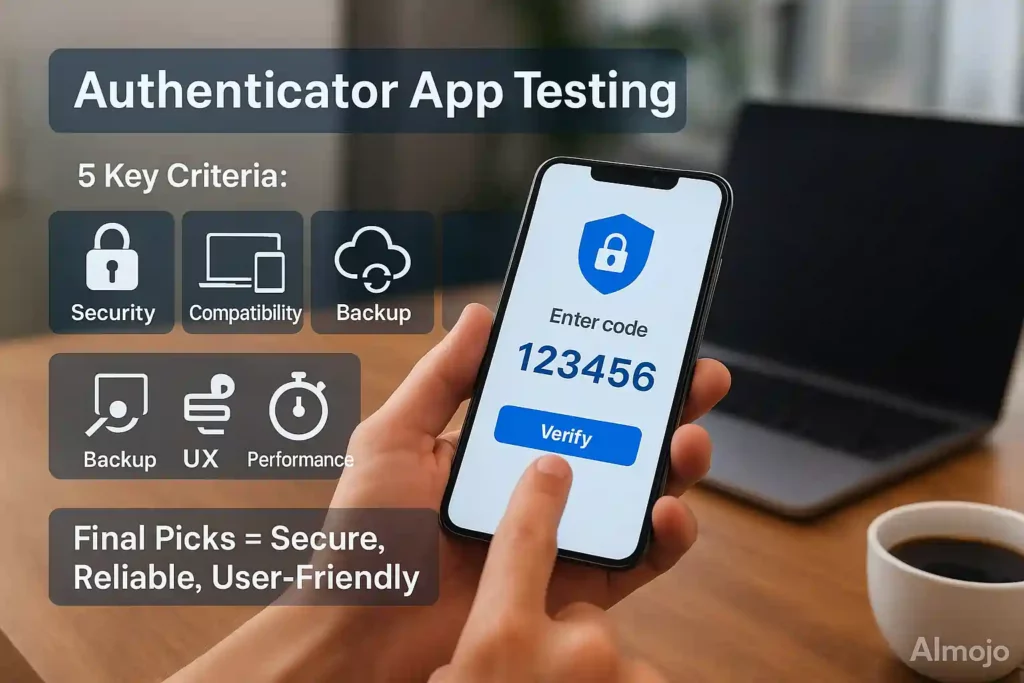
Our comprehensive evaluation process focused on real-world usability and security standards to identify the most reliable authenticator apps available today.
Key Testing Criteria:
Testing Methodology:
We installed each app on multiple devices, set up accounts across various platforms, and monitored performance over several weeks. Our evaluation included stress-testing backup processes, analyzing security documentation, and comparing feature sets against industry standards.
Selection Standards:
Only apps demonstrating consistent reliability, transparent security practices, and genuine user value made our final recommendations. We prioritized solutions offering the best balance of security, usability, and long-term sustainability.
Your Next Step to Stronger 2FA Security
Securing your online accounts with strong two-factor authentication (2FA) is a critical step in protecting your digital identity. The best authenticator app ultimately depends on your individual needs, whether you prioritize simplicity, multi-device synchronization, or open-source transparency.
Armed with the insights from this guide, you can confidently choose a tool that aligns with your security goals. Don't leave your accounts vulnerable. Take control of your online safety now by selecting a trusted authenticator app and enabling 2FA on your most important services today.
AiMojo Recommends:



 BONUS: Get our $200 “AI Mastery Toolkit” FREE when you sign up!








