

Most developers are spending money on the wrong AI code assistant right now. Some are overpaying. Others are stuck on a free tier that barely works. And a few haven't even heard of the tools that could cut their coding time in half.
We put GitHub Copilot vs Cursor vs Windsurf vs Replit through real-world coding tasks — completions, debugging, refactoring, and full agentic builds. This comparison is for solo devs, freelancers, startup teams, and anyone tired of guessing which AI pair programming tool is actually worth it in 2026.
Here's everything we found.
What Even Is an AI Code Assistant? (Quick Refresher)

Forget old-school autocomplete. AI code assistants use large language models to predict, write, and fix code based on the context of your entire project. They understand your files, your logic, and your intent — not just the line you're typing.
In 2026, these tools go way beyond suggestions. They refactor functions, debug errors from a pasted stack trace, and even build multi-file features from a single prompt. If you're still coding without one, you're working harder than you need to.
The Contenders at a Glance: GitHub Copilot vs Cursor vs Windsurf vs Replit
| Feature | GitHub Copilot | Cursor | Windsurf | Replit |
|---|---|---|---|---|
| Base AI Model | GPT-4o / Claude | GPT-4o / Claude / Custom | Codeium proprietary + GPT-4o | GPT-4o / Custom |
| IDE/Platform | VS Code, JetBrains, Neovim | Cursor IDE (VS Code fork) | Windsurf IDE | Browser-based cloud IDE |
| Free Tier | Limited | Yes (with caps) | Yes (generous) | Yes (with compute limits) |
| Pricing (Pro) | $10–$39/mo | $20/mo | $15/mo | $25/mo |
| Best For | General-purpose coding | Power users and large codebases | Budget-friendly AI coding | Prototyping and beginners |
| Multi-file Context | Moderate | Strong | Strong | Moderate |
| Inline Chat | Yes | Yes | Yes | Yes |
| Agent Mode | Copilot Workspace | Composer | Cascade | Replit Agent |
GitHub Copilot — The One Everyone Knows

What GitHub Copilot Does Best
Copilot still has the widest adoption of any AI coding tool. Its inline completions inside VS Code and JetBrains are fast, and Copilot Chat handles quick questions without leaving your editor. Copilot Workspace adds a project-level planning layer that turns GitHub issues into code changes.
Where GitHub Copilot Falls Short
Large codebases expose its context window limits. It often misses connections across multiple files, and niche frameworks get sloppy suggestions. Enterprise pricing feels steep when cheaper alternatives match or beat its output quality.
Pricing Breakdown
Cursor — The Editor That Went All-In on AI

What Makes Cursor Different From a Plugin
Cursor isn't an extension you bolt onto VS Code. It's a standalone IDE forked from VS Code that bakes AI into every interaction. It indexes your full codebase and uses that context for smarter completions, refactors, and multi-step edits through its Composer mode.
Cursor's Strongest Features
Tab-complete in Cursor feels eerily accurate because it reads your project structure, not just the open file. Natural language commands let you say “refactor this into a hook” or “add error handling here” and get usable output. Custom .cursorrules files let teams enforce coding standards at the AI level.
Where Cursor Gets Frustrating
Pro tier token limits run out fast during heavy usage. Complex logic still produces hallucinated code blocks. And Composer's agentic mode has a learning curve that trips up first-time users.
Cursor Pricing Breakdown
Windsurf — The Dark Horse Most Devs Haven't Tried Yet

What Windsurf Brings to the Table
Built by the Codeium team (the folks behind the most popular free Copilot alternative), Windsurf is a full AI-native IDE. Its standout feature is Cascade — an agentic coding flow that chains together edits, terminal commands, and file creation in one sequence.
Windsurf's Best Tricks
Automatic context detection picks up relevant files without you manually tagging them. Terminal integration means Cascade can run your code, read errors, and fix them in a loop. Completion speed consistently matches or beats Copilot in side-by-side tests.
Where Windsurf Needs Work
The community is still growing, so Stack Overflow threads and plugin options are thin. Extension support lags behind Cursor and VS Code. Longer sessions sometimes cause context drift where suggestions stop tracking your recent changes.
Windsurf Pricing Breakdown
Replit — The Browser-Based Wild Card
Why Replit Is a Completely Different Beast
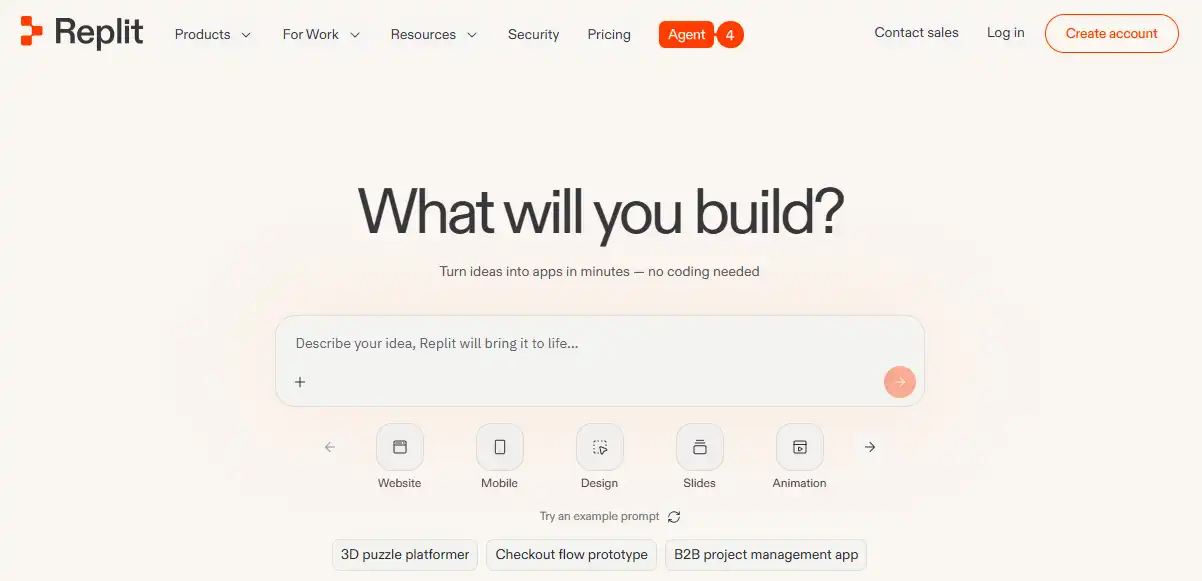
No downloads. No config files. No terminal setup. Replit runs entirely in your browser with AI baked into a full cloud development environment. Its AI Agent can scaffold an entire app from a single text prompt — frontend, backend, database, and deployment included.
Replit's Killer Use Cases
Replit is absurdly fast for prototyping MVPs and small tools. Non-developers and founders use it to build functional apps without writing code manually. It's also one of the best platforms for learning to code with real-time AI guidance.
Where Replit Hits a Wall
Performance drops on larger projects. Dependency management feels restrictive compared to local setups. And production-grade teams will outgrow its environment quickly.
Pricing Breakdown
Head-to-Head — The Comparisons That Actually Matter
Code Completion Accuracy
Cursor leads for Python and TypeScript with full-codebase indexing. Copilot stays competitive on JavaScript. Windsurf matches both on common patterns. Replit trails slightly on complex multi-file completions.

Multi-File and Codebase Awareness
Cursor and Windsurf handle 10+ file context cleanly. Copilot struggles past a few files unless you manually reference them. Replit's context window is limited to the active file and immediate imports.
Debugging and Error Fixing
Paste a stack trace into Cursor or Windsurf Chat and you'll get a usable fix 70–80% of the time. Copilot Chat handles simple errors well but fumbles multi-layer bugs. Replit Agent attempts to fix and re-run automatically.
Refactoring and Code Rewriting
Cursor Composer handles complex refactors best — renaming, splitting files, updating imports in one pass. Windsurf Cascade comes close. Copilot requires more manual guidance.

Speed and Responsiveness
Windsurf and Copilot tie for raw completion speed. Cursor's fast requests are snappy, but slow-queue requests during peak hours cause noticeable lag. Replit's latency depends on server load.
Agent Mode Showdown
Replit Agent builds the most from a single prompt but with less precision. Cursor Composer gives you the most control. Windsurf Cascade is the smoothest agentic workflow. Copilot Workspace is still catching up.
Pricing Face-Off — Who Gives You the Most for Your Money?
Windsurf at $20/mo offers the best bang for budget-conscious devs. Cursor at $20/mo justifies the premium with superior codebase awareness. Copilot's $10 entry is cheap but limited. Replit's $20 makes sense only if you need cloud hosting baked in. Watch out for token overages on Cursor and credit burns on Windsurf — those hidden costs add up.
Which AI Code Assistant Should You Actually Pick?

FAQs — AI Code Assistants Compared
Is GitHub Copilot still worth it in 2026?
For devs already embedded in the GitHub ecosystem, yes. But it's no longer the automatic best choice.
Can Cursor replace VS Code completely?
For most developers, absolutely. It's a VS Code fork, so your extensions, themes, and keybindings carry over.
Is Windsurf better than GitHub Copilot for free users?
Windsurf's free tier is significantly more generous. If budget matters, start there.
Can Replit handle full-stack production apps?
Small to medium apps, yes. Large-scale production systems will hit performance ceilings.
Which AI code assistant is best for Python developers?
Cursor's codebase indexing gives it an edge for Python projects with multiple modules and imports.
Do these tools work offline?
Copilot has limited offline completions. Cursor, Windsurf, and Replit require an internet connection.
Which AI coding tool has the best free plan?
Windsurf wins the free tier battle. Cursor's free plan is decent but burns through fast.
Can You Use More Than One? (Stacking Strategy)
Plenty of power users run two tools simultaneously. A common combo: Cursor for deep project work during the day, Replit for quick prototypes and demos. Others keep Copilot active in JetBrains while using Windsurf for side projects. There's no rule that says you pick one and stick with it forever.
The AI coding assistant market looks completely different than it did a year ago. Test the free tiers, run your own real-world tasks, and let the results — not the marketing pages — make your decision. Your workflow will thank you.
AiMojo Recommends:


 BONUS: Get our $200 “AI Mastery Toolkit” FREE when you sign up!



