

Struggling to turn sketches into photorealistic renders without endless hours tweaking software or investing in high-end hardware? Many architects and designers hit this wall, especially when deadlines loom and traditional tools fall short on speed.
This piece cuts through the noise with the 7 best AI rendering software options that actually deliver fast, high-quality results. If you're a solo freelancer or part of a firm, you'll find straightforward comparisons tailored for real-world use—focusing on ease, output, and value.
Pre-Computation vs. Real-Time: Defining the AI Rendering Software Standards
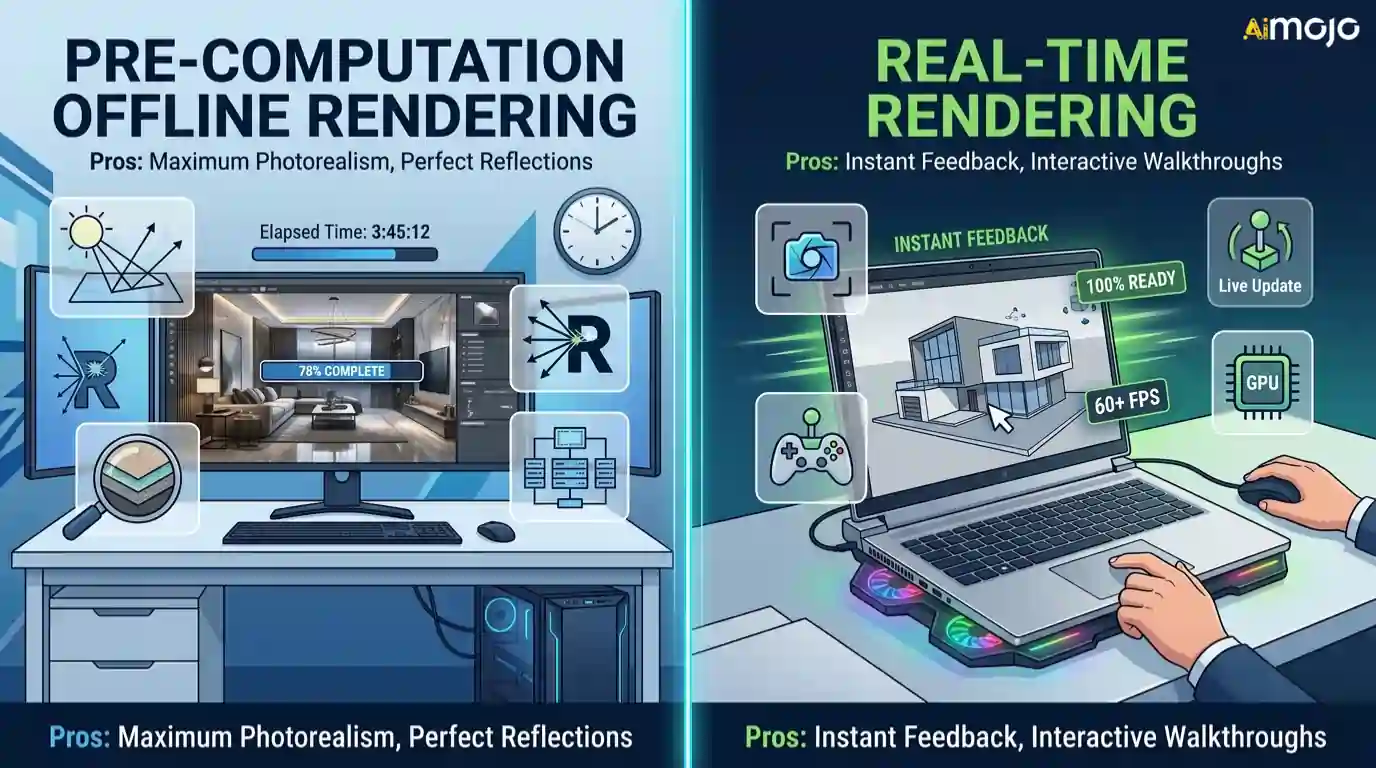
AI rendering software generally operates in two distinct modes — pre-computation (offline) and real-time. Understanding the difference matters because it directly affects output quality, hardware demands, and how fast you can iterate on a design.
Pre-computed rendering processes every light bounce, reflection, and texture detail before generating the final image. Tools using this method deliver photorealistic results but require longer wait times, sometimes minutes per frame.
Real-time AI rendering software, on the other hand, generates visuals instantly by leveraging GPU acceleration and neural inference. The trade-off is slightly reduced fidelity, though recent engines like D5 Render have narrowed that gap significantly.
Choosing between the two depends on your workflow stage — early-concept exploration benefits from real-time speed, while final client deliverables often demand pre-computed precision.
Advanced AI Rendering Tools for Architects and 3D Artists
| Best AI Rendering Software | Core Use Case | Key Strength |
|---|---|---|
| D5 Render | Real-time viz | Ray-traced lighting |
| Adobe Firefly | Concept imagery | Text-to-image AI |
| RoomSketcher | Floor plans | Easy 3D layouts |
| Chaos AI Viz | Arch viz quality | AI denoising |
| Rendair | Sketch rendering | Cloud processing |
| ArchiVinci | Arch design | Semantic controls |
| MNML AI | Clay-to-final | One-click style |
1. D5 Render

Achieving high-fidelity real-time visualisation often requires hardware that many studios simply do not possess. D5 Render addresses this bottleneck by integrating advanced AI rendering software capabilities directly into a ray-tracing environment, significantly lowering the processing burden for complex scenes.
This platform is tailored for architects and 3D artists who require immediate visual feedback during the design phase. By offering AI-generated atmospheres and smart asset placement, it allows users to produce commercial-grade exterior and interior walk-throughs without enduring the prolonged wait times of traditional offline engines.
D5 Render Key Features:
Best for: Ideal for architectural firms needing fast, high-quality real-time visualisations for immediate client feedback and presentations.
2. Adobe Firefly
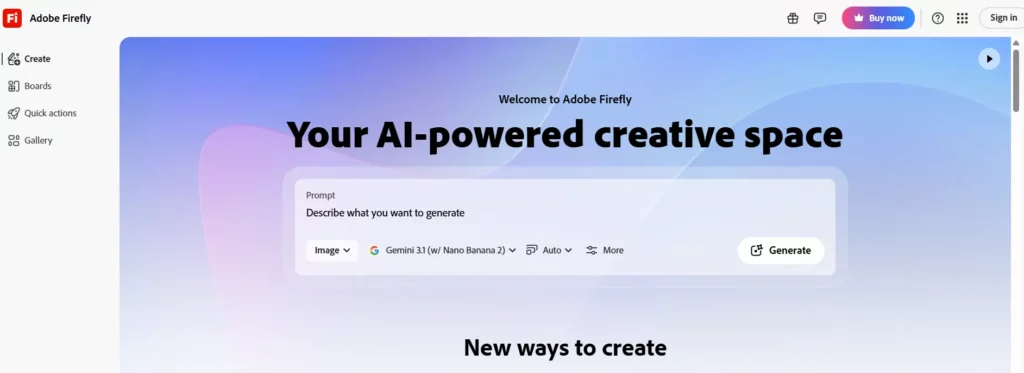
Traditional conceptualisation often leaves designers struggling to bridge the gap between abstract ideas and tangible imagery. Adobe Firefly serves as a versatile generative AI rendering software, embedding machine learning directly into familiar creative workflows to accelerate this early ideation phase.
Aimed at graphic designers and digital artists, the tool excels at transforming text prompts into highly detailed visual assets. Whether generating bespoke textures, conceptual structural forms, or modifying existing imagery through generative fill, it provides a safe, commercially viable solution trained entirely on licensed content.
Adobe Firefly Key Features:
Best for: Perfect for creative professionals and digital artists requiring rapid, commercially safe conceptual imagery and texture generation.
3. RoomSketcher

RoomSketcher streamlines the creation of accurate floor plans and 3D interior layouts, a task that can be tedious for property professionals lacking comprehensive CAD training. Functioning as an intuitive AI rendering software, it simplifies spatial planning for both residential and commercial properties.
This application is designed specifically for estate agents, interior designers, and homeowners wanting to visualise property potential. Users can easily draw 2D plans and instantly generate interactive 3D walkthroughs or high-quality static renders.
RoomSketcher Key Features:
Best for: Highly reliable for estate agents and interior decorators needing quick, user-friendly floor plans and room visualisations.
4. Chaos AI

Chaos AI Visualization eliminates the historic compromise 3D artists face when trying to balance rapid conceptual iteration with physically accurate lighting. It acts as a powerful bridge within their established AI rendering software ecosystem, ensuring users no longer have to sacrifice speed for quality.
Built for high-end architectural visualisation specialists, this toolset uses machine learning to enhance rendering speeds and reduce noise in complex scenes. It enables professionals to maintain rigorous physically based rendering (PBR) standards while drastically cutting down the computational hours required for final-frame architectural outputs.
Chaos AI Key Features:
Best for: Best suited for advanced architectural visualisers demanding photorealistic accuracy combined with AI-accelerated rendering and denoising.
5. Rendair

Rendair accelerates what is often the most time-consuming part of early-stage design: converting basic massing models or rough sketches into presentable client imagery. It operates as a specialised AI rendering software designed specifically to translate raw architectural inputs into polished, photorealistic visuals within seconds.
This browser-based tool is highly beneficial for conceptual architects and independent designers who need to iterate rapidly. By uploading simple line drawings or basic 3D geometry, users can test multiple lighting scenarios, material finishes, and environmental contexts without needing expensive local hardware.
Rendair Key Features:
Best for: Ideal for conceptual architects seeking rapid, hardware-light visual iterations directly from early-stage sketches and models.
6. ArchiVinci
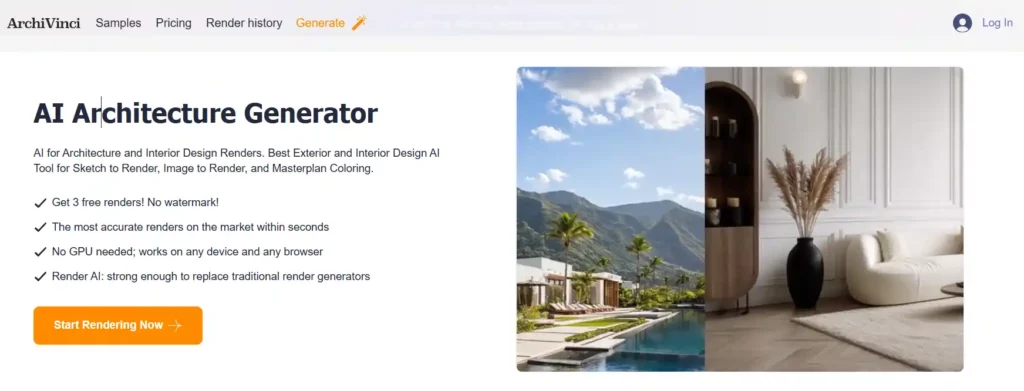
ArchiVinci streamlines the demanding process of communicating exterior and interior design concepts accurately, which traditionally requires hours of meticulous 3D modelling and texturing. It functions as a dedicated AI rendering software that focuses heavily on architectural exterior, interior, and landscape generation.
Targeted at architectural firms and spatial designers, the platform transforms basic 2D inputs or structural outlines into highly detailed, context-aware environments. It excels at semantic masking, allowing users to precisely control which parts of a building or room receive specific material updates while preserving the original structural integrity.
ArchiVinci Key Features
Best for: Excellent for spatial designers and architects requiring precise, section-specific material control and rapid contextual generation.
7. MNML AI

MNML AI resolves the severe bottleneck often created when moving a project from a rudimentary clay model to a fully textured, atmospheric presentation under tight deadlines. It serves as a targeted AI rendering software built specifically to accelerate this transition for architecture and interior design professionals.
The platform empowers designers to bypass complex lighting setups and material node graphs. By offering one-click rendering styles—from night-time photorealism to watercolour sketches—it enables rapid visual communication, allowing teams to present multiple, high-quality design variations to stakeholders in a fraction of the usual time.
MNML AI Key Features:
Best for: Highly effective for fast-paced architectural teams needing multiple artistic and realistic render styles from basic models.
Integrating AI Rendering Software into Traditional CAD Workflows
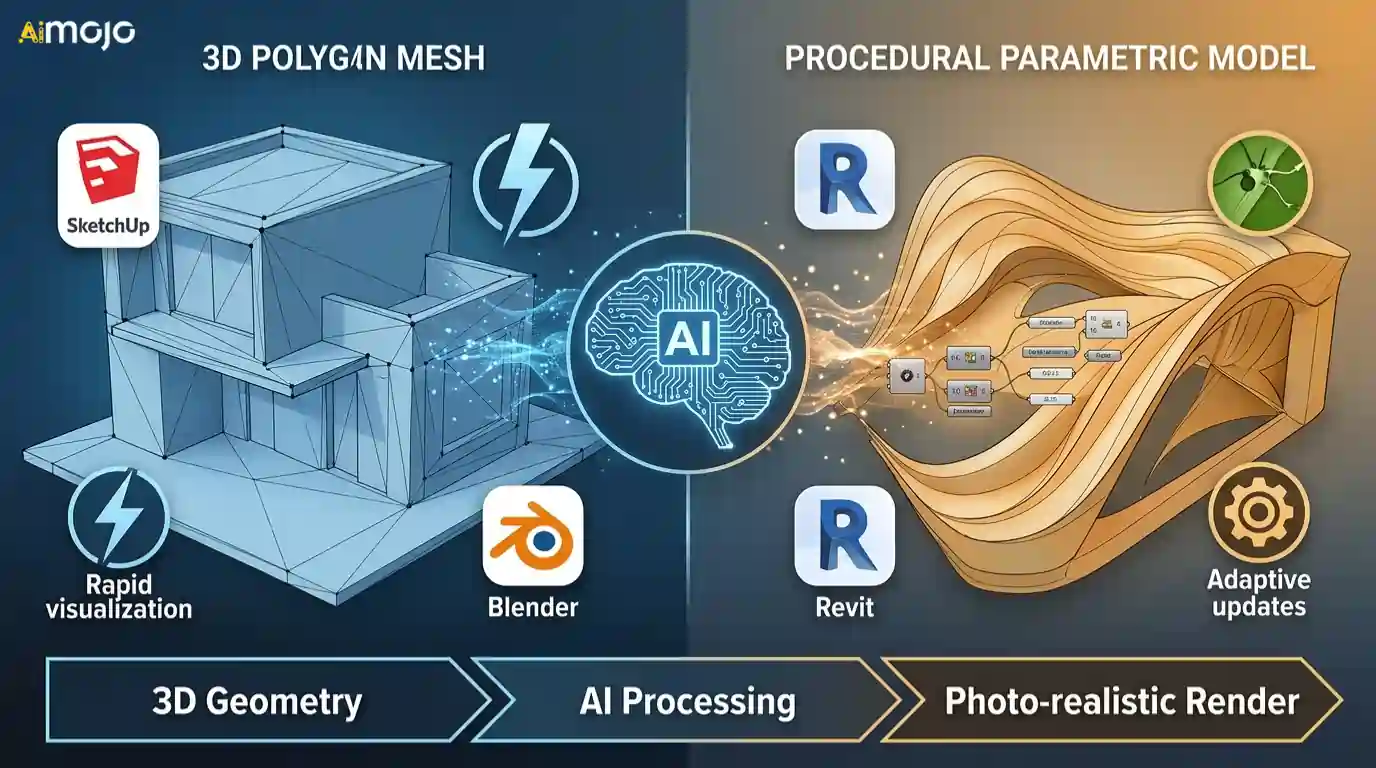
Bringing AI rendering software into established CAD workflows requires understanding how these engines interpret 3D geometry. The way your base model is constructed—whether polygonal or procedural—dictates how effectively the AI applies textures, depth, and lighting.
Matching your specific CAD modeling approach with the correct neural engine ensures a seamless bridge between raw geometry and a highly detailed final output.
AI Tools Transforming Rendering Workflows
The shift toward AI in 3D design isn't about replacing the artist; it's about reclaiming lost time. Integrating AI rendering software into your daily routine means fewer hours waiting on light bounces and more time actually designing. What matters most is identifying where your current bottlenecks lie—be it early concept sketches or final photorealistic polish.
As these engines continue to evolve, the core goal remains the same: communicating spatial ideas clearly and quickly. Start with the platform that naturally fits your existing process, and let the technology handle the heavy lifting.
AiMojo Recommends:


 BONUS: Get our $200 “AI Mastery Toolkit” FREE when you sign up!



