

Scaling video ads on TikTok and Instagram often feels like a logistical nightmare. You are likely tired of shipping products, negotiating rates with creators, and waiting weeks for a single 15-second clip. It is an expensive cycle that kills momentum for many growing brands.
Fortunately, you no longer need a massive budget or a studio to produce authentic-looking content. In this guide, we evaluate the 7 Best AI UGC Video Generators that are actually worth your investment.
From realistic avatars to script-to-video automation, we will help you find the right tool to create high-converting ads instantly—without the production headache.
How We Ranked the Best AI UGC Video Generators (Our Criteria)
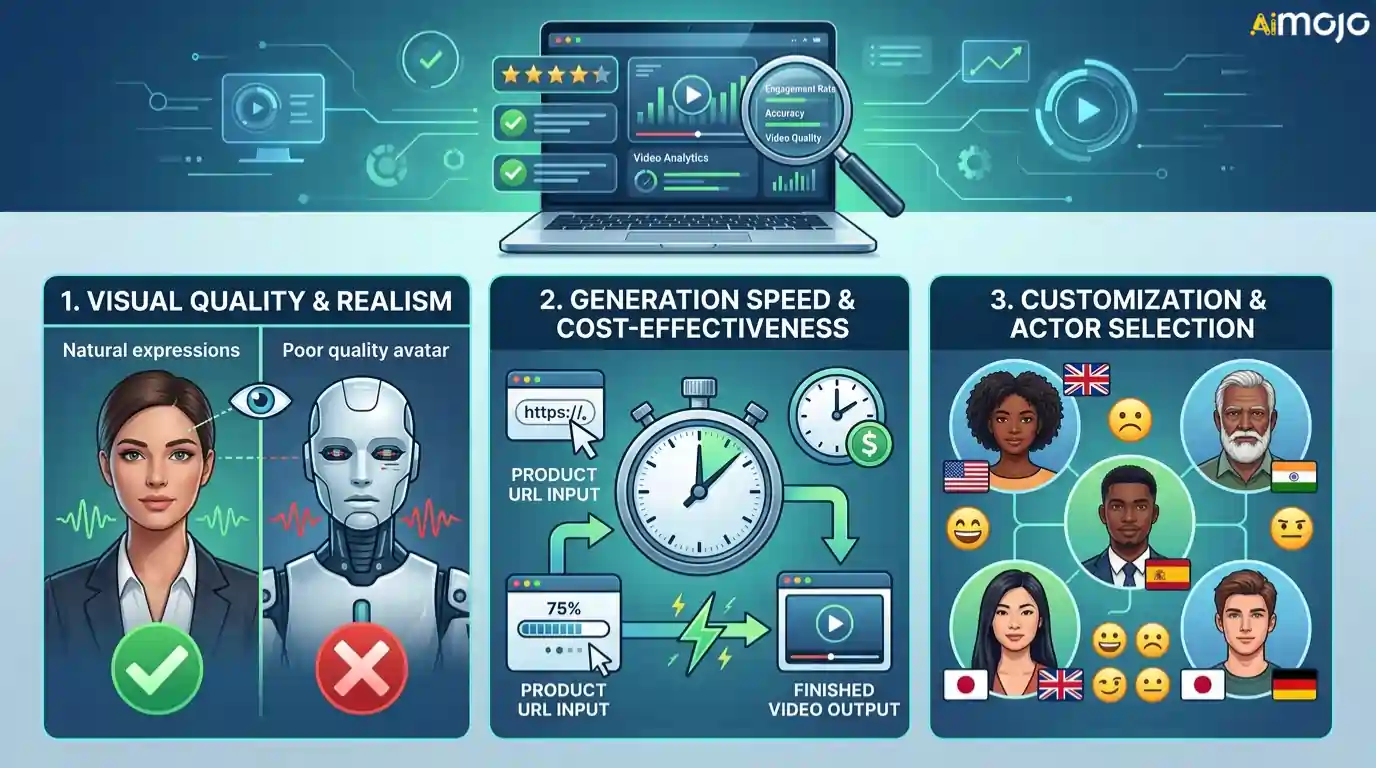
We know that not every “magic” tool lives up to the hype, especially when your ad budget is on the line. To ensure this list offers genuine value, we stress-tested dozens of platforms to find the true leaders in the market. We didn't just look at their marketing pages; we generated actual video assets to see how they perform in a real-world e-commerce environment.
Our ranking methodology focused on three critical factors that directly impact ad performance:
By filtering for these specific capabilities, we isolated the software that actually helps brands scale their creative output reliably.
Create Scroll-Stopping UGC Videos Using These AI Tools
| Best AI UGC Video Generators | Best For | Key Feature |
|---|---|---|
| Higgsfield AI | Creative Freedom | Cinematic Motion Control |
| Arcads | Dropshipping Ads | Realistic Viral Actors |
| MakeUGC | Agency Scale | Brand Kit consistentcy |
| HeyGen | Professional Trust | 4K Studio Avatars |
| VEED.IO | Total Control | Built-in Video Editor |
| TopView | Product Promos | URL-to-Video Scripts |
| InVideo AI | Faceless Content | Prompt-to-Video Workflow |
| Ryla AI | Persona Ad Creative | Trained Face Consistency |
1. Higgsfield AI
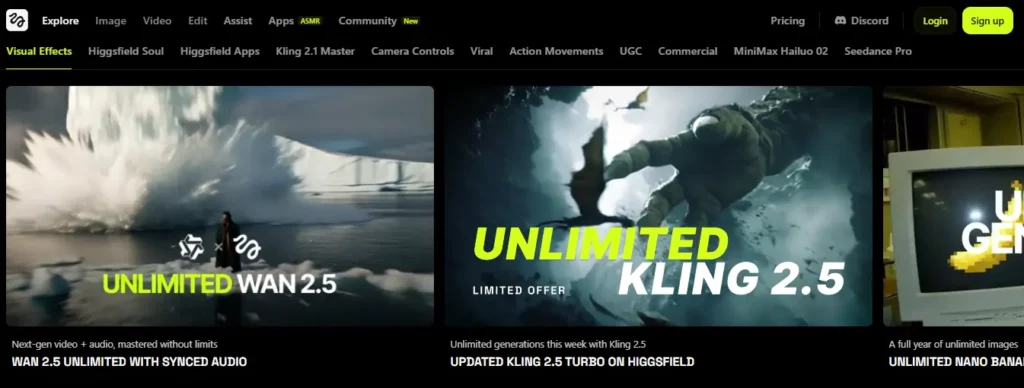
For creators seeking cinematic control over their UGC, Higgsfield AI bridges the gap between basic automation and high-end video production. Unlike standard tools that simply swap faces, this AI video generator offers advanced physics and lighting effects, making it ideal for brands that need visually stunning, stylized content rather than just talking heads.
It is particularly powerful for generating dynamic social media clips where motion and visual flair are critical. By using a “text-to-video” model trained for high-fidelity outputs, users can create custom scenes that feel premium.
This makes it a strong contender for fashion or lifestyle brands looking to stand out in a crowded feed without organizing a complex shoot.
Higgsfield AI Pros and 2 Cons
Why Choose Higgsfield AI?
Choose Higgsfield if you need high-quality visual effects and dynamic motion. It is perfect for creative directors and designers who want cinematic results without a studio budget.
2. Arcads

Arcads has quickly become a favorite for dropshippers and performance marketers who need to churn out realistic AI UGC ads at scale. The platform specializes in converting simple text scripts into videos featuring “actors” that look and sound surprisingly natural, specifically tailored for TikTok and Instagram Reels formats.
Its core strength lies in its library of diverse, relatable avatars that bypass the “uncanny valley” effect better than most competitors. By focusing strictly on the direct-response market, Arcads strips away unnecessary editing features to focus on speed—letting you test dozens of hook variations in minutes to find your winning creative.
Arcads Pros and 2 Cons
Why Choose Arcads?
Choose Arcads if your priority is volume and speed for paid social. It is the go-to tool for dropshippers and media buyers needing realistic, high-converting test assets instantly.
3. MakeUGC
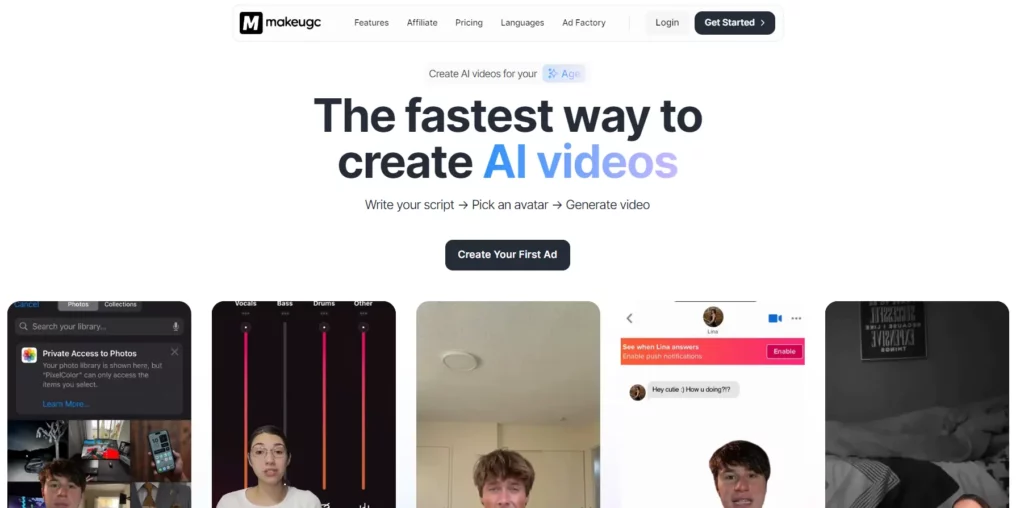
MakeUGC is designed for teams that need to maintain strict brand consistency while scaling their video output. This AI UGC video generator moves beyond simple clip generation by offering structured workflows and brand kits, ensuring every piece of content aligns with your visual identity before it goes live.
It is an excellent solution for agencies managing multiple clients, as it streamlines the review and approval process. By automating the repetitive parts of production—like resizing and formatting—MakeUGC allows marketers to focus on strategy, delivering a reported boost in click-through rates for e-commerce campaigns through consistent, high-volume output.
MakeUGC Pros and 2 Cons
Why Choose MakeUGC?
Choose MakeUGC for team collaboration and brand consistency. It is ideal for agencies and marketing teams that need a reliable, scalable factory for producing standard e-commerce video ads.
4. HeyGen
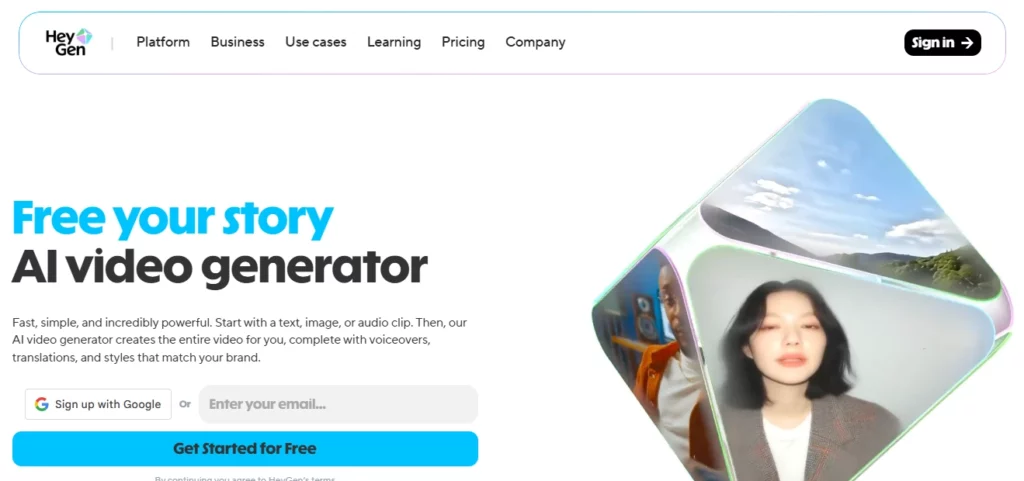
HeyGen dominates the market for professional, high-fidelity avatar generation, making it the industry standard for corporate training, personalized sales outreach, and polished AI video content. While many tools focus on casual social ads, HeyGen excels at creating crisp, studio-quality “talking head” videos that instill trust and authority.
Its standout feature is the ability to clone your own avatar and voice, allowing founders and spokespeople to “film” content without ever stepping in front of a camera. For businesses that rely on personal branding or educational content, HeyGen offers an unmatched level of polish and lip-sync accuracy.
HeyGen Pros and Cons
Why Choose HeyGen?
Choose HeyGen for professional polish and trust. It is the premier choice for founders, educators, and sales teams who need high-resolution, credible talking-head videos.
5. VEED.IO
VEED is widely known as a robust online video editor, but its integrated AI video tools make it a powerhouse for end-to-end content creation. Unlike standalone generators, VEED allows you to create an AI avatar and then immediately edit the footage with professional subtitles, stock media, and transitions in one seamless timeline.
This all-in-one approach is perfect for creators who want granular control over the final product. You aren't just getting a raw AI clip; you're getting a fully post-produced video. With features like “Magic Cut” and auto-subtitling, it significantly reduces the hours spent polishing raw AI footage for platforms like YouTube and LinkedIn.
VEED.IO Pros and Cons
Why Choose VEED.IO?
Choose VEED if you need editing control. It is perfect for content creators and social media managers who want a single platform to generate, edit, and polish videos from start to finish.
6. TopView

TopView positions itself as a specialized tool for converting product links directly into viral video scripts and visuals. This AI UGC creator is heavily optimized for the “TikTok Shop” style of marketing, where the goal is to showcase a product's features quickly and compellingly using AI-generated voiceovers and avatars.
It solves the “blank page” problem by analyzing your product URL and automatically suggesting selling points and hooks. For e-commerce merchants who aren't natural copywriters, TopView provides a massive head start, turning static product pages into engaging video assets that are ready to run as ads.
TopView Pros and Cons
Why Choose TopView?
Choose TopView for e-commerce efficiency. It is the best tool for Shopify owners and Amazon sellers who need to turn product pages into video ads with zero creative skills.
7. InVideo AI
InVideo AI changes the game by acting as a prompt-based video co-pilot. Instead of manually selecting scenes, you simply type a topic or paste a script, and this AI video generator composes an entire narrative with stock footage, voiceovers, and subtitles automatically.
It is incredibly effective for “faceless” channels and informational content where the message is more important than a specific actor. By accessing a vast media library, InVideo AI creates rich, documentary-style clips or snappy social promos in seconds, making it a favorite for marketers who need to fill content calendars without filming a single frame.

InVideo AI Pros and Cons
Why Choose InVideo AI?
Choose InVideo AI for storytelling and scale. It is indispensable for faceless channel creators and marketers who need to generate high volumes of engaging, stock-footage-based content instantly.
8. Ryla AI
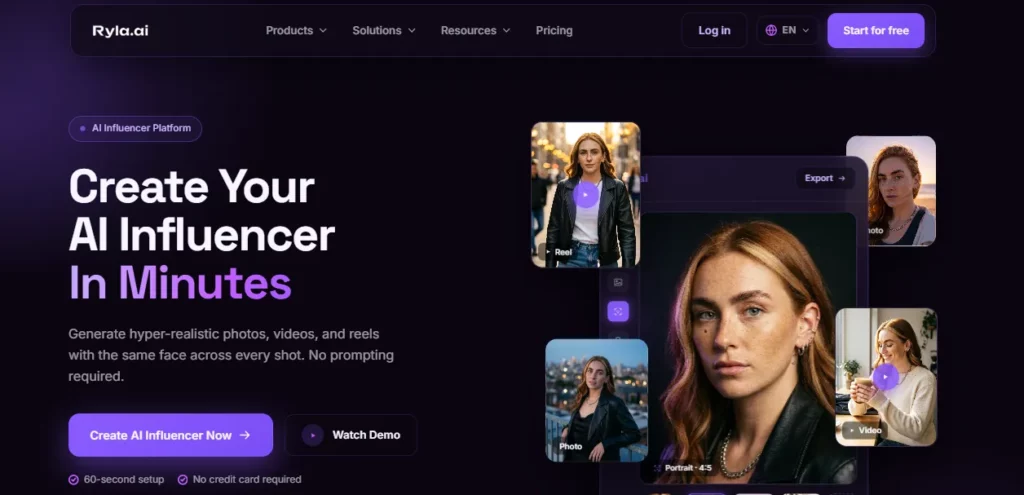
Ryla AI generates the performer, not the pitch. It builds a persistent fictional creator and produces short UGC-style clips of that character, which makes it a fit for advertisers who already have their hooks written and simply need a face to deliver them.
That is the sharpest difference between Ryla and Arcads at number two on this list. Arcads takes a script and casts a licensed real actor to read it. Ryla has no scripting layer at all — no hook generator, no ad copy, no storyboard step.
The user pastes their own line, picks a voice from the library or clones one, and Ryla lip-syncs it onto a character it invented from scratch. Everything upstream of the camera stays the marketer's job, which is either a dealbreaker or a non-issue depending on whether the creative team already exists.
The production loop runs: create the character, choose a UGC Ads template, generate a still, convert that still into a 3 to 15 second MP4 at 9:16, 1:1 or 16:9, which usually completes in 30 to 90 seconds, then download it and upload it to the ad account by hand.
Fifteen seconds covers a hook, a product beauty shot or an outfit transition. It does not cover a 30-second problem-agitate-solve read, so most buyers will be stitching several Ryla clips together in an editor before anything reaches a campaign.
On cost, Basic's 10,000 credits at $34.99 buy roughly 10 videos by Ryla's own estimate — about $3.50 a clip. Pro's 25,000 credits at $99.99 buy roughly 20, or about $5 a clip, so per-asset cost rises with the tier because Pro is priced for 4K and face-model training rather than throughput. Images draw on the same pool, so a month spent on stills is a month not spent on video. Only the $199.99 Agency tier improves the credit rate, and it is the tier whose API is still listed as coming soon.
Ryla AI Pros and Cons
Why Choose Ryla AI? Choose Ryla AI when the creative brief is already written and the missing piece is a consistent face to say it. It is the cheaper route for advertisers testing many variations of one recurring character, and the wrong tool for anyone expecting the platform to write the ad.
Tutorial: How to Create a Viral Ad Using an AI UGC Video Generator
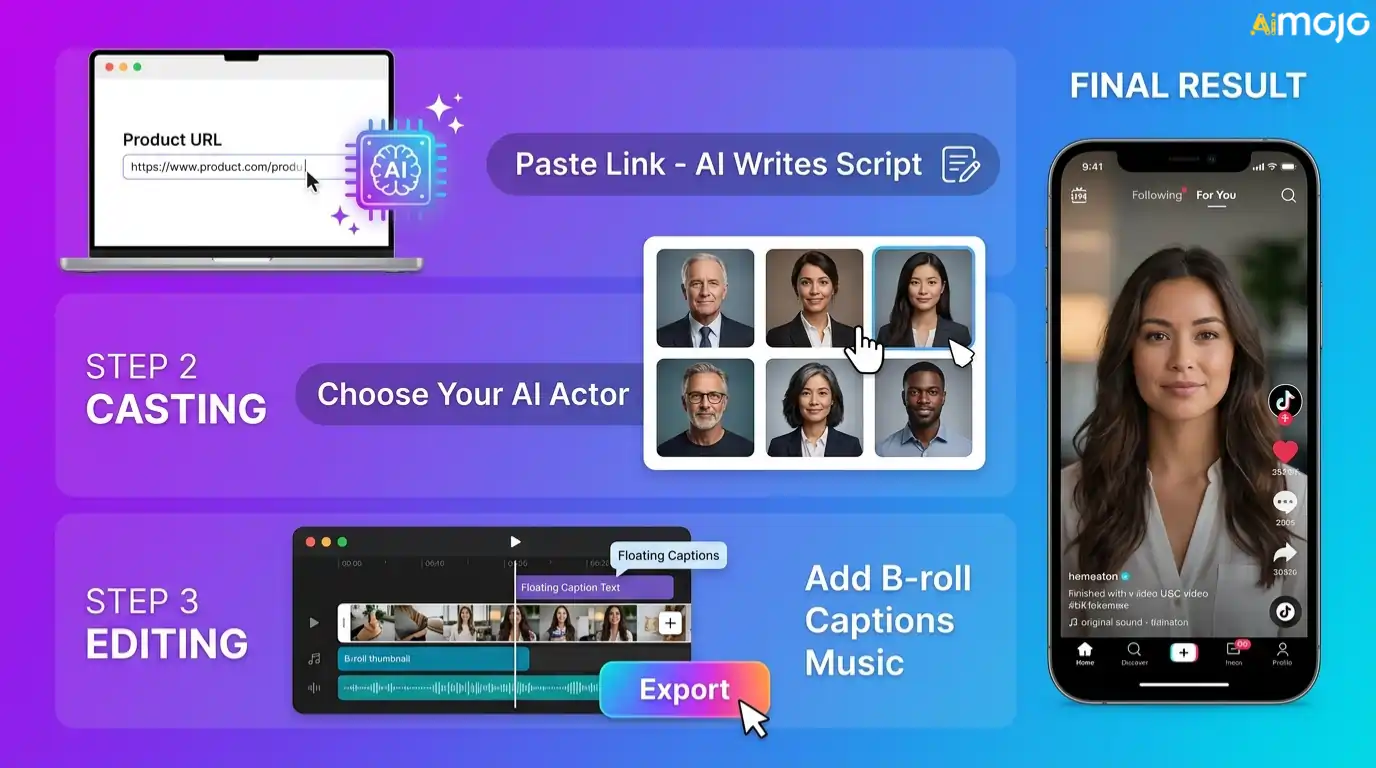
Creating a high-converting ad doesn’t require a film degree when you have the right automation tools. The process is designed to be intuitive, allowing you to bypass the complexities of traditional production while maintaining creative control.
Here is the standard workflow for generating ad creatives that stop the scroll:
Once finalized, simply export your video and test it directly on TikTok or Instagram Reels to gauge performance.
Making Smarter UGC Videos Using AI Tools
We have seen how quickly the tools for creating video content are evolving, giving smaller brands a real chance to compete without massive budgets. Moving from traditional shoots to AI UGC video generators does not mean losing authenticity; it just means working smarter.
The right platform for you depends entirely on your specific goals, whether you need studio-quality polish or quick, relatable clips for social media. Start by testing one or two options that align with your workflow, and focus on telling a story that connects with your audience. The technology is here to support your creativity, not replace it.
AiMojo Recommends:


 BONUS: Get our $200 “AI Mastery Toolkit” FREE when you sign up!



