If you’ve experimented with AI video tools, you’ve likely felt that mix of excitement and frustration—impressive results, but confusing limits, pricing, and access, especially when Kling AI isn’t always stable or straightforward to use.
This guide to the Top 9 Kling AI Alternatives is for creators, marketers, and teams who want similar or better quality without wasting hours testing every platform themselves. You’ll get a clear, honest comparison of strengths, weaknesses, pricing, and best use cases so you can choose with confidence.
Why Creators Are Seeking Kling AI Alternatives in 2026
While Kling AI stunned the market with its high-fidelity output, many professional creators are now actively searching for Kling AI alternatives to overcome its growing operational bottlenecks.

As user demand surges in 2026, relying on a single platform often leads to workflow disruptions that production teams simply cannot afford.
The primary drivers for this shift include:
Finding a dependable alternative ensures your production pipeline remains fast, cost-effective, and commercially viable.
Kling AI Alternatives for AI Video Generation and Automation
| Top Kling AI Alternatives | Best For | Pricing Model |
|---|---|---|
| OpenArt.ai | All-in-One Creation | Free + Paid Credits |
| TopView.ai | Viral Video Ads | Subscription Based |
| Akool | Pro Face Swapping | Credit System |
| APOB AI | Portrait Animation | Freemium Model |
| Luma | Physics & Realism | Free Public Tier |
| InVideo AI | YouTube Automation | Free & Pro Plans |
| Pykaso.ai | Custom Model Training | Subscription Plans |
| Veed.io | Edit & Generate | Free & Pro Tiers |
| Runway | Cinematic Control | Paid Credits |
1. OpenArt.ai
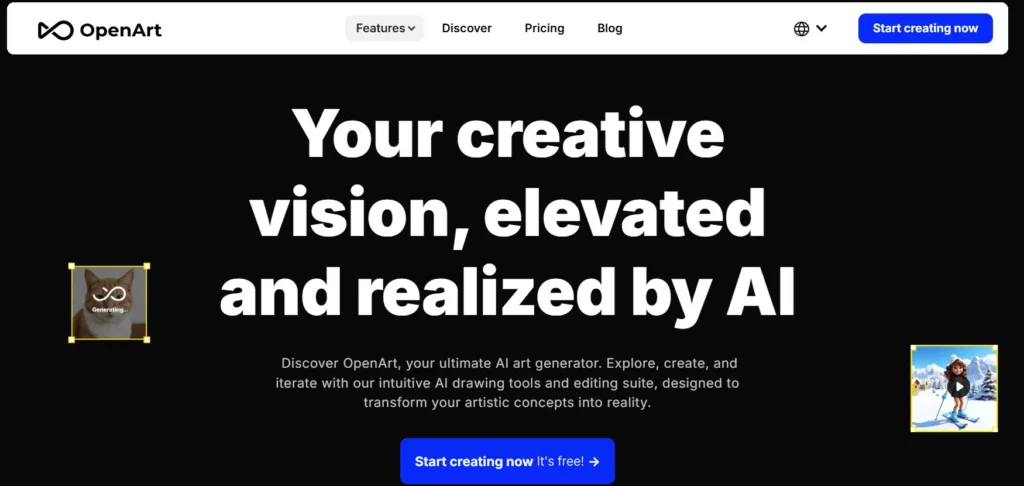
OpenArt.ai has evolved from a simple image generator into a comprehensive creative suite, now offering powerful text-to-video and image-to-video capabilities that rival Kling AI. It excels in converting static assets into dynamic motion, allowing users to upload character references and generate consistent video scenes without the “morphing” issues common in older models.
For affiliate marketers, this tool is a goldmine because it consolidates multiple AI workflows—from initial image concept to final video render—into one dashboard. Instead of paying for separate subscriptions for image and video generation, users get an all-in-one workspace.
OpenArt.ai Pros and Cons
2. TopView.ai

Coming in at the #2 spot on our list of Kling AI alternatives, TopView.ai is purpose-built for marketing professionals who need to create high-performing video ads at scale. Unlike Kling AI, which primarily focuses on raw video generation, TopView.ai operates as an intelligent video editor—transforming raw footage and scripts into polished, conversion-optimized, and viral-ready marketing videos.
This tool is a perfect alternative for users who find Kling’s raw output too difficult to edit into a final product. TopView streamlines the entire post-production workflow, offering AI-driven script writing, voiceovers, and auto-editing that can reduce production time by up to 90%.
TopView.ai Pros and Cons
3. Akool

Akool stands out as a premium alternative to Kling AI by focusing on hyper-realistic face swapping and personalized video creation. While it offers general video generation, its core strength lies in its ability to seamlessly replace faces in existing footage with cinema-grade quality.
Beyond face swapping, Akool provides a suite of generative tools that allow for high-fidelity background replacements and realistic talking head videos. Its enterprise-grade security and focus on brand safety make it a trusted choice for commercial projects where data privacy and output quality are non-negotiable.
Akool Pros and Cons
4. APOB AI

APOB AI offers a specialized “image-to-video” engine that focuses on bringing portrait photography to life. While Kling AI is a generalist, APOB carves out a niche by mastering AI Portrait Video, allowing users to turn static headshots into fluid, lifelike animations with just a few clicks.
For social media influencers and digital marketers, APOB provides a fast way to create engaging content from existing photo libraries. Its ability to add motion effects, voiceovers, and background music automatically transforms simple images into “scroll-stopping” video posts, making it a highly practical tool for daily content creation.
APOB AI Pros and Cons
5. Luma

Luma Dream Machine is widely considered one of the closest direct competitors to Kling AI, offering state-of-the-art text-to-video generation that is open to the public. It excels at understanding complex physics and real-world motion, allowing users to generate high-quality 5-second clips that maintain coherence from start to finish.
Its “Keyframe Control” feature gives users unprecedented direction over the start and end points of a video, solving one of the biggest frustrations in AI video generation. Whether you are making music videos, cinematic trailers, or architectural visualizations, Luma delivers a level of realism and prompt adherence that few other tools can match.
Luma Pros and Cons
6. InVideo AI
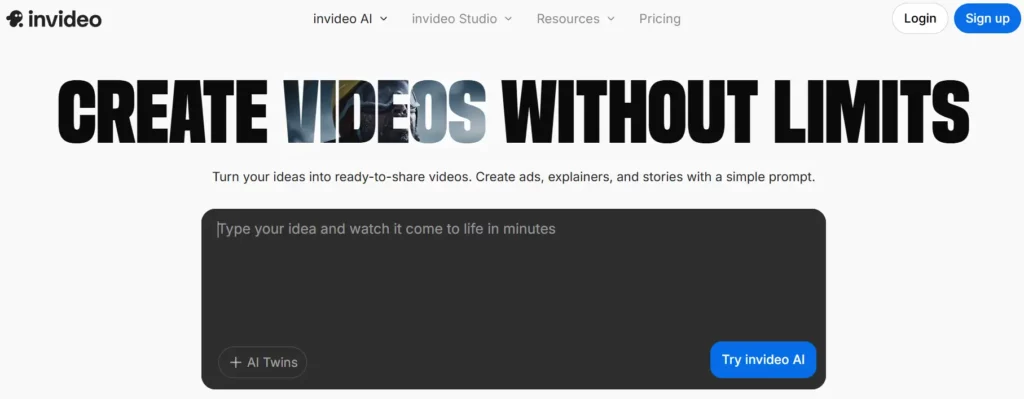
InVideo AI takes a different approach than Kling by generating entire videos from a single text prompt, complete with script, voiceover, stock footage, and subtitles. While Kling creates raw video clips, InVideo builds the entire project.
It acts as a co-pilot for YouTube creators, automating the tedious process of sourcing b-roll and editing timelines, allowing you to produce “faceless” channel content in minutes.
This tool is a powerhouse for affiliate marketers who need to churn out educational or review content quickly. Its “Magic Box” feature allows you to type a topic like “5 Best AI Tools,” and it will generate a fully edited video ready for publish.
InVideo AI Pros and Cons
7. Pykaso.ai

Pykaso.ai is an emerging creative suite that combines video generation with advanced image training capabilities. It allows users to train their own AI characters and styles (LoRAs) and then animate them, offering a level of consistency that is hard to achieve with standard prompts.
In addition to video, Pykaso offers high-quality 4K upscaling and a robust “text-to-image” generator, making it a versatile hub for digital artists. Its focus on user-trainable models helps bridge the gap between random generation and professional, controlled artistic output.
Pykaso.ai Pros and Cons
8. Veed.io
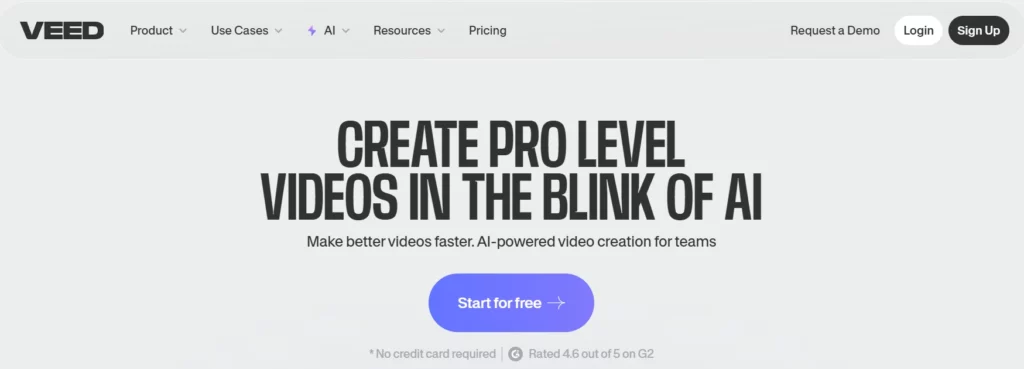
Veed.io is a robust online video editor that has aggressively integrated generative AI features to compete with tools like Kling. While it started as an editor, Veed now offers an “AI Playground” that gives users access to multiple video generation models without needing separate subscriptions.
For professionals, Veed is the practical choice. It solves the “what now?” problem of AI video. Instead of just generating a cool clip and downloading it, Veed lets you instantly turn that clip into a social media asset. Its “Eye Contact Correction” and “AI Avatars” are particularly useful for corporate communication and personalized sales videos.
Veed.io Pros and Cons
9. Runway

Runway remains the gold standard for creative control in AI video, making it the most direct professional rival to Kling AI. With the release of Gen-3 Alpha, Runway offers photorealistic video generation with precise temporal control. Unlike other tools that feel like “slot machines,” Runway gives directors tools like “Motion Brush” and camera controls to direct the action exactly as imagined.
This platform is built for filmmakers and artists who refuse to compromise on their vision. It supports extended video generation, style presets, and even custom model training for enterprise clients. If your goal is high-end, cinematic output that can pass for real footage, Runway is the benchmark against which all others are measured.
Runway Pros and Cons
Our Ranking Methodology: How We Tested These Kling AI Alternatives

Selecting the right Kling AI alternative requires more than just reading feature lists; it demands rigorous, hands-on testing. To ensure this ranking is reliable, we standardized our evaluation process by running identical text-to-video prompts across every platform listed.
Our assessment focused on three critical performance metrics:
This data-driven approach guarantees that our recommendations prioritize real-world usability over marketing hype, ensuring you find a tool that matches your specific production workflow.
Pick Your Poison (Or Just Use Multiple)
Look, there's no “perfect” Kling replacement because what works for content creators won't work for agencies billing clients thousands per video project.
Quick decision framework:
- Tight budget? Start with free tiers and test before committing
- Need client-ready quality? Go for platforms with proven commercial outputs
- Speed matters most? Some tools render 3x faster than others
- Hate subscriptions? Pay-per-credit models give you spending control
Real talk: Most professionals aren't loyal to one platform anymore. They test prompts across 2-3 alternatives and use whatever delivers the best result for that specific project. One platform goes down? You've got backups. Pricing changes? You've got options.
Stop overthinking it. Pick two from this list, run the same prompt through both, and see which output actually delivers. That's your answer.
AiMojo Recommends:



 BONUS: Get our $200 “AI Mastery Toolkit” FREE when you sign up!