


Running out of credits just as your ad campaign gains momentum is a frustration many marketers know too well. While TopView acts as a powerful co-pilot for viral hooks, its cost can quickly eat into your ROI. You deserve tools that scale with your ambition, not against it.
That is where finding the right TopView AI alternatives becomes essential. In this guide, we compare nine top contenders—from dedicated UGC creators to budget-friendly editors—helping you choose the best fit for your brand's unique workflow.
Why Marketers Are Switching to TopView AI Alternatives

TopView AI delivers impressive viral clips, but it is not without trade-offs. Many users report hitting credit limits mid-campaign, forcing them to upgrade or pause production at critical moments. For lean teams running high-volume ad tests, that unpredictability stings.
Beyond pricing, flexibility matters. Some marketers need deeper avatar customization; others want granular control over captions or aspect ratios that automated agents skip. A single tool rarely fits every workflow.
The shift is less about TopView failing and more about maturing needs. As brands scale their short-form output across TikTok, Reels, and Shorts, diversifying the creative stack reduces risk and unlocks features purpose-built for specific platforms.
TopView AI Alternative Tools for Smarter Results
| TopView AI Alternatives | Best For | Key Strength |
|---|---|---|
| OpenArt AI | AI images | Model variety |
| Higgsfield AI | Video ads | Lifelike humans |
| APOB AI | Video editing | Social clips |
| Akool | 3D visuals | Face swaps |
| SugarLab AI | AI visuals | Brand content |
| InVideo AI | Text-to-video | End‑to‑end automation |
| Pykaso AI | Social creatives | One‑click designs |
| Kling AI | Video creation | High‑quality renders |
| VEED.io | Online editing | Browser‑based control |
| Ryla AI | Persona content | Trained consistency |
1. OpenArt AI
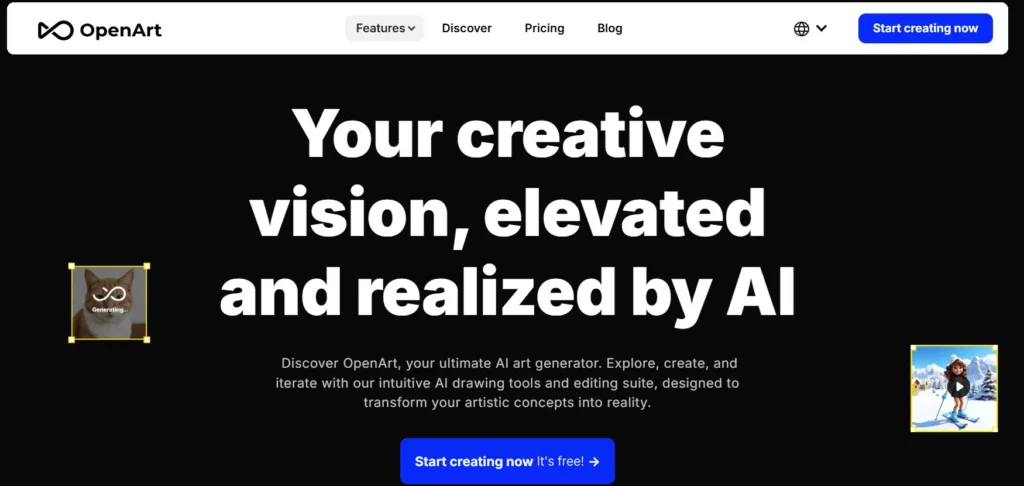
OpenArt is widely recognised as a creative powerhouse for generating high-fidelity visual assets, offering sophisticated alternatives to TopView AI for brand storytelling. By integrating advanced models like Veo2 and Vidu, it allows marketers to produce cinematic-quality videos and “Story Mode” clips that go beyond standard UGC templates.
OpenArt serves as a versatile TopView AI alternative for designing unique visual hooks. Unlike simple ad generators, it offers deep control over cinematography and character consistency, ensuring your promotional videos maintain a professional, cohesive look across different platforms.
OpenArt.ai Pros and Cons:
2. Higgsfield AI
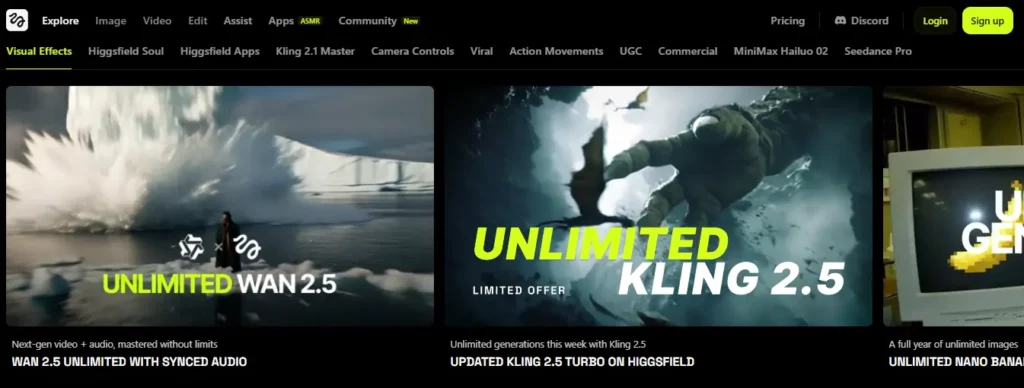
Higgsfield AI is a direct and powerful competitor in the TopView AI alternatives space, specifically engineered for social media marketers targeting TikTok and Reels. Its flagship “AI Ad Generator” feature can instantly convert a product URL into a fully fleshed-out video ad, complete with scripts and visuals.
As a dedicated AI video marketing tool, Higgsfield focuses entirely on performance. It streamlines the creation of “hook-heavy” content, making it an essential utility for affiliates who need to test multiple creative angles rapidly without hiring a production team.
Higgsfield.ai Pros and Cons
3. APOB AI

Coming in at the #3 spot on our list, APOB AI emerges as a powerful TopView AI alternative for creators who prioritize hyper-realistic video generation and consistent AI portraits. Powered by the advanced Veo 3.1 model, APOB excels in image-to-video workflows where preserving subject identity is critical—solving one of the most common limitations found in standard AI video generators.
Marketers switching from TopView AI will appreciate Apob’s focus on high-resolution output and smooth motion transitions. It is designed to produce “faceless” marketing content that still feels personal and engaging, helping affiliates build trust with their audience through consistent visual storytelling.
APOB AI Pros and Cons
4. Akool

Akool is a premium, business-grade platform that serves as a sophisticated TopView AI alternative for enterprise marketing and professional presentations. Known for its industry-leading “Face Swap” technology and realistic AI avatars, Akool allows marketers to localise content instantly by changing the avatar’s face or language.
For high-ticket affiliate marketers, Akool offers a level of polish that many cheaper apps like TopView AI lack. It bridges the gap between automated generation and professional studio quality, making it the go-to choice for creating trustworthy, high-converting sales videos and product demonstrations.
Akool Pros and Cons:
5. SugarLab AI

SugarLab AI occupies a unique niche among TopView AI alternatives, offering an unrestricted generative environment for marketers in specific lifestyle or entertainment verticals. While standard tools often have strict content filters, SugarLab provides “custom model training” and a high degree of creative freedom, allowing for the generation of characters and scenarios that might be restricted elsewhere.
As a flexible generative AI platform, SugarLab is designed for creators who need deep customisation. It allows for the development of unique AI characters with distinct personalities and visual styles, providing a level of engagement and interactivity that standard corporate video tools cannot match.
SugarLab AI Pros and Cons
6. InVideo.io
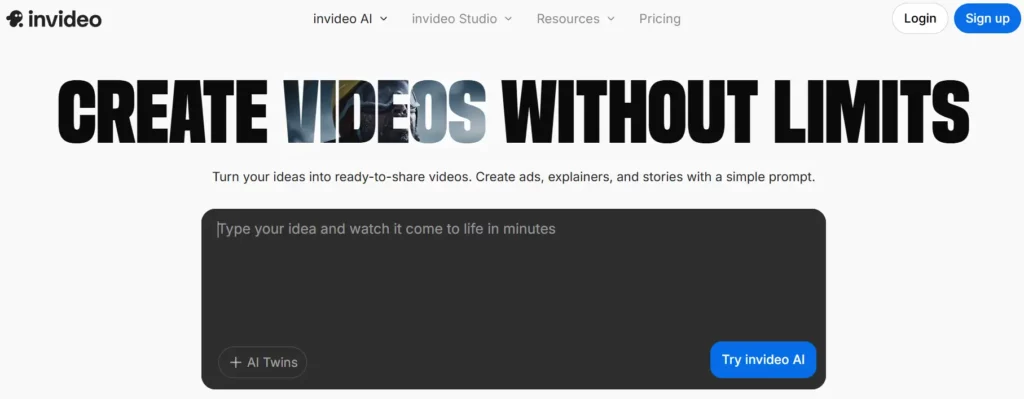
InVideo AI enables users to create videos without limits—from ads and explainers to UGC content and music videos. The platform serves over 50 million users across 190 countries, generating millions of videos monthly through its text-to-video and AI editing workflows.
As a leading TopView AI competitor, InVideo offers intuitive prompt-based editing (“replace the cat with a snow leopard”), automatic captioning, voiceover translation, and a comprehensive effects library. Free plans include weekly video minutes and AI credits.
InVideo.io Pros and Cons
7. Pykaso AI

Pykaso AI is an emerging contender in the TopView AI alternatives market, specialising in high-quality 4K video generation from static images. Utilizing advanced models like Flux and SDXL, Pykaso allows creators to animate product photos or characters with remarkable clarity.
Affiliate marketers will find Pykaso valuable for its ability to create “viral” style animations from simple assets. It simplifies the technical complexity of AI video generation, offering a user-friendly bridge for those who want the visual quality of tools like Runway but with an interface designed for quick social media content creation.
Pykaso.ai Pros and Cons
8. Kling AI
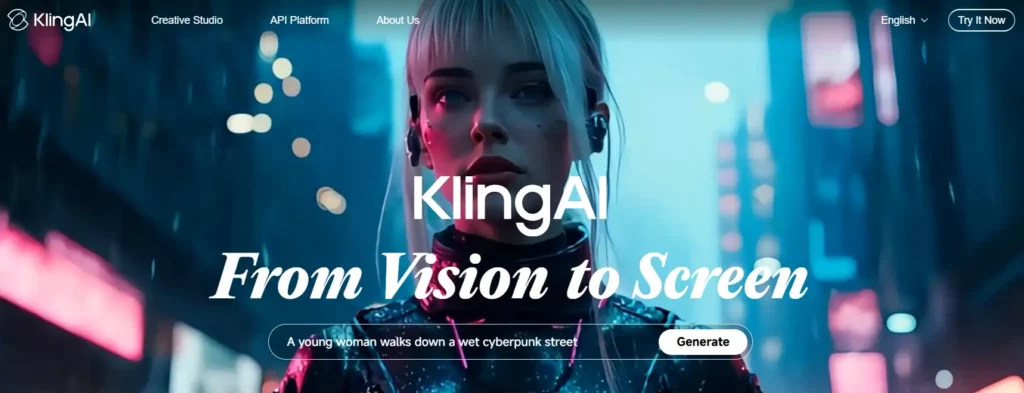
Kling AI is a leading “Creative Studio” that rivals major players as a premium TopView AI alternative for cinematic visual effects. Known for its sophisticated “Motion Brush” and precise camera controls, Kling enables marketers to produce broadcast-quality video clips that stand out in a crowded feed.
For affiliates creating high-end brand assets, Kling AI offers a “production-grade” solution. It is less about quick, spammy clips and more about crafting visually stunning moments that elevate a brand’s perceived value.

Kling AI Cinematic Video Creator Discount 10% Off Exclusive
Kling AI Pros and Cons
9. Veed.io
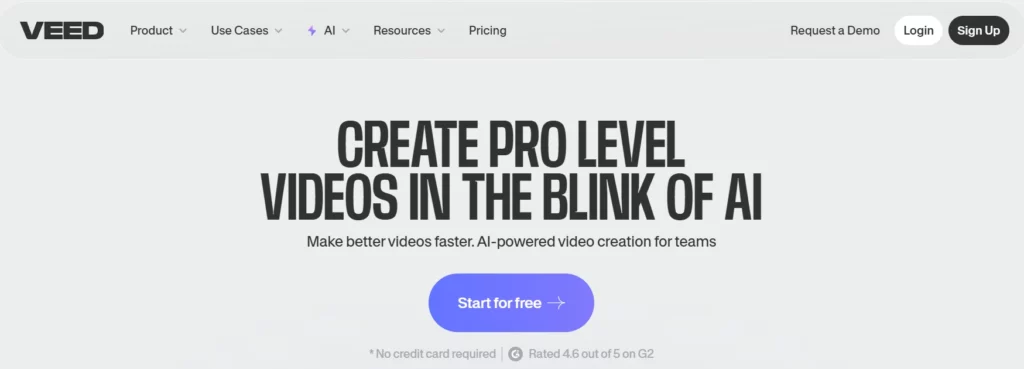
Veed.io is a staple in the creator economy and a highly reliable TopView AI alternative for editing and repurposing video content. While it started as an editor, Veed now boasts powerful AI tools like “Magic Cut,” auto-subtitles, and AI avatars.
Unlike purely generative tools, Veed gives you total control. It is the “Swiss Army Knife” for affiliates who repurpose webinar recordings or long-form reviews into snappy, social-ready clips. Its ease of use and browser-based accessibility make it a favorite for teams that need to edit fast without compromising on branding or quality.
Veed.io Pros and Cons:
10. Ryla AI
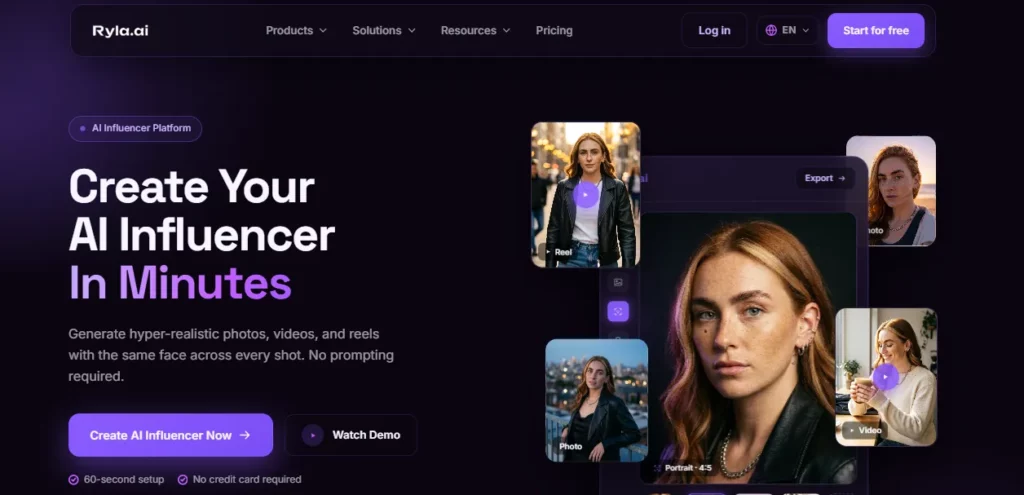
Ryla AI comes at the TopView AI brief from the opposite end. Where TopView converts a product URL into a scripted, avatar-narrated ad, Ryla builds one persistent fictional creator and generates that character's photos and short videos, which suits brands running a persona-led account rather than a stream of one-off product spots.
The trade is specific and worth stating before anyone switches. TopView writes the script and selects the clips; Ryla does neither. Its inputs are a character defined by age, eyes, hair, face shape, body type and voice, plus a template drawn from categories covering reels, fashion, lifestyle, UGC ads, fitness and travel. Its outputs are stills, 3 to 15 second MP4s at 9:16, 1:1 and 16:9 that generate in 30 to 90 seconds, lip-synced talking heads driven by user-supplied copy, and face swaps onto existing footage.
Consistency is handled by custom face-model (LoRA) training on the Pro tier, which is the mechanism that separates Ryla from preset-face rivals whose model quietly changes appearance between renders.
Pricing is credit-based and monthly only, with no annual option. Basic is $34.99 for 10,000 credits, which Ryla equates to roughly 300 images or 10 videos — near enough twelve cents a still or $3.50 a clip, drawn from a single shared pool. Pro at $99.99 buys 25,000 credits, roughly 600 images or 20 videos, a slightly worse rate per asset in exchange for 4K, LoRA training and an adult-content opt-in.
Agency at $199.99 for 75,000 credits is the only tier offering a genuine volume discount. Unused credits roll over while the subscription remains active, though no per-generation credit table is published anywhere, so cost per asset cannot be modelled before purchase.
The remaining caveats are those of a platform that launched on 20 March 2026: no independent review base, no named underlying image or video model, and an About page whose usage counters still render as zero.
Ryla AI Pros and Cons
How to Choose the Right TopView AI Alternative for Your Brand

Selecting the ideal replacement requires looking beyond just “viral potential.” While TopView AI automates the heavy lifting, your team might prioritize granular control or specific integrations that better suit your workflow. To make the right investment, evaluate these factors against your daily production needs:
Making the Right Choice Beyond TopView AI
Choosing the right TopView AI alternative ultimately depends on your production volume, budget flexibility, and how much creative control you actually need. Automated agents save time, but granular editors protect brand consistency when details matter most.
Before committing to any annual plan, test two or three platforms using their free tiers. Run identical ad concepts through each tool and compare output quality, rendering speed, and workflow friction. The best fit reveals itself in practice—not feature lists. Start your trials this week and let the results guide your decision.
AiMojo Recommends:


 BONUS: Get our $200 “AI Mastery Toolkit” FREE when you sign up!



