


Posting on TikTok shouldn’t feel like a nightly editing marathon—yet most creators get stuck between clunky apps, endless templates, and videos that never quite match their idea. If that sounds familiar, the fix isn’t “more hustle”; it’s a repeatable workflow and the right AI help.
This guide reviews the 9 Best AI Video Generators for TikTok, comparing speed, output quality, captions/voice, watermark limits, and pricing. It’s for marketers, faceless creators, and small teams who need consistent posts week after week without burning out.
What Makes an AI Video Generator Ideal for TikTok Content

TikTok rewards speed, consistency, and native formatting. A capable AI video generator must align with these demands—not just produce generic clips.
The best tools support vertical 9:16 output, auto-generated captions, and fast render times under two minutes. They should also handle text-to-video conversion, letting you turn scripts or prompts into publish-ready content without manual editing.
Look for these core features:
Understanding these criteria helps you filter out tools that look impressive but fail TikTok's unique content rhythm.
Create Viral TikTok Videos With These AI Generators
| Best AI Video Generators for TikTok | TikTok best-use | Standout feature |
|---|---|---|
| Fliki | Scripted affiliate shorts | 2,000+ AI voices |
| InVideo AI | Prompt-to-video ads | Edits via prompts |
| Freebeat AI | Beat-synced music clips | Music video generator |
| Higgsfield AI | Lip-synced performances | Lipsync Studio |
| FlexClip | Template-led edits | Auto Edit AI |
| Pictory | Blog-to-video repurpose | Text-to-video storyboard |
| VEED.IO | Auto-captions subtitles | One-click auto subtitles |
| Descript | Transcript-based cutting | Overdub voice cloning |
| HeyGen | Avatar-led explainers | AI talking avatars |
1. Fliki

Securing the #1 position on our list, Fliki excels at transforming written content into high-impact vertical videos through AI-powered voices and visual automation. It’s an ideal solution for creators looking to repurpose blog posts or scripts into TikTok-ready clips.
With support for over 2,000 realistic text-to-speech voices across 75+ languages, native 9:16 video formatting, and built-in media libraries, Fliki significantly accelerates the entire video production process.
The drag-and-drop interface requires no prior editing experience, whilst advanced users can fine-tune voiceover pacing, scene transitions, and subtitle styling. Fliki's brand presets help maintain consistency across multiple video uploads, which matters for affiliate marketers building recognizable TikTok channels.
Fliki Pros and Cons
2. InVideo AI
InVideo AI generates complete TikTok videos from text prompts, eliminating manual editing for creators who need speed over pixel-level control. The platform interprets your brief, selects relevant stock footage, adds voiceovers, and applies transitions—all within a browser-based editor.
Workflow commands let you request edits (“make the intro shorter” or “change background music”), which the AI processes in real time. This conversational approach suits marketers testing multiple video angles quickly, though it trades granular control for production efficiency.
InVideo AI Pros and Cons
3. Freebeat AI

Freebeat specialises in AI-generated music videos with automated choreography, lyrics synchronisation, and beat-matched visual effects. The platform caters to musicians, DJs, and music marketers promoting tracks on TikTok through visually engaging clips that respond to audio dynamics.
Users upload audio tracks, and Freebeat's AI generates dance sequences, lyric displays, and rhythm-synced animations without manual keyframing. This niche focus makes it less versatile than general video generators but highly effective for music-centric TikTok strategies.
Freebeat AI Pros and Cons
4. Higgsfield AI
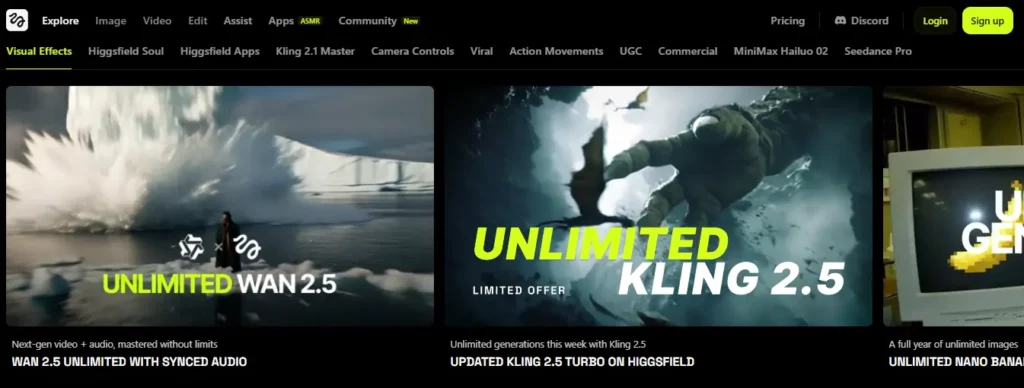
Higgsfield combines text-to-video models with advanced editing tools like face swap, lip-sync studio, and multi-shot storyboard creation. The platform runs on both desktop and mobile via the Diffuse app, letting creators generate high-quality clips without desktop access.
Its WAN 2.5 model produces videos with synchronised audio, consistent character rendering across frames, and camera angle precision that mimics professional production. This makes Higgsfield suitable for creators building narrative-driven TikTok content rather than simple slideshow-style posts.
Higgsfield AI Pros and Cons
5. FlexClip
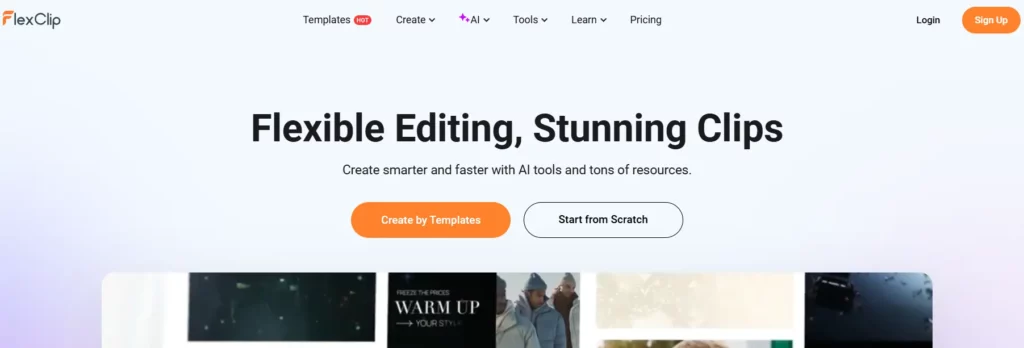
FlexClip combines template-based editing with AI features like auto-edit, text-to-video generation, and AI recreate functionality. The browser-based platform requires no software downloads and supports exports in 9:16, 16:9, and 1:1 aspect ratios for cross-platform publishing.
Its AI auto-edit feature matches uploaded clips to templates, applying transitions and effects automatically. FlexClip also includes AI script generation, auto-captions from speech-to-text conversion, and access to stock media libraries—all within a free tier that supports basic TikTok production.
FlexClip Pros and Cons
6. Pictory AI

Pictory converts long-form content—articles, blog posts, webinars—into short vertical videos optimised for TikTok. The platform's summarisation AI identifies key points, selects relevant visuals, and generates captions automatically, making it ideal for repurposing existing written material.
Its pricing starts at $25/month with a 14-day free trial, offering 200 video minutes on the Starter plan and 600 minutes on Professional. Pictory integrates with Getty Images and Storyblocks for licensed media, ensuring compliance for commercial TikTok use.
Pictory AI Pros and Cons
7. VEED.IO
VEED.IO offers an online video editor with AI-powered auto-subtitling, translation, and text-to-video capabilities. The platform's speech-to-text accuracy makes it particularly effective for TikTok creators who rely on captions to retain sound-off viewers.
Beyond captions, VEED supports AI avatars, background removal, and multi-format exports. Its collaborative features allow team editing within browsers, which benefits agencies managing multiple TikTok accounts simultaneously.
VEED.IO Pros and Cons
8. Descript

Descript treats video editing like document editing—users edit transcripts, and the video adjusts automatically. This text-based approach simplifies cutting filler words, rearranging sections, and adding B-roll for creators uncomfortable with traditional timelines.
The platform includes Overdub (AI voice cloning), Studio Sound (audio enhancement), and automatic filler word removal. Descript's workflow suits podcasters and educators repurposing longer content into vertical TikTok clips through transcript manipulation.
9. HeyGen
HeyGen generates videos using customisable AI avatars that speak scripts in 40+ languages with lip-sync accuracy. The platform eliminates camera recording entirely, making it ideal for faceless TikTok channels or creators uncomfortable appearing on screen.
Users select avatars, input scripts, and choose voices—HeyGen renders complete videos with natural gestures and expressions. This approach works for product explanations, educational content, and affiliate reviews where consistent presenter branding matters without human scheduling constraints.
HeyGen Pros and Cons
How We Tested and Ranked Each AI Video Generator for TikTok
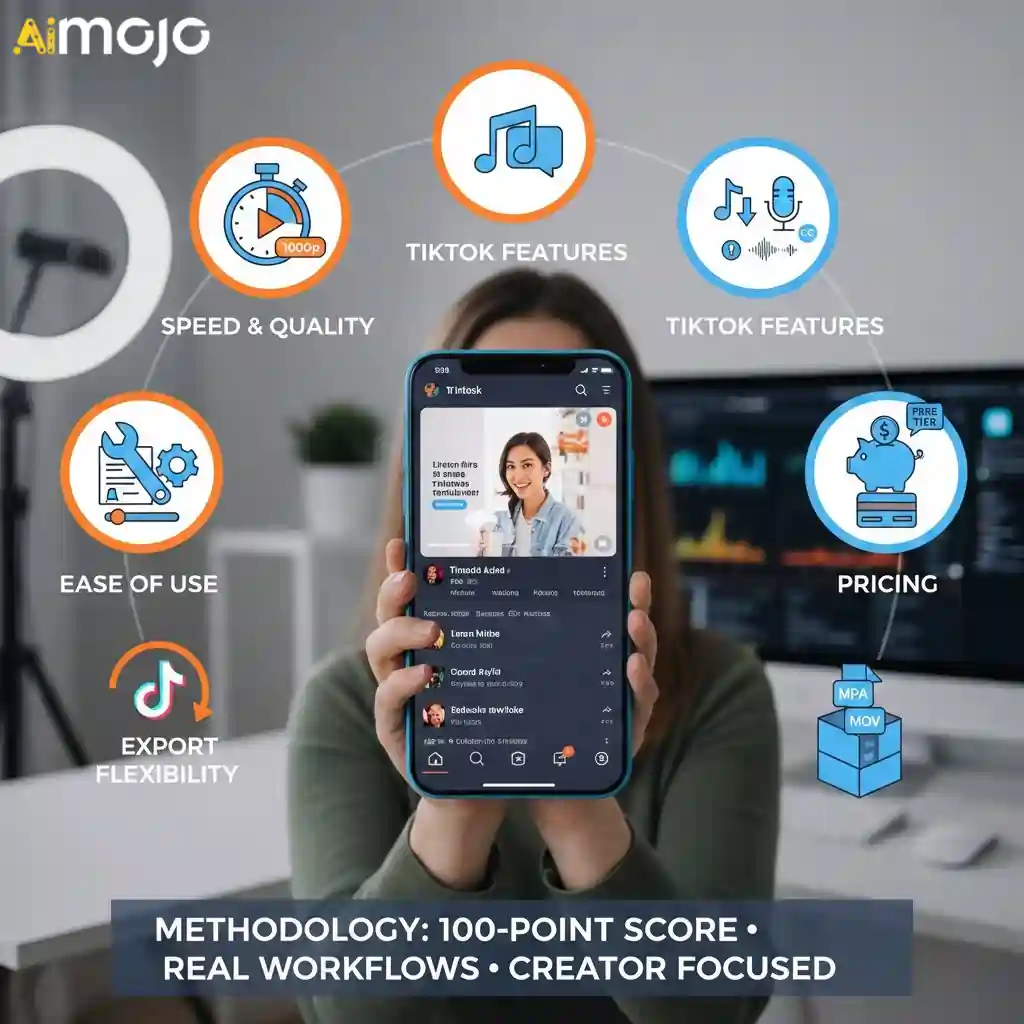
We evaluated each platform using real TikTok workflows—not promotional demos. Every tool was tested across identical use cases to ensure fair comparison.
Our testing framework covered five key areas:
Each tool was scored on a 100-point scale across these dimensions. We prioritized platforms that deliver consistent results without requiring design experience. This methodology ensures our rankings reflect actual creator needs, not brand partnerships.
Making TikTok Video Creation Faster With AI
The real takeaway is that the AI Video Generators for TikTok are the ones that remove your biggest production bottleneck—writing, editing, captions, voiceover, or on-camera presentation—so you can post consistently without cutting corners on clarity.
Use the comparisons above to match features to your content style, then validate your choice with a small batch of test videos. Next step: shortlist two options, trial them, and commit to the workflow that feels sustainable.
AiMojo Recommends:



