Searching for a great video editor can feel like a quest. While CapCut is a go-to for many, growing worries about its data privacy policies have pushed creators to find safer options. You need a tool that is both effective and keeps your content secure. That’s where Aimojo.io comes in.
We have rigorously tested numerous video editing apps, comparing them on performance, AI features, and price. This guide presents the best CapCut alternatives that provide professional results while fully protecting your data and intellectual property, so you can create with total peace of mind.
Why Are Creators Switching from CapCut? Key Reasons
Creators are increasingly seeking alternatives to CapCut due to significant concerns regarding its data privacy and content ownership policies. The app's updated terms of service, which grant its parent company, ByteDance, a perpetual and irrevocable license to use, modify, and distribute any content uploaded to the platform, have raised alarms.
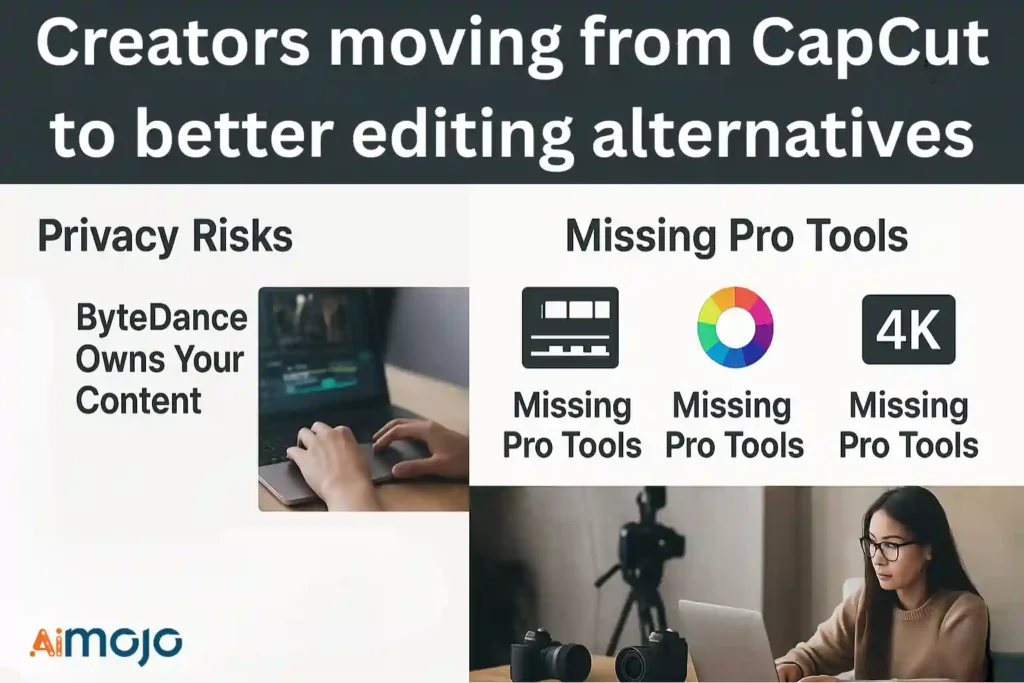
This means that user-generated content, including proprietary footage, can be repurposed or even sold by a third party without notification or compensation. Such terms are a critical issue for professionals who need to protect their intellectual property.
Additionally, while CapCut offers a user-friendly interface, it lacks some of the advanced functionalities found in professional-grade video editing software. Many creators require more sophisticated features like multi-track editing, advanced color grading tools, and higher-resolution export options to produce high-quality content.
As a result, they are moving to more robust platforms that offer greater creative control and better protect their work.
CapCut Alternatives That Make Editing Easier
| Alternatives to Capcut | Core Functionality | Primary Platform |
|---|---|---|
| Kling AI | AI Video Generation | Web-Based |
| HeyGen | AI Avatar Creation | Web-Based |
| Filmora | User-Friendly Editing | Desktop & Mobile |
| InVideo AI | Text-to-Video Engine | Web-Based |
| VEED.IO | All-in-One Suite | Web-Based |
| Camtasia | Screen Recording | Desktop |
| Descript | Text-Based Editing | Desktop |
1. Kling AI
Kling AI is a powerful text-to-video generator designed for creators who want to produce high-quality, cinematic content without complex editing software. It uses advanced AI to transform simple text prompts into visually stunning videos, complete with realistic motion and customizable elements.
This platform is ideal for social media influencers, marketers, and AI filmmakers who need to generate professional-grade videos quickly. Kling AI streamlines the creative process, allowing you to focus on storytelling rather than technical editing tasks.
Kling AI Key Functions:
Example Use Cases:
Best For: AI filmmakers and content creators who need advanced text-to-video generation.
An excellent choice for users who want to push the boundaries of AI filmmaking and produce high-quality, narrative-driven content.
Rating: (4.5/5)
2. HeyGen
HeyGen is an excellent alternative to CapCut for users who need to generate professional, AI-driven videos from text, images, or audio clips. This platform specializes in creating content with lifelike AI avatars, making it perfect for producing marketing materials, sales pitches, and training videos at scale without needing a camera or crew.
Its powerful AI automates the entire production process, from voiceovers to video translation, offering a streamlined solution for businesses and creators. HeyGen's focus on ethical AI also ensures your data is protected, addressing a key concern for many CapCut users.
HeyGen Key Functions:
Example Use Cases:
Best For: Marketers and businesses needing to create scalable, avatar-based video content.
An industry-leading AI video generator that excels at creating polished, presenter-style videos, making it a top alternative to CapCut for professional use.
Rating: (4.8/5)
3. Wondershare Filmora

Wondershare Filmora is a versatile video editor that serves as an excellent alternative to CapCut for both beginners and professionals. It combines an intuitive, user-friendly interface with a robust suite of advanced AI editing tools, making it easy to produce high-quality content without a steep learning curve.
This platform is perfect for creators who need more power than mobile-first editors can offer. With features like AI-driven clip creation and multi-camera support, Filmora provides a comprehensive solution for producing polished videos for any platform.
Wondershare Filmora Key Functions:
Example Use Cases:
Best For: Creators who need a balance of ease-of-use and professional-grade editing features.
An outstanding alternative to CapCut, offering a perfect blend of simplicity and powerful AI-driven features suitable for all skill levels.
Rating: (4.7/5)
4. InVideo AI
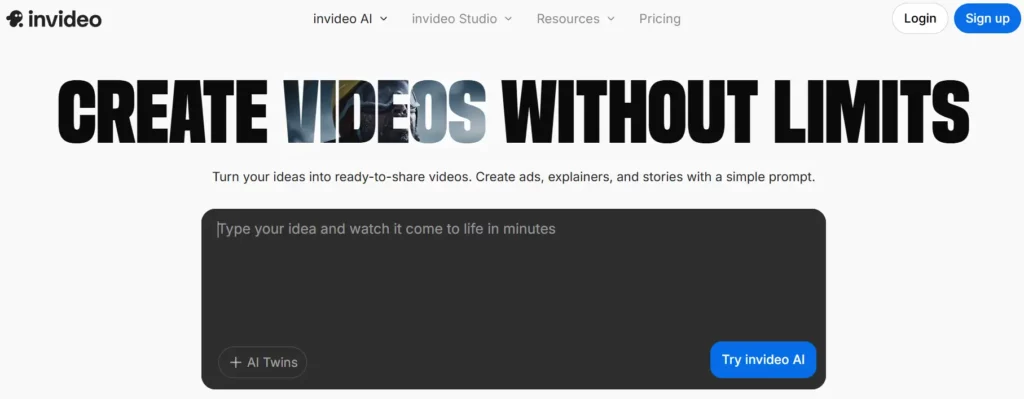
InVideo AI is a leading alternative to CapCut for creators who want to generate complete videos from a simple text prompt. The platform uses AI to build entire videos—including script, visuals, voiceover, and captions—allowing you to go from idea to a finished, ready-to-share video in minutes.
This makes it an ideal solution for marketers, YouTubers, and social media managers who need to produce high volumes of content quickly. InVideo's intuitive, prompt-based editing lets you make changes by simply typing commands, streamlining the entire creative process.
InVideo AI Key Functions:
Example Use Cases:
Best For: Content creators and marketers who need to produce videos at scale.
A top-tier alternative to CapCut for anyone looking to automate their video creation process with the power of AI.
Rating: (4.6/5)
5. VEED.IO

VEED.IO stands out as a powerful alternative to CapCut, offering a complete, browser-based video creation suite for teams. It streamlines the entire editing workflow, from recording and editing to hosting and sharing, all within a single platform.
With a strong focus on AI-powered features like automatic subtitle generation, filler word removal, and high-quality AI avatars, VEED.IO helps you produce professional-level videos faster. It is designed to make content creation effortless, allowing you to focus on storytelling.
VEED.IO Key Functions:
Example Use Cases:
Best For: Teams, marketers, and creators who need a collaborative, end-to-end video solution.
An exceptional all-in-one alternative to CapCut that empowers teams to create, collaborate, and share professional videos with ease.
Rating: (4.6/5 on G2)
6. Camtasia
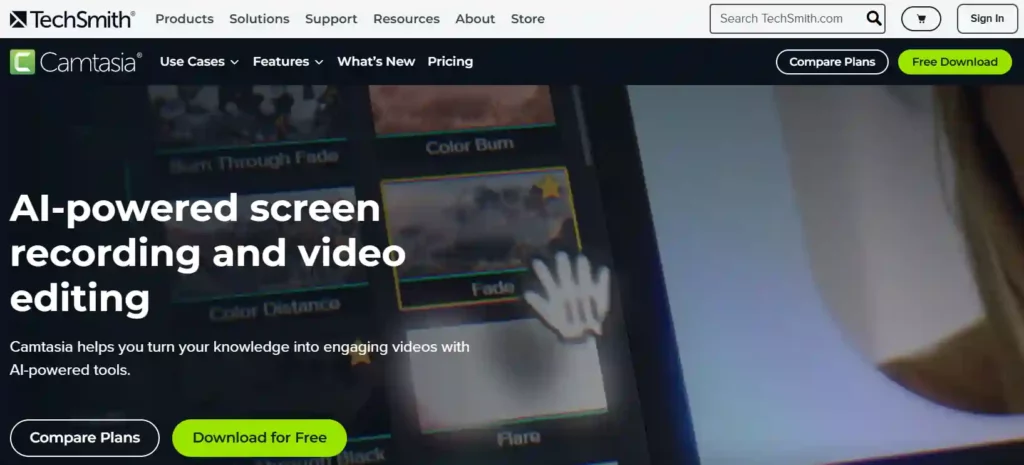
Camtasia is a premier video editing software that excels in creating professional and instructional content. Its advanced screen recording and multitrack editing capabilities make it a superior choice for educators, trainers, and creators developing software tutorials, product demos, or training modules.
While many users turn to CapCut for quick social media clips, Camtasia offers more robust and precise editing tools. As an alternative to CapCut, it provides a complete solution for producing polished, high-quality videos with interactive elements, all within a single, integrated platform.
Camtasia Key Functions:
Example Use Cases:
Best For: Professionals and educators who need to create polished, screen-recorded instructional videos.
The industry standard for screen recording and a top-tier alternative to CapCut for creating professional, in-depth video content.
Rating: (4.6/5 on G2)
7. Descript

Descript transforms video editing with its unique text-based approach, allowing you to edit video as easily as editing a document. It automatically transcribes your recordings, so you can cut, copy, and paste your video by simply manipulating the text.
This workflow, combined with powerful AI tools like filler word removal, AI-powered green screen, and automatic eye contact correction, makes Descript a standout alternative to CapCut. It is designed for creators, podcasters, and marketers who want to produce high-quality, polished content with maximum efficiency.
Descript Key Functions:
Example Use Cases:
Best For: Podcasters, educators, and creators who prioritize an efficient, text-based workflow.
An innovative and powerful alternative to CapCut, perfect for anyone who wants to streamline their editing process through text.
Rating: (4.6/5 on G2)
Our Criteria for Ranking the Top Alternatives to CapCut
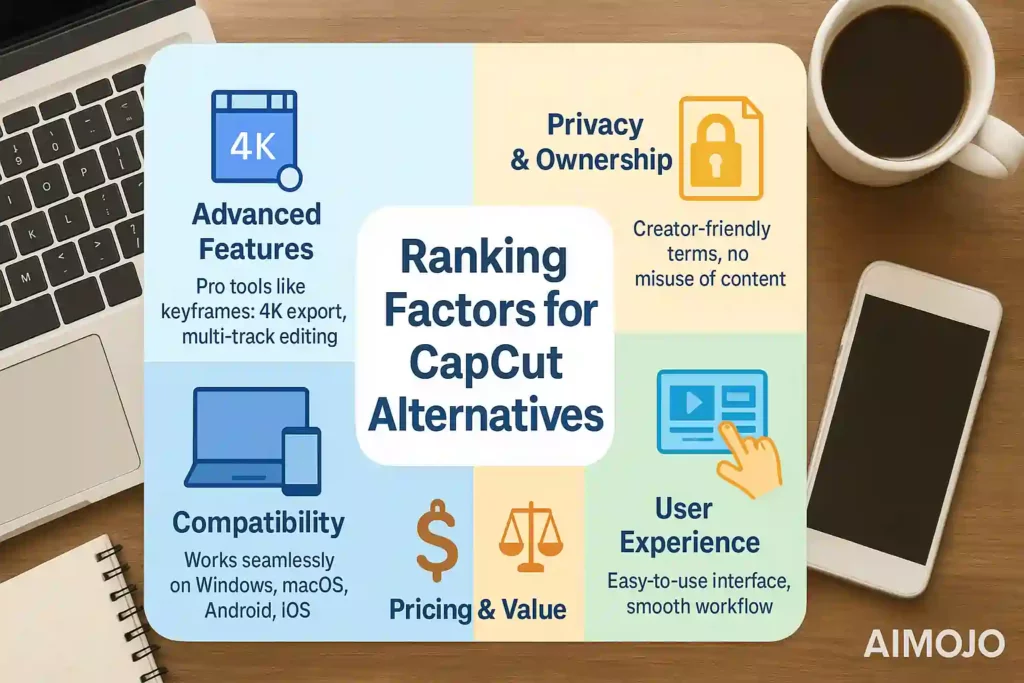
In evaluating the top alternatives to CapCut, we focused on a set of technical and practical criteria to ensure our recommendations meet the needs of serious content creators. Our primary considerations were:
Take the Next Step
Ultimately, the best alternative to CapCut depends on your specific editing needs and workflow. While some users may prefer the simplicity of mobile-first apps, others will benefit from the advanced features of professional-grade desktop software.
Each tool in this guide offers a unique set of capabilities designed to help you create high-quality videos efficiently and securely. Explore these options to find the perfect fit for your creative projects.
AiMojo Recommends:



 BONUS: Get our $200 “AI Mastery Toolkit” FREE when you sign up!