CEOs are getting outpaced not by competitors, but by leaders who quietly let AI handle half their workload. Board decks, investor updates, team alignment, and market analysis are still landing on your plate—yet other executives are delegating those tasks to tools that never sleep, miss a follow-up, or forget a detail.
This guide breaks down 7 AI tools built for CEOs who want faster answers, sharper decisions, and fewer late-night Slack marathons. Each one is chosen to help you see around corners, move faster than your org, and keep control of the big picture while software handles the grind.
Why CEOs Are Adding AI to Their Workflow
CEOs face a time crunch that's only gotten worse. Recent data shows executives spend 23+ hours weekly in meetings, plus another 15-20 hours reviewing reports, responding to stakeholder requests, and monitoring company metrics across departments.

AI tools for CEOs attack this problem from multiple angles. Business intelligence platforms now analyze sales pipelines, cash flow, and market trends simultaneously—surfacing risks and opportunities that would take analysts days to compile. AI meeting assistants record, transcribe, and generate action items automatically.
Financial forecasting tools predict revenue scenarios based on hundreds of variables. Communication platforms draft investor updates, board memos, and team announcements in seconds.
The categories CEOs are adopting fastest include predictive analytics software, automated reporting dashboards, AI-powered meeting tools, strategic planning assistants, and sentiment analysis platforms for customer and employee feedback.
These aren't experimental toys. Companies with AI-enabled leadership teams report 30% faster decision cycles and 40% reduction in administrative overhead, according to 2025 McKinsey research.
Must-Have AI Tools Every CEO Should Be Using Right Now
| Best AI Tools for CEOs 🤖 | Primary Function 🎯 | Best For 🏆 |
|---|---|---|
| Tableau | Visual data analytics | Data-driven decision making |
| IBM AI | Enterprise AI solutions | Scaling custom AI |
| Notion AI | Integrated knowledge workspace | Centralizing company knowledge |
| Asana | AI work management | Streamlining team workflows |
| Fireflies.ai | Automated meeting notes | Capturing meeting insights |
| Otter.ai | Real-time transcription | Instant meeting collaboration |
| Microsoft Copilot | Integrated productivity assistant | Enhancing M365 productivity |
1. Tableau
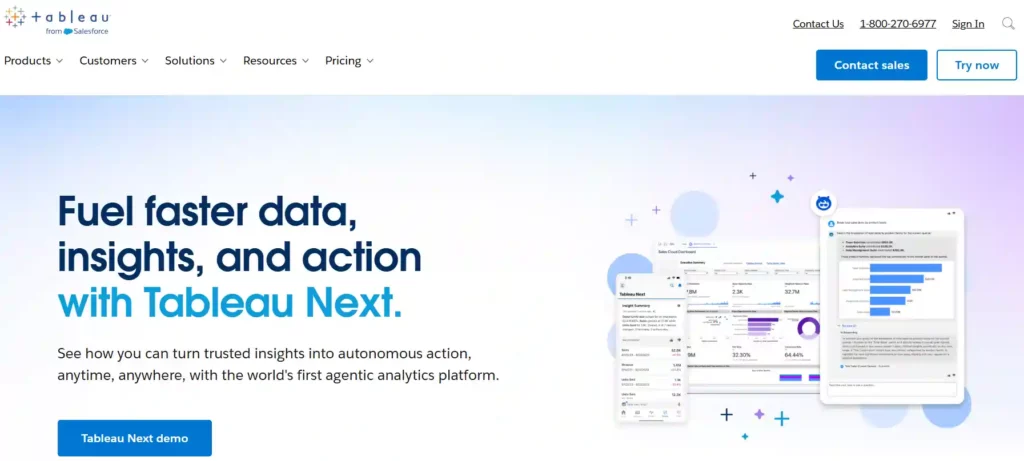
Tableau is a top-tier visual analytics platform that helps CEOs understand their business data through interactive dashboards and rich visualisations. It connects to hundreds of data sources, on-premises or in the cloud, and uses AI to uncover insights that might otherwise stay hidden in spreadsheets.
Tableau AI, with features like the Tableau Agent, allows leaders to ask questions in plain language and get immediate, trustworthy answers. It’s designed to put powerful data exploration into the hands of decision-makers, making it easier to spot trends, understand performance, and tell compelling stories with data.
Best Features of Tableau
Limitations
Ratings and Reviews
- Overall Rating: 4.3/5 for its powerful AI analytics.
- User Feedback: Praised for exceptional data visualisation capabilities.
Why Choose Tableau?
Tableau excels at transforming complex datasets into clear, interactive, and aesthetically pleasing visualisations to support executive decision-making.
2. IBM AI

IBM offers a suite of AI solutions built for the needs of large enterprises, helping CEOs scale artificial intelligence across their entire business while maintaining control over their data. At the core is watsonx, a data and AI platform that allows companies to train, validate, and deploy their own AI models or use IBM's pre-built foundation models.
For personal productivity, IBM Watson Orchestrate automates and simplifies business processes, using an AI engine to select and sequence the skills needed for tasks in sales, HR, and operations without requiring IT skills.
Best Features of IBM AI
Limitations
Ratings and Reviews
- CEO Adoption: 61% of CEOs are adopting or scaling AI agents.
- ROI Expectation: 85% of CEOs expect ROI from AI efficiency by 2027
Why Choose IBM AI?
IBM provides robust, scalable, and secure AI platforms designed for enterprises to gain a competitive advantage through custom AI solutions.
3. Notion AI
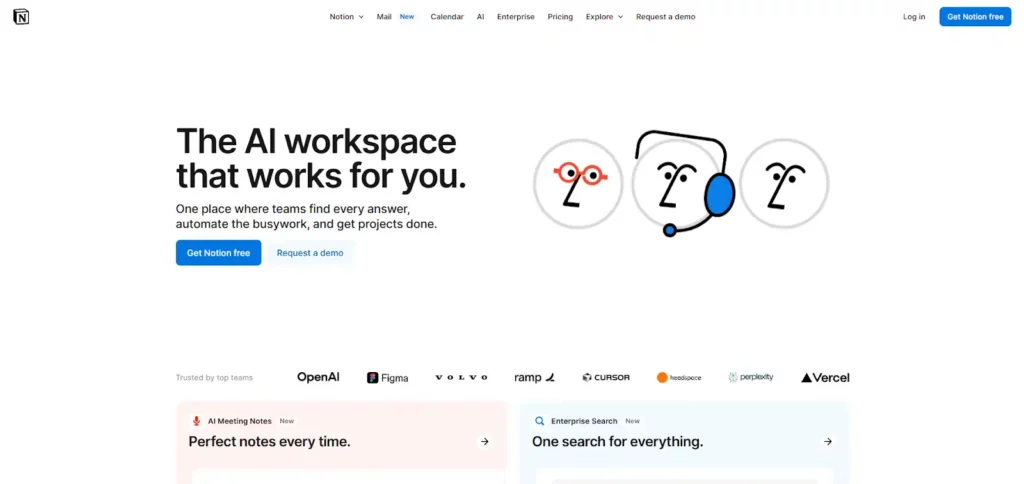
Notion has evolved from a popular productivity app into a fully integrated workspace powered by artificial intelligence. For CEOs, Notion AI acts as a central hub where documents, projects, and knowledge all live together, eliminating the need to switch between different tools.
It uses advanced models like GPT-4 and Claude to help with writing, summarising meeting notes, and automating tasks directly within your workflow. Its key strength is contextual awareness; the AI understands your project data and team formats, making its assistance far more relevant than standalone AI tools.
Best Features of Notion AI
Limitations
Ratings and Reviews
- User Acclaim: Loved for its high level of customisation.
- Market Position: A strong competitor in the AI productivity space.
Why Choose Notion AI?
Notion AI creates a single, connected workspace, making it the ultimate productivity assistant with deep contextual understanding of your business.
4. Asana

Asana embeds AI into its powerful work management platform to help teams automate processes and move faster. For CEOs, Asana's AI tools provide a high-level view of projects and goals while handling the manual work of coordination.
Features like Smart Status and Smart Summaries use AI to generate progress updates and highlight key information, saving leaders valuable time. The platform’s AI Studio and Smart Rules enable the creation of custom automated workflows tailored to specific business needs, from tracking requests to managing creative production, ensuring teams stay aligned and efficient.
Best Features of Asana
Limitations
Ratings and Reviews
- Mobile Experience: Improved mobile interface with haptic feedback.
- Integrations: Notifies and allows responses through Microsoft Teams.
Why Choose Asana?
Asana AI streamlines work management by automating updates, summarising progress, and providing intelligent assistance to keep teams aligned and productive.
5. Fireflies.ai

Fireflies.ai is an AI-powered meeting assistant designed to free up executives from the burden of note-taking. Like a fly on the wall, it joins your virtual meetings on platforms like Zoom and Google Meet, where it records, transcribes, and summarises the entire conversation.
Its AI generates detailed notes with action items, and the “Ask Fred” feature lets you ask questions about the meeting content later on. It also provides analytics on speaker talk time and sentiment, giving leaders valuable insights into meeting dynamics and engagement.
Best Features of Fireflies.ai
Limitations
Ratings and Reviews
- Overall Rating: 4.1/5 for its advanced meeting assistance features.
- Action Item Recognition: 5/5, excels at identifying tasks from conversations.
Why Choose Fireflies.ai?
Fireflies.ai automates meeting documentation and analysis, giving leaders time back to focus on the conversation instead of taking notes.
6. Otter.ai

Otter.ai is a leading AI transcription tool that turns spoken conversations into searchable, structured text in real time. For CEOs, its OtterPilot feature can automatically join meetings on Zoom, Microsoft Teams, and Google Meet to take notes, create summaries, and assign action items.
Beyond simple transcription, Otter offers collaborative features like Otter AI Chat, which allows you and your team to ask questions about meeting content, and AI Channels, which organises conversations and notes much like Slack channels for easy access and knowledge sharing.
Best Features of Otter.ai
Limitations
Ratings and Reviews
- Platform Support: Supports transcription across Web, iOS, and Android.
- Key Feature: Widely used for its real-time transcription capabilities.
Why Choose Otter.ai?
Otter.ai is a powerful tool for capturing and collaborating on meeting conversations, ensuring no critical information or action item is missed.
7. Microsoft Copilot

Microsoft Copilot is a deeply integrated AI assistant designed to boost productivity across the entire Microsoft ecosystem, including Microsoft 365, Windows, and Dynamics 365. For CEOs, Copilot acts as a true work partner, providing real-time suggestions in Word, analysing data in Excel, and creating presentations in PowerPoint.
An important recent update gives Copilot a memory, allowing it to remember user preferences and context for more personalised and relevant responses. With Copilot Vision, the assistant can even analyse real-time video, expanding its capabilities beyond digital tasks.
Best Features of Microsoft Copilot
Limitations
Ratings and Reviews
- User Control: Users can control what Copilot remembers and deletes.
- Future Updates: Expanding integrations with third-party platforms like SAP and Jira.
Why Choose Microsoft Copilot?
Microsoft Copilot is an essential AI assistant for leaders who work within the Microsoft ecosystem, enhancing productivity and decision-making everywhere.
How CEOs Can Implement AI Tools: Action Steps for Maximum ROI?
Successfully integrating AI into an organization requires a strategic, phased approach to ensure a significant return on investment. CEOs can follow these action steps to guide the implementation process effectively:

- Identify Core Business Challenges: Begin by pinpointing the most critical pain points and strategic priorities within your organization. Focus on areas where AI can deliver the highest impact, such as operational efficiency, customer experience, or strategic forecasting.
- Start with Targeted Pilot Programs: Instead of a company-wide overhaul, launch small-scale pilot projects. Select specific departments or use cases to test AI solutions, measure their effectiveness, and build internal expertise without significant initial risk.
- Prioritize Data Integrity: AI is only as powerful as the data it analyzes. Establish robust processes for data collection, management, and security to ensure your AI tools operate on clean, accurate, and reliable information.
- Champion an AI-Ready Culture: Foster an environment of learning and adaptation. Equip your teams with the necessary training and resources to understand and leverage AI tools effectively. Communicate the strategic vision behind AI adoption to secure buy-in across all levels of the organization.
- Measure, Iterate, and Scale: Continuously monitor the performance of your AI initiatives against predefined key performance indicators (KPIs). Use these insights to refine your strategy, optimize your tools, and strategically scale successful pilot programs across the enterprise.
AiMojo Recommends:
Take the Leap with AI Tools for CEOs
For forward-thinking CEOs, embracing AI isn’t a luxury—it’s a necessity for staying ahead, boosting productivity, and making sharper decisions. The best AI tools for CEOs are turning g-point, bringing instant insights, smarter collaboration, and relentless automation to everyday leadership.
Want to command growth, save serious time, and turn challenges into bold wins? Now’s the ideal moment to add these powerful AI solutions to your toolkit. Explore the best AI tools for CEOs today—elevate your leadership, empower your team, and future-proof your business success.



 BONUS: Get our $200 “AI Mastery Toolkit” FREE when you sign up!