Struggling to turn screen recordings into slick, step-by-step guides or demo videos?
You’re not alone.
In 2026,SaaS teams, educators, and creators want to skip the manual grind and get polished, branded guides—fast. Scribe was once the go-to, but today’s market is packed with smarter, AI-driven alternatives that save time, boost quality, and scale with your needs.
Below, we break down the six best Scribe alternatives for automated how-to guides and product documentation—each with unique strengths, killer stats, and real-world perks.
Trupeer AI leads the pack for its automation and pro-grade output, with Screen Studio close behind for Mac users. Plus, we’ve included a special coupon for Trupeer AI users: AIMOJO10 for 10% off, unlimited.
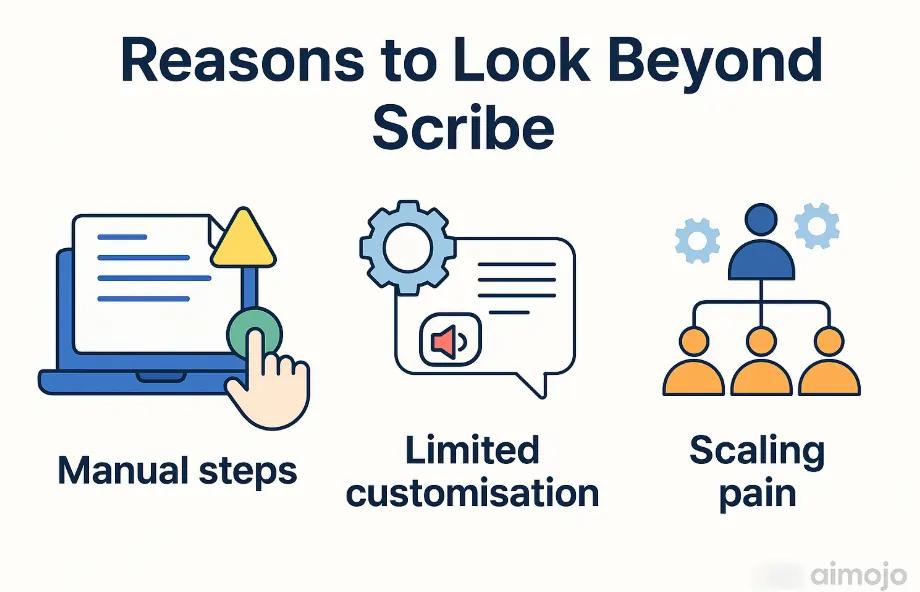
Why Look Beyond Scribe?
Manual steps: Scribe still relies on manual editing and lacks advanced AI enhancements.
👍 Best for: SaaS teams, product managers, educators, and marketers needing rapid, polished guides and demos at scale.
What Makes Trupeer AI #1?
Trupeer AI isn’t just another screen recorder. It’s an AI-driven content automation platform that transforms raw screen captures into studio-grade product demos, training modules, and SEO-friendly documentation—no editing skills needed.
Trusted by Fortune 500s and startups, it slashes production time by 65% and delivers frame-perfect visuals, multilingual voiceovers, and real-time collaboration—all in a Chrome-based ecosystem.
Key Features:
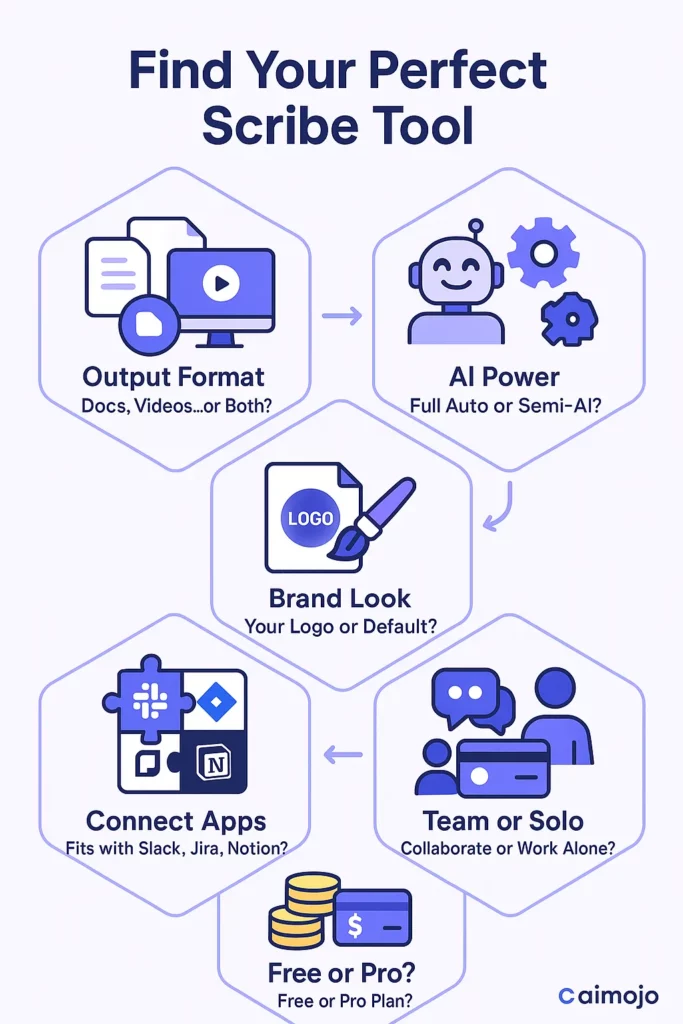
AI-Powered Automation: Converts screen recordings into videos and step-by-step guides in minutes.
Context-Aware Zoom & Highlights: Auto-detects key actions, adding dynamic zooms and highlights for clarity.
AI Voice Modulation: Generates natural-sounding voiceovers in 30+ languages.
Brand Customisation: Add logos, colours, and watermarks for consistent branding.
Step-by-Step Docs: Auto-generates user guides with screenshots and instructions.
Collaborative Editing: Real-time team editing and feedback.
SEO-Optimised Output: Creates search-friendly documentation and video content.
API Integrations: Connects with Slack, Jira, Notion, and more.
Security & Compliance: Enterprise-grade protocols for data safety.
Stats That Matter:
65% faster production time vs manual workflows.
30+ languages supported for global teams.
Trusted by: Fortune 500s, SaaS leaders, and agile startups.
User Experience:
No learning curve: Intuitive UI, no editing background required.
Flexible exports: PDF, Word, Markdown, MP4 video.
Cloud-based: Access anywhere, collaborate in real time.
2. Screen Studio – The Mac Powerhouse for Pro Tutorials
👍 Best for: Mac users, content creators, and educators wanting fast, pro-level video guides.
Screen Studio is a Mac-native screen capture tool that’s revolutionised video tutorials and product demos. It’s more than just a recorder: AI-powered auto-zoom, cursor smoothing, and real-time enhancements mean you get polished, engaging videos with zero manual editing.
Key Features:
AI Auto-Zoom: Detects actions and zooms in automatically—no keyframing needed.
Cursor Effects: Smooths, enlarges, and highlights cursor movements for clarity.
4K Recording: Crisp visuals, even on zoomed-in code or UI elements.
Timeline Editor: Trim and tweak clips instantly post-recording.
Vertical & Social Exports: One-click exports for YouTube, Instagram Reels, TikTok.
Branding Tools: Add logos, colours, and intros in-app.
Chapter Markers: Auto-generated for easy navigation in tutorials.
Stats That Matter:
55% cut in editing time for tutorials.
30% less CPU usage than OBS during 4K capture on M1 Macs.
54% increase in viewer trust with picture-in-picture mode.
User Experience:
2-hour learning curve for basic features.
Instant enhancements: No more manual zooms or cursor fixes.
Perfect for: Coding tutorials, app walkthroughs, and SaaS demos.
👍 Best for: Teams needing instant video explainers, async updates, and quick walkthroughs.
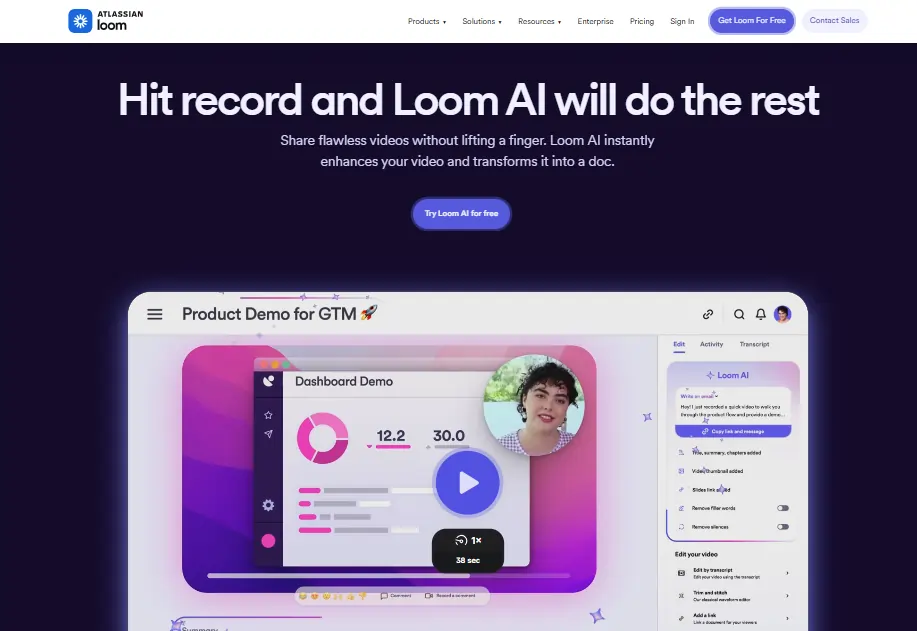
Loom AI has long dominated the async video space, but its new AI features take things further. Now, Loom can auto-generate video summaries, titles, and even step-by-step instructions from your recordings.
Key Features:
AI Summaries: Instantly creates text summaries and highlights from videos.
Transcription & Search: Full transcripts, keyword search, and auto-titles.
Multi-Platform Sharing: Embed or share links anywhere.
Team Libraries: Organise, tag, and manage content for onboarding or support.
Stats That Matter:
Millions of users globally.
Instant sharing: No waiting for uploads or rendering.
User Experience:
Simple UI, browser-based.
Great for: Quick updates, onboarding, and support videos.
Limitations: Less customisation and branding than Trupeer AI or Screen Studio.
👍 Best for: SaaS onboarding, customer support, and knowledge base teams.
Guidde automates the process of turning screen recordings into interactive, step-by-step video guides. Its AI engine detects actions, generates captions, and lets you add clickable elements for engagement.
Key Features:
AI Step Detection: Breaks down workflows into clear steps.
Clickable Hotspots: Add CTAs, links, or tooltips.
Multi-Format Export: Share as video, GIF, or embed in help docs.
Branding Options: Customise colours, logos, and themes.
Stats That Matter:
Up to 70% faster guide creation vs manual methods.
Supports: Chrome extension for instant capture.
User Experience:
Drag-and-drop editing.
Best for: Customer success, onboarding, and product support.
👍 Best for: Teams needing instant, visual SOPs and process docs.
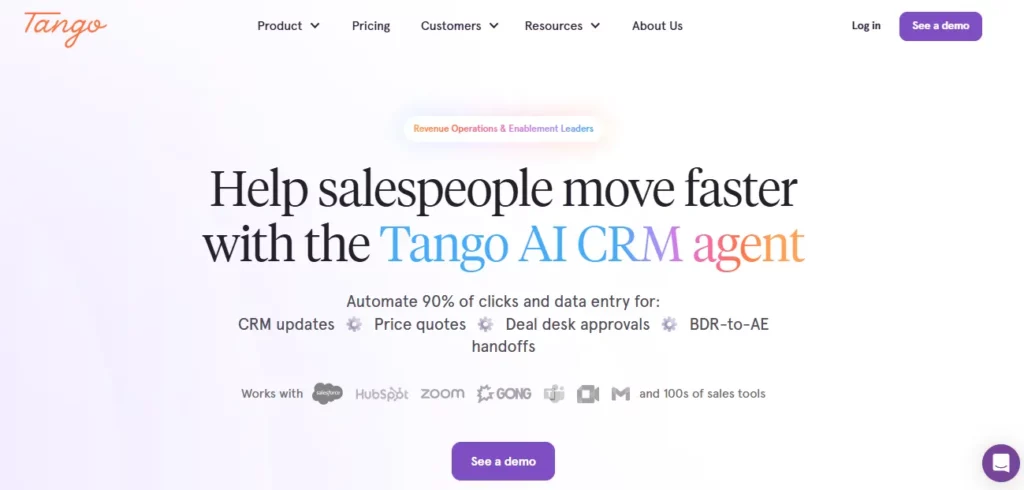
Tango auto-captures your browser actions and turns them into step-by-step guides with screenshots and instructions. It’s a favourite for SOPs, onboarding, and internal training.
Key Features:
Auto Screenshot & Annotation: Captures every click and field.
Instant Guides: Generates docs as you work—no extra steps.
Collaboration: Share guides, comment, and update in real time.
👍 Best for: SMBs and enterprises building scalable onboarding and training libraries.
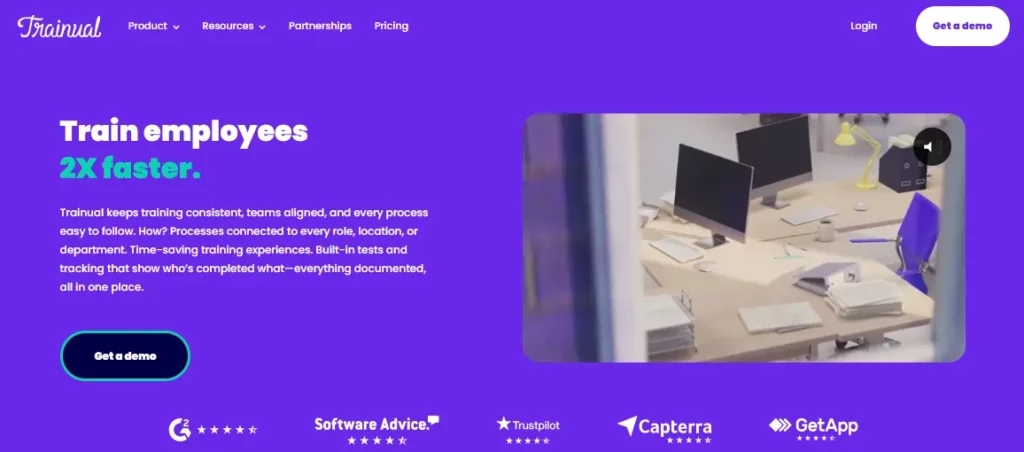
Trainual is more than a guide creator—it’s a full training and process documentation platform. Create step-by-step guides, quizzes, and onboarding flows, all tracked in one place.
Key Features:
Step-by-Step Docs: Build visual guides with images, videos, and text.
Quizzes & Tracking: Test knowledge and monitor progress.
Templates: Pre-built SOPs and process docs for fast starts.
Integrations: Connect with HR, Slack, and more.
Stats That Matter:
Over 7,000 businesses onboarded.
Up to 60% faster employee ramp-up.
User Experience:
Centralised hub for all training content.
Best for: Growing teams, franchises, and remote onboarding.
The days of manual how-to guide creation are over. With AI-powered tools like Trupeer AI and Screen Studio, teams can produce pro-grade documentation, demos, and training content at record speed.
Trupeer AI stands out for its automation, branding, and SEO chops, while Screen Studio is a Mac creator’s dream.







 BONUS: Get our $200 “AI Mastery Toolkit” FREE when you sign up!







