


Getting cinematic aerial footage used to mean renting a drone, learning to fly it, and hoping the weather cooperated. Most creators — especially those just starting out — simply don't have the budget or time for that.
That's quietly changed. AI can now produce realistic drone-style shots from a single image or text prompt, no equipment required. If you're looking to add aerial visuals to your content without the overhead, the top 6 AI drone shot generators covered here span different use cases, price points, and output quality — so you can pick what actually fits your workflow.
How AI Drone Shot Generators Simulate Aerial Physics and Parallax

While a physical drone relies on propellers and GPS to navigate 3D space, AI drone shot generators use complex neural networks to “hallucinate” flight physics. These tools don't just animate a static image; they employ Neural Radiance Fields (NeRFs) and depth-mapping algorithms to predict how objects should look from different angles.
By calculating depth at a pixel level, the AI simulates parallax—the visual effect where foreground objects (like rooftops) move faster than the background (like mountains)—creating the illusion of genuine aerial speed.
Advanced models like Google Veo and Luma also mimic the mechanical imperfections of a real camera drone, such as motion blur during high-speed turns and subtle gimbal stabilizations.
This “physics-based motion simulation” ensures that when you request an FPV dive or a cinematic orbit, the generated video respects gravity and momentum rather than feeling like a floating slideshow.
For creators, this means you can produce technical shots—like flying through tight windows or diving down skyscrapers—that would be risky or impossible for a human pilot to execute manually.
| Top AI Drone Shot Generators | Video Quality | Export Format |
|---|---|---|
| OpenArt AI | High-res output | 4K supported |
| Higgsfield AI | 4K cinematic | Watermark-free paid |
| InVideo AI | Up to 4K | Social-ready formats |
| ImagineArt | Professional grade | HD and 4K |
| FlexClip | Kling 3.0 quality | Multi-platform export |
| Runway Gen-3 Alpha | Industry standard | 4K upscaled |
1. OpenArt AI
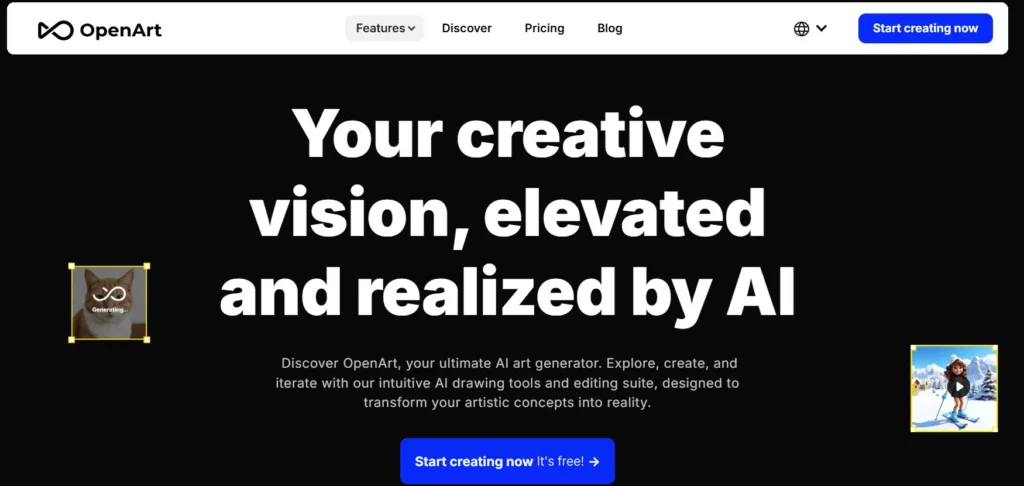
For creators who need more than a single output format, OpenArt AI delivers one of the most versatile AI drone shot generation environments available today. Built on access to 100+ models — including Kling 3.0 and Veo 3.1 — it lets you move from a cinematic bird's-eye-view prompt to a realistic aerial flyover without switching platforms.
What separates OpenArt from simpler generators is its depth of customisation. You can fine-tune your own personalised model, maintain consistent subject identity across frames, and run multiple aerial shot variations in parallel — all under a credit system that scales from free hobbyist access to high-volume professional production.
OpenArt AI Key Features:
2. Higgsfield AI
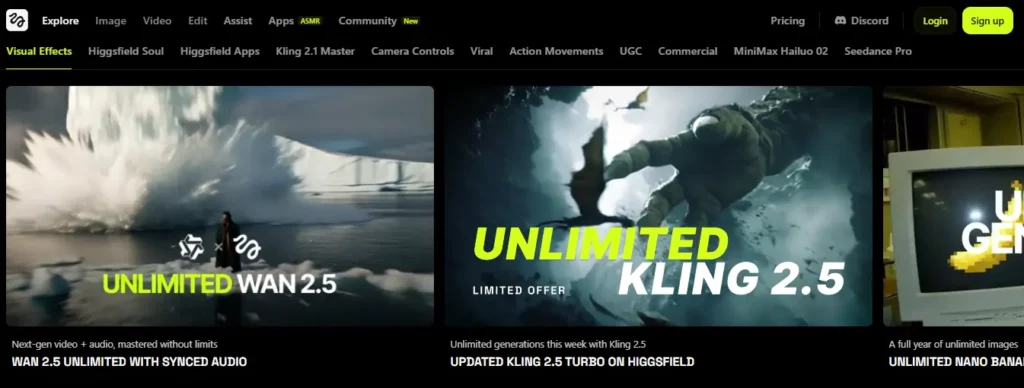
Higgsfield AI is purpose-built for creators who want professional-grade camera motion without owning a drone or commissioning a production team. Its Cinema Studio 2.0 environment lets you step inside a 3D scene, define your shot trajectory, and generate cinematic sequences with precise control over both character movement and camera positioning.
Beyond aerial cinematics, Higgsfield handles FPV-style video, seamless transitions, and 4K upscaling — positioning it as a complete cinematic toolkit rather than a single-purpose generator. Kling 3.0 is built directly into the platform with reduced wait times, and features like Angles 2.0 and Recast make it especially useful for creators producing narrative-driven or branded visual content at scale.
Higgsfield AI Key Features:
3. InVideo AI
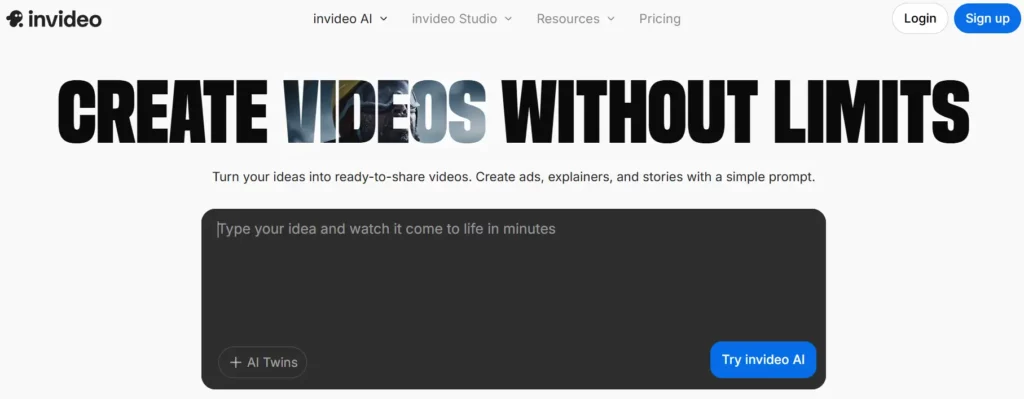
InVideo's image-to-video tool solves a genuine frustration for content creators — turning high-quality photos into dynamic, motion-rich video without a production team or drone equipment. Using a combination of diffusion technology, depth estimation, and neural motion synthesis, it converts any static image into a realistic aerial-style clip with controllable camera movements including pan, zoom, tilt, and cinematic framing.
Trusted by over 25 million users across 190 countries, InVideo integrates Google Veo 3.1 directly into its generation pipeline — raising output quality meaningfully for creators who need aerial motion that holds up in professional contexts. You can generate up to 4K footage within 60 seconds from a single uploaded image, with no editing experience required.

InVideo AI Key Features:
4. ImagineArt

ImagineArt functions as a centralised AI creative suite, giving creators access to multiple top-tier video models — including Kling 3.0 Pro, Runway 4.5, and Google Veo — under a single subscription. Its dedicated AI drone video generator supports both text-to-aerial-video and image-to-aerial-video workflows, with cinematic camera angle presets built directly into the interface.
Its Cinematic Workflow feature is the standout function for aerial content creators. You can chain multiple drone shots together, apply motion transitions, and maintain visual consistency across an entire sequence — capabilities that typically require dedicated post-production software.
ImagineArt Key Features:
5. FlexClip
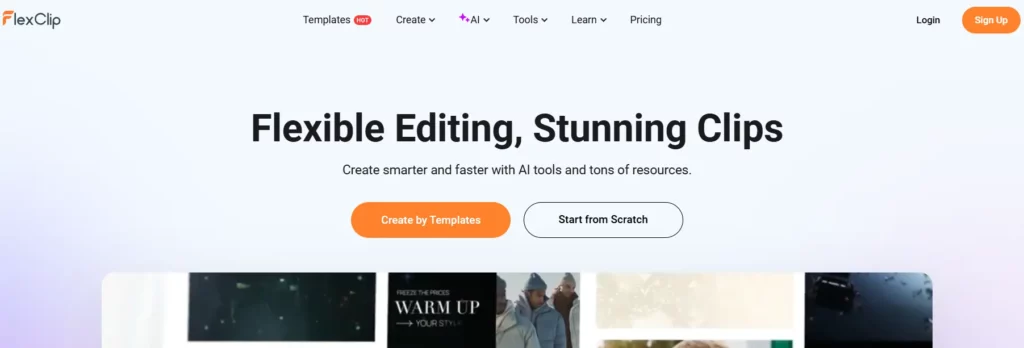
FlexClip bridges traditional video editing and AI drone shot generation — making it particularly practical for creators who want aerial footage embedded directly within a complete editing workflow. Unlike standalone generators, FlexClip combines template-based production with AI-powered generation tools, allowing you to create a full video — including aerial sequences — without switching between platforms.
For small business owners, social media managers, and non-technical marketers who need polished final videos rather than raw generated clips, FlexClip's combination of an AI generation engine and a full editing suite is a meaningful time-saver. Generate an aerial drone shot, trim it, add music and captions, and export in one seamless session.
FlexClip Key Features:
6. Runway Gen-3 Alpha

Runway Gen-3 Alpha sets the current professional benchmark for AI drone shot generation with cinematically precise camera control.
Trained jointly on images and video with temporally dense captions, it enables fine-grained trajectory definition, speed control, and motion key-framing that makes outputs feel physically grounded rather than randomly animated.
Built with studios and production teams in mind, Gen-3 Alpha integrates C2PA content provenance standards — making it one of the few AI video tools meeting emerging content authenticity requirements.
For agencies, brand studios, and high-volume creators who need consistent, high-fidelity aerial sequences with full commercial rights, Runway Gen-3 Alpha remains the industry standard for both output quality and creative control.
Runway Gen-3 Alpha Key Features:
Workflow Optimization: Integrating AI Drone Shot Generators into Your Pipeline

Dropping an AI drone shot generator into your existing workflow isn't complicated — but doing it efficiently makes a real difference in output quality and turnaround time. The key is treating these tools as a deliberate production stage, not an afterthought.
Here's how to integrate them cleanly:
Building this four-step sequence into your standard pipeline cuts revision time and keeps your aerial footage visually consistent across every project.
The Future of Aerial Videography with AI
Making professional aerial videos doesn't require a pilot's license or an expensive production budget anymore. The tools we’ve looked at prove that you can get stunning, cinematic results from your desk, whether you're building a brand on social media or adding depth to a film project.
The real trick isn't just picking software, but understanding which workflow fits your creative style. Start with the free trials, experiment with different prompts, and see which interface feels right for you. AI drone shot generators are powerful, but your vision is what truly makes the footage soar.
AiMojo Recommends:
Frequently Asked Questions
What is this AI tool?
This article provides a comprehensive overview including features, pricing, and use cases.
Is it free?
This guide covers free and paid options. Check the article for current pricing details.
How do I get started?
Follow our step-by-step guide to get started quickly.


 BONUS: Get our $200 “AI Mastery Toolkit” FREE when you sign up!



