

Spending hours rotoscoping a single shot or tracking a complex camera movement drains the momentum from any post-production workflow. Indie filmmakers and freelance editors often hit a wall where creative ambition outstrips their budget or deadline. You just want to focus on the story, not the tedious technical cleanup keeping you at your desk past midnight.
Fortunately, modern software can finally handle that heavy lifting. To help you streamline your timeline, we tested the Top 6 AI VFX Tools available today. This review compares their practical capabilities and exactly how they fit into a professional editing pipeline.
Advanced AI Tools for Professional-Quality Visual Effects
| Top AI VFX Tool | Primary Use Case | Core AI Feature |
|---|---|---|
| Higgsfield AI | Indie Cinema Creators | Cinematic Camera Controls |
| Kling AI | High Fidelity Video | Precise Motion Control |
| AKOOL AI | Enterprise Brand Marketing | API Driven Content |
| Pykaso AI | Hyper Realistic Output | Custom LoRA Models |
| Runway | Professional VFX Pipelines | Dedicated VFX Modules |
| DeepMotion | 3D Character Animation | Markerless Motion Capture |
Why Integrating AI VFX Tools is Critical for Modern Filmmaking
The industry of post-production has shifted, making traditional, frame-by-frame editing unsustainable for tight deadlines. Understanding why studios are rapidly adopting AI VFX tools is essential for staying competitive.
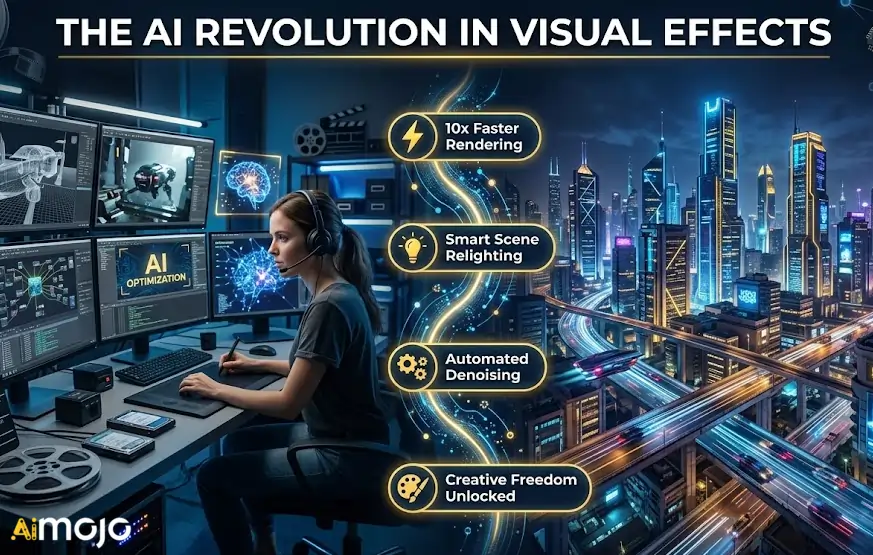
Machine learning algorithms now handle the repetitive technical tasks that previously consumed days of a production schedule. By automating these processes, visual effects artists can dedicate more resources to creative look development.
The core advantages driving this shift include:
With the clear benefits of this machine-driven efficiency in mind, let's explore the specific software leading this transformation.
1. Higgsfield AI
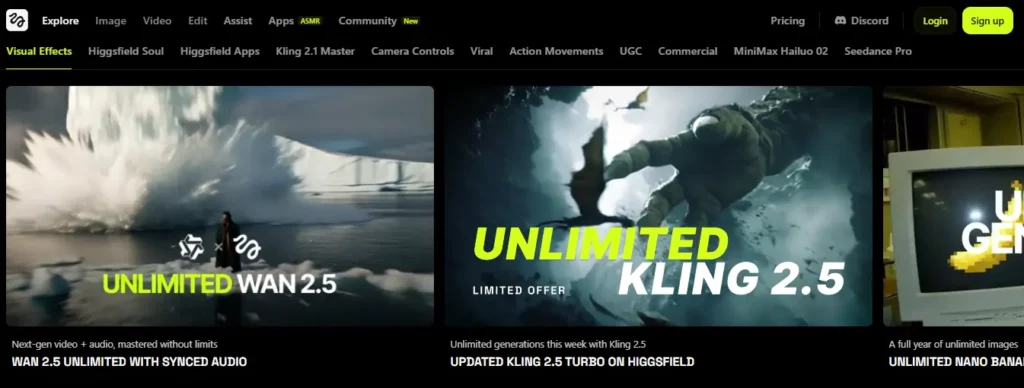
Higgsfield AI is a browser-based AI VFX tool with built-in camera controls, seamless transitions, and one-click VFX presets that eliminate the need for expensive software and weeks of post-production effort. It supports multiple generative models including Kling 3.0 and Wan 2.6.
The platform is built for content creators, indie filmmakers, and social media producers who need professional-grade output without a studio budget. Features like Soul Cinema, face swap, and product placement make it a versatile addition to any visual effects pipeline.
Higgsfield AI Pros and Cons
Pricing Plans: Free tier available; Pro plans start from approximately $24/month with expanded generation credits.
Standout Feature: Multi-model VFX generation with real-time camera control.
Best for: Content creators and indie filmmakers seeking affordable, cinema-quality AI visual effects without dedicated hardware.
2. Kling AI
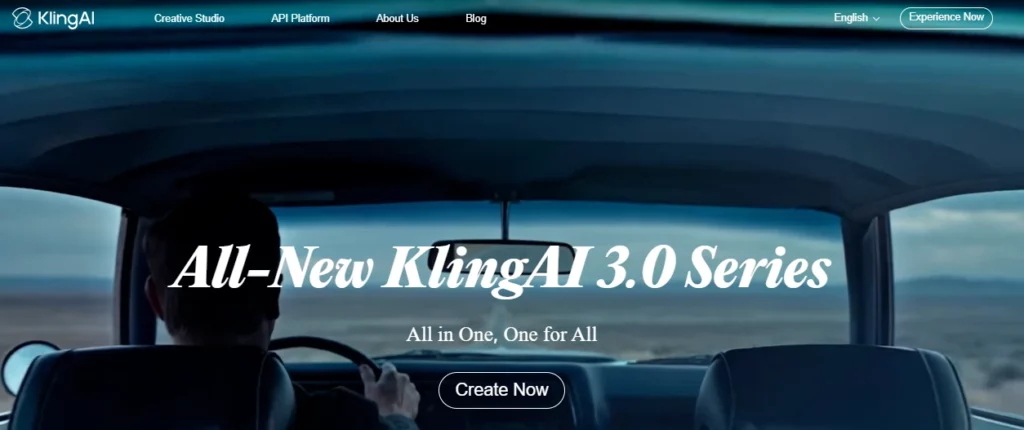
Generating realistic motion and consistent characters across frames is one of the hardest challenges in AI-driven VFX. Kling AI addresses this with its advanced motion control engine, delivering up to 30-second clips with precise character actions and natural expressions.
Designed for global creators, marketers, and visual effects teams, Kling AI excels at producing high-fidelity video from text or image prompts. Its latest 3.0 update introduced enhanced motion control and cinematic consistency that rival traditional compositing workflows.
Kling AI Pros and Cons
Pricing Plans: Free basic access available; premium credits are usage-based and vary by platform integration.
Standout Feature: 30-second AI video generation with granular motion control.
Best for: VFX teams and digital marketers needing consistent, high-fidelity AI-generated video with controllable character motion.
3. AKOOL

AKOOL is an all-in-one generative AI platform offering face swap, video translation, avatar creation, and background replacement — all accessible through a single dashboard or API. It solves the bottleneck of scaling personalised video content across campaigns.
Trusted by Fortune 500 companies including Canon and Coca-Cola, AKOOL is purpose-built for enterprise marketing workflows. With over 300 million assets generated, it delivers studio-quality AI VFX capabilities at scale for brand engagement, e-learning, and multilingual content production.
AKOOL Pros and Cons
Pricing Plans: Free tier with limited credits; paid plans available, with enterprise custom pricing on request.
Standout Feature: Scalable, API-driven AI content personalisation for brands.
Best for: Enterprise marketing teams and agencies requiring secure, scalable AI video tools for personalised brand content at volume.
4. Pykaso AI
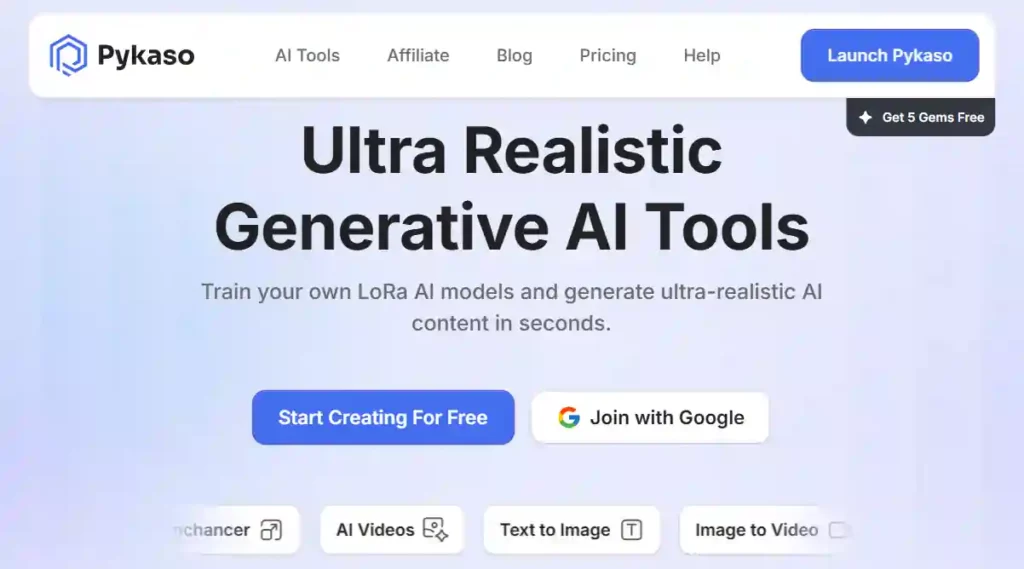
Pykaso AI is a generative AI platform that enables users to train custom LoRA AI models and generate ultra-realistic images and videos in seconds. With over six million generations served, the platform has proven its reliability for photorealistic visual content.
This AI VFX tool is tailored for digital artists, portrait creators, and visual effects enthusiasts who need hyper-realistic outputs. Its skin upscaler, face swap, and image-to-video pipeline give users granular creative control over every frame.
Pykaso AI Pros and Cons
Pricing Plans: Gem-based credit system; starter packs available with premium tiers for higher generation volumes.
Standout Feature: User-trained LoRA models for hyper-realistic AI generation.
Best for: Digital artists and portrait creators who need ultra-realistic, customisable AI image and video generation tools.
5. Runway ML
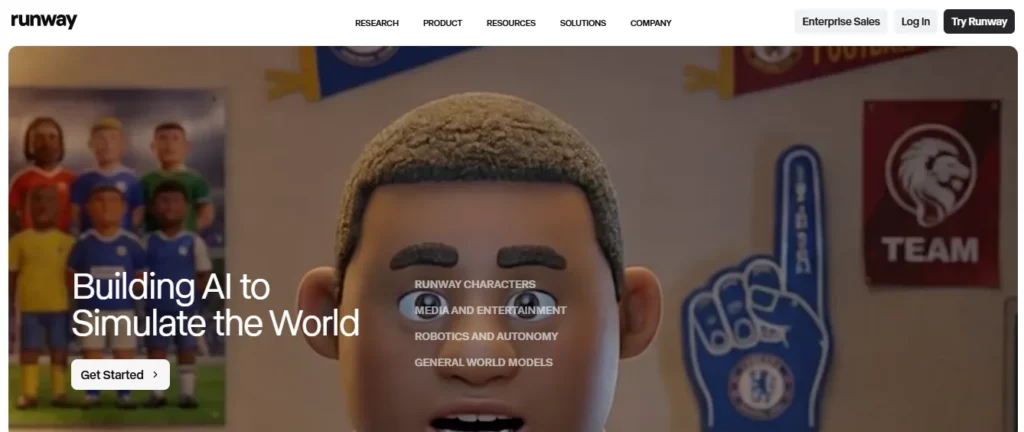
Runway ML is a professional-grade AI VFX tool featuring six dedicated technical modules designed to slot directly into established post-production pipelines — from high-fidelity previs to production-ready shots.
Used by major studios, Runway offers tools for inpainting, rotoscoping, motion tracking, and generative video editing. Its AI-for-VFX programme is specifically vetted by industry professionals, making it one of the most trusted AI VFX tools for shrinking timelines and stretching budgets.
Runway ML Pros and Cons
Pricing Plans: Free basic tier; Standard from $12/month, Pro from $28/month, with enterprise plans available.
Standout Feature: Studio-grade generative AI modules built for VFX pipelines .
Best for: Professional VFX studios and post-production teams seeking reliable, pipeline-integrated AI tools with industry-proven workflows.
6. DeepMotion
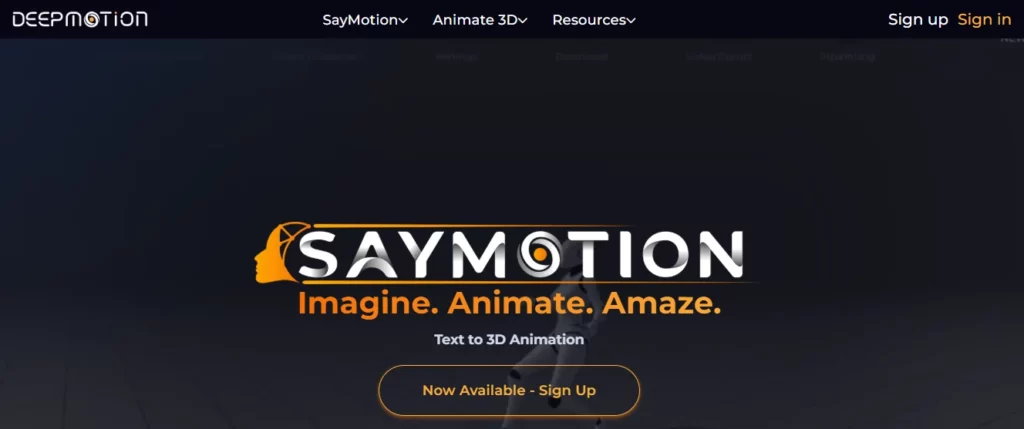
DeepMotion is an AI-powered markerless motion capture platform that converts standard video into production-ready 3D animation data, eliminating the need for expensive mocap suits and dedicated studio space.
This AI VFX tool is ideal for game developers, animators, and virtual production teams who need accurate skeletal tracking without hardware overhead. It supports full-body and hand tracking, making it a practical solution for character animation and real-time virtual production workflows.
DeepMotion Pros and Cons
Pricing Plans: Free starter tier; premium plans with extended tracking minutes and commercial licencing available.
Standout Feature: Video-to-3D animation without mocap suits or markers.
Best for: Game developers and animators needing affordable, hardware-free AI motion capture for character animation workflows.
How We Evaluated These AI VFX Tools (Methodology)
To provide an honest review, we tested each software within a real-world post-production environment. We didn’t rely on marketing claims; instead, we ran raw, challenging footage through these AI VFX tools to see how they perform under pressure.
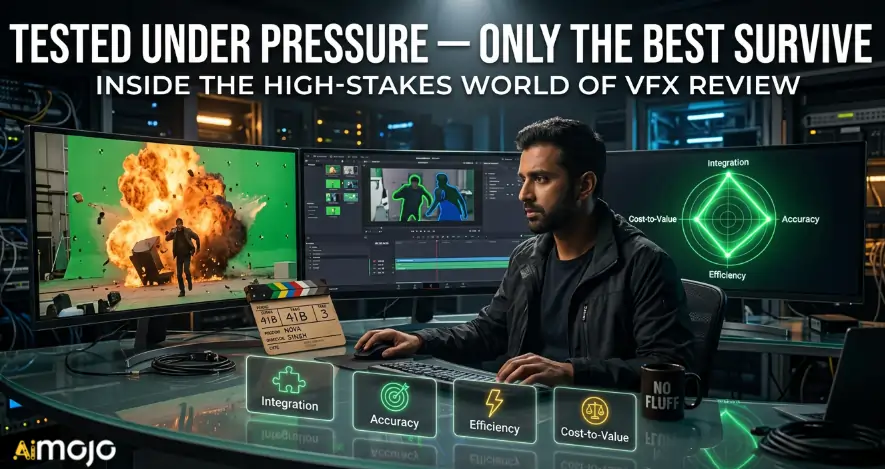
Our evaluation focused on four critical performance metrics:
This hands-on methodology highlights AI VFX tools that actually relieve post‑production bottlenecks, not just look impressive in demos.
Summing Up the Power of AI in Visual Effects Creation
The post-production landscape is shifting fast, and it is easy to feel overwhelmed by all the new software updates. You do not need to learn every single platform to stay relevant. Integrating just one or two of these AI VFX tools into your daily routine can instantly buy you back hours of lost time. Start small.
Pick the program that solves your biggest immediate bottleneck, like tedious masking or motion capture, and test it on a low-stakes project. Ultimately, technology should serve your creative vision, not complicate it.
AiMojo Recommends:


 BONUS: Get our $200 “AI Mastery Toolkit” FREE when you sign up!








