With the AI 3D generator market set to hit an estimated $2+ billion in 2026 and grow at a massive 30% compound annual growth rate (CAGR), it's clear these tools are becoming essential. For digital entrepreneurs, game developers, and marketers, this growth signals a major opportunity.
These AI platforms are the new secret weapon for creating high-quality 3D models and assets from simple text or images, seriously cutting down production times.
This guide gives you the lowdown on the top 8 generators, providing the intel needed to select the right tool, boost your creative workflow, and gain a real edge.
How We Tested: Our Methodology for Ranking the Top AI 3D Generators
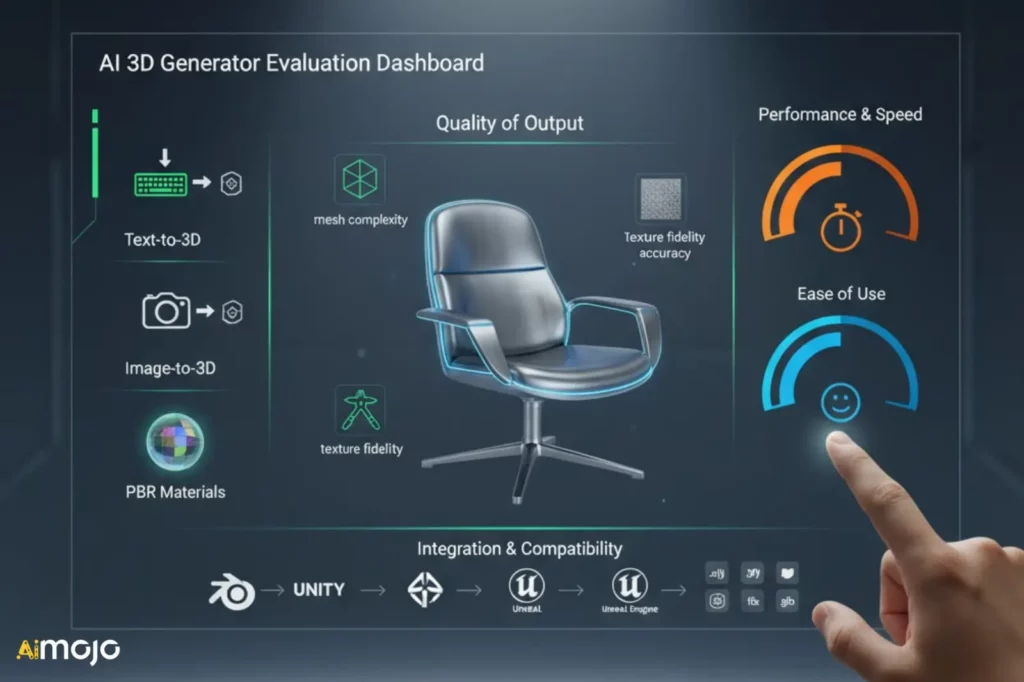
To deliver a comprehensive and objective ranking, our evaluation process for AI 3D object generators was grounded in a multi-point methodology focused on real-world performance and practical application. Each platform was subjected to a series of standardized tests using identical text and image prompts to ensure a fair comparison.
Our primary evaluation criteria included:
This structured approach allowed us to move beyond marketing claims and provide a hands-on, performance-driven analysis of each tool's true capabilities.
Powerful AI Tools for Generating Realistic 3D Objects
| ⚙️ Best AI 3D Object Generators | 🎯 Core Strength | ⭐ Standout Feature |
|---|---|---|
| Tripo3D | Ultra-fast generation | Smart retopology |
| Meshy | Text-to-3D excellence | PBR map support |
| Sloyd | Real-time customization | Parametric engine |
| Spline | Team collaboration | Interactive scenes |
| Hitem3D | 360° reconstruction | High-res surfaces |
| Backflip.ai | Scan-to-CAD conversion | Manufacturing-ready exports |
| Masterpiece X | Workflow integration | Custom API/SDK |
| Meshcapade | Motion capture | Markerless tracking |
1. Tripo3D

Tripo3D is an impressive AI 3D object generator that takes the hassle out of creating detailed 3D models from scratch. Imagine typing a quick description of a fantasy character, uploading a product photo, or dropping in a simple sketch and watching it turn into a fully realized 3D object.
That's exactly what Tripo AI brings to the table, making text-to-3D and image-to-3D generation surprisingly accessible, even if you've never touched professional modeling software.
The AI 3D Model Generator can produce high-fidelity 3D models with intricate geometry and realistic surface details, making it a great fit for game characters, digital collectibles, product mockups, and 3D printing projects.
For creators who care more about clean geometry and speed, its Smart Mesh technology offers another route to generating game-ready 3D assets with optimized polygon counts. You can even work with multiple reference images to create more accurate models instead of relying on a single viewing angle.
What makes Tripo particularly interesting is how much of the 3D modeling workflow it brings together in one place. Instead of spending hours manually rebuilding meshes, fixing topology, or preparing character models, you can generate an initial asset and refine it using AI-assisted editing, texturing, segmentation, and rigging tools.
Tripo also fits nicely into existing creative workflows, allowing you to export models in popular formats such as FBX, OBJ, GLB, and STL for use in Blender, Unity, Unreal Engine, and other 3D applications.
Tripo3D Pros and Cons
Standout Features:
Our Verdict:
Tripo3D is an excellent AI 3D model generator for game developers, 3D artists, and digital creators who want to turn text prompts and reference images into detailed, usable 3D assets. Its combination of high-quality generation, clean mesh topology, and AI-assisted editing makes it a strong choice for speeding up 3D content creation without sacrificing creative flexibility.
2. Meshy
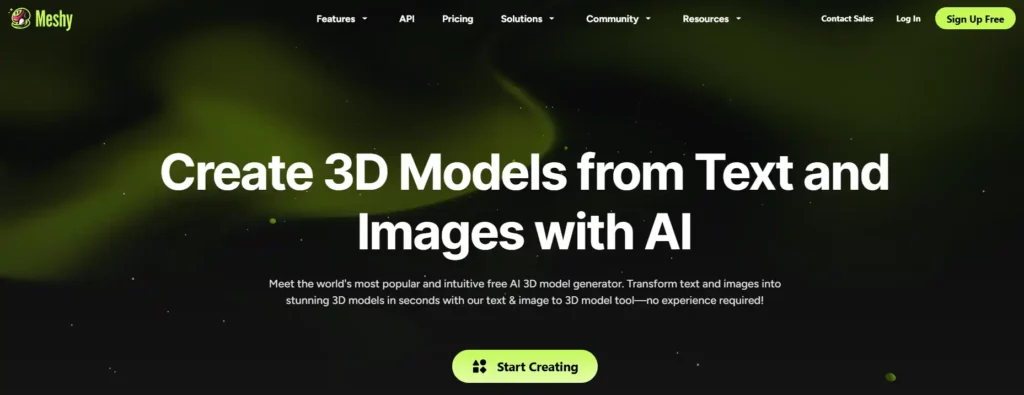
Meshy offers a comprehensive AI-powered suite for 3D content creation, converting both text and images into detailed models. Its versatile toolset is designed for a wide range of professional applications, from game development to product design.
With advanced features like AI texturing and PBR map support, Meshy empowers creators to produce production-ready assets that seamlessly integrate into existing workflows, scaling creation without scaling costs.
Meshy Pros and Cons
Standout Features:
Our Verdict:
Meshy is a powerful, production-ready platform for teams needing a versatile and scalable 3D content creation pipeline.
3. Sloyd

Sloyd revolutionizes 3D asset creation with a unique parametric engine that generates game-ready models in real-time. Instead of generating from scratch, its AI assembles models from a vast library of customizable parts, ensuring optimized topology.
This approach gives creators unparalleled control and speed, allowing for instant iteration and customization directly in the browser. It's specifically built for game developers who need performant assets that are easy to modify.
Sloyd Pros and Cons
Standout Features:
Our Verdict:
Sloyd is the definitive tool for game developers seeking customizable, highly optimized 3D assets in real-time.
4. Spline

Spline is a collaborative, web-based 3D design tool that empowers teams to create interactive experiences directly in the browser. It combines traditional 3D modeling with real-time physics, animations, and no-code game controls.
This platform is perfect for web designers and creative teams looking to build engaging 3D scenes for websites and marketing materials. It streamlines collaboration and allows for seamless integration into web projects with simple embed codes.
Spline Pros and Cons
Standout Features:
Our Verdict:
Spline is the best browser-based platform for collaboratively creating interactive 3D designs and web experiences.
5. Hitem3D
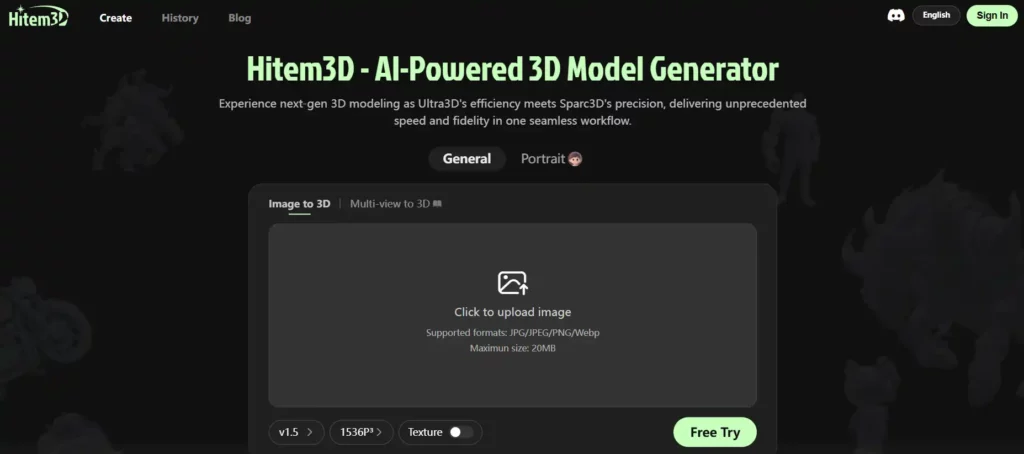
Hitem3D redefines 3D modeling by turning single images into high-fidelity assets. Powered by its proprietary Sparc3D technology, it excels at reconstructing complete, full-form geometry, providing a true 360° view without shortcuts or missing details.
This advanced approach yields smooth, production-ready surfaces with accurate material contours. It is an ideal solution for professionals in gaming, fashion, and digital art who demand precision and aesthetic quality from their AI-generated models.
Hitem3D Pros and Cons
Standout Features:
Our Verdict:
Hitem3D is an excellent AI generator for creating detailed, 360-degree models from single images, excelling in surface fidelity.
6. Backflip.ai

Backflip.ai provides powerful AI tools for the physical world, specializing in transforming 3D scans into parametric CAD models. It bridges the gap between scanned data and manufacturing-ready designs with a single click.
Developed by the founders of Markforged, this platform is tailored for engineers and product designers who need to translate real-world objects into editable CAD files for their manufacturing ecosystem, supporting formats like .STEP.
Backflip.ai Pros and Cons
Standout Features:
Our Verdict:
Backflip.ai is the essential solution for engineers who need to convert 3D scan data into manufacturing-ready parametric CAD models.
7. Masterpiece X

Masterpiece X serves as the critical link between AI generation and professional 3D production pipelines. It is a desktop editor that connects AI assistants to the software and workflows that creatives and developers already use.
With a robust API, SDKs, and ComfyUI nodes, it allows for the creation of custom, scalable 3D generation workflows. This makes it a go-to choice for developers wanting to embed 3D generation directly into their applications.
Masterpiece X Pros and Cons
Standout Features:
Our Verdict:
Masterpiece X is the perfect tool for developers looking to integrate custom AI 3D generation into professional pipelines.
8. Meshcapade

Meshcapade is a specialized digital human company, pioneering the creation of hyper-realistic 3D body models and markerless motion capture. It uses a single camera to generate lifelike avatars with unmatched accuracy, built on the industry-standard SMPL model.
This technology is enterprise-proven and essential for industries like gaming, fashion (for virtual try-on), and robotics. It turns raw video data into scalable, animation-ready digital humans, capturing everything from broad movements to fine finger details.
Meshcapade Pros and Cons
Standout Features:
Our Verdict:
Meshcapade is the industry leader for generating scientifically accurate, animation-ready digital humans from standard video footage.
3D Object Generators Transforming Digital Content Creation

AI 3D object generators are fundamentally changing digital content creation by automating and accelerating what was once a time-consuming manual process. These tools allow creators to generate detailed 3D models from simple text descriptions or 2D images, drastically reducing asset production time for industries like gaming, film, and architecture.
This technological shift democratizes 3D modeling, making it accessible to users without extensive technical skills. For businesses, it translates into faster prototyping and more cost-effective product visualization, enabling the creation of immersive marketing materials and virtual experiences with greater efficiency.
As the technology advances, it continues to streamline workflows and push the boundaries of creative possibility.
The Future of Creation
AI 3D object generators are fundamentally revolutionizing creative workflows by making asset creation faster and more accessible than ever. From producing game-ready models to detailed product visualizations, these tools provide powerful solutions for developers, designers, and marketers alike.
The platforms featured in this guide represent the best options for enhancing productivity and unlocking new creative potential.
By using these insights, you can select the ideal generator to streamline your projects and elevate your digital content creation strategy.
AiMojo Recommends: