Ever wondered how top developers shave hours off their Firebase projects and sharpen every code push? Gemini CLI drops straight into Firebase Studio, giving you a command-line sidekick that streamlines tedious tasks, polishes your workflow, and keeps focus sharp.
Get set for practical steps, smart productivity tricks, and proven ways to supercharge your Firebase Studio setup—all without fluff.
Key Takeaways
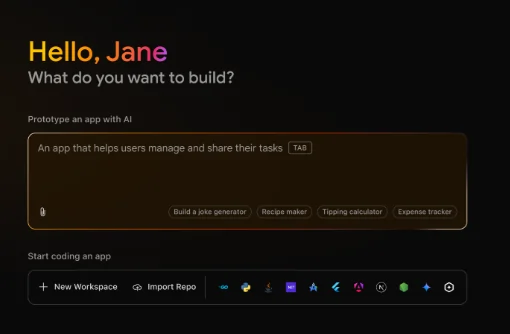
Why Developers Choose Gemini CLI for Firebase Studio
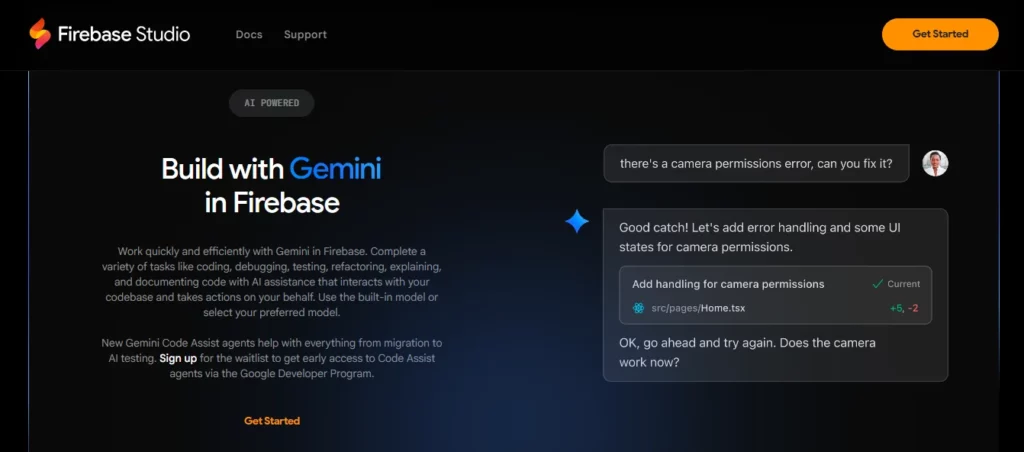
Gemini CLI fits right into workflows for those who live in their terminals. It’s designed for swift context switches, code updates, and quick troubleshooting—without needing to open another browser tab or window.
How Gemini CLI Integrates with Firebase Studio
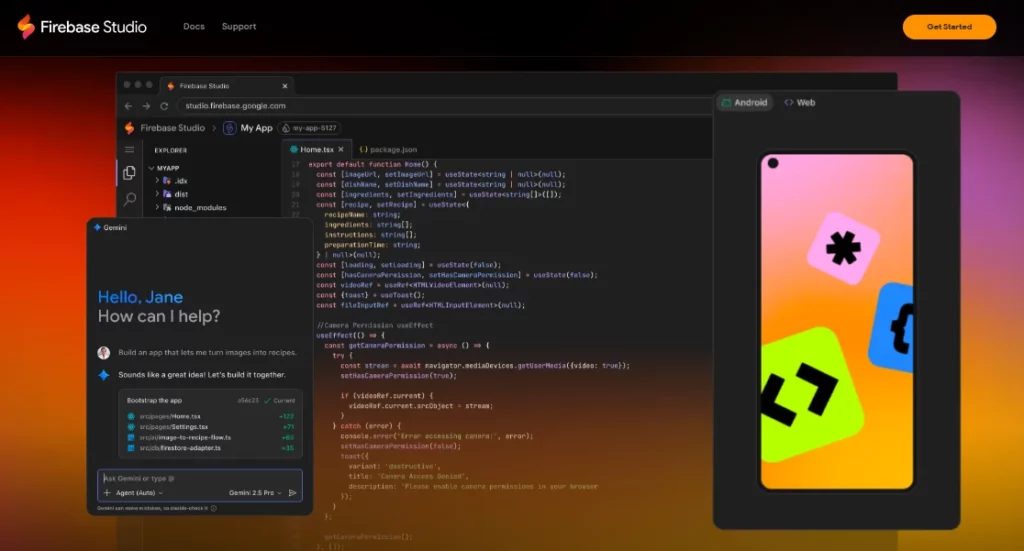
The integration lets you tap AI assistance directly in the Studio terminal. Gemini CLI offers two core modes: interactive (chat and step-wise code editing) and non-interactive (one-off batch commands for scripting). With preinstall from July 2025, just open the terminal in Code view, run gemini, and you’re set.
Gemini CLI vs Other AI-Driven CLIs (2025 Snapshot)
| Feature | Gemini CLI | Claude Code | Aider | Codex CLI |
|---|---|---|---|---|
| Free Request Allowance | 1,000/day, 60/min | $3–$5/hr | Open Source | Open Source |
| Context Window | 1M tokens | High but costly | Multi-file | Multi-mode |
| Code Editing | Yes | Yes | Yes | Yes |
| Terminal Automation | Yes | Yes | Yes | Yes |
| Security | Google Auth | Standard | Standard | Standard |
| Google Search Integration | Yes | No | No | No |
| OS Support | Cross-platform | Mac-only | Multi OS | Multi OS |
Step-by-Step Guide: Supercharge Your Workflow with Gemini CLI
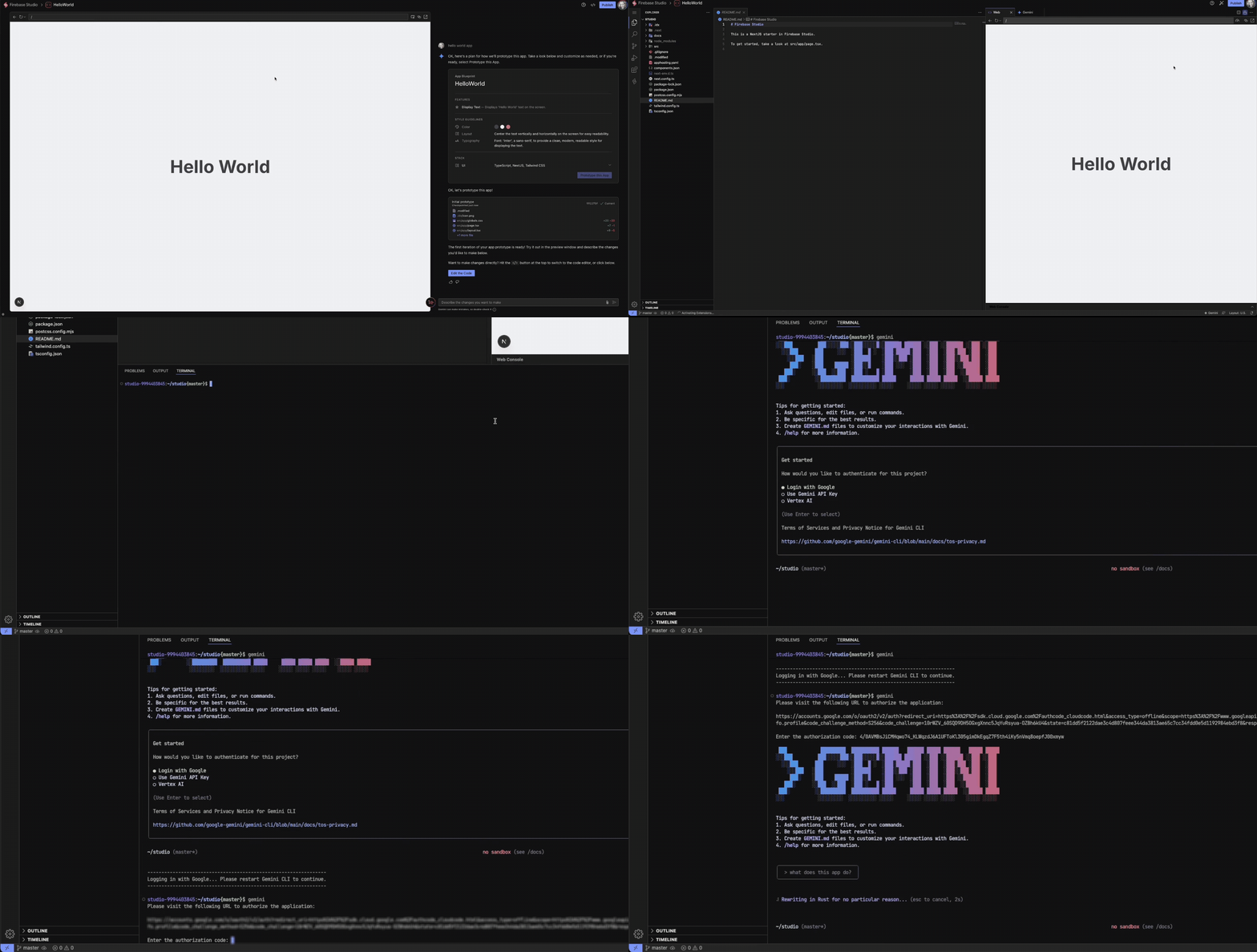
- Switch to Code View in Firebase Studio: If using Prototyper mode, switch to Code view for full Gemini support.
- Open Terminal: Click the menu (three dots), select Terminal, then New Terminal (or press
Shift+Ctrl/Cmd+C). - Start Gemini CLI
Type:
gemini
Hit enter. - Customise the Experience: Follow prompts to select a colour theme. Hit
Enterto set. - Authenticate: Opt for Login with Google for free daily quotas. Alternative authentication for advanced setups supported.
- Interact or Automate: Start an interactive session to prompt Gemini for tasks:
> Generate a reusable modal in React.js
> Or use non-interactive mode for scripts:gemini -p "List and document all routes in this Express.js project" - Incorporate Results: Gemini CLI can update, edit, or review files and even run install commands—all from the CLI.
- Troubleshoot & Enhance: Use real-time chat for debugging, use @search for retrieving stack traces or fresh docs, or ask Gemini to interpret terminal outputs.
AiMojo Recommends:
Try it Out
By integrating it into your Firebase Studio workflow, you’ll get an AI-powered assistant right inside your dev environment. Try it out and share how much faster it makes your development process!


 BONUS: Get our $200 “AI Mastery Toolkit” FREE when you sign up!