


We’ve all been there: you upload a perfectly good photo hoping for a cinematic animation, but the result is a glitchy, distorted mess that burns through your expensive credits. With new tools launching every week, finding one that actually respects human anatomy—rather than just warping pixels—is exhausting.
You shouldn't have to be a prompt engineer to get a usable clip. I’ve focused this analysis on the Top 6 AI Selfie to Video Generators that truly prioritize stability and realism. If you need precise lip-syncing or just smooth cinematic movement, this breakdown will help you pick the right tool immediately, saving you from the costly trial and error.
How AI Selfie to Video Generators Interpret Facial Topography

To create convincing motion, modern AI selfie to video generators must go far beyond simple 2D animation or warping. Instead of treating your photo as a flat surface, advanced models utilize depth estimation to interpret the face as a volumetric 3D object.
They work by mapping hundreds of facial landmarks—such as the jawline, eye sockets, and cheekbones—to predict exactly how skin stretches and light shifts during movement. This process ensures that when a subject turns their head, the AI maintains structural integrity rather than distorting the features.
Key topography factors include:
Understanding this underlying geometry is crucial for distinguishing high-end rendering engines from basic, glitchy filter apps.
Best AI Tools to Convert Selfies Into Videos Online
| Top AI Selfie to Video Generators | Core Strength | Key Benefit |
|---|---|---|
| Kling AI | Cinematic Realism | True Video Physics |
| Akool | Commercial Avatars | Studio Lip Sync |
| Veed.io | Social Editing | Auto Subtitles & Cuts |
| HeyGen | Talking Heads | 175+ Languages |
| Pictory | Content Repurposing | Blog to Video |
| InVideo AI | Text-to-Video | Chat-Based Editing |
1. Kling AI
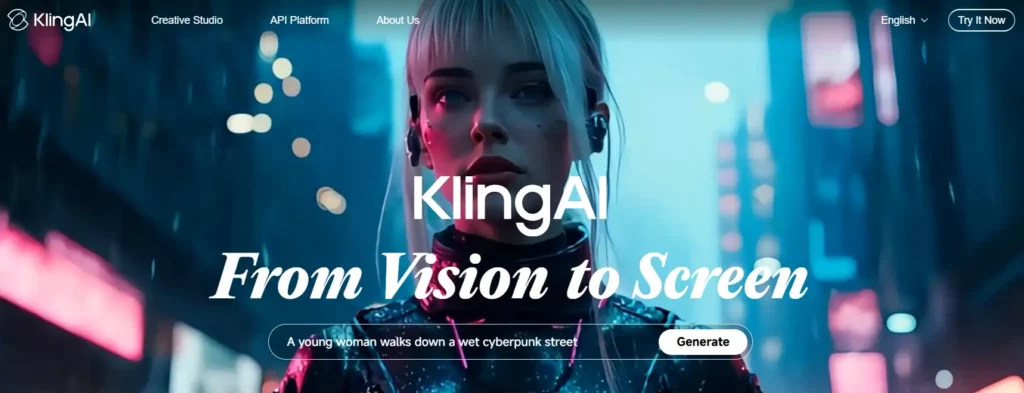
Kling AI has established itself as the benchmark for photorealistic motion in AI selfie to video generators, particularly after the release of its 2.6 model. Unlike older systems that struggle with temporal drift (where faces morph into different people mid-clip), Kling maintains anatomical consistency across extended sequences.
The platform supports both text-to-video and image-to-video workflows, with granular controls for camera movement and motion intensity. For users animating selfies specifically, Kling's facial landmark tracking ensures realistic eye movement, natural head rotation, and believable skin deformation during expressions.

Kling AI 2.6: Cinematic Selfie Video Magic Exclusive
Kling AI Pros and Cons
2. Akool

Akool positions itself as a business-focused video suite with strong emphasis on facial animation and avatar creation. Where many AI selfie to video generators prioritise artistic motion, Akool optimises for commercial use cases like product demos and corporate presentations.
The platform's strength lies in its resolution flexibility—supporting up to 4K output—and its template library designed for marketing workflows. However, the credit-based system requires careful planning, as high-resolution renders consume significantly more credits per second than competing platforms.
Akool Pros and Cons
3. VEED.io
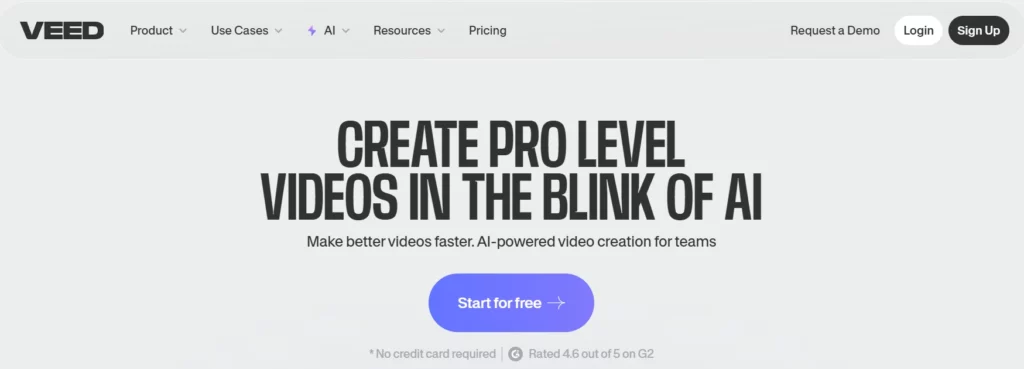
Coming in at #3 on our list of AI selfie-to-video generators, VEED.io stands out for its hybrid approach. It combines classic video editing tools with smart animation features that make turning selfies into engaging videos simple and flexible. With its Gen-AI Studio, users can convert photos into videos directly inside an easy-to-use, browser-based editor.
The tool shines in its subtitle generation and translation features, allowing users to animate a selfie and immediately layer captions in over 100 languages. For users new to AI video, the free tier provides a low-risk testing ground, though exported videos carry watermarks until upgrading.
VEED.io Pros and Cons
4. HeyGen
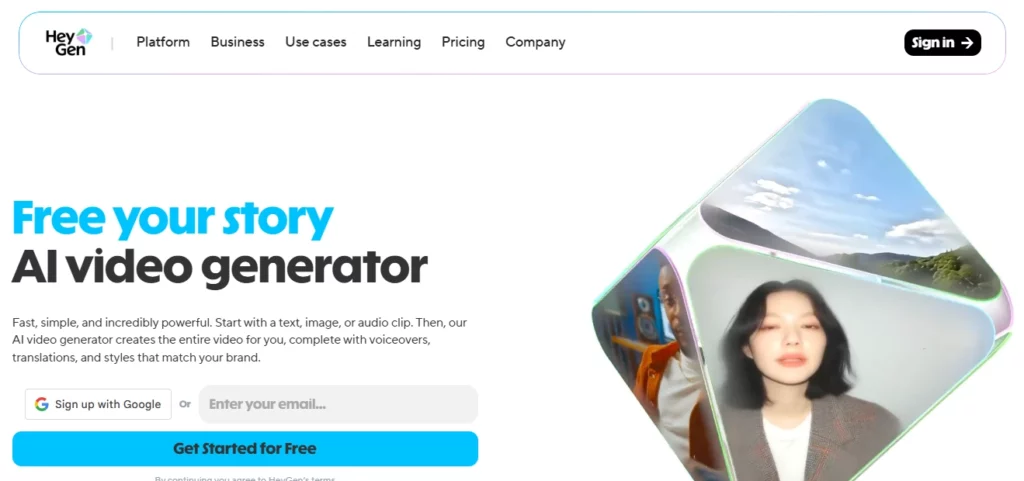
HeyGen has carved out dominance in the talking avatar niche, making it a natural choice for users wanting to transform selfies into speaking personas. The platform's Avatar IV technology generates photorealistic digital twins from uploaded photos, capable of delivering scripted dialogue with accurate lip-sync and natural micro-expressions.
Recent updates have integrated Veo 3 and Sora 2 for B-roll generation, allowing users to create complete video narratives where animated selfies interact with AI-generated environments. The Creator plan offers unlimited standard avatar videos, making it cost-effective for high-volume use.
HeyGen Pros and Cons
5. Pictory AI

Pictory specialises in transforming long-form content into short, engaging video clips—making it particularly effective for repurposing selfies within narrative contexts. Rather than simply animating a photo in isolation, Pictory's AI analyses text scripts and automatically pairs animated selfies with relevant stock footage, transitions, and captions.
The platform's strength lies in automation: upload a blog post or article, and Pictory generates a complete video storyboard with your animated selfie as the presenter. However, users report that automatic scene selection can sometimes miss the mark, requiring manual adjustments.
Pictory AI Pros and Cons
6. InVideo.io
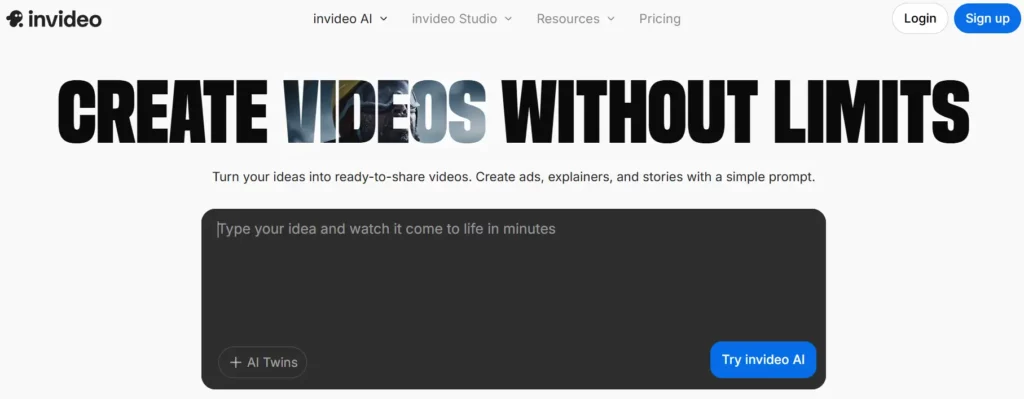
Rounding out our list of AI selfie-to-video generators, InVideo.io positions itself as a complete video creation platform. It brings powerful selfie animation features together with a full editing suite, making it easy to create professional-looking videos from start to finish. Using its generative tools, users can enter simple prompts to produce ready-made videos that include animated selfies, background music, voiceovers, and custom branding.
Recent pricing restructures have made InVideo competitive for small teams, with the Plus plan offering 50 monthly minutes of AI generation alongside unlimited standard exports. The platform also includes iStock asset integration, giving users access to premium media without additional licensing fees.

InVideo.io Pros and Cons
Prompt Engineering for Motion: Optimizing Inputs for AI Selfie to Video Generators

Getting a usable clip from AI selfie to video generators relies heavily on the specificity of your text inputs. A vague command often results in chaotic hallucination, whereas precise instructions guide the model to generate coherent motion paths.
To optimize your results, stop treating the prompt box like a search bar. You need to direct the scene like a cinematographer, balancing the subject's action with the camera's behavior to maintain realism.
Mastering these linguistic triggers is the single best way to reduce wasted credits and minimize distracting motion artifacts.
Bring Your Photos to Life — Starting Now
The era of static profile pictures is quietly fading. We are moving into a time where sharing a moment means capturing the movement and feeling behind it, not just the pixels. While the technology behind AI selfie to video generators is still evolving, the tools we looked at prove that you don't need a Hollywood studio to create something cinematic.
Start small. Pick one tool that matches your style—whether that is for precise lip-syncing or just a bit of artistic motion—and experiment. The goal isn't to trick people, but to tell your story in a way that feels a little more alive.
AiMojo Recommends:


 BONUS: Get our $200 “AI Mastery Toolkit” FREE when you sign up!



