

“Look, I just want to generate some hot art without needing a PhD in computer science. Is that too much to ask?”
Or maybe you're on the other side: “I’m tired of these generic AI faces. I want total control over every muscle, every pose, and every pixel.”
I hear you loud and clear.
To give you a completely unbiased answer, our Aimojo experts spent weeks testing both platforms specifically for LGBTQ+ erotica. We generated thousands of images, from realistic leather daddies to stylised queer anime characters, to see which tool actually delivers when it matters most.
The result? A clear verdict that might surprise you. Let’s break it down.
⚡ At A Glance: The Quick Verdict

Stable Diffusion Web is like an iPhone camera—point, click, and get a great result instantly. Perfect for beginners who want quick, uncensored fun without technical headaches.

ComfyUI is like a professional film studio—complex, requiring setup, but giving you absolute control over lighting, poses, and consistent characters.
💬 Real User Workflows: Simple Generation vs Advanced Control Explained
To help you understand the difference, imagine two creators, Alex (The Artist) and Sam (The Tech Wizard), discussing their process for creating Stable Diffusion XL for gay porn.
Sample Conversation:
Alex (Stable Diffusion Web User):
“I just want to type ‘handsome man in leather harness' and get a hot image immediately. I don't want to install anything or manage files. I just log in, type my prompt, and if it looks good, I keep it. If not, I click generate again.”
Sam (ComfyUI Power User):
“I need more than that. I need his tattoo to be on the exact same arm in every shot. I use custom nodes in ComfyUI for consistent characters. I set up a workflow where I can drag in a specific pose file, tweak the lighting, and ensure the anatomy is perfect before I even render the final HD version.”
Best AI Models for Gay & Trans Art: Civitai LoRAs vs Web Presets
The Core Difference: Can it generate exactly the type of man or queer character you want?
🟢 Stable Diffusion Web (The “Rental” Model)
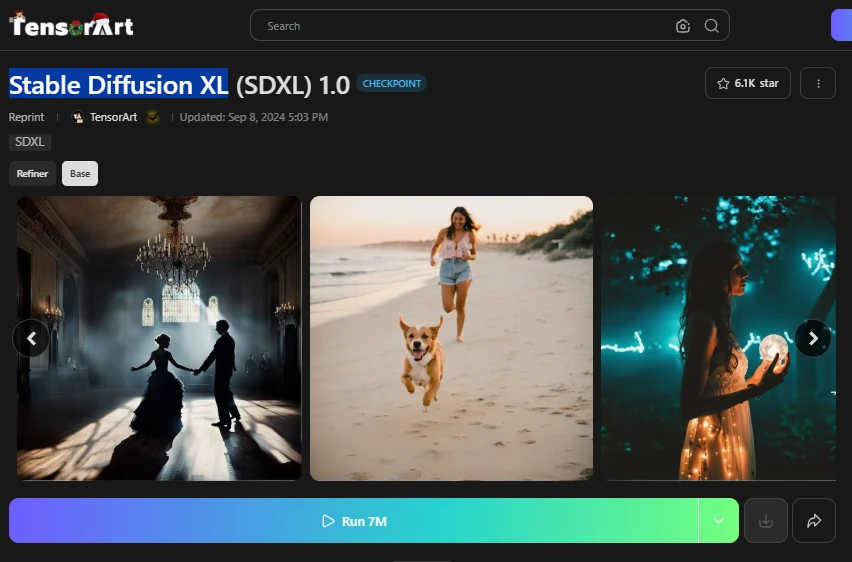
Web services like Tensor.art, SeaArt, or Mage.space provide pre-loaded models. They are excellent for general “attractive men” but often struggle with niche subcultures or specific body types.
🔵 ComfyUI (The “Owner” Model)
Since ComfyUI runs on your PC, you can download any model from Civitai. This is critical for LGBTQ+ art because the best male anatomy models are often community-made custom checkpoints.

Fixing Bad Hands & Poses: Inpainting vs ControlNet for NSFW Art
The Core Difference: How do you fix a bad hand or add a specific tattoo?
🟢 Stable Diffusion Web
Most web platforms work on a “Slot Machine” mechanic.

Note: You have limited tools. Some offer basic “Inpainting,” but it's often clunky and costs extra credits.
🔵 ComfyUI
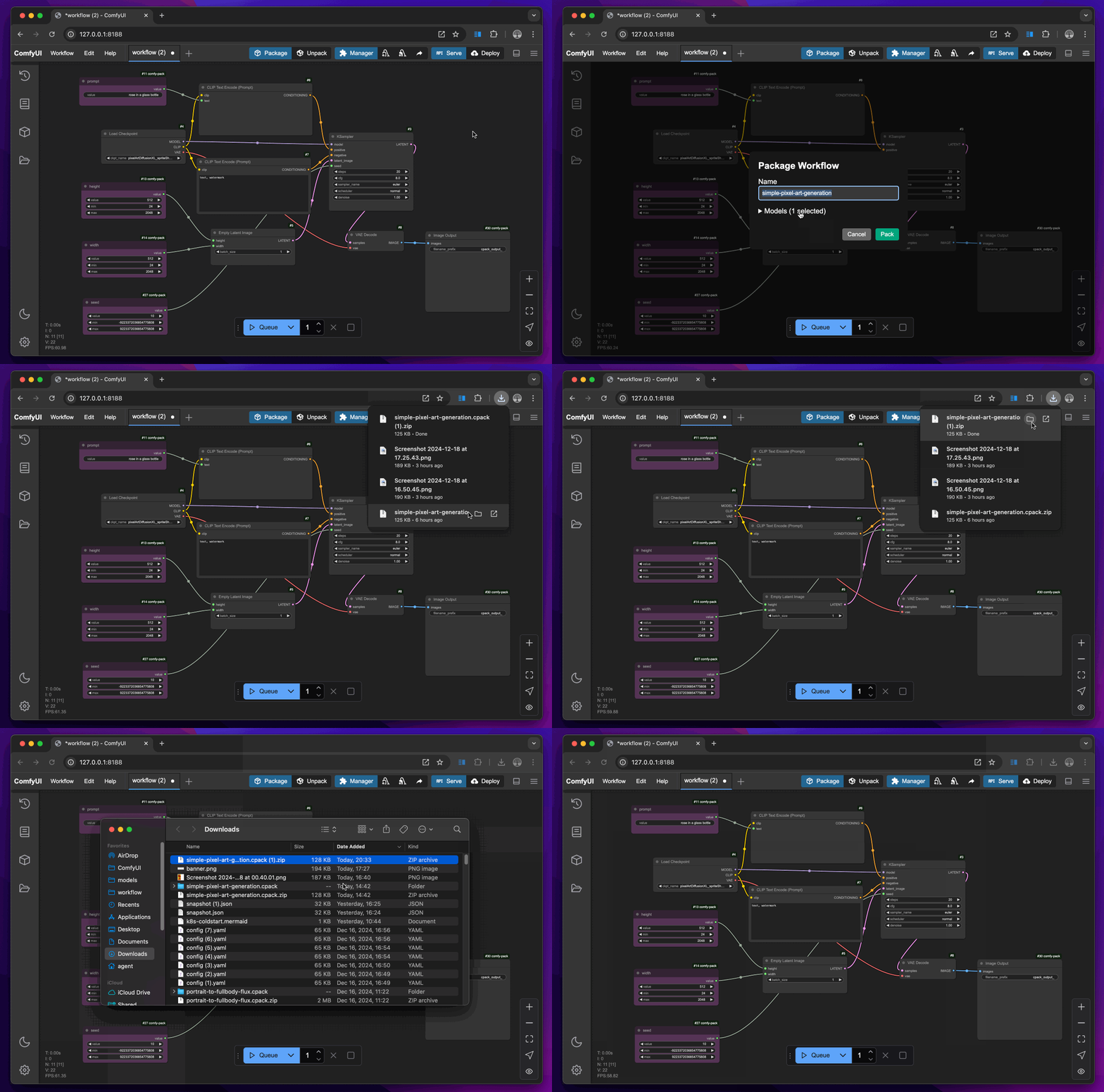
ComfyUI allows you to build a “Factory Line” for your images using Nodes.
Performance Test: SDXL Turbo Speed vs Cloud GPU Quality
The Core Difference: Who has the raw horsepower?
| Feature | Stable Diffusion Web | ComfyUI (Local) |
|---|---|---|
| Raw Quality | ⭐⭐⭐⭐ (Service Dependent) | ⭐⭐⭐⭐⭐ (Limitless) |
| Speed | ⚡ Fast (10-15s per image) | 🐢 Varies (GPU Dependent) |
| Consistency | 🎲 High Randomness | 🎯 Pixel-Perfect Control |
| Upscaling | 💲 Costs Extra Credits | 🆓 Free (Ultimate SD Upscale) |
Detailed Analysis:
Uncensored AI Art: Is Stable Diffusion Online Actually Private?
The Core Difference: Is “Big Brother” watching your prompt?
🟢 Stable Diffusion Web

🔵 ComfyUI
Cost Breakdown: Free Local Install vs Monthly AI Subscriptions
Stable Diffusion Web (Subscription-Based)

Ideal for beginners wanting instant, hassle-free results.
ComfyUI Cloud (Usage-Based)

Best for professionals needing powerful workflows without owning expensive hardware.
💡 Quick Verdict: Choose Stable Diffusion Web for fixed costs and simplicity. Choose ComfyUI Cloud if you need enterprise-grade power and flexibility.
Recommended Readings:
Decision Guide: Should You Use Stable Diffusion or ComfyUI

✅ Pick Stable Diffusion Web IF:

✅ Pick ComfyUI IF:


 BONUS: Get our $200 “AI Mastery Toolkit” FREE when you sign up!








