


Sora 2 can generate stunning video from a simple text prompt — but getting it to work smoothly inside your actual workflow is a different story. Between API limitations, platform compatibility, and figuring out which third-party apps genuinely support Sora 2, most creators end up wasting hours just trying to connect the dots.
If you're building content at scale and need tools that plug into Sora 2 without the headache, here's a closer look at the 7 best Sora 2 integration tools available right now — what each one does well, where it falls short, and which fits your specific use case.
Why Sora 2 Integration Tools Matter More Than the Model Itself

Sora 2 is powerful on its own — but raw model access doesn't solve real production problems. Without the right integration layer, you're stuck manually handling prompts, downloads, edits, and exports across disconnected workflows.
That's where third-party Sora 2 integration tools change the equation. They handle the heavy lifting — API connectivity, batch processing, audio syncing, and direct publishing — so you spend time creating, not troubleshooting.
The model generates the video. But the tool around it decides how fast, how cleanly, and how affordably that video actually reaches your audience.
For creators and teams producing content at scale, choosing the right integration platform matters just as much as the AI behind it.
Powerful Tools to Supercharge Your Sora 2 Integrations
| Best Sora 2 Integration Tools | Core Strength | Key Benefit |
|---|---|---|
| Higgsfield AI | Cinematic Video Control | Precise Character Motion |
| HeyGen | AI Avatar Production | Studio-Quality Spokespersons |
| OpenArt AI | Multi-Modal Creation | Unified Creative Workflow |
| APOB AI | Social Media Influencers | Faceless Content Scaling |
| VEED.io | End-to-End Post-Production | Built-in Team Collaboration |
| InVideo AI | Fast Content Turnaround | Conversational Video Editing |
| MindVideo AI | Narrative Video Flow | Multi-Scene Story Logic |
1. Higgsfield AI
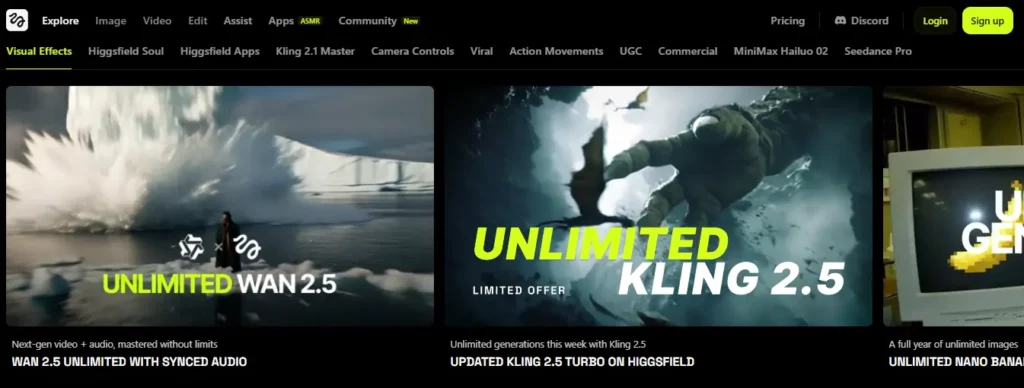
For marketers and social media managers struggling to maintain a consistent visual style, Higgsfield AI offers a highly controlled environment. As one of the more refined Sora 2 integration tools, it focuses on precise character and brand consistency across generated clips.
The platform allows users to upload reference images and apply specific camera movements to the Sora 2 output. This makes it highly practical for creating branded advertising assets or social media campaigns where visual continuity is paramount, eliminating the randomness often associated with raw text-to-video generation.
Higgsfield AI Key Features:
Best for:
Best for social media marketers requiring strict brand consistency and precise camera control across multiple campaign videos.
2. HeyGen
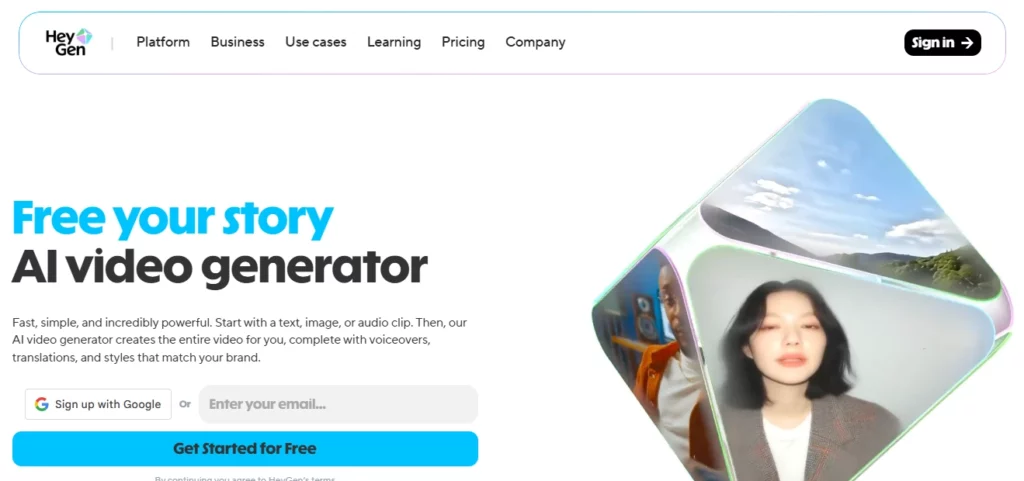
Producing corporate communications or training materials traditionally requires expensive studio setups and scheduling. HeyGen solves this bottleneck by combining photorealistic AI avatars with advanced video generation capabilities. Integrating Sora 2 technology, it enables users to generate professional-grade, presenter-led videos purely from text scripts.
The platform handles lip-syncing, voice generation, and background rendering seamlessly. By bridging the gap between avatar generation and Sora 2's environmental rendering, HeyGen streamlines the production of explainer videos, onboarding modules, and localised marketing content for global teams without requiring camera equipment.
HeyGen Key Features:
Best for:
Best for corporate teams and educators needing scalable, presenter-led explainer videos and multilingual training materials.
3. OpenArt AI
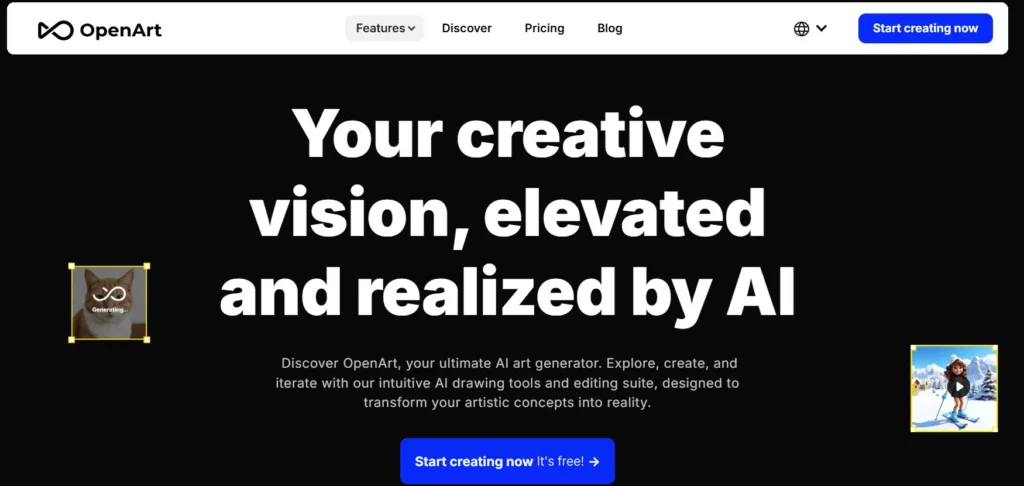
OpenArt AI functions as a unified creative studio, bringing together image, video, character, audio, and story generation into a single platform. For creators exploring Sora 2 integration tools alongside other generative workflows, OpenArt reduces the friction of switching between disconnected applications.
Its strength lies in multi-modal output — users can move from a character concept to a generated video scene to an audio layer without leaving the environment. This makes it particularly effective for content pipelines that require consistent visual identity across formats.
OpenArt AI Key Features:
Best for:
Best for digital artists and prompt engineers who require deep, node-based control over their AI video pipelines.
4. Apob AI

APOB AI is built specifically for creators who want to produce high-volume social media content without appearing on camera. By combining AI influencer generation with Sora 2-style video production, it serves a growing segment of faceless content creators scaling across TikTok, Instagram Reels, and YouTube.
The platform handles the full creator workflow — from building a personalised AI avatar to generating lip-synced talking videos with commercial usage rights — making it one of the few Sora 2 integration tools with an explicit monetisation focus built in.
Apob AI Key Features:
Best for:
Best for solo creators and influencers focusing on character-driven, vertical short-form content for social media platforms.
5. Veed.io
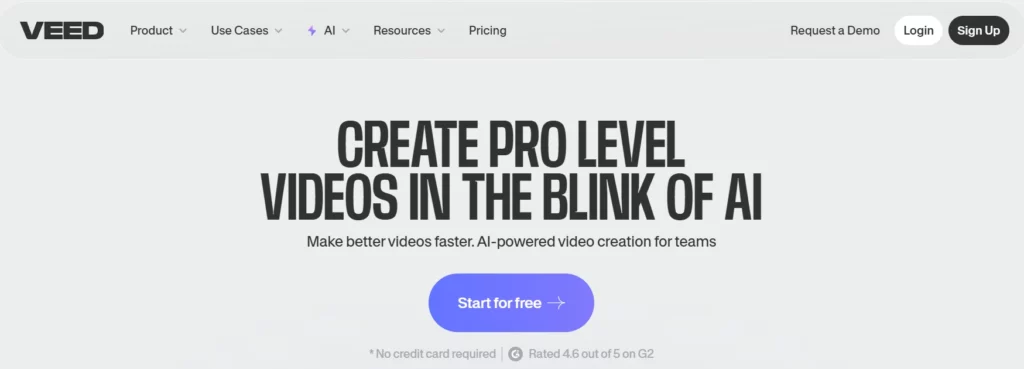
Generating an AI video clip is only the first step in the production process; most raw outputs require trimming, subtitling, and audio adjustments before publishing. Veed.io tackles this by embedding AI generation directly into a fully featured, browser-based video editor.
Serving as a practical Sora 2 integration tool, Veed allows users to generate B-roll footage and immediately drop it into an active timeline. Content teams can then instantly add auto-captions, background music, and text overlays, turning raw Sora 2 generations into polished, publish-ready assets without switching software.
Veed.io Key Features:
Best for:
Best for marketing teams requiring a unified platform to generate, edit, subtitle, and finalise video content.
6. InVideo AI
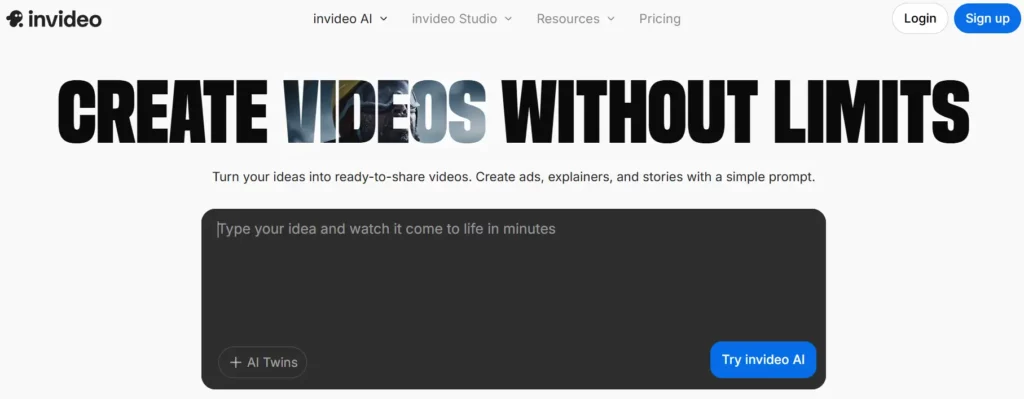
InVideo AI focuses on speed and accessibility — it lets anyone turn a text idea into a polished video without prior editing experience. For marketers and social media managers using Sora 2 integration tools, InVideo removes the production bottleneck between content idea and publishable output.
Its real differentiator is the conversational edit interface, where users can prompt changes to audio, captions, and visuals in plain language rather than navigating traditional timeline editors. This makes it particularly well-suited for teams producing high volumes of short-form content.

InVideo AI Key Features:
Best for:
Best for content publishers and business owners needing to convert text articles into fully narrated video summaries.
7. MindVideo AI

MindVideo AI is tailored for creators who prioritise storytelling structure alongside AI video generation. Rather than focusing purely on visual output, it helps users shape narrative sequences, scene transitions, and contextual flow — areas where most Sora 2 integration tools offer limited support.
This makes it a strong choice for documentary-style creators, educators, and brand storytellers who need generated video that holds together as a coherent piece, not just a collection of individual clips.
MindVideo AI Key Features:
Best for:
Best for AI filmmakers and visual storytellers constructing complex, multi-scene narratives requiring logical continuity and pacing.
How We Shortlisted These Sora 2 Integration Tools (Our Criteria)

Not every platform claiming Sora 2 support delivers the same experience. To cut through the noise, each tool on this list was evaluated against a strict set of real-world factors:
Only tools that performed consistently across all five areas made this list.
Making the Most of Sora 2 with Smart Integrations
The reality of working with AI video is that the underlying model is only half the battle. How you access it, edit it, and fit it into your actual daily workload determines whether it becomes a useful asset or an expensive distraction.
The Sora 2 integration tools we’ve covered handle the friction points that raw APIs ignore. If you need tight character control, platform-native avatars, or just a faster way to turn a script into a publishable social post, there is a specialized layer built to handle it.
Take the time to test the platform that aligns closest with your current output format. The right workflow matters just as much as the prompt.
AiMojo Recommends:


 BONUS: Get our $200 “AI Mastery Toolkit” FREE when you sign up!



