


92% of pros bleed 2+ hours daily on manual busywork—endless emails, meeting notes, task juggling. Brutal truth?
AI productivity tools flip the script: auto-summarizing hour-long calls into bullet-point gold, workflow automation that builds itself, smart task managers pulling action items from Slack threads.
Skip the hype-filled lists. These 8 best AI productivity tools (battle-tested) integrate with Notion, Google Workspace, and Zapier to make you 3x faster. No more drowning in tabs. Claim your edge—time tracking AI, meeting transcription magic, daily grind killers that actually deliver.
How AI Tools Solve Modern Workflow Challenges?
Modern workflows are often hindered by a productivity crisis marked by inefficient processes, data overload, and repetitive manual tasks. AI productivity tools offer a technical solution by leveraging advanced algorithms to automate and optimize these complex workflows.
By integrating technologies like machine learning, natural language processing (NLP), and robotic process automation (RPA), these systems address key operational bottlenecks.

AI Productivity Tools That Make Your Life Easier
| AI Productivity Tools ⚙️ | Core Functionality 🎯 | Ideal For 🌟 |
|---|---|---|
| Claude | Advanced Problem-Solving | Developers, Researchers |
| Notion AI | Unified Workspace | Teams, Individuals |
| HyNote AI | Multi-Source AI Note-Taking | Professionals, Remote Teams |
| n8n | Technical Workflow Builder | Developers, IT Teams |
| Reclaim.ai | AI Smart Scheduling | Executives, Managers |
| Clockwise | Smart Team Scheduling | Busy Professionals |
| Genspark AI | AI Super Agent Engine | Content Creators, Research |
| Fireflies.ai | Meeting Transcription | Sales, Recruiting |
1. Claude
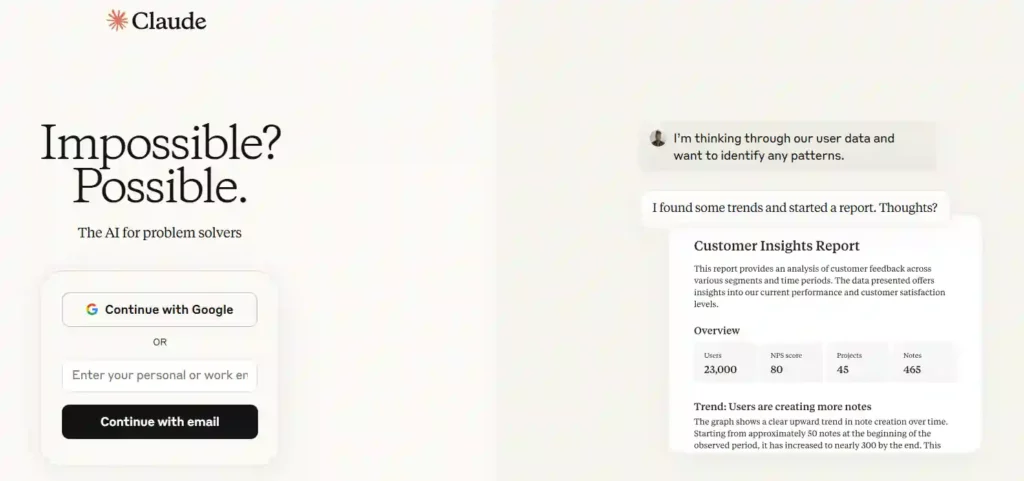
Enhance your productivity with Claude, a next-generation AI assistant engineered for accuracy, security, and advanced problem-solving. Go beyond simple task automation and engage with an AI that can analyze images, generate sophisticated code, and draft detailed documents.
Claude is designed to be a collaborative partner, helping you tackle complex challenges and produce your best work. It streamlines your workflow by offering intelligent insights and iterating on creative projects, making it an indispensable tool for professionals and students alike.
Claude Key Features:
The Artifacts feature lets you create and edit documents, code, and designs in a dedicated workspace alongside your conversation with the AI.
Developers, researchers, and creative professionals who need an advanced AI partner.
Choose Claude for its secure, accurate, and powerful AI assistance that helps you tackle your most complex and demanding tasks efficiently.
Rating: 4.8/5 stars for advanced capabilities
2. Notion AI
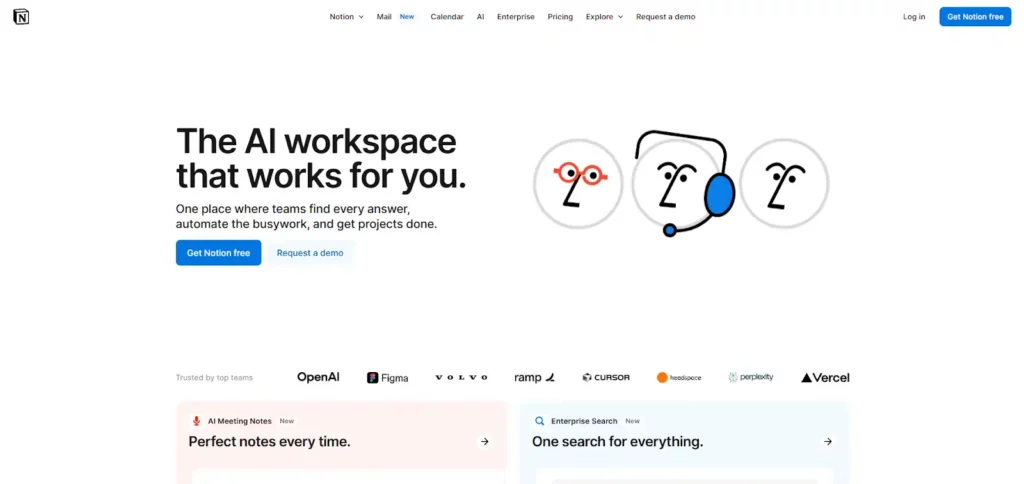
Transform your workspace into an intelligent, all-in-one productivity hub with Notion AI. Seamlessly integrated within your existing Notion pages, this powerful AI assistant takes notes, summarizes meetings, and even builds entire workflows from a simple description.
Stop jumping between countless applications; Notion AI consolidates your tools by connecting to your apps, searching across documents, and generating detailed reports with its advanced research mode. It’s the ultimate AI-powered environment for teams and individuals aiming for peak efficiency.
Notion AI Key Features:
The ability to create custom workflows automatically from a text description streamlines processes in seconds.
Teams and individuals seeking a single, unified platform for all their work.
Choose Notion AI to consolidate your tech stack, enhance team collaboration, and automate tasks right where you work.
Rating: 4.7/5 stars for all-in-one integration
3. HyNote AI
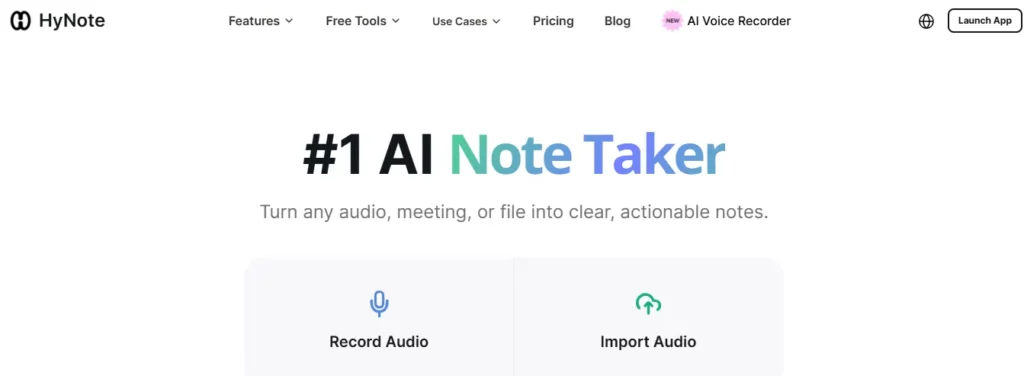
Stop juggling five different apps to manage what comes out of a single meeting. HyNote is a multi-source productivity hub that ingests audio recordings, PDFs, YouTube videos, images, and web pages — then converts all of it into clean, structured notes with zero manual effort.
Where most note-taking tools stop at transcription, HyNote AI goes further. It auto-generates summaries, action items, and follow-up emails from your content, then lets you chat with everything in your knowledge base to pull answers on demand. For professionals drowning in meetings, research, and documents, it eliminates the context-switching that kills deep work.
HyNote AI Key Features:
Chat with your entire note library — ask any question and get an instant AI answer pulled from all your stored content.
Professionals and remote teams managing high meeting volumes across multiple content formats.
Choose HyNote to replace your fragmented note-taking stack with one tool that captures, summarizes, and organizes every source of information — from live meetings to PDFs — without switching apps.
Rating: 4.8/5 stars for multi-source productivity.

4. n8n
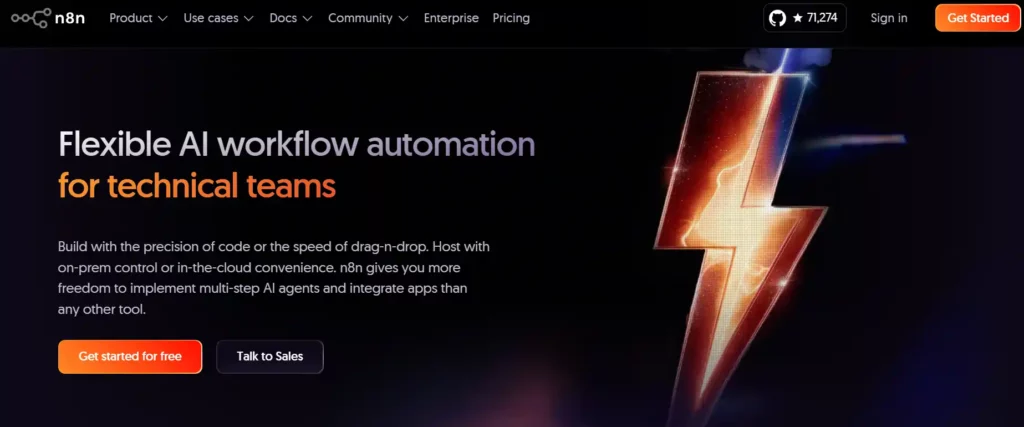
Experience flexible AI workflow automation designed for technical teams with n8n. Build with the precision of code or the speed of a drag-and-drop interface, giving you unparalleled freedom to implement multi-step AI agents and integrate with over 500 applications.
n8n offers the unique ability to self-host everything, including AI models, ensuring your data remains secure and on-premise. Whether you need to write custom JavaScript, add libraries from npm, or merge complex workflow branches, n8n provides the power and control that technical users demand.
Perplexity AI Key Features:
The freedom to switch between a visual no-code interface and a full-code environment within the same workflow.
Technical teams, developers, and IT Ops who need full control over their automation workflows.
Choose n8n for its open-source flexibility, powerful coding capabilities, and enterprise-grade security for building complex AI automations.
4.9/5 stars for flexibility and control
5. Reclaim.ai

Take back control of your schedule with Reclaim.ai, the #5 AI calendar app that intelligently manages your time for you. By integrating with your existing Google or Outlook calendar, Reclaim automatically blocks out focus time for deep work, schedules your tasks, and even finds the best times for your meetings.
Stop letting your calendar run your life. Reclaim’s smart, flexible scheduling adapts to your priorities, defends your work-life balance, and frees you from the constant hassle of manual planning. It's the ultimate tool for individuals and teams looking to boost productivity without the burnout.
Reclaim.ai Key Features:
Smart Habits allow you to automatically block time for your recurring routines, both personal and professional.
Professionals and teams struggling with calendar management and time blocking.
Choose Reclaim.ai to automate your calendar, protect your focus time, and finally achieve a healthier work-life balance.
Rating: 4.8/5 stars for intelligent scheduling
6. Clockwise

End the chaos of calendar management with Clockwise, the AI-powered assistant that intelligently automates your schedule. By analyzing team preferences and priorities, Clockwise crafts the perfect day for you, creating more time for deep work while scheduling meetings at the best possible time for everyone involved.
Say goodbye to endless scheduling conflicts and manual adjustments. Clockwise acts as a smart scheduling assistant for your entire team, navigating complex calendars to find open slots, reschedule events when you're out of office, and even turn your to-do list into flexible holds on your calendar.
Clockwise Key Features:
A conversational AI assistant that understands plain language requests to manage your calendar effortlessly.
Busy teams and professionals looking to eliminate scheduling conflicts and maximize focus.
Choose Clockwise to automate calendar tasks, increase focus time, and streamline team-wide scheduling with its powerful AI engine.
Rating: 4.7/5 stars for AI team scheduling
7. Genspark AI

Rethink how you find and use information with Genspark AI, an innovative AI Agent Engine designed to go beyond traditional search. Instead of a simple list of links, Genspark creates customized, real-time “Sparkpages” that synthesize expert insights from multiple sources into a single, comprehensive view.
Powered by a multi-agent system, Genspark can handle complex, multi-step tasks, from creating polished presentations to analyzing data and generating videos. This makes it an invaluable tool for students, researchers, and professionals who need to move from a question to a complete result quickly and efficiently.
Zapier Key Features:
The Super Agent, which can autonomously handle multi-step projects from start to finish.
Content creators, students, and professionals who need a powerful research and content generation tool.
Choose Genspark AI to transform your research process, automate content creation, and get actionable results, not just links.
4.8/5 stars for AI-powered search and task execution
8. Fireflies.ai

Make every meeting more productive with Fireflies.ai, the #1 AI teammate that automatically transcribes, summarizes, and analyzes your team conversations. With industry-leading transcription accuracy of over 95% and support for more than 100 languages, Fireflies ensures you never miss a detail from your calls on Zoom, Google Meet, Microsoft Teams, and more.
Go beyond simple notes with comprehensive AI summaries, action items, and conversation intelligence that tracks speaker talk time and sentiment. Fireflies gives your team a perfect memory of every conversation, allowing you to search past meetings and extract critical insights in seconds.
Fireflies.ai Key Features:
The ability to automatically create tasks in project management tools like Asana, Jira, and Linear directly from meeting action items.
Sales, recruiting, and marketing teams that need to analyze and act on customer conversations.
Choose Fireflies.ai for its unparalleled transcription accuracy and robust AI-powered search that turns your conversations into actionable knowledge.
Rating: 4.8/5 stars for transcription and meeting analysis
AIMOJO's Selection Methodology: Identifying the Top AI Productivity Tools
To identify the top AI productivity tools for this analysis, we employed a rigorous evaluation methodology focused on technical capabilities, performance impact, and practical usability.

Our selection process was designed to be neutral and value-driven, ensuring that the chosen tools represent the best-in-class solutions for enhancing workflow efficiency.
Making Your Decision
Adopting the right AI productivity tools is no longer a luxury but a necessity for maintaining a competitive edge. These powerful solutions are engineered to automate repetitive work, streamline complex processes, and provide the critical insights needed to drive your business forward. By taking on the burden of manual tasks, they empower you to focus on strategic initiatives that deliver real value.
Start exploring these options today to open new levels of efficiency and redefine what your team can achieve.
AiMojo Recommends:


 BONUS: Get our $200 “AI Mastery Toolkit” FREE when you sign up!



