


Creating a compelling presentation can feel like a chore. The process of selecting templates, writing text, finding the right visuals, and ensuring perfect alignment often becomes a time-consuming task.
For product managers, software engineers, and content creators alike, the demand for polished presentations is a constant. But what if artificial intelligence could handle the heavy lifting?
Enter Kimi Slides, a powerful AI agent from Moonshot AI designed to do just that. This tool generates complete, professional presentations from a simple prompt in minutes, and it's currently free to use.
It’s quickly becoming a strong contender against established tools by offering a smarter, more efficient way to build decks.
What is Kimi Slides?
Kimi Slides is not a standalone application but an AI agent integrated within the Kimi chatbot platform, developed by the Chinese AI firm Moonshot AI.
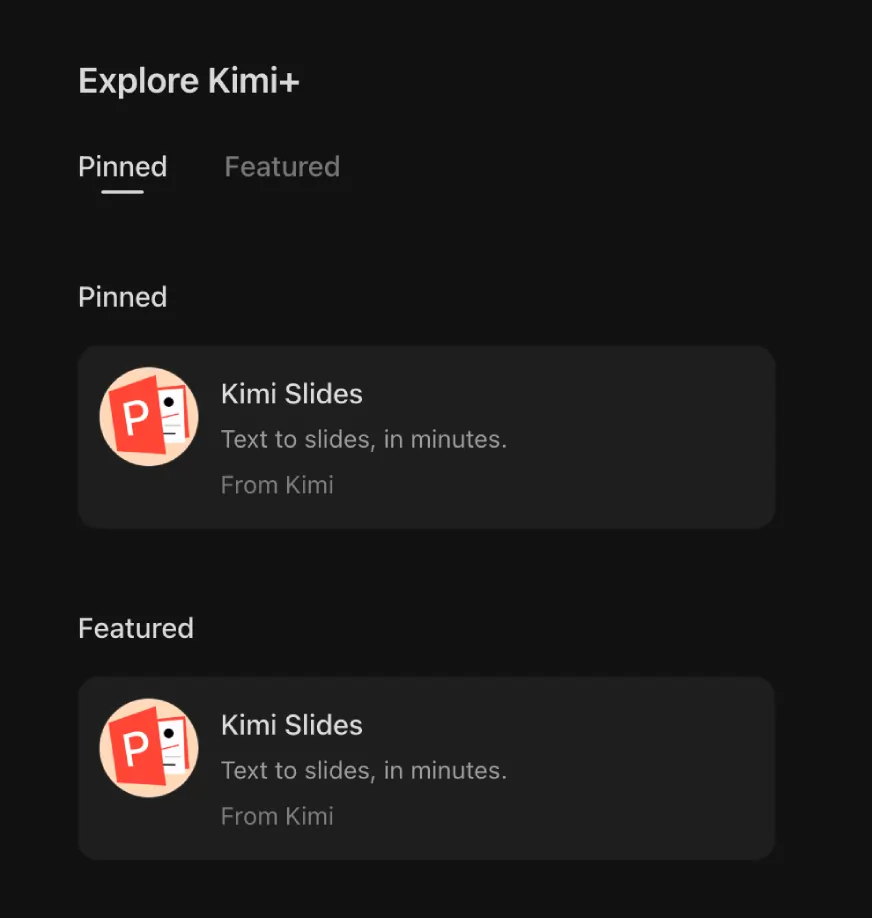
It functions as a “PPT Assistant” that you can access through Kimi+, the premium version of the chatbot which is currently available for free.
The core idea is simple: you give it a prompt, a document, or a URL, and the AI agent gets to work. It researches the topic, creates a logical outline, selects a design template, and builds a complete, editable presentation right before your eyes.
Why Kimi Slides Is More Than Just a Template Filler
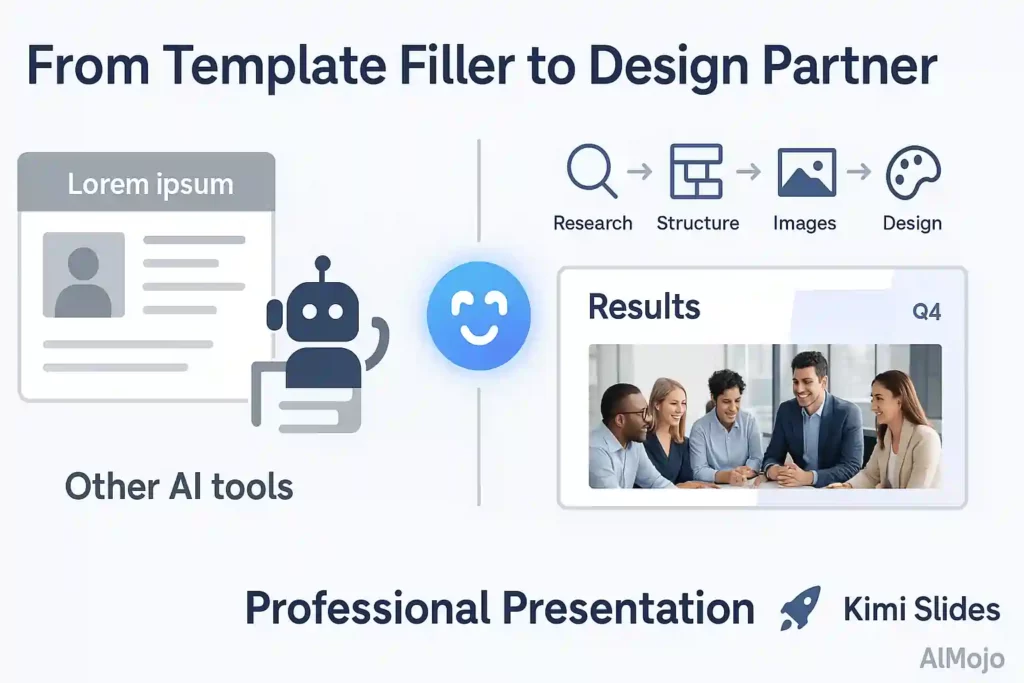
Most AI presentation tools simply pour your text into pre-made, often generic, templates. Kimi Slides takes a different, more intelligent approach by using what are known as “agentic slides”. This means the AI acts like a dedicated assistant working for you.
Instead of just formatting content, Kimi Slides:
The result is a presentation that looks less like an AI-generated file and more like something designed by a professional agency, with consistent branding, professional imagery, and thoughtful spacing.
How to Create Your First Presentation with Kimi Slides: A Step-by-Step Guide
Getting started with Kimi Slides is straightforward. The agent is located within the Kimi chatbot interface and can be used in a couple of ways.
Accessing the Tool
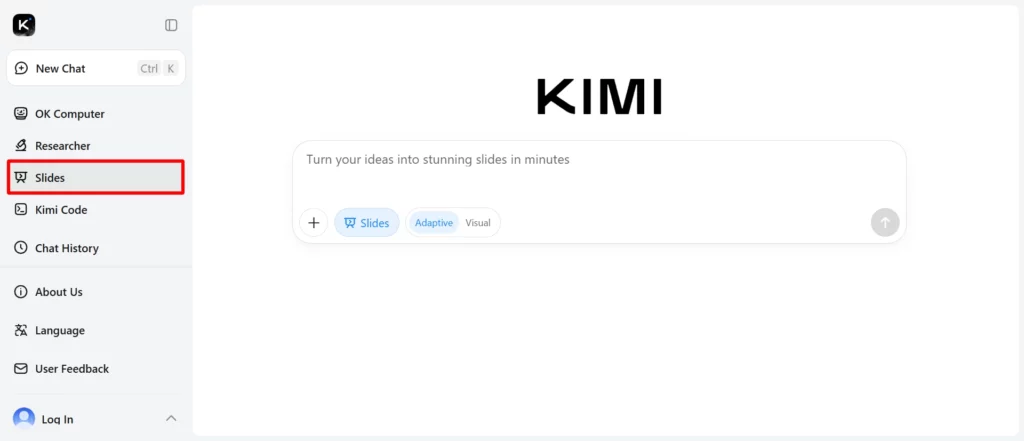
To begin, head to the Kimi website and navigate to Kimi+. From there, select the slides to launch the PPT Assistant. You can then choose how you want to generate your presentation.
Method 1: Generate a Presentation from a Text Prompt
This is the simplest way to start. You can ask Kimi to create a presentation on almost any topic.
- Enter Your Prompt: Start with a clear and detailed prompt. For instance, you could use a prompt like, “Create a PPT on customer data platforms and how they help businesses”.
- The more context you provide—including business problem, desired outcomes, and specific data points—the more tailored and professional the output.
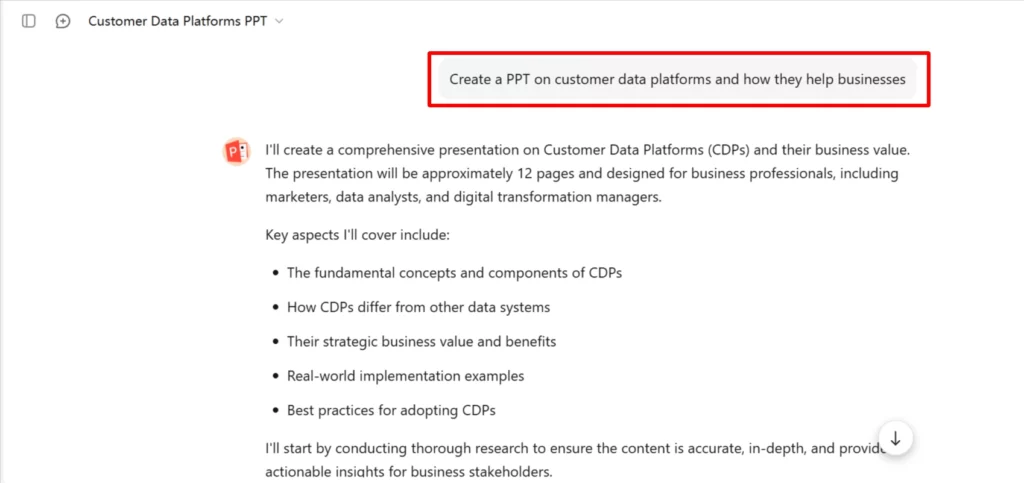
- Review the Outline: The AI will first research the topic and generate an editable outline for your presentation. You can add or remove sections to tailor the structure to your needs.

- Choose a Template: Once you approve the outline, Kimi will prompt you to select a design template. While the selection is somewhat limited, the available options are clean and professional.

- Generate Slides: After selecting a template, click “Generate Slides.” The agent will build the presentation, populating each slide with content and visuals. In just a few minutes, your deck is ready.
Method 2: Create a Presentation from a Document or Webpage
Kimi Slides can also build a presentation based on existing content, which is incredibly useful for repurposing reports or articles.

- Upload Your Content: You can upload a Word document, PDF, or text file, or simply paste a URL from a website. For example, you could prompt it to: “Create a PPT on self-evolving agents, based entirely on the attached research paper“.
- Let the AI Analyse: The agent reads and understands the provided content, extracting key points, data, and even relevant visuals from the source material.
- Generate the Presentation: Just like with a text prompt, the AI will create an outline, ask you to choose a template, and then build the full slide deck. This saves you the trouble of manually copying and pasting information.
Editing and Finalising Your Presentation
One of the standout features of Kimi Slides is that the output is fully editable. The interface is user-friendly, allowing you to drag and drop text boxes and other elements to make adjustments. This is a significant advantage over some other AI tools where customisation can be clunky. Once you're satisfied, you can download the presentation as a PowerPoint (.pptx) or PDF file.
Exploring Alternatives: Genspark AI and Gamma AI
While Kimi Slides is an impressive tool, the AI presentation space is full of strong options. Genspark AI and Gamma AI are two notable alternatives that cater to slightly different needs.
1. Genspark AI

Genspark is a broader AI automation platform that includes a powerful slide generation feature. It excels at creating research-heavy presentations by scanning thousands of sources to deliver comprehensive reports complete with data tables and visuals. Like Kimi, it can generate presentations from a simple topic or uploaded documents
Genspark operates on a credit system, offering a free tier with 200 daily credits, which is enough for most casual users . For those wanting to explore its full potential, you can get 1,000 free credits by using a special invitation link.
2. Gamma AI

Gamma is a modern presentation tool that helps you create polished and interactive presentations, documents, and even webpages. It’s known for its unique “card-based” system and “one-click redesign” feature, which lets you change the entire look and feel of your deck instantly without losing content.
Gamma is ideal for users who want to create visually stunning, web-based presentations that feel more like interactive stories than traditional slide decks. It offers a free plan with a generous allotment of starting credits, making it easy to try out.
Kimi vs. Genspark vs. Gamma: Which Should You Use?
| Feature | Kimi Slides | Genspark AI | Gamma AI |
|---|---|---|---|
| Best For | Quickly creating high-quality, content-driven first drafts with minimal effort. | In-depth, research-heavy presentations and data analysis. | Creating modern, visually engaging, and interactive web-based presentations. |
| Core Strength | Agentic AI that researches, outlines, and designs slides intelligently. | Automated deep research and content summarisation from thousands of sources. | One-click redesigns, flexible card system, and beautiful templates. |
| Output Format | Editable slides, downloadable as PPTX and PDF. | Slides downloadable as PPT or PDF. | Interactive web pages, with export options for PDF and PowerPoint. |
| Free Plan | Currently free to use via Kimi+. | Free tier with 200 daily credits. | Free plan with 400 starting credits. |
The Future of Presentations is Here
AI-powered tools like Kimi Slides, Genspark AI, and Gamma AI are changing the game for professionals, students, and educators. They automate the most tedious parts of creating presentations, freeing up valuable time to focus on delivering a compelling message.
Kimi Slides stands out with its powerful and free agentic capabilities, producing decks that require only minor edits rather than a complete overhaul. While it has some areas for improvement, such as a limited template selection, its ability to generate a high-quality first draft in minutes makes it an essential tool for anyone tired of the presentation grind.
AiMojo Recommends:


 BONUS: Get our $200 “AI Mastery Toolkit” FREE when you sign up!








