


Have you ever recorded a great video but noticed the quality was too low?
Maybe it looked blurry, dark, or pixelated. Don’t worry—you don’t need to be a professional editor to fix it.
Thanks to AI (artificial intelligence), you can now improve video quality with just a few clicks. AI tools help you make your videos look clearer, sharper, and more professional—without needing expensive software or editing skills.
In this simple guide, we will show you how AI can help you fix low-quality videos and make them look amazing. You will also learn about other cool AI tools, like the AI voice generator, which lets you add professional voiceovers to your videos without recording your own voice.
Let’s get started!
Why Good Video Quality Is Important?
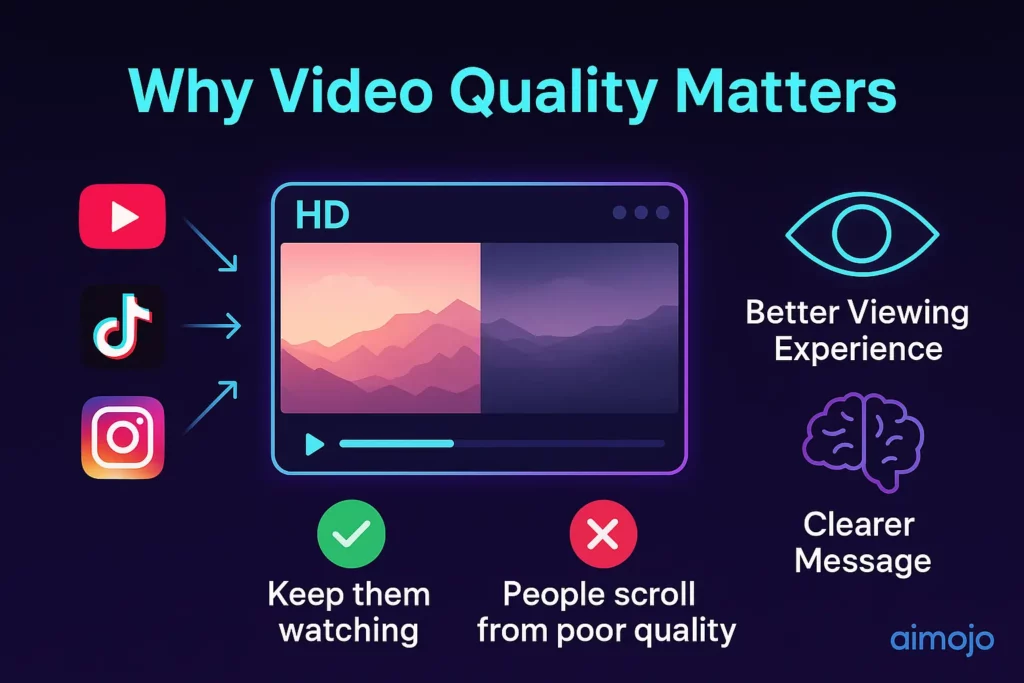
When people watch videos online, they expect high quality.
If your video looks old or blurry, they might stop watching it. That’s why it’s important to use good tools to improve your videos, especially if you want to post on YouTube, TikTok, Instagram, or use videos for school, business, or memories.
Good video quality also helps tell your story better. Viewers can see your message clearly and enjoy the experience more.
How AI Can Improve Video Quality?
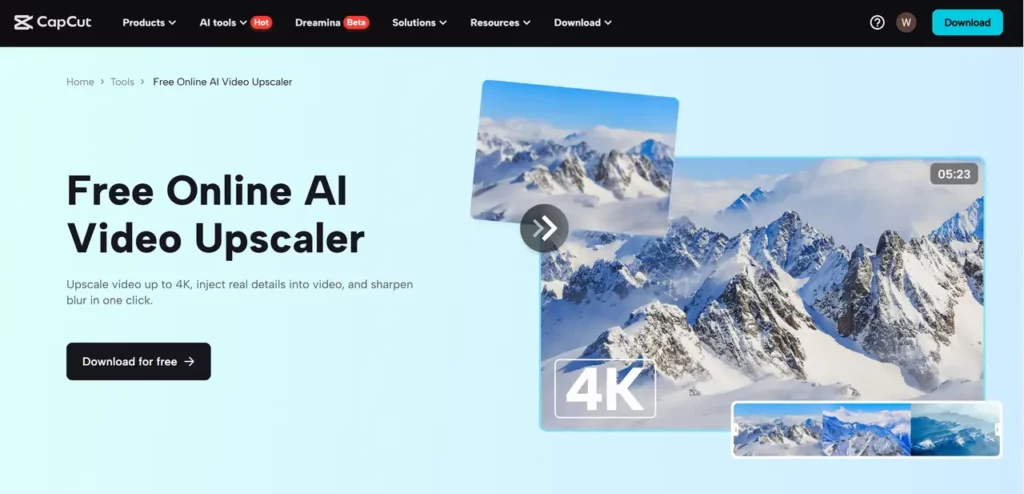
AI is now used in many creative tools, including video editing. One of the best features is called AI video upscaling. This means using smart computer technology to make low-quality videos look much better.
Here’s how it works: AI looks at each part of your video and adds missing details. It fills in the blurry or unclear areas and improves brightness, sharpness, and colors. The result is a video that looks high-quality, even if it was originally recorded in low resolution.
Many tools now offer AI upscaling. One of the easiest to use is CapCut, a free editing tool that has an excellent AI video upscaler feature. With this, you don’t need to know anything about editing—just follow a few simple steps, and your video will look much better in minutes.
How to Use CapCut’s AI Video Upscaler (Desktop Version)
CapCut’s AI video upscaler is easy and fast to use. Follow these 3 simple steps on your desktop:
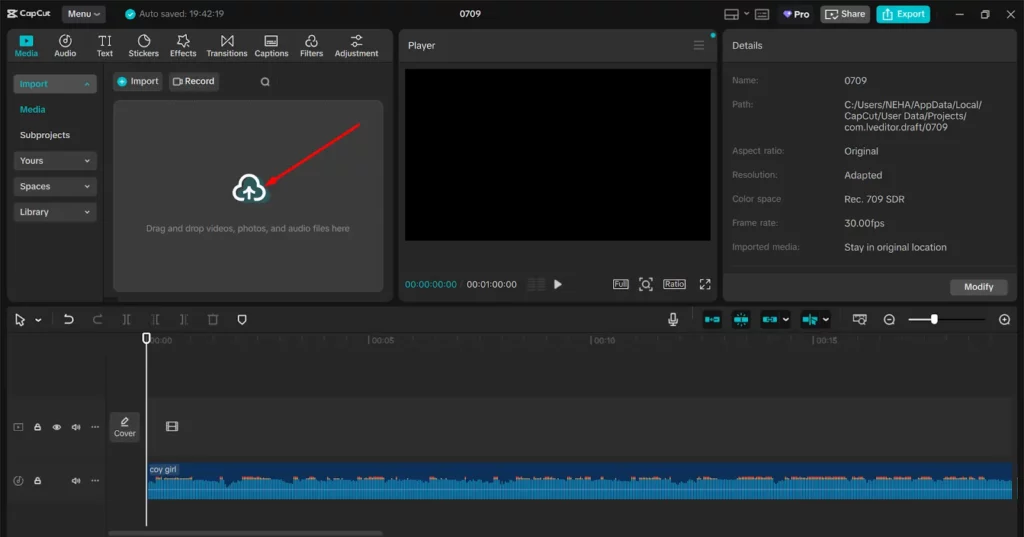
Go to CapCut on your desktop and open the project. Click “Import” to upload the video you want to improve. Choose the file from your computer, and it will appear in your editing space.
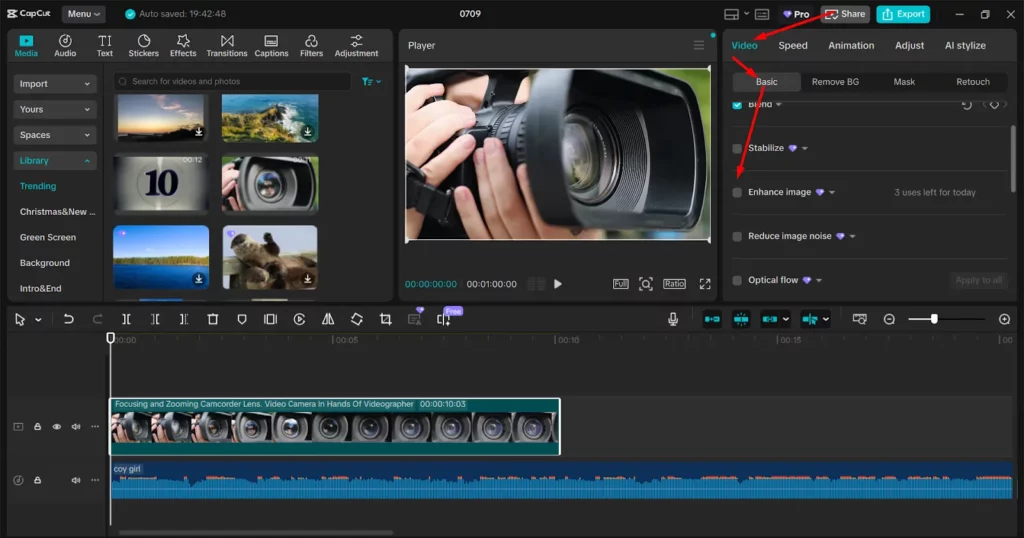
Now that your video is ready, click on the Video > Basic > Enhance image tool. CapCut will start processing the video and automatically improve the quality. It may take a few minutes, depending on the video length.
After the upscaling is finished, you can preview your video. If it looks good, click “Export” to save the improved version to your computer. You’re done!
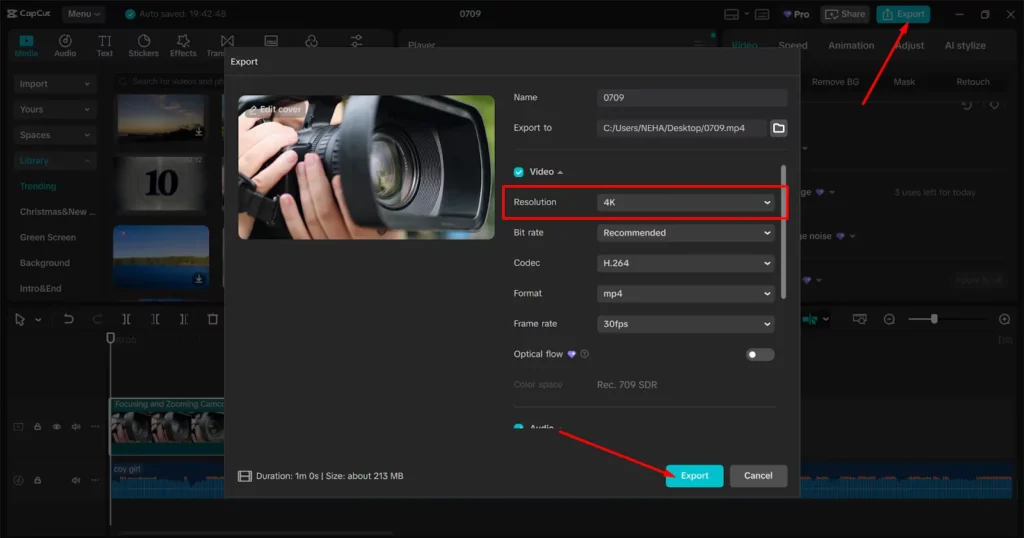
That’s it—just three easy steps to turn an old or blurry video into a high-quality one.
Why AI Tools Make Video Editing Easier?
In the past, editing videos was hard. You needed expensive software, strong computers, and editing knowledge. But now, AI tools like CapCut are changing the game. With features like the AI video upscaler, anyone can fix video quality in a few minutes.
Even if you’re a beginner, you can make your videos look like they were made by a pro. And it’s not just about visuals—AI also helps with sound and voiceovers.
If you want to add a voice to your video but don’t want to record your own voice, AI can help with that too. You can use tools like the text to speech AI to create voiceovers from written words. Just type your script, and the tool will turn it into speech using natural-sounding AI voices.
More Ways AI Can Help Your Videos
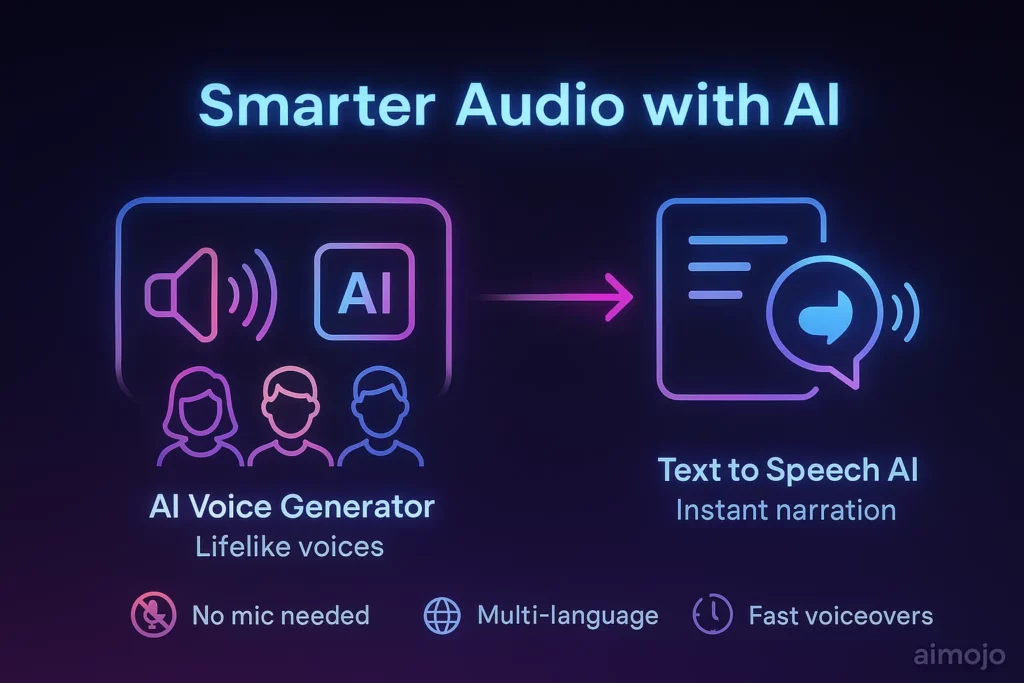
AI tools don’t just fix video quality. They also help you add professional audio to your content. For example, maybe you want to add a narrator voice to your video, but you don’t like recording your own voice. Or maybe you want your video to be in another language or accent. AI tools make this easy.
Two great tools from CapCut are:
With text to speech AI, all you need to do is write your script, and the tool will read it out loud for your video. You don’t need a microphone, and you don’t need to record anything yourself.
The Future of Video Editing with AI
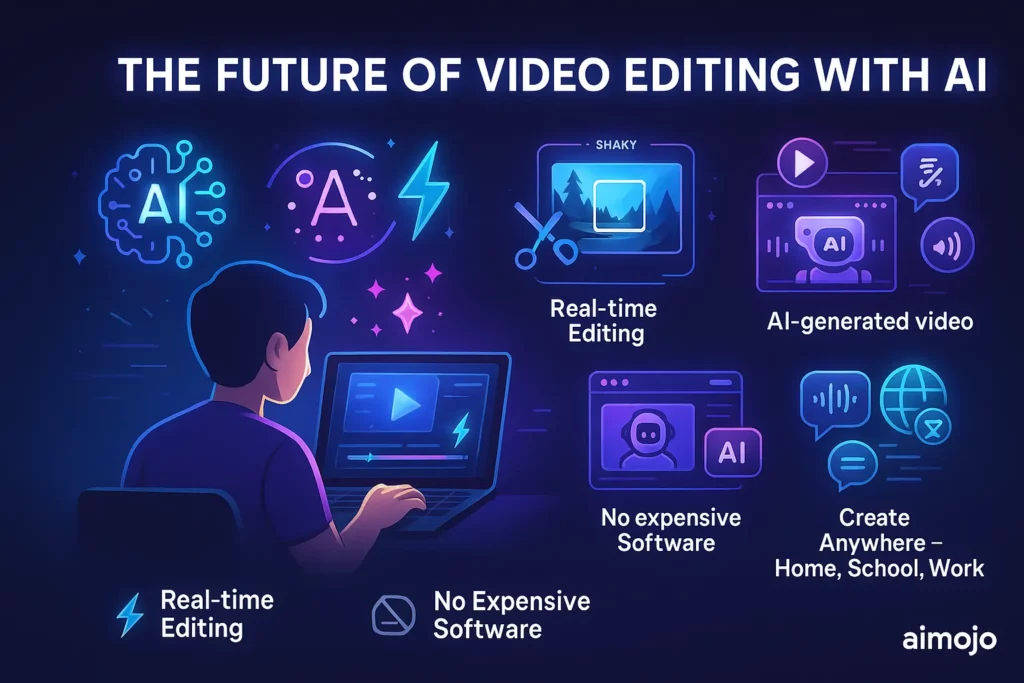
AI is making video editing faster and easier than ever. In the future, we can expect even smarter tools that can edit videos in real time, fix shaky footage, or even create new content automatically.
But even now, the tools we have are powerful.
You don’t need to spend money on fancy software or hire a professional. With AI tools like CapCut, anyone can make high-quality videos at home, school, or work.
Conclusion
Improving your video quality doesn’t have to be hard. With AI, you can easily make your videos look sharper, brighter, and more professional. Tools like CapCut’s AI video upscaler let you do this in just three simple steps: import your video, use the AI upscaler, and export your improved video.
Plus, with extra tools like the AI voice generator and text to speech AI, you can add amazing voiceovers without recording your own voice.
So why wait? Try out these easy tools today and make your videos the best they can be.


 BONUS: Get our $200 “AI Mastery Toolkit” FREE when you sign up!







