
Google Gemini Key Insights
What is Google Gemini?
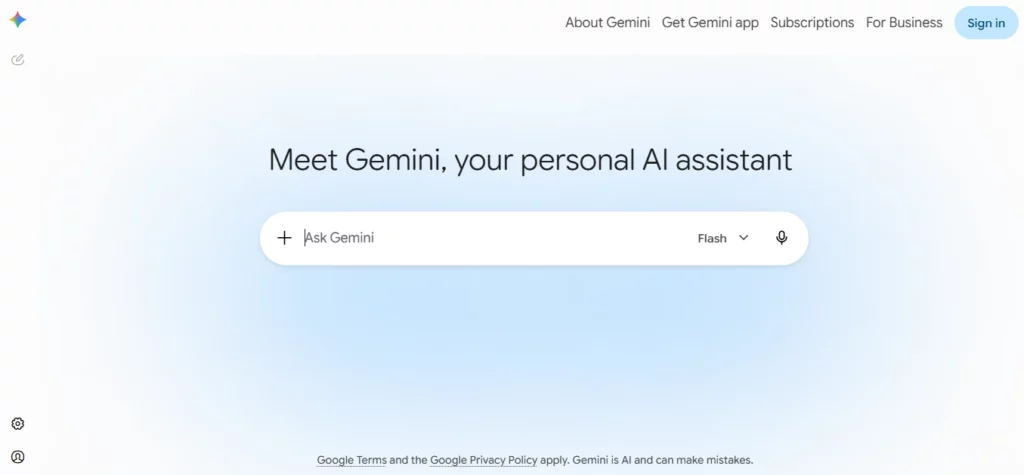
Google Gemini is Google's multimodal AI assistant built on the Gemini family of large language models replacing the earlier Bard product. It functions as an intelligence layer woven through Gmail, Docs, Sheets and Slides rather than existing as a standalone chatbot, letting business users draft content, analyse spreadsheets and summarise long documents without switching tabs.
The platform processes text, images, audio, video and code in a single conversation and grounds answers using live Google Search results for factual accuracy. For any team already running on Google Workspace this tool acts as an automation layer that speeds up writing, research and reporting tasks. Its core business value lies in reducing the time spent context switching between applications while giving staff a research partner capable of handling document heavy or data heavy workflows.
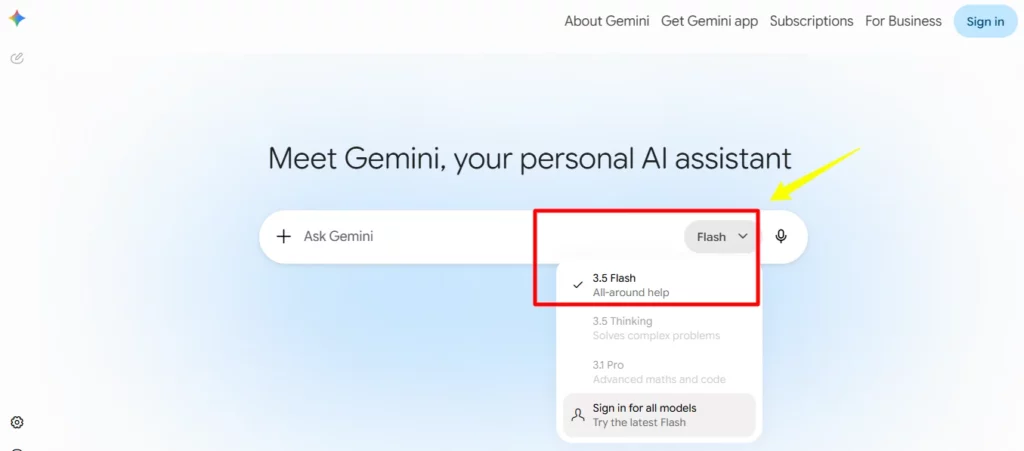
Gemini runs on Google's latest model family including Gemini 3.5 Flash for fast everyday tasks and Gemini Omni for handling audio, video and image generation within a single conversation thread. This means a user can drop in a spreadsheet, ask a question about a photo and request a written summary without switching tools, which keeps research and content workflows inside one chat window.
Gemini Live lets a user talk through ideas out loud while sharing their camera or screen so the model can see exactly what they see and respond in real time. This is useful for brainstorming article outlines on the move or getting live feedback on a design mockup without typing a single prompt.
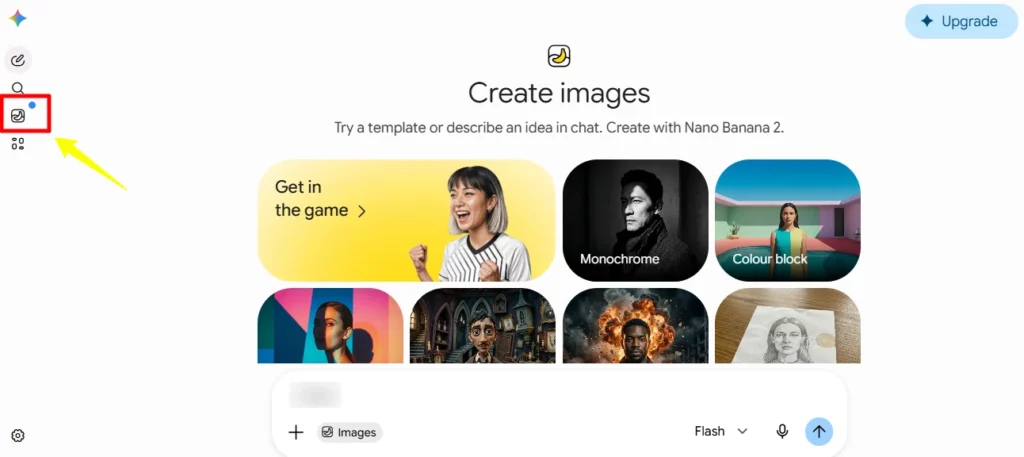
The Nano Banana 2 engine generates and edits photos with camera and lighting controls, blends multiple images into mockups and builds diagrams with legible text baked into the graphic. Marketers get a fast way to produce ad creatives, product mockups and social visuals without opening separate design software, and outputs can be resized on demand.
Gemini connects directly to Gmail, Calendar, Google Photos, YouTube, Search and Google Drive, so answers pull real context from a user's own files and history instead of generic web results. Tagging a Drive file or a Gmail thread inside a prompt lets Gemini reference that content directly, cutting out the usual copy and paste routine.
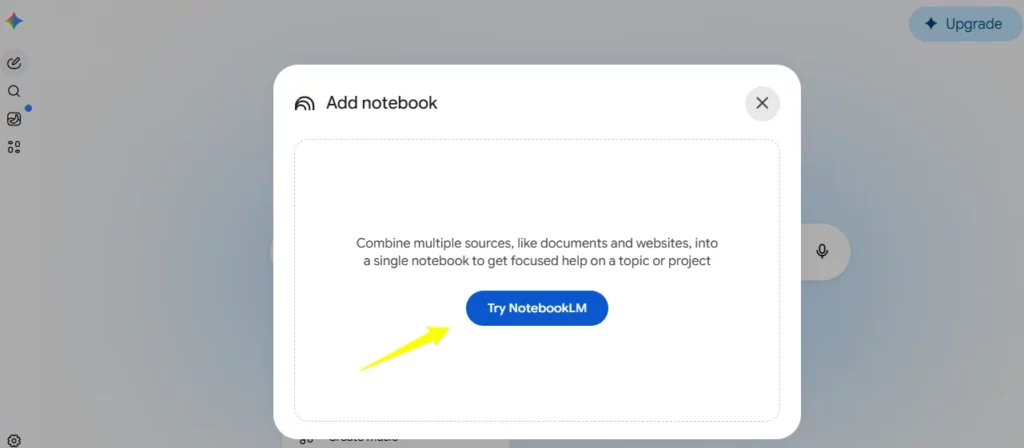
Gemini integrates with NotebookLM to ground responses in a user's own uploaded sources, giving deeper and more relevant answers for research heavy tasks compared with a plain web search. Files can also be converted into a podcast style audio overview, letting content teams review research while away from a screen.
Gemini can turn a single written prompt into a working prototype such as a web page, a simple game or an interactive dashboard, which is handled inside Canvas mode for live editing. This gives non technical users a fast way to test a landing page idea or a data dashboard concept before handing it to a developer.
Google Gemini Pricing Plans
| Plan Name | Cost | Key Features |
|---|---|---|
| Free | $0 | Gemini app access, image generation, Deep Research, Gemini Live, 15 GB storage |
| Google AI Plus | $4.99/month | 2x usage limits, video generation, 400 GB storage, Gemini in Gmail and Docs |
| Google AI Pro | $19.99/month | 4x usage limits, higher Deep Research access, 5 TB storage, Jules coding agent |
| Google AI Ultra | From $99.99/month | Up to 20x usage limits, Deep Think, Project Genie, 20 TB storage |
Getting Started with Google Gemini
- Visit gemini.google.com and sign in with an existing Google Account
- Select the Free plan to start or choose a paid tier for higher usage limits
- Connect Gmail, Drive or Docs by tagging them in a chat prompt
- Create a custom Gem for a recurring task such as content drafting or SEO research
- Test Deep Research on a competitive analysis task to see the automated report format
Why Agencies and Content Teams Rely on Gemini
Gemini suits content teams already running on Google Workspace since writing tools plug straight into Docs and Gmail without separate browser extensions. Marketing departments get the most value from the image and video generation stack, producing usable creative assets faster than dedicated design tools for early stage concepts.
Freelancers and agencies managing multiple client accounts benefit from pooled storage and unified billing across Workspace plans, plus Gems for locking in a brand voice per client.learn.
Gemini as a Data Backed Research Assistant
The built-in Python backend lets Gemini clean messy spreadsheet data and build charts on request without manual formula work. Real time search grounding adds inline verification so users can double check statistics before publishing, while Deep Research compiles multi source competitive reports in minutes rather than hours.
This makes Gemini a solid research assistant for SEO driven sites that depend on fresh data and competitor benchmarking.
Pros and Cons
- Deep Google Workspace integration.
- Massive context window for large files.
- Strong free tier with real features.
- Fast image and video generation.
- Reliable real time search grounding.
- Low learning curve for new users.
- Can hallucinate on complex queries.
- Limited customisation for advanced users.
Best Google Gemini Alternatives
| AI Chatbot / Productivity Assistant | Workspace Integration | Model Reasoning Strength |
|---|---|---|
| ChatGPT | Limited third party plugins | Strong general reasoning and creative writing |
| Claude | No native productivity suite | Strong at nuanced long form writing tone |
| Perplexity | Browser based research focus | Strong real time citation heavy answers |
| Microsoft Copilot | Deep integration with Microsoft 365 | Strong for Excel and Outlook heavy workflows |



