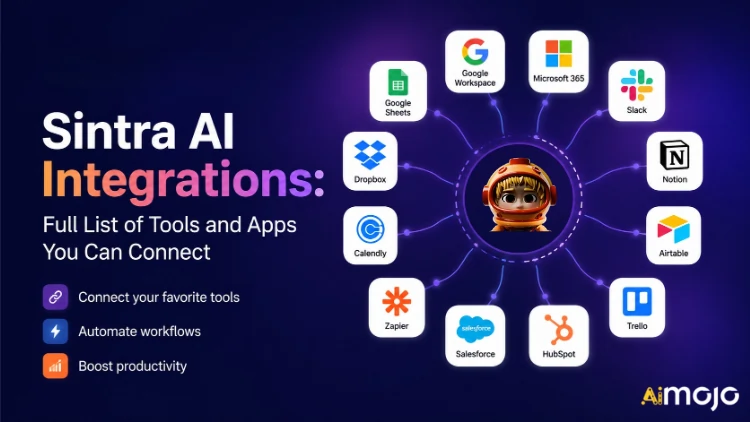
ビジネスで使用しているあらゆるツール(Gmail、Notion、LinkedIn、Google Analytics、QuickBooksなど、1,000以上)が、Sintra AIに直接接続できるようになりました。
ここに's 何が接続され、どのように機能し、あなたの AI ヘルパーは実際には スイッチを入れたらすぐに実行してください。
Sintraにおける「統合」とは実際には何を意味するのか
Sintraの連携機能は、手動で追加するサードパーティ製プラグインではありません。プラットフォームに直接組み込まれた、ワンクリックで接続できるコネクタです。Webhook、開発者チケット、Zapierミドルウェアは不要です(ただし、さらに機能を拡張するためのZapierサポートは存在します)。
接続されると、Sintra AI ヘルパーはこれらのツールに直接読み書きアクセス権を持ちます。つまり、単にデータを「見る」だけでなく、それに基づいて操作を実行できるのです。Gmailでメールを作成して送信したり、LinkedInに投稿したり、Google Analyticsのレポートを取得したり、Notionページを作成したりできます。これらすべてが、1つのチャットウィンドウ内で実行可能です。
統合レイヤーはComposioによって支えられており、これによりSintraは主要なビジネスカテゴリすべてにおいて1,000以上の統合を実現することが可能となっています。

フル・シントラ AI 連携機能一覧(カテゴリ別)
ここに's 現在サポートされているすべてのカテゴリとツールを体系的にまとめた概要:
📧メール
| ツール | ヘルパーができること |
|---|---|
| Gmailの | メール送信、スレッドへの返信、受信トレイの確認、アウトリーチキャンペーンの実施 |
| Microsoft Outlookの | 送信、返信、閲覧 — フル 受信トレイ管理 マイクロソフトユーザー向け |
📅 カレンダーとスケジュール
| ツール | ヘルパーができること |
|---|---|
| Googleカレンダー | イベントの作成、スケジュールの確認、リマインダーの設定、コンテンツカレンダーの計画 |
| MSカレンダー | Microsoft 365ユーザーも同様のカレンダー機能を利用できます。 |
🗂️ ファイルストレージ
| ツール | ヘルパーができること |
|---|---|
| Google Drive | レポートの保存、ファイルの取得、AI生成出力の自動保存 |
| ドロップボックス | Dropboxベースのワークフローにおけるファイルの保存と取得 |
📱 ソーシャルメディア
| ツール | ヘルパーができること |
|---|---|
| LinkedIn(個人用) | 投稿のスケジュール設定、コンテンツの公開、プロフィールアクティビティの管理 |
| LinkedIn(企業ページ) | ページ投稿を管理し、企業のプレゼンスを高めます。 |
| 投稿の公開、ページ分析の表示、ページコンテンツの管理 | |
| フィードに投稿(Facebookビジネスリンク経由)、コンテンツを管理する | |
| TikTok | 短尺動画コンテンツの公開とスケジュール設定 |
| YouTubeでご覧いただけます。 | 動画のアップロードとチャンネルコンテンツを管理する |
💬 チームコミュニケーション
| ツール | ヘルパーができること |
|---|---|
| Slack | メッセージを送信し、チャンネルに投稿し、チームへの通知を自動化します。 |
| マイクロソフトのチーム | Microsoftベースのチーム間でコラボレーションとコミュニケーションを行う |
✅ 生産性とプロジェクト管理
| ツール | ヘルパーができること |
|---|---|
| 概念 | ページの作成、データベースの更新、プロジェクトの整理 |
| Trello | ボード、カード、タスクリストを管理する |
| アーサナ | タスクを作成し、プロジェクトの進捗状況を追跡する |
| Googleタスク | Google Workspace 内でタスクを追加および管理する |
| Todoist | タスクの作成とToDoリストの管理 |
| 線形 | エンジニアリングおよび製品チームのタスク追跡 |
| Airtable | データベース管理とプロジェクト追跡 |
💼 CRMと営業
| ツール | ヘルパーができること |
|---|---|
| HubSpot | 連絡先の管理、取引の追跡、CRMエントリの更新 |
| Salesforce | CRMの更新、リードトラッキング、 販売パイプライン管理 |
| パイプドライブ | 取引管理と販売ワークフローの自動化 |
📊 分析とデータ
| ツール | ヘルパーができること |
|---|---|
| Google Analytics | トラフィックレポートを取得し、洞察を明らかにし、パフォーマンスを追跡します。 |
| Googleスプレッドシート | レポート作成のためにスプレッドシートデータを読み書きする |
💰 会計・財務
| ツール | ヘルパーができること |
|---|---|
| QuickBooks | 請求書の作成・送信、財務諸表の閲覧、レポートの生成 |
| Xeroなど | 会計および簿記の自動化 |
🛠️ 開発者ツール
| ツール | ヘルパーができること |
|---|---|
| GitHub | リポジトリの管理、課題の追跡、開発ワークフローの自動化 |
| GitLab | コード管理とCI/CDパイプラインの連携 |
| JIRA | 課題追跡とスプリント管理 |
| スーパーベース | データベースとのやり取りとバックエンド管理 |
🎨 デザインとクリエイティブ
| ツール | ヘルパーができること |
|---|---|
| figma | デザインファイルにアクセスし、コンテンツワークフローでアセットを参照します。 |
📣 マーケティング&広告
| ツール | ヘルパーができること |
|---|---|
| SEMrush | キーワードデータを取得し、ランキングを追跡し、SEOの機会を明らかにします。 |
| メタ広告 | 広告キャンペーンと広告アカウントのデータを管理する |
🏃 健康とフィットネス
| ツール | ヘルパーができること |
|---|---|
| Strava | 活動データを読み取って、パーソナルコーチがフィットネス目標を追跡し、スケジュールを調整できるようにします。 |
🌐 CMSとEコマース
| ツール | ヘルパーができること |
|---|---|
| WordPress.com | 投稿、ページ、コンテンツの公開を管理する |
| ウェブフロー | ウェブサイトと ランディングページ 管理 |
| Shopifyサービス | Eコマースの商品および注文管理 |
Sintraで任意のインテグレーションを接続する方法(3ステップ)
設定の手間は一切不要。ツール1つあたり、全工程は2分以内で完了します。
- Brain AIへ — 脳をクリック AI Sintraサイドバーのボタンをクリックして、統合ハブを開きます。
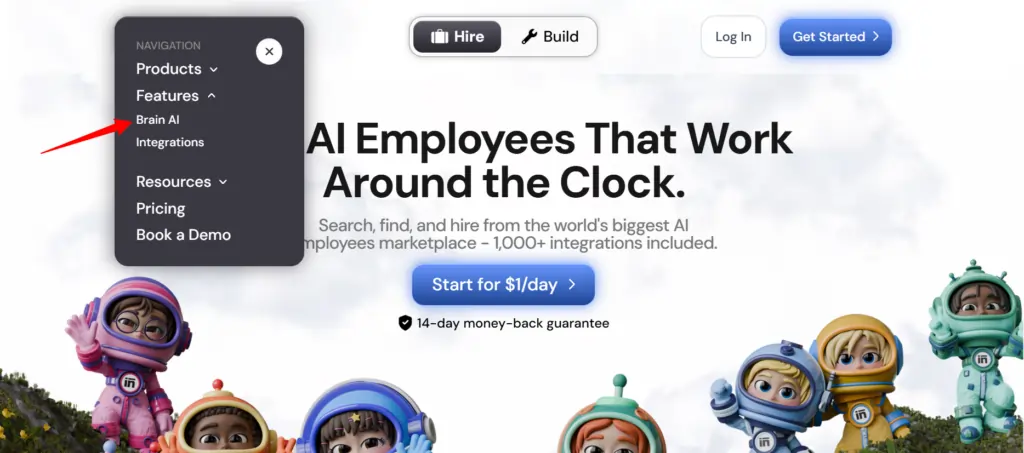
- ツールを見つける — 統合したいサービス(Gmail、Notion、LinkedInなど)を見つけてクリックします。 "接続"
- アカウントを承認する — ポップアップウィンドウが開くので、ログインして権限を付与してください — 「接続」ボタンが緑色のチェックマークに変わります
以上です。それ以降は、担当者(メールマーケター、データアナリスト、ソーシャルメディアマネージャーなど)が、お客様の実際のアカウントから取得したリアルタイムデータに基づいて作業を行います。コピー&ペーストや手動入力は一切不要です。
💡 簡単なヒント: 同じツールに別のアカウントを追加する必要がありますか(例:2つ目のFacebookページ)? 「接続」→「新しいアカウントを追加」 脳内 AI そして、そこから2つ目のアカウントで直接ログインしてください。
Sintraヘルパーがこれらの統合で実際に何をするのか
シントラには12の既製 AI 専門家がそれぞれ、自分の役割に適した統合システムに接続されています。
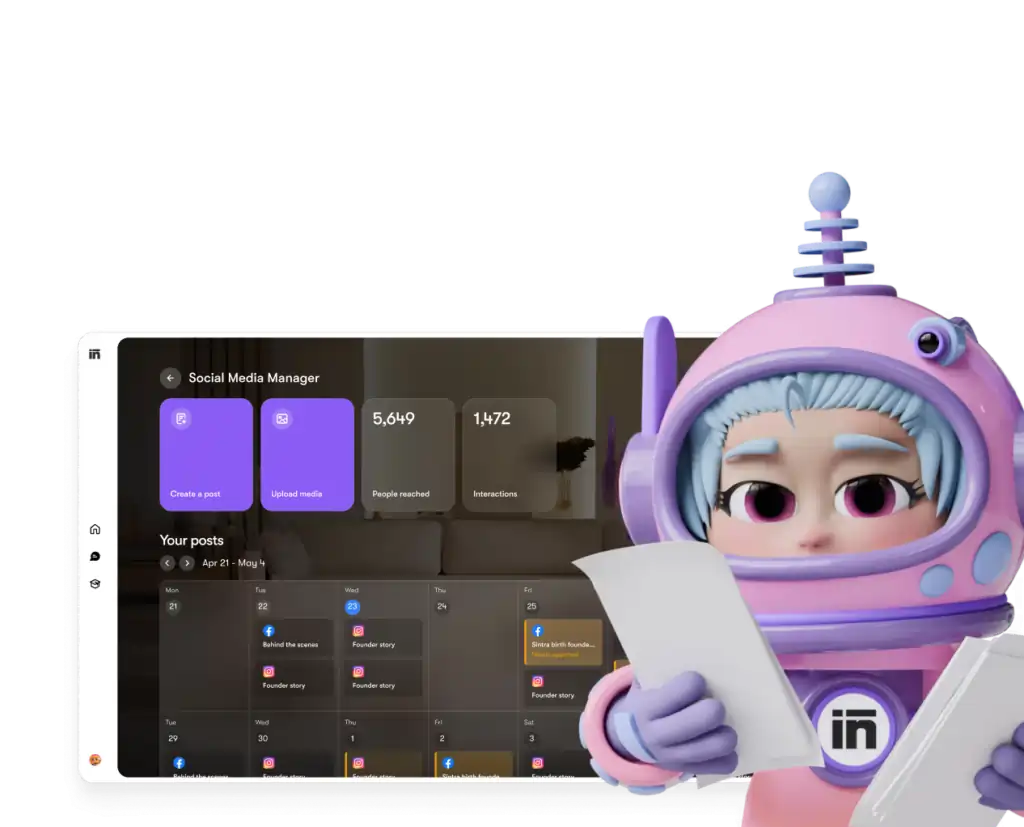
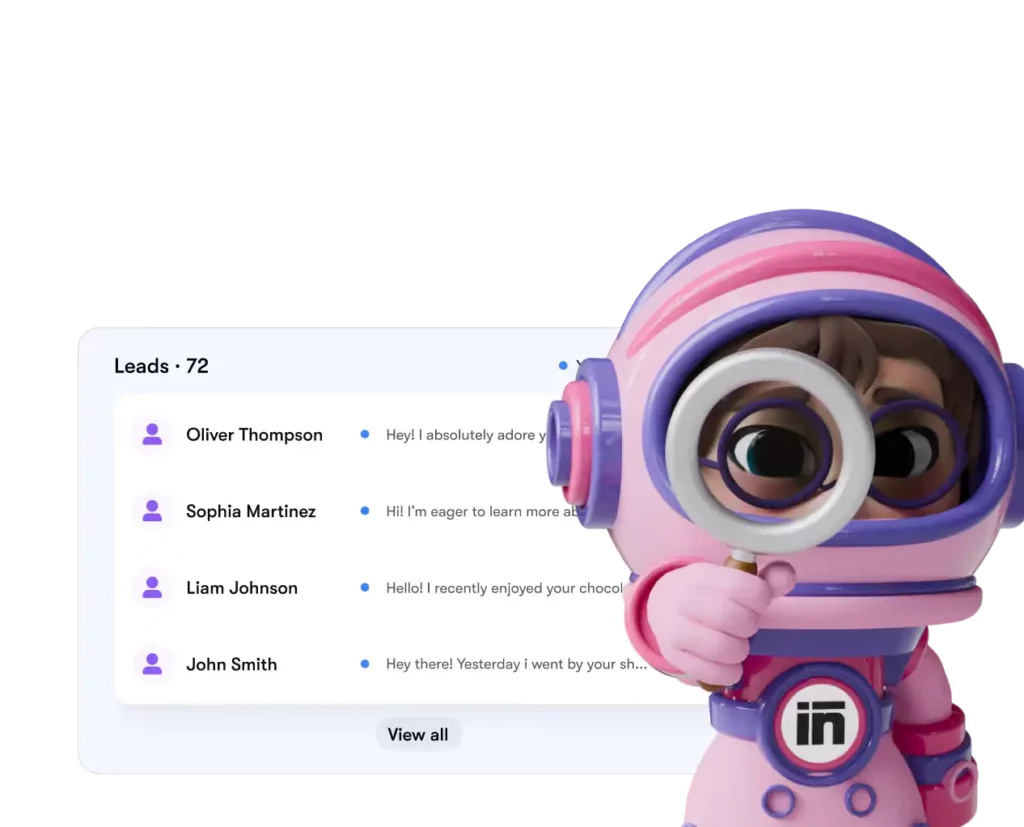
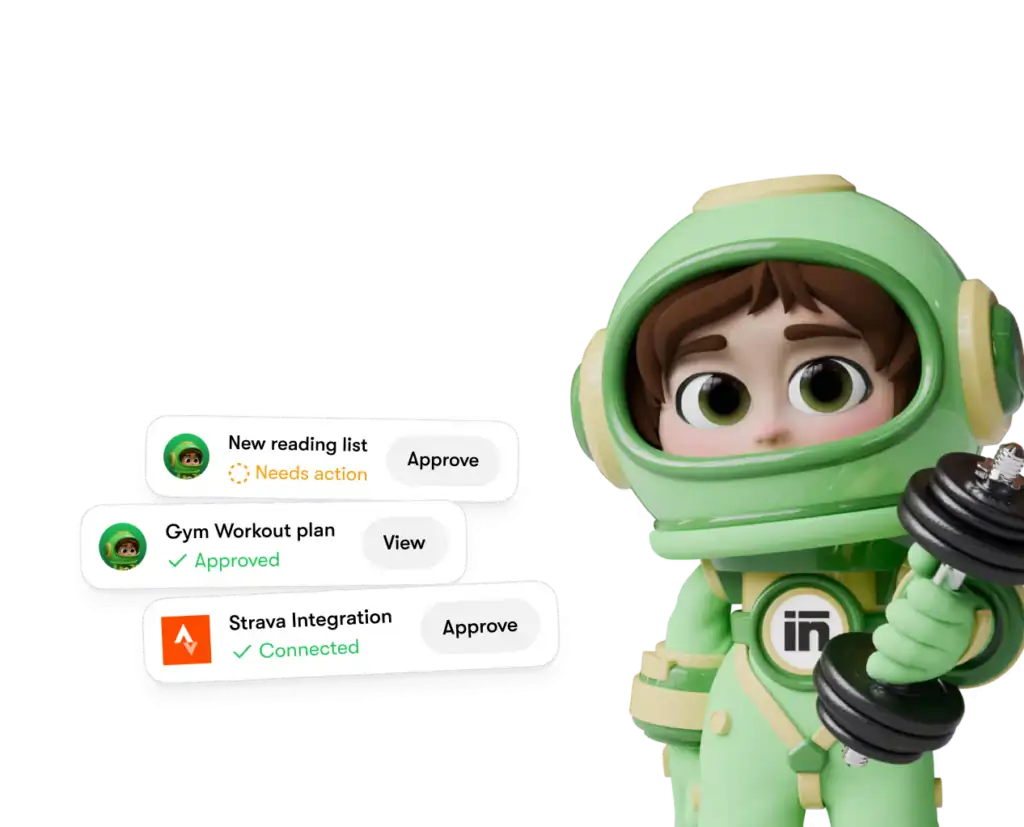
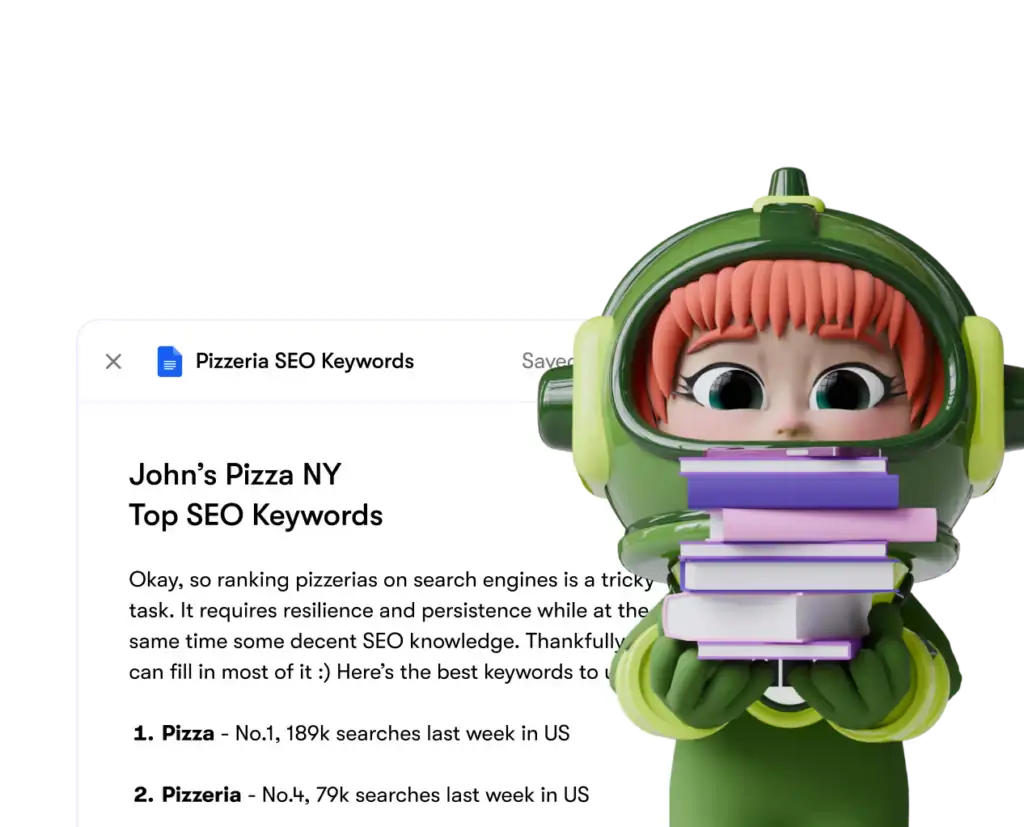
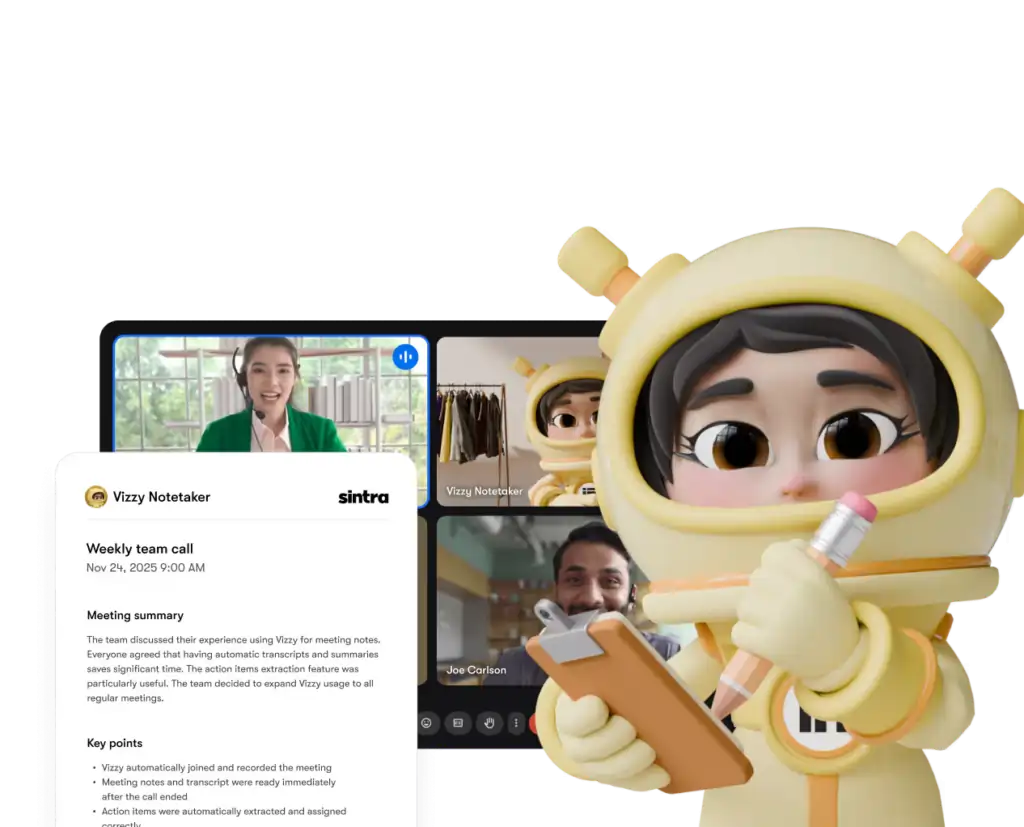
各ヘルパーは、ユーザーが明示的に許可したツールと権限のみにアクセスします。また、ダッシュボードとの連携はいつでも解除できます。
シントラ AI 競合他社との比較:統合の深さ
ここに's シントラ's 統合設定は、同価格帯の類似プラットフォームと比較すると以下のようになります。
| 機能 | シントラAI | ジェネリック AI チャットボット | 自動化プラットフォーム(例:Zapier) |
|---|---|---|---|
| ネイティブ統合(コード不要) | 1,000件以上 | なし~最小限 | はい、でもいいえ AI 層 |
| AI ヘルパーはデータに対して作用する | ✅はい | ❌いいえ | ❌いいえ |
| セットアップの複雑さ | ワンクリック認証 | 無し | 中~高 |
| ビジネス役割に特化したヘルパー | ✅ 12名の専門家 | ❌ | ❌ |
| 自動化(繰り返し発生するタスク) | ✅ | ❌ | ✅ |
| GDPRに準拠する | ✅ | 不定 | 不定 |
主な差別化要因: Zapierのようなプラットフォームは、 コネクタ、しかしそこに's データ解釈とデータ処理を行うインテリジェントなレイヤーは存在しません。Sintraは統合とデータ処理の両方を提供します。 AI それを適切に扱う方法を知っている人。
1,000件以上の連携実績とは、実際にはどういう意味なのでしょうか?
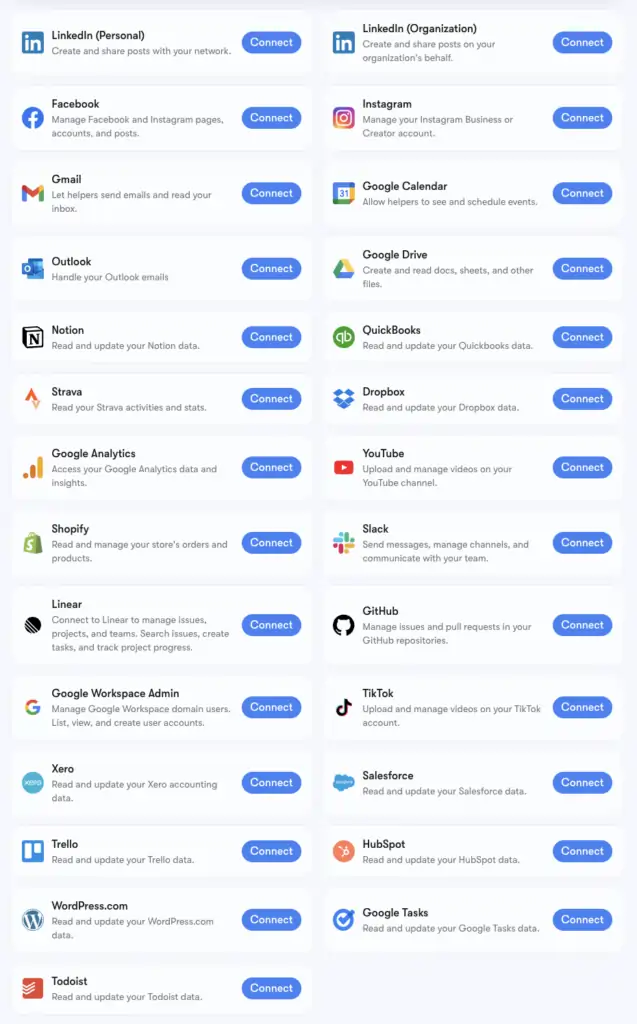
シントラ's 1,000以上の統合の数字は、 作曲あらゆるカテゴリのアプリをサポートするコネクタインフラストラクチャ: 人事ツールスケジューリングプラットフォーム、eコマース、データウェアハウス、ニッチなSaaSツールが最も AI プラットフォーム同士は接触しない。
拡張ツールキットの全リストは、 composio.dev/toolkitsでご覧いただけます。Gmail、LinkedIn、Notion、Google Analyticsなど、高度なヘルパーサポートを備えたコア統合は、SintraのBrain AIにネイティブに組み込まれています。1,000を超える拡張ツールキットは、特定のワークフローをより深く掘り下げたいユーザー向けに提供されています。
お使いのツールがリストにない場合は、Sintraダッシュボードから直接リクエストできます。新しい連携機能は、ユーザーからの要望に基づいて随時追加されます。
GmailとGoogleカレンダーの設定方法:ステップバイステップガイド
Google Workspaceスタックは最もよく接続されるグループなので、's 正確な手順:
- 詳しくはこちら 脳AI 左側のサイドバー
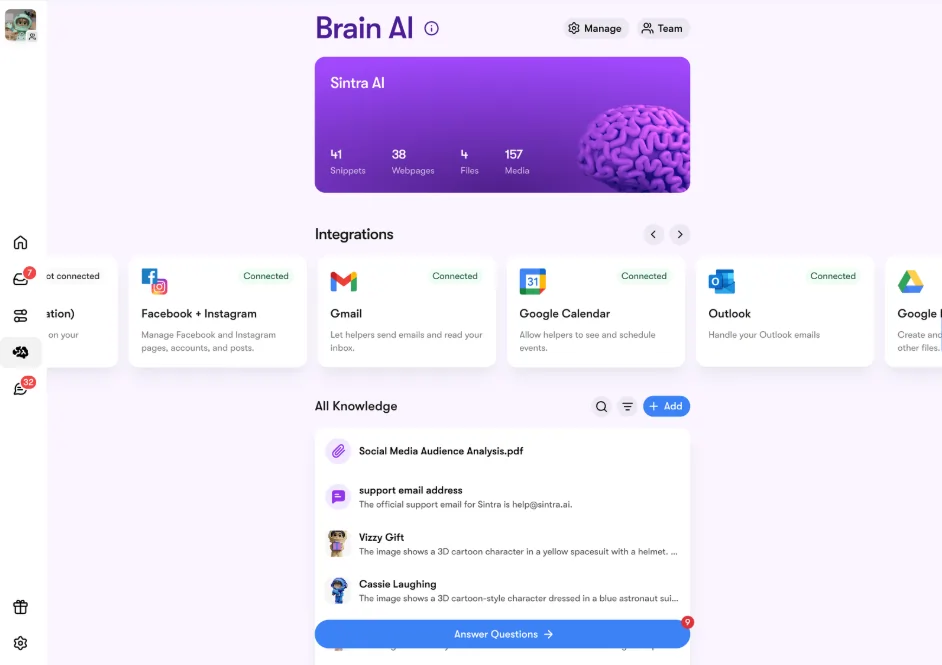
- 見つける Gmailの, Googleカレンダー, Google Driveまたは Google Analytics 統合セクションで
- 詳しくはこちら つながり、 →その後 つながり、 再び(または 新しいアカウントを追加 (複数アカウントの場合)
- ブラウザのポップアップが表示されます。使用したいGoogleアカウントを選択してください。
- Sintraアプリに要求された権限を付与する
- ボタンが緑色に変わったら、ライブ配信開始です。
4つのGoogleツールはすべて、個別に、または組み合わせて接続できます。Sintraは各タスクに必要な権限のみを要求します(例えば、カレンダーはイベントの読み取り/書き込み権限のみを必要とし、Googleアカウント全体の権限は必要ありません)。
FacebookとInstagramの設定
これにはちょっとした前提条件があります。まず、InstagramアカウントをFacebookビジネスページにリンクさせておく必要があります。
- Facebookにログイン → プロフィール写真をクリック → ビジネスページに切り替え
- に行く 設定とプライバシー → 設定 → 権限 → リンクされたアカウント
- 詳しくはこちら Instagram → アカウントを接続 リンクを完成させる
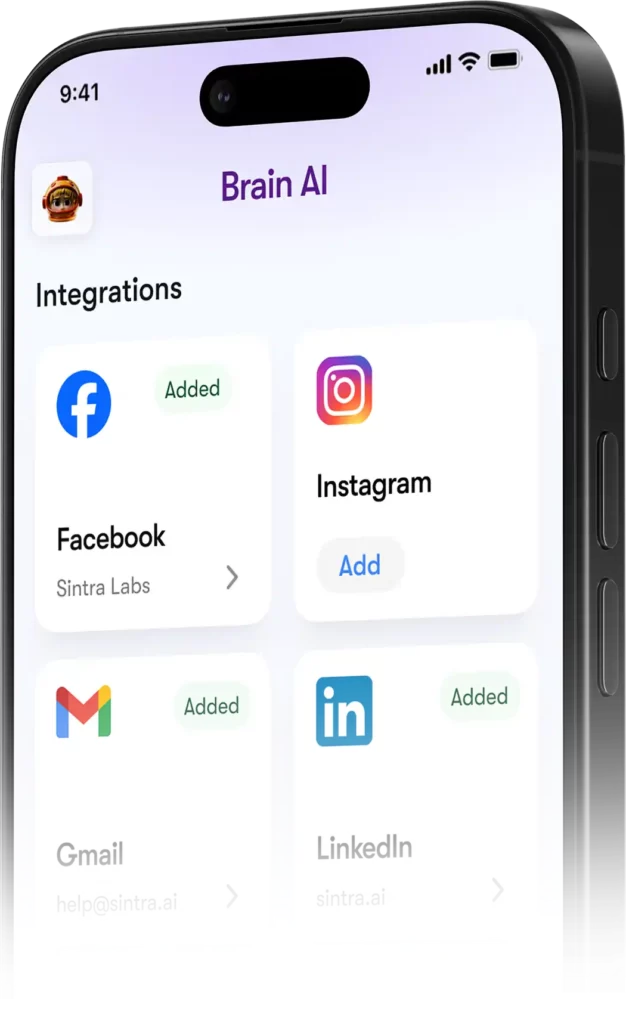
- シントラでは、 脳 AI → 連携 → Facebook/Instagram → 接続
- Facebookの認証情報でログインし、権限を付与してください。
- 緑色のチェックマーク=両方のプラットフォームで接続されています
一度運用が開始されると、Soshie(あなたのソーシャルメディアスペシャリスト)は、チャットメッセージから直接、または自動スケジュールを通じて、FacebookとInstagramの両方に投稿できるようになります。
プライバシー:シントラが見ることができるものと見ることができないもの
GmailやGoogle Analyticsを他のサービスに接続する際に当然の疑問が生じます。 AI プラットフォーム。こちら's シントラ's 実際の姿勢:
ヘルパーは、チャットで明示的に依頼したり、スケジュールされた自動化を設定したりしない限り、あなたの代わりに行動することはありません。承認していないことをバックグラウンドで実行することはありません。
よくある質問
公式のSintraにはどのようなツールがありますか? AI 連携リスト?
主要な連携サービスには、Gmail、Outlook、Googleカレンダー、Googleドライブ、LinkedIn、Facebook、Instagram、TikTok、Slack、Notion、HubSpot、Salesforce、QuickBooks、Google Analytics、GitHub、Strava、Shopifyなどがあります。1,000種類以上のツールを含む詳細なリストは、composio.dev/toolkitsでご覧いただけます。
シントラは AI 公開APIはありますか?
いいえ、Sintraは公開APIを提供していません。すべての統合機能は、Composioを介してプラットフォームに直接組み込まれた、すぐに使用できるコネクタです。
同じツールに複数のアカウントを接続することはできますか?
はい。Brain内で「接続」→「新しいアカウントを追加」をクリックしてください。 AI 同じプラットフォーム上の追加アカウントをリンクできます。各アカウントは独立して管理されます。
Sintraの連携機能は自動化処理内で動作しますか?
はい。連携ツールを使えば、毎日の受信トレイの要約、ソーシャルメディアへの投稿予約、週ごとの分析レポートなど、定期的な自動化処理を実行できます。これらの処理は、ユーザーがチャットを開始しなくても自動的に実行されます。
Stravaとの連携機能はありますか?
はい。StravaはBrainを介して接続します。 AI また、あなたのパーソナルコーチがあなたの活動データを読み取り、仕事のスケジュールと並行してフィットネス目標を追跡するのに役立ちます。
Sintraとの連携設定にはどれくらい時間がかかりますか?
2分以内。プロセス全体はOAuthベースです。接続をクリックし、ログインして権限を承認すれば完了です。APIキーや技術的な設定は一切不要です。
私が使用しているツールがSintraに掲載されていない場合はどうすればよいですか?'s 統合?
Sintraダッシュボードから直接リクエストしてください。新しい連携機能は、ユーザーからの要望に基づいて随時追加されます。また、composio.dev/toolkitsで、連携機能の全リストをご覧いただけます。
シントラは AI ビジネスデータと安全に連携できるツールは?
はい、SintraはGDPRに準拠しており、お客様のデータで学習を行わず、必要な情報のみにアクセスします。's ご依頼いただいた特定のタスクに必要な機能のみを提供します。すべての連携機能は、いつでもダッシュボードから切断できます。
AiMojoのおすすめ:


 ボーナス: 200ドルの「AI 登録すると「マスタリーツールキット」が無料になります!