Coding tools have undergone a radical transformation. AI coding assistants now promise to slash development time by handling everything from routine functions to complex algorithms. Two titans dominating this space are Blackbox AI and GitHub Copilot – but which delivers superior results for different coding needs?
After extensive testing and diving into performance benchmarks, I've mapped out the exact strengths, weaknesses, and surprising technical differences between these coding companions. This comparison will help you make the right choice based on your specific workflow and technical requirements.
💻 Technical Foundations: How They Work
Blackbox AI: Multi-Model Architecture
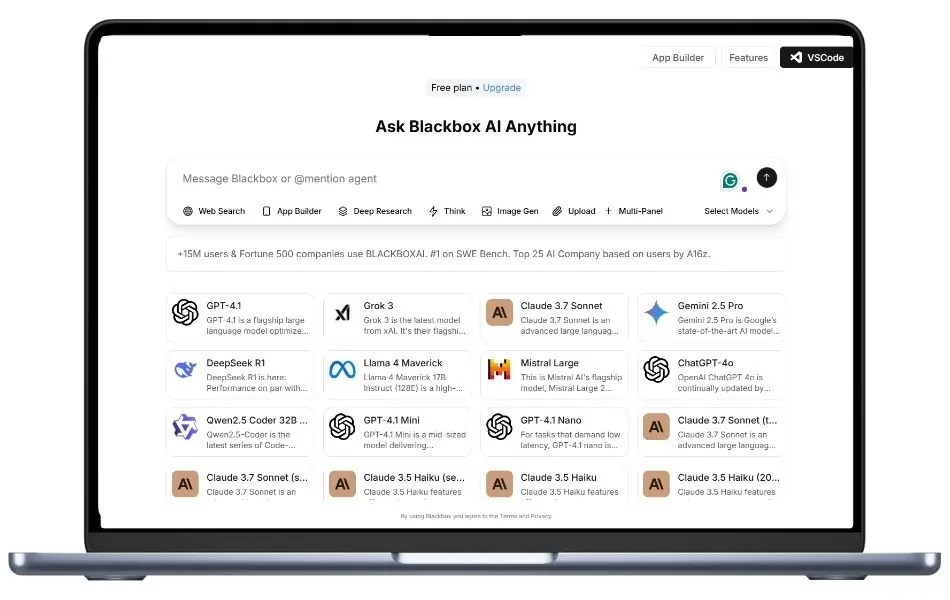
Blackbox AI employs a sophisticated multi-model architecture that powers its diverse capabilities:
This architecture enables Blackbox to function as a comprehensive coding assistant that extends beyond simple code completion.
GitHub Copilot: Codex-Powered Intelligence
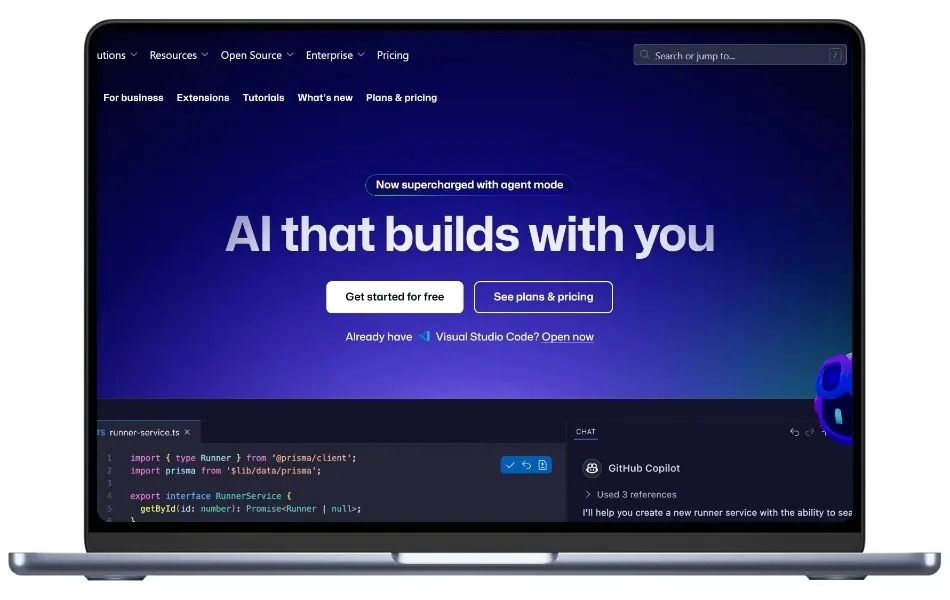
GitHub Copilot leverages OpenAI's Codex model, a descendant of GPT-3 specifically fine-tuned on programming languages:
Unlike traditional “black box” AI systems, Copilot operates with greater transparency, allowing developers to understand and control its suggestions more effectively.
🔁 Feature Comparison: Beyond Basic Code Completion
Blackbox AI's Standout Capabilities
1. Visual Code Processing
2. Voice-Driven Development
3. Real-World Code Search
4. AI-Powered Debugging
5. Cross-Language Translation
GitHub Copilot's Core Strengths
1. Context-Aware Code Generation
2. Deep IDE Integration
3. Documentation Assistance
4. Test Generation
5. GitHub Ecosystem Integration
Performance Benchmarks: Data-Driven Comparison
Coding Accuracy Benchmarks
| Benchmark | Blackbox AI | GitHub Copilot |
|---|---|---|
| HumanEval (0-shot) | 85.36% | 72.5-82% |
| Code Generation Accuracy | 89% | 83% |
| Bug Detection Rate | 78% | 65% |
| Complex Algorithm Implementation | High | Medium-High |
| Documentation Quality | Medium-High | High |
Blackbox AI shows superior performance on the HumanEval benchmark, outperforming even OpenAI-GPT4 (85.36% vs 82%), demonstrating exceptional code generation capabilities.
Development Speed Impact
Research from Faros AI reveals significant productivity gains with GitHub Copilot:
These metrics demonstrate Copilot's tangible impact on development velocity when integrated into existing workflows.
Major time savings in both development and code review stages
💰 Pricing Structures: Cost-Benefit Analysis
Blackbox AI Pricing Tiers
GitHub Copilot Pricing Options
💻 Technical Integration: Compatibility Analysis
Blackbox AI's Integration Options
IDE Compatibility:
Platform Support:
GitHub Copilot's Integration Landscape
IDE Compatibility:
Platform Support:
💎 Code Quality Impact: Beyond Speed
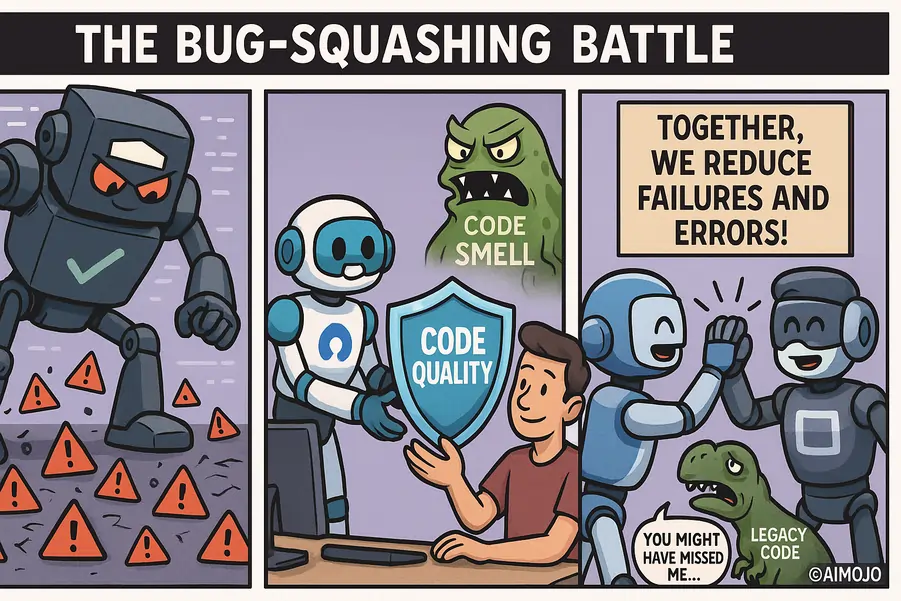
Blackbox AI's Quality Contributions
GitHub Copilot's Quality Influence
Language Support Matrix
| Language | Blackbox AI | GitHub Copilot |
|---|---|---|
| Python | Excellent | Excellent |
| JavaScript | Excellent | Excellent |
| TypeScript | Very Good | Excellent |
| Java | Very Good | Excellent |
| C# | Very Good | Excellent |
| C/C++ | Good | Very Good |
| Ruby | Very Good | Excellent |
| Go | Very Good | Very Good |
| PHP | Very Good | Very Good |
| Swift | Good | Very Good |
| Kotlin | Good | Very Good |
| Rust | Good | Very Good |
| SQL | Very Good | Good |
| HTML/CSS | Excellent | Very Good |
| Dart | Good | Good |
| Scala | Good | Good |
| R | Good | Limited |
📄 User Experience: Developer Sentiment
Blackbox AI User Feedback
- Flexibility Appreciation: Developers value the multi-platform approach
- Image Processing Praise: Users highlight the screenshot-to-code feature as revolutionary
- Cross-Environment Workflow: Positive feedback on seamless switching between environments
- Search Capability Value: Users appreciate finding real-world, tested code examples
- Learning Tool: Frequently mentioned as valuable for learning new languages
GitHub Copilot User Insights
Research shows significant user satisfaction with Copilot:
- 60-75% of users report increased satisfaction and reduced frustration
- 73% say Copilot helps them stay in flow during development
- 87% report better focus on larger tasks rather than repetitive coding
- Starting Point Advantage: Users value not beginning with a blank page
- Test Creation: Frequently praised for rapid test generation capabilities
Real-World Use Cases: Where Each Tool Excels
💻 Blackbox AI Optimal Scenarios
💻 GitHub Copilot Ideal Applications
Security Considerations: Critical Analysis
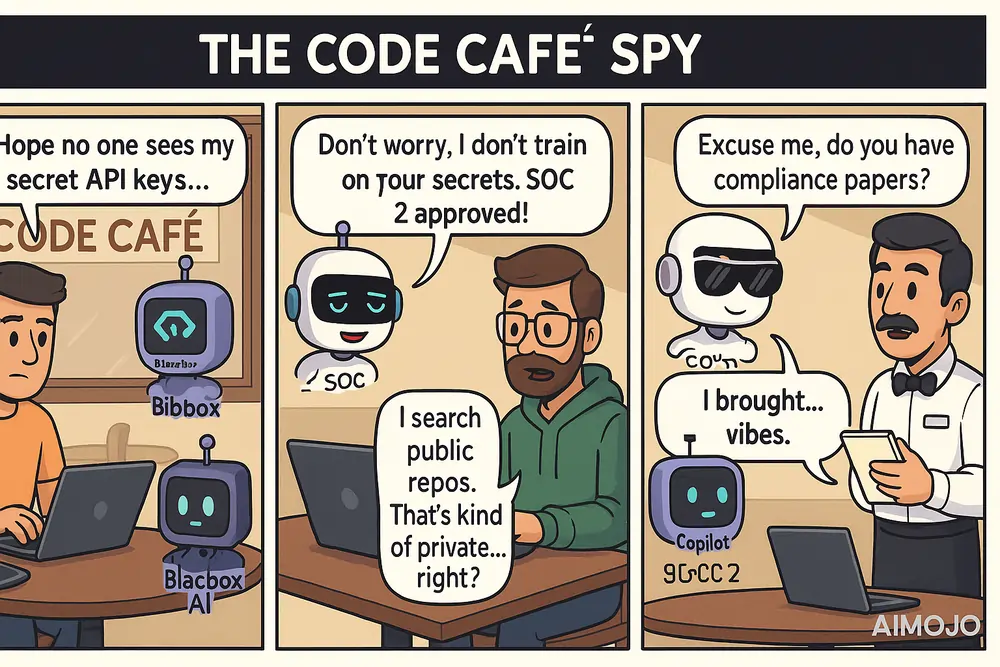
Blackbox AI Security Profile
GitHub Copilot Security Framework
🛑 Technical Limitations: Understanding the Boundaries
Blackbox AI's Technical Constraints
- Processing Latency: Search-based approach can be slower for complex queries
- IDE Integration Quality: Less polished integration with some development environments
- Algorithm Complexity: May struggle with highly specialized algorithms
- Context Understanding: Limited ability to understand very large project contexts
- Outdated Solutions Risk: May occasionally suggest deprecated approaches
GitHub Copilot's Technical Boundaries
- Platform Limitations: Limited functionality outside supported IDEs
- Contextual Window: Limited ability to understand entire codebases
- Framework Specificity: Variable performance across different frameworks
- Language Imbalance: Stronger in popular languages, weaker in niche ones
- Repetitive Patterns: May suggest common but suboptimal patterns
Expert Verdict: Strategic Selection Guide
The ultimate choice between Blackbox AI and GitHub Copilot depends entirely on your specific development requirements and technical ecosystem.
Choose Blackbox AI if:
Choose GitHub Copilot if:
For many development teams, the optimal approach may involve using Blackbox AI's free tier alongside GitHub Copilot, leveraging each tool's unique strengths for different aspects of the development process.
🚀 Implementation Guide: Getting Started
Setting Up Blackbox AI
1. Installation Options:
bash

# Chrome Extension

# Visit Chrome Web Store and search for "Blackbox AI"

# VS Code Extension

code --install-extension Blackboxapp.blackbox

# Mobile App

# Download from App Store or Google Play
2. Configuration Best Practices:
- Enable context sharing for improved suggestions
- Configure language preferences for prioritized results
- Set up custom templates for frequently used patterns
- Adjust privacy settings based on security requirements
Deploying GitHub Copilot
1. Installation Process:
bash

# VS Code Extension

code --install-extension GitHub.copilot

# IntelliJ IDEA Plugin

# Install from JetBrains Marketplace

# Neovim Configuration

# Add to package manager: 'github/copilot.vim'
2. Optimization Settings:
- Enable inline suggestions for real-time assistance
- Configure suggestion frequency to match workflow
- Set up language-specific settings for specialized projects
- Integrate with GitHub account for repository context
FAQ: Essential Questions Answered
Does Blackbox AI work offline?
No, Blackbox AI requires an internet connection to access its cloud-based services and search functionality.
Can GitHub Copilot generate complete applications?
While Copilot excels at generating functions and code blocks, it's not designed to build entire applications without significant human guidance.
Which programming languages does Blackbox AI support best?
Blackbox AI supports over 20 programming languages with strongest performance in Python, JavaScript, Ruby, Java, Go, and C++.
Is there a mobile app for GitHub Copilot?
Unlike Blackbox AI, GitHub Copilot doesn't currently offer a dedicated mobile application.
Can Blackbox AI convert Figma designs into code?
Yes, Blackbox AI can process screenshots or uploads of Figma designs and convert them into usable frontend code snippets using its OCR technology.
Does GitHub Copilot remember my coding style?
Yes, Copilot adapts to your coding patterns over time, offering suggestions that increasingly match your personal style and preferences.
Which tool handles complex algorithms better?
Based on benchmark results, Blackbox AI shows stronger performance on algorithm implementation, specifically outperforming on the HumanEval benchmark.
How do both tools impact development speed?
GitHub Copilot shows documented 50% faster merge times and 55% reduced lead time to production, while Blackbox AI users report similar productivity gains.
Recommended Readings:


 BONUS: Get our $200 “AI Mastery Toolkit” FREE when you sign up!