


Most “best AI tools” lists are stuffed with project managers, note-takers, and chatbots dressed up as creative tools. That's not what this is.
This list is for people who make things — stories, visuals, videos, music, and everything in between. Every tool here was evaluated on one question: does it actually help creatives produce better work, faster, without killing the creative process?
Covered in this guide: AI tools for creatives across writing, image generation, video, music, design, and presentations — ranked within each category, with honest takes on pricing and limitations.
How We Picked These AI Creatives Tools (And What We Ignored)

Not every AI tool that touches creativity made this list. Here's what filtered the final picks:
Tools that are primarily productivity or business automation — even if they carry a “creative mode” — didn't make the cut.
Top Picks — AI Tools for Creatives by Category
| Creative Category | Top Pick | Best For | Starting Price |
|---|---|---|---|
| Creative Writing / Fiction | Sudowrite | Novelists, storytellers | $19/mo |
| Image Generation | Genspark | Visual artists, AI canvas workflows | Free tier |
| Video Creation | Higgsfield AI | Cinematic motion, character-driven video | ~$12/mo |
| Talking Head / Avatar Video | OpenArt | AI avatar + image-to-video | Free tier |
| Music & Audio | ElevenLabs | Voiceovers, podcasters, narrators | Free tier |
| Graphic Design | Canva AI | Social content, branding | Free tier |
| Presentation & Visual Docs | Gamma | Decks, pitches, visual reports | Free tier |
Best AI Tools for Creative Writers
The writing category is where most general-purpose AI tools overpromise and underdeliver. ChatGPT and similar tools were built for Q&A and task automation — not for sustaining narrative voice across 80,000 words. The three tools below were built with actual writers in mind.
1. Sudowrite — The Creative Writing AI Fiction Writers Swear By
If you write fiction — novels, short stories, screenplays, or fanfic — Sudowrite is the only AI tool on this list built exclusively for you. It's not a repurposed chatbot. It's a purpose-built creative writing assistant with a model trained specifically on narrative fiction.
What it does:
Sudowrite's Muse model handles the heavy lifting of fiction writing — generating prose, expanding scenes, rewriting passages without losing tone, and brainstorming plot directions when you hit a wall. The Story Bible keeps characters, settings, and plot details consistent across long projects, which is the single biggest pain point when using general AI tools for long-form writing.
Key features:
2. Claude (Anthropic) — Long Context, High Creative Range

Claude handles creative work at scale — long scripts, multi-chapter narrative drafts, deep character dialogues — without losing coherence mid-document. Its 200K context window makes it genuinely useful for screenwriters who need research, summarization, and creative writing inside the same workflow.
3. NovelAI — For Writers Who Want Full Control Over Style
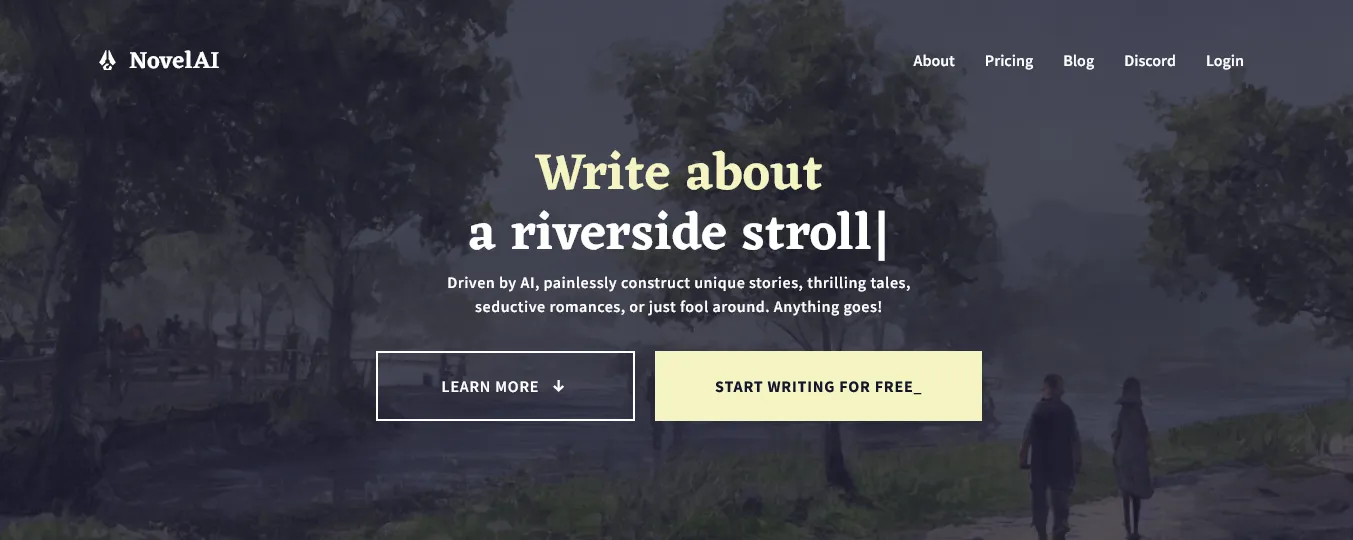
NovelAI lets you train it on your own writing samples to replicate your personal voice — a significant differentiator for genre fiction writers who've spent years building a distinct style. Its AI memory system keeps world-building continuity intact across long writing sessions.
Best AI Tools for Visual Artists & Designers
4. Genspark — The AI Creative Canvas That Does More Than Just Images
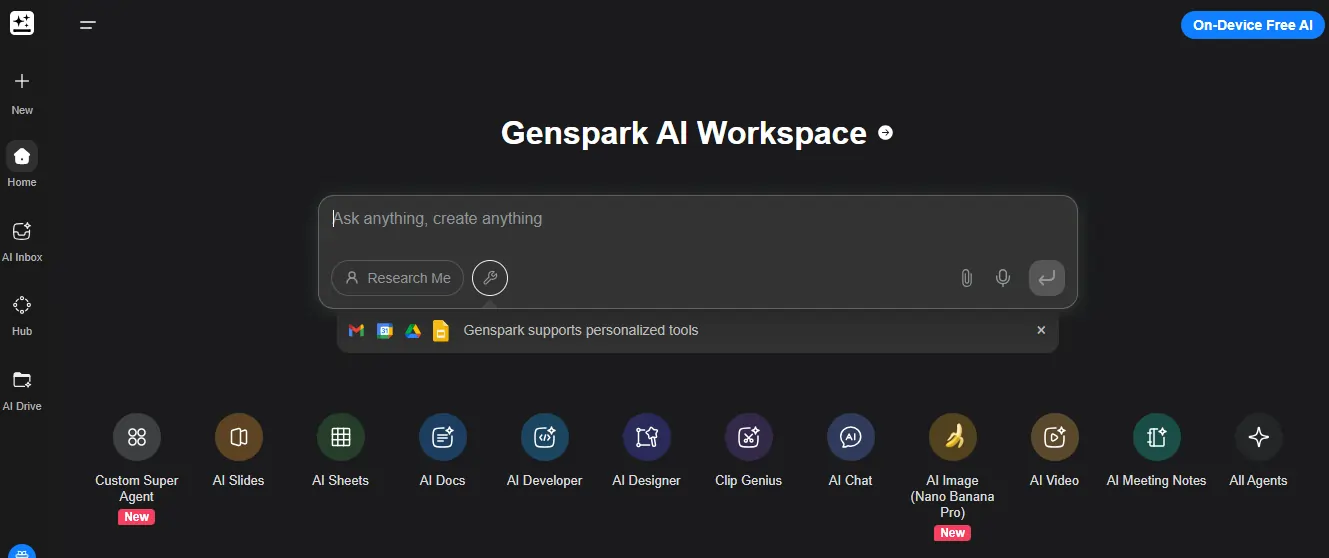
Most AI image tools work like a vending machine — prompt in, image out. Genspark works more like a creative workspace. It combines multi-model image generation with an interactive canvas, real-time iteration, and AI-assisted research in a single environment.
What it does:
Genspark's Sparkpage and AI canvas let you build visual ideas iteratively — generating images, mixing references, annotating, and refining all in one place. Its multi-agent system pulls from multiple AI models simultaneously, so you're not locked into one generation style.
Key features:
5. Adobe Firefly — The Safe Commercial Choice

Firefly is trained exclusively on licensed and public domain content, making it the most legally sound AI image tool for commercial work. If you're already inside the Adobe ecosystem — Photoshop, Illustrator, Premiere — it integrates without any workflow disruption.
6. Canva AI — Best for Non-Designers Who Still Need to Ship

Canva's AI features — Magic Design, text-to-image, background remover, and brand kits — cover what a non-designer social media creator or small business owner needs day-to-day. It doesn't produce fine art, but for fast-turnaround social assets, nothing beats it at the price.
Best AI Tools for Video Creators
The AI video category has more noise than any other on this list. Most tools produce clips that look fine in a thumbnail and fall apart the moment something moves. The picks below hold up on motion quality.
7. Higgsfield AI — Cinematic AI Video With Character Physics That Actually Holds Up
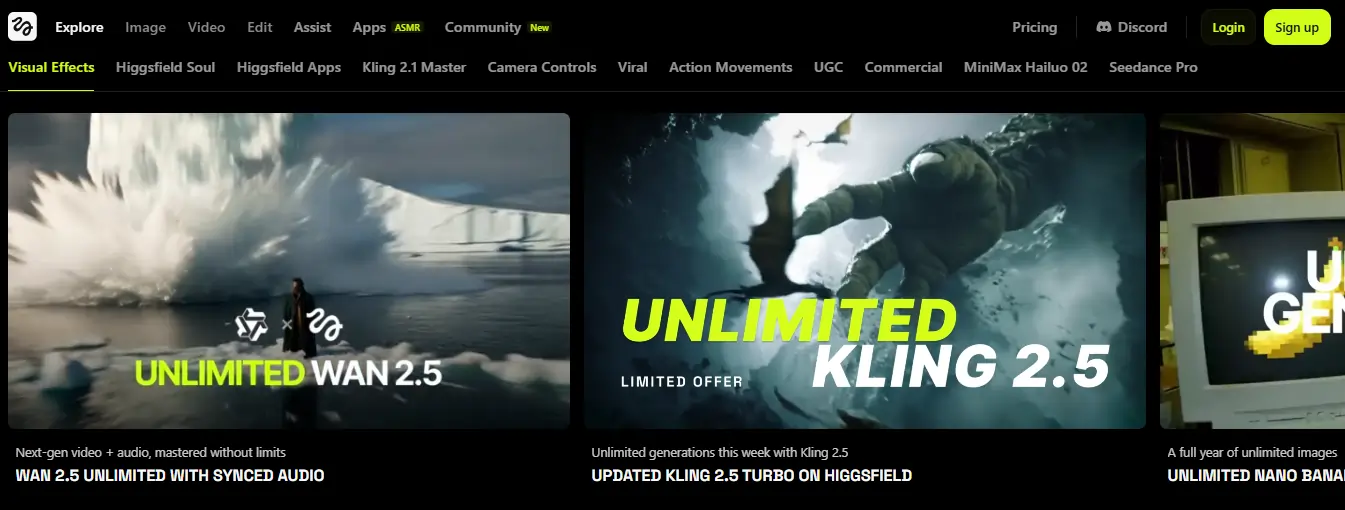
Higgsfield AI is what happens when AI video generation stops being a demo and starts being a production tool. It's built around one core differentiator: realistic human motion and physics-aware character animation. Hair moves. Fabric reacts. Characters stay consistent across shots.
What it does:
Higgsfield generates video from text prompts and images, with strong emphasis on physical realism and camera motion control. You can specify shot types — tracking shots, slow zooms, dramatic pans — and the output respects them more consistently than most AI video tools at this price point.
Key features:
8. OpenArt — AI Avatar Video + Image-to-Video for Content Creators
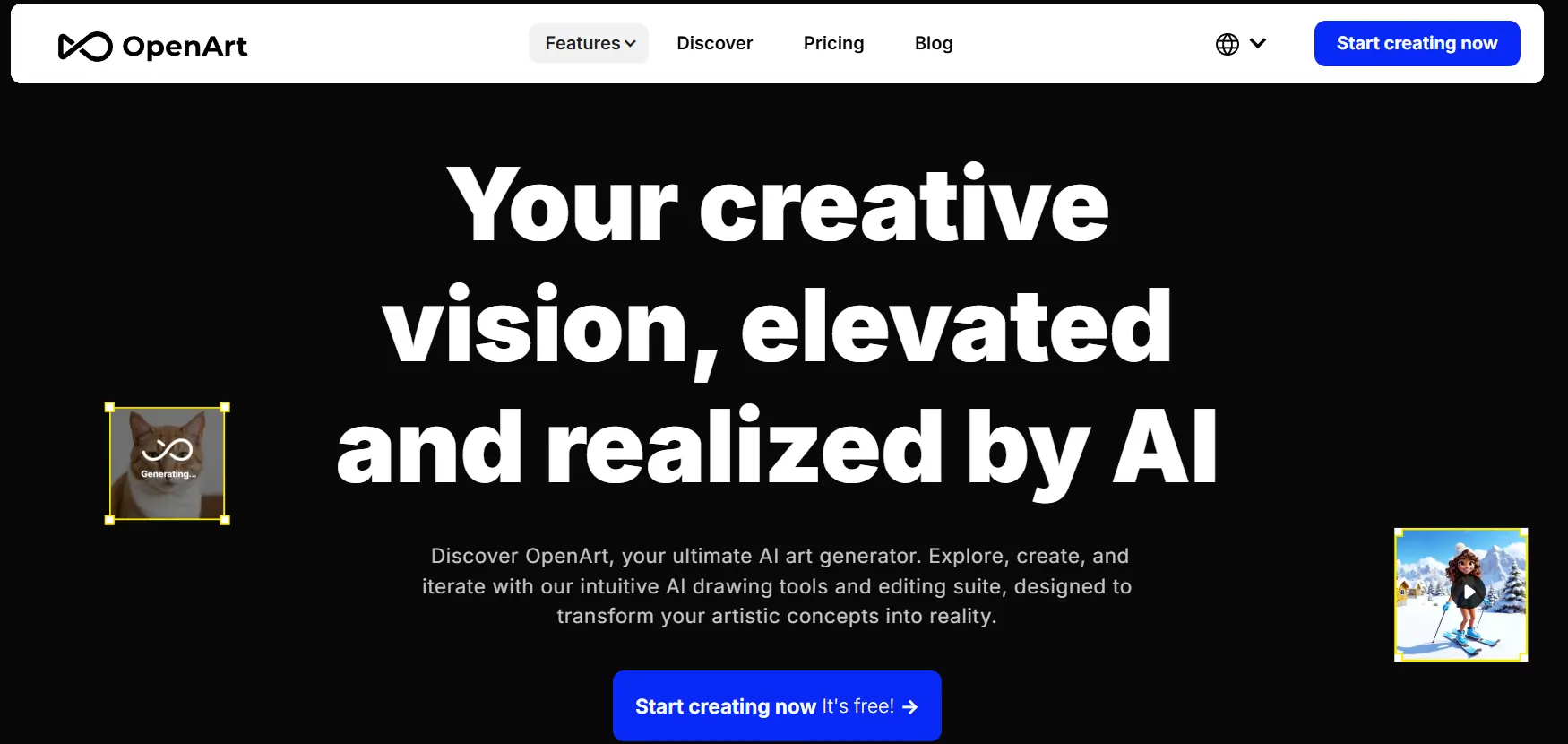
OpenArt earns its spot in the avatar and talking-head video slot because it doesn't stop there. It's a multi-mode AI creative platform combining avatar video, character design, image-to-video, inpainting, and outpainting — with 100+ model workflows including ControlNet, SDXL, and Flux — all under one roof.
Key features:

9. CapCut AI — The Free Option That Punches Above Its Price
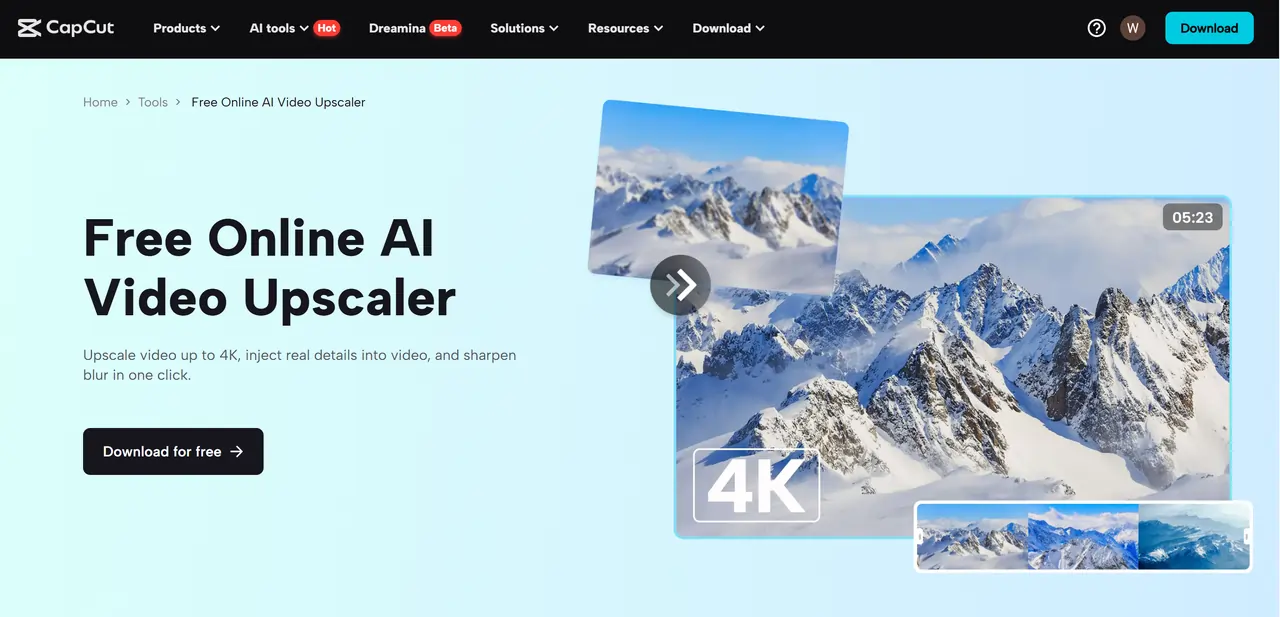
CapCut's AI features — auto captions, voice enhancement, smart reframe, and B-roll suggestions — cover everything a short-form creator needs without a subscription. For TikTok, Reels, and YouTube Shorts workflows, nothing at the free price point comes close.
Best AI Tools for Musicians & Audio Creators
10. ElevenLabs — Voices That Actually Sound Human
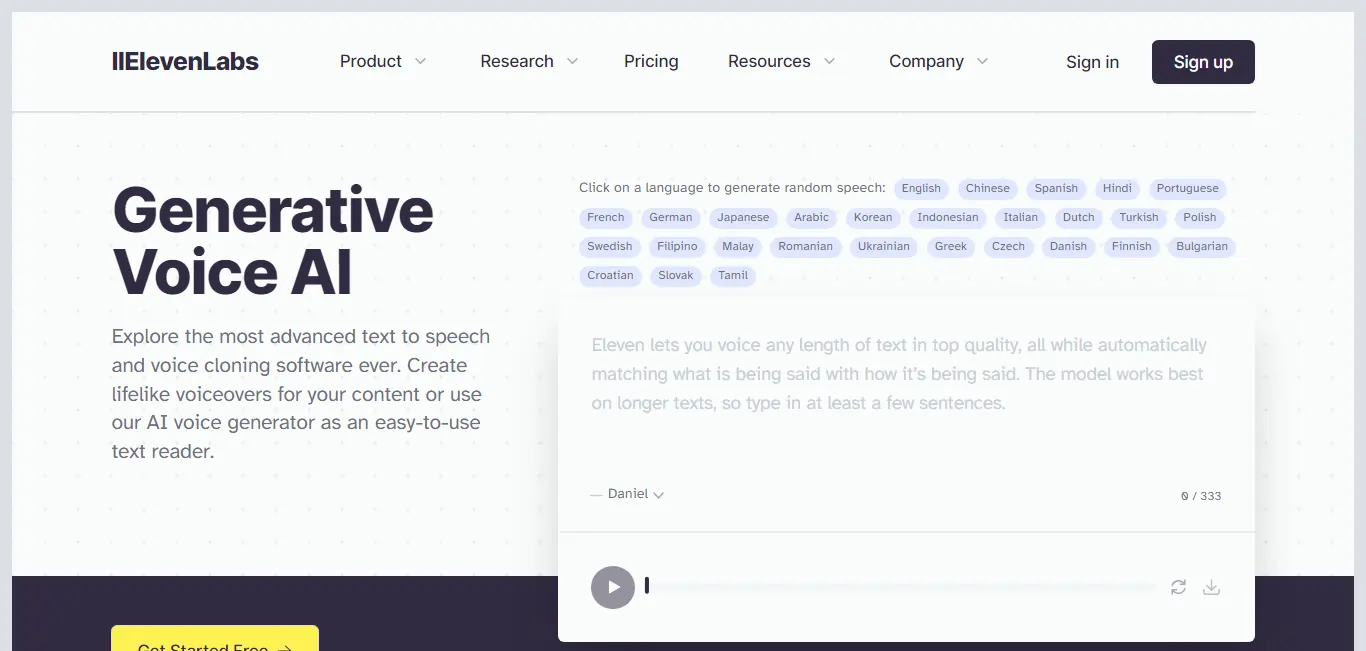
ElevenLabs produces AI voices that hold up in real listening environments — not the over-enunciated text-to-speech that's been standard for years. Voice cloning, multilingual output, and emotional tone control make it the go-to for podcasters, audiobook narrators, and video voiceover artists.
11. Suno — Turn a Text Prompt Into a Full Song
Type a prompt — genre, mood, a few lyric ideas — and Suno produces a full track: melody, arrangement, and vocals. For indie creators who need background music for videos, intro tracks for podcasts, or original songs for social content, it fills a gap that used to require hiring a composer.
Best AI Tool for Presentations & Visual Storytelling
12. Gamma — Decks Built in Minutes, Not Hours
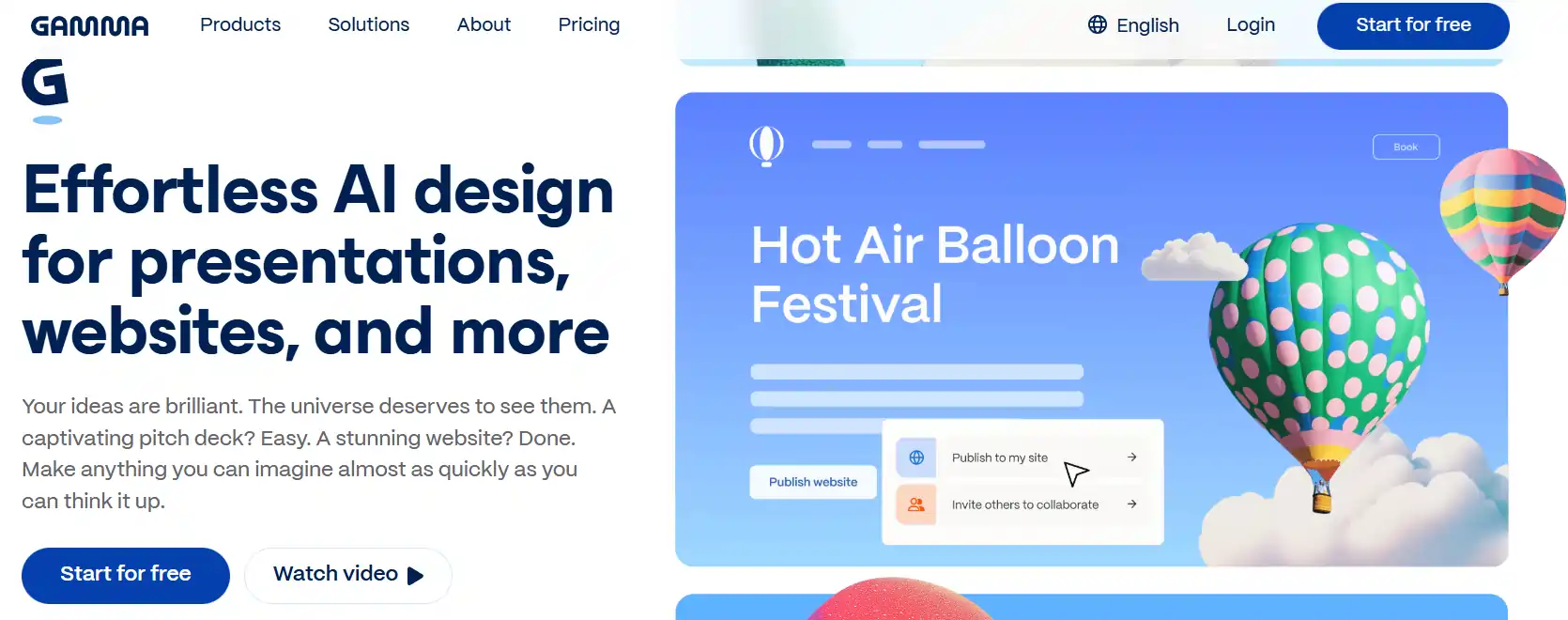
Gamma generates complete slide decks from a text prompt or rough outline — layouts, visuals, and typography handled automatically. The output doesn't look like a default PowerPoint template. It uses nested cards and visual hierarchy that makes content genuinely readable on a screen.
How to Build Your Creative AI Stack Without Overspending
You don't need all twelve tools. Most creatives need two or three, chosen around their primary output. Here's how to stack them without overlap:
A two-to-three tool stack at $30–$60/month covers a complete creative workflow. The mistake most creators make is subscribing to five tools in the same category and wondering why nothing gets finished.

What Creatives Actually Ask Before Picking an AI Tool
Which AI tool is the best fit for fiction writers specifically?
Sudowrite — it's the only tool here built from the ground up for fiction, not adapted from a business chatbot. The free trial needs no credit card.
Are there actually usable free tiers, or is it all bait?
Real free tiers worth using: Genspark (canvas + image gen), OpenArt (image + video credits), ElevenLabs (10K characters/mo), CapCut AI (almost fully free), Canva AI (solid design features), and Gamma (basic presentation creation). Start free, upgrade only when you hit volume limits.
Can AI tools fully replace a human creative?
No. AI handles execution speed — generating options fast, filling structural gaps, accelerating output. It doesn't have taste, original perspective, or the ability to produce work that carries meaning. The best creative AI workflows treat these tools as production accelerators, not idea generators.
Is Genspark a strong pick for image generation in 2026?
For pure text-to-image with tight style control, Adobe Firefly (commercial safety) or DALL·E 3 (accessibility) edge it out in that narrow use case. For a full visual workflow — research, reference, iterate, generate in one place — Genspark is the stronger choice for most content creators.
What's a realistic monthly budget for a creative AI stack?
$30–$60/month covers a complete stack — one writing tool, one visual tool, one audio or video tool. Beyond that, you're usually paying for volume or business-tier features most individual creators don't need.


 BONUS: Get our $200 “AI Mastery Toolkit” FREE when you sign up!



