Sayscroll Key Insights
What Is Sayscroll?
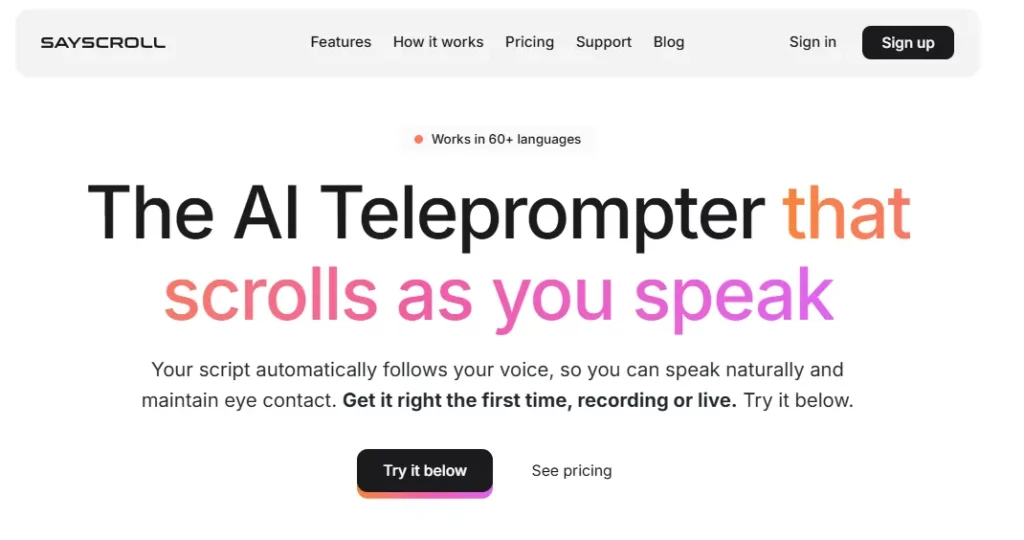
Sayscroll is a browser based AI teleprompter that uses real time speech recognition to scroll your script at the exact pace you speak. Unlike traditional teleprompters that force you to match a fixed scroll speed, Sayscroll listens to your voice, fades out words as you say them and keeps your current position centred on screen. If you go off script to improvise, the prompter pauses and waits, then locks back on the moment you return to your text.
It supports over 60 languages, including mixed language paragraphs, and requires no software download or installation. For YouTubers, podcasters, course creators, church speakers and marketing teams, Sayscroll removes the biggest friction in prompted delivery and turns multi take sessions into single take recordings.
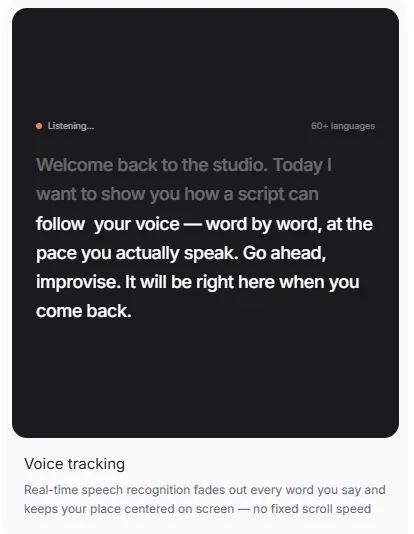
Sayscroll’s core engine listens through your microphone and matches spoken words to your loaded script in real time. The result is a scroll that never runs ahead and never falls behind. This eliminates the robotic cadence that plagues fixed speed prompters and allows for a natural, conversational delivery every single time.
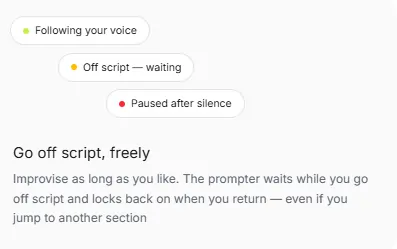
Creators often go off script for emphasis or to react in the moment. Sayscroll detects when you leave the written text, pauses the scroll and waits. The instant you return to your script, the system finds your position and locks back on. No manual adjustment, no lost place and no wasted takes.
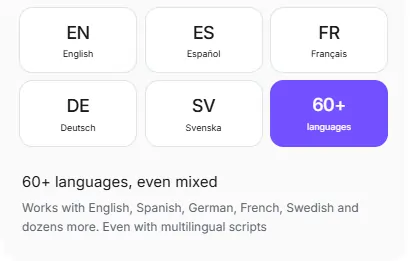
The tool supports over 60 languages, from English and Spanish to Greek, Hindi and Arabic. More impressively, you can mix languages within the same paragraph. A bilingual creator reading a script that switches between English and Portuguese mid sentence will find Sayscroll tracks both without missing a beat.
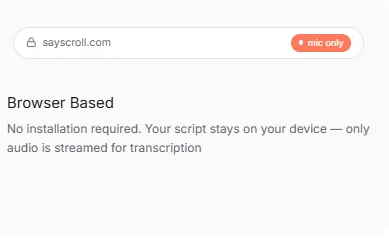
Open sayscroll.com in any modern browser on laptop, desktop, phone or tablet and you are ready to prompt. There is no app to download, no extension to configure and no account required just to try the tool. Your script data stays in your browser, which is a useful privacy detail for creators handling sensitive content.
When you stop speaking, the teleprompter pauses. Silence does not burn your monthly allocation because only live mic time counts towards your plan hours. This makes the usage based pricing genuinely fair and means a creator who pauses frequently between sections is not penalised.
As you speak each word, it fades from full opacity, giving you a clear visual marker of where you are in the script. This reduces the cognitive load of scanning ahead and helps maintain eye line close to the camera lens, which is critical for audience engagement in recorded video.
Sayscroll Pricing Plans
| Plan Name | Cost | Key Limits and Features |
|---|---|---|
| Starter | $5/mo | 10 hours of teleprompter use per month, unlimited script length |
| Creator | $10/mo | For regular creators and speakers, increased monthly hours |
| Studio | $25/mo | All day use for teams and high volume production |
Who Should Use Sayscroll?
Sayscroll fits best where prompted delivery is frequent but fixed speed scrolling causes friction. YouTubers and content creators will notice the biggest gain because multi take recording sessions shrink to single takes. Course creators and educators benefit from the natural pacing, especially non native speakers who need the prompter to breathe with their rhythm.
Church media teams can replace a hardware prompter and a volunteer operator with a browser tab. Marketing directors and developer advocates running live demos can jump between script sections freely, knowing the tool will find them every time. If your workflow involves a camera, a microphone and a written script, Sayscroll is built exactly for that moment.
How Accurate Is Sayscroll Voice Tracking?
The platform claims 99% voice tracking accuracy, and user testimonials support this across multiple languages and accents. In practical terms, the speech recognition engine is strong enough to handle Greek and English mixed in one script without losing position. It also handles pauses, repeated lines and non linear jumps between sections.
The one area to watch is very fast delivery or heavy background noise, which can challenge any voice recognition system. For standard recording environments with a decent microphone, the tracking performs as advertised and is competitive with PromptSmart’s VoiceTrack, long considered the gold standard in voice activated prompting.
Pros and Cons
- 99% accurate AI voice tracking.
- 60+ languages with mixed scripts.
- Zero install, browser based access.
- Auto pause saves billing hours.
- Off script improvisation with re lock.
- Fair usage based pricing model.
- No built in video recording.
- No native mobile app available.
- No AI script writing tools.
- Limited post production features.
Sayscroll vs Hardware Teleprompters
Traditional hardware teleprompter rigs cost between $200 and $2,000+ and require a physical beam splitter, a dedicated iPad or monitor and often a human operator to control scroll speed. Sayscroll replaces all of this with a single browser tab and a microphone. There is no gear to transport, no operator to coordinate and no calibration before each session.
For solo creators and small teams, the cost savings alone make the switch worthwhile. Studio productions with broadcast grade setups will still prefer hardware, but for the vast majority of modern video workflows that happen at a desk or in a home studio, a browser based AI prompter is the more practical and affordable choice.
Best Sayscroll Alternatives
| AI Teleprompter / Content Creation | Voice Tracking Quality | Platform Flexibility |
|---|---|---|
| PromptSmart Pro | Excellent (15 languages) | Native app only, requires install |
| SpeakFlow | Good (fewer languages) | Browser based, no install |
| Teleprompter.com | Good (auto scroll mode) | Native app plus web |
| BIGVU | No true voice tracking | Native app plus web, built in editor |