

Quash Key Insights
What is Quash?
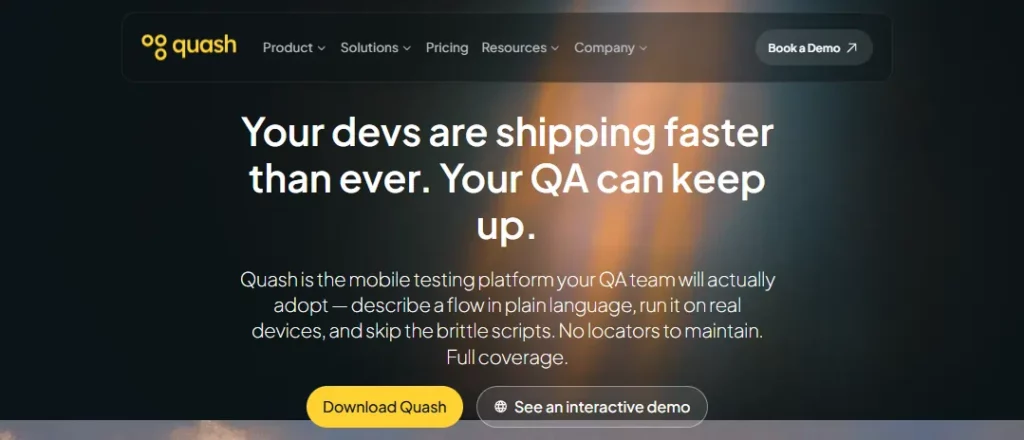
Quash is an AI powered mobile testing platform that generates and runs QA test cases from plain English prompts rather than requiring engineers to write scripts or define UI selectors. It targets QA teams, mobile developers and product managers who need functional and visual coverage across Android, iOS, Flutter and React Native apps without the usual scripting overhead.
The platform executes on real devices, cloud devices or local emulators and includes self healing test logic that adapts automatically when screens, loading states or UI elements shift between builds. For a business this means fewer maintenance hours spent fixing failed test scripts after every release and faster QA cycles that keep pace with development. Detailed execution reports with screenshots and root cause context also help non technical stakeholders review results without pulling in engineering support.
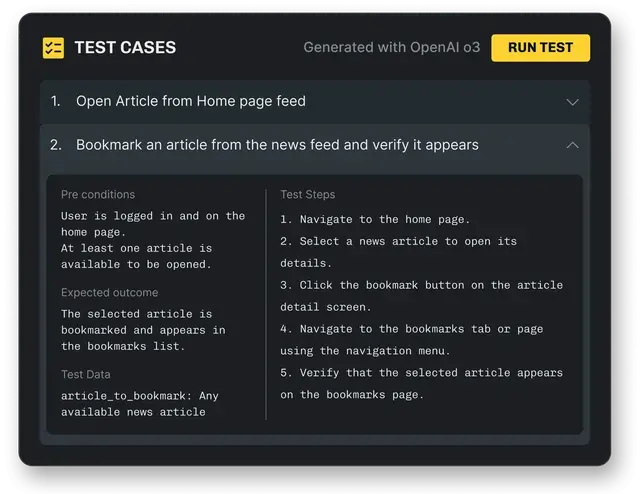
Testers describe a flow such as opening an app and completing a purchase, and Quash converts that intent into actual taps, swipes and form interactions on the device. This removes the need to hard code selectors, which is usually the biggest source of test breakage in traditional frameworks.
When an app update changes a button position or adds a new loading screen, Quash adjusts execution on the fly instead of failing the run. Teams shipping weekly or biweekly releases benefit most since regression suites stay usable without constant rework.
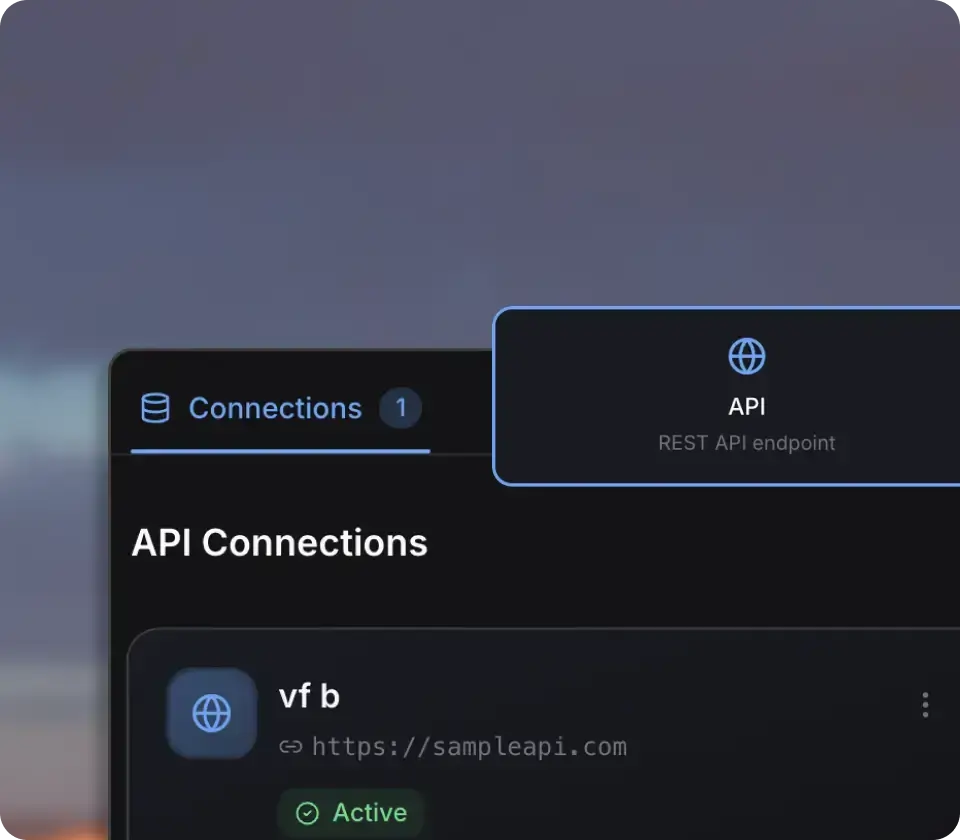
Quash checks backend responses and database behaviour during the same mobile test execution rather than as a separate pass. This catches issues that only show up when the UI looks fine but the data behind it is wrong.
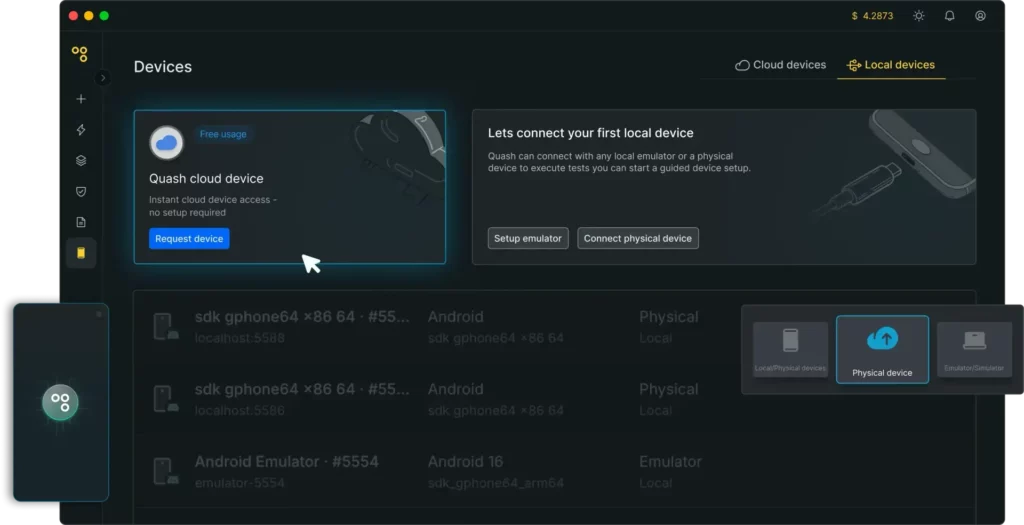
Tests run across Android, iOS, Flutter and React Native on physical devices, emulators or cloud hosted device farms with no separate infrastructure to manage. This suits teams supporting several OS versions at once without buying a device lab.
Quash Pricing Plans
| Plan Name | Cost | Test Minutes | Apps Included | Concurrent Sessions | Notable Features |
|---|---|---|---|---|---|
| Free Trial | $0 | 100 one time | 1 | 1 | Local devices and emulators only |
| Starter | $79/month | 800 | 1 | 1 | Cloud devices, backend validation |
| Growth | $319/month | 3500 | 2 | 3 | CI CD integration |
| Pro | $719/month | 9000 | 4 | 6 | Unlimited users, scheduled regression runs |
| Enterprise | Custom pricing | Unlimited | Unlimited | Custom | Dedicated device fleet, custom LLM keys, SSO and SCIM |
Team Collaboration and Access Control
Quash includes role based access control across all paid tiers so admins can separate who builds tests from who only views reports. Higher tiers add unlimited seats and priority support, which matters once a QA function grows past a single tester managing everything alone. Admins can also organise test suites by app or by team, so a fintech client and an ecommerce client running separate mobile builds do not end up mixing regression paths or reports.
This structure suits agencies and larger product teams where developers, QA leads and product managers all need different levels of visibility without stepping on each other's work. As headcount grows, the ability to add seats without extra per user fees on Pro and Enterprise keeps the cost predictable compared with platforms that charge per licence.
Reporting and Debugging Depth
Every run generates a report with step level intent, screenshots, network data and AI written summaries of failures. This gives product managers and developers enough context to fix an issue without asking the tester to reproduce it manually. Reports also capture the exact device state and network conditions at the point of failure, which removes the usual back and forth between QA and engineering over whether a bug is device specific or environment specific.
Because backend and API data sits alongside the UI trace in the same report, a developer can often pinpoint whether a failure came from the frontend or the server without opening a second tool. This level of detail cuts the time spent on bug triage, which is usually one of the slower parts of a mobile release cycle.
Pros and Cons
- No scripting required for tests.
- Self healing reduces maintenance work.
- Backend and UI checks in one run.
- Works across major mobile frameworks.
- Free trial with no card upfront.
- Higher tiers get expensive fast.
- On prem hosting not on standard plans.
Best Quash Alternatives
| AI Mobile Testing and QA Automation Platform | Scripting Requirement | Backend Validation |
|---|---|---|
| Appium | Full coding required | Not built in |
| BrowserStack App Automate | Script based with some AI aid | Limited |
| Katalon Studio | Low code with scripting option | Limited |



