

Pixazo AI is a single workspace that puts 600+ generative models from 40+ providers behind one prompt box — and behind one API endpoint. Image, video, music and 3D, with the model switchable by changing a single parameter.
The pitch is aggregation done properly. Instead of paying four subscriptions to reach GPT Image 2, Seedream 5, Veo 3 and Kling, you hold one credit balance and spend it wherever you like. What makes it worth a serious look rather than another wrapper is that the credit cost of every model is shown on the Generate button before you commit, and the cheapest image model runs 2 credits against the most expensive at 9.
Pixazo AI Key Insights
What is Pixazo AI?
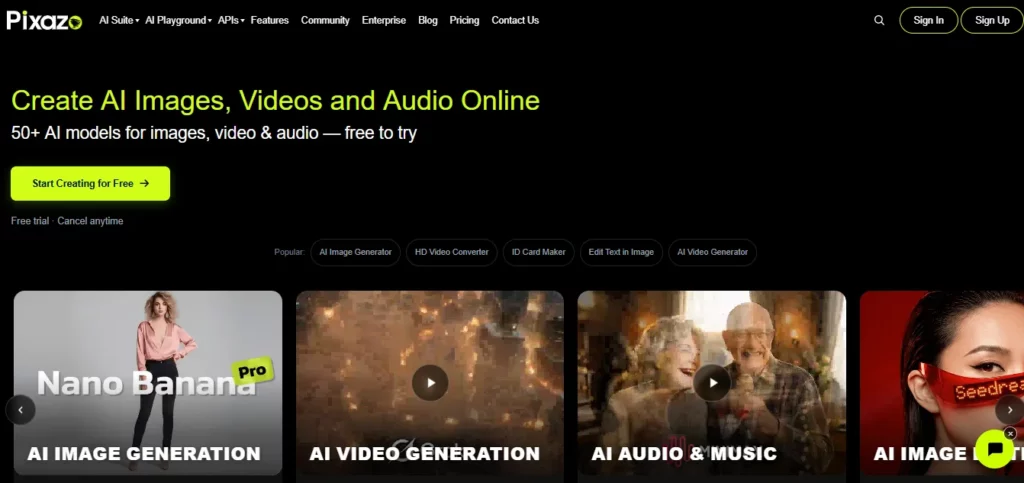
Pixazo is a generative-AI aggregation platform built by Appy Pie LLP, the Indian no-code company founded in 2016 that now runs offices across the US, UK and India with 100+ staff. Pixazo itself launched in 2026 and reports 1M+ images and videos generated by 50K+ active users.
Structurally it is three products wearing one login. There is the Playground, where you pick a model and prompt it. There is the tool library — 1,099 named tools, from AI Image Upscaler and Face Swap through to 206 poster makers and 62 logo generators — which are really pre-configured prompt templates wrapped around the same underlying models. And there is the API, a single endpoint that reaches every model in the catalogue with a one-parameter switch.
That third piece is the one most competitors do not have. Most all-in-one AI tools sell you a UI and stop. Pixazo sells the same catalogue twice — once as a workspace, once as infrastructure — which means a solo creator and a dev team can sit on the same billing account.
The image generator lets you pick between four named frontier models and shows the credit cost on the button before you run:
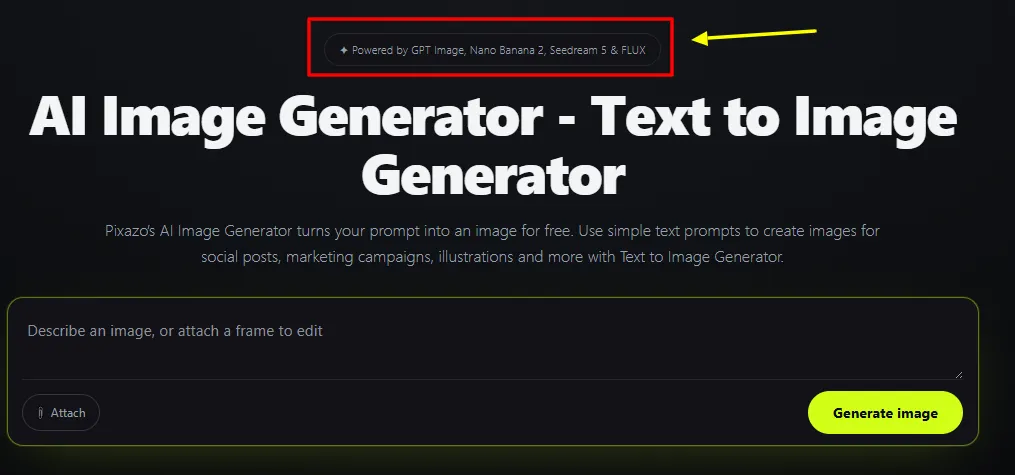
- GPT Image 2 (OpenAI) — 7 credits, best-in-class prompt adherence
- Nano Banana 2 (Google) — 9 credits, strongest for quick prompt-driven edits
- Seedream 5 (ByteDance) — 5 credits, built for character control
- Flux 2 Klein — 2 credits, the cheap workhorse
That 2-to-9 spread matters. Draft on Flux 2 Klein, finish on GPT Image 2, and you cut your credit burn by roughly two-thirds versus running everything on the premium model.
Video reaches Sora, Runway, Kling, Pika, Luma Dream Machine, Mochi, Vidu, Hunyuan Video and Seedance 2.5. Audio covers ElevenLabs, XTTS, VibeVoice, Stable Audio, Deepgram, Fish Audio, Lyria and MeloTTS. 3D runs Hunyuan3D, Hyper3D, Tripo3D, Meshy and Trellis3D.
Reaching Kling and Veo 3 through the same balance you use for images is the actual value proposition here — those two alone pull 135,000 and 90,500 US searches a month as standalone products.
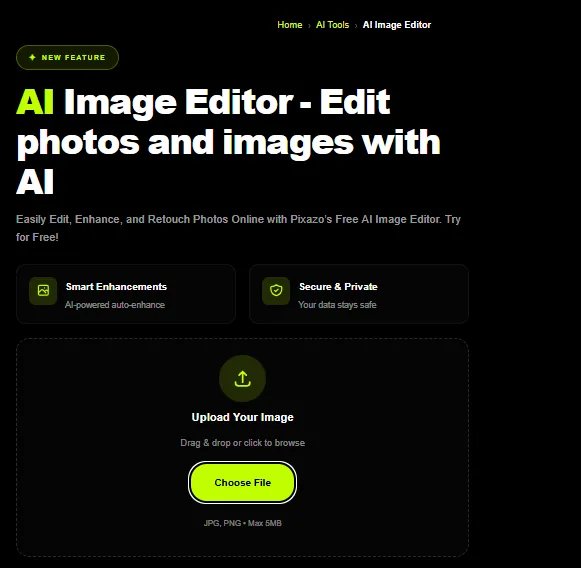
Image editing works by description rather than selection. You upload or carry forward a result, describe the change, and it renders — no brush, no mask, no layer work.
Pro makes four in-house models — Pixelforge, Edit, Tracks and ACE-Step — unlimited rather than metered. Your 300 monthly credits are therefore best understood as a premium-model budget, not a total generation cap.
Including the free trial. That is unusual and worth stating plainly, because most free tiers in this category brand your output.
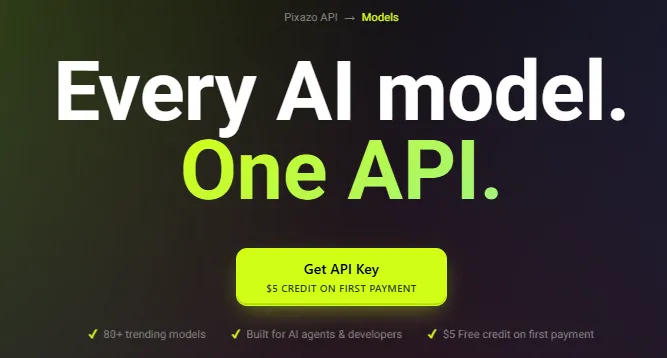
A single REST endpoint, model switched by one parameter, with a 99.99% uptime SLA and automatic failover. Pricing is per-request — one listed model, Muse Image, runs $0.011 a call — with a free tier that needs no card.
Pixazo AI Parameter Reference
| Parameter | Options |
|---|---|
| Image models (Playground) | GPT Image 2 · Nano Banana 2 · Seedream 5 · Flux 2 Klein |
| Image credit range | 2–9 credits per generation |
| Output resolutions | 1024×1024 · 1024×1536 · 1536×1024 |
| Download formats | PNG · JPG · WebP |
| Batch generation | ❌ One image per run |
| Input types | Text · image upload · previous result |
| Watermark | None, all tiers |
| In-house models | Pixelforge · Edit · Tracks · ACE-Step |
| Video models | Sora · Kling · Runway · Pika · Luma · Vidu · Hunyuan · Seedance 2.5 |
| Audio models | ElevenLabs · Stable Audio · Lyria · Deepgram · XTTS · Fish Audio |
| 3D models | Hunyuan3D · Tripo3D · Meshy · Hyper3D · Trellis3D |
| API models | 600+ across 40+ providers |
| API SLA | 99.99% uptime, automatic failover |
Pixazo AI Pricing Plans
| Plan | Cost | What You Get |
|---|---|---|
| Free Trial | $0 | 7 days, 100 bonus credits, any model under 100 credits/generation, no watermark, fair daily limit on in-house models. No commercial rights. Credits expire with the trial. |
| Pro Monthly | $15 / month | 300 credits/month, 50% off every model, unlimited in-house models, all premium models (Veo 3, Sora, Flux), full commercial rights, priority queue |
| Pro Yearly | $120 / year | Identical to Pro Monthly, 33.3% cheaper — roughly four months free |
| Credit top-up | From $18 / 300 credits | Never expire, stack on any plan |
The pricing detail nobody points out
Look at those last two rows together. A top-up costs $18 for 300 credits. The Pro subscription costs $15 for the same 300 credits — and throws in 50% off every model, unlimited in-house generation, commercial rights and queue priority.
Buying a top-up before you subscribe is strictly worse value than subscribing. If you are about to spend $18 on credits, spend $15 on Pro instead and get more credits per dollar plus everything else.
What 300 credits actually buys
At list price, then at the Pro 50% discount:
| Model | Credits | Images from 300 | With Pro 50% off |
|---|---|---|---|
| Flux 2 Klein | 2 | 150 | 300 |
| Seedream 5 | 5 | 60 | 120 |
| GPT Image 2 | 7 | 42 | 85 |
| Nano Banana 2 | 9 | 33 | 66 |
At $15/month, 300 discounted Flux 2 Klein images works out around $0.05 an image — genuinely cheap for a platform that also reaches Sora and Kling on the same balance.
Getting Started with Pixazo AI
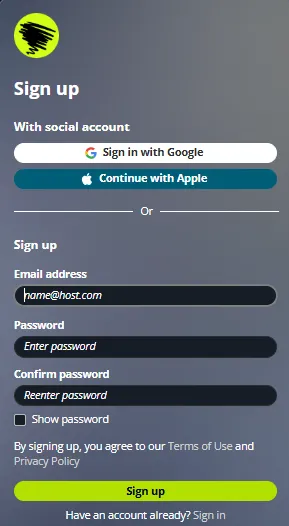
- Sign up free — no card — and collect 100 bonus credits on a 7-day trial.
- Open the Playground and write your prompt.
- Pick your model. The credit cost appears on the Generate button before you run.
- Refine by description. Feed the result back in and describe the change; no masking required.
- Upgrade to Pro before buying any top-up, for commercial rights and the 50% model discount.
How Pixazo AI Compares
The aggregator category splits three ways. Model marketplaces like Replicate and Fal sell raw API access to developers with no consumer UI. Single-model consumer apps sell one engine with a polished front end. Pixazo tries to be both, and mostly succeeds.
Its real edge is cost transparency at the model level. Very few platforms in this space tell you a generation costs 2 credits on one model and 9 on another before you spend it — most flatten everything into an opaque “generation” unit and quietly meter the expensive models harder.
The honest weakness is depth. A 1,099-tool library sounds enormous until you notice that 868 of those entries are template variations — 206 poster makers, 86 flyer makers, 63 card makers. They are useful shortcuts, not 1,099 distinct capabilities, and the headline number oversells what is actually a strong four-modality platform.
Pros and Cons
- 600+ models across image, video, audio and 3D on one balance.
- Credit cost shown per model before you generate.
- 2–9 credit spread lets you draft cheap and finish expensive.
- No watermark on any tier, trial included.
- Pro is cheaper per credit than the top-up pack.
- Unlimited in-house models on Pro.
- Public API with 99.99% SLA and one-parameter model switching.
- Top-up credits never expire.
- Cancel anytime, no fees.
- Backed by an established operator (Appy Pie LLP, est. 2016).
- No commercial rights during the free trial.
- Trial credits expire when the trial ends.
- No batch generation — one image per run.
- Image output capped at 1536px on the long edge.
- The 1,099-tool count is inflated by template variants.
- API pricing is published for only a fraction of the catalogue.
- Free tier is time-limited (7 days), not a permanent free plan.
Who Pixazo AI Is Built For
FAQs About Pixazo AI
Is Pixazo AI free?
There is a 7-day free trial with 100 bonus credits and no card required. It carries no commercial rights and the credits expire when the trial does.
How much does Pixazo AI cost?
$15/month or $120/year for Pro, which includes 300 monthly credits and 50% off every model. Top-ups start at $18 for 300 credits.
How many AI models does Pixazo have?
600+ models from 40+ providers, spanning image, video, audio and 3D. The image Playground exposes four: GPT Image 2, Nano Banana 2, Seedream 5 and Flux 2 Klein.
How many credits does an image cost?
Between 2 and 9 depending on model — Flux 2 Klein 2, Seedream 5 five, GPT Image 2 seven, Nano Banana 2 nine. Pro halves all of them.
Does Pixazo add a watermark?
No, on any tier including the free trial.
Can I use Pixazo images commercially?
On Pro, yes — full commercial rights. During the trial, no, and trial outputs may be showcased on the marketplace.
Does Pixazo have an API?
Yes. One REST endpoint reaches all 600+ models, switched by a single parameter, with a 99.99% uptime SLA and a free tier that needs no card.
Do Pixazo credits expire?
Top-up credits never expire. Trial credits expire at the end of the 7 days.
Can I cancel anytime?
Yes — no fees, and access runs to the end of the billing period.
Best Pixazo AI Alternatives
| All-in-one AI generation platform + API | Model Access | API | Best For |
|---|---|---|---|
| Replicate | Large open catalogue | ✅ Developer-first | Teams who want raw model access, no UI |
| Fal.ai | Speed-optimised catalogue | ✅ Developer-first | Low-latency production inference |
| Freepik AI Suite | Curated multi-model | Limited | Designers who want assets plus generation |
| Krea AI | Focused image/video set | Limited | Realism-led image work |



