

InVideo AI Key Insights
What is InVideo AI?
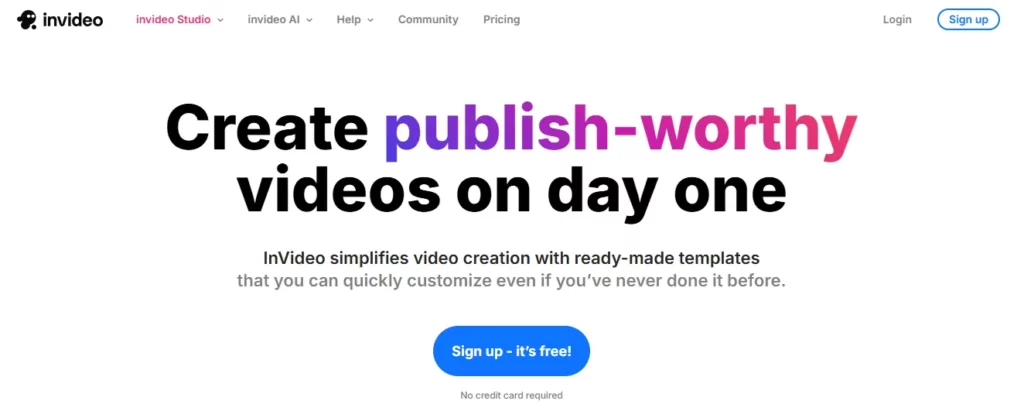
InVideo AI is a browser based AI video creation platform that converts text prompts, scripts, and blog articles into fully produced videos in minutes. Built on OpenAI GPT 4.1, gpt-image-1, and text to speech models, it manages scripting, voiceover, stock media selection, subtitle generation, and editing through a single interface. Businesses use it to produce marketing videos, social media content, YouTube videos, and product explainers without hiring a production team.
The platform integrates over 16 million royalty-free assets, supports 75 plus languages, and includes a text-based Magic Box editor that lets users revise any part of a video using plain English instructions. For content teams under pressure to publish at volume, InVideo AI delivers genuine production automation at a fraction of traditional costs.
Type your idea and InVideo AI builds the entire video for you. The GPT 4.1 backbone writes the script, selects matching visuals from the 16 million asset library, records an AI voiceover, and adds transitions automatically. What traditionally takes a production day gets completed in under five minutes, making it one of the fastest video automation tools on the market in 2026.
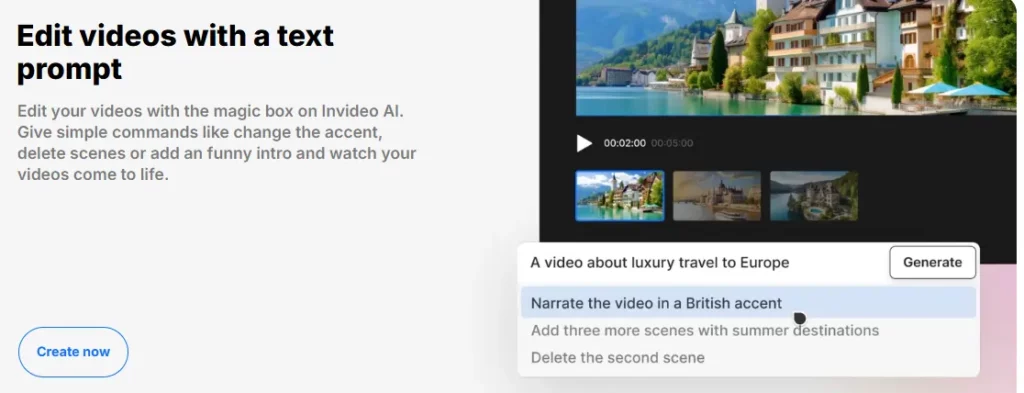
The Magic Box is InVideo AI's standout workflow tool. Instead of dragging timelines or cutting clips manually, you type plain English instructions and the AI applies them across the full video. Instructions like “make the intro shorter” or “swap the background music for something upbeat” are processed instantly. For marketing teams managing multiple video revisions per week, this feature cuts turnaround time dramatically.
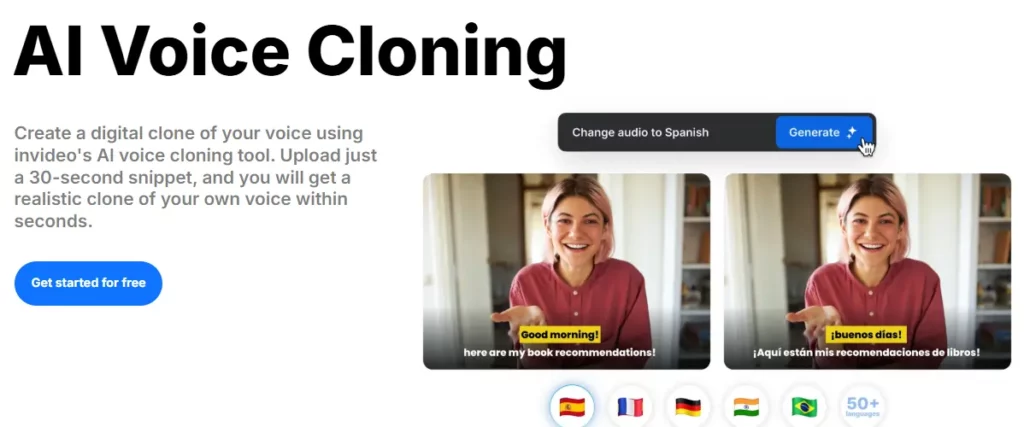
From the Plus plan upwards, InVideo AI supports voice cloning. Upload a short audio sample and the platform generates a synthetic clone that narrates all future videos. Combined with automatic dubbing into 75 plus languages, this makes InVideo AI a practical tool for brands running content campaigns across global markets without a dedicated localisation budget.
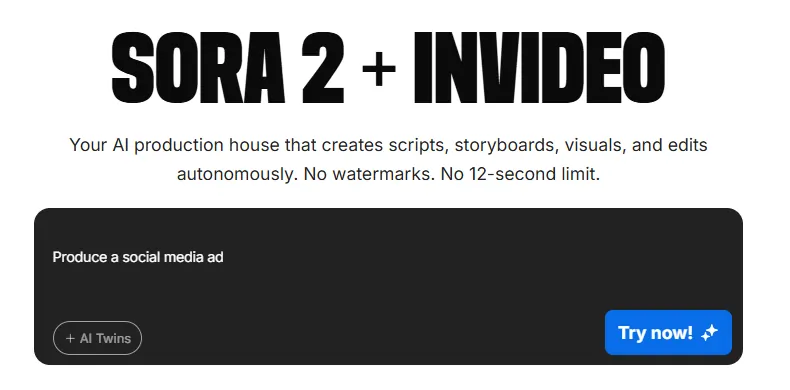
This is the most important technical development in InVideo AI for 2026. The platform bundles access to both OpenAI Sora 2 and Google VEO 3.1 generative video models inside a single subscription. Standalone access to Sora 2 via ChatGPT Pro costs $200 per month. VEO 3.1 Ultra runs close to $250 per month. InVideo AI provides access to both starting at $25 per month, which is an extraordinary value proposition for creators who need generative footage.
The Brand Kit stores your logo, brand colours, and fonts so every video stays on-brand without manual configuration per project. Over 5,000 marketing-focused templates cover formats from TikTok Reels to long-form YouTube content, giving content teams a production ready starting point for any campaign brief.
InVideo AI generates timed subtitles automatically for every exported video. On social platforms where the majority of videos are watched without sound, this feature directly supports engagement rates. The subtitles are accurate, fully editable, and export with the final file across all plan tiers.
InVideo AI Pricing Plans
| Plan | Cost | Credits | AI Avatars & Voice Clones | Storage | iStock |
|---|---|---|---|---|---|
| Free | $0 | Limited | ❌ | 5 GB | ❌ |
| Plus | $25/month | 100 | 4 | 20 GB | 100 |
| Max | $60/month | 400 | 16 | 100 GB | 200 |
| Generative | $200/month | 1000 | 40 | 2TB | 1000 |
| Enterprise | Custom pricing | Unlimited | Unlimited | Unlimited | Unlimited |
InVideo AI for Blog-to-Video Content Repurposing
One of InVideo AI's strongest practical applications is converting existing written content into video. Paste a blog post, product description, or article and the AI breaks it into scenes, assigns relevant visuals, and generates a narrated video automatically. Straightforward content converts well on the first attempt.
Technical or abstract topics may require around 40 to 50 percent of visuals to be manually replaced, which is worth factoring into your workflow. For SEO content teams looking to create video versions of existing articles to improve dwell time and search rankings, this workflow delivers meaningful time savings over traditional video production.
Pros and Cons
- Sora 2 and VEO 3.1 access bundled.
- Magic Box edits are fast and accurate.
- 75 plus languages fully supported.
- 16 million stock assets included.
- Beginner-friendly interface.
- Outstanding value vs. freelance video costs.
- Complex topics need manual clip fixes.
- Generative plan is pricey at $200.
InVideo AI vs. Hiring a Video Editor
For businesses weighing InVideo AI against an in-house editor or freelance production, the cost case is clear. A mid-level video editor costs between $3,000 and $5,000 per month. A single freelance social video averages $200 to $500. InVideo AI at $25 per month delivers 50 minutes of AI-generated video output with brand kit, voice cloning, subtitle automation, and iStock access included.
The quality ceiling sits below bespoke production work, but for content teams publishing three to five videos per week on tight deadlines, the output is consistently fit for purpose. Brands that treat video as a volume game rather than a prestige play will find InVideo AI more than adequate.



