
Captions AI Key Insights
What is Captions AI?
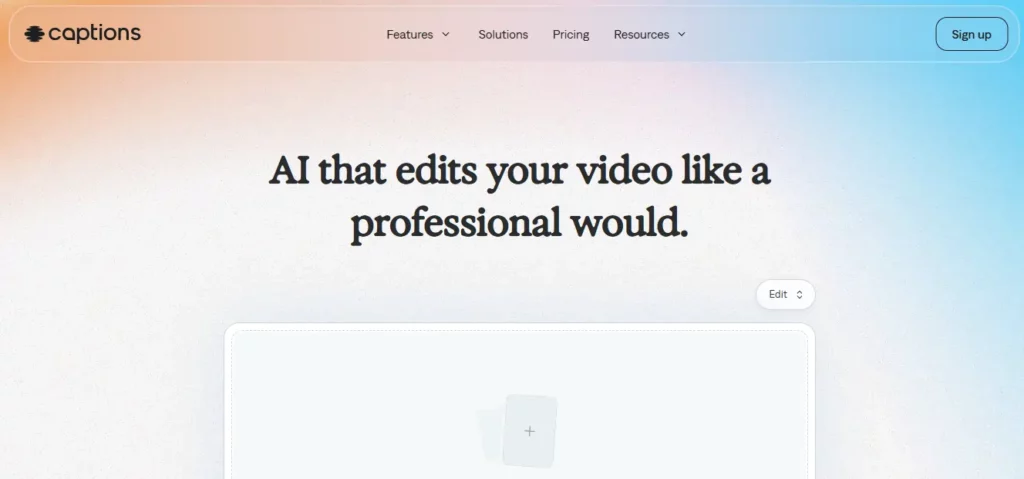
Captions AI is an AI-driven video editing platform that automates the entire post-production workflow for content creators and businesses. The tool processes raw footage through intelligent algorithms that automatically generate accurate captions, cut unnecessary segments, overlay B-roll, and apply professional transitions. Users can transform smartphone clips into polished, social-media-ready videos without technical expertise.
The platform’s core strength lies in its ability to handle multiple production tasks simultaneously—transcription, subtitling, visual enhancement, and audio cleanup—saving creators approximately 80% of traditional editing time. With support for 28 languages and AI avatar generation, Captions AI serves both individual creators and marketing teams seeking scalable video production solutions.

Captions AI’s neural engine analyses video content to identify optimal cut points, remove filler words, and restructure footage for maximum engagement. The AI applies cinematic techniques like zoom transitions and pacing adjustments that typically require professional editors, delivering broadcast-quality results from amateur recordings.

The platform creates highly accurate subtitles with 95%+ precision for clear audio inputs. Users can customise font styles, colours, and positioning to match brand guidelines. The system supports automatic translation into 28 languages, enabling creators to reach global audiences without separate translation services.
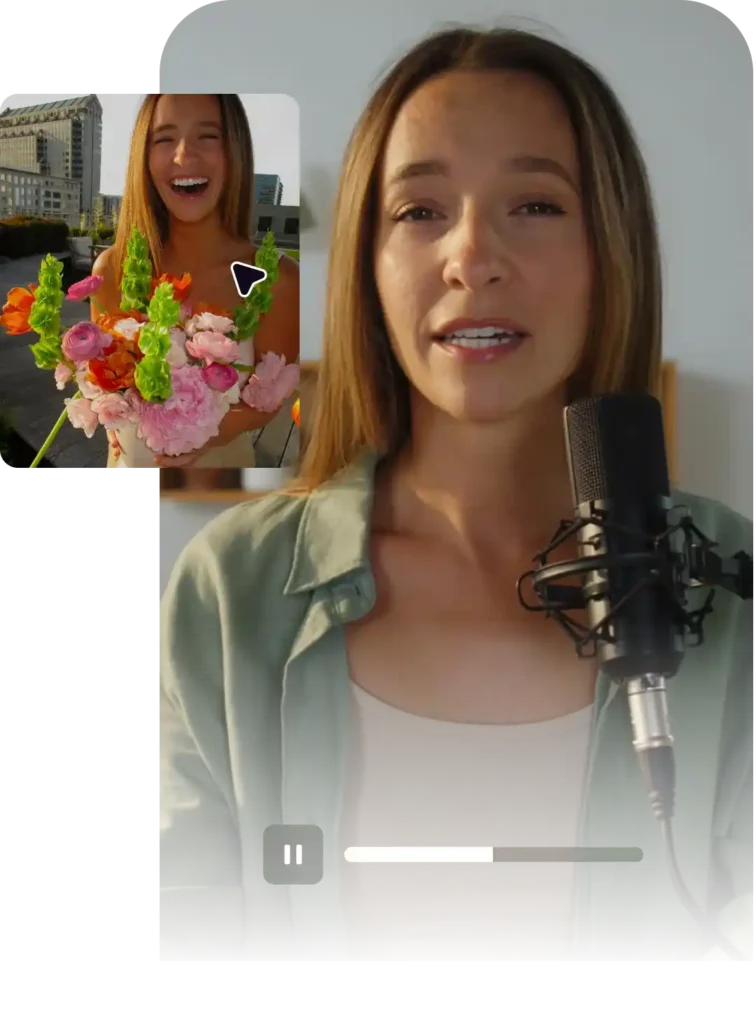
Creators can generate photorealistic AI avatars from a single selfie or choose from a library of professional actors. The voice cloning feature replicates the user’s vocal characteristics, allowing consistent narration across multiple videos without repeated recording sessions.
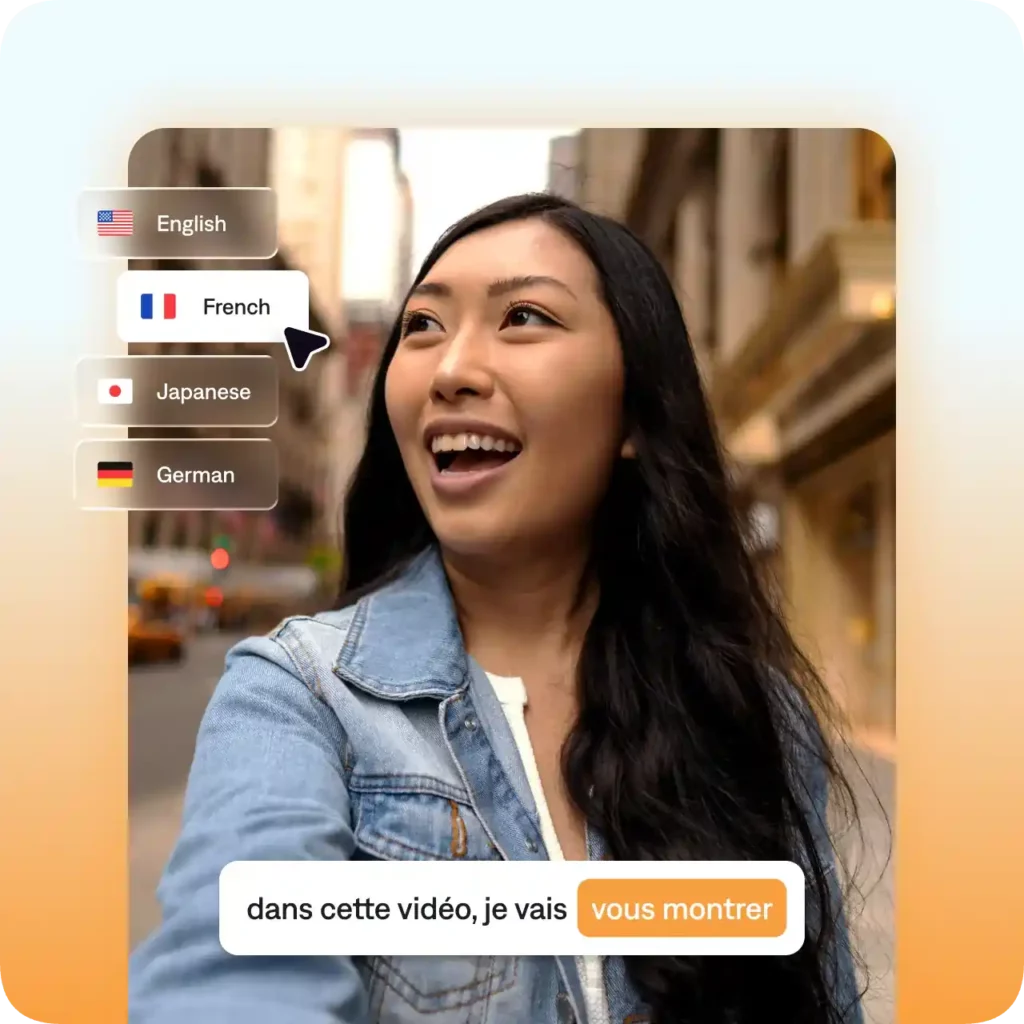
Captions AI provides advanced AI translation capabilities that allow creators to localise content into over 30 languages instantly. The system synchronises translated subtitles with the original video pacing while simultaneously generating natural-sounding dubbed audio. This functionality enables brands and creators to scale their reach across international markets without the heavy costs of manual translation services or professional voice actors.
Captions AI Pricing Plans
| Plan | Cost | Monthly Credits | Watermark | Export Resolution | AI Dubbing |
|---|---|---|---|---|---|
| Free | $0 | 60 | ✅ | 1080p | ❌ |
| Pro | $9.99/mo | 200 | ❌ | 1080p | ✅ |
| Max | $24.99/mo | 500 | ❌ | 4K | ✅ |
| Scale | $69.99/mo | 1400 | ❌ | 4K | ✅ |
Getting Started with Captions AI
- Sign up on Captions AI using email or Google account, then upload your raw video file (MP4, MOV, or WebM formats supported)
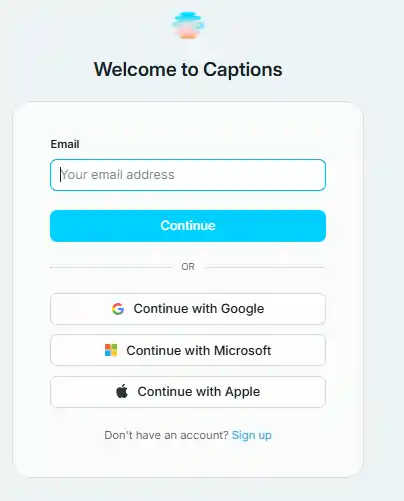
- Select your preferred editing mode: automatic AI edit or manual text-based editing interface
- Review and customise AI-generated captions, then choose export settings including resolution and format
- Download the final video or schedule direct publishing to social media platforms
Captions AI Video Production Efficiency
Captions AI fundamentally changes video production timelines by condensing tasks that traditionally required hours into minutes. The platform’s strength lies in its unified approach—creators no longer need separate tools for transcription, captioning, and basic editing. This consolidation eliminates file format compatibility issues and reduces the learning curve associated with professional editing software.
For social media managers handling multiple daily posts, this efficiency translates directly to content volume capacity. The AI’s ability to maintain consistent quality across batches of videos ensures brand standards remain intact even during rapid production cycles.
Pros and Cons
- Rapid video processing
- Accurate automatic captions
- Intuitive interface
- Multi-language support
- Limited 4K resolution
- Credit management needed
- Mobile app occasional bugs
Automated Video Creation Benefits With Captions AI
Within the competitive AI video editing landscape, Captions AI distinguishes itself through balanced automation and creative control. Unlike fully automated tools that sacrifice quality for speed, Captions maintains professional standards by allowing human oversight throughout the process.
The platform sits between basic captioning services and comprehensive editors like Descript, offering sufficient depth for most social media applications while remaining accessible to beginners. Its AI avatar technology provides a unique scaling advantage for personal branding that competitors lack.