

Manually copying feedback from maps feels like a punishment. You click, copy, and paste until your fingers go numb. Yet, you need that raw data to crush the competition. Pros switch to automated review collection to grab thousands of ratings in minutes.
We tested methods ranging from the basic API to advanced Python scraping scripts to find the fastest route.
You need reliable customer feedback analysis to spot patterns and fix bad service instantly. Stop wasting time on boring manual tasks.
Here is how to master Google Maps data extraction without getting blocked or breaking the bank.
Why Collecting Google Review Data Matters 📊

Customer opinions posted on Google Business profiles contain valuable information that can transform your marketing efforts. These reviews reveal patterns about product quality, customer service experiences, and business reputation management needs.
Business intelligence teams use review extraction to monitor brand sentiment across multiple locations. Local SEO experts analyze rating patterns to help companies improve their online presence. Market research professionals gather feedback data to understand consumer behavior in specific industries.
The sentiment analysis potential is huge when you can access thousands of customer comments. You can spot trending complaints, identify what makes customers happy, and track how competitors perform in your area.
Best Methods for Gathering Google Reviews Data
Multiple approaches exist for extracting review data from Google. Each method has strengths and weaknesses based on your project size and technical skills.
Method 1: Google Places API for Official Access
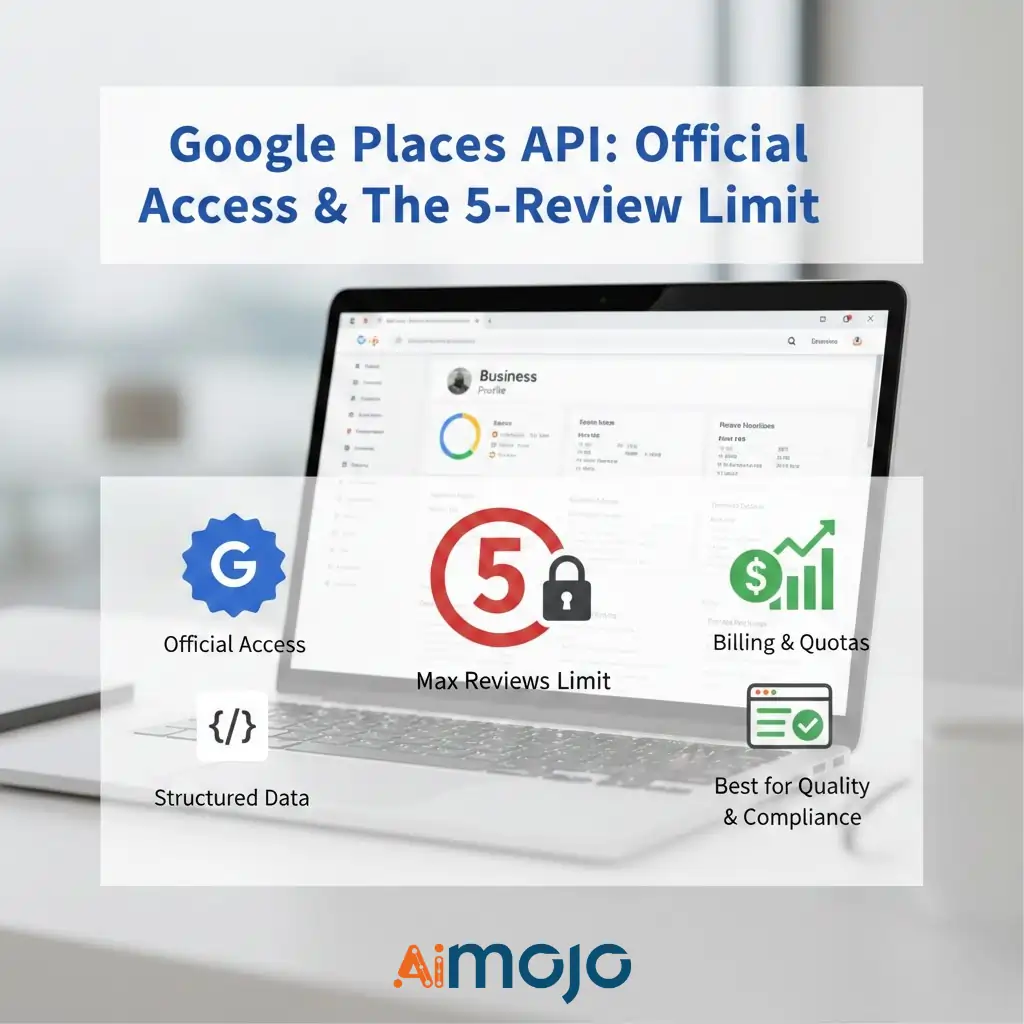
The Google Places API provides the official path to access business review information. You query a business using its name and location to get a place ID, then retrieve details like ratings and user feedback in clean JSON format.
The limitation is you only get five reviews maximum per location. Google also applies usage quotas and billing charges for high-volume requests. The reviews come pre-sorted, usually showing either the most positive or most negative feedback.
Choose this approach for small projects where you need verified, structured data and care more about quality than quantity. Perfect for dashboards and apps where compliance matters most.
Method 2: Manual Collection Process
Manual scraping involves visiting Google Maps business pages, opening review sections, and copying data yourself. You can do this completely by hand or use browser tools to help speed things up.
This method works for gathering reviews from just one or two locations. Use it when automation feels like overkill and you need quick examples for testing ideas.
Method 3: Professional Scraping APIs
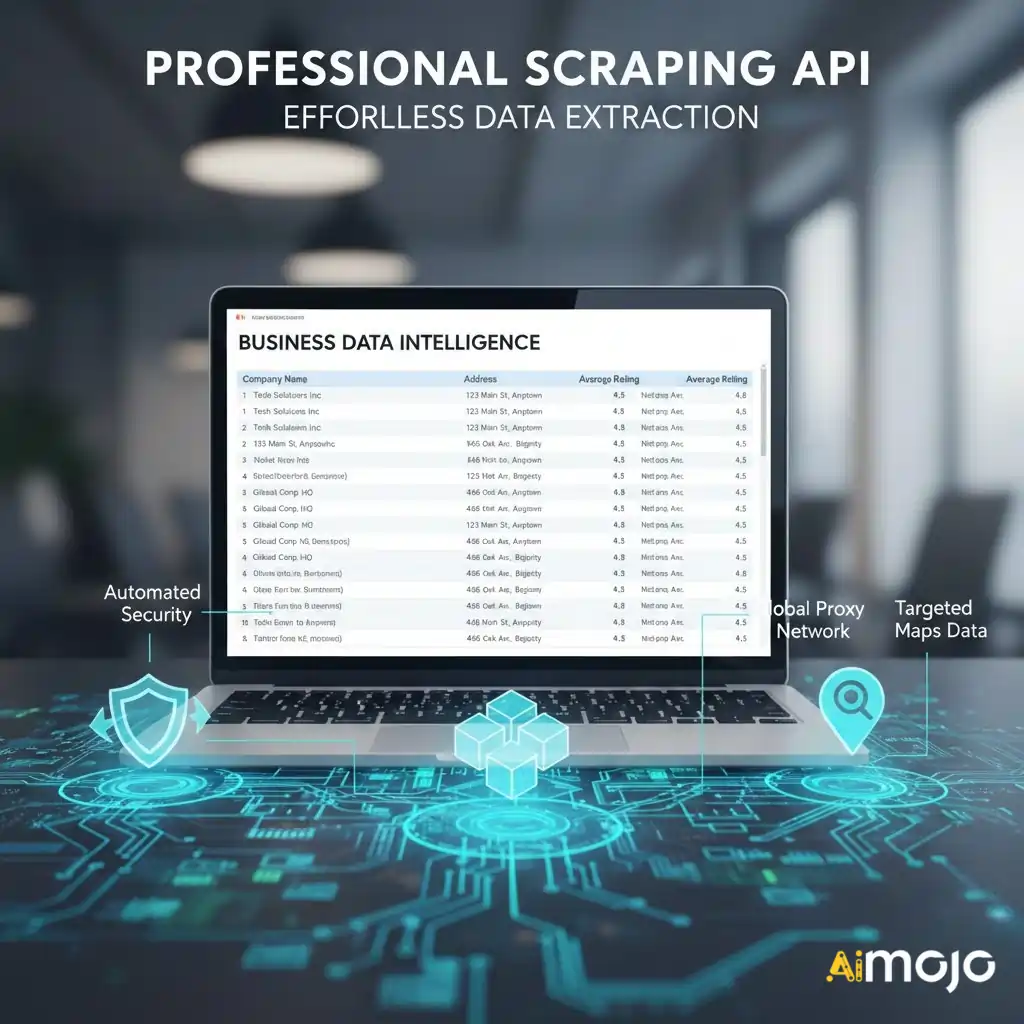
Scraping APIs make data extraction simple by handling all the technical work. They send requests, parse HTML code, and bypass security blocks like CAPTCHAs automatically.
Decodo’s Web Scraping API offers a specialized Google Maps Scraper that targets business names, addresses, and ratings without getting blocked. The service handles proxy rotation, browser emulation, and anti-bot detection so you can focus on analyzing data instead of fighting technical barriers Decodo.
Professional scraping services work best when you need reliable, large-scale data extraction without building custom code. They save time and eliminate frustrating technical roadblocks.
Method 4: Custom Python Automation
Automated scraping with Python gives complete control over your data collection. Using libraries like Selenium or Playwright, you can build scripts that simulate real browsing, interact with pages, and collect thousands of reviews.
This method provides maximum flexibility and scalability for serious review collection projects across multiple businesses and locations. You customize exactly what data gets extracted and how it gets processed.
Building custom scripts takes effort but this guide walks you through every step from setup to deployment.
How to Set Up a Python Scraping Workspace⚙️
Create a clean workspace for your Python scraping project:
- Step 1: Make a new folder to store all project files. You can also create a virtual environment to isolate dependencies.
- Step 2: Install required libraries by running this command in your terminal:
pip install playwright beautifulsoup4
- Step 3: Download browser binaries that Playwright needs for automation:
playwright install
- Step 4: Get your proxy credentials from the Decodo dashboard. You’ll need the endpoint information to route requests through different IP addresses.
- Step 5: Test everything with this verification script:
from playwright.sync_api import sync_playwright
from bs4 import BeautifulSoup
def test_setup():
with sync_playwright() as p:
browser = p.chromium.launch(
headless=False,
proxy={
“server”: “your-proxy-endpoint”,
“username”: “your-username”,
“password”: “your-password”
}
)
page = browser.new_page()
page.goto(‘https://www.whatismyip.com/')
page.wait_for_timeout(3000)
soup = BeautifulSoup(page.content(), ‘html.parser')
ip_info = soup.find(‘span', class_='item-value')
print(f”Connection IP: {ip_info.text if ip_info else ‘Not found'}”)
browser.close()
test_setup()
Run the test with python test_script.py. If you see an IP address different from your actual location, everything works correctly!
Building Your Google Review Scraper 🔧
Now create your actual scraping script step by step.
- Step 1: Head Over to Google Maps
Start by visiting Google Maps and handling the cookie consent popup:
from playwright.sync_api import sync_playwright
from bs4 import BeautifulSoup
import time
def scrape_google_reviews(search_query):
with sync_playwright() as p:
browser = p.chromium.launch(
headless=False,
proxy={
“server”: “your-decodo-proxy”,
“username”: “username”,
“password”: “password”
}
)
context = browser.new_context(
viewport={‘width': 1366, ‘height': 768},
locale='en-US'
)
page = context.new_page()
page.goto(‘https://www.google.com/maps?hl=en')
page.wait_for_timeout(2000)
# Accept cookies if prompted
try:
accept_button = page.locator(‘button:has-text(“Accept all”)')
if accept_button.is_visible(timeout=3000):
accept_button.click()
except:
pass
- Step 2: Search for Business Locations
Find businesses using the search bar:
# Search for businesses
search_box = page.locator(‘#searchboxinput')
search_box.fill(search_query)
page.keyboard.press(‘Enter')
page.wait_for_timeout(3000)
# Get first result
first_result = page.locator(‘div[role=”article”]').first
first_result.click()
page.wait_for_timeout(2000)
- Step 3: Extract Review Data
Access the reviews section and collect information:
# Click Reviews tab
reviews_button = page.locator(‘button[aria-label*=”Reviews”]')
reviews_button.click()
page.wait_for_timeout(2000)
# Get rating summary
rating_elem = page.locator(‘div[aria-label*=”stars”]').first
rating_text = rating_elem.get_attribute(‘aria-label')
# Extract individual reviews
reviews = []
review_container = page.locator(‘div[data-review-id]')
for i in range(20):
try:
review_elem = review_container.nth(i)
# Expand full review text
more_button = review_elem.locator(‘button:has-text(“More”)')
if more_button.is_visible(timeout=1000):
more_button.click()
page.wait_for_timeout(500)
author = review_elem.locator(‘div[class*=”name”]').inner_text()
rating = review_elem.locator(‘span[aria-label*=”stars”]').get_attribute(‘aria-label')
text = review_elem.locator(‘span[class*=”review-text”]').inner_text()
reviews.append({
‘author': author,
‘rating': rating,
‘text': text
})
# Scroll to load more
review_elem.scroll_into_view_if_needed()
except Exception as e:
continue
browser.close()
return reviews
# Execute scraping
results = scrape_google_reviews(“Starbucks London”)
print(f”Collected {len(results)} reviews”)
Exporting Google Review Data to CSV💾
Export review information to CSV format for analysis:
import csv
def save_to_csv(reviews, filename='google_reviews.csv'):
with open(filename, ‘w', newline=”, encoding='utf-8′) as file:
writer = csv.DictWriter(file, fieldnames=[‘author', ‘rating', ‘text'])
writer.writeheader()
writer.writerows(reviews)
print(f”Saved {len(reviews)} reviews to {filename}”)
save_to_csv(results)
You can then analyze this data using pandas for statistical insights or upload it to AI tools for automated sentiment analysis.
Why Choose Decodo for Review Scraping 🌟

Decodo provides professional web scraping infrastructure designed specifically for data extraction challenges. The platform offers:
No matter if you need proxies for custom scripts or ready-made scraping APIs, Decodo handles the technical complexity so you focus on analyzing data instead of fighting blocks.
Final Thoughts on Google Review Collection 🎯
Pulling Google Reviews at scale is not magic. Most projects start with a handful of data, but real insights come from tracking hundreds or even thousands of customer comments.
In 2026, scraping tools are faster and more accurate, letting businesses spot trends, fix problems, and compare themselves to rivals.
Getting all the reviews you need takes the right method and a bit of patience. What’s the next move you’ll make with all that feedback?
AiMojo Recommends:


 BONUS: Get our $200 “AI Mastery Toolkit” FREE when you sign up!








