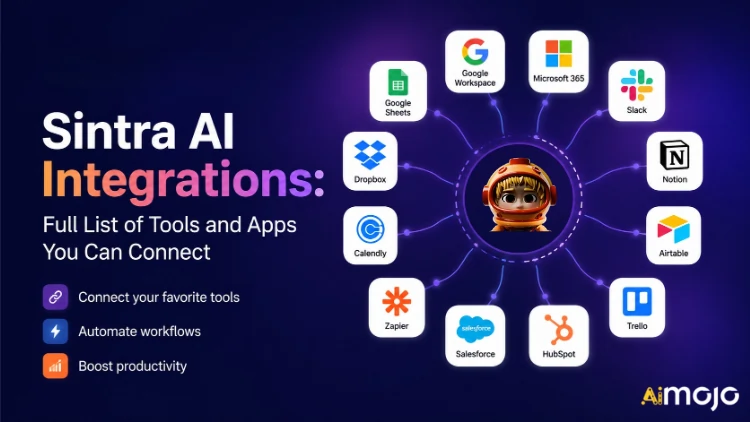
Każde narzędzie, z którego korzysta Twoja firma — Gmail, Notion, LinkedIn, Google Analytics, QuickBooks i ponad 1,000 innych — można teraz podłączyć bezpośrednio do Sintra AI.
Tutaj's kompletny podział tego, co łączy, jak to działa i co jest Twoim AI pomocnicy faktycznie zrób to, gdy tylko przełączysz przełącznik.
Co tak naprawdę oznacza „integracja” w Sintrze
Integracje Sintra to nie wtyczki firm trzecich, które trzeba ręcznie instalować. To wbudowane, uruchamiane jednym kliknięciem łączniki wbudowane bezpośrednio w platformę – bez webhooków, zgłoszeń programistów i oprogramowania pośredniczącego Zapier (choć istnieje wsparcie dla Zapiera, które pozwala na jeszcze większe rozszerzenie).
Po połączeniu Twoja Sintra AI Pomocnicy otrzymują bezpośredni dostęp do odczytu i zapisu danych w tych narzędziach. Oznacza to, że nie tylko „widzą” dane, ale też na nich działają. Stwórz i wyślij e-mail w Gmailu. Opublikuj na LinkedIn. Pobierz raport Google Analytics. Utwórz stronę Notion. Wszystko uruchamiane z poziomu jednego okna czatu.
Warstwa integracyjna oparta jest na rozwiązaniu Composio , dzięki któremu Sintra osiągnęła poziom ponad 1,000 integracji w każdej głównej kategorii biznesowej.

Pełna Sintra AI Lista integracji (według kategorii)
Tutaj's uporządkowany przegląd każdej kategorii i narzędzia obecnie obsługiwanego:
| Narzędzie | Co może zrobić Twój pomocnik |
|---|---|
| gmail | Wysyłaj e-maile, odpowiadaj na wątki, czytaj skrzynkę odbiorczą, prowadź kampanie informacyjne |
| Microsoft Outlook | Wyślij, odpowiedz, przeczytaj — w całości zarządzanie skrzynką odbiorczą dla użytkowników Microsoft |
📅 Kalendarz i harmonogram
| Narzędzie | Co może zrobić Twój pomocnik |
|---|---|
| Kalendarz Google | Twórz wydarzenia, czytaj harmonogram, ustawiaj przypomnienia, planuj kalendarz treści |
| Kalendarz MS | Te same możliwości kalendarza dla użytkowników pakietu Microsoft 365 |
🗂️ Przechowywanie plików
| Narzędzie | Co może zrobić Twój pomocnik |
|---|---|
| Dysk Google | Zapisuj raporty, pobieraj pliki i automatycznie przechowuj dane generowane przez sztuczną inteligencję |
| Dropbox | Przechowywanie i pobieranie plików dla przepływów pracy opartych na Dropboxie |
📱 Media społecznościowe
| Narzędzie | Co może zrobić Twój pomocnik |
|---|---|
| LinkedIn (osobisty) | Planuj posty, publikuj treści, zarządzaj aktywnością profilu |
| LinkedIn (strona firmowa) | Zarządzaj wpisami na stronie, rozwijaj obecność firmy |
| Publikuj posty, przeglądaj informacje o stronach, zarządzaj zawartością stron | |
| Publikuj w kanale (za pośrednictwem łącza biznesowego na Facebooku), zarządzaj treścią | |
| TikTok | Publikuj i planuj krótkie treści wideo |
| YouTube | Zarządzaj przesyłanymi filmami i zawartością kanału |
💬 Komunikacja zespołowa
| Narzędzie | Co może zrobić Twój pomocnik |
|---|---|
| Slack | Wysyłaj wiadomości, publikuj na kanałach, automatyzuj powiadomienia zespołowe |
| Zespoły Microsoft | Współpracuj i komunikuj się w zespołach opartych na systemie Microsoft |
✅ Produktywność i zarządzanie projektami
| Narzędzie | Co może zrobić Twój pomocnik |
|---|---|
| Pojęcie | Twórz strony, aktualizuj bazy danych, organizuj projekty |
| Trello | Zarządzaj tablicami, kartami i listami zadań |
| Asana | Twórz zadania, śledź postęp projektu |
| Zadania Google | Dodawaj i zarządzaj zadaniami w Google Workspace |
| Todoist | Tworzenie zadań i zarządzanie listą rzeczy do zrobienia |
| Liniowy | Monitorowanie zadań zespołu inżynieryjnego i produktowego |
| Zgodny z prawem | Zarządzanie bazą danych i śledzenie projektu |
💼 CRM i sprzedaż
| Narzędzie | Co może zrobić Twój pomocnik |
|---|---|
| HubSpot | Zarządzaj kontaktami, śledź transakcje, aktualizuj wpisy CRM |
| Salesforce | Aktualizacje CRM, śledzenie potencjalnych klientów, zarządzanie lejkiem sprzedaży |
| Pipedrive | Zarządzanie transakcjami i automatyzacja przepływu pracy sprzedaży |
📊 Analityka i dane
| Narzędzie | Co może zrobić Twój pomocnik |
|---|---|
| Google Analytics | Pobierz raporty o ruchu drogowym, informacje o nawierzchni, śledź wydajność |
| Arkusze Google | Odczyt i zapis danych z arkusza kalkulacyjnego w celu raportowania |
💰 Księgowość i finanse
| Narzędzie | Co może zrobić Twój pomocnik |
|---|---|
| QuickBooks | Tworzenie/wysyłanie faktur, odczytywanie danych finansowych, generowanie raportów |
| xero | Automatyzacja księgowości i rachunkowości |
🛠️ Narzędzia programistyczne
| Narzędzie | Co może zrobić Twój pomocnik |
|---|---|
| GitHub | Zarządzaj repozytoriami, śledź problemy, automatyzuj przepływy pracy programistów |
| GitLab | Zarządzanie kodem i interakcja potoku CI/CD |
| Jira | Śledzenie problemów i zarządzanie sprintem |
| Subabaza | Interakcja z bazą danych i zarządzanie zapleczem |
🎨 Projektowanie i kreatywność
| Narzędzie | Co może zrobić Twój pomocnik |
|---|---|
| figma | Uzyskaj dostęp do plików projektowych i zasobów referencyjnych w przepływach pracy nad treścią |
📣 Marketing i reklama
| Narzędzie | Co może zrobić Twój pomocnik |
|---|---|
| SEMrush | Zbierz dane dotyczące słów kluczowych, śledź rankingi, odkrywaj możliwości SEO |
| Metareklamy | Zarządzaj kampaniami reklamowymi i danymi kont reklamowych |
🏃 Zdrowie i sprawność fizyczna
| Narzędzie | Co może zrobić Twój pomocnik |
|---|---|
| Strava | Odczytaj dane dotyczące aktywności, aby Twój osobisty trener mógł śledzić cele związane z kondycją fizyczną i dostosowywać Twój harmonogram |
🌐 CMS i e-commerce
| Narzędzie | Co może zrobić Twój pomocnik |
|---|---|
| WordPress.com | Zarządzaj postami, stronami i publikacją treści |
| Webflow | Strona internetowa i strona docelowa i konserwacjami |
| Shopify | Zarządzanie produktami i zamówieniami w handlu elektronicznym |
Jak podłączyć dowolną integrację w Sintrze (3 kroki)
Bez problemów z konfiguracją. Cały proces zajmuje mniej niż dwie minuty na jedno narzędzie:
- Przejdź do Brain AI — Kliknij Mózg AI przycisk na pasku bocznym Sintra, aby otworzyć centrum integracji
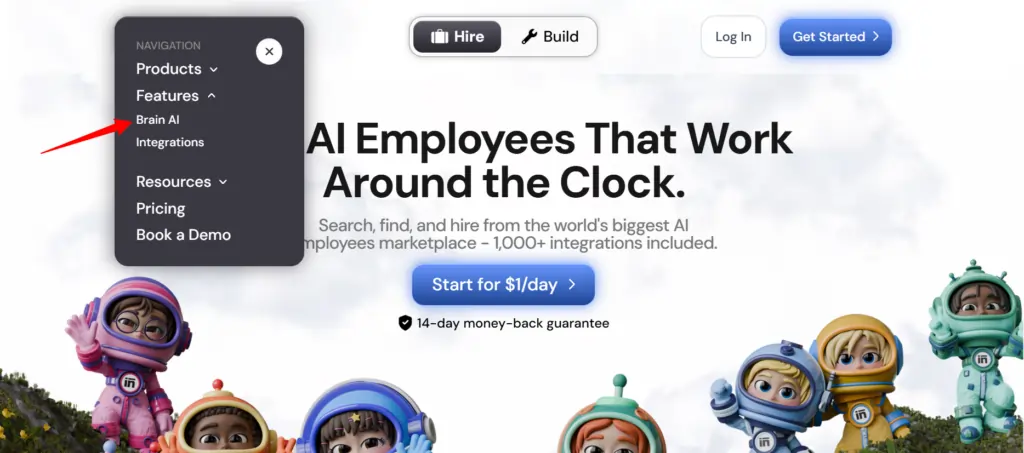
- Znajdź narzędzie — Znajdź integrację, której potrzebujesz (Gmail, Notion, LinkedIn itp.) i kliknij "Connect"
- Autoryzuj konto — Otwiera się okno podręczne, zaloguj się i udziel uprawnień — przycisk Połącz zmienia się w zielony znacznik wyboru
To wszystko. Od tego momentu odpowiedni pomocnik ( marketer e-mailowy , analityk danych, menedżer mediów społecznościowych itp.) pracuje z danymi na żywo z Twojego konta – bez kopiowania i ręcznego wprowadzania danych.
💡 Szybka wskazówka: Chcesz dodać kolejne konto do tego samego narzędzia (np. drugą stronę na Facebooku)? Kliknij „Połącz” → „Dodaj nowe konto” wewnątrz mózgu AI i zaloguj się bezpośrednio na drugim koncie.
Co Twoi pomocnicy z Sintry faktycznie robią z tymi integracjami
Sintra ma 12 gotowych AI specjalistów, a każdy z nich jest podłączony do integracji, które mają sens dla jego roli:
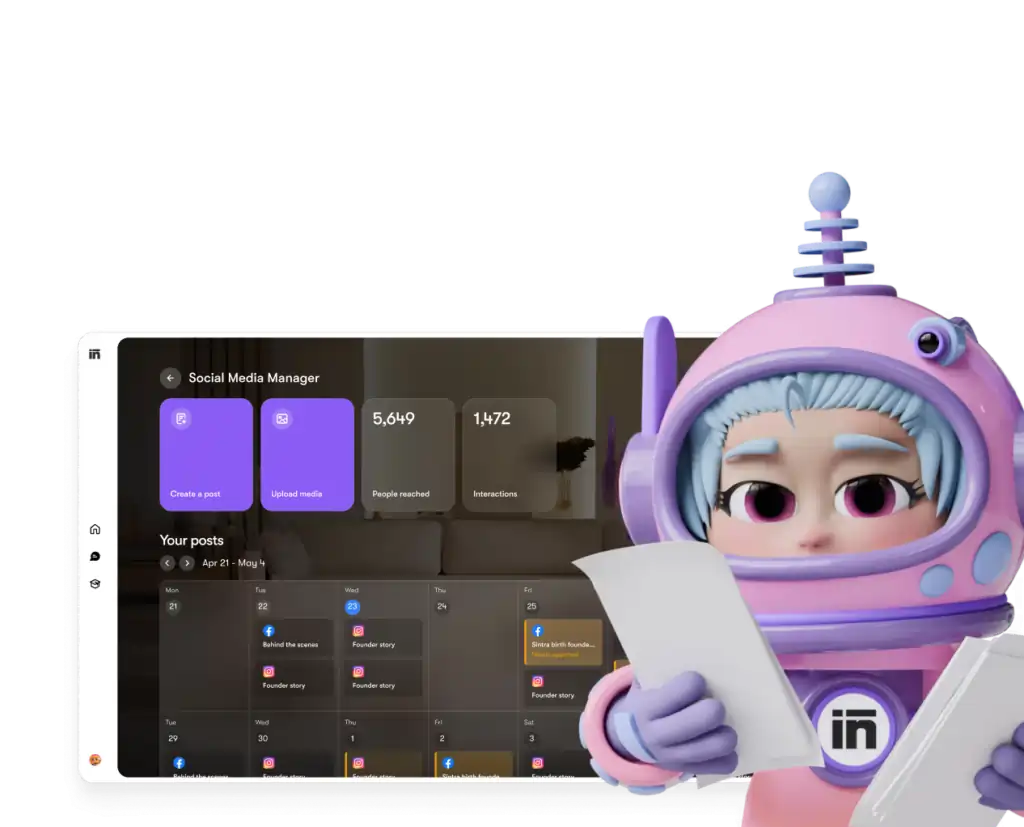
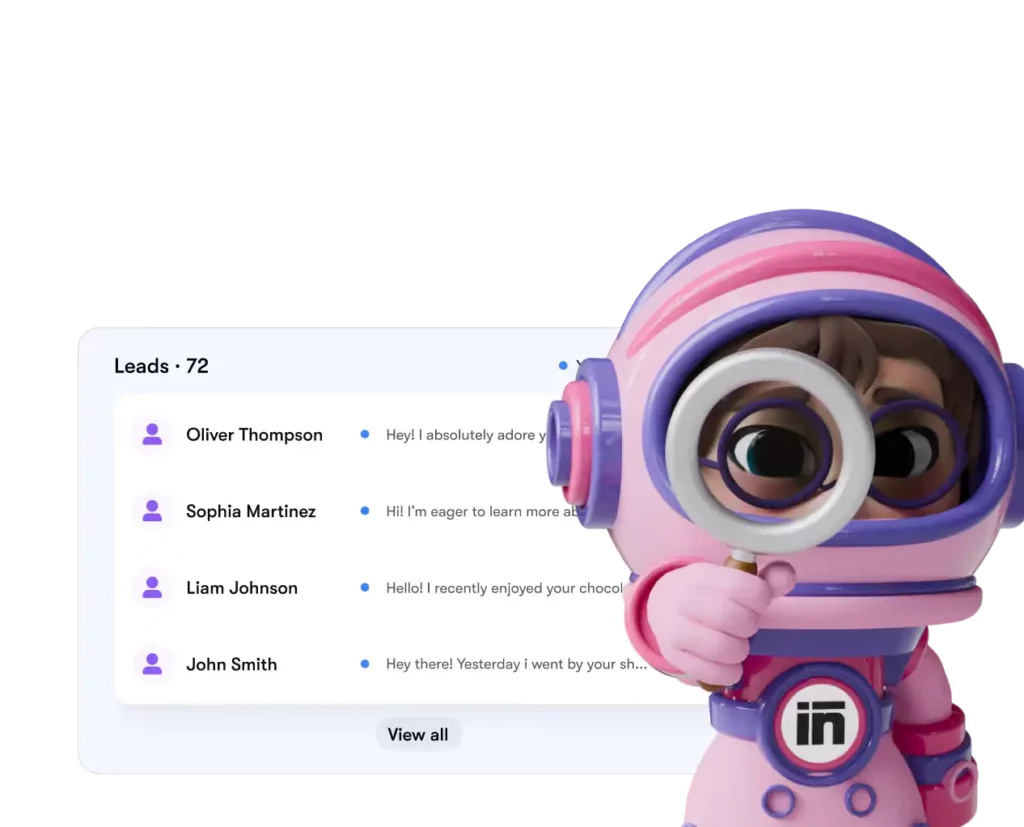
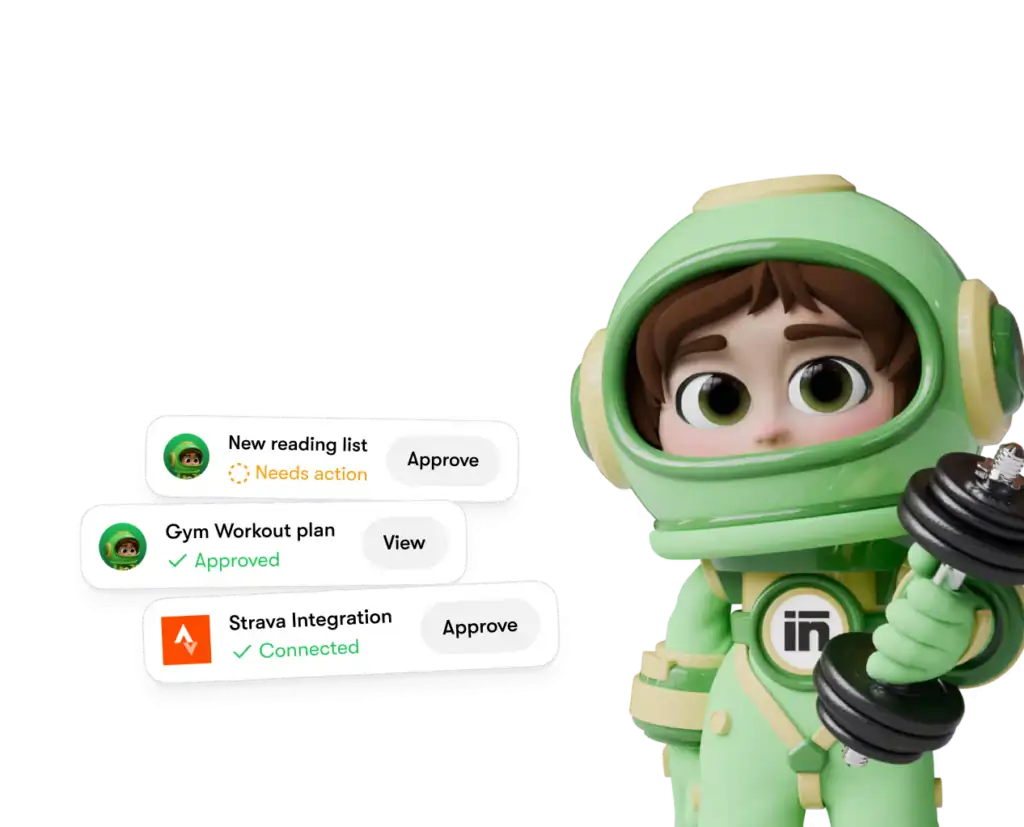
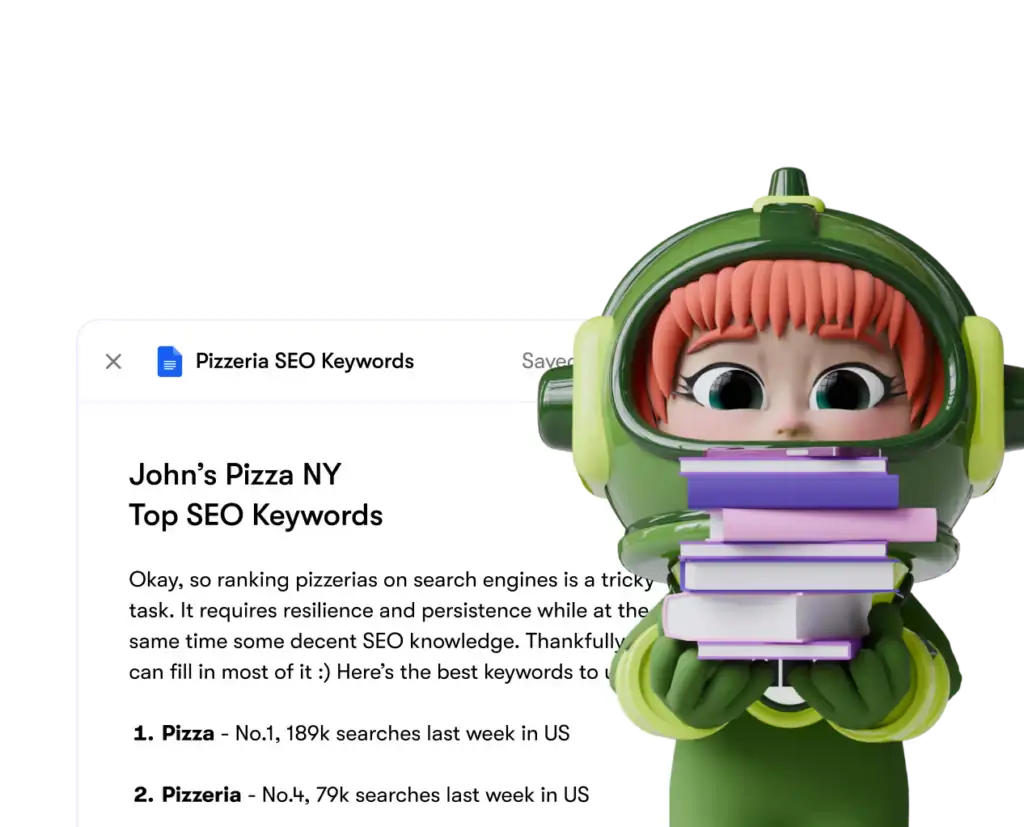
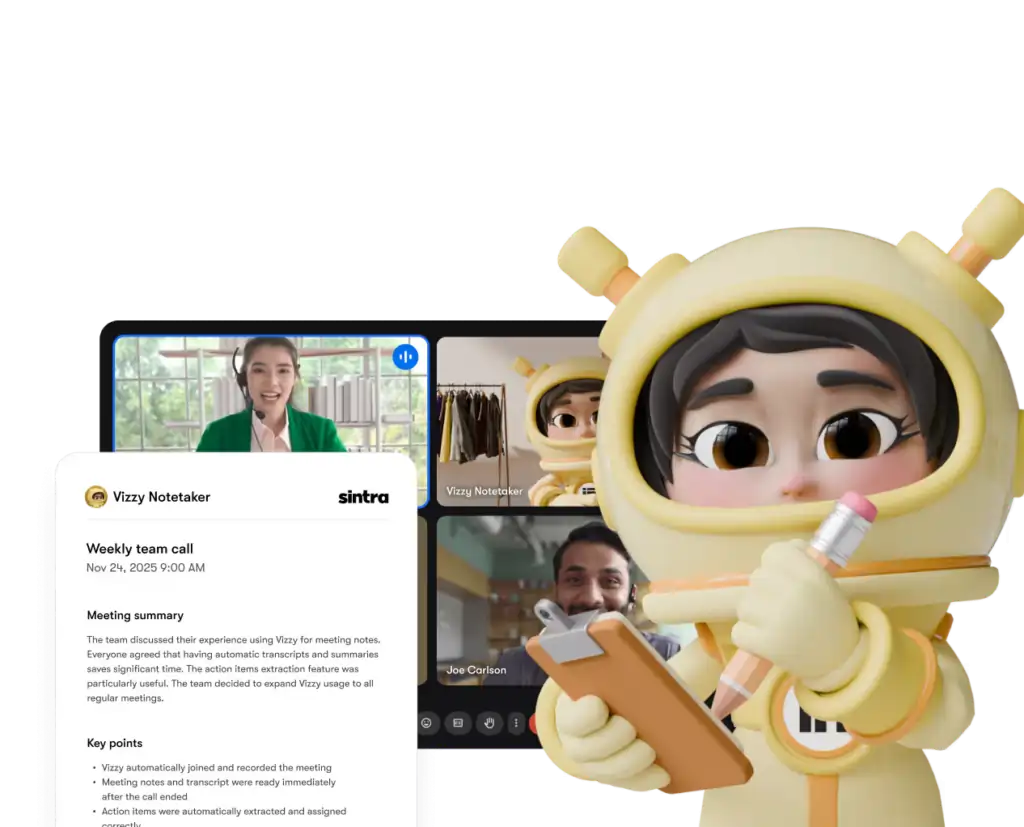
Każdy pomocnik ma dostęp wyłącznie do narzędzi i uprawnień, którym wyraźnie udzielisz — a dowolną integrację możesz w każdej chwili odłączyć od pulpitu nawigacyjnego.
Sintra AI kontra konkurenci: głębokość integracji
Tutaj's jak Sintra's konfiguracja integracji w porównaniu z podobnymi platformami w tym samym przedziale cenowym:
| Cecha | Sintra AI | Rodzajowy AI Chatbots | Platformy automatyzacji (np. Zapier) |
|---|---|---|---|
| Natywne integracje (bez kodu) | 1,000 + | Brak lub minimalne | Tak, ale nie AI warstwa |
| AI pomocnik działa na danych | ✅ Tak | ❌ Nie | ❌ Nie |
| Złożoność konfiguracji | Autoryzacja jednym kliknięciem | N / A | Średnio-wysoki |
| Pomocnicy specyficzni dla ról biznesowych | ✅ 12 specjalistów | ❌ | ❌ |
| Automatyzacja (zadania cykliczne) | ✅ | ❌ | ✅ |
| Zgodność z GDPR | ✅ | Różnie | Różnie |
Kluczowy czynnik różnicujący: platformy takie jak Zapier dają ci złącza, ale tam's Brak inteligentnej warstwy na wierzchu, która interpretuje dane i na nich działa. Sintra zapewnia jedno i drugie — integrację i AI który wie, co z tym zrobić.
Twierdzenie o ponad 1,000 integracjach — co to właściwie oznacza?
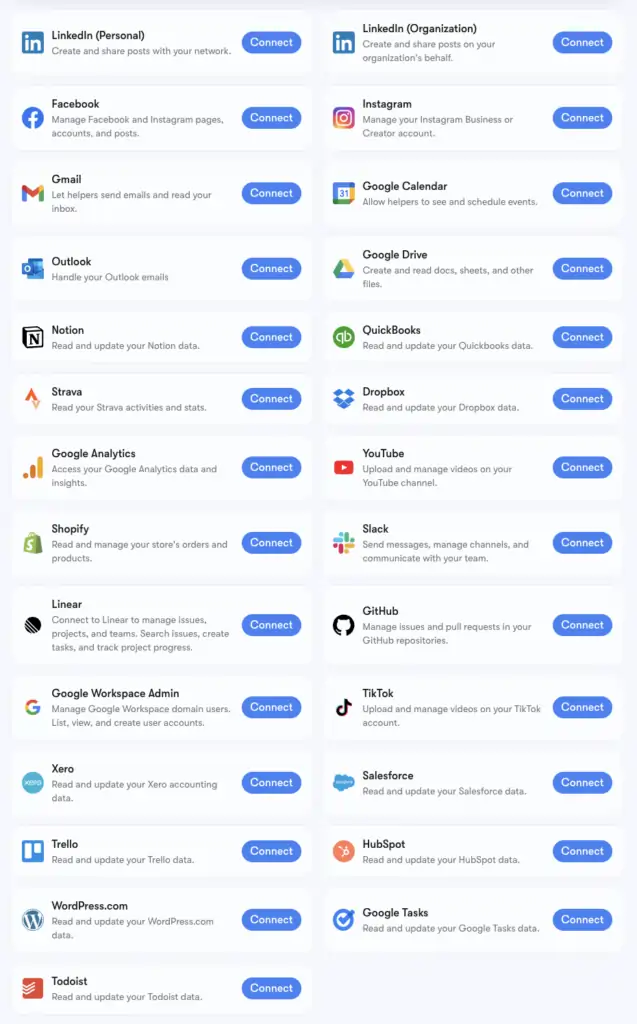
Sintra's Liczba ponad 1,000 integracji jest oparta na Kompozycja, infrastruktura łączników obsługująca aplikacje z każdej kategorii: Narzędzia HR, platformy planowania, e-commerce, magazyny danych i niszowe narzędzia SaaS, AI platformy się nie stykają.
Pełną, rozszerzoną listę można przejrzeć na stronie composio.dev/toolkits . Podstawowe integracje z rozbudowanym wsparciem narzędzi pomocniczych (Gmail, LinkedIn, Notion, Google Analytics itp.) są wbudowane natywnie w Brain AI firmy Sintra. Ponad 1,000 rozszerzonych integracji jest dostępnych dla użytkowników, którzy potrzebują bardziej szczegółowego wglądu w konkretne procesy.
Jeśli narzędzia, z którego korzystasz, nie ma na liście, możesz o nie poprosić bezpośrednio z pulpitu Sintra. Nowe integracje są dodawane sukcesywnie, w zależności od zapotrzebowania użytkowników.
Konfigurowanie Gmaila i Kalendarza Google: krok po kroku
Stos Google Workspace to najczęściej łączona grupa, więc tutaj's dokładny proces:
- Kliknij Sztuczna inteligencja mózgu na lewym pasku bocznym
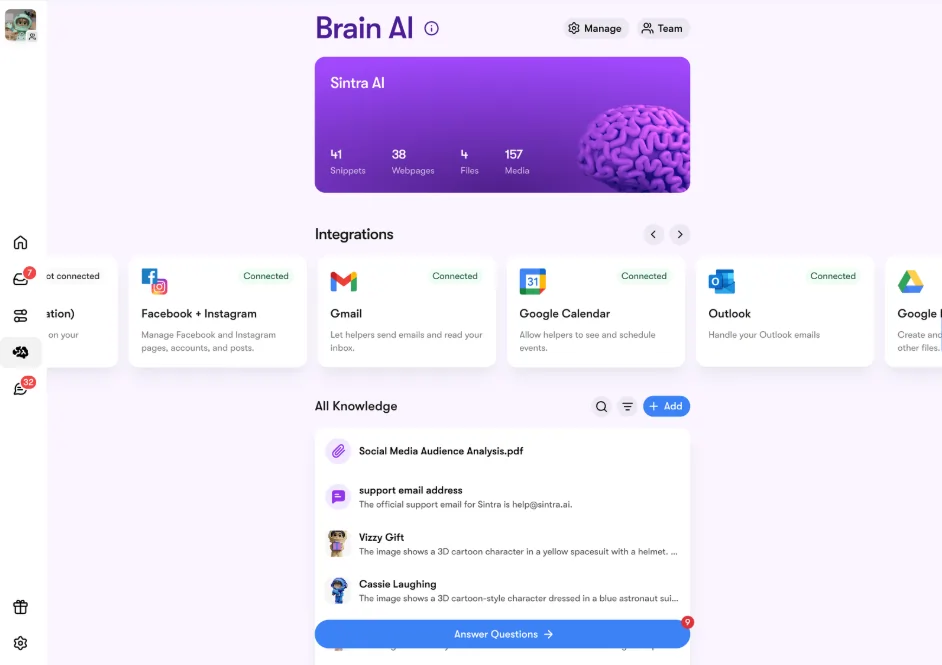
- Lokalizować gmail, Kalendarz Google , Dysk Googlelub Google Analytics w sekcji Integracje
- Kliknij Skontaktuj się → wtedy Skontaktuj się ponownie (lub Dodaj nowe konto (dla wielu kont)
- Pojawi się okno przeglądarki — wybierz konto Google, którego chcesz użyć
- Udziel aplikacji Sintra żądanych uprawnień
- Przycisk zmienia kolor na zielony — jesteś na żywo
Wszystkie cztery narzędzia Google można połączyć niezależnie lub razem. Sintra żąda tylko uprawnień niezbędnych do wykonania każdego zadania (np. Kalendarz wymaga tylko uprawnień do odczytu/zapisu wydarzeń, a nie całego konta Google).
Konfigurowanie Facebooka i Instagrama
Ta opcja ma jeden mały warunek wstępny — Twoje konto na Instagramie musi być najpierw połączone ze stroną firmową na Facebooku:
- Zaloguj się do Facebooka → kliknij swoje zdjęcie profilowe → przejdź do swojej strony firmowej
- Iść do Ustawienia i prywatność → Ustawienia → Uprawnienia → Powiązane konta
- Kliknij Instagram → Połącz konto i uzupełnij link
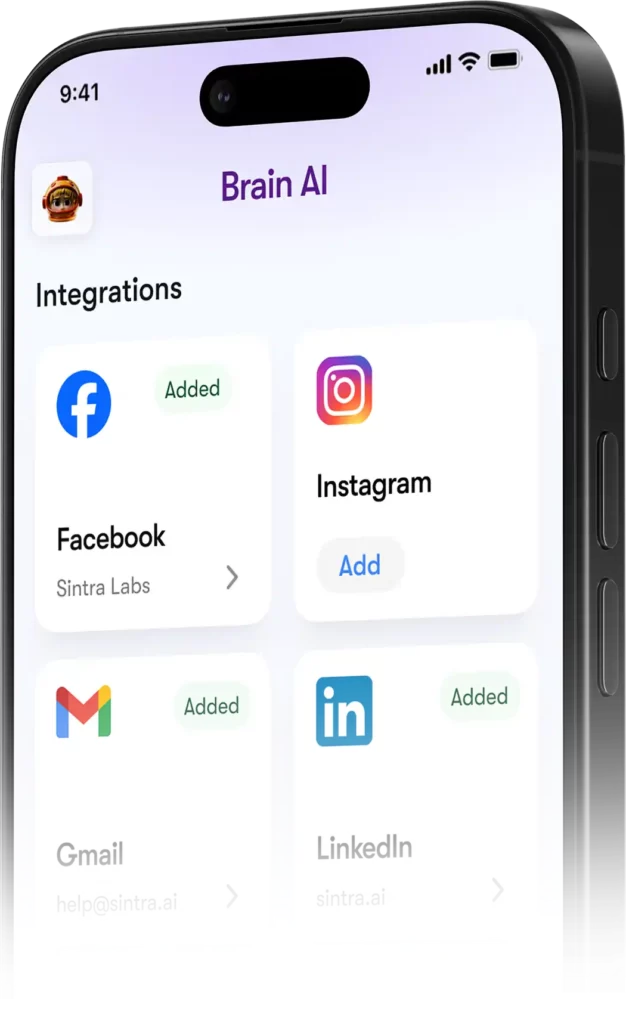
- W Sintrze udaj się do Mózg AI → Integracje → Facebook/Instagram → Połącz
- Zaloguj się za pomocą danych logowania do Facebooka i udziel uprawnień
- Zielony znacznik wyboru = jesteś połączony na obu platformach
Po udostępnieniu treści Soshie (Twój specjalista ds. mediów społecznościowych) może publikować je zarówno na Facebooku, jak i Instagramie bezpośrednio z poziomu czatu lub za pomocą automatycznego harmonogramu.
Prywatność: Co Sintra może, a czego nie może zobaczyć
Rozsądne pytanie przy łączeniu Gmaila lub Google Analytics z dowolnym AI platforma. Tutaj's Sintra's stanowisko rzeczywiste:
Pomocnicy nie działają w Twoim imieniu, chyba że wyraźnie ich o to poprosisz na czacie lub za pomocą zaplanowanej automatyzacji. Nie działają w tle, wykonując czynności, na które nie wyraziłeś zgody.
Najczęściej zadawane pytania
Jakie narzędzia są na oficjalnej stronie Sintry AI lista integracji?
Główne integracje obejmują Gmaila, Outlooka, Kalendarz Google, Dysk Google, LinkedIn, Facebooka, Instagrama, TikToka, Slacka, Notion, HubSpot, Salesforce, QuickBooks, Google Analytics, GitHub, Stravę, Shopify i wiele innych. Pełna, rozszerzona lista ponad 1,000 narzędzi jest dostępna na stronie composio.dev/toolkits.
Czy Sintra AI czy mają publiczne API?
Nie — Sintra nie oferuje publicznego API. Wszystkie integracje to gotowe do użycia konektory wbudowane bezpośrednio w platformę za pośrednictwem Composio.
Czy mogę podłączyć wiele kont do tego samego narzędzia?
Tak. Kliknij „Połącz” → „Dodaj nowe konto” w aplikacji Brain. AI Aby połączyć dodatkowe konta na tej samej platformie. Każde konto jest zarządzane niezależnie.
Czy integracje Sintra działają w ramach automatyzacji?
Tak — połączone narzędzia obsługują cykliczne automatyzacje, takie jak codzienne podsumowania skrzynki odbiorczej, zaplanowane posty w mediach społecznościowych i cotygodniowe raporty analityczne. Asystenci uruchamiają je automatycznie, bez konieczności inicjowania czatu przez użytkownika.
Czy istnieje integracja ze Stravą?
Tak. Strava łączy się przez Brain AI i pozwala Twojemu osobistemu trenerowi odczytywać dane dotyczące Twojej aktywności, co pozwala na śledzenie celów związanych z kondycją fizyczną w kontekście Twojego harmonogramu pracy.
Ile czasu zajmuje skonfigurowanie integracji Sintra?
Mniej niż dwie minuty. Cały proces opiera się na OAuth — kliknij „Połącz”, zaloguj się, zatwierdź uprawnienia i gotowe. Nie są wymagane klucze API ani konfiguracja techniczna.
Co zrobić, jeśli narzędzia, którego używam, nie ma na liście w Sintrze?'s integracje?
Możesz poprosić o to bezpośrednio z pulpitu nawigacyjnego Sintra — nowe integracje są dodawane sukcesywnie, w zależności od zapotrzebowania użytkowników. Możesz również przejrzeć pełną, rozszerzoną listę na stronie composio.dev/toolkits.
Czy Sintra AI Czy integracje są bezpieczne w użyciu z danymi biznesowymi?
Tak — Sintra jest zgodna z RODO, nie uczy się na Twoich danych i uzyskuje dostęp tylko do tego,'s potrzebne do wykonania konkretnego zadania, które zlecisz. Każdą integrację można w dowolnym momencie odłączyć od pulpitu.
AiMojo poleca:


 BONUS: Odbierz nasze 200 dolarówAI „Zestaw narzędzi Mastery Toolkit” GRATIS po rejestracji!