You've got an image that's almost perfect—except for one thing. Maybe it's an awkward object in the background or a missing element that would complete the frame. Typing a text prompt and hoping the AI understands rarely works on the first try.
Ceci's where draw-to-edit AI tools change the process entirely. Instead of describing what you want, you sketch it directly onto the image. The AI interprets your strokes and fills in the rest.
Cet article couvre les top 6 draw-to-edit AI les outils worth trying—what each does well, where it falls short, and which fits your workflow.
Why Draw-to-Edit AI Tools Dominate Modern Workflows
Traditionnel retouche photo demands hours of manual masking, layer adjustments, and precision brush work. For most creators, that process feels unnecessarily slow—especially when the fix itself is simple.
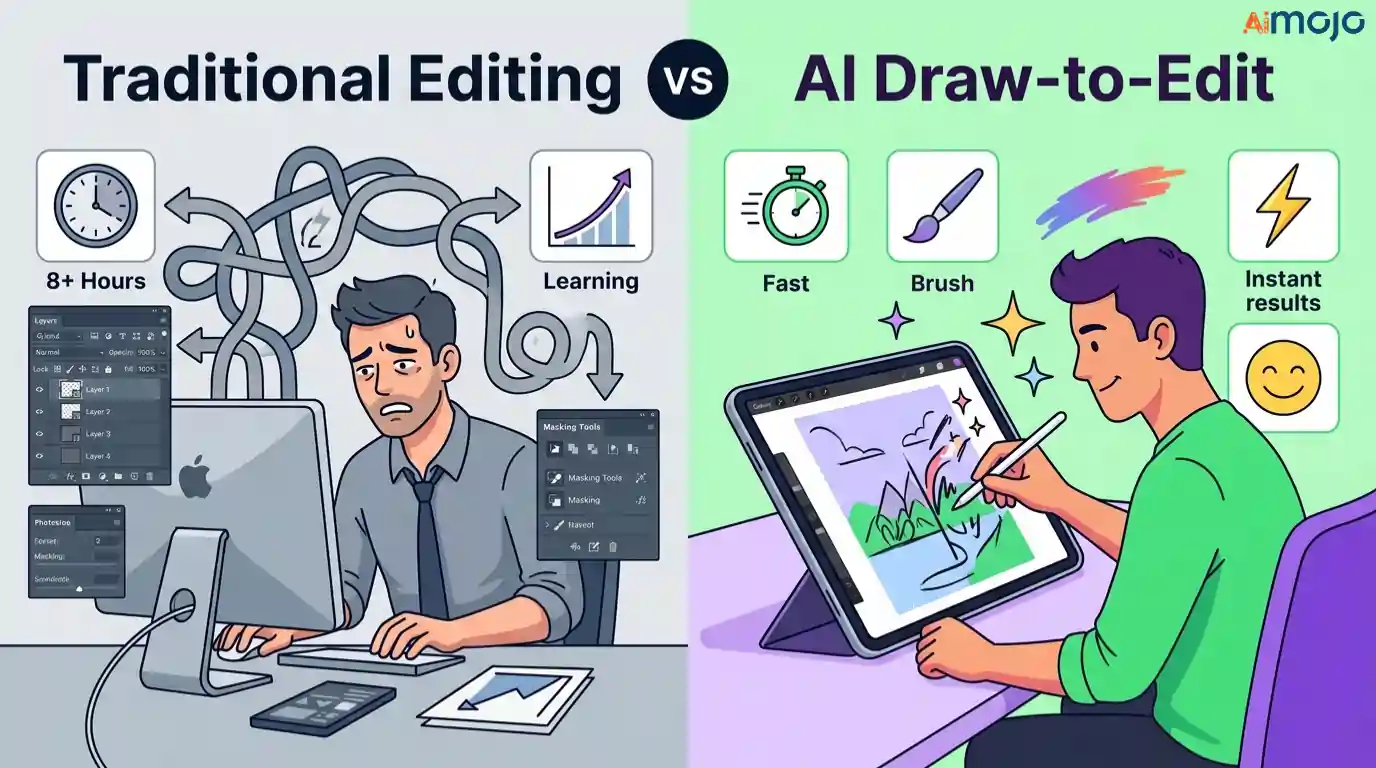
Draw-to-edit AI tools flip that workflow entirely. You sketch directly over the area you want changed, and the AI interprets your intent using generative fill and inpainting algorithms. No complex menus. No steep learning curve.
This approach resonates with a growing segment of users:
The real shift isn't just speed—it's accessibility. Tasks that once required intermediate Photoshop knowledge now take seconds with a simple brush stroke and a invite de texte.
That practical efficiency is exactly why these tools are replacing traditional editors in day-to-day creative pipelines.
Smart AI Tools That Let You Edit Images Just by Drawing
| Top Draw-to-Edit AI Outils | Capacité de base | Fonctionnalité remarquable |
|---|---|---|
| Art Ouvert | Multi-model image editing | Unified creator suite |
| Pykaso | Ultra-realistic generation | Formation LoRA personnalisée |
| IA Kling | Video + image editing | Motion-controlled generation |
| Higgsfield | Cinematic AI édition | Soul Cinema rendering |
| AKOOL | Enterprise content pipeline | SOC 2 API integration |
| Dzine | Chat-based visual studio | GPT prompt assistant |
1. Art Ouvert
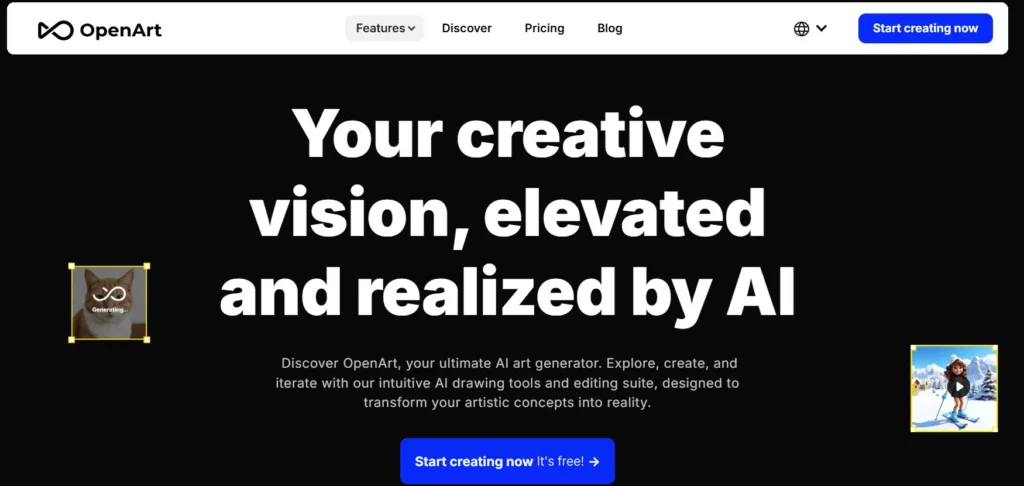
OpenArt functions as a full-spectrum AI creator studio that consolidates image generation, video creation, and draw-to-edit capabilities into a single browser-based workspace. Rather than switching between multiple apps, users can sketch edits, upscale results, and refine outputs—all within one unified interface .
La plateforme intègre plusieurs leaders AI models, including Nano Banana Pro and Kling 3.0, giving users flexibility in choosing the moteur de rendu that best suits their creative vision. For anyone exploring draw-to-edit AI tools with multi-model access, OpenArt offers a distinctly versatile entry point.
Principales caractéristiques d'OpenArt :
Idéal pour: Multi-disciplinary creators who need flexible model selection and an all-in-one AI editing workspace.
2. Pykaso

Pykaso specialises in producing ultra-realistic AI visuals, making it a strong contender among draw-to-edit AI tools focused on photorealism. The platform enables users to train custom LoRA AI modèles et générer high-fidelity images tailored to specific styles or brand identities.
Beyond standard generation, Pykaso includes an integrated AI image editor, face swap functionality, and image-to-image transformation. With over 500,000 users and 6 million AI generations completed, it has built a sizeable community around realistic content creation.
Pykaso Key Features:
Idéal pour: Creators and marketers who prioritise ultra-realistic AI image output with custom model training capabilities.
3. IA Kling
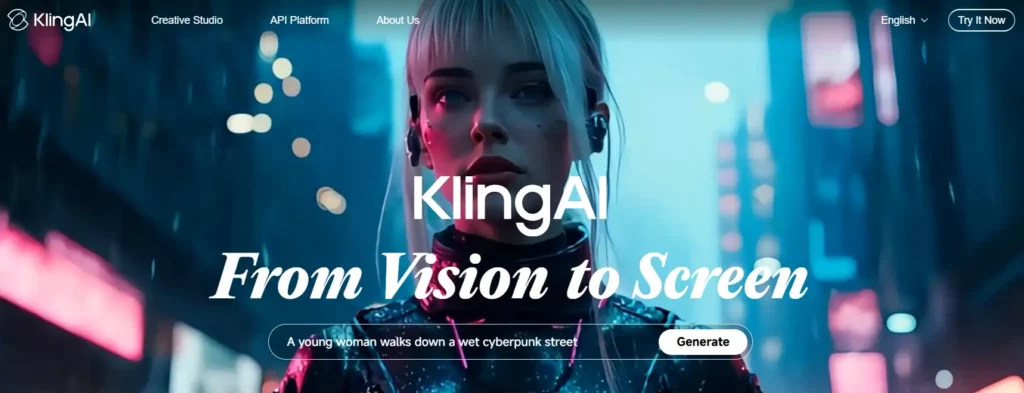
Lame AI operates as a globally focused generative AI platform that merges video creation with precise image editing tools. Its draw-to-edit functionality is supported by advanced motion control features, allowing users to guide character actions and expressions within generated content.
La plate-forme's Kling 3.0 engine delivers motion-controlled video generation up to 30 seconds, while its video editing suite handles frame-level modifications. For users seeking draw-to-edit AI tools that extend beyond static images into dynamic video workflows, Kling AI fills a distinct gap.

Lame AI Discount: Save 10% On AI Photos & Videos Exclusif
Lame AI Caractéristiques principales:
Idéal pour: Video-first creators who need draw-to-edit image capabilities alongside AI-powered motion and génération vidéo.
4. Higgsfield
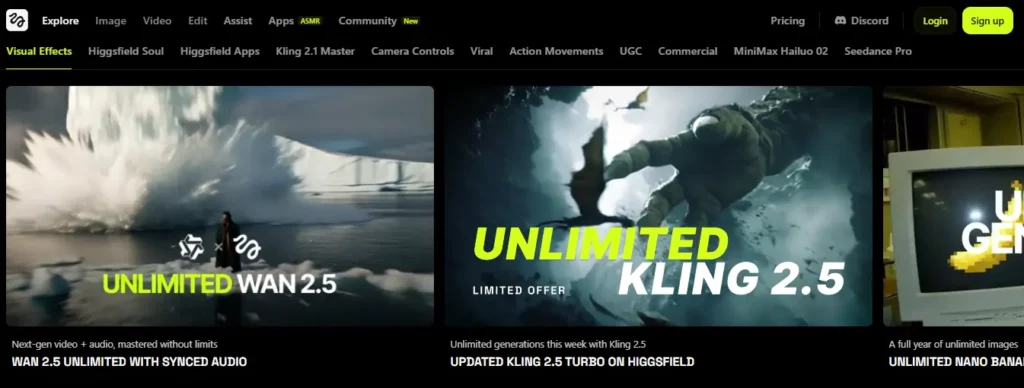
Higgsfield positions itself at the intersection of cinematic visual quality and AI-driven editing workflows. Its Soul Cinema feature produces film-style images with advanced cinematic lighting and colour grading, while its draw-to-edit tools allow localised brush-based image modifications.
The platform also supports character consistency through its Soul ID system, letting users build persistent AI characters across multiple scenes and projects. With features like moodboard creation and colour transfer via Soul Hex, Higgsfield appeals to creatives who treat AI editing as part of a broader artistic direction process.
Principales caractéristiques du champ Higgsfield :
Idéal pour: Filmmakers and visual storytellers seeking cinematic-quality AI génération with consistent character design.
5. AKOOL

AKOOL delivers a comprehensive, enterprise-ready AI platform ranked #1 on Inc 5000, with over 300 million assets created across its toolset. While primarily known for avatar video and technologie d'échange de visage, its image-to-image and background change tools bring draw-to-edit functionality to marketing and e-commerce workflows.
The platform is trusted by Fortune 500 companies including Canon and Coca-Cola, and provides robust Intégrations API pour la mise à l'échelle AI content production. For teams that need draw-to-edit AI tools embedded within a larger enterprise content pipeline, AKOOL offers unmatched breadth.
Caractéristiques principales d'AKOOL :
Idéal pour: Marketing teams and enterprise businesses requiring scalable, API-driven AI génération de contenu avec une sécurité robuste.
6. Dzine

Dzine operates as a unified image and video studio trusted by over 5 million creators worldwide. Its Chat Editor feature is particularly noteworthy among draw-to-edit AI tools—users simply type or draw what they want changed, and the AI handles colour swaps, background replacements, object removal, and pose adjustments without requiring traditional layer-based editing.
The platform supports 120+ image effects and integrates top AI models for both generation and editing. With a built-in GPT prompt assistant, even users without advanced prompt engineering skills can produce professional-quality results quickly.
Dzine Key Features:
Idéal pour: Beginners and mid-level creators who want accessible, no-code AI editing with broad creative versatility.
Maximizing Pixel Accuracy with Your Chosen Draw-to-Edit AI Outils
Even the most advanced draw-to-edit AI tools require deliberate user input to prevent visual artifacts and generative hallucinations. Achieving high-fidelity realism isn't just about the software you choose; it’s about how you isolate the pixels.
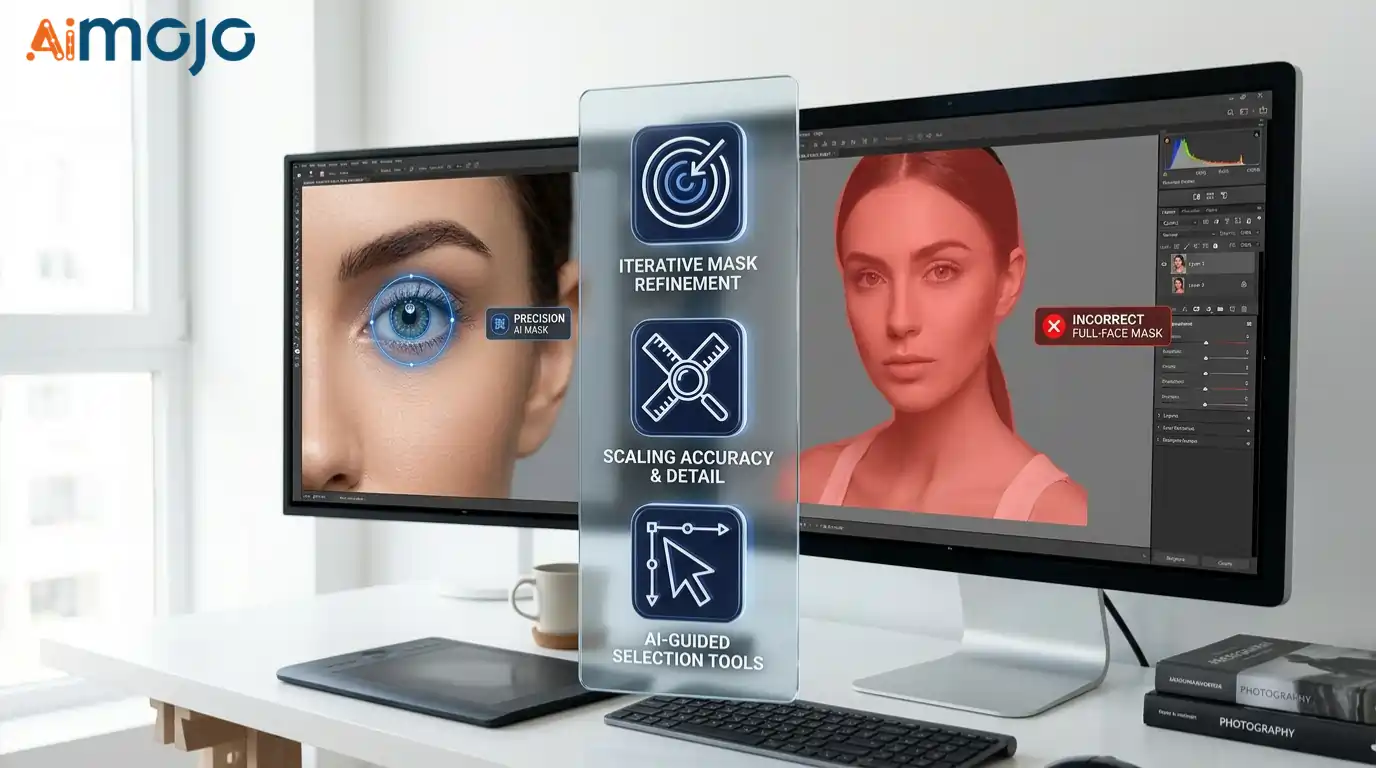
When setting up your workspace, precision masking is the most critical variable. If you want to change a model's eye color, mask only the iris—sweeping your brush over the entire face forces the AI to unnecessarily reconstruct skin textures, reducing overall sharpness.
To optimize your generative fill results, follow these technical best practices:
By combining tight lasso masking with iterative generation, you ensure that the AI only alters the exact pixels required, leaving the rest of your original image pristine.
L'avenir de AI Drawing and Image Editing
The way we edit images is shifting fast—and draw-to-edit AI tools sit right at the centre of that change. Each platform covered here brings something distinct to the table, from cinematic rendering to enterprise-scale automation. Là's no single right answer. What matters is how a tool fits into your actual workflow, not how impressive its feature list looks on paper.
Start with one that matches the kind of work you do most. Test it on a real project, not a demo image. That's where the real clarity comes from.
AiMojo recommande :

 BONUS: Obtenez notre 200 $ «AI « Boîte à outils de maîtrise » GRATUITE lors de votre inscription !