

Stundenlanges Rotoskopieren einer einzelnen Einstellung oder das Tracking komplexer Kamerabewegungen bremst jeden Postproduktions-Workflow aus. Indie-Filmemacher und freiberufliche Cutter stoßen oft an ihre Grenzen, wenn ihre kreativen Ambitionen ihr Budget oder ihren Abgabetermin übersteigen. Man möchte sich einfach auf die Geschichte konzentrieren und nicht mit mühsamer technischer Nachbearbeitung bis nach Mitternacht am Schreibtisch sitzen.
Glücklicherweise kann moderne Software diese anspruchsvolle Aufgabe endlich übernehmen. Um Ihnen die Optimierung Ihres Zeitplans zu erleichtern, haben wir Folgendes getestet: Top 6 AI VFX-Werkzeuge Ab heute erhältlich. Dieser Testbericht vergleicht ihre praktischen Fähigkeiten und zeigt, wie sie sich in einen professionellen Bearbeitungsprozess einfügen.
Erweitert AI Werkzeuge für visuelle Effekte in professioneller Qualität
| Oben AI VFX-Tool | Primärer Anwendungsfall | Core AI Funktion |
|---|---|---|
| Higgsfield KI | Indie-Filmschaffende | Filmische Kamerasteuerung |
| Kling KI | High Fidelity Video | Präzise Bewegungssteuerung |
| AKOOL AI | Markenmarketing für Unternehmen | API-gesteuerte Inhalte |
| Pykaso AI | Hyperrealistische Ausgabe | Benutzerdefinierte LoRA-Modelle |
| Landebahn | Professionelle VFX-Pipelines | Spezielle VFX-Module |
| Tiefe Bewegung | 3D-Charakteranimation | Markerlose Bewegungserfassung |
Warum Integration AI VFX-Tools sind für das moderne Filmemachen unerlässlich.
Die Postproduktionsbranche hat sich gewandelt, wodurch die traditionelle Einzelbildbearbeitung bei engen Deadlines nicht mehr praktikabel ist. Es ist wichtig zu verstehen, warum Studios diese Technik so schnell adaptieren. AI VFX-Tools sind unerlässlich, um wettbewerbsfähig zu bleiben.
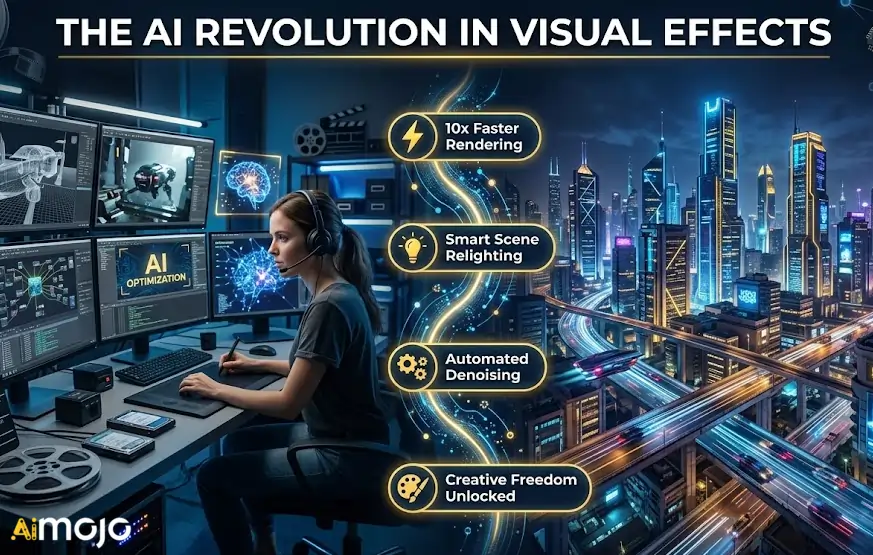
Maschinelle Lernalgorithmen übernehmen heute die sich wiederholenden technischen Aufgaben , die früher Tage im Produktionsablauf in Anspruch nahmen. Durch die Automatisierung dieser Prozesse können sich Visual-Effects-Künstlern verstärkt der kreativen Gestaltung des Looks widmen.
Zu den wichtigsten Vorteilen, die diesen Wandel vorantreiben, gehören:
Angesichts der klaren Vorteile dieser maschinengestützten Effizienz sollten wir's Erkunden Sie die spezifische Software, die diesen Wandel vorantreibt.
1. Higgsfield KI
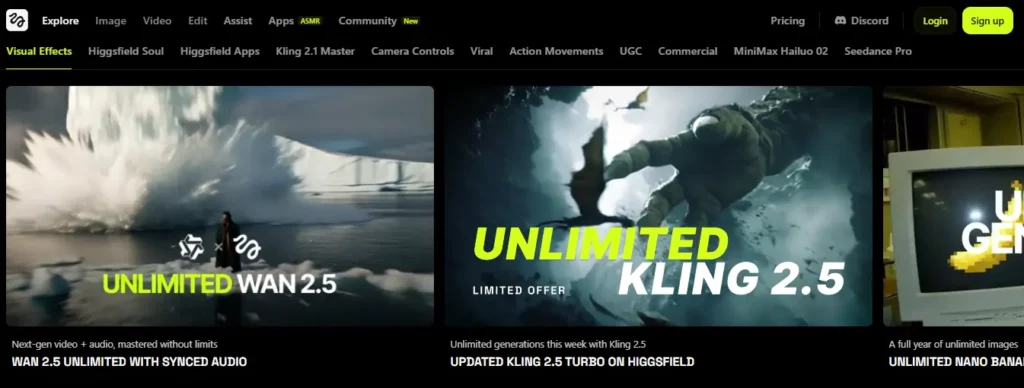
Higgsfield AI ist ein browserbasiertes AI VFX-Tool mit integrierter Kamerasteuerung, nahtlosen Übergängen und VFX-Voreinstellungen mit nur einem Klick, wodurch teure Software und wochenlange Nachbearbeitung entfallen. Es unterstützt mehrere generative Modelle, darunter Kling 3.0 und Wan 2.6.
Die Plattform wurde für Content-Ersteller, Indie-Filmemacher und Social-Media-Produzenten entwickelt , die professionelle Ergebnisse ohne Studiobudget benötigen. Funktionen wie Soul Cinema, Gesichtstausch und Produktplatzierung machen sie zu einer vielseitigen Ergänzung für jede VFX-Pipeline.
Higgsfield AI Vor-und Nachteile
Preispläne: Kostenloses Basispaket verfügbar; Pro-Pakete beginnen bei ca. 24 US-Dollar pro Monat mit erweiterten Generationsguthaben.
Herausragendes Merkmal: Multi-Modell-VFX-Generierung mit Echtzeit-Kamerasteuerung.
Bestens geeignet für: Ersteller von Inhalten und unabhängige Filmemacher, die erschwingliche Kinoqualität suchen AI Visuelle Effekte ohne spezielle Hardware.
2. Kling KI
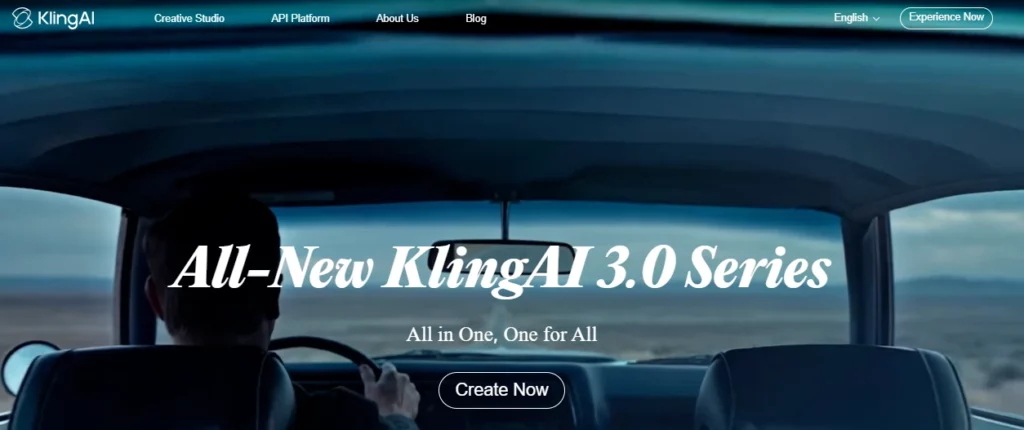
Realistische Bewegungen und konsistente Charaktere über mehrere Frames hinweg zu erzeugen, ist eine der größten Herausforderungen bei KI-gestützten visuellen Effekten. Kling AI begegnet diesem Problem mit seinem fortschrittliche Bewegungssteuerungs-Engine, Lieferung von bis zu 30 Sekunden langen Clips mit präzisen Charakteraktionen und natürlichen Gesichtsausdrücken.
Kling wurde für globale Kreative, Marketingfachleute und Teams für visuelle Effekte entwickelt. AI zeichnet sich durch die Erzeugung von hoher Wiedergabetreue aus Video anhand von Text- oder BildvorlagenDas neueste Update 3.0 führte eine verbesserte Bewegungssteuerung und filmische Konsistenz ein, die mit traditionellen Compositing-Workflows konkurrieren können.
Kling AI Vor-und Nachteile
Preispläne: Kostenloser Basiszugang verfügbar; Premium-Guthaben sind nutzungsabhängig und variieren je nach Plattformintegration.
Herausragendes Merkmal: 30-Sekunde AI Videogenerierung mit granularer Bewegungssteuerung.
Ideal für: VFX-Teams und digitale Vermarkter, die konsistente, hochauflösende KI-generierte Videos mit kontrollierbarer Charakterbewegung benötigen.
3. AKOOL

AKOOL ist ein All-in-One-Generativprogramm AI Plattform, die Gesichtstausch anbietet VideoübersetzungAvatar-Erstellung und Hintergrundaustausch – alles über ein einziges Dashboard oder eine API zugänglich. Es löst den Engpass bei der Skalierung personalisierter Videoinhalte über Kampagnen hinweg.
AKOOL genießt das Vertrauen von Fortune-500-Unternehmen wie Canon und Coca-Cola und wurde speziell für Marketing-Workflows in Unternehmen entwickelt. über 300 Millionen an Vermögenswerten generiert, Es liefert Studioqualität AI Umfangreiche VFX-Kapazitäten für Markenbindung, E-Learning und mehrsprachige Content-Produktion.
AKOOL Vor- und Nachteile
Preispläne: Kostenloses Angebot mit begrenztem Guthaben; kostenpflichtige Pläne verfügbar, individuelle Preise für Unternehmen auf Anfrage.
Herausragendes Merkmal: Skalierbar, API-gesteuert AI Content-Personalisierung für Marken.
Bestens geeignet für: Marketingteams und Agenturen in Unternehmen, die sichere, skalierbare Lösungen benötigen AI Videotools für personalisierter Markencontent in großem Umfang.
4. Pykaso-KI
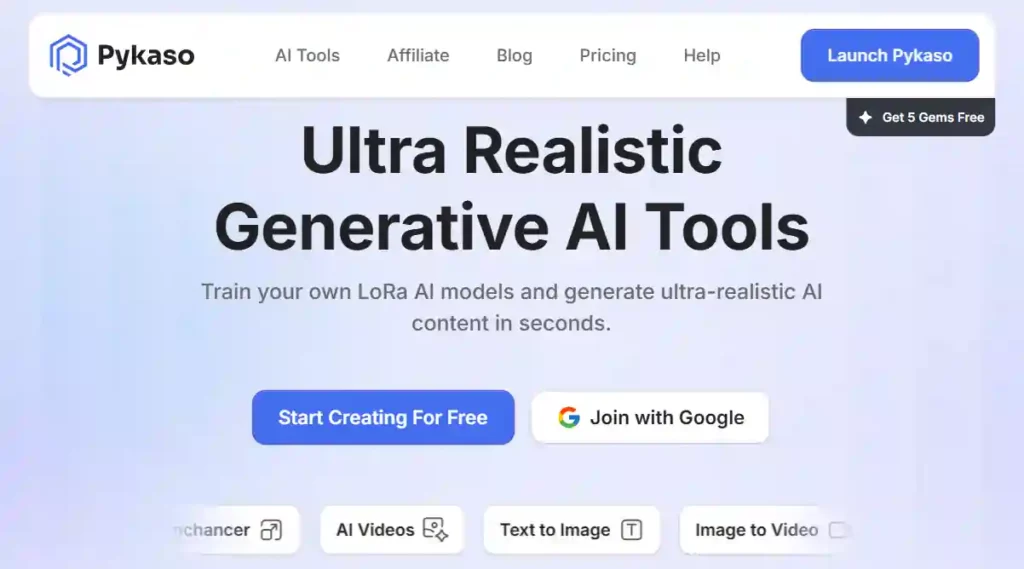
Pykaso AI ist ein Generativ AI Plattform, die es Benutzern ermöglicht, benutzerdefinierte LoRA-Tools zu trainieren AI Modelle und erzeugen ultrarealistische Bilder und Videos in Sekundenschnelle. Mit über sechs Millionen Nutzern hat die Plattform ihre Zuverlässigkeit für fotorealistische visuelle Inhalte unter Beweis gestellt.
Dieser AI Das VFX-Tool ist speziell für digitale Künstler, Porträtkünstler und VFX-Enthusiasten konzipiert, die hyperrealistische Ergebnisse benötigen. Haut-Upscaler, Gesichtstausch und Bild-zu-Video-Pipeline ermöglichen Nutzern detaillierte kreative Kontrolle über jedes einzelne Frame.
Pykaso AI Vor-und Nachteile
Preispläne: Edelsteinbasiertes Kreditsystem; Starterpakete mit Premium-Stufen für höhere Generierungsvolumina erhältlich.
Herausragendes Merkmal: Benutzertrainierte LoRA-Modelle für hyperrealistische AI Generation.
Bestens geeignet für: Digitale Künstler und Porträtkünstler, die ultrarealistische, anpassbare AI Werkzeuge zur Bild- und Videogenerierung.
5. Landebahn ML
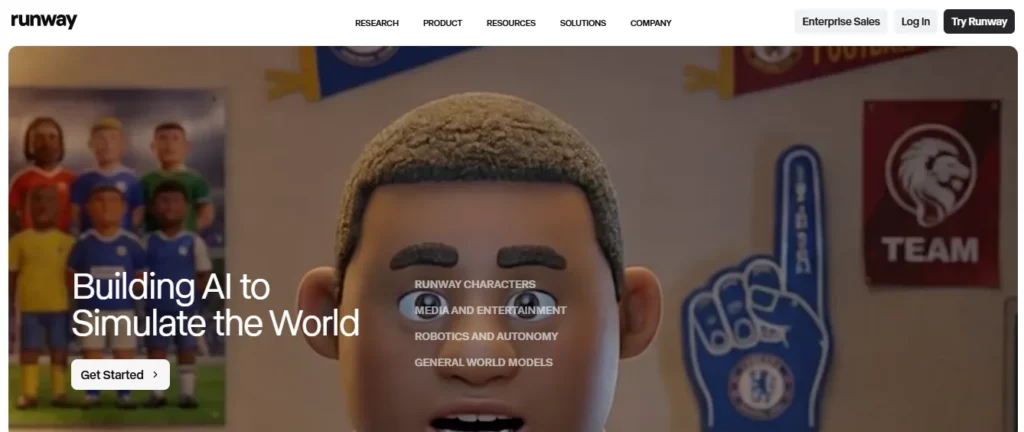
Runway ML ist ein professionelles AI VFX-Tool mit sechs dedizierten technischen Modulen, die sich direkt in bestehende Systeme integrieren lassen. Postproduktions-Pipelines — von hochauflösenden Previsualisierungen bis hin zu produktionsreifen Aufnahmen.
Runway wird von großen Studios genutzt und bietet Werkzeuge für die Inpainting-Methode. rotoscopingMotion-Tracking und generative Videobearbeitung gehören zu den Kernkompetenzen des Programms. Dessen KI-gestütztes VFX-Programm wird von Branchenexperten geprüft und zählt daher zu den vertrauenswürdigsten Lösungen. AI VFX-Tools zur Verkürzung von Projektlaufzeiten und Optimierung von Budgets.
Runway ML: Vor- und Nachteile
Preispläne: Kostenloses Basispaket; Standard ab 12 $/Monat, Pro ab 28 $/Monat, Enterprise-Pakete sind ebenfalls verfügbar.
Herausragendes Merkmal: generative Studioqualität AI Module, die für VFX-Pipelines entwickelt wurden.
Bestens geeignet für: Professionelle VFX-Studios und Postproduktionsteams, die eine zuverlässige, pipelineintegrierte Lösung suchen AI Tools mit branchenerprobten Arbeitsabläufen.
6. Tiefe Bewegung
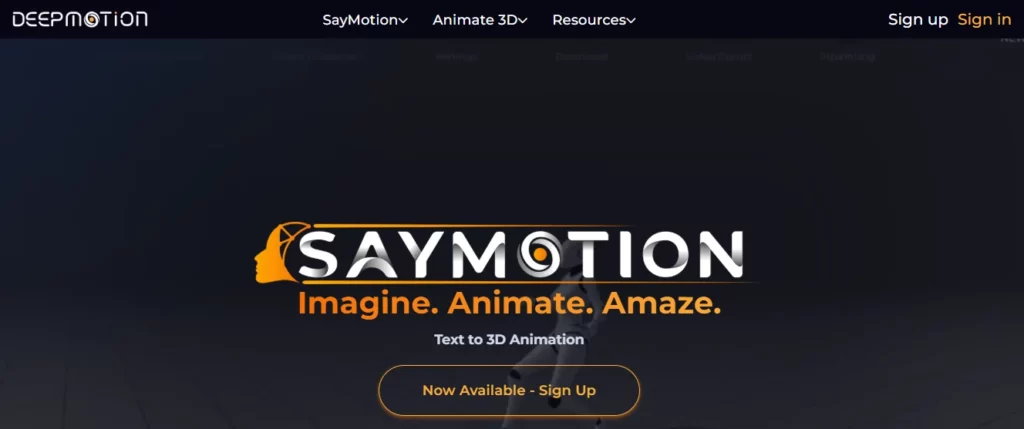
DeepMotion ist eine KI-gestützte, markerlose Motion-Capture-Plattform, die Standardvideos in produktionsfertige 3D-Animationsdaten umwandelt und so den Bedarf an teuren Motion-Capture-Anzügen und speziellen Studioflächen überflüssig macht.
Dieser AI Das VFX-Tool ist ideal für Spieleentwickler, Animatoren und virtuelle Produktion Teams, die präzises Skelett-Tracking ohne zusätzlichen Hardware-Aufwand benötigen, profitieren davon. Es unterstützt Ganzkörper- und Hand-Tracking und ist somit eine praktische Lösung für Charakteranimationen und virtuelle Echtzeit-Produktionsabläufe.
Vor- und Nachteile von DeepMotion
Preispläne: Kostenloses Starterpaket; Premium-Pakete mit erweiterten Tracking-Minuten und kommerzieller Lizenzierung erhältlich.
Herausragendes Merkmal: Video-zu-3D-Animation ohne Motion-Capture-Anzüge oder Marker.
Bestens geeignet für: Spieleentwickler und Animatoren, die erschwingliche, hardwarefreie AI Bewegungserfassung für Charakteranimation zum Arbeitsablauf
Wie wir diese bewertet haben AI VFX-Werkzeuge (Methodik)
Um eine ehrliche Bewertung abzugeben, haben wir jede Software in einer realen Postproduktionsumgebung getestet. Wir haben uns nicht auf Marketingversprechen verlassen, sondern unbearbeitetes, anspruchsvolles Rohmaterial durch die Programme laufen lassen. AI VFX-Tools, um zu sehen, wie sie unter Druck funktionieren.
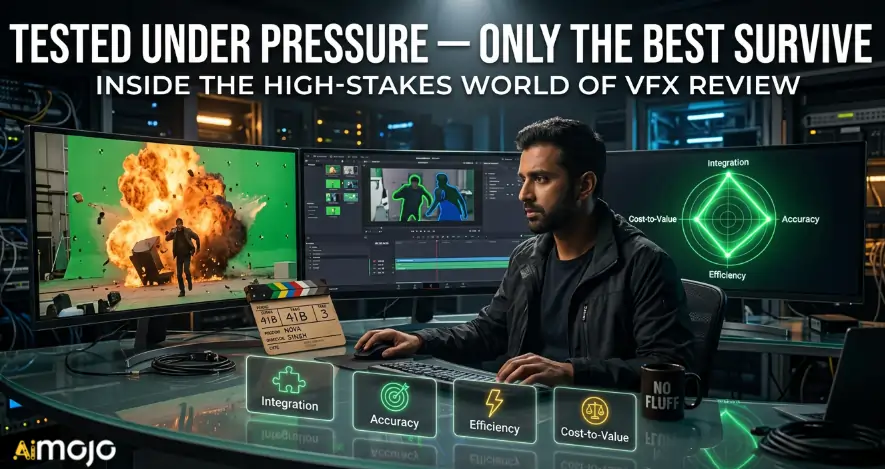
Unsere Bewertung konzentrierte sich auf vier entscheidende Leistungskennzahlen:
Diese praxisorientierte Methodik hebt hervor AI VFX-Tools, die tatsächlich Engpässe in der Postproduktion beheben und nicht nur in Demos beeindruckend aussehen.
Die Macht von AI in der Erstellung visueller Effekte
Die Postproduktionslandschaft verändert sich rasant, und man kann sich angesichts all der neuen Software-Updates leicht überfordert fühlen. Man muss nicht jede einzelne Plattform beherrschen, um auf dem Laufenden zu bleiben. Die Integration von nur ein oder zwei dieser Systeme reicht völlig aus. AI VFX-Werkzeuge Integrieren Sie es in Ihre tägliche Routine, und Sie gewinnen im Nu Stunden verlorener Zeit zurück. Fangen Sie klein an.
Wählen Sie das Programm, das Ihr größtes unmittelbares Problem löst, wie beispielsweise aufwendiges Maskieren oder Motion-Capture, und testen Sie es an einem Projekt mit geringem Risiko. Letztendlich sollte Technologie Ihre kreative Vision unterstützen und nicht verkomplizieren.
AiMojo empfiehlt:


 BONUS: Holen Sie sich unsere 200 $“AI „Mastery Toolkit“ KOSTENLOS bei der Anmeldung!








