

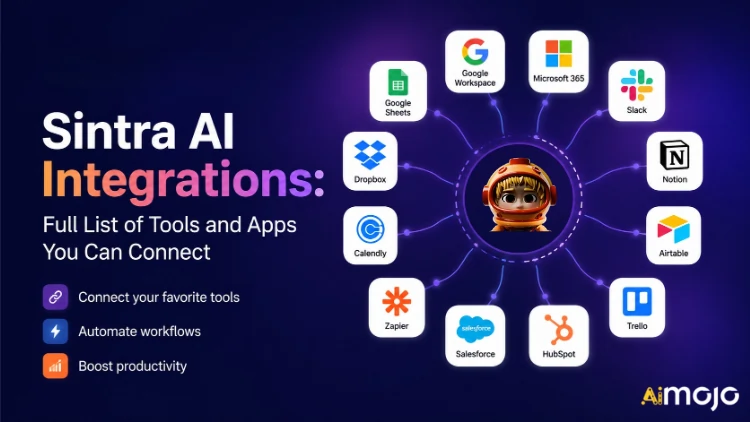
Всеки инструмент, с който работи вашият бизнес – Gmail, Notion, LinkedIn, Google Analytics, QuickBooks и над 1,000 други – вече може да се свърже директно към Sintra AI.
Тук's пълното разбиване на това, което се свързва, как работи и какво е вашето AI всъщност помощници направете, след като превключите превключвателя.
Какво всъщност означава „интеграции“ в Синтра
Интеграциите със Sintra не са плъгини на трети страни, които се инсталират ръчно. Те са вградени конектори с едно щракване, които се интегрират директно в платформата – без уеб куки, без билети за разработчици, без необходим мидълуер за Zapier (въпреки че съществува поддръжка на Zapier за още по-голямо разширение).
След като се свърже, вашата Синтра AI Помощниците получават директен достъп за четене/писане до тези инструменти. Това означава, че те не просто „виждат“ данните – те действат въз основа на тях. Изготвят и изпращат имейл в Gmail. Публикуват в LinkedIn. Извличат отчет в Google Analytics. Създават Notion страница. Всичко това се задейства от един прозорец за чат.
Интеграционният слой се захранва от Composio , което позволява на Sintra да достигне границата от 1,000+ интеграции във всяка основна бизнес категория.

Пълната Синтра AI Списък с интеграции (по категория)
Тук's структуриран преглед на всяка категория и инструмент, поддържани в момента:
📧 Имейл
| Инструмент | Какво може да направи вашият помощник |
|---|---|
| Gmail | Изпращайте имейли, отговаряйте на теми, четете входяща поща, провеждайте кампании за подкрепа |
| Microsoft Outlook | Изпращане, отговор, четене — пълно управление на входящата кутия за потребители на Microsoft |
📅 Календар и планиране
| Инструмент | Какво може да направи вашият помощник |
|---|---|
| Google Calendar | Създавайте събития, четете график, задавайте напомняния, планирайте съдържанието в календара |
| MS Календар | Същите възможности на календара за потребители на Microsoft 365 |
🗂️ Съхранение на файлове
| Инструмент | Какво може да направи вашият помощник |
|---|---|
| Google Диск | Запазвайте отчети, изтегляйте файлове, съхранявайте автоматично генерирани от изкуствен интелект резултати |
| Dropbox | Съхранение и извличане на файлове за работни процеси, базирани на Dropbox |
📱 Социални медии
| Инструмент | Какво може да направи вашият помощник |
|---|---|
| LinkedIn (Лично) | Планиране на публикации, публикуване на съдържание, управление на активността в профила |
| LinkedIn (Страница на компанията) | Управлявайте публикациите на страницата, увеличете присъствието на компанията |
| Публикуване на публикации, преглед на анализи на страницата, управление на съдържанието на страницата | |
| Публикуване във фийда (чрез бизнес линк във Facebook), управление на съдържанието | |
| TikTok | Публикуване и планиране на кратко видео съдържание |
| YouTube | Управление на качванията на видеоклипове и съдържанието на канала |
💬 Комуникация в екипа
| Инструмент | Какво може да направи вашият помощник |
|---|---|
| Застой | Изпращайте съобщения, публикувайте в канали, автоматизирайте известията на екипа |
| Microsoft Teams | Сътрудничество и комуникация между екипи, базирани на Microsoft |
✅ Производителност и управление на проекти
| Инструмент | Какво може да направи вашият помощник |
|---|---|
| понятие | Създавайте страници, актуализирайте бази данни, организирайте проекти |
| Trello | Управлявайте табла, карти и списъци със задачи |
| Асана | Създавайте задачи, проследявайте напредъка на проекта |
| Задачи на Google | Добавяне и управление на задачи в Google Workspace |
| Todoist | Създаване на задачи и управление на списък със задачи |
| Линеен | Проследяване на задачите на инженерния и продуктовия екип |
| Airtable | Управление на бази данни и проследяване на проекти |
💼 CRM и продажби
| Инструмент | Какво може да направи вашият помощник |
|---|---|
| HubSpot | Управлявайте контакти, проследявайте сделки, актуализирайте записи в CRM |
| Salesforce | Актуализации на CRM, проследяване на потенциални клиенти, управление на тръбопровода за продажби |
| Pipedrive | Управление на сделки и автоматизация на работния процес по продажбите |
📊 Анализ и данни
| Инструмент | Какво може да направи вашият помощник |
|---|---|
| Google Analytics | Извличане на отчети за трафика, анализи на повърхността, проследяване на ефективността |
| Google Таблици | Четене и запис на данни от електронни таблици за отчитане |
💰 Счетоводство и финанси
| Инструмент | Какво може да направи вашият помощник |
|---|---|
| QuickBooks | Създаване/изпращане на фактури, четене на финансови отчети, генериране на отчети |
| Xero | Автоматизация на счетоводството и отчетността |
🛠️ Инструменти за разработчици
| Инструмент | Какво може да направи вашият помощник |
|---|---|
| GitHub | Управлявайте хранилища, проследявайте проблеми, автоматизирайте работните процеси за разработчици |
| GitLab | Управление на код и взаимодействие на CI/CD конвейер |
| Jira | Проследяване на проблеми и управление на спринтове |
| Супабаза | Взаимодействие с база данни и управление на backend |
🎨 Дизайн и творчество
| Инструмент | Какво може да направи вашият помощник |
|---|---|
| Фигма | Достъп до дизайнерски файлове, справка с ресурси в работни процеси за съдържание |
📣 Маркетинг и реклама
| Инструмент | Какво може да направи вашият помощник |
|---|---|
| SEMrush | Извличане на данни за ключови думи, проследяване на класации, откриване на SEO възможности |
| Мета реклами | Управление на рекламни кампании и данни за рекламния акаунт |
🏃 Здраве и фитнес
| Инструмент | Какво може да направи вашият помощник |
|---|---|
| Страва | Четете данни за активността, за да може вашият личен треньор да проследява фитнес целите ви и да коригира графика ви |
🌐 CMS и електронна търговия
| Инструмент | Какво може да направи вашият помощник |
|---|---|
| WordPress.com | Управлявайте публикации, страници и публикуване на съдържание |
| Webflow | Уебсайт и целевата страница управление |
| Shopify | Управление на продукти и поръчки в електронната търговия |
Как да свържете всяка интеграция в Синтра (3 стъпки)
Без главоболия при настройката. Целият процес отнема по-малко от две минути на инструмент:
- Отидете на Мозъчен изкуствен интелект — Щракнете върху мозъка AI бутон в страничната лента на Sintra, за да отворите вашия интеграционен център
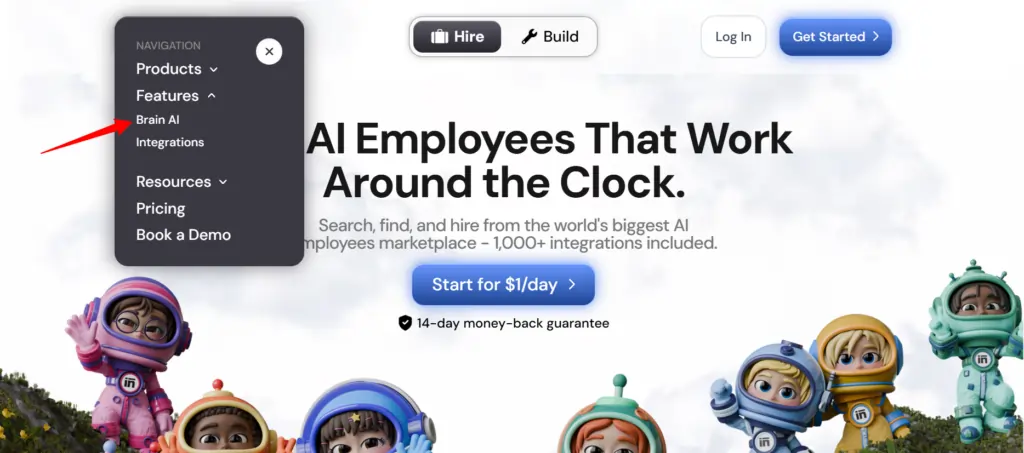
- Намерете инструмента — Намерете желаната интеграция (Gmail, Notion, LinkedIn и др.) и щракнете "Connect"
- Авторизирайте акаунта — Отваря се изскачащ прозорец, влезте и предоставете разрешения — бутонът „Свързване“ се превръща в зелена отметка.
Това е всичко. От този момент нататък съответният помощник ( имейл маркетолог , анализатор на данни, мениджър на социални медии и т.н.) работи с данни в реално време от вашия действителен акаунт – без копиране, без ръчно въвеждане.
💡 Бърз съвет: Трябва да добавите друг акаунт за същия инструмент (напр. втора Facebook страница)? Натиснете „Свързване“ → „Добавяне на нов акаунт“ вътре в мозъка AI и влезте с втория акаунт директно оттам.
Какво всъщност правят вашите помощници в Sintra с тези интеграции
Синтра разполага с 12 предварително построени AI специалисти, като всеки от тях е свързан с интеграциите, които са подходящи за неговата роля:
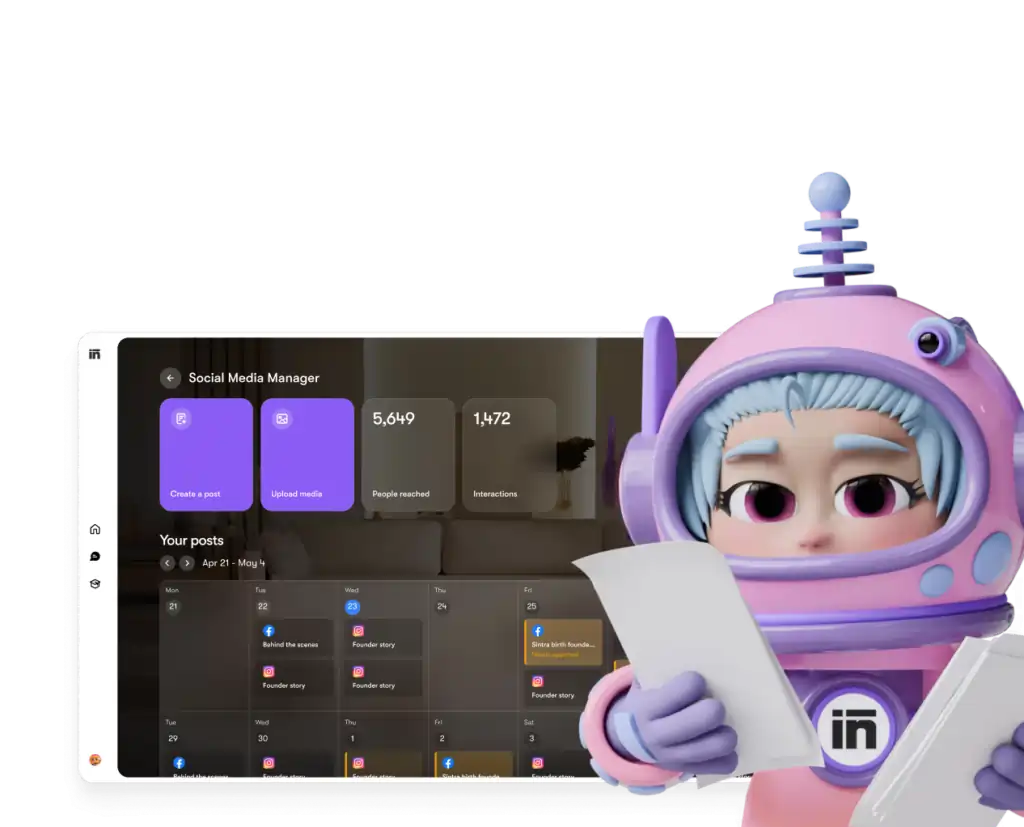
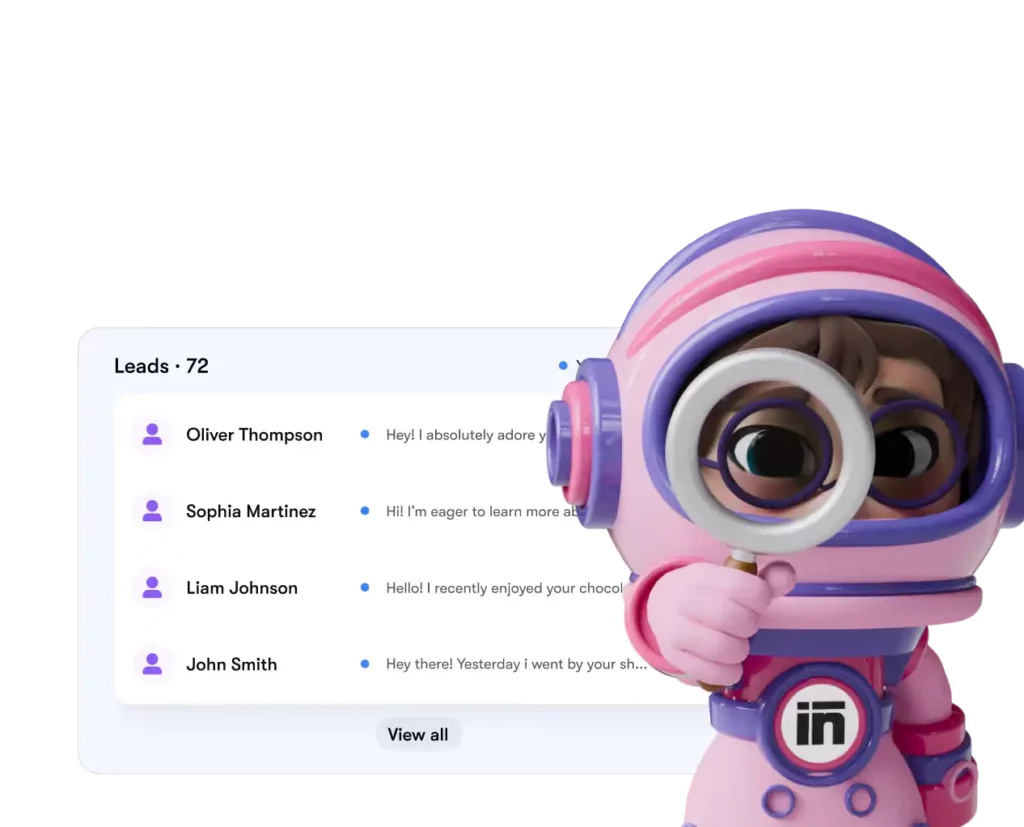
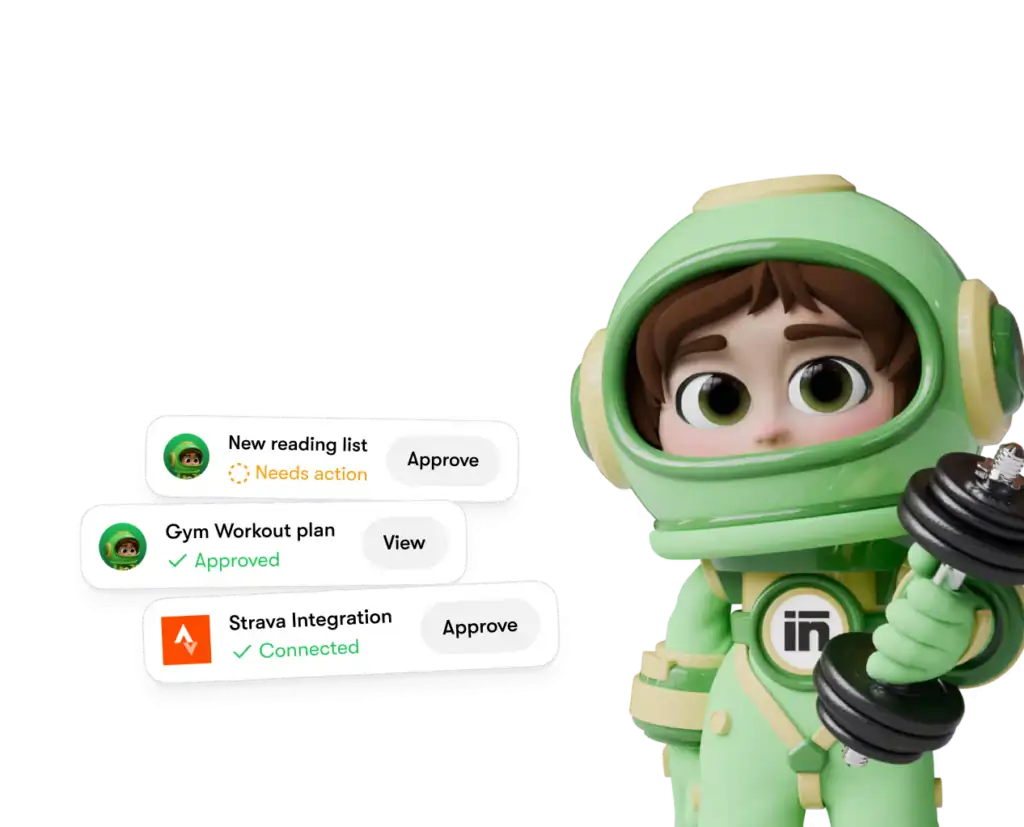
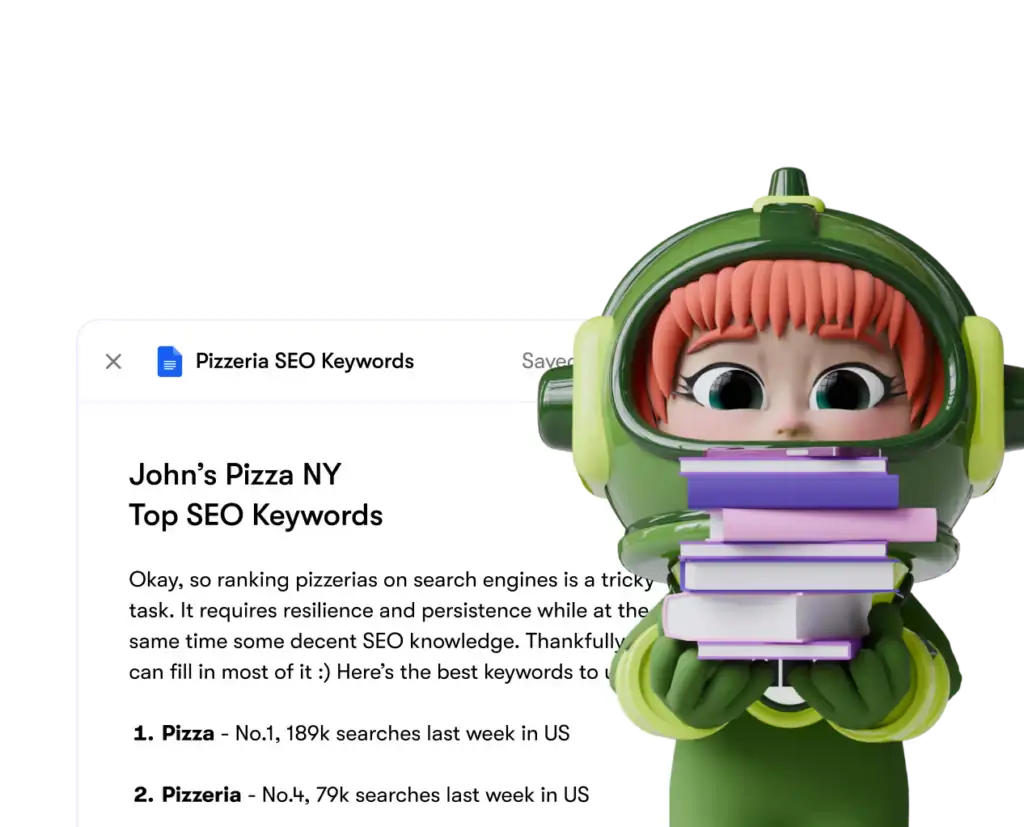
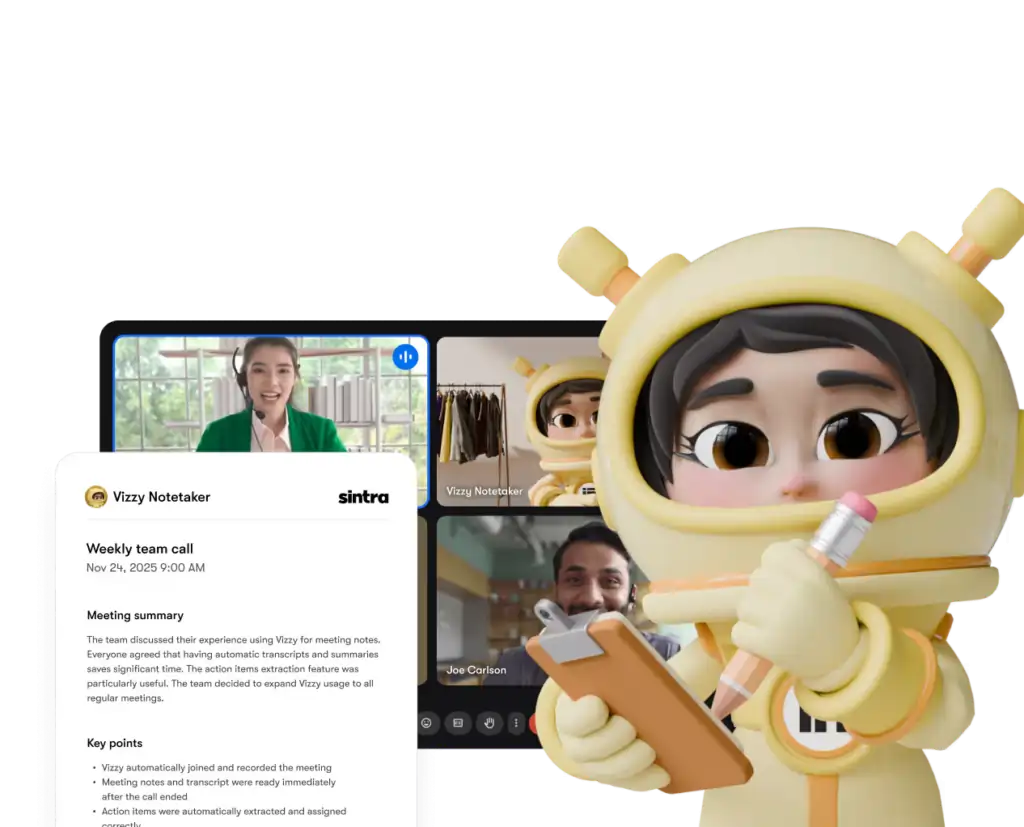
Всеки помощник има достъп само до инструментите и разрешенията, които изрично сте предоставили – и можете да изключите всяка интеграция от таблото си за управление по всяко време.
Синтра AI спрямо конкурентите: Дълбочина на интеграция
Тук's как Синтра's настройката на интеграцията се сравнява с подобни платформи на същото ценово ниво:
| Особеност | Синтра ИИ | Generic AI Chatbots | Платформи за автоматизация (напр. Zapier) |
|---|---|---|---|
| Нативни интеграции (без код) | 1,000 + | Няма до минимум | Да, но не AI слой |
| AI помощникът действа върху данни | ✅ Да | ❌ Не | ❌ Не |
| Сложност на настройката | Авторизация с едно щракване | N / A | Средно–високо |
| Помощници, специфични за бизнес ролите | ✅ 12 специалисти | ❌ | ❌ |
| Автоматизация (повтарящи се задачи) | ✅ | ❌ | ✅ |
| GDPR съвместим | ✅ | Варира | Варира |
Ключовият диференциатор: платформи като Zapier ви дават конектори, но там's няма интелигентен слой отгоре, който да интерпретира и действа въз основа на данните. Sintra ви дава и двете - интеграцията и AI което знае какво да прави с него.
Твърдението за над 1,000 интеграции – какво всъщност означава?
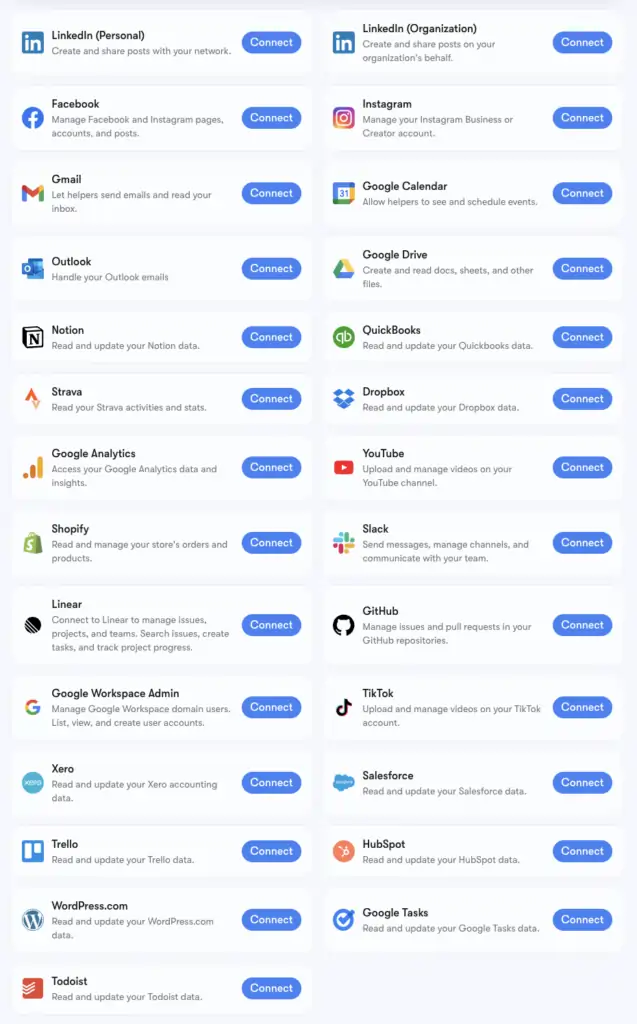
Синтра's Броят от 1,000+ интеграции е базиран на Композио, инфраструктура за конектори, която поддържа приложения от всяка категория: HR инструменти, платформи за планиране, електронна търговия, хранилища за данни и най-вече нишови SaaS инструменти AI платформите не се докосват.
Можете да разгледате пълния разширен списък на composio.dev/toolkits . Основните интеграции с дълбока поддръжка на помощни инструменти (Gmail, LinkedIn, Notion, Google Analytics и др.) са вградени в Brain AI на Sintra. Разширените над 1,000 са достъпни за потребители, които трябва да навлязат по-задълбочено в специфични работни процеси.
Ако инструмент, на който разчитате, не е в списъка, можете да го заявите директно от таблото си за управление на Sintra. Нови интеграции се добавят непрекъснато въз основа на потребителското търсене.
Настройване на Gmail + Google Календар: стъпка по стъпка
Стекът на Google Workspace е най-често свързваната група, така че тук's точният процес:
- Кликнете Мозъчен изкуствен интелект в лявата странична лента
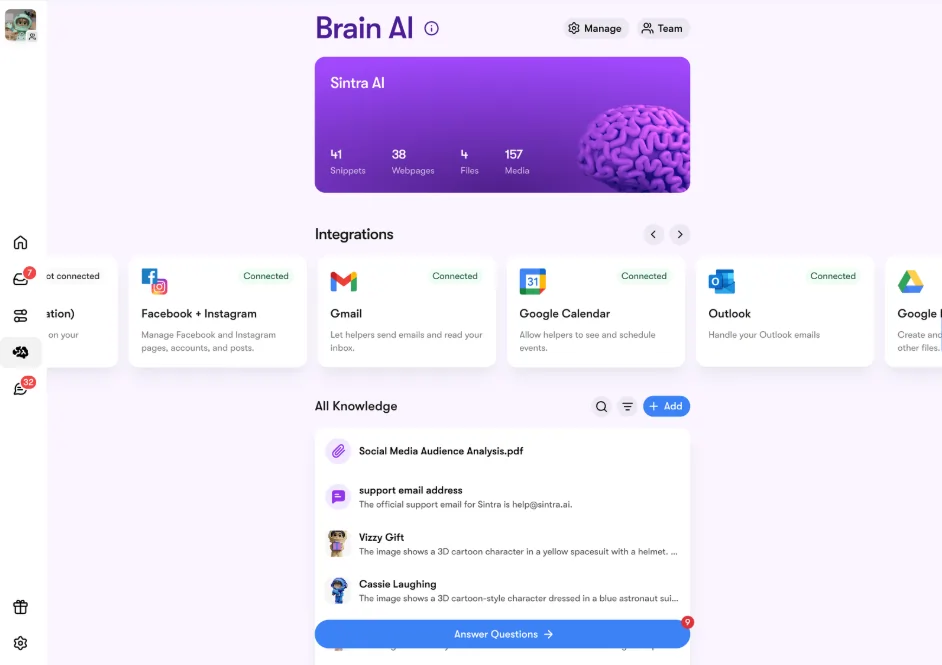
- Намерете Gmail, Google Calendar, Google Диск или Google Analytics в раздела „Интеграции“
- Кликнете Свържете → тогава Свържете отново (или Добавете нов акаунт за няколко акаунта)
- Появява се изскачащ прозорец на браузъра – изберете акаунта в Google, който искате да използвате
- Предоставете на приложението Sintra поисканите разрешения
- Бутонът става зелен — предавате на живо
И четирите инструмента на Google могат да бъдат свързани независимо или заедно. Sintra изисква само разрешенията, необходими за всяка задача (например, Календарът се нуждае само от четене/писане за събития, а не от целия ви акаунт в Google).
Настройване на Facebook и Instagram
Това има едно малко предварително условие - вашият Instagram трябва първо да бъде свързан с бизнес страница във Facebook:
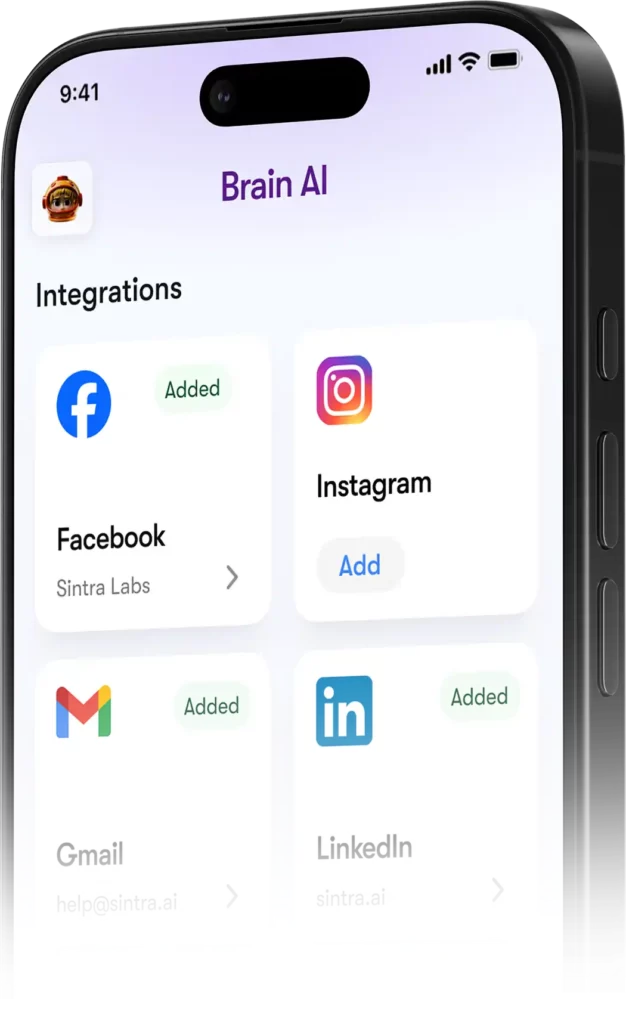
- Влезте във Facebook → кликнете върху снимката на профила си → превключете към бизнес страницата си
- Отиди Настройки и поверителност → Настройки → Разрешения → Свързани акаунти
- Кликнете Instagram → Свързване на акаунт и попълнете връзката
- В Синтра отидете на Мозък AI → Интеграции → Facebook/Instagram → Свързване
- Влезте с вашите Facebook идентификационни данни и предоставете разрешения
- Зелена отметка = свързани сте и на двете платформи
След като бъде публикувано онлайн, Соши (вашият специалист по социални медии) може да публикува както във Facebook, така и в Instagram директно от чат съобщение или чрез автоматизиран график.
Поверителност: Какво може и не може да вижда Синтра
Разумен въпрос, когато свързвате Gmail или Google Analytics с някоя AI платформа. Тук's Синтра's действителна позиция:
Помощниците не действат от ваше име, освен ако изрично не сте ги помолили да го направят чрез чат или не сте настроили планирана автоматизация — те не работят във фонов режим, правейки неща, които не сте одобрили.
Често задавани въпроси
Какви инструменти има на официалната Sintra AI списък с интеграции?
Основните интеграции включват Gmail, Outlook, Google Календар, Google Диск, LinkedIn, Facebook, Instagram, TikTok, Slack, Notion, HubSpot, Salesforce, QuickBooks, Google Analytics, GitHub, Strava, Shopify и други. Пълният разширен списък с над 1,000 инструмента е достъпен на composio.dev/toolkits.
Синтра ли AI имате ли публичен API?
Не — Sintra не предлага публичен API. Всички интеграции са готови за употреба конектори, вградени директно в платформата чрез Composio.
Мога ли да свържа няколко акаунта за един и същ инструмент?
Да. Натиснете „Свързване“ → „Добавяне на нов акаунт“ в Brain AI да свържете допълнителни акаунти за същата платформа. Всеки акаунт се управлява независимо.
Работят ли интеграциите със Sintra в рамките на автоматизации?
Да — свързаните инструменти захранват повтарящи се автоматизации, като ежедневни обобщения на входящата поща, планирани публикации в социалните мрежи и седмични аналитични отчети. Помощниците изпълняват тези задачи автоматично, без да е необходимо да започвате чат.
Има ли интеграция със Strava?
Да. Strava се свързва чрез Brain AI и позволява на вашия личен треньор да чете данните за вашата активност, за да ви помогне да следите фитнес целите си заедно с работния си график.
Колко време отнема настройката на интеграция със Sintra?
По-малко от две минути. Целият процес е базиран на OAuth — щракнете върху „Свързване“, влезте, одобрявайте разрешенията, готово. Не се изискват API ключове или техническа настройка.
Какво да направя, ако даден инструмент, който използвам, не е посочен в Синтра?'s интеграции?
Заявете го директно от таблото си за управление на Sintra — новите интеграции се добавят непрекъснато въз основа на потребителското търсене. Можете също да разгледате пълния разширен списък на composio.dev/toolkits.
Синтра AI Безопасни ли са интеграциите за използване с бизнес данни?
Да — Sintra е съвместима с GDPR, не обучава върху вашите данни и има достъп само до това, което's необходими за конкретната задача, която заявите. Всяка интеграция може да бъде прекъсната от таблото за управление по всяко време.
AiMojo препоръчва:


 БОНУС: Вземете нашите 200 долараAI „Набор от инструменти за майсторство“ БЕЗПЛАТНО при регистрация!



