

GitMind Key Insights
What is GitMind?
GitMind is an AI-powered visual workspace developed by WANGXU TECHNOLOGY (HK) CO., LIMITED, launched in 2019 and now used by over 10 million professionals across 160 countries. At its core, it converts raw inputs including text prompts, PDFs, audio recordings, YouTube videos, and images into structured mind maps, flowcharts, UML diagrams, and org charts entirely through AI автоматизація.
For business teams, this means a project manager can upload a specification document and get a fully structured visual plan in under a minute, removing hours of manual diagramming. GitMind covers the full productivity pipeline from idea capture and brainstorming through to візуальні презентації, making it a genuine all-in-one knowledge organisation platform rather than a basic mind map builder.
GitMind's most powerful capability is its ability to process almost any input format and return a structured visual map. You can paste a YouTube URL, upload an audio file, drop in a PDF, or type a single-line prompt and GitMind's AI will generate a branched mind map in under 10 seconds. For consultants and project managers dealing with large documentation sets, this alone replaces hours of manual node entry every week.
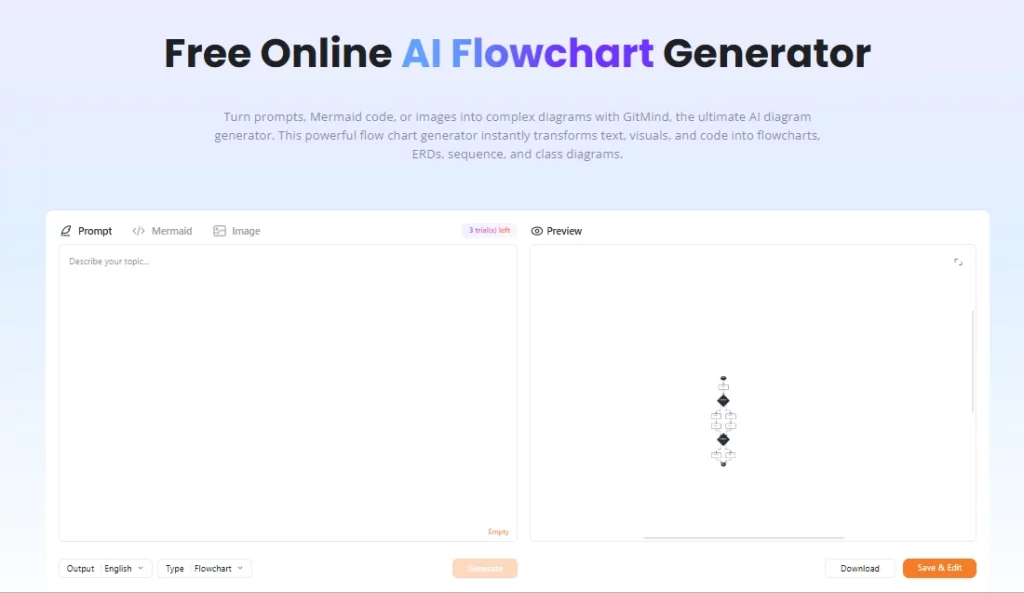
Beyond mind maps, GitMind supports flowcharts, whiteboards, UML diagrams, org charts, Ishikawa (fishbone) diagrams, and entity-relationship diagrams. This matters for technical teams who need more than a brainstorming canvas. A software engineer can generate an AI flowchart from project notes, visualise system dependencies, and share the diagram as a presentation in one sitting.
GitMind organises team workspaces into units it calls “Planets,” each functioning as a shared collaboration environment. Multiple users can co-edit maps live, leave comments, and track changes, making it practical for distributed teams running agile planning sessions or product discovery workshops. The free plan supports one planet, paid plans unlock more, and the Business tier unlocks unlimited planets with unlimited members.
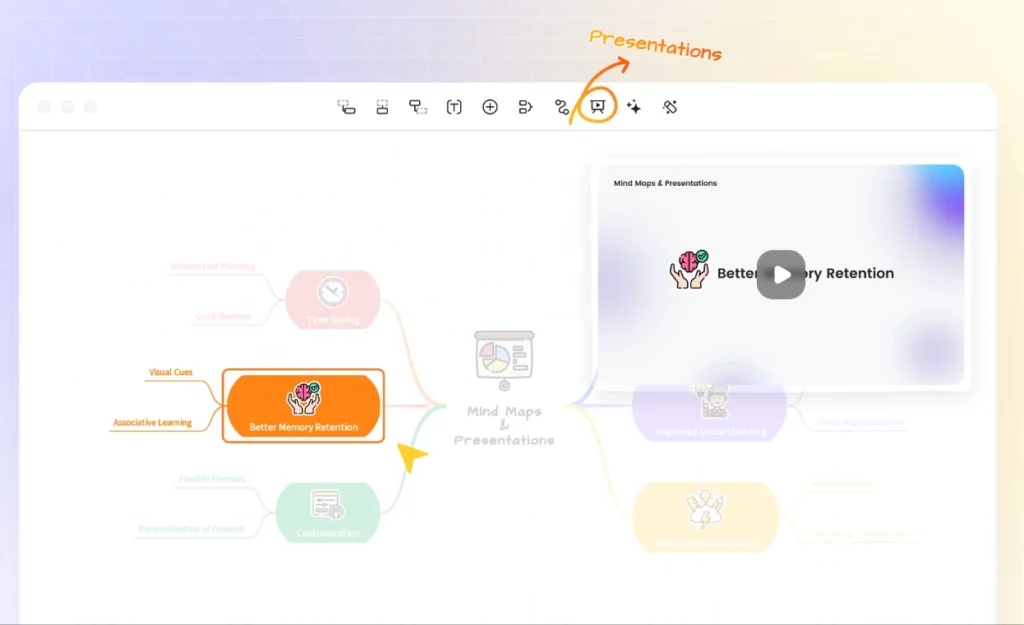
Every mind map in GitMind can be converted into a presentation with a single click using the built-in Presentation Mode. Teachers, trainers, and consultants use this to go from raw idea to boardroom-ready slide flow without leaving the platform. Export options include PNG, JPG, PDF, and TXT, with HD export available from the Basic plan upwards.
GitMind runs as a web app and also has desktop clients for Windows and Mac, plus mobile apps for iOS and Android. Because all data syncs via the cloud, switching from laptop to tablet mid-session carries zero friction. Sign-in works via Google, Apple, Facebook, or email, which keeps onboarding fast for new team members.
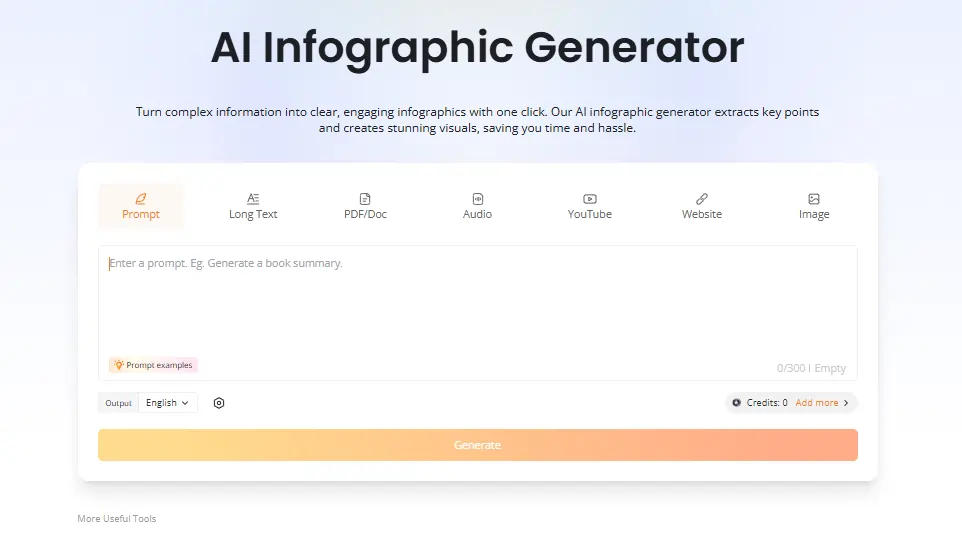
Paid plans unlock an embedded AI Chatbot for querying uploaded documents directly within the workspace, plus an AI infographic generator that turns data and content into visual summaries. Engineers and researchers find the chat feature particularly useful for surfacing gaps in documentation without leaving the mapping environment. Both features consume AI credits from the monthly plan allowance.
Цінові плани GitMind
| План | Вартість (річна) | AI кредити | Хмарні сховища | Images Per Map | Планети | Members Per Planet |
|---|---|---|---|---|---|---|
| Безкоштовно | $0 | обмеженою | Не вказано | Базовий | 1 | обмеженою |
| Базовий | $ 4.92 / місяць | ніхто | 10 GB | 50 | 1 | 5 |
| Профі | $ 5.75 / місяць | 2,000 / місяць | 10 GB | 100 | 1 | 5 |
| Ультра | $ 11.58 / місяць | 4,000 / місяць | 30 GB | 500 | 1 | 20 |
| Бізнес | $17.42/місяць за місце | 5,000 / місяць | 50 GB | 800 | Необмежене | Необмежене |
GitMind for Business Teams
GitMind sits in a genuinely useful position for business teams that deal with high volumes of information. The ability to take a recorded meeting, a long client brief, or a stack of PDFs and turn them into actionable visual maps cuts down planning cycles noticeably.
For marketing teams, контент-стратеги, and product managers, the prompt-to-map workflow means initial project framing happens in minutes rather than an hour-long whiteboard session. The Business plan's реального часу AI credit tracking per member adds a practical layer of resource management that growing teams will appreciate.
За і проти
- Converts video, audio, and PDF to mind maps.
- Fast AI map generation under 10 seconds.
- Cross-platform including desktop and mobile.
- Real-time team collaboration built in.
- Multiple diagram types in one tool.
- Presentation Mode saves extra software.
- Free plan has limited file count.
- AI credits deplete quickly on heavy use.
- No native Slack or Notion integration.
- Customer support response can be slow.
GitMind for Educators and Researchers
GitMind has found a strong foothold among educators, students, and researchers specifically because of its ability to process lecture recordings, академічні роботи, and textbook content into revision-ready visual structures. The YouTube transcript summariser alone is used by students to extract and map lecture content without manual note-taking.
Teachers use the article summariser and Presentation Mode to prepare and deliver lessons from a single tool. For anyone handling dense source material regularly, the Pro plan at $5.75 per month billed annually delivers solid value.
Best GitMind Alternatives
| AI Mind Mapping and Visual Workspace Tool | AI Map Generation Speed | Value Without Credit Caps |
|---|---|---|
| EdrawMind | Fast, generous AI limits on paid plans | Strong value for unlimited AI використання |
| XMind | Помірний, AI less capable than GitMind | Good for structure, weaker AI покоління |
| Miro | Not a primary feature, whiteboard-focused | Best for enterprise collaboration boards |
| Lucidchart | обмеженою AI map generation | Stronger for technical diagramming workflows |


