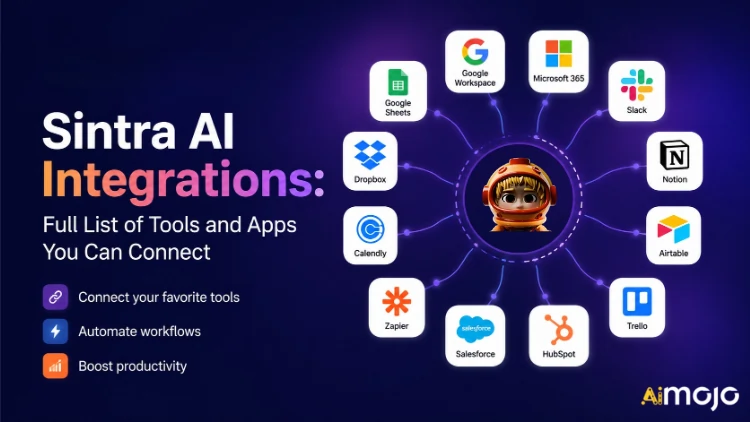
İşletmenizin kullandığı her araç ( Gmail, Notion, LinkedIn, Google Analytics, QuickBooks ve 1,000'den fazla daha fazlası) artık doğrudan Sintra AI'ya bağlanabilir.
İşte's Bağlantıların nasıl kurulduğunun, nasıl çalıştığının ve sizin için ne anlama geldiğinin tam açıklaması. AI yardımcılar aslında Anahtarı çevirdiğinizde ne olacak?
Sintra'da "Entegrasyonlar" Gerçekte Ne Anlama Geliyor?
Sintra entegrasyonları, manuel olarak eklediğiniz üçüncü taraf eklentileri değildir. Bunlar, doğrudan platforma entegre edilmiş, tek tıklamayla çalışan bağlantı noktalarıdır; web kancalarına, geliştirici biletlerine veya Zapier ara yazılımına gerek yoktur (ancak daha da genişletmek için Zapier desteği mevcuttur).
Bağlantı kurulduktan sonra, Sintra'nız AI Yardımcılar bu araçlara doğrudan okuma/yazma erişimi elde ederler. Bu, verileri sadece "görmekle" kalmayıp, üzerinde işlem yapabilecekleri anlamına gelir. Gmail'de e-posta taslağı hazırlayıp gönderin. LinkedIn'e gönderi paylaşın. Google Analytics raporu çekin. Notion sayfası oluşturun. Tüm bunlar tek bir sohbet penceresinden tetiklenir.
Entegrasyon katmanı Composio tarafından desteklenmektedir ve bu sayede Sintra, her önemli iş kategorisinde 1,000'den fazla entegrasyon sayısına ulaşmıştır.

Tam Sintra AI Entegrasyonlar Listesi (Kategoriye Göre)
İşte's Desteklenen her kategori ve aracın yapılandırılmış bir özeti:
📧 E-posta
| araç | Yardımcınız Neler Yapabilir? |
|---|---|
| Gmail | E-posta gönder, yazışmalara yanıt ver, gelen kutusunu oku, tanıtım kampanyaları yürüt |
| Microsoft Outlook | Gönder, yanıtla, oku — tam sürüm gelen kutusu yönetimi Microsoft kullanıcıları için |
📅 Takvim ve Planlama
| araç | Yardımcınız Neler Yapabilir? |
|---|---|
| Google Takvim | Etkinlikler oluşturun, programı okuyun, hatırlatıcılar ayarlayın, içerik takvimi planlayın. |
| MS Takvim | Microsoft 365 kullanıcıları için aynı takvim özellikleri geçerlidir. |
🗂️ Dosya Depolama
| araç | Yardımcınız Neler Yapabilir? |
|---|---|
| Google Drive | Raporları kaydedin, dosyaları çekin, yapay zeka tarafından oluşturulan çıktıları otomatik olarak depolayın. |
| dropbox | Dropbox tabanlı iş akışları için dosya depolama ve alma |
📱 Sosyal Medya
| araç | Yardımcınız Neler Yapabilir? |
|---|---|
| LinkedIn (Kişisel) | Gönderileri planlayın, içerik yayınlayın, profil etkinliğinizi yönetin. |
| LinkedIn (Şirket Sayfası) | Sayfa gönderilerini yönetin, şirket görünürlüğünü artırın. |
| Gönderiler yayınlayın, sayfa istatistiklerini görüntüleyin, sayfa içeriğini yönetin. | |
| Facebook İşletme bağlantısı aracılığıyla gönderi paylaş, içeriği yönet | |
| TikTok | Kısa formatlı video içerikleri yayınlayın ve planlayın. |
| YouTube | Video yüklemelerini ve kanal içeriğini yönetin |
💬 Takım İletişimi
| araç | Yardımcınız Neler Yapabilir? |
|---|---|
| Gevşeklik | Mesaj gönder, kanallara gönderi paylaş, ekip bildirimlerini otomatikleştir |
| Microsoft Ekipleri | Microsoft tabanlı ekipler arasında işbirliği yapın ve iletişim kurun. |
✅ Verimlilik ve Proje Yönetimi
| araç | Yardımcınız Neler Yapabilir? |
|---|---|
| kavram | Sayfalar oluşturun, veritabanlarını güncelleyin, projeleri düzenleyin. |
| Trello | Panoları, kartları ve görev listelerini yönetin. |
| Asana | Görevler oluşturun, proje ilerlemesini takip edin. |
| Google Görevleri | Google Workspace içinde görevler ekleyin ve yönetin. |
| Todoist | Görev oluşturma ve yapılacaklar listesi yönetimi |
| doğrusal | Mühendislik ve ürün ekibi görev takibi |
| Airtable | Veritabanı yönetimi ve proje takibi |
💼 CRM ve Satış
| araç | Yardımcınız Neler Yapabilir? |
|---|---|
| HubSpot | Kişileri yönetin, anlaşmaları takip edin, CRM kayıtlarını güncelleyin. |
| Satış Gücü | CRM güncellemeleri, potansiyel müşteri takibi, satış hattı yönetimi |
| Pipedrive | Anlaşma yönetimi ve satış iş akışı otomasyonu |
📊 Analitik ve Veri
| araç | Yardımcınız Neler Yapabilir? |
|---|---|
| Google Analytics | Trafik raporlarını alın, yüzey analizleri yapın, performansı takip edin. |
| Google E-Tablolar | Raporlama için elektronik tablo verilerini okuyun ve yazın. |
💰 Muhasebe ve Finans
| araç | Yardımcınız Neler Yapabilir? |
|---|---|
| QuickBooks | Fatura oluşturma/gönderme, finansal verileri okuma, rapor üretme |
| Xero | Muhasebe ve defter tutma otomasyonu |
🛠️ Geliştirici Araçları
| araç | Yardımcınız Neler Yapabilir? |
|---|---|
| GitHub | Depoları yönetin, sorunları takip edin, geliştirme iş akışlarını otomatikleştirin. |
| GitLab | Kod yönetimi ve CI/CD işlem hattı etkileşimi |
| Jira | Sorun takibi ve sprint yönetimi |
| supabaz | Veritabanı etkileşimi ve arka uç yönetimi |
🎨 Tasarım ve Yaratıcı
| araç | Yardımcınız Neler Yapabilir? |
|---|---|
| figma | İçerik iş akışlarında tasarım dosyalarına ve referans varlıklarına erişin. |
📣 Pazarlama ve Reklam
| araç | Yardımcınız Neler Yapabilir? |
|---|---|
| SEMrush | Anahtar kelime verilerini çekin, sıralamaları takip edin, SEO fırsatlarını ortaya çıkarın. |
| Meta Reklamlar | Reklam kampanyalarını ve reklam hesabı verilerini yönetin. |
🏃 Sağlık ve Fitness
| araç | Yardımcınız Neler Yapabilir? |
|---|---|
| Strava | Aktivite verilerinizi okuyarak kişisel antrenörünüzün fitness hedeflerinizi takip etmesini ve programınızı buna göre ayarlamasını sağlayabilirsiniz. |
🌐 CMS ve E-Ticaret
| araç | Yardımcınız Neler Yapabilir? |
|---|---|
| WordPress.com | Gönderileri, sayfaları ve içerik yayınlamayı yönetin. |
| WebFlow | Web sitesi ve açılış sayfası yönetim |
| Shopify | E-ticaret ürün ve sipariş yönetimi |
Sintra'da Herhangi Bir Entegrasyonu Nasıl Bağlarsınız (3 Adım)
Kurulumla ilgili hiçbir sorun yok. Tüm işlem, her alet için iki dakikadan kısa sürüyor:
- Beyin Yapay Zekasına Git — Beyne tıklayın AI Sintra kenar çubuğunuzdaki düğmeye tıklayarak entegrasyon merkezinizi açın.
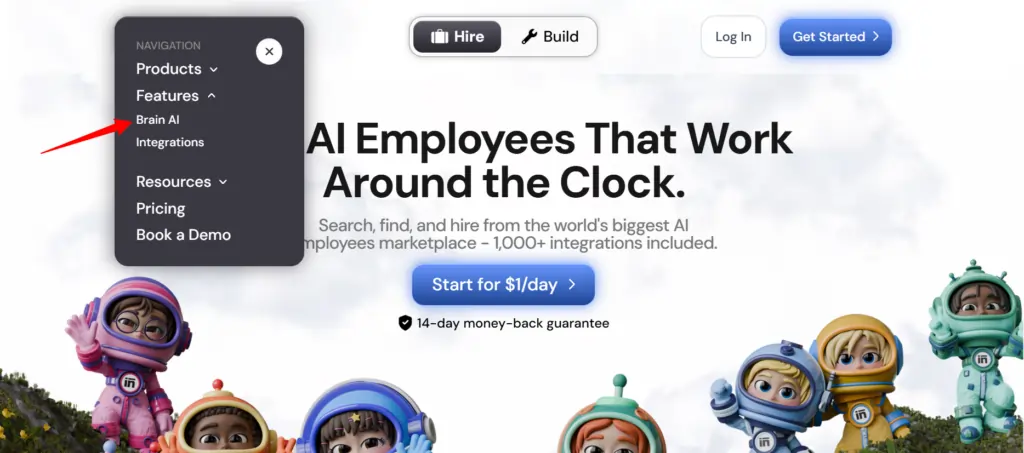
- Aracı bulun — İstediğiniz entegrasyonu bulun (Gmail, Notion, LinkedIn, vb.) ve tıklayın. "Bağlan"
- Hesabı yetkilendirin — Bir açılır pencere açılır, giriş yapın ve izinleri verin — Bağlan düğmesi yeşil bir onay işaretine dönüşür.
İşte bu kadar. Bu noktadan itibaren, ilgili yardımcı ( e-posta pazarlamacısı , veri analisti, sosyal medya yöneticisi vb.) gerçek hesabınızdan gelen canlı verilerle çalışır; kopyala yapıştır yok, manuel giriş yok.
???? Hızlı ipucu: Aynı araç için başka bir hesap (örneğin, ikinci bir Facebook sayfası) eklemeniz mi gerekiyor? Tıklayın “Bağlan” → “Yeni hesap ekle” Beynin içinde AI ve oradan doğrudan ikinci hesabınızla giriş yapın.
Sintra Yardımcılarınız Bu Entegrasyonlarla Gerçekte Ne Yapıyorlar?
Sintra'da 12 adet önceden inşa edilmiş daire bulunmaktadır. AI Uzmanlar ve her biri kendi rolü için anlamlı olan entegrasyonlara bağlı:
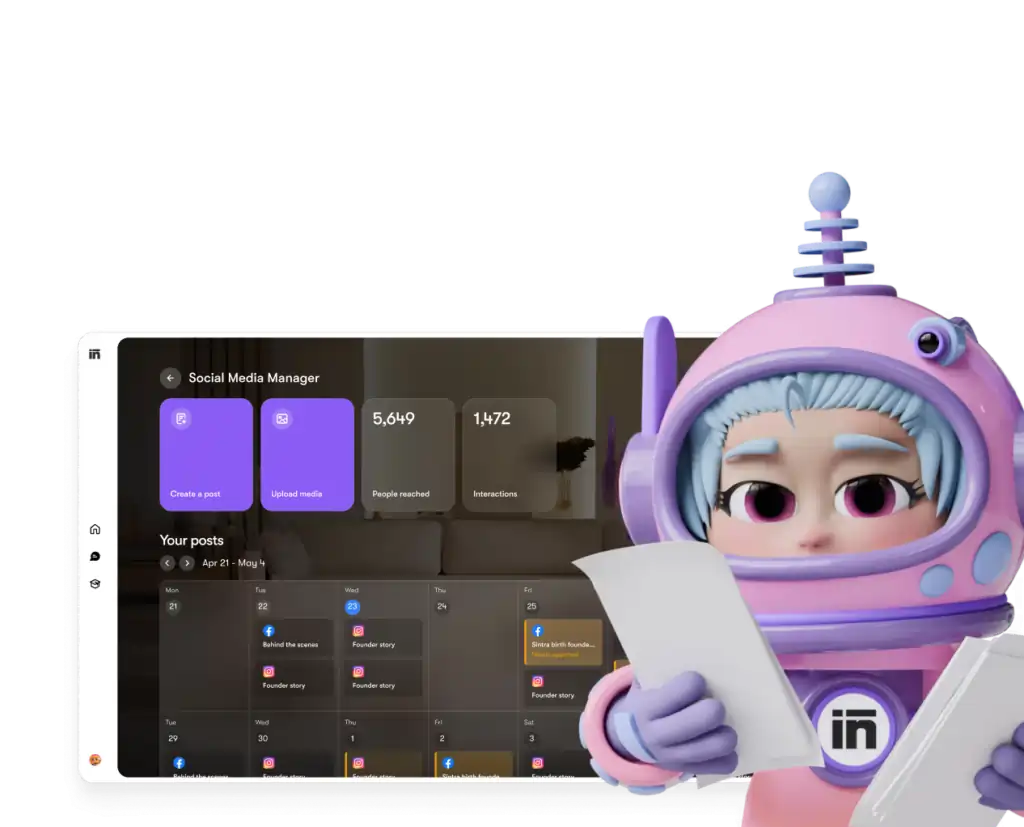
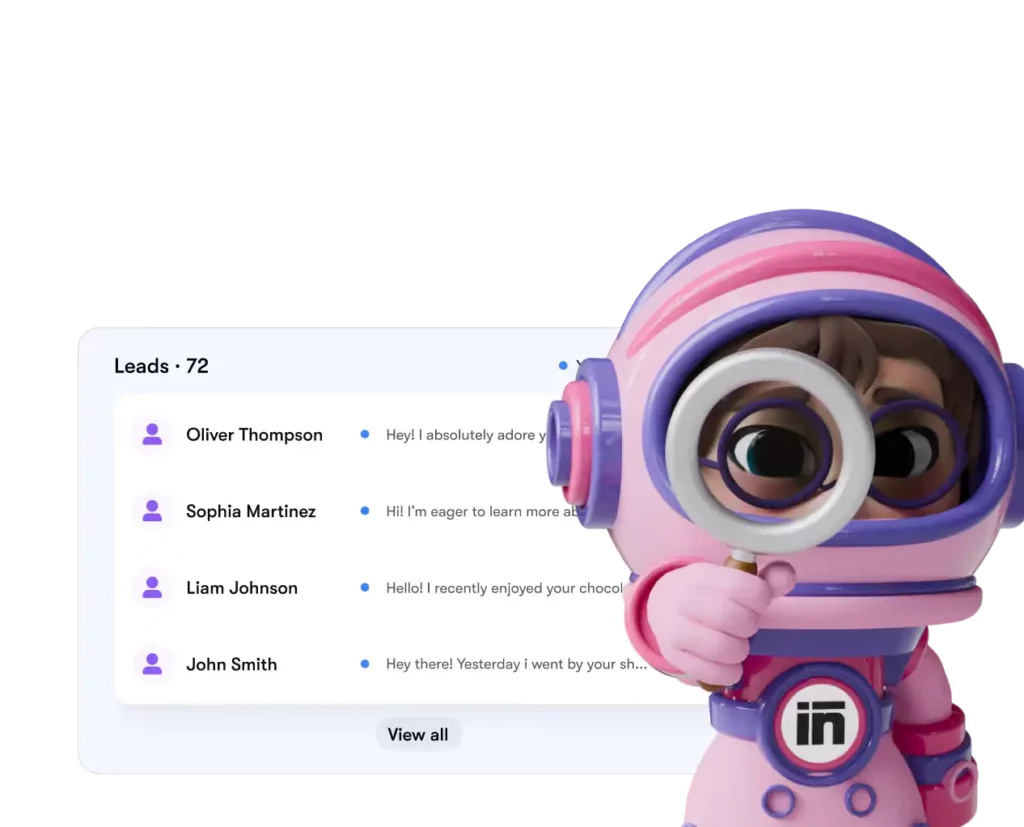
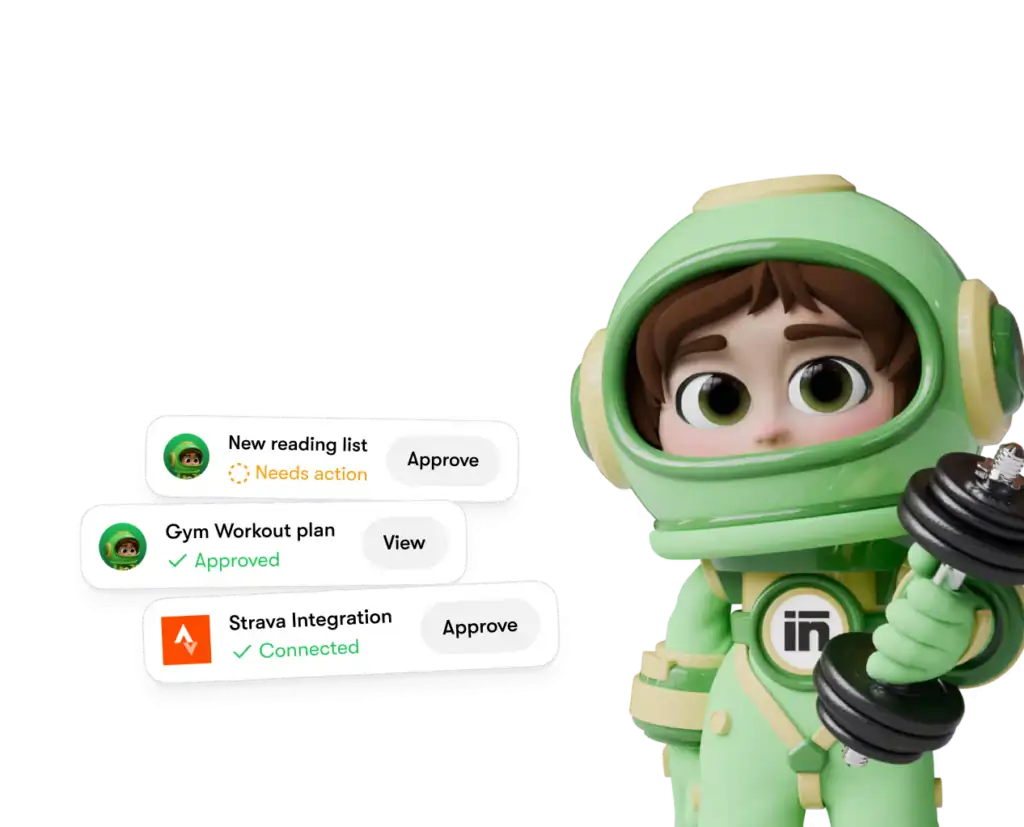
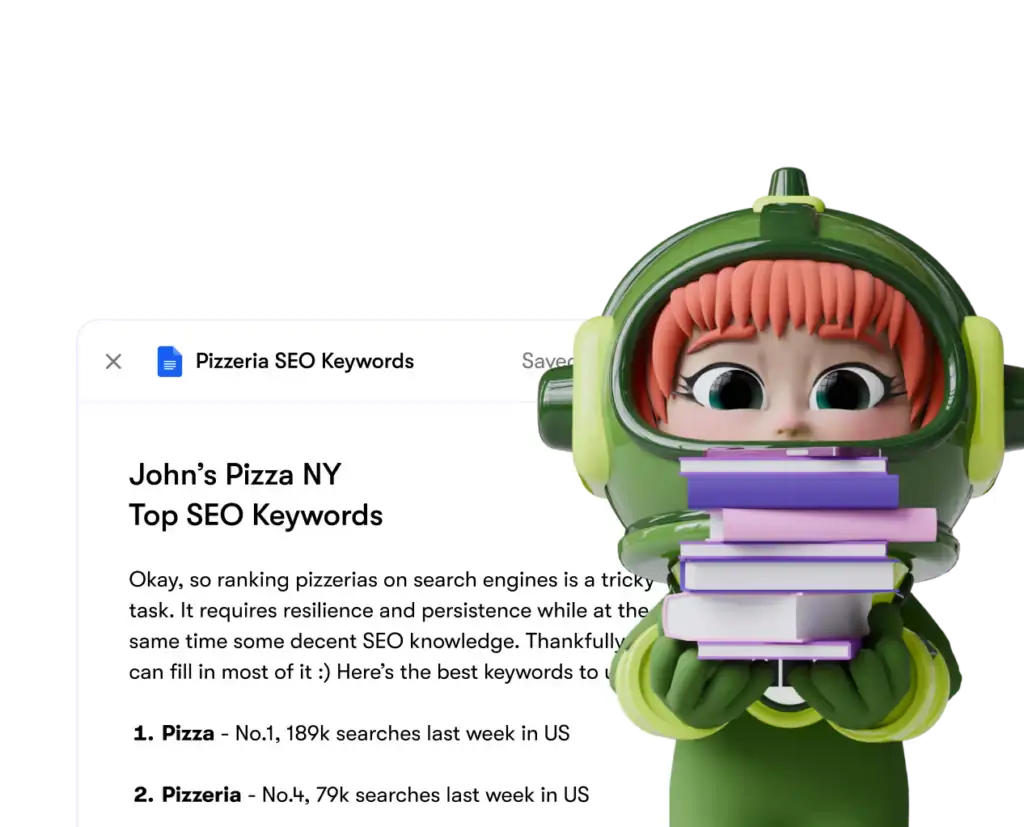
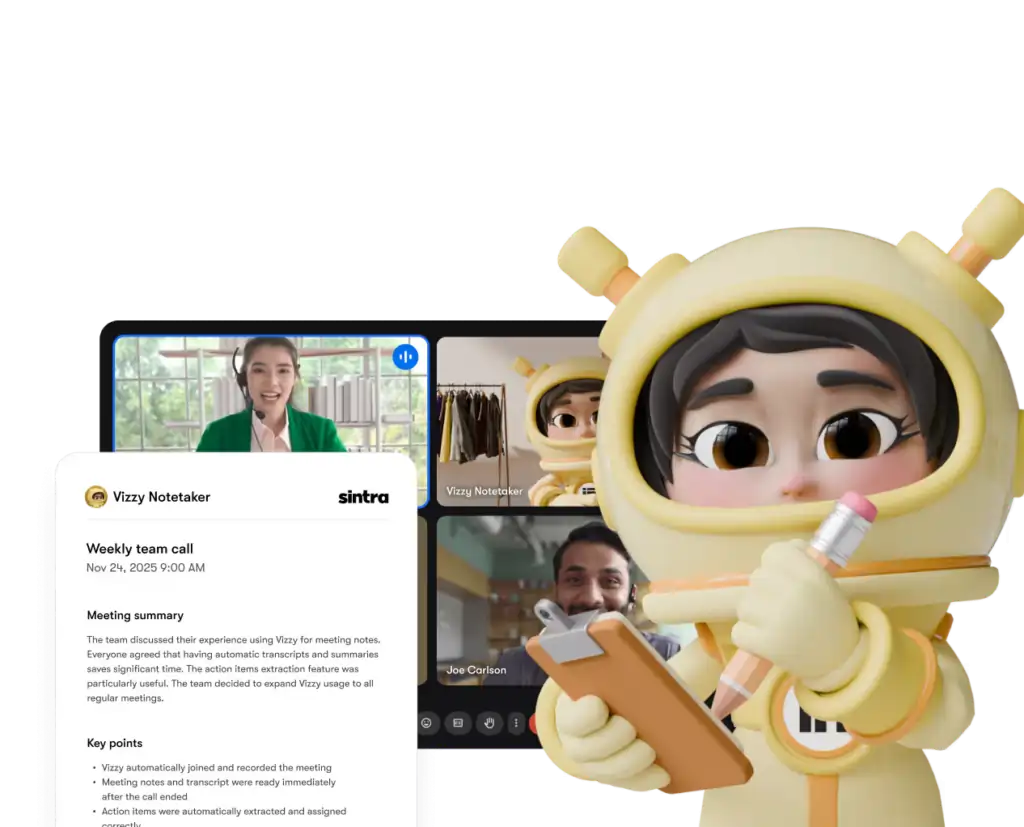
Her bir yardımcı yalnızca açıkça verdiğiniz araçlara ve izinlere erişebilir ve istediğiniz zaman herhangi bir entegrasyonu kontrol panelinizden ayırabilirsiniz.
Sintra AI Rakiplerle Karşılaştırma: Entegrasyon Derinliği
İşte's Sintra nasıl's Entegrasyon kurulumu, aynı fiyat kademesindeki benzer platformlarla karşılaştırıldığında şu şekildedir:
| Özellik | Sintra AI | genel AI Chatbots | Otomasyon Platformları (örneğin, Zapier) |
|---|---|---|---|
| Yerel entegrasyonlar (kod gerektirmez) | 1,000+ | Hiçbiri minimuma | Evet fakat hayır AI tabaka |
| AI yardımcı, veriler üzerinde işlem yapar. | ✅ Evet | ❌ Hayır | ❌ Hayır |
| Kurulum karmaşıklığı | Tek tıklamayla kimlik doğrulama | - | Orta-Yüksek |
| İş rolüne özgü yardımcılar | ✅ 12 uzman | ❌ | ❌ |
| Otomasyon (tekrarlayan görevler) | ✅ | ❌ | ✅ |
| GSYİH uyumlu | ✅ | Değişir | Değişir |
Başlıca farklılaştırıcı unsur: Zapier gibi platformlar size şunları sağlar: konnektörleri, ama orada's Verileri yorumlayan ve bunlara göre hareket eden üstte akıllı bir katman yok. Sintra size hem entegrasyonu hem de bir yapıyı sunuyor. AI Onunla ne yapacağını bilen.
1,000'den Fazla Entegrasyon İddiası — Gerçekte Ne Anlama Geliyor?
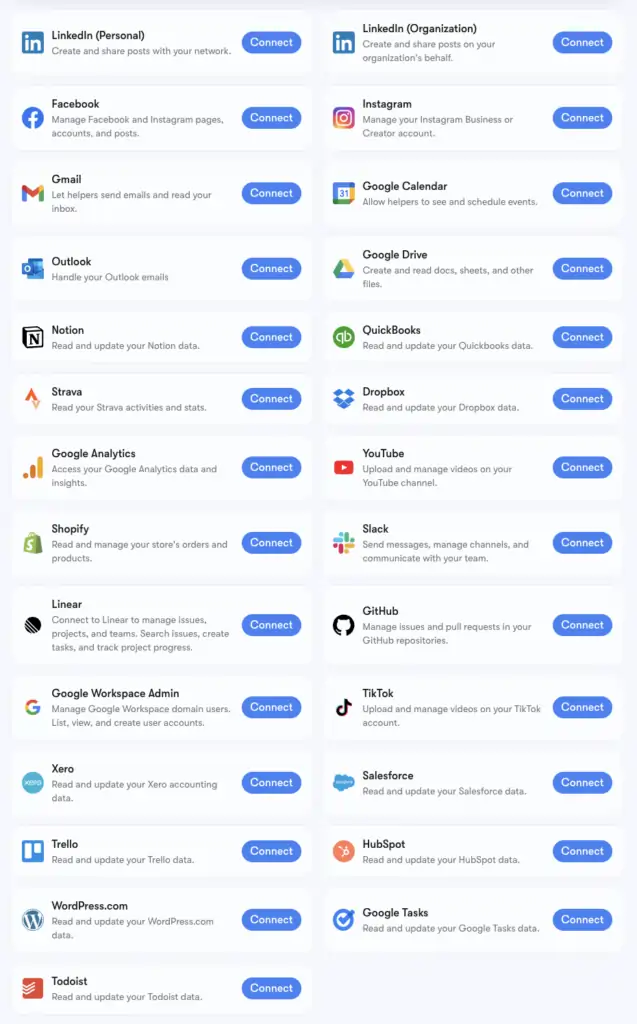
Sintra's 1,000'den fazla entegrasyon rakamı şu şekilde desteklenmektedir: KompozisyonHer kategorideki uygulamaları destekleyen bir bağlantı altyapısı: İK araçlarıPlanlama platformları, e-ticaret, veri ambarları ve niş SaaS araçları en çok AI Platformlar birbirine dokunmuyor.
Genişletilmiş listenin tamamına composio.dev/toolkits adresinden göz atabilirsiniz . Derinlemesine yardımcı destek sağlayan temel entegrasyonlar (Gmail, LinkedIn, Notion, Google Analytics vb.), Sintra'nın Brain AI'sine yerleşik olarak gelenlerdir. 1,000'den fazla genişletilmiş entegrasyon ise belirli iş akışlarına daha derinlemesine girmek isteyen kullanıcılar için erişilebilir durumdadır.
Kullanmakta olduğunuz bir araç listede yoksa, doğrudan Sintra kontrol panelinizden talep edebilirsiniz. Yeni entegrasyonlar, kullanıcı talebine bağlı olarak sürekli olarak eklenmektedir.
Gmail ve Google Takvim Kurulumu: Adım Adım
Google Workspace yığını en sık bağlantılı gruptur, bu nedenle burada's İşte tam süreç:
- Tıkla Beyin AI sol kenar çubuğunda
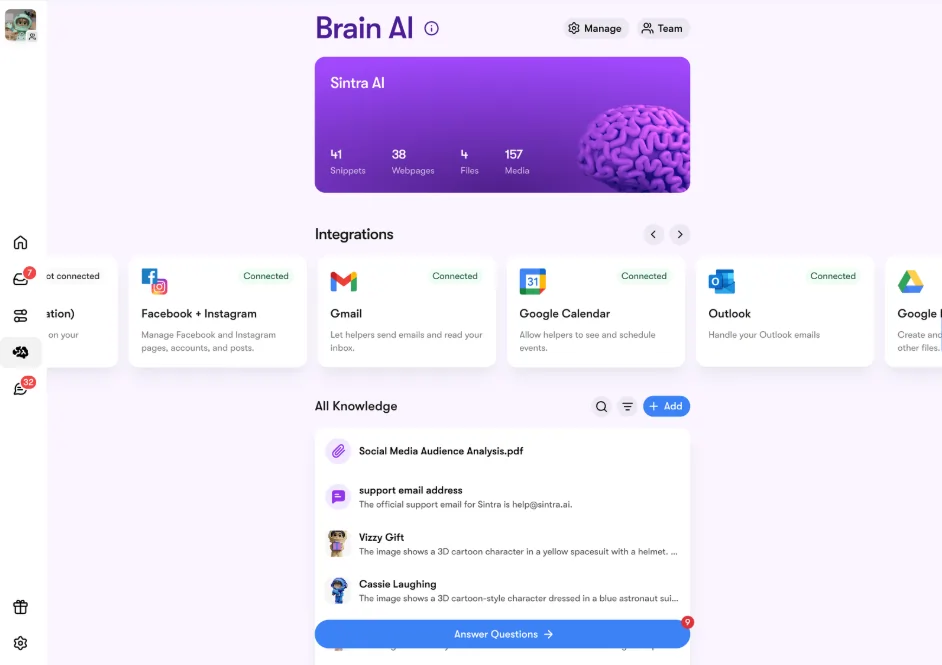
- yerleştirmek Gmail, Google Takvim, Google Driveya da Google Analytics Entegrasyonlar bölümünde
- Tıkla Bağlantı Kurun → sonra Bağlantı Kurun tekrar (veya Yeni hesap ekle (birden fazla hesap için)
- Tarayıcınızda bir açılır pencere belirir; kullanmak istediğiniz Google hesabını seçin.
- Sintra Uygulamasına istenen izinleri verin.
- Buton yeşil renge dönerse canlı yayındasınız demektir.
Dört Google aracı da bağımsız olarak veya birlikte bağlanabilir. Sintra yalnızca her görev için gerekli izinleri ister (örneğin, Takvim yalnızca etkinlikler için okuma/yazma izni ister, tüm Google hesabınıza erişim izni istemez).
Facebook ve Instagram Kurulumu
Bunun küçük bir ön koşulu var: Instagram hesabınızın öncelikle bir Facebook İşletme Sayfasına bağlı olması gerekiyor.
- Facebook'a giriş yapın → profil fotoğrafınıza tıklayın → İşletme Sayfanıza geçin
- MyCAD'de yazılım Güncelleme ye git Ayarlar ve Gizlilik → Ayarlar → İzinler → Bağlı Hesaplar
- Tıkla Instagram → Hesabı bağla ve bağlantıyı tamamlayın
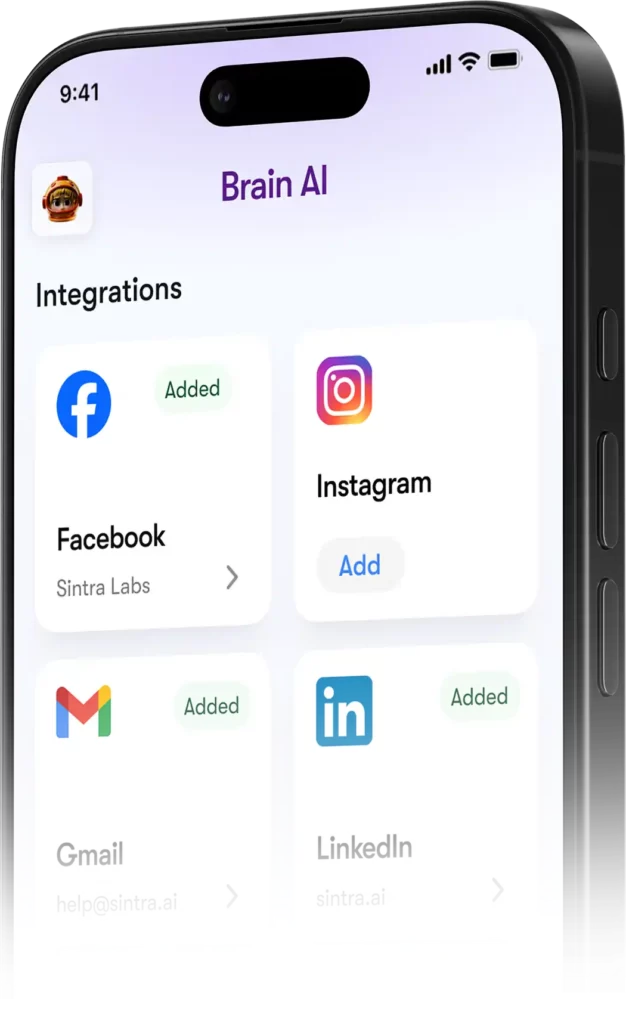
- Sintra'da, şuraya gidin: Beyin AI → Entegrasyonlar → Facebook/Instagram → Bağlan
- Facebook kimlik bilgilerinizle giriş yapın ve izinleri verin.
- Yeşil onay işareti = her iki platformda da bağlantınız kurulmuş durumda.
Yayına girdikten sonra, Soshie (sosyal medya uzmanınız) hem Facebook'a hem de Instagram'a doğrudan bir sohbet mesajı aracılığıyla veya otomatik bir zamanlama ile gönderi paylaşabilir.
Gizlilik: Sintra Neleri Görebilir ve Neleri Göremez?
Gmail veya Google Analytics'inizi herhangi bir şeye bağlarken akla gelebilecek makul bir soru: AI platform. Burada's Sintra's Gerçek duruş:
Yardımcılar, siz açıkça sohbet yoluyla talep etmediğiniz veya planlanmış bir otomasyon ayarlamadığınız sürece sizin adınıza hareket etmezler; onaylamadığınız şeyleri arka planda yapmazlar.
Sıkça Sorulan Sorular
Resmi Sintra'da hangi araçlar bulunuyor? AI entegrasyonlar listesi?
Temel entegrasyonlar arasında Gmail, Outlook, Google Takvim, Google Drive, LinkedIn, Facebook, Instagram, TikTok, Slack, Notion, HubSpot, Salesforce, QuickBooks, Google Analytics, GitHub, Strava, Shopify ve daha fazlası yer almaktadır. 1,000'den fazla aracın tam ve genişletilmiş listesine composio.dev/toolkits adresinden ulaşabilirsiniz.
Sintra AI Herkese açık bir API'niz var mı?
Hayır, Sintra herkese açık bir API sunmuyor. Tüm entegrasyonlar, Composio aracılığıyla doğrudan platforma entegre edilmiş, kullanıma hazır bağlantı elemanlarıdır.
Aynı araç için birden fazla hesabı bağlayabilir miyim?
Evet. Brain uygulamasında "Bağlan" → "Yeni hesap ekle" seçeneğine tıklayın. AI Aynı platform için ek hesapları bağlamak. Her hesap bağımsız olarak yönetilir.
Sintra entegrasyonları otomasyonlar içinde çalışıyor mu?
Evet — bağlantılı araçlar, günlük gelen kutusu özetleri, planlanmış sosyal medya gönderileri ve haftalık analiz raporları gibi tekrarlayan otomasyonları destekler. Yardımcılar, sizin bir sohbet başlatmanıza gerek kalmadan bunları otomatik olarak yürütür.
Strava için entegrasyon mevcut mu?
Evet. Strava, Brain üzerinden bağlantı kuruyor. AI Ayrıca kişisel antrenörünüzün aktivite verilerinizi okumasına ve iş programınızla birlikte fitness hedeflerinizi takip etmenize olanak tanır.
Sintra entegrasyonunun kurulumu ne kadar sürer?
İki dakikadan kısa sürede. Tüm süreç OAuth tabanlıdır — Bağlan'a tıklayın, giriş yapın, izinleri onaylayın, işlem tamam. API anahtarlarına veya teknik kuruluma gerek yok.
Eğer kullandığım bir alet Sintra'da listelenmiyorsa ne olacak?'s entegrasyonlar?
Doğrudan Sintra kontrol panelinizden talep edebilirsiniz — yeni entegrasyonlar kullanıcı talebine bağlı olarak sürekli olarak eklenmektedir. Ayrıca, composio.dev/toolkits adresinden genişletilmiş tam listeye de göz atabilirsiniz.
Sintra mı? AI İş verileriyle güvenle kullanılabilen entegrasyonlar nelerdir?
Evet — Sintra, GDPR uyumludur, verileriniz üzerinde eğitim yapmaz ve yalnızca istediğiniz verilere erişir.'s İstediğiniz özel görev için gereklidir. Her entegrasyon, kontrol panelinden her zaman ayrılabilir.
AiMojo Öneriyor:


 BONUS: 200$'lık "AI Kaydolduğunuzda “Mastery Toolkit”i ÜCRETSİZ edinin!