

Make Key Insights
What is Make?
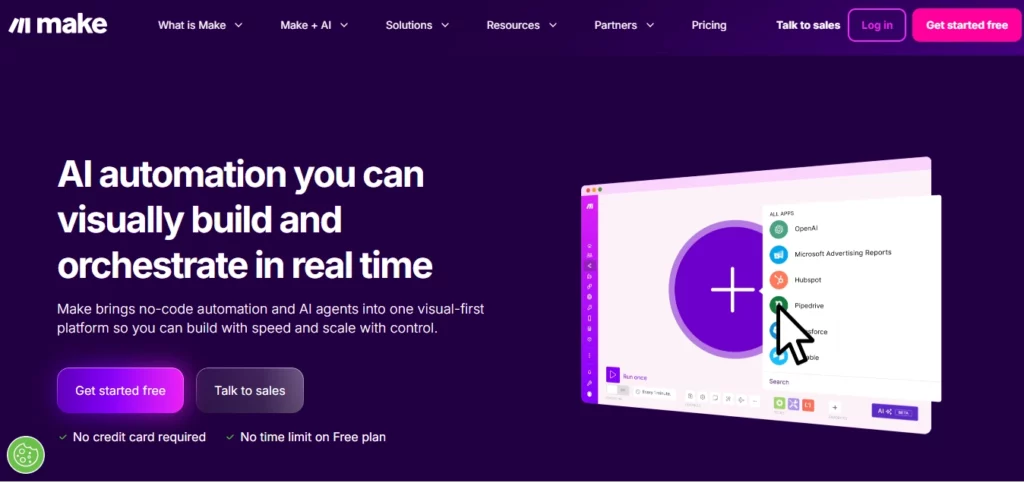
Make is a visual no code platform that helps you connect online tools and organise how data moves between them. It sits in your browser and lets teams map out day to day processes so routine work runs quietly in the background.
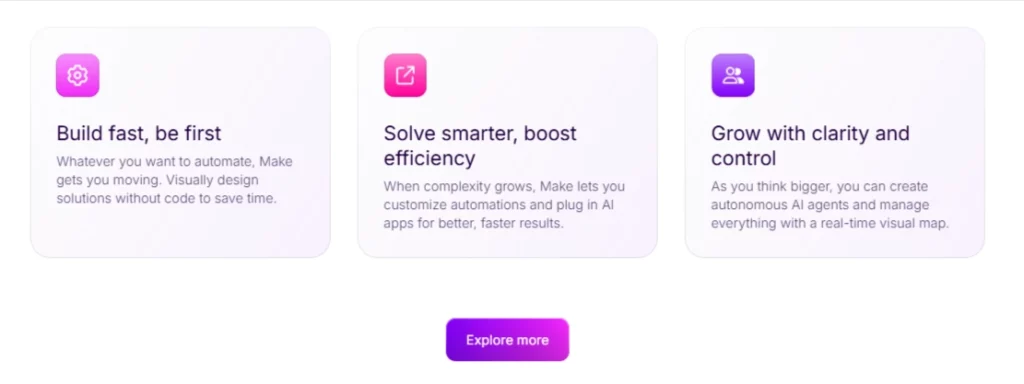
The interface is where Make truly shines. You design your automations on a visual canvas where every step is a clickable module. Troubleshooting takes a fraction of the time compared to competitors because you can see exactly where things go wrong.
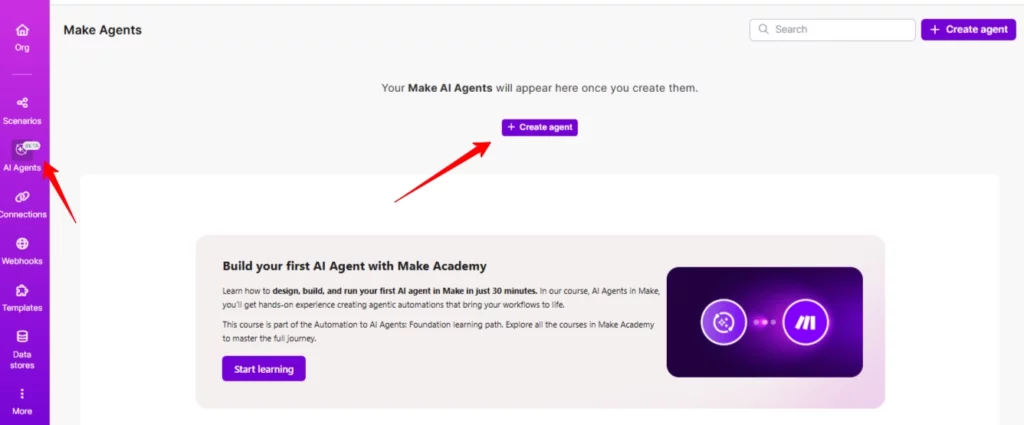
Make now supports building AI agents that adapt in real time across multiple workflows. You can connect to over 350 AI apps including OpenAI and run tasks like categorisation or summarisation without needing prompt expertise .
When something breaks you want to know fast. Make offers sophisticated error management and recovery mechanisms that let you track and fix issues without pulling your hair out.
Make Pricing Plans
| Plan | Monthly Cost | Credits | Key Features |
|---|---|---|---|
| Free | $0 | 1,000 | 2 active scenarios, 15 min intervals |
| Core | $9 | 10,000 | Unlimited scenarios, 1 min intervals |
| Pro | $16 | 10,000 | Priority execution, custom variables |
| Teams | $29 | 10,000 | Team roles, template sharing |
| Enterprise | Custom | Custom | 24/7 support, advanced security |
Pros and Cons
- Excellent visual interface for debugging
- Better value than Zapier
- Massive app library with deep integrations
- Powerful data transformation tools
- No self hosting option
- Learning curve for complex workflows
- Advanced features locked behind Enterprise
Best Make Alternatives
| No Code Automation Platform | Visual Interface | Self Hosting |
|---|---|---|
| Zapier | Basic | No |
| n8n | Advanced | Yes |
| Relay | Moderate | No |
| Activepieces | Good | Yes |



