

Learning Studio AI Key Insights
What is Learning Studio AI?
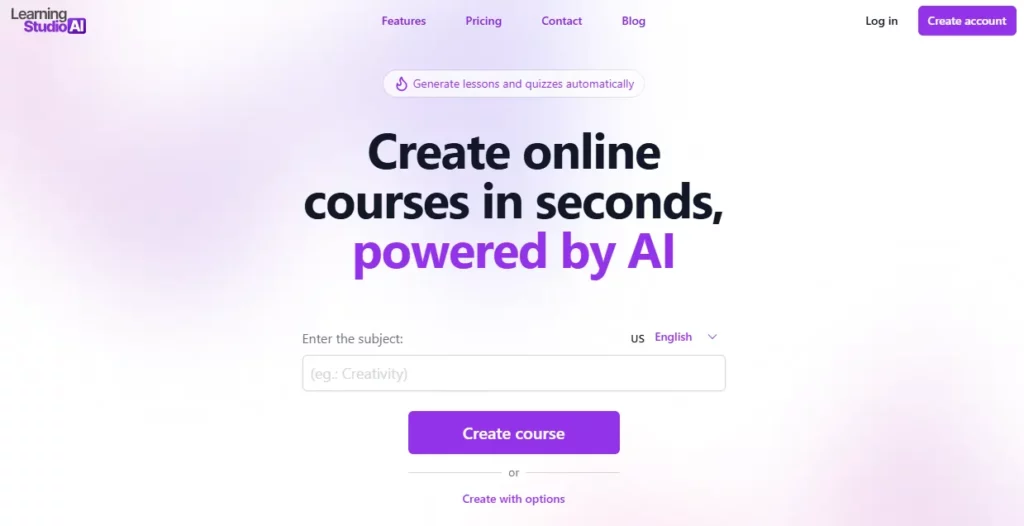
Learning Studio AI is an AI powered eLearning authoring tool that enables educators, corporate trainers, and course creators to build complete online courses in minutes. The platform uses a guided AI wizard to generate structured course content including lessons, quizzes, recaps, and audio narration from a simple topic prompt or uploaded document.
It supports SCORM 1.2 and 2004 export for direct integration with any learning management system such as Moodle, TalentLMS, or Docebo. With built in text to speech, voice recording, webcam capture, and a block based editor, Learning Studio AI removes the need for design or technical skills. Over 830,000 authors have used the platform to create more than 1.3 million courses, making it one of the most widely adopted AI course creation tools available today.
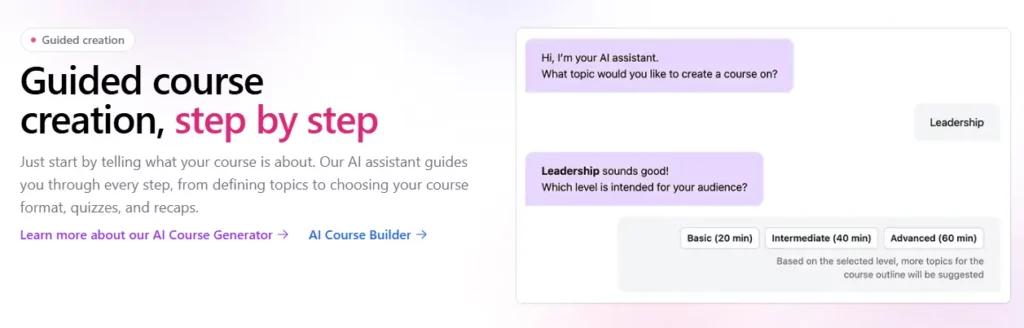
The standout feature of Learning Studio AI is its step by step AI wizard. Rather than generating a course from a single prompt (which often produces rough, unusable outlines), this wizard walks you through topic selection, difficulty level, outline structure, add ons like quizzes, and output format. The result is a fully structured course that needs minimal editing, saving hours of manual instructional design work.

Learning Studio AI supports export in SCORM 1.2 and SCORM 2004 formats. This makes every course fully compatible with enterprise LMS platforms. PDF export is also available with layout options such as compact view or page breaks. For L&D teams that need to push content into existing training infrastructure, this is a non-negotiable feature that many competitors still lack.
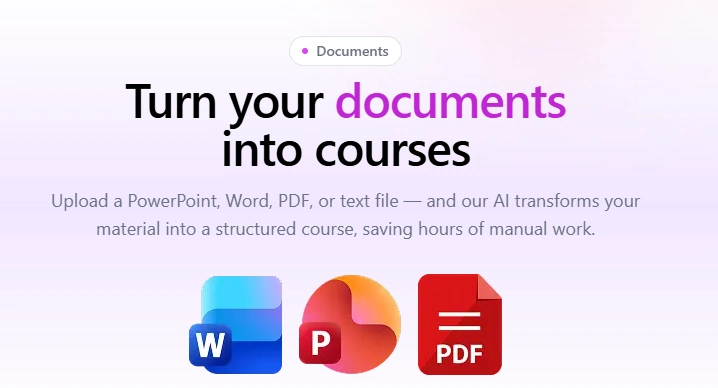
Upload a PowerPoint, Word document, PDF, or plain text file and the AI transforms it into a structured course. All plans support documents up to 60,000 characters. This is particularly useful for corporate training teams sitting on existing SOPs, compliance manuals, or onboarding decks that need to be converted into interactive eLearning modules quickly.
Every course can include AI generated narration through the built in text to speech engine. Alternatively, creators can record their own voice or webcam directly inside the editor. This removes the need for third party audio tools and keeps the entire production workflow inside one platform.
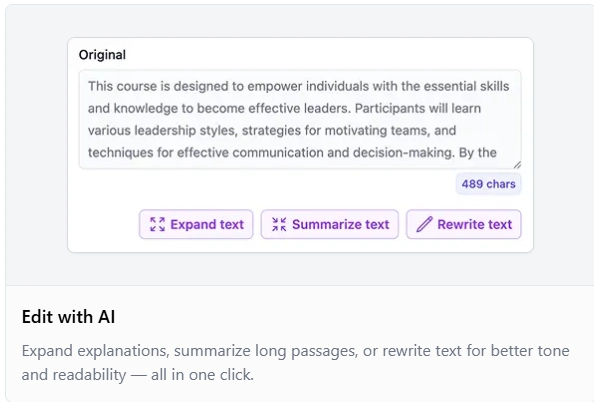
After course generation, the AI editor allows you to expand explanations, summarise long passages, or rewrite text for better tone and readability. The platform can also suggest and generate entirely new sections that fit within the existing course structure. This means your first draft is never your final draft and improvement takes seconds, not hours.
Learning Studio AI Pricing Plans
| Plan Name | Cost | AI Courses/Month | Workspace Courses | Support Response |
|---|---|---|---|---|
| Free | $0 | Limited | 3 | Community |
| Starter | $39/month | 5 | 30 | 48 hours |
| Pro | $69/month | 15 | Unlimited | 24 hours |
| Enterprise | $149/month | 50 | Unlimited | 12 hours |
Getting Started with Learning Studio AI
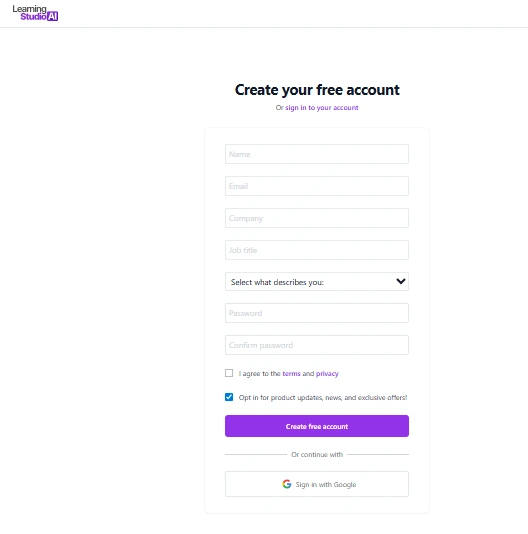
- Step 1: Visit learningstudioai.com and create a free account. No credit card is required to sign up.
- Step 2: Choose your creation method. You can start from a topic prompt using the AI wizard or upload an existing document in DOC, PPT, PDF, or TXT format.
- Step 3: Follow the guided wizard to set your topic, difficulty level, course outline, and add ons such as quizzes or recaps. Generate your course.
- Step 4: Use the block based editor to refine content, add images, embed videos, or record audio narration.
- Step 5: Export your finished course as a SCORM package for your LMS, download it as a PDF, or share it via a direct link.
Pros and Cons
- Guided AI wizard saves hours
- Document to course conversion included
- Built in text to speech
- Over 20 languages supported
- No design skills needed
- No built in course marketplace
- No AI avatar video generation
- Learner tracking requires external LMS
Best Learning Studio AI Alternatives
| AI eLearning Authoring Tool | SCORM Export | AI Course Generation |
|---|---|---|
| Coursebox AI | ✅ | ✅ |
| Mindsmith AI | ✅ | ✅ |
| Mini Course Generator | ❌ | ✅ |
| CourseAI | ❌ | ✅ |



