
Granola Key Insights
What is Granola?
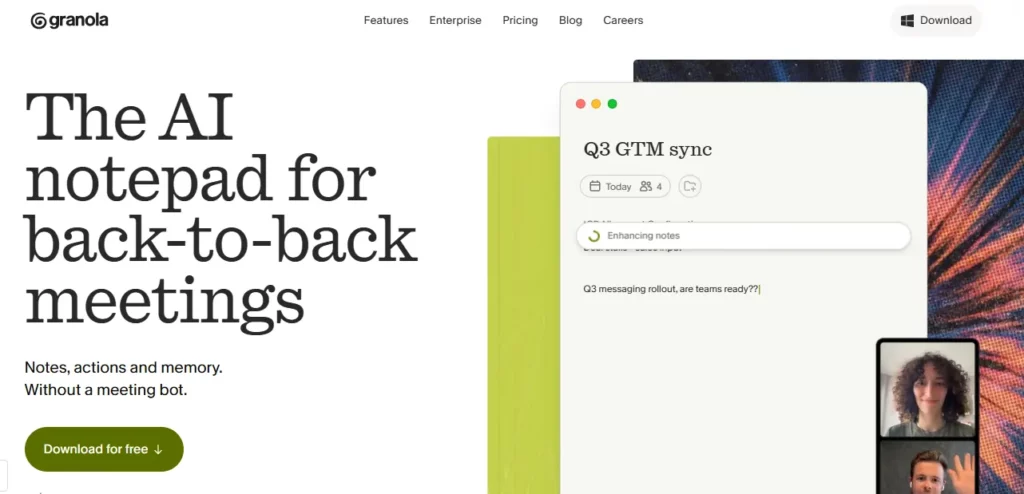
Granola is an AI-powered meeting notepad built for professionals who spend their days in back-to-back calls and can no longer afford to choose between staying engaged and capturing accurate notes. It operates entirely without a disruptive bot joining your calls. Instead, it captures audio locally on your device, transcribes in the background, and then uses GPT-4o to enhance your own handwritten bullet points into fully structured, searchable documentation once the meeting ends.
The result is a living archive of every conversation — queryable across meetings, shareable with teams, and formatted with your own hierarchy preferences. For product managers, founders, sales leads, and consultants who run five or more meetings daily, Granola removes the core friction point: you stop being a secretary and start being a participant again.
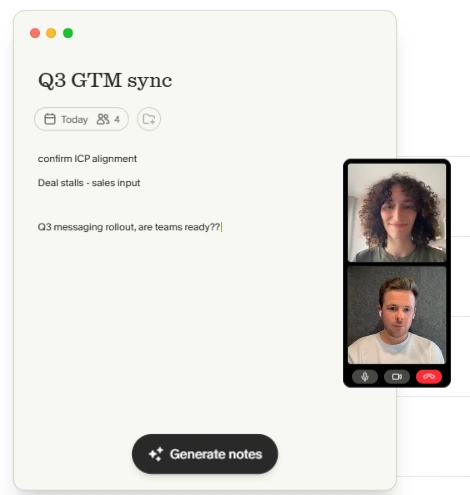
Granola records directly from your system audio rather than sending a third-party bot into the call. That means no awkward “Granola has joined the meeting” notifications, and no attendee anxiety about who is recording whom. The audio never leaves your device until you choose to process it, which is a significant advantage in sensitive client calls, board meetings, and any scenario where bot visibility creates friction.
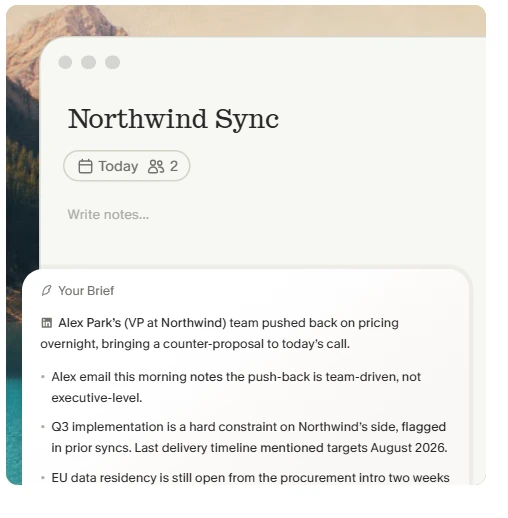
This is the core mechanism that separates Granola from every other tool in the category. You type your own sparse notes during the meeting — a few bullet points, a key decision, a number that matters. When the meeting ends, Granola cross-references your notes against the full transcript and fills them out with context, quotes, and structure. Your notes appear in black; the AI additions appear in grey, so you always know what you wrote and what was generated. This split gives you authorial control while dramatically reducing post-meeting cleanup time.
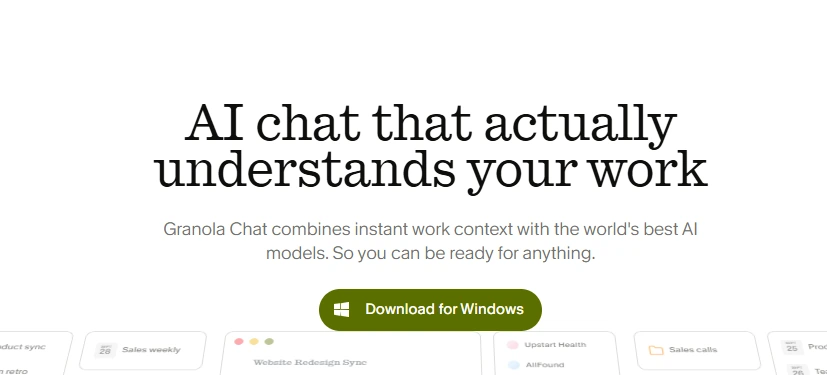
Once your meetings are in Granola, they become a queryable knowledge base. You can ask questions across multiple meetings — “What did we agree on pricing in Q1?” — and get answers drawn from the actual transcripts. This semantic search capability turns weeks of recorded calls into a proper institutional memory, not just a folder of forgotten documents.
Granola lets you define note templates per meeting type — sales calls, sprint reviews, client briefs. The AI automatically surfaces action items, assigns them by speaker, and formats them according to your chosen template. Teams using the Business plan can share folder structures and enforce consistent documentation standards across departments.
The Business plan connects Granola to HubSpot, Attio, Affinity, Notion, Slack, and Zapier, letting meeting outputs flow directly into your CRM or project management tool without manual copy-paste. The addition of MCP integration means Granola can now surface meeting context inside other AI-enabled apps in your stack, which is a forward-looking feature most competitors have not yet matched.
Granola Pricing Plans
| Plan | Cost | Key Limits and Features |
|---|---|---|
| Basic | $0 | 25 lifetime meetings, limited history, AI chat, templates, multi-language support |
| Business | $14/user/month | Unlimited meetings and history, advanced AI models, CRM and Slack/Notion integrations, API access, MCP integration, centralised billing |
| Enterprise | $35/user/month | Everything in Business plus SSO, admin controls, org-wide auto-deletion, priority support, usage analytics, model training opt-out for all users |
Granola for Sales and Client Teams
Sales professionals who run discovery calls, demos, and QBRs benefit most from Granola's CRM integrations. Meeting notes can be pushed directly into HubSpot or Attio deal records without leaving the app, eliminating the post-call admin that typically eats 15 to 20 minutes per rep per meeting.
The ability to query across all past meetings with a prospect — pulling up previous objections, pricing discussions, or commitments — gives account executives a memory advantage that no manual note system can replicate. At $14 per user per month, the ROI case for a sales team practically makes itself.
Pros and Cons
- No meeting bot joins your calls.
- On-device audio capture for privacy.
- AI merges your notes with transcript.
- Semantic search across all meetings.
- MCP integration for AI-native workflows.
- macOS primary; no full Windows support yet.
- No live captions during active meetings.
- No video recording capability.
Granola's Competitive Edge vs. Bot-Based Tools
Granola's unique positioning in the AI meeting notes category comes from one decision: no bot. Every competing tool in the market, Otter, Fireflies, Fathom, and tl;dv, inserts a visible bot participant into the call. This creates friction in sensitive meetings, signals to clients and prospects that everything is being recorded, and in some enterprise contexts triggers IT policy flags. Granola sidesteps this entirely.
For users who lost deals or damaged relationships because of an intrusive recording bot, this alone justifies the switch. The post-meeting AI note enhancement, rather than live transcription, is a calculated trade-off: you lose real-time captions but gain a far cleaner, more thoughtful output once the call is done.
Best Granola Alternatives
| AI Meeting Notepad | Bot-Free Operation | CRM and App Integrations |
|---|---|---|
| Fireflies.ai | ❌ Bot joins every call | 40+ integrations including Salesforce |
| Otter.ai | ❌ Bot-based transcription | Gmail, Salesforce, HubSpot |
| Fathom | ❌ Bot joins the call | Notion, Slack, HubSpot (limited) |
| tl;dv | ❌ Bot-based recording | Salesforce, HubSpot, Notion |



