

FreeNudifier Key Insights
What is FreeNudifier?
FreeNudifier is a browser based AI nudifier that edits uploaded images through neural network image processing. It is aimed at adult users who want a fast image modification workflow without creating an account, installing an app, or entering card details for the core tool.
The service accepts JPG, PNG, and WebP files up to 10 MB and lists output up to 2048 x 2048 HD. It also offers processing controls, a Photoreal Mode, detail enhancement, and examples of image to video effects. From a workflow angle, its main business value is speed and low setup friction for publishers, adult creators, and AI tool researchers who need quick test renders. It is closer to a single purpose AI image utility than business automation software or broad productivity tools.
FreeNudifier runs in a modern browser with no desktop client, APK, or app store install. That makes testing quick across desktop, tablet, and mobile devices.
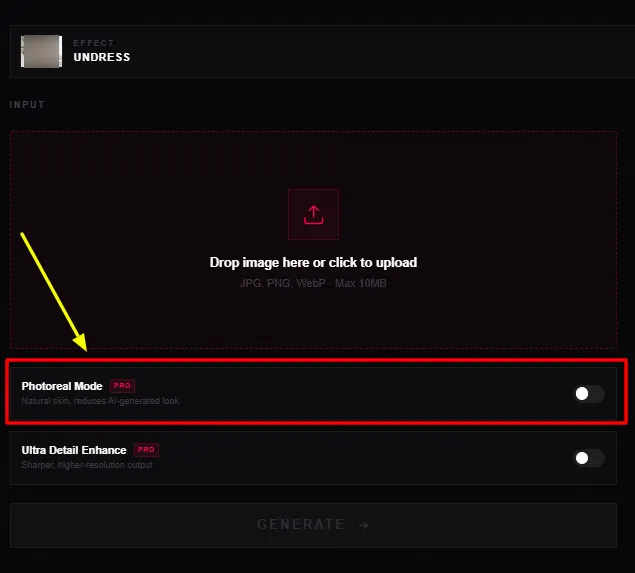
Photoreal Mode is a Pro control aimed at more natural skin and less obvious AI texture. In this niche, that can reduce the synthetic look around lighting and body boundaries.
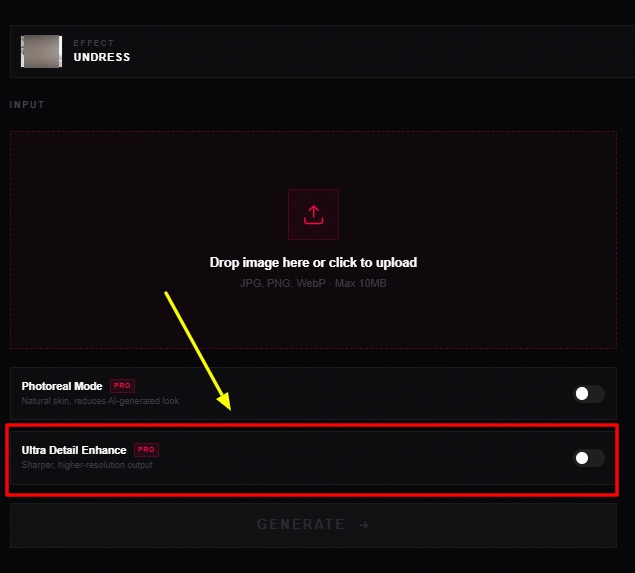
Ultra Detail Enhance is a Pro setting that sharpens the output and raises visible detail. It is most useful when the source image is already clean and well lit.
The generator lists output up to 2048 x 2048 HD with no watermark. Many rival nudifier tools reserve clean exports or higher resolution for paid users.
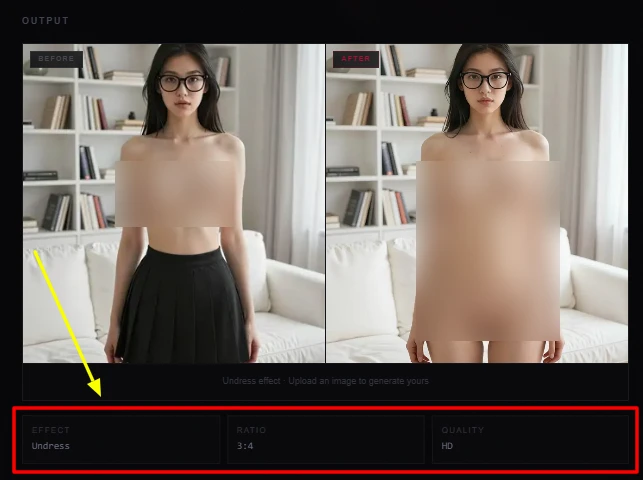
Users can adjust mode, intensity, and quality preferences. That gives more room to rerun difficult source images instead of accepting one fixed processing path.
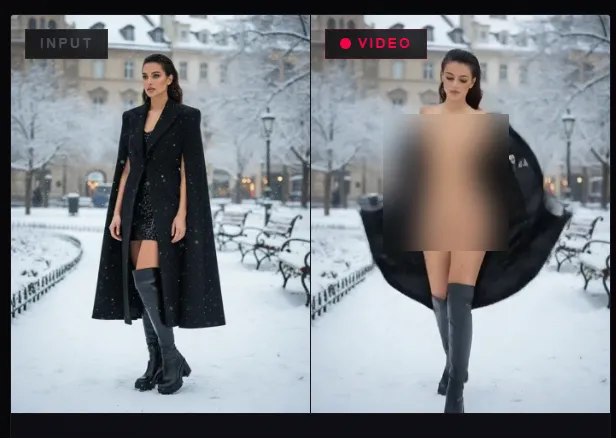
FreeNudifier also displays image to video effects in its examples, giving adult creators an extra media format beyond still image editing.
FreeNudifier Pricing Plans
FreeNudifier itself is free at the point of use. The paid upgrade currently routes users to VidSoda, where credits are sold as one time purchases.
| Plan Name | Cost | Credits and Access |
|---|---|---|
| FreeNudifier Free | $0 | Core image tool with a limited daily allowance |
| VidSoda 200 Credits | $9.90 | 200 credits valid for two years |
| VidSoda 800 Credits | $29.00 | 800 credits valid for two years |
| VidSoda 2000 Credits | $59.00 | 2000 credits valid for two years |
| VidSoda 3000 Credits | $89.00 | 3000 credits valid for two years |
Getting Started with FreeNudifier
- Step 1: Use only synthetic images or photos of consenting adults you are authorised to edit.
- Step 2: Upload a JPG, PNG, or WebP image under 10 MB.
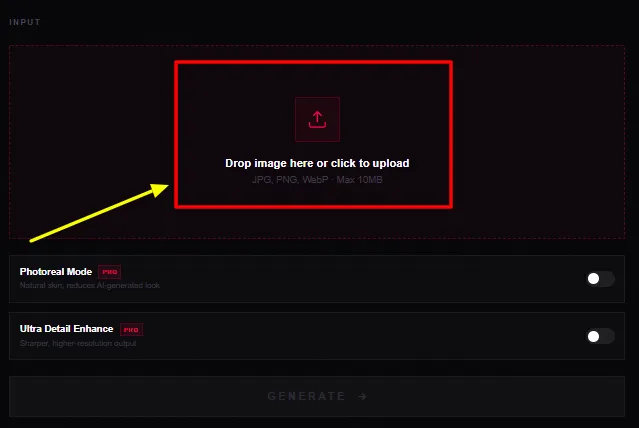
- Step 3: Choose the available mode, strength, and quality settings.
- Step 4: Generate the result and inspect body structure, lighting, and facial consistency.
- Step 5: Rerun if needed, then save the final output.
FreeNudifier Image Quality and Render Specs
The technical spec sheet is stronger than I expected from a free nudifier. FreeNudifier lists a multi layer neural network, NVIDIA A100 cloud GPU processing, input resolution up to 4096 x 4096, and output up to 2048 x 2048. The listed render window is 10 to 30 seconds. In this niche, the source image still matters more than the headline model name.
Even lighting, a clear subject, and at least 512 x 512 input resolution give the model more usable visual information. Low resolution photos, harsh shadows, heavy compression, and blocked body areas are more likely to produce shape errors or inconsistent texture.
Where FreeNudifier Has the Mojo
The strongest FreeNudifier advantage is friction free access. You can open the site, upload a supported image, generate, and export without creating an account or entering payment details for the core workflow. FreeNudifier also says the free output has no watermark, which is a notable win against services that place clean exports behind paid tiers or credit packs.
Undress.cc uses paid plans for higher quality and watermark removal, while AINUDEZ charges credits for every generation. Clothoff is also free to start, but it spreads its value across several adult AI tools. FreeNudifier stays focused on one job and gets users to the first render with very little setup.
FreeNudifier Pros and Cons
- Free core image workflow.
- No signup required.
- HD output available.
- No watermark listed.
- Fast browser access.
- Useful quality controls.
- Daily free limit.
- Pro controls gated.
- No public API.
- Policy wording needs clarity.
FreeNudifier Privacy and Consent
Privacy deserves more scrutiny here than model speed. FreeNudifier says uploaded images are processed in real time and not stored. Its linked VidSoda privacy policy uses different wording and says uploaded images can be stored temporarily for processing and may be shared with trusted AI processing providers.
That difference is important for sensitive adult media. I would treat the stricter privacy policy as the safer assumption. Use synthetic images or consent cleared adult photos, avoid identifiable people who have not agreed to the edit, and never upload minors. VidSoda also states that unauthorised face swapping and non consensual deepfakes are prohibited. For this tool category, consent and data handling matter as much as render quality.
FreeNudifier FAQs
Does FreeNudifier add a watermark
The generator specification lists no watermark on the free workflow, so users can inspect and save a clean output.
What input quality works best with FreeNudifier
The site recommends at least 512 x 512 resolution, clear lighting, and a visible subject. Cleaner source files generally give the model more usable visual information.
How long does FreeNudifier take to process an image
FreeNudifier lists a typical render time of 10 to 30 seconds. Speed can vary with server load, image size, and quality settings.
Does FreeNudifier store uploaded photos
FreeNudifier says images are not stored. The linked VidSoda policy says uploads may be kept temporarily for processing, so sensitive files should be treated accordingly.
Does FreeNudifier support video
The site shows image to video examples. The main free generator is still centred on image processing, with broader media features tied to the linked platform.
Best FreeNudifier Alternatives
| Adult AI image editing tool | Free Access | Main Tool Scope |
|---|---|---|
| Undress.cc | Limited | AI undress with paid quality tiers |
| AINUDEZ | Credit based | Image and short video generation |
| Clothoff AI | Yes | Nudify, undress, and image generation |



