

Edpuzzle Key Insights
| Basic Details | Availability |
|---|---|
| Starting Price | $13.75 |
| Pricing Model | Monthly and Annual |
| Free Tier | Yes |
| Special Discount | Yes |
What is Edpuzzle?
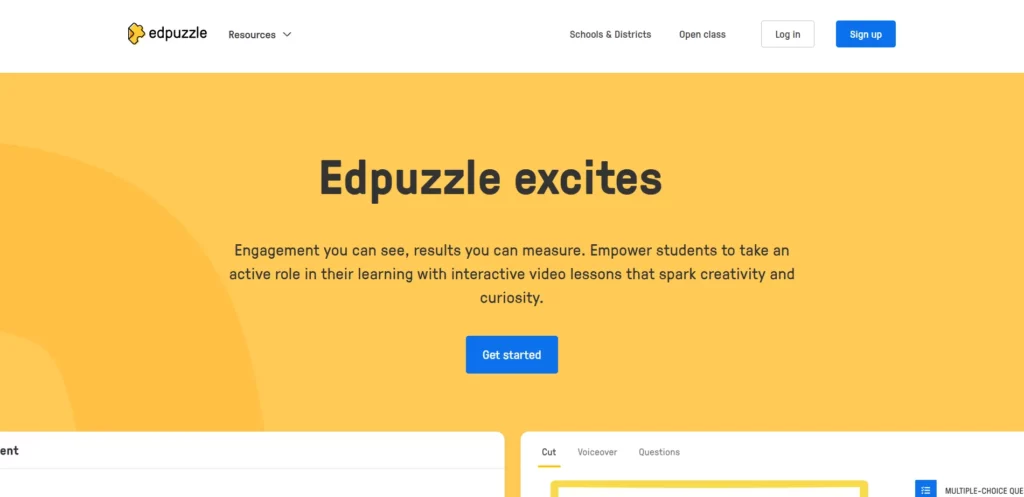
Edpuzzle is an easy-to-use, web-based tool that lets teachers turn any video into an interactive lesson. Teachers can crop videos, add voiceovers, and embed quiz questions to check understanding. Students watch the videos, answer questions, and their progress is tracked automatically. Edpuzzle uses cloud technology and works on any device with internet access. It supports videos from YouTube, Khan Academy, and more, and integrates with platforms like Google Classroom. This makes learning with videos more engaging and helps teachers see how well students understand the material.
Key Features Of Edpuzzle
- Interactive Video Lessons: Add multiple-choice, open-ended, and short-answer questions directly into videos to engage students and check understanding.
- Video Cropping and Trimming: Easily cut or trim videos to show only the most relevant sections for your lesson.
- Voiceover and Audio Notes: Record your own voiceover or add audio notes to personalize and clarify video content.
- Audio Responses: Allow students to respond to questions with their own recorded audio, supporting language learning and accessibility.
- Detailed Analytics: Track which students watched the video, how much they watched, and their answers to questions in real time.
- Automatic Grading: Multiple-choice questions are graded automatically, saving teachers time.
- Content Library: Access a large library of pre-made interactive video lessons or use videos shared by other teachers.
- Assign and Share: Assign lessons directly through platforms like Google Classroom or by sharing a link, making it easy for students to access.
- Gradebook Integration: Maintain grades and monitor student progress within Edpuzzle’s built-in gradebook.
- LMS Integration: Seamlessly integrates with major Learning Management Systems like Google Classroom, Canvas, and Microsoft Teams for easy assignment and grading.
- Live Mode: Present video lessons live in class and track student responses in real time for collaborative learning.
- Student Projects: Let students create their own interactive video lessons, fostering creativity and deeper learning.
- Prevent Skipping: Disable fast-forwarding to ensure students watch the entire lesson and engage with all questions.
- Easy Editing Tools: Simple interface to edit, crop, and enhance videos with questions, notes, and voiceovers.
Edpuzzle Subscription Plans
| Plan Name | Monthly Pricing | Annual Pricing |
|---|---|---|
| Basic (Free) | $0 | $0 |
| Pro Teacher | $15 per month | $13.75 per month |
| Schools & Districts | Custom pricing | Custom pricing |
Note: Pricing may change over time. It’s best to visit the official Edpuzzle website for the most up-to-date information.
Alternatives to Edpuzzle
1. Nearpod
Nearpod lets teachers create interactive lessons with videos, quizzes, polls, and even virtual reality experiences. It offers real-time feedback, integrates with Google Slides, and supports both live and student-paced learning modes.
2. PlayPosit
PlayPosit is designed for creating interactive video lessons, allowing educators to embed questions and activities directly into videos. Its interface keeps interactions organized and visible, making it easy for students to follow along.
3. Pear Deck
Pear Deck integrates with Google Slides and PowerPoint, turning presentations into interactive lessons with formative assessments, polls, and real-time feedback. It’s known for its ease of use and strong engagement features.
| Feature | Edpuzzle | Nearpod | PlayPosit | Pear Deck |
|---|---|---|---|---|
| Interactive Video | Yes (questions, voiceovers) | Yes (quizzes, polls, VR) | Yes (questions, activities) | Limited (mainly slides-based) |
| Content Library | Yes | Yes | Yes | Yes |
| Real-Time Feedback | Yes (analytics, progress) | Yes (live & student-paced) | Yes | Yes |
| LMS Integration | Yes (Google Classroom, etc.) | Yes (Google Classroom, Canvas, etc.) | Yes | Yes (Google, Microsoft) |
| Device Compatibility | Web-based, all devices | Web-based, all devices | Web-based, all devices | Web-based, all devices |
| Unique Strength | Video editing & analytics | VR, interactive slides, gamification | Organized interactions in videos | Interactive slides & easy export |
- Makes videos interactive and engaging.
- Tracks student progress and responses.
- Supports multiple question types.
- Allows video cropping and customization.
- Large library of pre-made lessons.
- Immediate feedback for students.
- Works on all devices and platforms.
- Limited question types available.
- No real-time teacher-student communication.



