

EaseMate AI Key Insights
What is EaseMate AI?
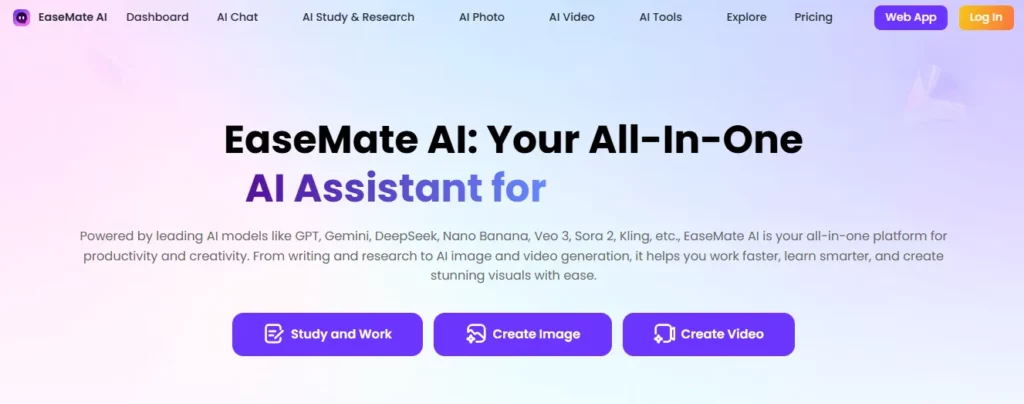
EaseMate AI is an all-in-one AI assistant for students, writers, marketers and solo creators who would rather keep chat, documents, homework help, slides, images and short video in one tab. Instead of paying separately for a chatbot, a PDF reader, an AI image generator and an AI video generator, the workspace routes those jobs through one login and one credit wallet.
The chat layer can switch between GPT-5, GPT-4o mini, Gemini 3 Pro, Claude 3 Haiku, Grok 4, Kimi K2 and DeepSeek-class models. Image jobs can run through Nano Banana, Flux Kontext, GPT image tools, Wan 2.5, Seedream and Midjourney-class outputs. Video jobs can run through Google Veo 3, Sora 2, Kling, Runway, Wan and Seedance. That multi-model setup is the product. EaseMate is not a single house model with a pretty wrapper.
Around the generators sit study and writing tools: ChatPDF, OCR, an AI writer, paraphraser, grammar checker, AI humanizer, AI detector, translator, math solver, physics solver, chemistry help, quiz and flashcard makers, Nano Banana slides, AI diagrams, a YouTube / video summarizer, an AI meeting note taker, story and script helpers, plus photo filters for Ghibli, Disney, Pixar, Lego and cyberpunk looks. Pet-to-human, 2D-to-3D, action figures, talking avatars, face-swap video, kiss and hug clips, UGC ads and text-to-video live in the same drawer.
EaseUS builds the suite. Access is web-first, with iOS, Android and a Chrome side-panel extension so the assistant can sit next to Docs, Gmail or a research tab. New app installs pick up 30 free credits. There is no public API.
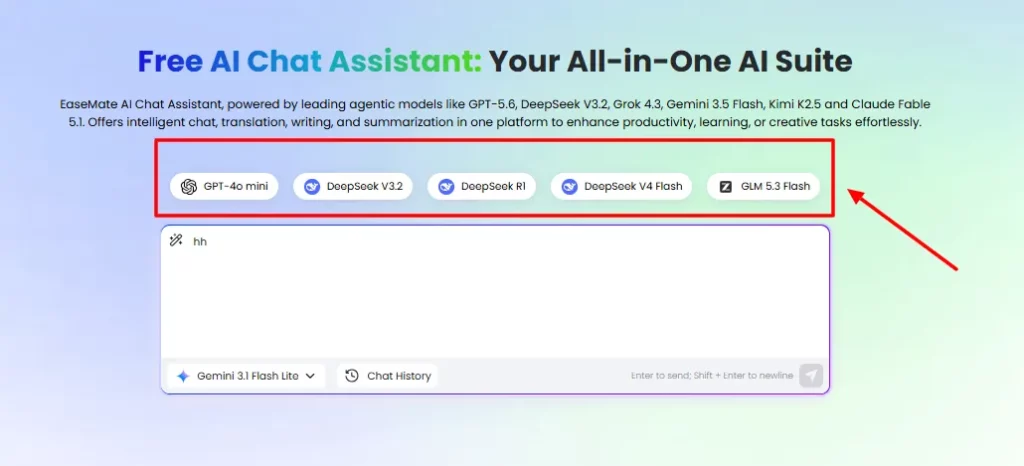
The AI chatbot is the daily driver. Users ask a question once, then compare answers across GPT-5, Grok 4, Gemini 3 Pro, Claude 3 Haiku and smaller fast models when the first draft is thin. Built-in agents sit beside the box — AI Summary, AI Writing, AI Translation, AI Search — so a research thread can turn into an outline without a new tab.
Free accounts get a large daily chat token pool, listed at up to 200K tokens a day. Paid plans raise the monthly query ceiling. Lite sits around 12,000 queries. Pro sits around 30,000.
This is the ChatGPT-alternative angle without pretending EaseMate trained the frontier stack itself. It is a switcher with study tools bolted on.
ChatPDF is the research hook. Upload a paper, a slide deck or a scanned chapter. Ask for a summary, a quote, a counter-argument or a glossary. OCR reads text inside screenshots and image-heavy PDFs. Several files can sit in one session.
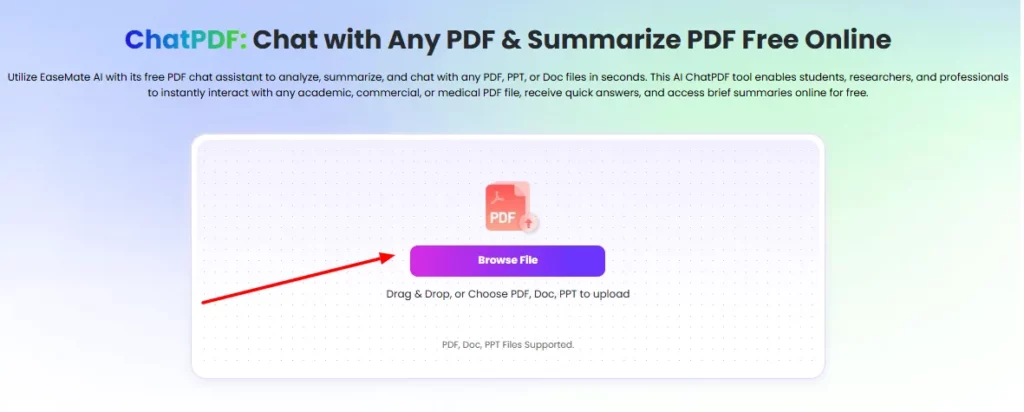
On the free path, ChatPDF allows up to two PDF uploads a day and about 20 questions per file. That is enough to test a paper. A paid plan is the move when the reading list is a stack, not a sample.
The writing suite is a full AI writing assistant, not one rewrite button. The paraphraser and grammar tools clean essays and emails. The story generator and plot generator turn a prompt into fiction. Script and storyboard helpers outline film or social shots.
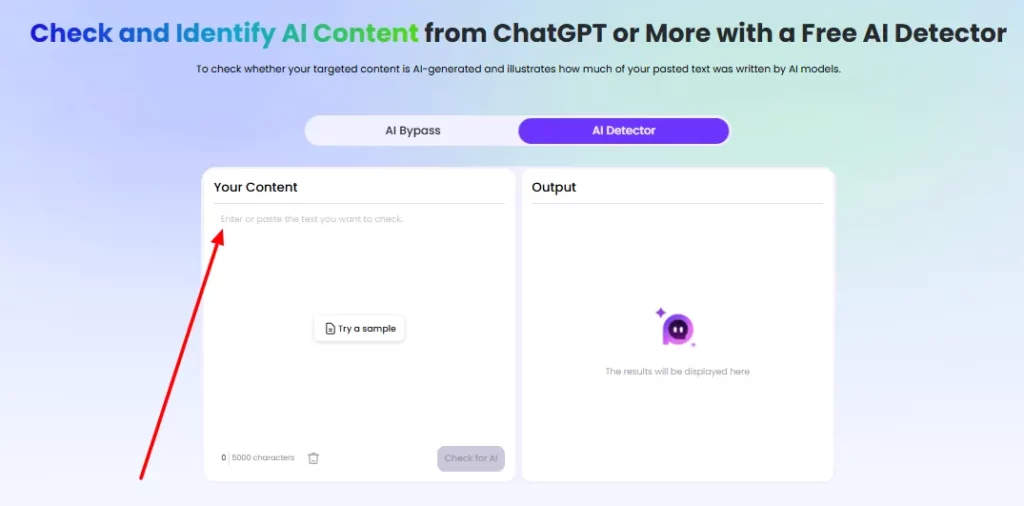
An AI humanizer sits next to an AI detector for the two-way pass: make a draft sound less machine-made, or check how machine-made it already looks.
The math solver and physics solver return step-by-step working instead of a lone number. Users can type a problem, paste text, or upload a photo of handwritten homework. Chemistry and finance prompts follow the same pattern. Quiz and flashcard makers turn notes into drills. Nano Banana slides and AI diagrams turn a brief into a deck or a chart.
The image studio covers text-to-image, image-to-image and a long row of editors. Style filters include Ghibli, Disney, Pixar, Simpsons, Lego, cyberpunk, oil paint and watercolor. Extra tools cover pet-to-human, 2D-to-3D, action figures, background remover, watermark remover, headshots, posters, logos and face editor.
Paid image routes include Nano Banana, Flux Kontext, GPT-4o image, Wan 2.5, Seedream and Midjourney-class models. Signup adds about 30 credits. Lite allows up to 120 images a month. Pro allows up to 300. Files leave without a platform watermark.
EaseMate AI covers text to video, image to video, video to video, script to video and audio to video. Model routes include Google Veo 3, Sora 2, Kling, Runway, Wan, Seedance and Grok video.
The same drawer holds talking avatars, lip sync, face-swap video, kiss and hug clips, ASMR, UGC ads, influencer clips, video enhancer and watermark removers.
Lite allows up to 60 videos a month. Pro allows up to 150. A Veo 3 or Sora 2 job burns more credits than a short Seedance clip.
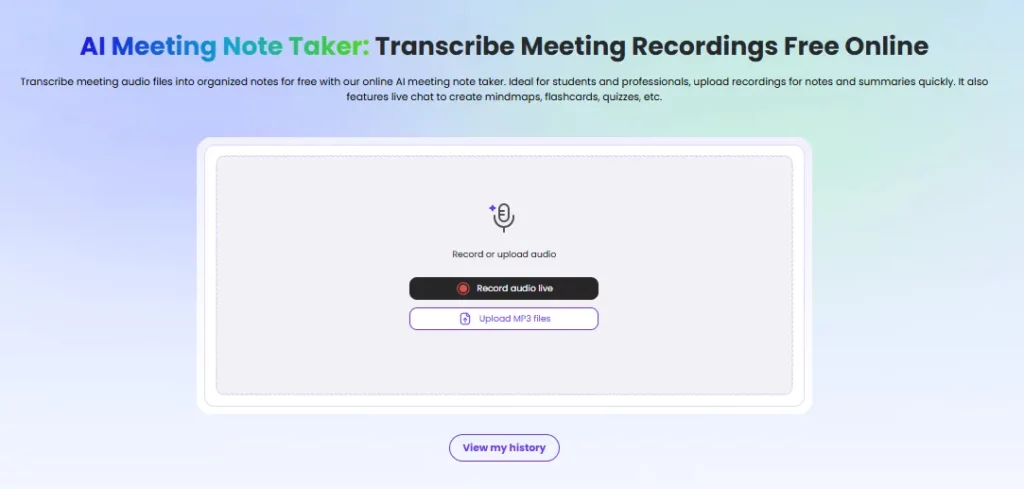
YouTube transcript and video summary tools pull talking points without a full watch. An AI meeting note taker and audio-to-text converter cover lectures and standups.
EaseMate AI runs in the browser on desktop and phone. iOS and Android apps cover the same workspace. The Chrome extension, EaseMate Chat with All AI, pins the assistant beside the current tab.
How to Use EaseMate AI
- Step 1: Open EaseMate AI and create a free Basic account.
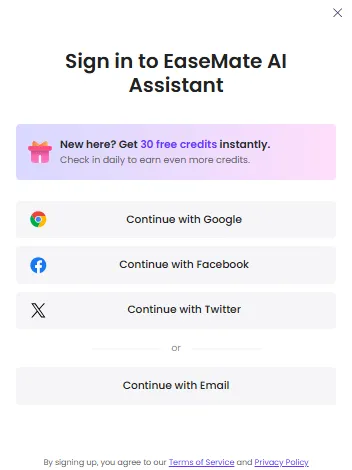
- Step 2: Collect the signup credits. Install the app if the extra 30-credit bundle is useful.
- Step 3: Start in AI Chat. Run the same prompt on a second model when the first answer is thin.
- Step 4: Drop papers into ChatPDF.
- Step 5: Use the math or physics solver, then the quiz maker or PPT helper.
- Step 6: Draft in the AI writer, then run paraphraser, humanizer or detector.
- Step 7: Generate a still before spending video credits. Move to Veo 3, Sora 2 or Kling only when the frame is right.
- Step 8: Watch the credit counter on Lite and Pro.
EaseMate AI Pricing Plans
EaseMate AI uses a free Basic plan plus two paid tiers. Lite is the popular individual plan. Pro is the heavier image and video plan. First-month rates are lower than the renewing monthly rate. Annual billing cuts Lite by about 24% and Pro by about 32%.
| Plan | Price | Credits | Images | Videos | Best fit |
|---|---|---|---|---|---|
| Basic | $0 / month | Limited creative credits · up to 200K chat tokens per day | Limited | Limited | Daily AI chatbot and study tools |
| Lite | $8.90 first month, then $9.90 / month | 1,200 credits / month · about 12,000 chat queries | Up to 120 | Up to 60 | Students and solo creators |
| Pro | $19.90 first month, then $24.90 / month | 3,000 credits / month · about 30,000 chat queries | Up to 300 | Up to 150 | Weekly Veo 3 / Sora 2 / Kling work |
One-time packs start near $4.90 for 500 credits and run toward $104.90 for 15,000 credits.
Who is EaseMate AI For?
EaseMate AI fits students and researchers who need ChatPDF, a math solver, flashcards and slides. It fits writers and marketers who want an AI writing assistant next to an image generator and a UGC ad tool. It fits solo creators who want text to video and talking avatars without a third editor subscription.
Skip it when the job needs a public API or one native model at full studio quality every time.
Pros and Cons
- Real all-in-one AI assistant: chat, ChatPDF, writing, solvers, PPT, image, video.
- Multi-model stack including GPT-5, Gemini 3 Pro, Grok 4, Veo 3, Sora 2 and Kling.
- Usable free Basic plan with daily chat tokens and signup credits.
- Chrome side panel plus mobile app.
- Files leave without a platform watermark.
- Video credits vanish on failed high-end renders.
- First-month price is not the renewing price.
- No public API.
- Image and video quality still trails a specialist studio.
- Free ChatPDF is capped at a couple of files a day.
EaseMate AI Alternatives
| All-in-One AI Assistant Tools | The job | Pick it when |
|---|---|---|
| EaseMate AI | All-in-one AI assistant: chat, PDF, write, slides, image, video | One bill for study and creation |
| ChatGPT | Frontier chat and custom GPTs | Conversation quality is the only job |
| Google Gemini | Assistant inside Google Workspace | Docs and Gmail already run the day |
| Fetra AI | Multi-model video and image studio | Social video is the entire workflow |
| Midjourney | High-control stills | Image craft beats an all-in-one desk |
The Verdict: Is EaseMate AI Worth It?
EaseMate AI is worth it when the user wants one AI assistant for homework, drafts, slides and short social video instead of four subscriptions.
Basic is good enough to test the desk. Lite is the plan most individuals should keep. Pro is for people who generate like it is a content calendar.



