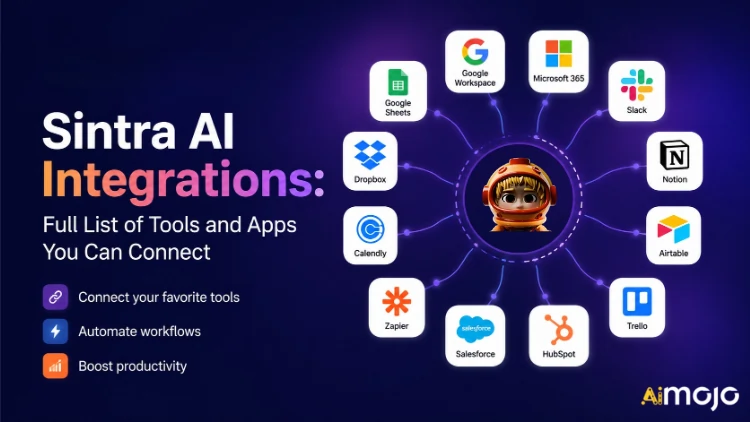
Maaari nang direktang ikonekta ang bawat tool na ginagamit ng iyong negosyo — Gmail, Notion, LinkedIn, Google Analytics, QuickBooks, at mahigit 1,000 pa — sa Sintra AI.
dito's ang kumpletong pagtalakay sa kung ano ang nag-uugnay, paano ito gumagana, at kung ano ang iyong AI mga katulong talaga gawin kapag pinindot mo na ang switch.
Ano nga ba ang Tunay na Kahulugan ng "Mga Integrasyon" sa Sintra
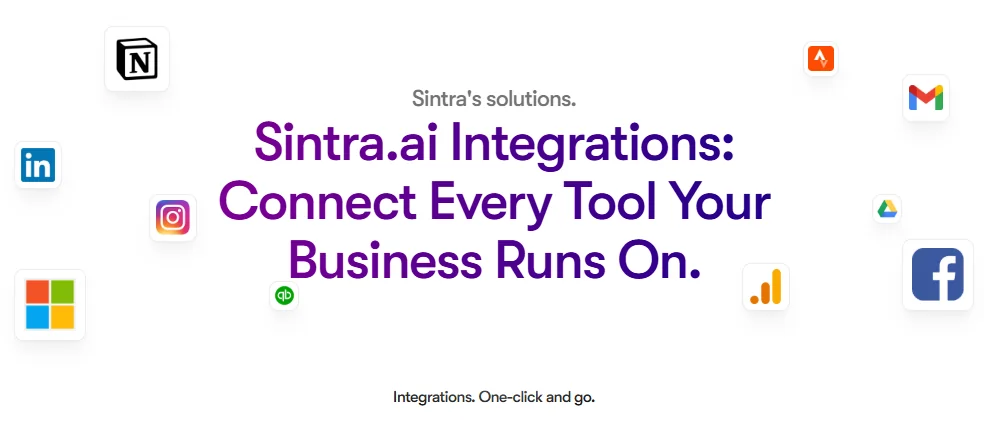
Ang mga integrasyon ng Sintra ay hindi mga third-party plugin na mano-mano mong ino-on. Ang mga ito ay built-in, one-click connectors na direktang naka-embed sa platform — walang webhook, walang developer ticket, walang kinakailangang Zapier middleware (bagaman mayroong suporta para sa Zapier para sa mas malawak na pagpapalawak).
Kapag nakakonekta na, ang iyong Sintra AI Ang mga katulong ay may direktang access sa pagbasa/pagsulat sa mga tool na iyon. Ibig sabihin, hindi lang nila "nakikita" ang data — ginagawa nila ito. Nagda-draft at nagpapadala ng email sa Gmail. Nag-post sa LinkedIn. Kumuha ng ulat sa Google Analytics. Gumawa ng pahina ng Notion. Lahat ay nati-trigger mula sa loob ng isang chat window.
Ang integration layer ay pinapagana ng Composio , na siyang nagbibigay-daan sa Sintra na maabot ang mahigit 1,000 integrations sa bawat pangunahing kategorya ng negosyo.

Ang Buong Sintra AI Listahan ng mga Integrasyon (Ayon sa Kategorya)
dito's isang nakabalangkas na buod ng bawat kategorya at tool na kasalukuyang sinusuportahan:
| Kasangkapan | Ang Magagawa ng Iyong Katulong |
|---|---|
| Gmail | Magpadala ng mga email, tumugon sa mga thread, magbasa ng inbox, magpatakbo ng mga outreach campaign |
| Microsoft Outlook | Ipadala, tumugon, basahin — buo pamamahala ng inbox para sa mga gumagamit ng Microsoft |
📅 Kalendaryo at Pag-iiskedyul
| Kasangkapan | Ang Magagawa ng Iyong Katulong |
|---|---|
| Google Calendar | Gumawa ng mga kaganapan, magbasa ng iskedyul, magtakda ng mga paalala, magplano ng nilalaman sa kalendaryo |
| Kalendaryo ng MS | Parehong kakayahan sa kalendaryo para sa mga gumagamit ng Microsoft 365 |
🗂️ Imbakan ng File
| Kasangkapan | Ang Magagawa ng Iyong Katulong |
|---|---|
| Google Drive | I-save ang mga ulat, kunin ang mga file, awtomatikong iimbak ang mga output na nabuo ng AI |
| Dropbox | Pag-iimbak at pagkuha ng file para sa mga workflow na nakabase sa Dropbox |
📱 Social Media
| Kasangkapan | Ang Magagawa ng Iyong Katulong |
|---|---|
| LinkedIn (Personal) | Mag-iskedyul ng mga post, mag-publish ng nilalaman, pamahalaan ang aktibidad sa profile |
| LinkedIn (Pahina ng Kumpanya) | Pamahalaan ang mga post sa pahina, palaguin ang presensya ng kumpanya |
| Mag-publish ng mga post, tingnan ang mga insight ng pahina, pamahalaan ang nilalaman ng pahina | |
| Mag-post sa feed (sa pamamagitan ng link ng Facebook Business), pamahalaan ang nilalaman | |
| TikTok | Mag-publish at mag-iskedyul ng maiikling nilalaman ng video |
| YouTube | Pamahalaan ang mga pag-upload ng video at nilalaman ng channel |
💬 Komunikasyon ng Koponan
| Kasangkapan | Ang Magagawa ng Iyong Katulong |
|---|---|
| Walang ingat | Magpadala ng mga mensahe, mag-post sa mga channel, i-automate ang mga notification ng team |
| Microsoft Teams | Makipagtulungan at makipag-ugnayan sa mga pangkat na nakabase sa Microsoft |
✅ Produktibidad at Pamamahala ng Proyekto
| Kasangkapan | Ang Magagawa ng Iyong Katulong |
|---|---|
| Paniwala | Gumawa ng mga pahina, mag-update ng mga database, mag-organisa ng mga proyekto |
| Trello | Pamahalaan ang mga board, card, at listahan ng gawain |
| asana | Gumawa ng mga gawain, subaybayan ang progreso ng proyekto |
| Mga Gawain sa Google | Magdagdag at pamahalaan ang mga gawain sa loob ng Google Workspace |
| Todoist | Paglikha ng gawain at pamamahala ng listahan ng mga dapat gawin |
| Linear | Pagsubaybay sa gawain ng pangkat ng inhinyeriya at produkto |
| Airtable | Pamamahala ng database at pagsubaybay sa proyekto |
💼 CRM at Benta
| Kasangkapan | Ang Magagawa ng Iyong Katulong |
|---|---|
| HubSpot | Pamahalaan ang mga contact, subaybayan ang mga deal, i-update ang mga entry sa CRM |
| Salesforce | Mga update sa CRM, pagsubaybay sa lead, pamamahala ng pipeline ng benta |
| Pipedrive | Pamamahala ng deal at automation ng daloy ng trabaho sa pagbebenta |
📊 Analitika at Datos
| Kasangkapan | Ang Magagawa ng Iyong Katulong |
|---|---|
| Google Analytics | Kumuha ng mga ulat ng trapiko, mga insight sa ibabaw, subaybayan ang performance |
| Google Sheets | Magbasa at magsulat ng data ng spreadsheet para sa pag-uulat |
💰 Accounting at Pananalapi
| Kasangkapan | Ang Magagawa ng Iyong Katulong |
|---|---|
| QuickBooks | Gumawa/magpadala ng mga invoice, magbasa ng mga pinansyal na ulat, at bumuo ng mga ulat |
| Xero | Awtomasyon sa accounting at bookkeeping |
🛠️ Mga Tool ng Developer
| Kasangkapan | Ang Magagawa ng Iyong Katulong |
|---|---|
| GitHub | Pamahalaan ang mga repository, subaybayan ang mga isyu, i-automate ang mga dev workflow |
| GitLab | Pamamahala ng code at interaksyon ng pipeline ng CI/CD |
| Jira | Pagsubaybay sa isyu at pamamahala ng sprint |
| Supabase | Interaksyon sa database at pamamahala ng backend |
🎨 Disenyo at Malikhain
| Kasangkapan | Ang Magagawa ng Iyong Katulong |
|---|---|
| figma | I-access ang mga design file, mga reference asset sa mga content workflow |
📣 Marketing at Advertising
| Kasangkapan | Ang Magagawa ng Iyong Katulong |
|---|---|
| SEMrush | Kumuha ng datos ng keyword, subaybayan ang mga ranggo, at ipakita ang mga oportunidad sa SEO |
| Meta Ad | Pamahalaan ang mga kampanya ng ad at data ng ad account |
🏃 Kalusugan at Kaangkupan
| Kasangkapan | Ang Magagawa ng Iyong Katulong |
|---|---|
| Strava | Basahin ang datos ng aktibidad para masubaybayan ng iyong personal na coach ang mga layunin sa fitness at maisaayos ang iyong iskedyul |
🌐 CMS at E-Commerce
| Kasangkapan | Ang Magagawa ng Iyong Katulong |
|---|---|
| WordPress.com | Pamahalaan ang mga post, pahina, at pag-publish ng nilalaman |
| Webflow | Website at landing page pamamahala |
| Shopify | Pamamahala ng produkto at order sa E-commerce |
Paano Ikonekta ang Anumang Integrasyon sa Sintra (3 Hakbang)
Walang sakit sa ulo sa pag-setup. Ang buong proseso ay tumatagal ng wala pang dalawang minuto bawat tool:
- Pumunta sa Brain AI — I-click ang Utak AI button sa iyong Sintra sidebar para buksan ang iyong integration hub
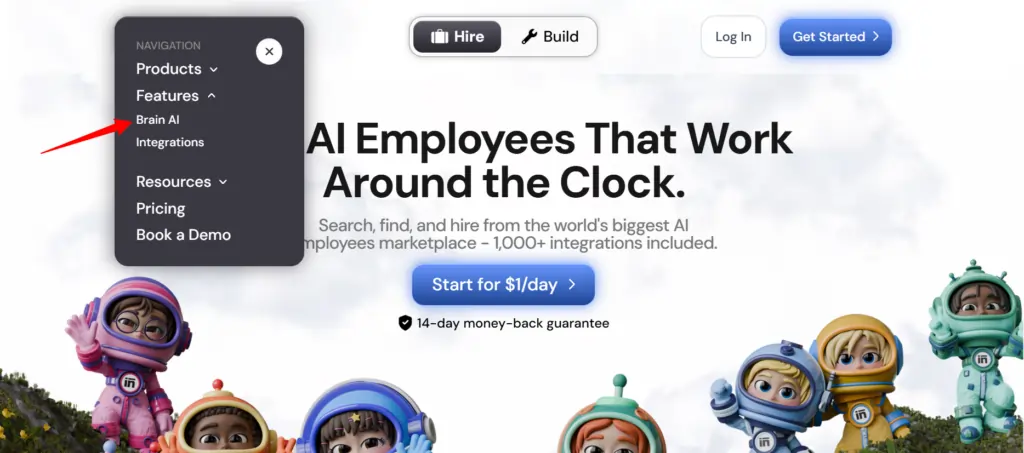
- Hanapin ang kagamitan — Hanapin ang integrasyong gusto mo (Gmail, Notion, LinkedIn, atbp.) at i-click ang "Kumonekta"
- Pahintulutan ang account — Magbubukas ang isang popup window, magla-log in at magbibigay ng mga pahintulot — lilipat ang button na Connect sa berdeng checkmark
Iyon lang. Mula sa puntong iyon, ang mga kaugnay na katulong ( email marketer , data analyst, social media manager, atbp.) ay gagamit ng live na data mula sa iyong aktwal na account — walang copy-paste, walang manual inputs.
💡 Mabilis na tip: Kailangan mo bang magdagdag ng isa pang account para sa parehong tool (hal., pangalawang Facebook Page)? Pindutin ang “Kumonekta” → “Magdagdag ng bagong account” loob ng Utak AI at mag-log in gamit ang pangalawang account direkta mula doon.
Ang Talagang Ginagawa ng Iyong mga Sintra Helper sa mga Integrasyong Ito
Ang Sintra ay may 12 pre-built na AI mga espesyalista, at bawat isa ay nakakonekta sa mga integrasyon na akma sa kanilang tungkulin:

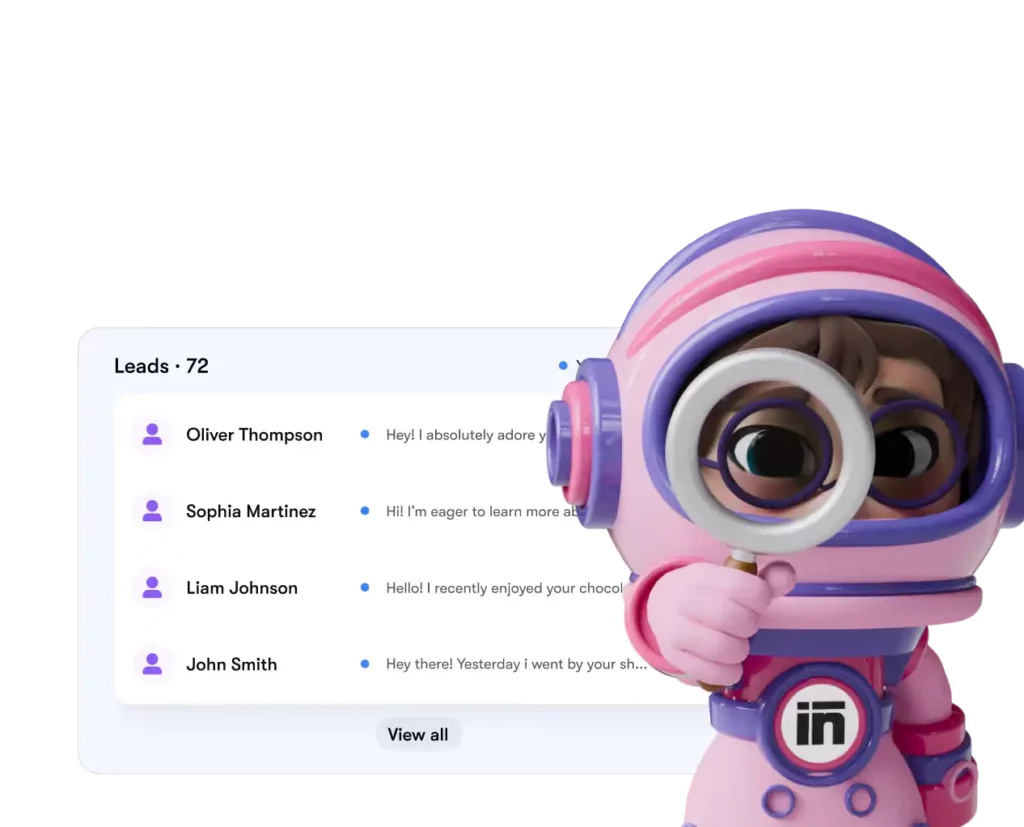
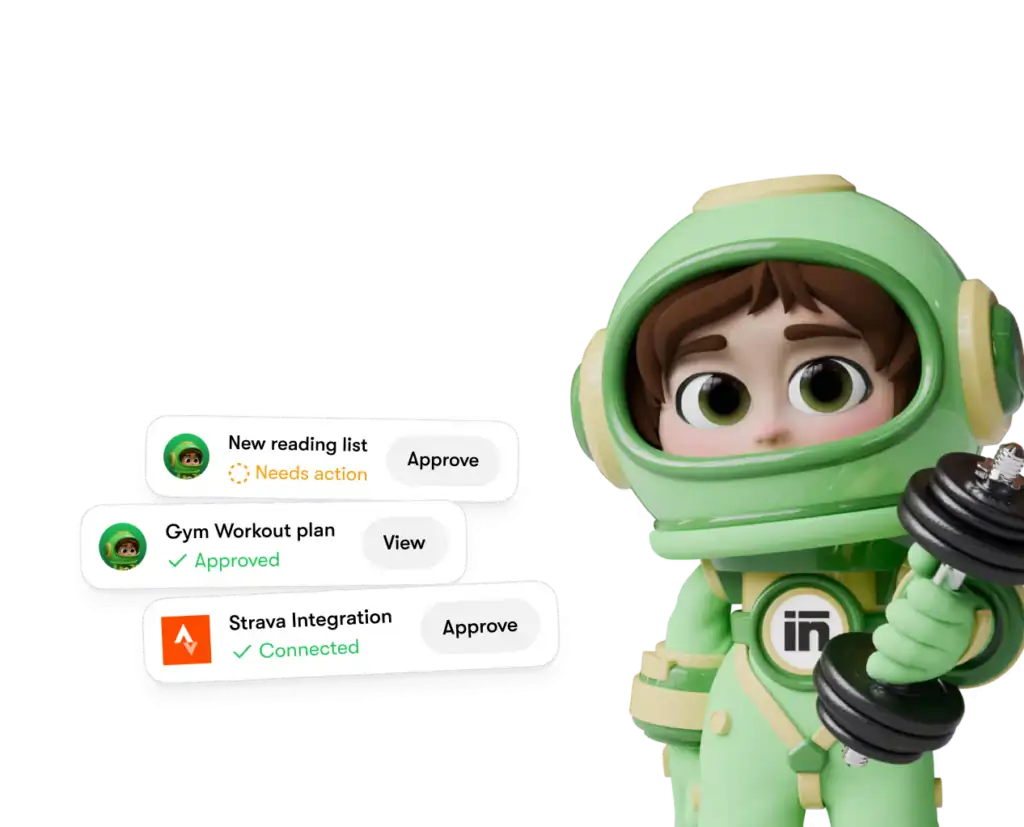
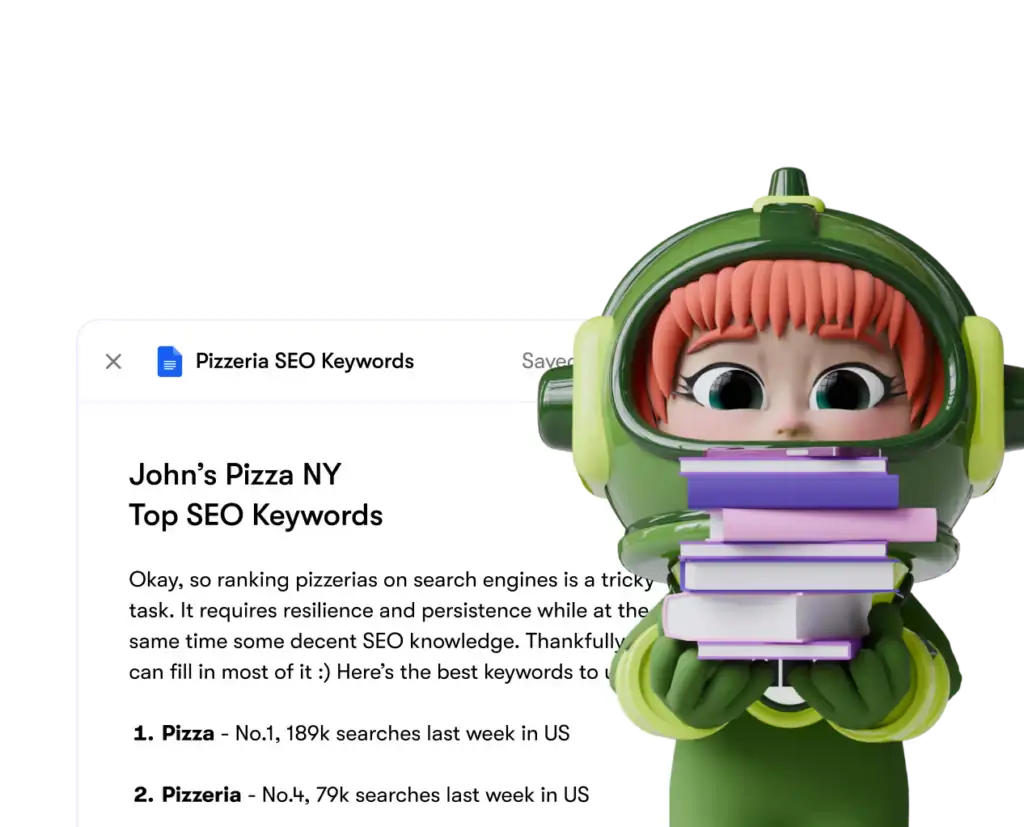
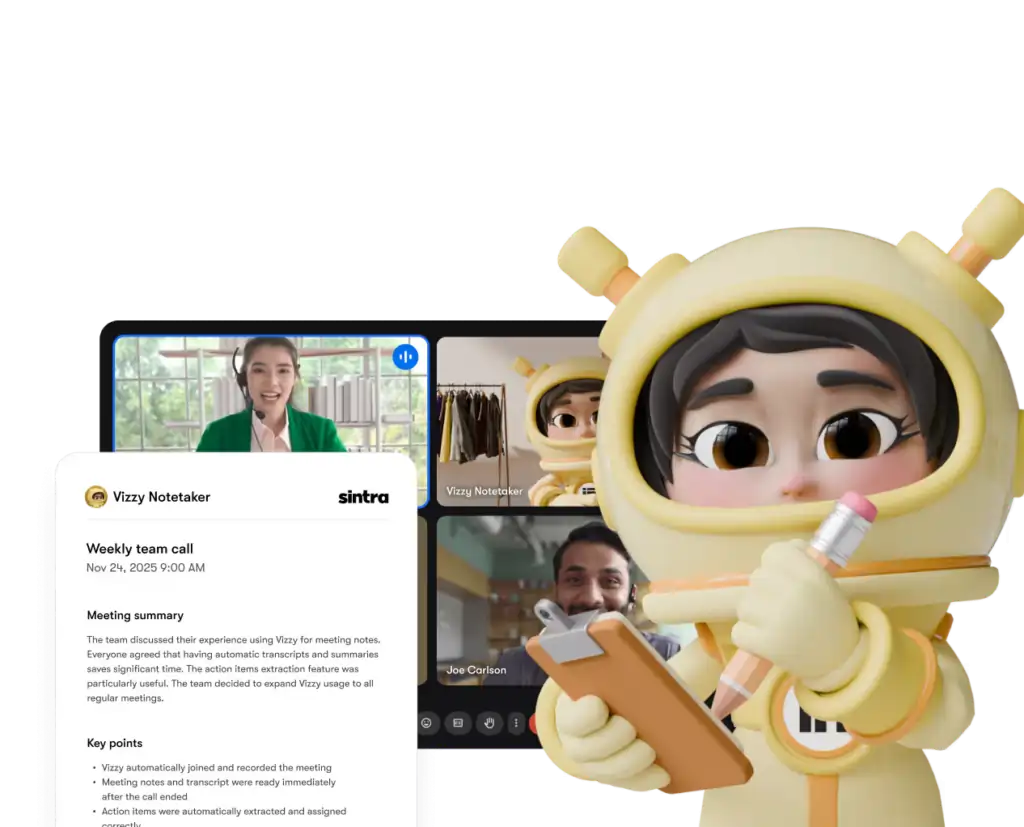
Ang bawat helper ay nag-a-access lamang sa mga tool at pahintulot na tahasan mong ibinibigay — at maaari mong idiskonekta ang anumang integrasyon mula sa iyong dashboard anumang oras.
Sintra AI vs. Mga Kakumpitensya: Lalim ng Integrasyon
dito's paano ang Sintra's Ang pag-setup ng integrasyon ay maihahambing sa mga katulad na platform sa parehong antas ng presyo:
| tampok | Sintra AI | Panlahat AI Chatbots | Mga Plataporma ng Awtomasyon (hal., Zapier) |
|---|---|---|---|
| Mga katutubong integrasyon (walang code) | 1,000 + | Wala sa minimal | Oo, pero hindi AI patong |
| AI kumikilos ang katulong batay sa datos | ✅ Oo | ❌ Hindi | ❌ Hindi |
| Ang pagiging kumplikado ng pag-setup | Isang click na awtorisasyon | N / A | Katamtaman–Mataas |
| Mga katulong na partikular sa tungkulin sa negosyo | ✅ 12 espesyalista | ❌ | ❌ |
| Awtomasyon (mga paulit-ulit na gawain) | ✅ | ❌ | ✅ |
| Sumusunod sa GDPR | ✅ | Nagiiba | Nagiiba |
Ang pangunahing nagpapaiba: mga platform tulad ng Zapier na nagbibigay sa iyo ng Connectors, ngunit doon's walang matalinong layer sa itaas na nagbibigay-kahulugan at kumikilos batay sa datos. Binibigyan ka ng Sintra ng pareho — ang integrasyon at isang AI na alam na ang gagawin dito.
Ang Pahayag Tungkol sa Mahigit 1,000 na Integrasyon — Ano nga ba ang Tunay na Ibig Sabihin Nito?
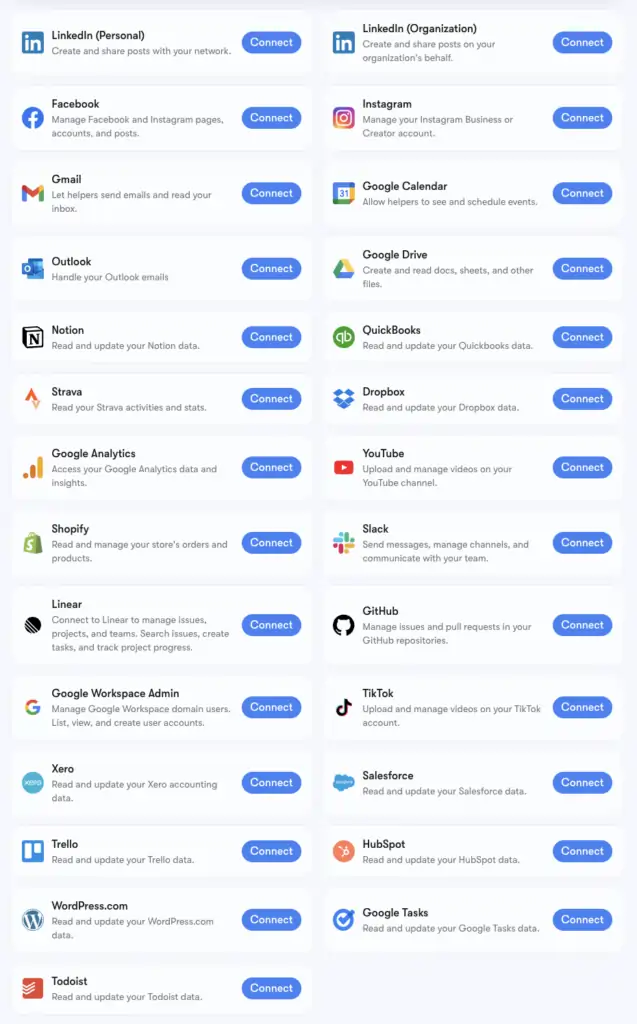
Sintra's Ang bilang ng mahigit 1,000 na integrasyon ay pinapagana ng Komposisyon, isang imprastraktura ng konektor na sumusuporta sa mga app sa bawat kategorya: Mga tool sa HR, mga platform ng pag-iiskedyul, e-commerce, mga data warehouse, at mga niche na tool sa SaaS karamihan AI hindi nagdidikit ang mga plataporma.
Maaari mong i-browse ang buong pinalawak na listahan sa composio.dev/toolkits . Ang mga pangunahing integrasyon na may malalim na suporta sa tulong (Gmail, LinkedIn, Notion, Google Analytics, atbp.) ay ang mga binuo sa Brain AI ng Sintra. Ang pinalawak na 1,000+ ay maa-access para sa mga user na kailangang mas malalim na matuto sa mga partikular na daloy ng trabaho.
Kung ang isang tool na iyong pinagkakatiwalaan ay hindi nakalista, maaari mo itong hilingin nang direkta mula sa iyong Sintra dashboard. Ang mga bagong integrasyon ay idinaragdag batay sa kahilingan ng gumagamit nang paunti-unti.
Pag-set Up ng Gmail + Google Calendar: Hakbang-hakbang
Ang Google Workspace stack ang pinakakaraniwang konektadong grupo, kaya narito's ang eksaktong proseso:
- I-click ang Utak AI sa kaliwang sidebar
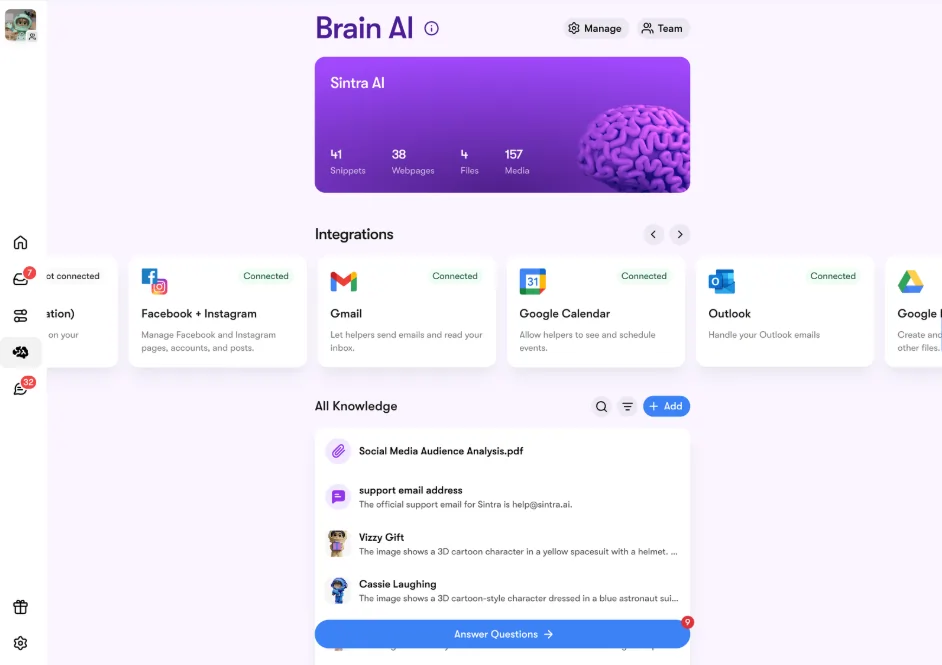
- Hanapin Gmail, Google Calendar, Google Drive, O Google Analytics sa seksyong Mga Pagsasama
- I-click ang Ikabit → pagkatapos Ikabit muli (o Magdagdag ng bagong account para sa maraming account)
- May lalabas na popup sa browser — piliin ang Google account na gusto mong gamitin
- Ibigay sa Sintra App ang hiniling na mga pahintulot
- Magiging berde ang buton — live ka
Maaaring ikonekta nang hiwalay o magkasama ang lahat ng apat na tool ng Google. Hinihiling lamang ng Sintra ang mga pahintulot na kinakailangan para sa bawat gawain (hal., kailangan lamang basahin/isulat ng Calendar ang mga kaganapan — hindi ang iyong buong Google account).
Pag-set up ng Facebook at Instagram
Ito ay may maliit na kinakailangan — ang iyong Instagram ay dapat munang naka-link sa isang Facebook Business Page:
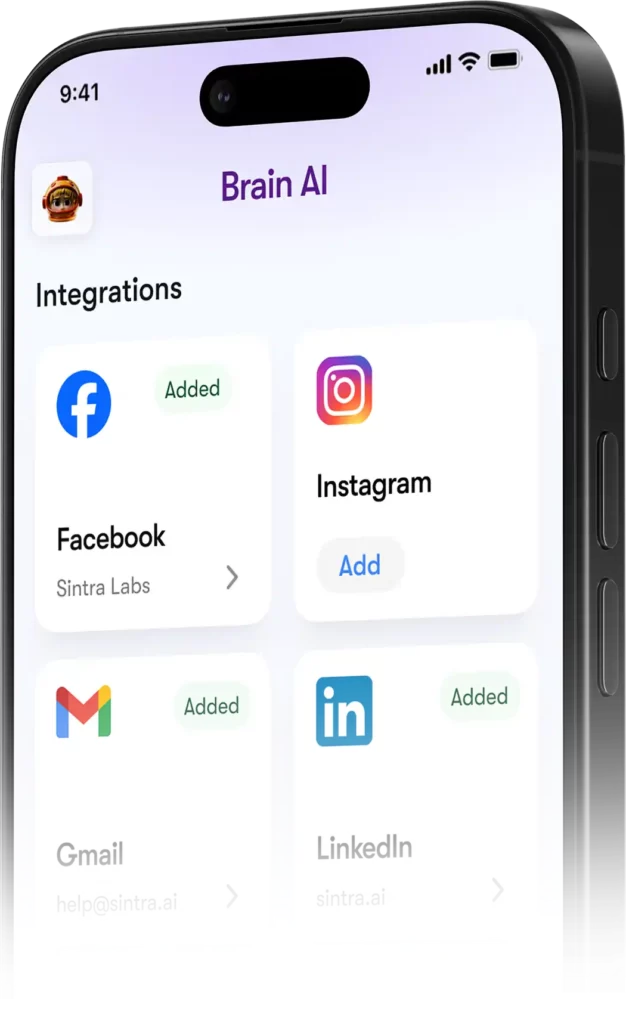
- Mag-log in sa Facebook → i-click ang iyong larawan sa profile → lumipat sa iyong Pahina ng Negosyo
- Pumunta sa Mga Setting at Pagkapribado → Mga Setting → Mga Pahintulot → Mga Naka-link na Account
- I-click ang Instagram → Ikonekta ang account at kumpletuhin ang link
- Sa Sintra, pumunta sa Utak AI → Mga Integrasyon → Facebook/Instagram → Kumonekta
- Mag-log in gamit ang iyong mga kredensyal sa Facebook at magbigay ng mga pahintulot
- Berdeng tsek = konektado ka sa parehong platform
Kapag live na, maaaring mag-post si Soshie (ang iyong social media specialist) sa Facebook at Instagram nang direkta mula sa isang chat message o sa pamamagitan ng isang awtomatikong iskedyul.
Pagkapribado: Ang Maaari at Hindi Makikita ng Sintra
Isang makatwirang tanong kapag ikinokonekta ang iyong Gmail o Google Analytics sa kahit ano AI plataporma. Dito's Sintra's aktwal na paninindigan:
Hindi kikilos ang mga katulong para sa iyo maliban na lang kung tahasan mo silang hiniling na gawin ito sa pamamagitan ng chat o nag-set up ng naka-iskedyul na automation — hindi sila tumatakbo sa background para gawin ang mga bagay na hindi mo inaprubahan.
Mga Madalas Itanong
Anong mga kagamitan ang nasa opisyal na Sintra AI listahan ng mga integrasyon?
Kabilang sa mga pangunahing integrasyon ang Gmail, Outlook, Google Calendar, Google Drive, LinkedIn, Facebook, Instagram, TikTok, Slack, Notion, HubSpot, Salesforce, QuickBooks, Google Analytics, GitHub, Strava, Shopify, at marami pang iba. Ang kumpletong listahan ng mahigit 1,000 tools ay makukuha sa composio.dev/toolkits.
Sintra ba AI may pampublikong API?
Hindi — Ang Sintra ay hindi nag-aalok ng pampublikong API. Lahat ng integrasyon ay mga handa nang gamiting konektor na direktang binuo sa platform sa pamamagitan ng Composio.
Maaari ba akong magkonekta ng maraming account para sa iisang tool?
Oo. Pindutin ang “Connect” → “Magdagdag ng bagong account” sa loob ng Brain AI para mag-link ng mga karagdagang account para sa iisang platform. Ang bawat account ay pinamamahalaan nang hiwalay.
Gumagana ba ang mga integrasyon ng Sintra sa loob ng mga automation?
Oo — pinapagana ng mga konektadong tool ang mga paulit-ulit na automation tulad ng mga pang-araw-araw na buod ng inbox, naka-iskedyul na mga post sa social media, at lingguhang ulat ng analytics. Pinapatakbo ito ng mga helper nang awtomatiko nang hindi mo kinakailangang magsimula ng chat.
Mayroon bang integrasyon para sa Strava?
Oo. Kumokonekta ang Strava sa pamamagitan ng Brain AI at hinahayaan ang iyong personal coach helper na basahin ang iyong data ng aktibidad para makatulong na subaybayan ang mga layunin sa fitness kasama ng iyong iskedyul sa trabaho.
Gaano katagal ang pag-set up ng Sintra integration?
Wala pang dalawang minuto. Ang buong proseso ay nakabatay sa OAuth — i-click ang Connect, mag-log in, aprubahan ang mga pahintulot, tapos na. Hindi kinakailangan ng mga API key o teknikal na pag-setup.
Paano kung ang isang tool na ginagamit ko ay wala sa listahan ng Sintra?'s mga integrasyon?
Direktang hilingin ito mula sa iyong Sintra dashboard — ang mga bagong integrasyon ay idinaragdag batay sa kahilingan ng gumagamit nang paunti-unti. Maaari mo ring tingnan ang buong listahan sa composio.dev/toolkits.
Sintra ba AI Ligtas bang gamitin ang mga integrasyon sa datos ng negosyo?
Oo — Ang Sintra ay sumusunod sa GDPR, hindi nagsasanay gamit ang iyong data, at ina-access lamang ang kung ano ang's kinakailangan para sa partikular na gawaing hinihiling mo. Maaaring idiskonekta ang bawat integrasyon mula sa dashboard anumang oras.
Inirerekomenda ni AiMojo:


 BONUS: Kunin ang aming $200"AI Mastery Toolkit” LIBRE kapag nag-sign up ka!