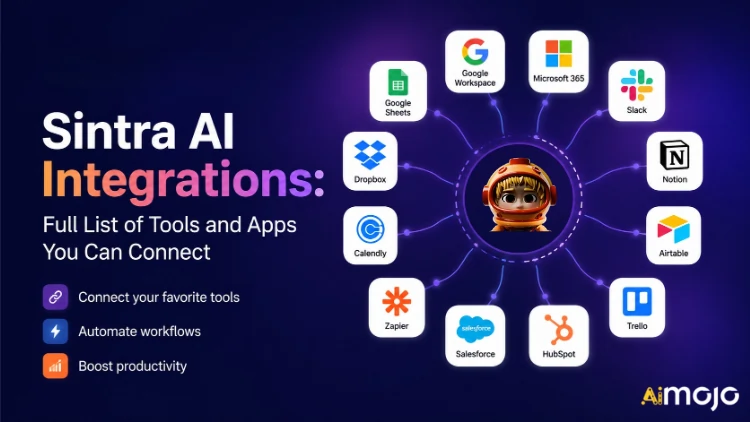
Alla verktyg som ditt företag använder – Gmail, Notion, LinkedIn, Google Analytics, QuickBooks och över 1 000 – kan nu anslutas direkt till Sintra AI.
Här's en fullständig genomgång av vad som ansluter, hur det fungerar och vad ditt AI hjälpare faktiskt gör när du väl vrider om knappen.
Vad "integrationer" egentligen betyder i Sintra
Sintra-integrationer är inte tredjeparts-plugins som du installerar manuellt. De är inbyggda kopplingar som enkelt laddas ner direkt i plattformen – inga webhooks, inga utvecklartickets, ingen Zapier-mellanprogramvara krävs (även om Zapier-stöd finns för att utöka det ytterligare).
När din Sintra är ansluten AI Medhjälpare får direkt läs-/skrivåtkomst till dessa verktyg. Det betyder att de inte bara "ser" informationen – de agerar utifrån den. Skriver och skickar ett e-postmeddelande i Gmail. Publicerar på LinkedIn. Hämtar en Google Analytics-rapport. Skapar en Notion-sida. Allt aktiveras inifrån ett enda chattfönster.
Integrationslagret drivs av Composio , vilket gör att Sintra kan nå fler än 1 000 integrationer inom alla större affärskategorier.

Hela Sintra AI Integrationslista (efter kategori)
Här's en strukturerad översikt över varje kategori och verktyg som för närvarande stöds:
📧 E-post
| Verktyget | Vad din hjälpare kan göra |
|---|---|
| gmail | Skicka e-post, svara på trådar, läs inkorgen, driv uppsökande kampanjer |
| Microsoft Outlook | Skicka, svara, läs — fullständig inkorgshantering för Microsoft-användare |
📅 Kalender och schemaläggning
| Verktyget | Vad din hjälpare kan göra |
|---|---|
| Google Kalender | Skapa händelser, läs schema, ställ in påminnelser, planera innehållskalender |
| MS-kalender | Samma kalenderfunktioner för Microsoft 365-användare |
🗂️ Fillagring
| Verktyget | Vad din hjälpare kan göra |
|---|---|
| Google Drive | Spara rapporter, hämta filer, lagra AI-genererade utdata automatiskt |
| dropbox | Fillagring och hämtning för Dropbox-baserade arbetsflöden |
📱 Sociala medier
| Verktyget | Vad din hjälpare kan göra |
|---|---|
| LinkedIn (Personligt) | Schemalägg inlägg, publicera innehåll, hantera profilaktivitet |
| LinkedIn (företagssida) | Hantera sidposter, öka företagets närvaro |
| Publicera inlägg, visa sidinformation, hantera sidinnehåll | |
| Publicera i flödet (via Facebook Business-länk), hantera innehåll | |
| TikTok | Publicera och schemalägg kortformat videoinnehåll |
| Youtube | Hantera videouppladdningar och kanalinnehåll |
💬 Teamkommunikation
| Verktyget | Vad din hjälpare kan göra |
|---|---|
| Slak | Skicka meddelanden, posta på kanaler, automatisera teammeddelanden |
| Microsoft-lag | Samarbeta och kommunicera mellan Microsoft-baserade team |
✅ Produktivitet och projektledning
| Verktyget | Vad din hjälpare kan göra |
|---|---|
| Begrepp | Skapa sidor, uppdatera databaser, organisera projekt |
| Trello | Hantera anslagstavlor, kort och uppgiftslistor |
| Asana | Skapa uppgifter, spåra projektförloppet |
| Google Uppgifter | Lägg till och hantera uppgifter i Google Workspace |
| Todoist | Skapande av uppgifter och hantering av att-göra-listor |
| Linjär | Uppföljning av uppgifter inom teknik och produktteam |
| Airtable | Databashantering och projektuppföljning |
💼 CRM och försäljning
| Verktyget | Vad din hjälpare kan göra |
|---|---|
| HubSpot | Hantera kontakter, spåra affärer, uppdatera CRM-poster |
| Salesforce | CRM-uppdateringar, leadspårning, hantering av försäljningspipeline |
| Pipedrive | Affärshantering och automatisering av försäljningsarbetsflöden |
📊 Analys och data
| Verktyget | Vad din hjälpare kan göra |
|---|---|
| Google Analytics | Hämta trafikrapporter, insikter om ytor, spårprestanda |
| Google Sheets | Läs och skriv kalkylbladsdata för rapportering |
💰 Redovisning och finans
| Verktyget | Vad din hjälpare kan göra |
|---|---|
| Quickbooks | Skapa/skicka fakturor, läsa ekonomi, generera rapporter |
| Xero | Redovisning och bokföringsautomation |
🛠️ Utvecklarverktyg
| Verktyget | Vad din hjälpare kan göra |
|---|---|
| GitHub | Hantera arkiv, spåra problem, automatisera utvecklingsarbetsflöden |
| GitLab | Kodhantering och CI/CD-pipelineinteraktion |
| Jira | Problemspårning och sprinthantering |
| Supabase | Databasinteraktion och backend-hantering |
🎨 Design och kreativ
| Verktyget | Vad din hjälpare kan göra |
|---|---|
| figma | Åtkomst till designfiler, referensresurser i innehållsarbetsflöden |
📣 Marknadsföring och reklam
| Verktyget | Vad din hjälpare kan göra |
|---|---|
| SEMrush | Samla in sökordsdata, spåra rankningar, upptäck SEO-möjligheter |
| Metaannonser | Hantera annonskampanjer och annonskontodata |
🏃 Hälsa och träning
| Verktyget | Vad din hjälpare kan göra |
|---|---|
| Strava | Läs aktivitetsdata så att din personliga tränare kan spåra träningsmål och justera ditt schema |
🌐 CMS och e-handel
| Verktyget | Vad din hjälpare kan göra |
|---|---|
| WordPress.com | Hantera inlägg, sidor och innehållspublicering |
| WebFlow | Webbplats och målsida ledning |
| Shopify | E-handelsprodukt- och orderhantering |
Hur man ansluter valfri integration i Sintra (3 steg)
Inga installationsproblem. Hela processen tar under två minuter per verktyg:
- Gå till Brain AI — Klicka på hjärnan AI knappen i din Sintra-sidofält för att öppna din integrationshubb
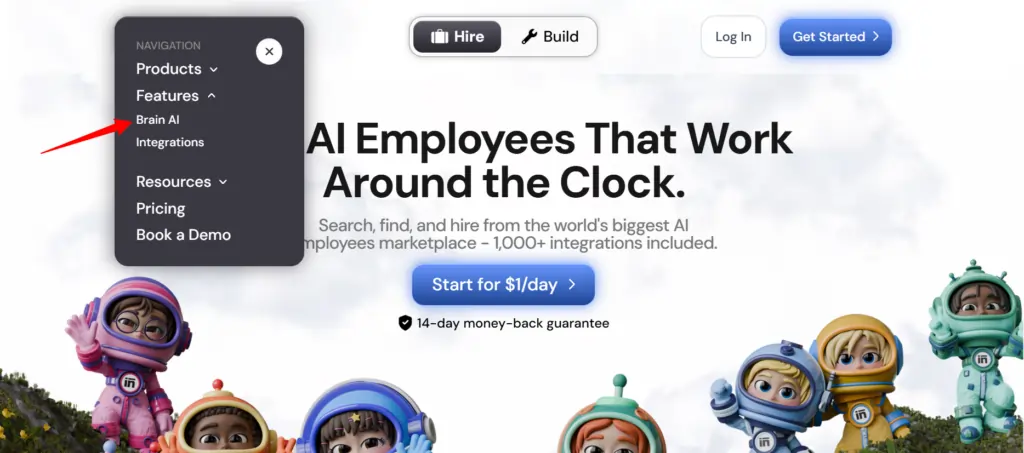
- Hitta verktyget — Leta reda på den integration du vill ha (Gmail, Notion, LinkedIn, etc.) och klicka på "Anslut"
- Auktorisera kontot — Ett popup-fönster öppnas, logga in och bevilja behörigheter — knappen Anslut växlar till en grön bockmarkering
Det är allt. Från och med den tidpunkten arbetar den relevanta hjälparen ( e-postmarknadsförare , dataanalytiker, social media manager, etc.) med livedata från ditt faktiska konto – ingen kopiering och klistring, inga manuella inmatningar.
???? Snabbtips: Behöver du lägga till ett annat konto för samma verktyg (t.ex. en andra Facebook-sida)? Klicka på ”Anslut” → ”Lägg till nytt konto” inuti hjärnan AI och logga in med det andra kontot direkt därifrån.
Vad dina Sintra-medarbetare faktiskt gör med dessa integrationer
Sintra har 12 färdigbyggda AI specialister, och var och en är kopplad till de integrationer som är meningsfulla för deras roll:
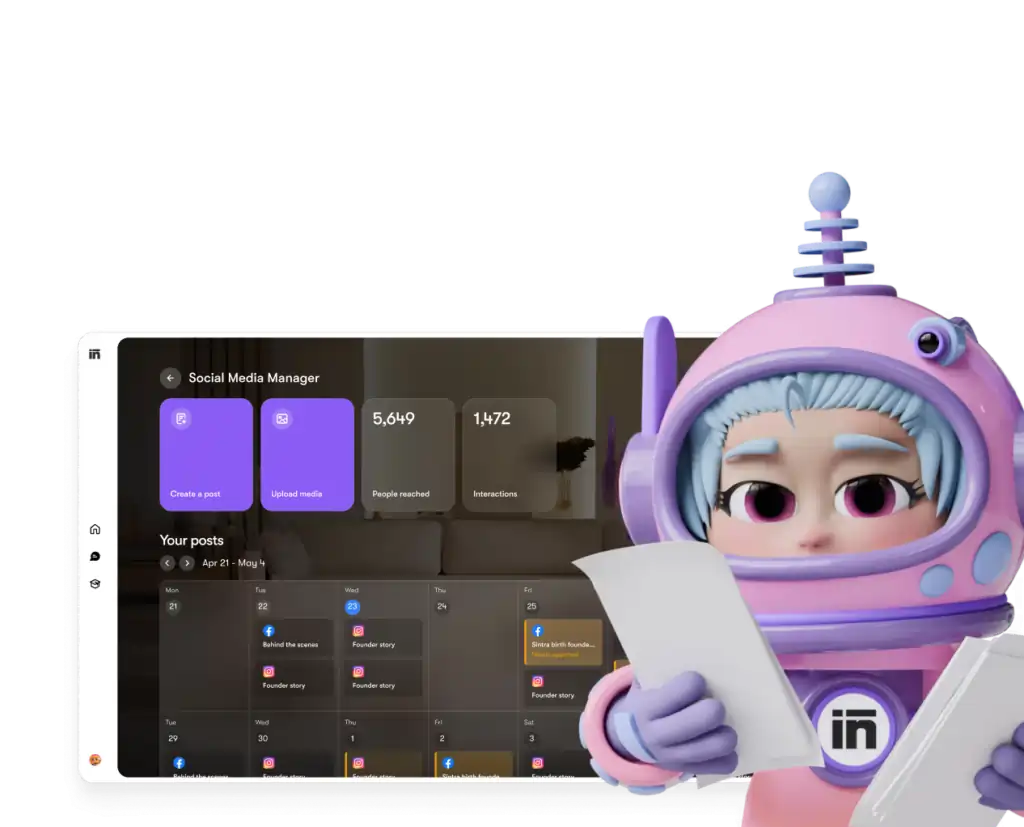
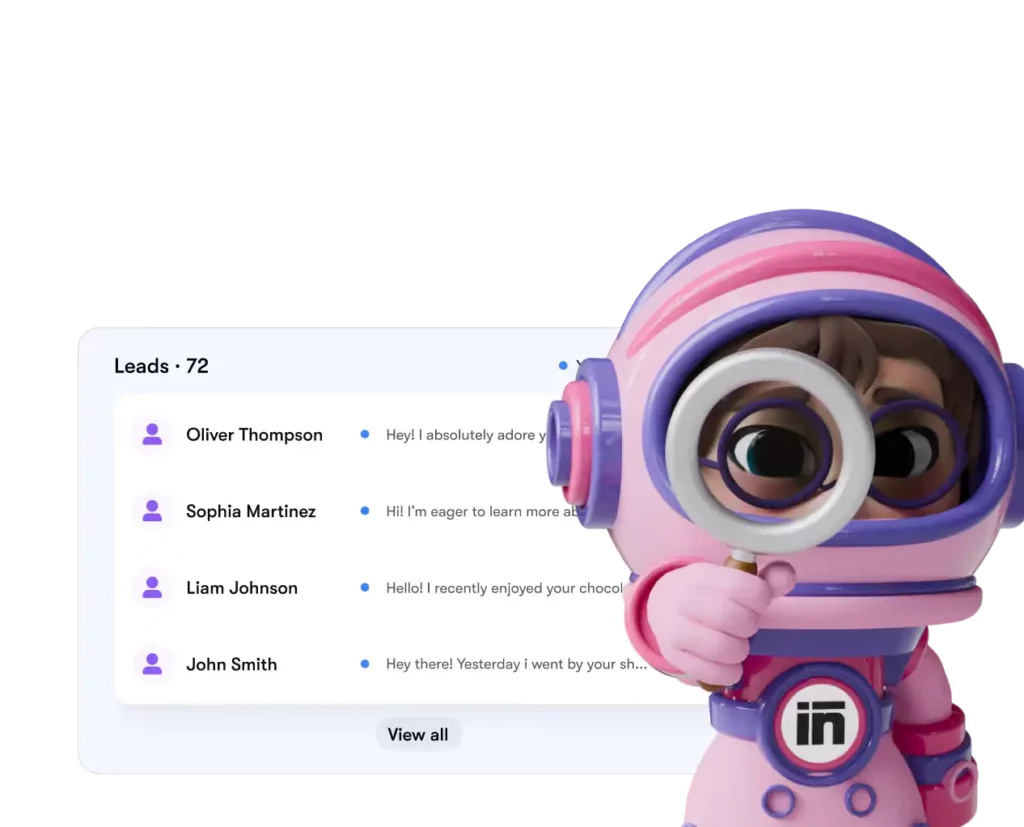
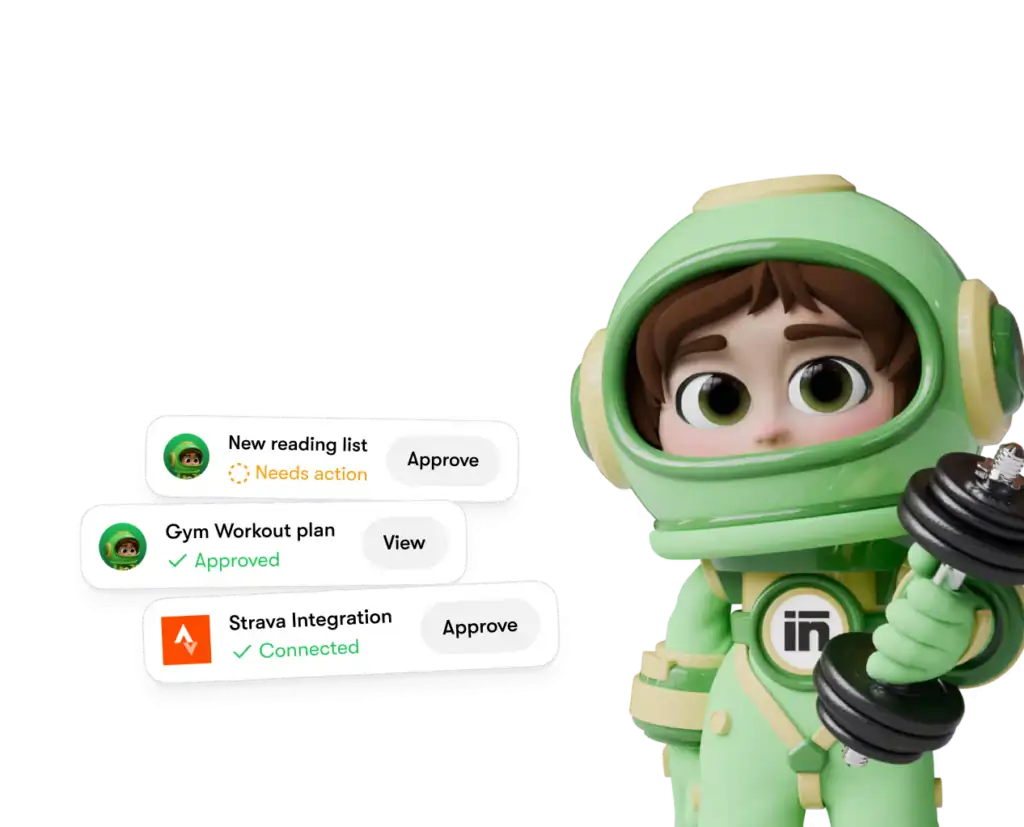
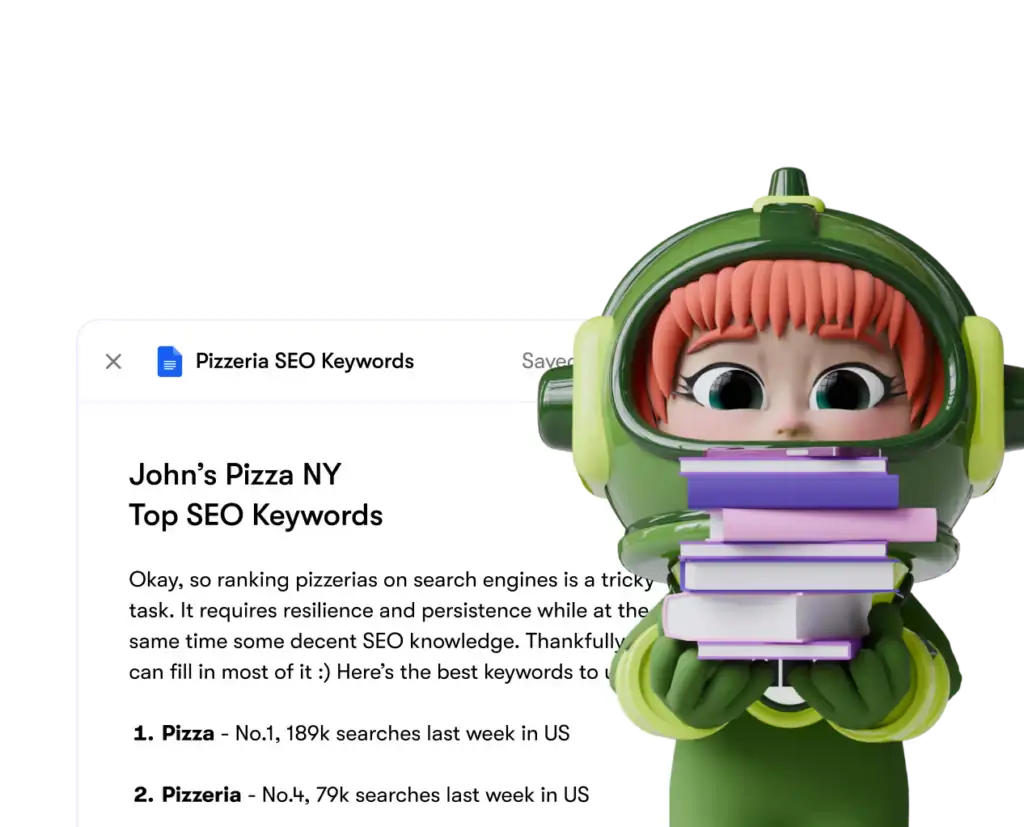
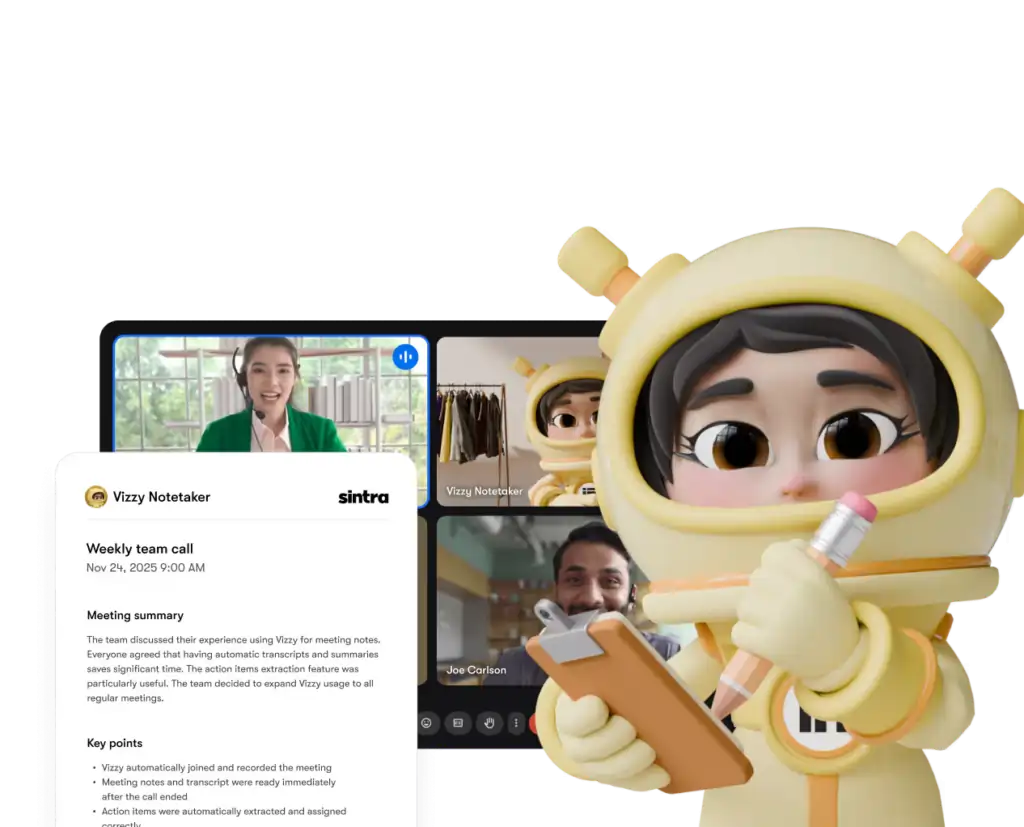
Varje hjälpare har endast åtkomst till de verktyg och behörigheter som du uttryckligen beviljar – och du kan när som helst koppla bort integrationer från din instrumentpanel.
Sintra AI jämfört med konkurrenter: Integrationsdjup
Här's hur Sintra's Integrationsinstallationen jämförs med liknande plattformar i samma prisklass:
| Leverans | Sintra AI | Generisk AI Chatbots | Automationsplattformar (t.ex. Zapier) |
|---|---|---|---|
| Inbyggda integrationer (ingen kod) | 1,000+ | Ingen till minimal | Ja, men nej AI lager |
| AI hjälparen agerar utifrån data | ✅ Ja | ❌ Nej | ❌ Nej |
| Installationskomplexitet | Autentisering med ett klick | - | Medium–Hög |
| Verksamhetsrollspecifika hjälpare | ✅ 12 specialister | ❌ | ❌ |
| Automatisering (återkommande uppgifter) | ✅ | ❌ | ✅ |
| GDPR-kompatibel | ✅ | Varierar | Varierar |
Den viktigaste differentiatorn: plattformar som Zapier ger dig kontakter, men där's inget intelligent lager ovanpå som tolkar och agerar utifrån data. Sintra ger dig båda – integrationen och en AI som vet vad man ska göra med det.
Påståendet om över 1 000 integrationer – vad betyder det egentligen?
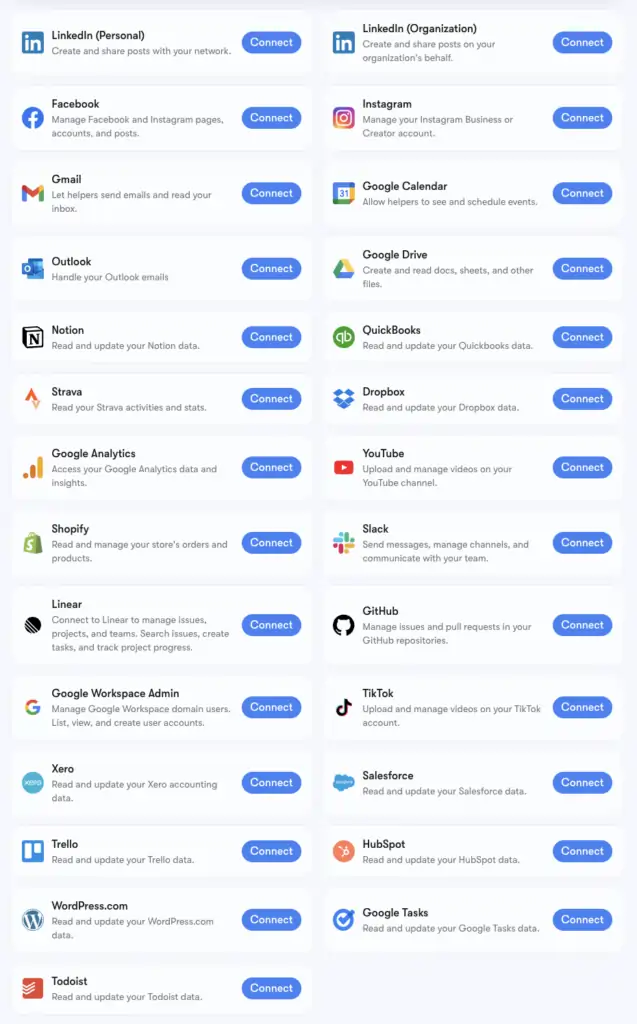
Sintra's Över 1 000 integrationer drivs av Komposition, en anslutningsinfrastruktur som stöder appar i alla kategorier: HR-verktyg, schemaläggningsplattformar, e-handel, datalager och nischade SaaS-verktyg mestadels AI Plattformarna vidrör inte varandra.
Du kan bläddra bland den fullständiga utökade listan på composio.dev/toolkits . Kärnintegrationerna med djupt stöd för hjälpfunktioner (Gmail, LinkedIn, Notion, Google Analytics, etc.) är de som är inbyggda i Sintras Brain AI. De 1 000+ utökade integrationerna är tillgängliga för användare som behöver fördjupa sig i specifika arbetsflöden.
Om ett verktyg du förlitar dig på inte finns med i listan kan du begära det direkt från din Sintra-instrumentpanel. Nya integrationer läggs till löpande baserat på användarnas efterfrågan.
Konfigurera Gmail + Google Kalender: Steg för steg
Google Workspace-stacken är den vanligast kopplade gruppen, så här's den exakta processen:
- Klicka Hjärnans AI i den vänstra sidofältet
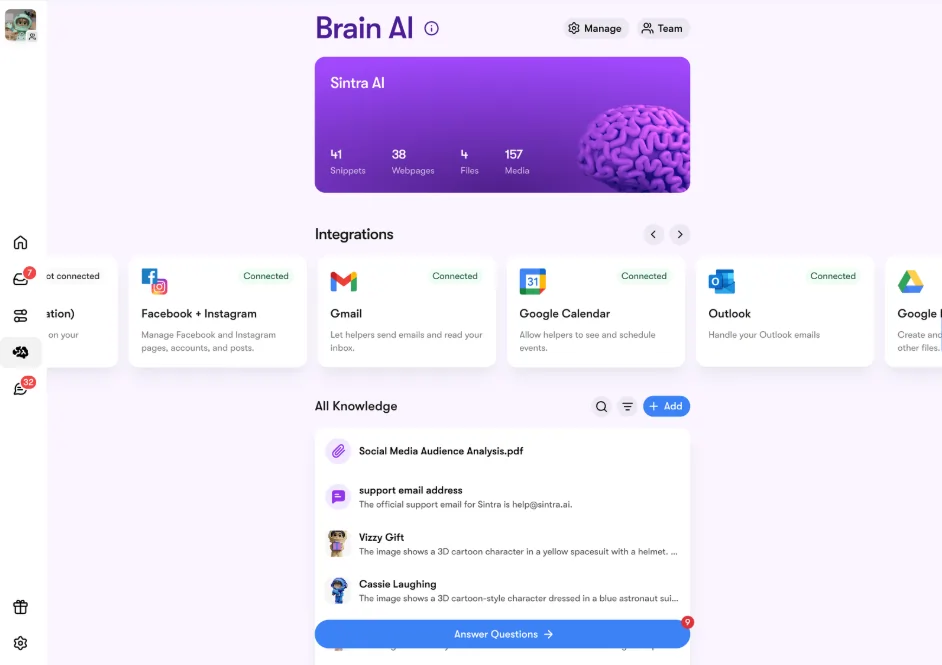
- Lokalisera gmail, Google Kalender, Google Drive, eller Google Analytics i avsnittet Integrationer
- Klicka Kontakt → sedan Kontakt igen (eller Lägg till nytt konto för flera konton)
- Ett popup-fönster i webbläsaren visas – välj det Google-konto du vill använda
- Ge Sintra-appen de begärda behörigheterna
- Knappen blir grön — du är live
Alla fyra Google-verktyg kan anslutas oberoende av varandra eller tillsammans. Sintra begär bara de behörigheter som behövs för varje uppgift (t.ex. behöver Kalender bara läsa/skriva för händelser – inte hela ditt Google-konto).
Konfigurera Facebook och Instagram
Den här har ett litet krav – din Instagram måste först vara länkad till en Facebook-företagssida:
- Logga in på Facebook → klicka på ditt profilfoto → växla till din företagssida
- Gå till Inställningar och sekretess → Inställningar → Behörigheter → Länkade konton
- Klicka Instagram → Anslut konto och fyll i länken
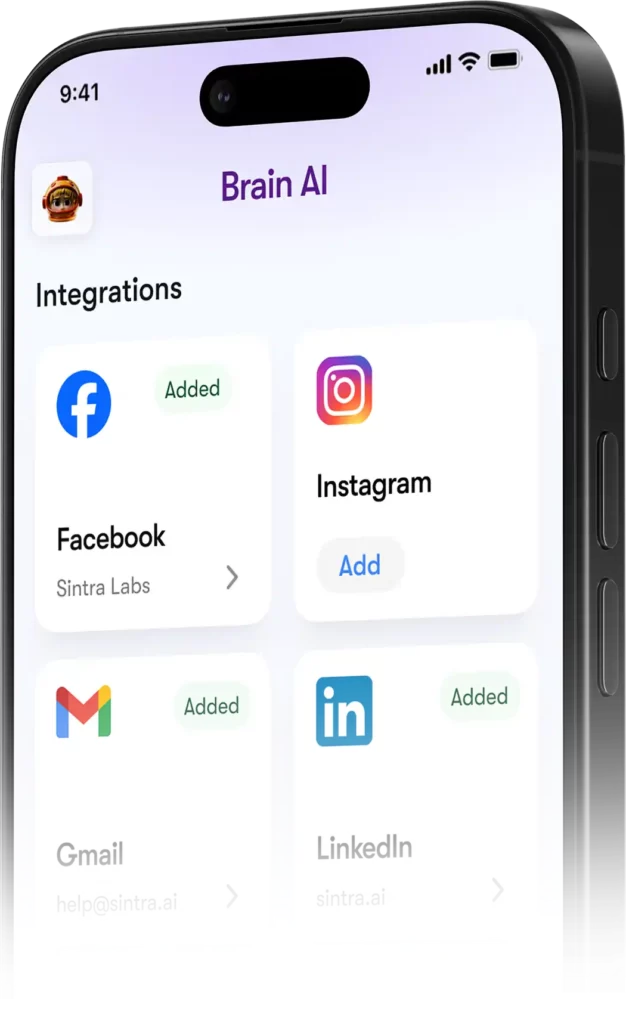
- I Sintra, gå till Hjärna AI → Integrationer → Facebook/Instagram → Anslut
- Logga in med dina Facebook-uppgifter och ge behörigheter
- Grön bock = du är ansluten på båda plattformarna
När det är live kan Soshie (din sociala mediespecialist) posta på både Facebook och Instagram direkt från ett chattmeddelande eller via ett automatiserat schema.
Integritet: Vad Sintra får och inte får se
En rimlig fråga när du ansluter din Gmail eller Google Analytics till någon AI plattform. Här's Sintra's faktisk hållning:
Medhjälpare agerar inte å dina vägnar om du inte uttryckligen har bett dem om det via chatt eller konfigurerat en schemalagd automatisering – de körs inte i bakgrunden och gör saker du inte har godkänt.
Vanliga frågor om partihandel med mat och dryck
Vilka verktyg finns på den officiella Sintra AI integrationslista?
Kärnintegrationerna inkluderar Gmail, Outlook, Google Kalender, Google Drive, LinkedIn, Facebook, Instagram, TikTok, Slack, Notion, HubSpot, Salesforce, QuickBooks, Google Analytics, GitHub, Strava, Shopify och fler. Den fullständiga utökade listan med över 1 000 verktyg finns tillgänglig på composio.dev/toolkits.
Går Sintra AI ha ett publikt API?
Nej — Sintra erbjuder inte ett publikt API. Alla integrationer är färdiga kopplingar som är inbyggda direkt i plattformen via Composio.
Kan jag ansluta flera konton för samma verktyg?
Ja. Tryck på ”Anslut” → ”Lägg till nytt konto” i Brain AI för att länka ytterligare konton för samma plattform. Varje konto hanteras oberoende.
Fungerar Sintra-integrationer inuti automatiseringar?
Ja – uppkopplade verktyg driver återkommande automatiseringar som dagliga inkorgssammanfattningar, schemalagda inlägg på sociala medier och veckovisa analysrapporter. Hjälparna kör dessa på autopilot utan att du behöver starta en chatt.
Finns det en integration för Strava?
Ja. Strava ansluter via Brain AI och låter din personliga coach läsa dina aktivitetsdata för att hjälpa dig att spåra träningsmål tillsammans med ditt arbetsschema.
Hur lång tid tar det att konfigurera en Sintra-integration?
Under två minuter. Hela processen är OAuth-baserad – klicka på Anslut, logga in, godkänn behörigheter, klart. Inga API-nycklar eller teknisk installation krävs.
Vad händer om ett verktyg jag använder inte finns med i listan i Sintra?'s integrationer?
Begär den direkt från din Sintra-instrumentpanel – nya integrationer läggs till löpande baserat på användarnas efterfrågan. Du kan också bläddra igenom den fullständiga utökade listan på composio.dev/toolkits.
Är Sintra AI Är integrationer säkra att använda med affärsdata?
Ja — Sintra är GDPR-kompatibelt, utbildar inte dina data och har bara åtkomst till det's behövs för den specifika uppgiften du begär. Varje integration kan när som helst kopplas bort från instrumentpanelen.
AiMojo rekommenderar:


 BONUS: Få våra 200 dollarAI ”Mastery Toolkit” GRATIS när du registrerar dig!