

Ключевые выводы GitMind
Что такое GitMind?
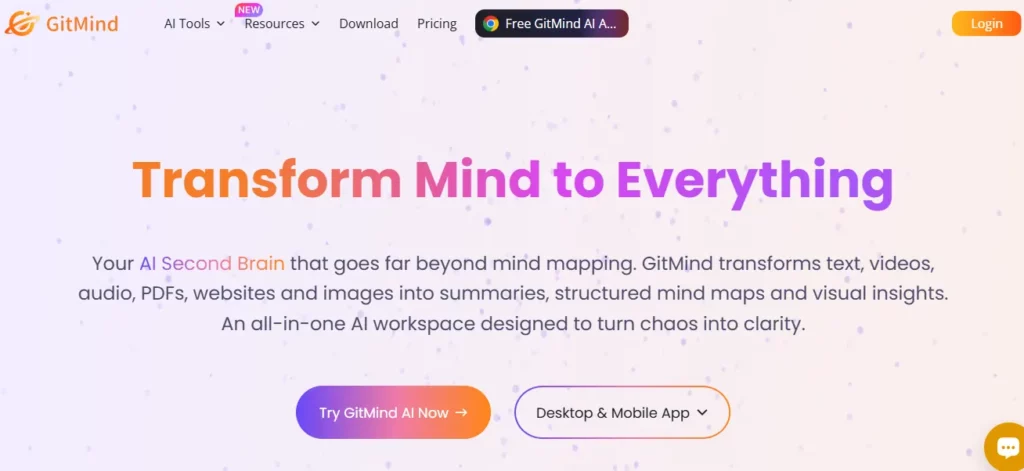
GitMind Это визуальное рабочее пространство на основе искусственного интеллекта, разработанное компанией WANGXU TECHNOLOGY (HK) CO., LIMITED, запущенное в 2019 году и используемое более чем 10 миллионами специалистов в 160 странах. По своей сути, оно преобразует исходные данные, включая текстовые подсказки, PDF-файлы, аудиозаписи, видео с YouTube и изображения, в структурированные ментальные карты, блок-схемы, UML-диаграммы и организационные схемы исключительно с помощью искусственного интеллекта. AI автоматизации.
Для бизнес-команд это означает, что менеджер проекта может загрузить документ со спецификацией и получить полностью структурированный визуальный план менее чем за минуту, избавившись от многочасового ручного составления диаграмм. GitMind охватывает весь цикл повышения производительности, от сбора идей и мозгового штурма до визуальных презентаций , что делает его настоящей универсальной платформой для организации знаний, а не просто конструктором интеллект-карт.
GitMind's Самая мощная его функция — это возможность обрабатывать практически любой входной формат и возвращать структурированную визуальную карту. Вы можете вставить URL-адрес YouTube, загрузить аудиофайл, добавить PDF-файл или ввести однострочную подсказку, и GitMind вас обработает.'s AI Создаст разветвленную ментальную карту менее чем за 10 секунд. Для консультантов и менеджеров проектов, работающих с большими массивами документации, это само по себе заменяет часы еженедельного ручного ввода данных в структуру.
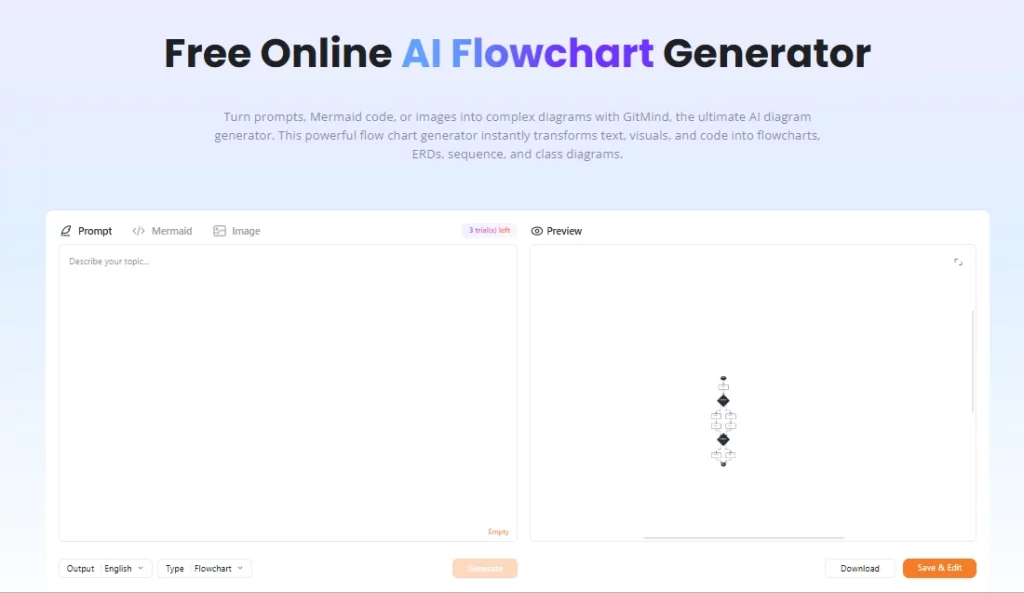
Помимо интеллект-карт, GitMind поддерживает блок-схемы, доски для записей, UML-диаграммы, организационные схемы, диаграммы Исикавы (диаграммы «рыбья кость») и диаграммы «сущность-связь». Это важно для технических команд, которым требуется больше, чем просто интеллект-карта. холст для мозгового штурмаПрограммист может создать AI Создайте блок-схему на основе проектных заметок, визуализируйте зависимости системы и поделитесь диаграммой в виде презентации за один раз.
GitMind организует рабочие пространства команд в блоки, которые называются «Планетами», каждая из которых функционирует как общая среда для совместной работы. Несколько пользователей могут совместно редактировать карты в режиме реального времени, оставлять комментарии и отслеживать изменения, что делает его удобным для распределенных команд, проводящих сессии гибкого планирования или семинары по исследованию продукта. Бесплатный план поддерживает одну планету, платные планы открывают доступ к большему количеству, а бизнес-план открывает неограниченное количество планет с неограниченным числом участников.
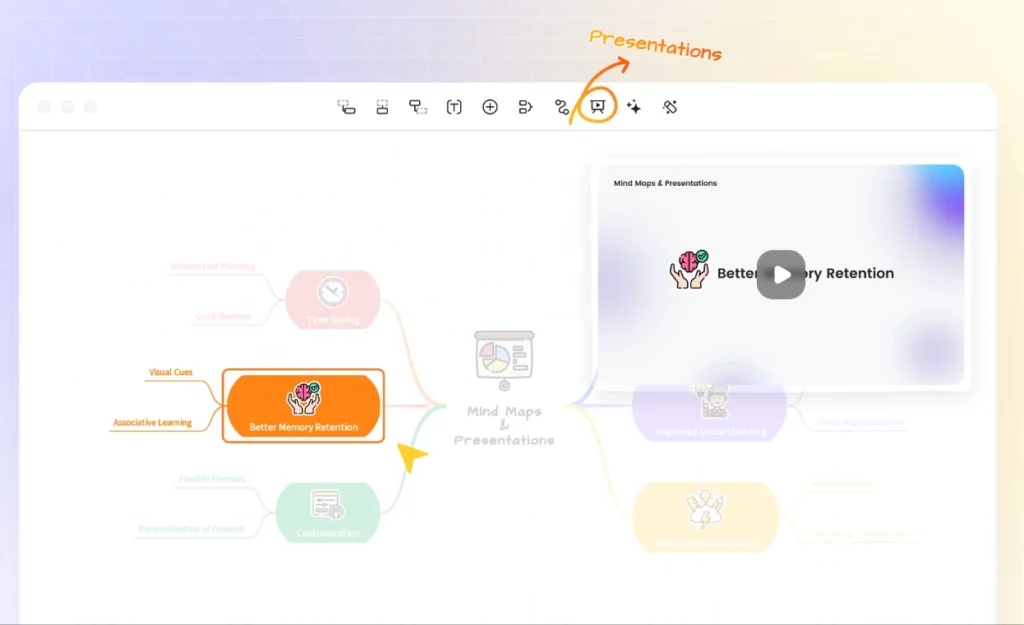
Любую интеллект-карту в GitMind можно преобразовать в презентацию одним щелчком мыши, используя встроенный режим презентации. Преподаватели, тренеры и консультанты используют это для того, чтобы превратить сырую идею в готовый к показу на заседании совета директоров слайд, не покидая платформу. Доступны форматы экспорта PNG, JPG, PDF и TXT, а экспорт в формате HD доступен начиная с базового плана.
GitMind работает как веб-приложение, а также имеет настольные клиенты для Windows и Mac, плюс мобильные приложения для iOS и Android. Поскольку все данные синхронизируются через облако, переключение с ноутбука на планшет в середине сессии происходит без каких-либо проблем. Вход в систему осуществляется через Google, Apple, Facebook или электронную почту, что ускоряет процесс адаптации новых членов команды.
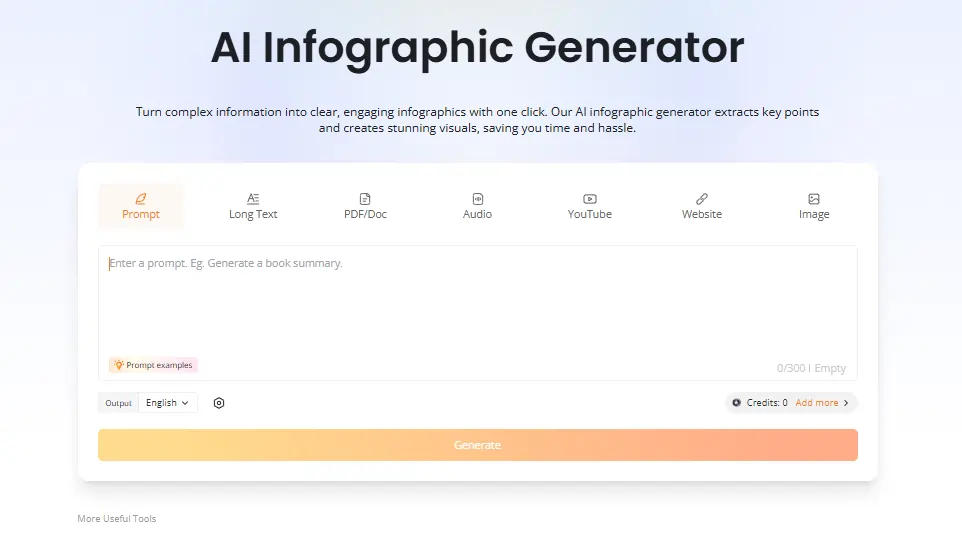
Платные тарифные планы открывают доступ к встроенной функции. AI Chatbot для прямого запроса загруженных документов в рабочей области, а также AI Генератор инфографики, преобразующий данные и контент в визуальные сводки. Инженеры и исследователи считают функцию чата особенно полезной для выявления пробелов в документации, не покидая среду построения карт. Обе функции используют AI средства из ежемесячного плана.
Ценовые планы GitMind
| План | Стоимость (годовая) | AI кредиты | Облачное хранилище | Изображения на карте | Планеты | Количество участников на планете |
|---|---|---|---|---|---|---|
| Бесплатно | $0 | Ограниченный | Не определен | Базовый | 1 | Ограниченный |
| Базовый | $ 4.92 / месяц | Ничто | 10 ГБ | 50 | 1 | 5 |
| Pro | $ 5.75 / месяц | 2,000 / месяц | 10 ГБ | 100 | 1 | 5 |
| Ультра | $ 11.58 / месяц | 4,000 / месяц | 30 ГБ | 500 | 1 | 20 |
| Бизнес | 17.42 долларов США в месяц за место | 5,000 / месяц | 50 ГБ | 800 | Неограниченные | Неограниченные |
GitMind для бизнес-команд
GitMind занимает действительно полезное положение для бизнес-команд, работающих с большими объемами информации. Возможность преобразовать запись совещания, длинный бриф для клиента или стопку PDF-файлов в наглядные карты для принятия решений заметно сокращает циклы планирования.
Для маркетинговых команд, контент-стратегиДля менеджеров по продуктам, благодаря удобному рабочему процессу «от подсказки к карте», первоначальное определение структуры проекта занимает считанные минуты, а не час, как при работе с доской. Бизнес-план's реального времени AI Отслеживание кредитов для каждого участника добавляет практический уровень управления ресурсами, который оценят растущие команды.
Плюсы и минусы
- Преобразует видео, аудио и PDF-файлы в интеллект-карты.
- Быстрый AI Создание карты менее чем за 10 секунд.
- Кроссплатформенная поддержка, включая настольные компьютеры и мобильные устройства.
- Встроенная функция командного взаимодействия в режиме реального времени.
- Несколько типов диаграмм в одном инструменте.
- В режиме презентации сохраняются дополнительные программные средства.
- В бесплатном тарифном плане количество файлов ограничено.
- AI Кредиты быстро расходуются при интенсивном использовании.
- Отсутствует встроенная интеграция со Slack или Notion.
- Служба поддержки клиентов может отвечать медленно.
GitMind для преподавателей и исследователей
GitMind прочно закрепился среди преподавателей, студентов и исследователей именно благодаря своей способности обрабатывать записи лекций, научные статьи и содержание учебников, преобразуя их в готовые к редактированию визуальные структуры. Один только инструмент для составления конспектов лекций на YouTube используется студентами для извлечения и систематизации содержания лекций без необходимости ручного конспектирования.
Преподаватели используют функцию составления кратких обзоров статей и режим презентации для подготовки и проведения уроков с помощью одного инструмента. Для тех, кто регулярно работает с большим объемом исходного материала, тарифный план Pro стоимостью 5.75 долларов в месяц при ежегодной оплате предлагает отличное соотношение цены и качества.
Лучшие альтернативы GitMind
| AI Инструмент для создания ментальных карт и визуального рабочего пространства. | AI Скорость генерации карт | Ценность без ограничений по кредитам |
|---|---|---|
| рисоватьум | Быстро, щедро AI ограничения на платные тарифные планы | Отличное соотношение цены и качества для неограниченного доступа AI используют |
| XMind | Умеренный, AI менее функционален, чем GitMind | Хорошо подходит для структурной прочности, но менее прочная. AI поколение |
| Miro. | Не является основной функцией, ориентирована на использование белой доски. | Лучше всего подходит для досок для корпоративного взаимодействия. |
| Lucidchart | Ограниченный AI генерация карт | Более эффективно для рабочих процессов создания технических диаграмм. |



