Теперь все инструменты, используемые вашим бизнесом — Gmail, Notion, LinkedIn, Google Analytics, QuickBooks и более 1,000 других — могут напрямую интегрироваться с Sintra AI.
Здесь's Полный разбор того, что соединяется, как это работает и что вам нужно. AI помощники на самом деле Сделайте это, как только переключите выключатель.
Что на самом деле означает «интеграция» в Синтре?
Интеграции Sintra — это не сторонние плагины, которые нужно устанавливать вручную. Это встроенные коннекторы, работающие в один клик и интегрированные непосредственно в платформу — никаких веб-хуков, заявок от разработчиков, никакого промежуточного ПО Zapier не требуется (хотя поддержка Zapier существует для расширения функциональности еще больше).
После подключения ваш Sintra AI Помощники получают прямой доступ на чтение и запись к этим инструментам. Это означает, что они не просто «видят» данные — они действуют на их основе. Составляют и отправляют электронные письма в Gmail. Публикуют сообщения в LinkedIn. Создают отчеты Google Analytics. Создают страницы в Notion. Все это запускается из одного окна чата.
Интеграционный слой работает на платформе Composio , благодаря чему Sintra достигла отметки в более чем 1,000 интеграций во всех основных бизнес-категориях.

Полная Синтра AI Список интеграций (по категориям)
Здесь's Структурированный обзор всех поддерживаемых в настоящее время категорий и инструментов:
📧 электронная почта
| Инструмент | Что может сделать ваш помощник |
|---|---|
| Gmail | Отправляйте электронные письма, отвечайте на сообщения в чатах, читайте входящие сообщения, проводите информационные кампании. |
| Microsoft Перспективы | Отправить, ответить, прочитать — полный управление входящим почтовым ящиком для пользователей Майкрософт |
📅 Календарь и планирование
| Инструмент | Что может сделать ваш помощник |
|---|---|
| Google Calendar | Создавайте события, читайте расписание, устанавливайте напоминания, планируйте контент-календарь. |
| Календарь MS | Аналогичные возможности календаря доступны пользователям Microsoft 365. |
🗂️ Хранение файлов
| Инструмент | Что может сделать ваш помощник |
|---|---|
| Google Drive | Сохраняйте отчеты, извлекайте файлы, автоматически сохраняйте результаты, сгенерированные ИИ. |
| Dropbox | Хранение и поиск файлов для рабочих процессов на основе Dropbox. |
📱 Социальные сети
| Инструмент | Что может сделать ваш помощник |
|---|---|
| LinkedIn (личный профиль) | Планирование публикаций, размещение контента, управление активностью профиля. |
| LinkedIn (страница компании) | Управление публикациями на странице, расширение присутствия компании в интернете. |
| Публикуйте посты, просматривайте статистику страниц, управляйте содержимым страниц. | |
| Публикуйте в ленту (через ссылку Facebook Business), управляйте контентом. | |
| TikTok | Публикуйте и планируйте выпуск коротких видеороликов. |
| YouTube | Управление загрузкой видео и контентом канала. |
💬 Командная коммуникация
| Инструмент | Что может сделать ваш помощник |
|---|---|
| Вялый | Отправляйте сообщения, публикуйте в каналах, автоматизируйте уведомления для команды. |
| Microsoft Команды | Сотрудничайте и общайтесь между командами, использующими продукты Microsoft. |
✅ Повышение производительности и управление проектами
| Инструмент | Что может сделать ваш помощник |
|---|---|
| понятие | Создавайте страницы, обновляйте базы данных, организуйте проекты. |
| Trello | Управление досками, карточками и списками задач. |
| Асана | Создавайте задачи, отслеживайте ход выполнения проекта. |
| Задачи Google | Добавляйте и управляйте задачами в Google Workspace. |
| Todoist | Создание задач и управление списками дел |
| Линейные приводы | Отслеживание задач инженерной и продуктовой команды |
| Airtable | Управление базами данных и отслеживание проектов |
💼 CRM и продажи
| Инструмент | Что может сделать ваш помощник |
|---|---|
| HubSpot | Управление контактами, отслеживание сделок, обновление записей в CRM. |
| Salesforce | Обновление CRM, отслеживание потенциальных клиентов, управление воронкой продаж |
| Pipedrive | Автоматизация процессов управления сделками и продаж |
📊 Аналитика и данные
| Инструмент | Что может сделать ваш помощник |
|---|---|
| Google Analytics | Получайте отчеты о трафике, предоставляйте аналитические данные, отслеживайте производительность. |
| Таблицы Google | Чтение и запись данных из электронных таблиц для составления отчетов. |
💰 Бухгалтерский учет и финансы
| Инструмент | Что может сделать ваш помощник |
|---|---|
| QuickBooks | Создание/отправка счетов-фактур, анализ финансовой отчетности, составление отчетов. |
| Xero | Автоматизация бухгалтерского учета и ведения бухгалтерии |
🛠️ Инструменты разработчика
| Инструмент | Что может сделать ваш помощник |
|---|---|
| GitHub | Управление репозиториями, отслеживание проблем, автоматизация рабочих процессов разработки. |
| GitLab | Взаимодействие управления кодом и конвейера CI/CD |
| Jira | Отслеживание задач и управление спринтами |
| Супабаза | Взаимодействие с базами данных и управление серверной частью. |
🎨 Дизайн и креатив
| Инструмент | Что может сделать ваш помощник |
|---|---|
| Figma | Получайте доступ к файлам дизайна и ссылочным ресурсам в рабочих процессах с контентом. |
📣 Маркетинг и реклама
| Инструмент | Что может сделать ваш помощник |
|---|---|
| SEMRush | Собирайте данные по ключевым словам, отслеживайте позиции в поисковой выдаче, выявляйте возможности для SEO-оптимизации. |
| Метаобъявления | Управление рекламными кампаниями и данными рекламного аккаунта. |
🏃 Здоровье и фитнес
| Инструмент | Что может сделать ваш помощник |
|---|---|
| Диета | Анализируйте данные о своей активности, чтобы ваш персональный тренер мог отслеживать ваши фитнес-цели и корректировать ваше расписание. |
🌐 CMS и электронная коммерция
| Инструмент | Что может сделать ваш помощник |
|---|---|
| WordPress.com | Управление публикациями, страницами и контентом. |
| WebFlow | Веб-сайт и целевую страницу управление |
| Shopify | Управление товарами и заказами в электронной коммерции |
Как подключить любую интеграцию в Sintra (3 шага)
Никаких проблем с настройкой. Весь процесс занимает менее двух минут на один инструмент:
- Перейти к Brain AI — Click the Brain AI кнопка на боковой панели Sintra для открытия центра интеграций
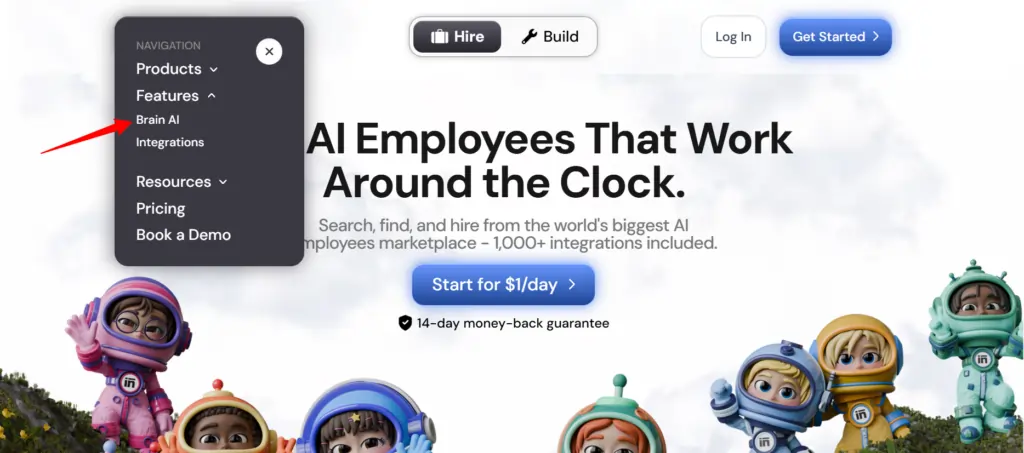
- Найдите инструмент — Найдите нужную интеграцию (Gmail, Notion, LinkedIn и т. д.) и нажмите на неё. "Connect"
- Авторизуйте учетную запись — Открывается всплывающее окно, войдите в систему и предоставьте необходимые разрешения. — Кнопка «Подключиться» превращается в зеленую галочку.
Вот и все. С этого момента соответствующий помощник ( специалист по email-маркетингу , аналитик данных, менеджер социальных сетей и т. д.) работает с актуальными данными из вашего аккаунта — никакого копирования и вставки, никакого ручного ввода.
Примечание: Быстрая подсказка: Нужно добавить еще один аккаунт для того же инструмента (например, вторую страницу в Facebook)? Нажмите здесь. «Подключить» → «Добавить новую учетную запись» внутри мозга AI и войдите в систему со второй учетной записью напрямую оттуда.
Что именно делают ваши помощники из Sintra с этими интеграциями?
В Синтре 12 готовых домов. AI специалисты, и каждый из них подключен к интеграциям, которые соответствуют его роли:
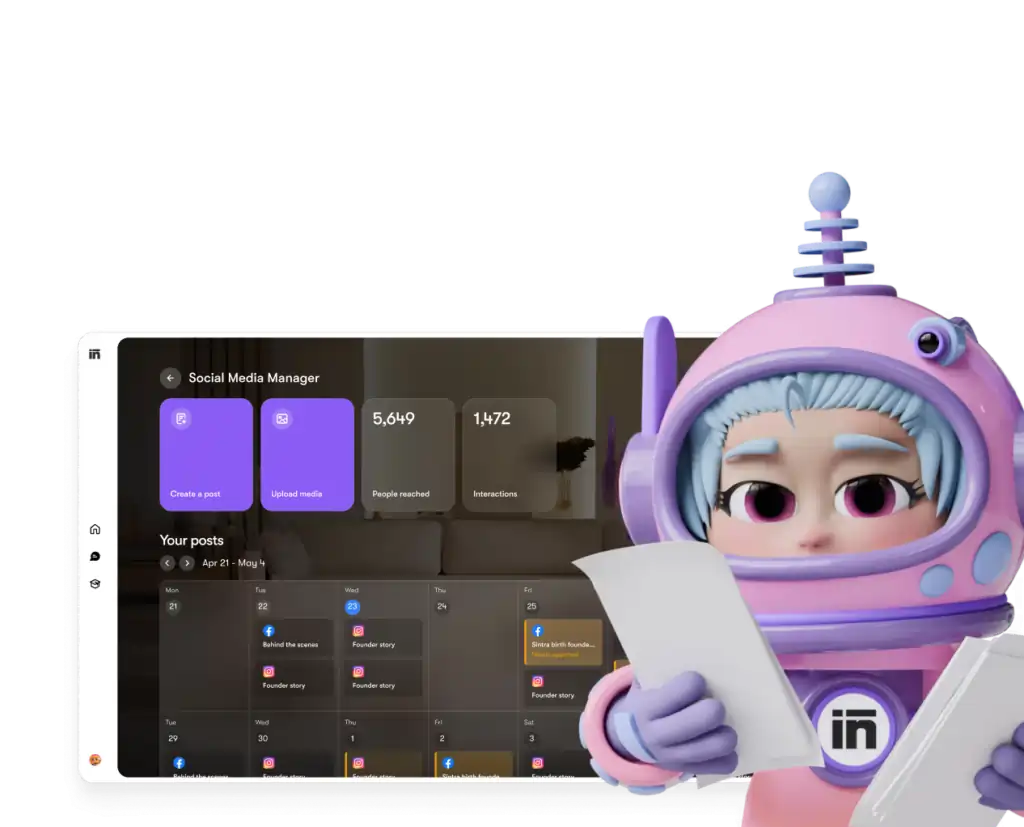
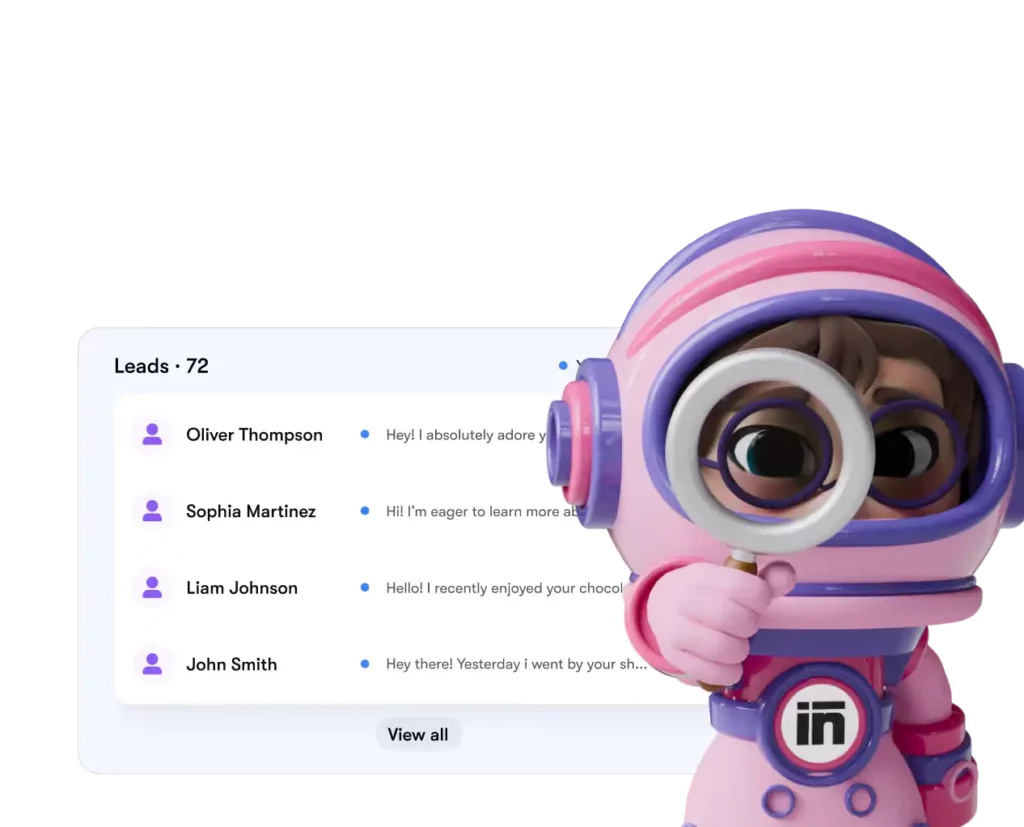
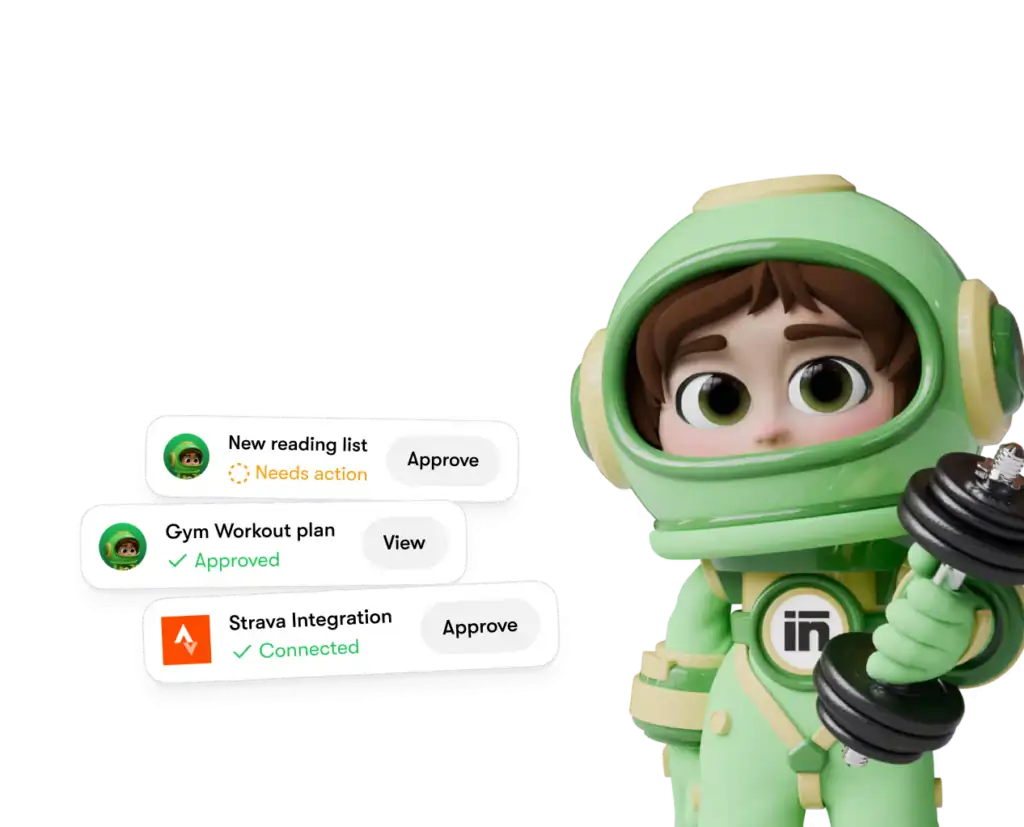
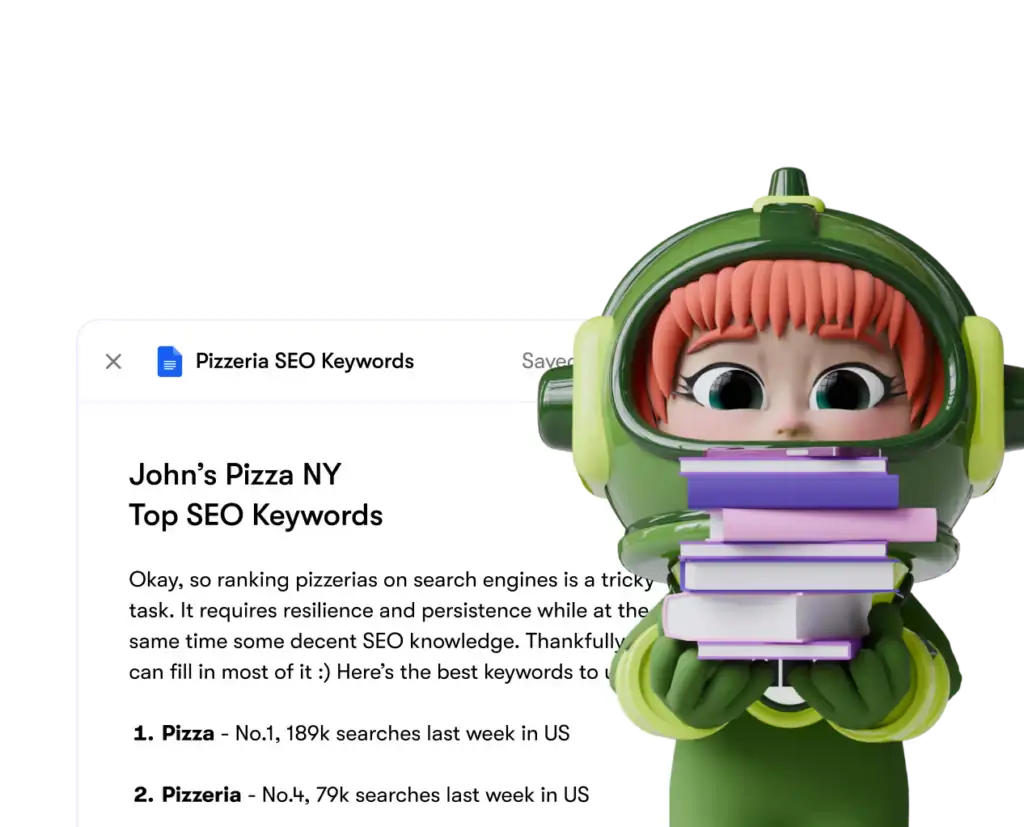
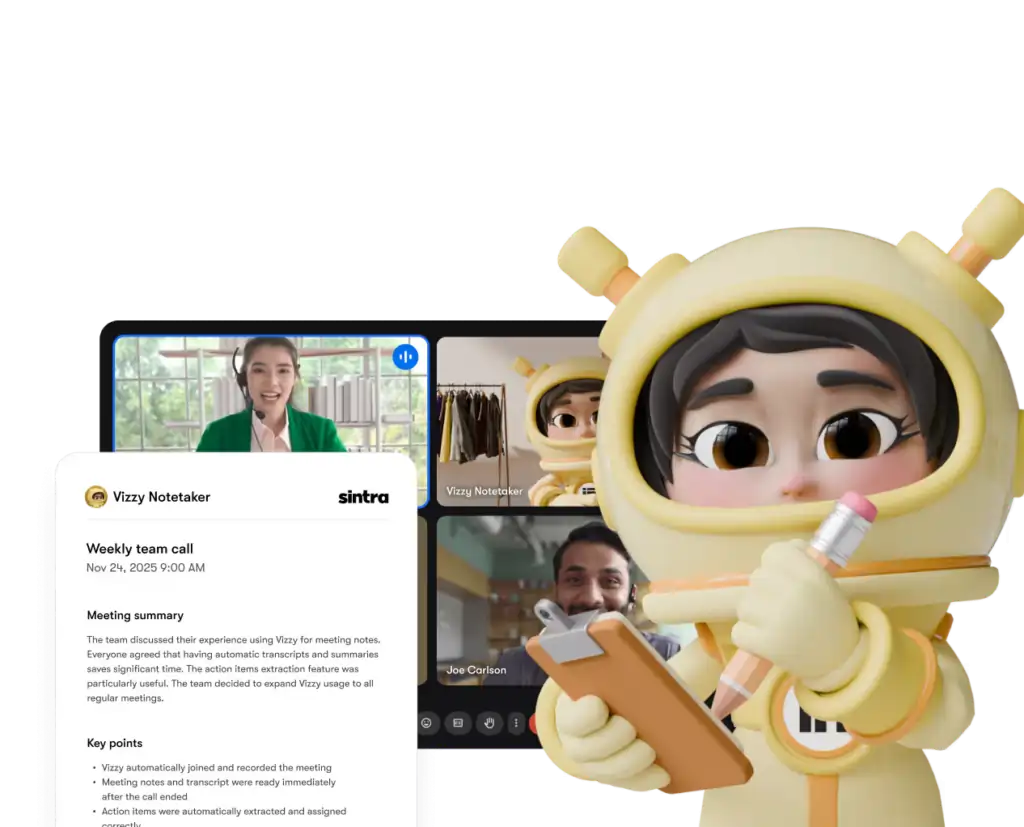
Каждый помощник имеет доступ только к тем инструментам и правам, которые вы явно предоставили, — и вы можете в любой момент отключить любую интеграцию из своей панели управления.
Синтра AI Сравнение с конкурентами: глубина интеграции
Здесь's как Синтра's Сравнение настроек интеграции с аналогичными платформами в том же ценовом диапазоне:
| Характеристика | Синтра ИИ | Общий AI ЧатБоты | Платформы автоматизации (например, Zapier) |
|---|---|---|---|
| Интеграция с собственными системами (без написания кода) | 1,000+ | Ни один к минимальному | Да, но нет AI слой |
| AI вспомогательный механизм обрабатывает данные | ✅ да | ❌ нет | ❌ нет |
| Сложность настройки | Авторизация в один клик | ARCXNUMX | Средний–Высокий |
| Вспомогательные инструменты, специфичные для конкретных бизнес-ролей | ✅ 12 специалистов | ❌ | ❌ |
| Автоматизация (повторяющиеся задачи) | ✅ | ❌ | ✅ |
| Соответствие ВВП | ✅ | Зависит | Зависит |
Ключевое отличие: Такие платформы, как Zapier, предоставляют вам разъемы, но там's Нет интеллектуального слоя, интерпретирующего данные и обрабатывающего их. Sintra предоставляет вам и то, и другое — интеграцию и интеллектуальный слой. AI тот, кто знает, что с этим делать.
Заявление о более чем 1,000 интеграциях — что это на самом деле означает?
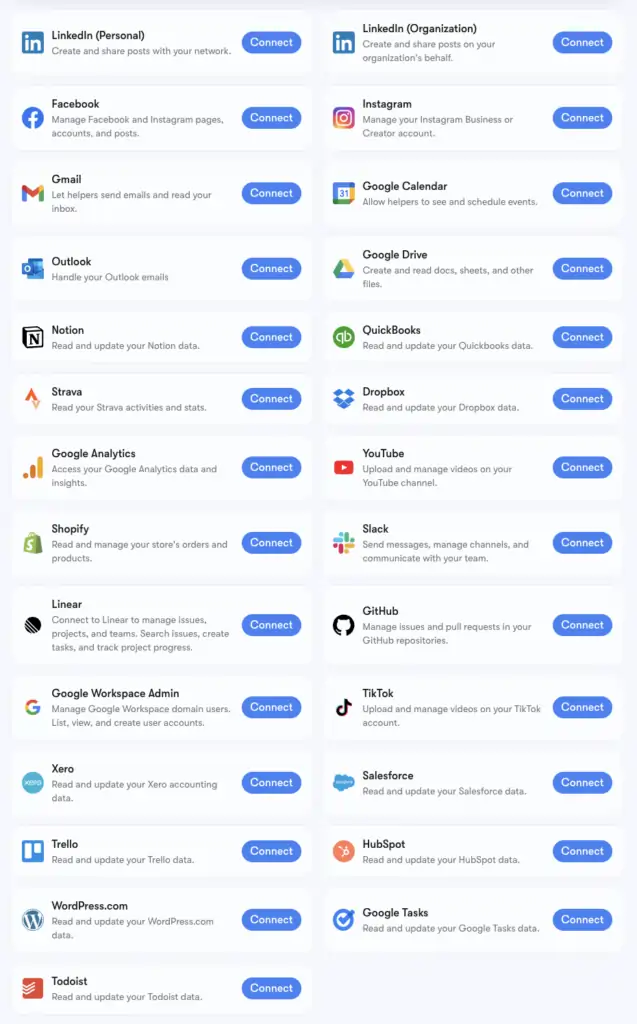
Синтра's Более 1,000 интеграций — это результат работы компании... Композиция, инфраструктура коннекторов, поддерживающая приложения всех категорий: HR-инструментыплатформы планирования, электронная коммерция, хранилища данных и специализированные SaaS-инструменты — большинство из них AI Платформы не соприкасаются.
Полный расширенный список можно посмотреть на composio.dev/toolkits . Основные интеграции с расширенной поддержкой вспомогательных инструментов (Gmail, LinkedIn, Notion, Google Analytics и т. д.) встроены непосредственно в систему Brain AI от Sintra. Расширенный список, включающий более 1,000 инструментов, доступен пользователям, которым необходимо более детально изучить конкретные рабочие процессы.
Если нужный вам инструмент отсутствует в списке, вы можете запросить его добавление непосредственно из панели управления Sintra. Новые интеграции добавляются на постоянной основе в зависимости от спроса пользователей.
Настройка Gmail + Google Календа: пошаговая инструкция
Наиболее часто используемой группой является платформа Google Workspace, поэтому здесь...'s Точный процесс:
- Нажмите Мозговой ИИ на левой боковой панели
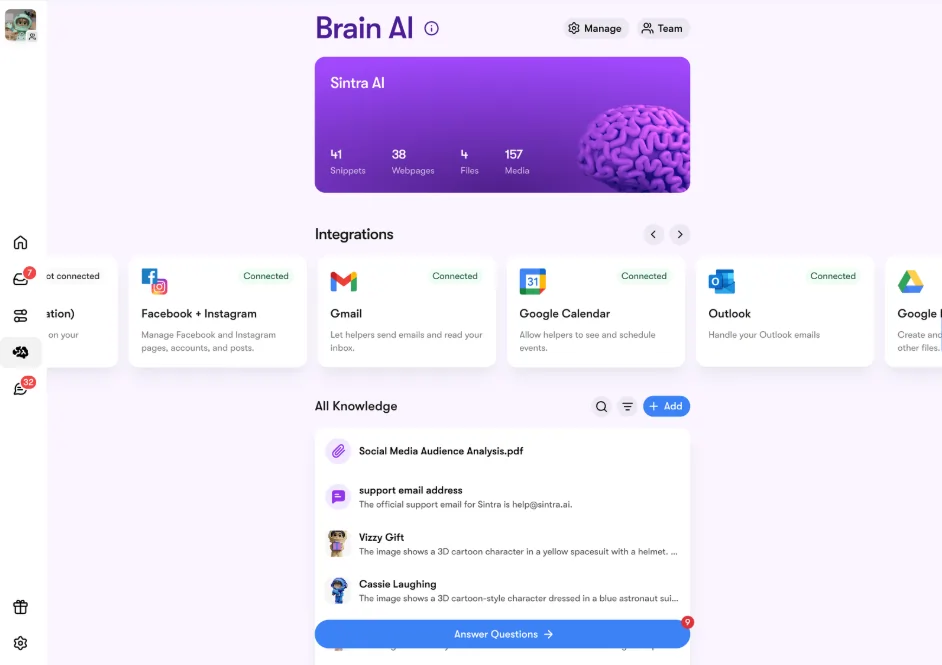
- Найдите Gmail, Google Calendar, Google Drive или Google Analytics в разделе «Интеграции»
- Нажмите Объединяйтесь → тогда Объединяйтесь снова (или Добавить новую учетную запись (для нескольких учетных записей)
- Появится всплывающее окно в браузере — выберите учетную запись Google, которую хотите использовать.
- Предоставьте приложению Sintra запрошенные разрешения.
- Кнопка загорается зелёным — вы в эфире.
Все четыре инструмента Google можно подключить как по отдельности, так и вместе. Sintra запрашивает только необходимые разрешения для каждой задачи (например, Календару требуется только чтение/запись для событий — а не для всей вашей учетной записи Google).
Настройка Facebook и Instagram
Для этого есть небольшое предварительное условие — ваш аккаунт в Instagram должен быть сначала связан с бизнес-страницей в Facebook:
- Войдите в Facebook → нажмите на свою фотографию профиля → перейдите на свою бизнес-страницу
- Перейдите на Настройки и конфиденциальность → Настройки → Разрешения → Связанные учетные записи
- Нажмите Instagram → Подключить аккаунт и заполните ссылку
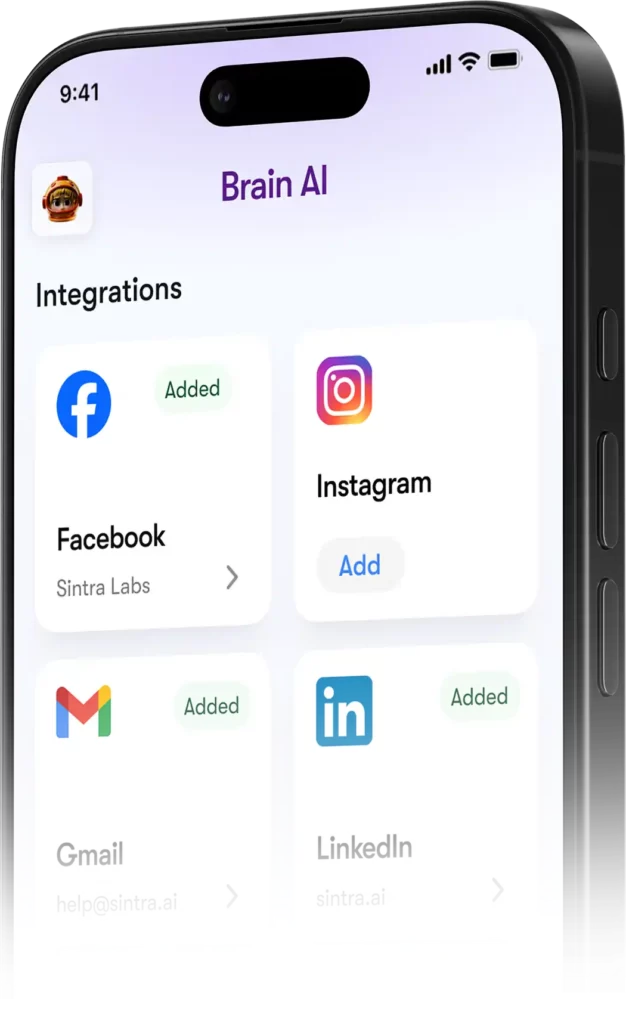
- В Синтре отправляйтесь в Мозг AI → Интеграции → Facebook/Instagram → Подключить
- Войдите в систему, используя свои учетные данные Facebook, и предоставьте необходимые разрешения.
- Зеленая галочка означает, что вы подключены к обеим платформам.
После запуска Soshie (ваш специалист по социальным сетям) сможет публиковать сообщения в Facebook и Instagram напрямую из чата или по автоматическому расписанию.
Конфиденциальность: что может и чего не может видеть Синтра
Вполне резонный вопрос при подключении вашей почты Gmail или Google Analytics к любой другой системе. AI платформа. Здесь's Синтра's фактическая позиция:
Помощники не действуют от вашего имени, если вы явно не попросили их об этом в чате или не настроили автоматическое расписание — они не работают в фоновом режиме, выполняя действия, которые вы не одобрили.
Часто задаваемые вопросы
Какие инструменты есть на официальном сайте Sintra? AI Список интеграций?
В число основных интеграций входят Gmail, Outlook, Google Calendar, Google Drive, LinkedIn, Facebook, Instagram, TikTok, Slack, Notion, HubSpot, Salesforce, QuickBooks, Google Analytics, GitHub, Strava, Shopify и многие другие. Полный расширенный список из более чем 1,000 инструментов доступен на composio.dev/toolkits.
Синтра AI Есть публичный API?
Нет — Sintra не предоставляет общедоступный API. Все интеграции представляют собой готовые к использованию коннекторы, встроенные непосредственно в платформу через Composio.
Можно ли подключить несколько учетных записей к одному и тому же инструменту?
Да. Нажмите «Подключить» → «Добавить новую учетную запись» в Brain. AI Для привязки дополнительных учетных записей к одной и той же платформе. Каждая учетная запись управляется независимо.
Работают ли интеграции Sintra внутри автоматизированных процессов?
Да — подключенные инструменты обеспечивают работу повторяющихся автоматизированных процессов, таких как ежедневные сводки входящих сообщений, запланированные публикации в социальных сетях и еженедельные аналитические отчеты. Помощники запускают их в автоматическом режиме, без необходимости инициировать чат.
Есть ли интеграция со Strava?
Да. Strava подключается через Brain. AI и позволяет вашему личному тренеру-помощнику считывать данные о вашей активности, чтобы отслеживать достижение фитнес-целей параллельно с вашим рабочим графиком.
Сколько времени занимает настройка интеграции с Sintra?
Менее двух минут. Весь процесс основан на OAuth — нажмите «Подключиться», войдите в систему, подтвердите права доступа, готово. Ключи API или техническая настройка не требуются.
Что делать, если используемый мной инструмент отсутствует в списке Sintra?'s интеграции?
Запросите интеграцию непосредственно из панели управления Sintra — новые интеграции добавляются по мере необходимости в зависимости от запросов пользователей. Вы также можете просмотреть полный расширенный список на сайте composio.dev/toolkits.
Синтра AI Безопасно ли использовать интеграции с бизнес-данными?
Да — Sintra соответствует требованиям GDPR, не обучается на ваших данных и получает доступ только к той информации, которая необходима.'s необходима для выполнения конкретной задачи, которую вы запрашиваете. Любую интеграцию можно отключить от панели управления в любое время.
AiMojo рекомендует:


 БОНУС: Получите наши 200 долларов “AI «Мастерский набор инструментов» БЕСПЛАТНО при регистрации!