
You're not short on tools. You're short on time. That's в котором AI for personal productivity stops being a buzzword and starts being the reason some people get twice as much done before noon.
В этом руководстве рассматриваются лучшие AI automation setups you can plug into your daily workflow right now — no tech background required. From inbox triage to smart scheduling and workflow automation, these setups cover the setups that quietly run in the background while you focus on what actually matters.
Why Most People Set Up AI Wrong (And How to Fix It)
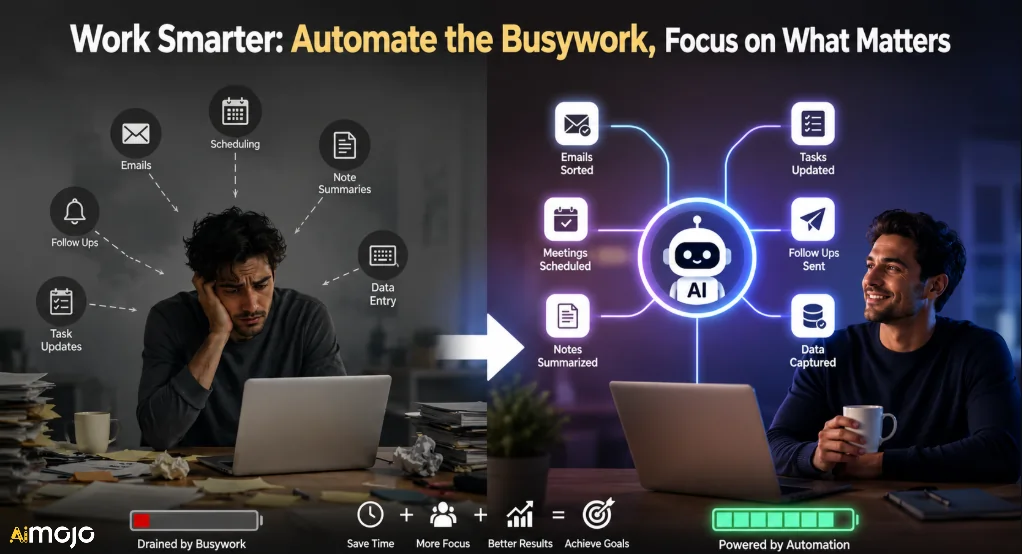
Most people download one AI app, play with it for a week, and go back to their old habits. That's not a productivity upgrade — that's just new-tool fatigue.
The real play is штабелирования AI автоматизация across your repetitive daily tasks. Think of it like building a personal ops team that works 24/7 without coffee breaks. The goal isn't replacing your decision-making. It's eliminating the 2–3 hours per day you spend on low-value, repeatable tasks like sorting emails, scheduling meetings, summarizing notes, and following up on tasks that slipped through the cracks.
That gap — between people who use AI tools casually and people who run structured AI automation setups — is already showing up in productivity benchmarks across solopreneurs, remote workers, and content creators alike.
The 5 Pillars of a High-Performing AI Productivity Stack
Before setting up anything, map your time leaks. Here's where most people bleed hours:
Каждый твердый AI productivity stack targets at least three of these five areas. Here's how to build one.
Лучшее AI Automation Setups for Personal Productivity
1. AI-Powered Email Triage with Zapier + ChatGPT

Email is the biggest time sink most people refuse to admit they have. Setting up a Zapier workflow that connects your Gmail or Outlook to a ChatGPT action node lets you auto-draft replies in your personal writing tone, flag high-priority messages, and archive low-stakes newsletters — all before you open your inbox.
Как это настроить:
This single Zapier workflow saves most people 45–90 minutes per day. Pair it with a custom system prompt that captures your tone and it becomes indistinguishable from a human reply draft.
2. Smart Daily Scheduling with Motion AI
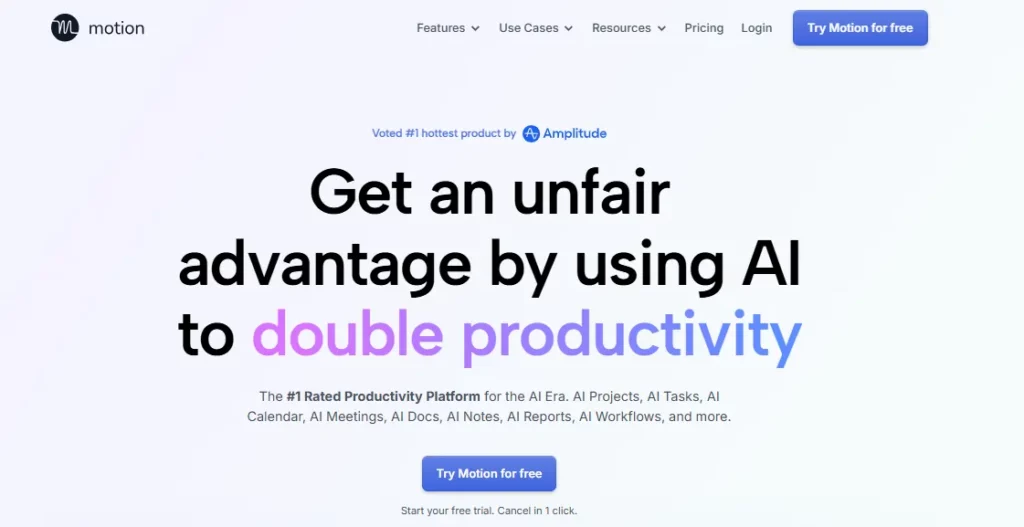
Motion is one of the most underrated AI productivity tools for time-blocking. It automatically schedules your tasks, deadlines, and meetings into your calendar — and re-schedules them on the fly if something runs long or gets added last minute.
Unlike manually dragging tasks around in Google Calendar, Motion's AI scheduler accounts for your focus time, work hours, and task urgency simultaneously. Pair it with your project manager (ClickUp, Asana, Notion) via Zapier and tasks auto-appear in your Motion calendar the moment they're assigned to you.
???? Лучший вариант использования: Фрилансеры и solopreneurs juggling multiple client projects who need automatic priority reordering without micromanaging every deadline.
3. AI Meeting Summaries with Otter.ai or Светлячки.ai
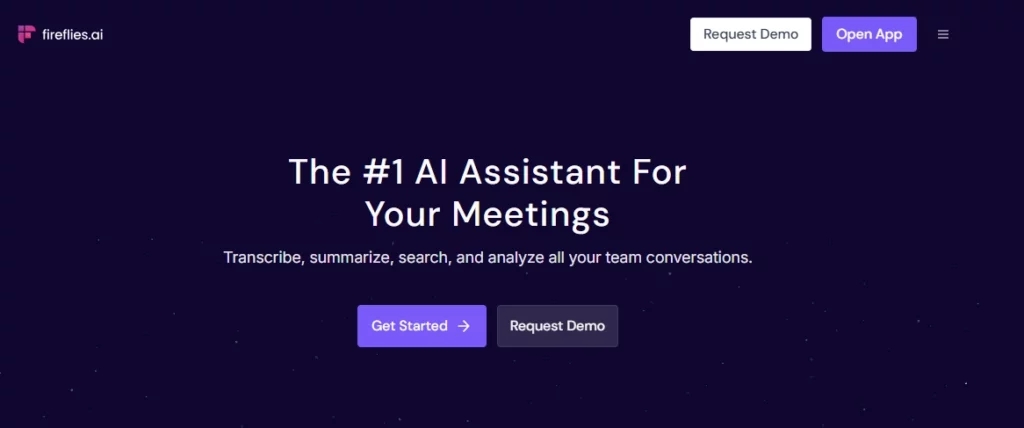
Sitting through a 60-minute call only to spend another 30 minutes writing notes is the kind of inefficiency that adds up fast. Otter.ai and Fireflies.ai both connect to Google Meet, Zoom, and Microsoft Teams to auto-record, transcribe, and generate structured итоги встречи.
The real productivity win is the integration layer:
- Fireflies → Zapier → Notion: Meeting summaries auto-save to your Notion workspace in a pre-built template
- Fireflies → Zapier → ClickUp: Action items from the transcript auto-create as tasks with due dates
- Выдра.ai → Slack: Summary posted to your team channel within minutes of the call ending
This stack alone eliminates the post-call admin loop that quietly eats 30–60 minutes from most people's рабочие дни.
4. n8n Automation for Advanced Personal Workflows
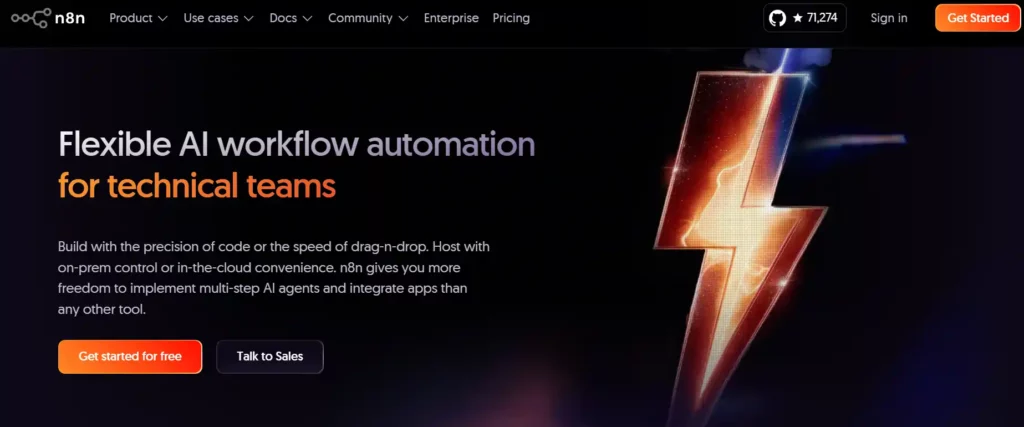
If you're comfortable going slightly beyond drag-and-drop tools, n8n is where personal AI автоматизация gets seriously powerful. n8n supports native LangChain integration, self-hosted LLMs, and retrieval-augmented generation (RAG), which means you can build workflows that actually reason — not just copy-paste data between apps.
High-value n8n setups for personal productivity:
| Рабочий процесс | Что оно делает |
|---|---|
| RSS → ChatGPT → Email Digest | Scrapes your favorite blogs, summarizes new posts, sends a morning briefing |
| New Notion page → GPT → SEO meta | Drafts meta title/description for any new content brief you create |
| Gmail → GPT → CRM | Extracts contact details from emails and logs them to your CRM automatically |
| Webhook → AI agent → Slack | Sends you smart alerts based on triggers you define |
n8n's self-hosting option means your data stays on your server — a big deal for freelancers and creators who handle client information regularly.
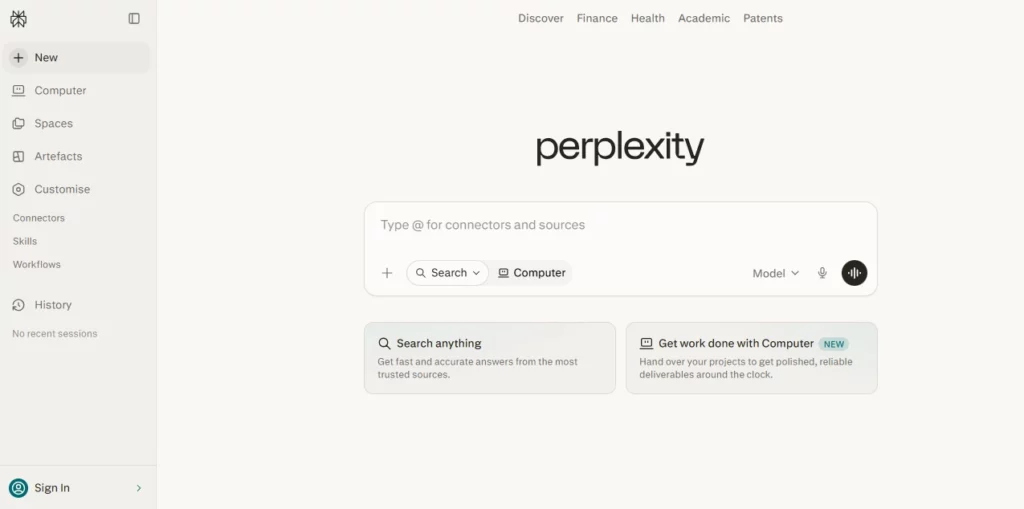
5. AI Research and Content Assist with Perplexity + Понятие ИИ
растерянность AI handles live research with source citations. Notion AI handles your knowledge base, drafts, and summaries. Together, they form a content-first productivity stack that replaces hours of manual browsing and writing.
Daily workflow:
Для создателей контента партнерские маркетологи, and researchers who produce written output daily, this is the most direct time-saving combo available without spending hours going down browser tab rabbit holes.
6. Automated Task Capture with ClickUp ИИ + Chrome Extension

ClickUp's AI assistant combined with its Chrome extension lets you capture tasks, set priorities, and attach context from anywhere in your browser — without opening your project manager. Type a task idea in plain English and ClickUp AI interprets the priority, suggests a due date, and assigns it to the right project based on context.
This is particularly useful for solo operators who context-switch frequently and need to offload mental load without breaking their current workflow. It's basically building a second brain that actually follows instructions.
Make vs. n8n vs. Zapier: Which Should You Use?
Choosing the right automation backbone determines how far your AI productivity stack can actually scale.
| Платформа | Best For | Интеграции | AI Родной? | Модель ценообразования |
|---|---|---|---|---|
| Zapier | Beginners, business users | 8,000+ приложений | Да (AI actions) | По задачам |
| MAKE | Mid-level users, visual thinkers | 3,000+ приложений | Ограниченный | Per-step/credit |
| n8n | Developers, advanced setups | ~1,500 приложений | Strong (LangChain, LLMs) | Per-execution |
Zapier wins on simplicity and breadth. n8n wins on AI depth and control. Make sits in the middle — good for moderately complex workflows without needing developer-level input. For most individuals starting an AI automation setup, Zapier is the fastest entry point. Power users building изготовленный на заказ AI агенты are better served by n8n.
AI Tools Worth Adding to Your Productivity Stack in 2026
These aren't just trending mentions — each tool covers a specific gap in a personal productivity workflow:
Общие AI Productivity Mistakes to Drop Immediately
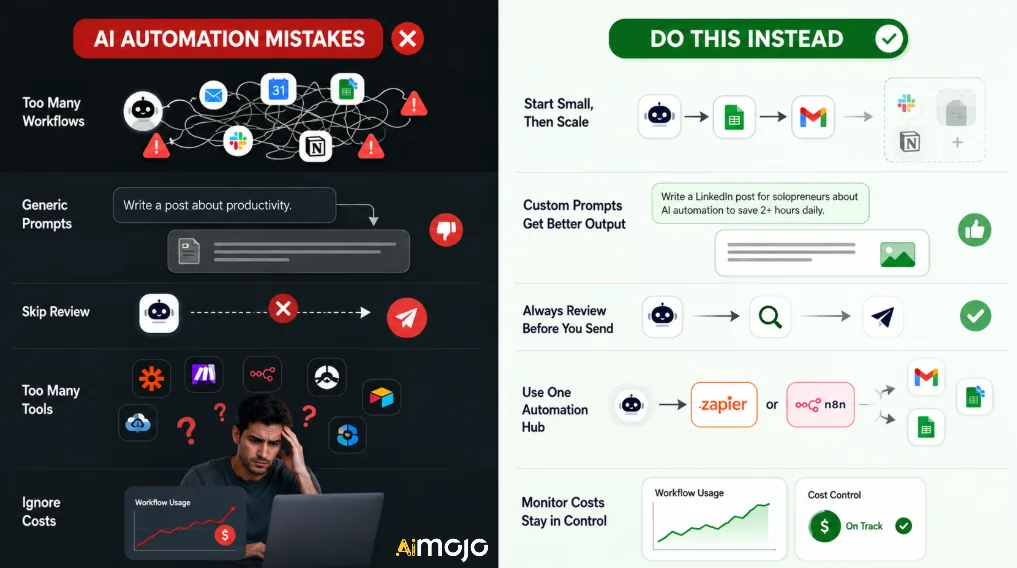
Настройка AI automation doesn't mean set-and-forget. Here's what trips most people up:
- Over-automating too fast — Start with 1–2 workflows, then layer more once each one is stable
- Not customizing prompts — Generic prompts give generic output; write prompts that match your actual workflow context
- Skipping the review layer - AI drafts still need a 30-second human glance before sending or publishing
- Using 5 separate disconnected tools — Pick one automation backbone (Zapier or n8n) and route everything through it
- Ignoring cost monitoring — Tools like Make charge per workflow step; complex automations can spike costs without active tracking
Как построить свой AI Productivity Setup in One Weekend
You don't need months to build a functional AI automation stack. Here's a realistic 2-day sprint:
Суббота:
- Audit your week — identify the 3 tasks that ate the most time
- Sign up for Zapier (free tier works to start) and Motion
- Build your email triage Zap
- Set up Motion with your existing calendar and task list
Вс
- Connect Fireflies.ai to your meeting tools
- Set up Notion AI on your most-used workspace
- Test each automation end-to-end with real inputs
- Adjust prompts based on the output quality you get
By Monday morning, you'll have a working AI productivity stack covering email, планирование, meetings, and content — the four biggest time drains for most knowledge workers.
Часто задаваемые вопросы
Что такое AI for personal productivity?
AI for personal productivity refers to using artificial intelligence tools and automation workflows to reduce time spent on repetitive tasks like email, scheduling, note-taking, and content research — freeing up focused work time for higher-value activities.
Который лучший AI tool for productivity in 2026?
Там's no single best tool — it depends on your biggest bottleneck. For task and calendar management, Motion leads. For workflow automation, Zapier or n8n. For writing and research, ChatGPT and Perplexity AI are the strongest options right now.
Is Zapier better than n8n for personal use?
Zapier is better for non-technical users who want fast setup and wide app compatibility. n8n is better for people who want more control over AI logic, self-hosted data, and advanced agent-based workflows. Both can be powerful depending on your technical comfort level.
Может AI actually replace a personal assistant?
Not fully — but a well-built AI automation stack can handle 60–80% of what an executive assistant manages day-to-day. Email drafting, meeting notes, task tracking, and scheduling are all automatable at a high quality level with current tools.
How do I start automating my daily tasks with AI?
Start by identifying your top 3 time-wasting tasks. Then pick one automation tool (Zapier is the easiest entry point) and build a single workflow targeting one of those tasks. Expand once that workflow runs consistently without issues.
Каковы наиболее эффективные AI automation tools for solopreneurs?
Top picks for solopreneurs include Zapier, Notion AI, Motion, ChatGPT, Fireflies.ai, and Reclaim.ai. Together, these cover scheduling, content creation, meetings, and workflow automation without requiring a team or technical background.
Итог по AI Автоматизация производительности
The gap between people who use AI casually and those who actually automate their workflow is widening fast. Building even a basic AI productivity stack — email triage, smart scheduling, and automated meeting notes — can recover 10–15 hours per week from tasks you're currently doing manually.
Start small, stack deliberately, and optimize as you go. The setups outlined here are not theoretical — they're running live in the workflows of создатели контента, freelancers, and remote teams right now. The only question is how much longer you want to spend doing manually what an AI workflow can handle while you sleep.
AiMojo рекомендует:



 БОНУС: Получите наши 200 долларов “AI «Мастерский набор инструментов» БЕСПЛАТНО при регистрации!