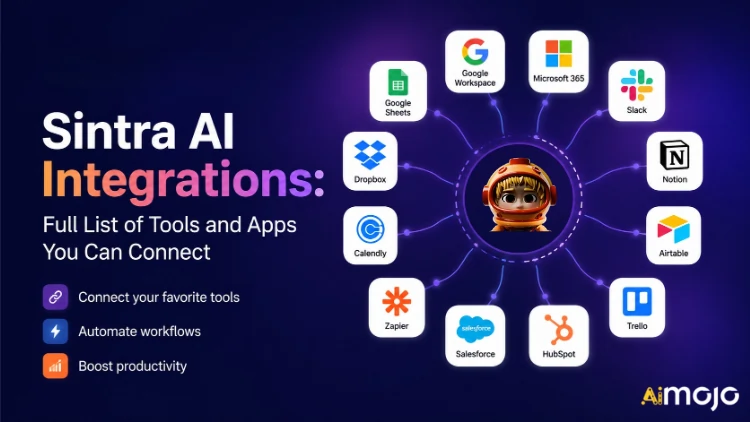
Todas as ferramentas que sua empresa utiliza — Gmail, Notion, LinkedIn, Google Analytics, QuickBooks e mais de mil outras — agora podem ser integradas diretamente ao Sintra AI.
Aqui você encontra's uma análise completa do que conecta, como funciona e o que é seu AI ajudantes na verdade faça isso assim que você acionar o interruptor.
O que “Integrações” realmente significa em Sintra
As integrações do Sintra não são plugins de terceiros que você instala manualmente. São conectores nativos, de um clique, integrados diretamente à plataforma — sem webhooks, sem necessidade de abertura de chamados para desenvolvedores, sem middleware do Zapier (embora haja suporte para o Zapier para ampliar ainda mais as integrações).
Uma vez conectado, seu Sintra AI Os colaboradores têm acesso direto de leitura e gravação a essas ferramentas. Isso significa que eles não apenas "veem" os dados, mas também agem com base neles. Podem redigir e enviar um e-mail no Gmail, publicar no LinkedIn, gerar um relatório do Google Analytics ou criar uma página no Notion. Tudo isso pode ser feito a partir de uma única janela de bate-papo.
A camada de integração é alimentada pela Composio , o que permite à Sintra atingir a marca de mais de 1,000 integrações em todas as principais categorias de negócios.

O Sintra completo AI Lista de integrações (por categoria)
Aqui você encontra's Uma descrição estruturada de todas as categorias e ferramentas atualmente suportadas:
| ferramenta | O que seu auxiliar pode fazer |
|---|---|
| Gmail | Enviar e-mails, responder a tópicos, ler a caixa de entrada, executar campanhas de divulgação. |
| Microsoft Outlook | Enviar, responder, ler — completo gerenciamento de caixa de entrada Para usuários da Microsoft |
📅 Calendário e Agendamento
| ferramenta | O que seu auxiliar pode fazer |
|---|---|
| Google Calendar | Criar eventos, consultar a programação, definir lembretes, planejar o calendário de conteúdo. |
| Calendário MS | As mesmas funcionalidades de calendário para usuários do Microsoft 365. |
🗂️ Armazenamento de Arquivos
| ferramenta | O que seu auxiliar pode fazer |
|---|---|
| Google drive | Salve relatórios, extraia arquivos e armazene resultados gerados por IA automaticamente. |
| Dropbox | Armazenamento e recuperação de arquivos para fluxos de trabalho baseados no Dropbox. |
📱 Mídias sociais
| ferramenta | O que seu auxiliar pode fazer |
|---|---|
| LinkedIn (Pessoal) | Agende publicações, publique conteúdo, gerencie a atividade do perfil. |
| LinkedIn (Página da empresa) | Gerencie as publicações da página e aumente a presença da empresa. |
| Publique posts, veja informações da página, gerencie o conteúdo da página | |
| Publicar no feed (via link do Facebook Business), gerenciar conteúdo | |
| TikTok | Publique e agende conteúdo de vídeo de formato curto. |
| YouTube | Gerencie os uploads de vídeo e o conteúdo do canal. |
💬 Comunicação em equipe
| ferramenta | O que seu auxiliar pode fazer |
|---|---|
| Slack | Enviar mensagens, publicar em canais, automatizar notificações de equipe |
| Microsoft Teams | Colabore e comunique-se com equipes baseadas na Microsoft. |
✅ Produtividade e Gestão de Projetos
| ferramenta | O que seu auxiliar pode fazer |
|---|---|
| Noção | Criar páginas, atualizar bancos de dados, organizar projetos |
| Trello | Gerencie quadros, cartões e listas de tarefas. |
| Asana | Criar tarefas, acompanhar o progresso do projeto |
| Google Tasks | Adicione e gerencie tarefas no Google Workspace. |
| Todoist | Criação de tarefas e gerenciamento de listas de afazeres |
| Linear | Acompanhamento de tarefas da equipe de engenharia e produto |
| Airtable | Gestão de bases de dados e acompanhamento de projetos |
💼 CRM e Vendas
| ferramenta | O que seu auxiliar pode fazer |
|---|---|
| HubSpot | Gerencie contatos, acompanhe negócios, atualize registros no CRM. |
| Salesforce | Atualizações de CRM, rastreamento de leads, gestão de pipeline de vendas |
| Pipedrive | Automação da gestão de negócios e do fluxo de trabalho de vendas |
📊 Análise e Dados
| ferramenta | O que seu auxiliar pode fazer |
|---|---|
| Google Analytics | Obtenha relatórios de tráfego, insights de superfície e acompanhe o desempenho. |
| planilhas do Google | Ler e escrever dados em planilhas para geração de relatórios. |
💰 Contabilidade e Finanças
| ferramenta | O que seu auxiliar pode fazer |
|---|---|
| QuickBooks | Criar/enviar faturas, analisar demonstrações financeiras, gerar relatórios. |
| Xero | Automação de contabilidade e escrituração |
🛠️ Ferramentas para desenvolvedores
| ferramenta | O que seu auxiliar pode fazer |
|---|---|
| GitHub | Gerencie repositórios, acompanhe problemas, automatize fluxos de trabalho de desenvolvimento. |
| GitLab | Interação entre gerenciamento de código e pipeline CI/CD |
| Jira | Rastreamento de problemas e gerenciamento de sprints |
| superbase | Interação com banco de dados e gerenciamento de back-end |
🎨 Design e Criativo
| ferramenta | O que seu auxiliar pode fazer |
|---|---|
| Figma | Acesse arquivos de design e recursos de referência em fluxos de trabalho de conteúdo. |
📣 Marketing e Publicidade
| ferramenta | O que seu auxiliar pode fazer |
|---|---|
| SEMRush | Extraia dados de palavras-chave, acompanhe rankings e identifique oportunidades de SEO. |
| Metaanúncios | Gerencie campanhas publicitárias e dados de contas de anúncios. |
🏃 Saúde e Bem-estar
| ferramenta | O que seu auxiliar pode fazer |
|---|---|
| Strava | Leia os dados de atividade para que seu treinador pessoal possa acompanhar suas metas de condicionamento físico e ajustar sua programação. |
🌐 CMS e Comércio Eletrônico
| ferramenta | O que seu auxiliar pode fazer |
|---|---|
| WordPress.com | Gerencie posts, páginas e publicação de conteúdo. |
| Webflow | Website e página de destino de grupos |
| Shopify | Gestão de produtos e pedidos de comércio eletrônico |
Como conectar qualquer integração em Sintra (3 passos)
Sem complicações na configuração. Todo o processo leva menos de dois minutos por ferramenta:
- Acesse Brain AI — Clique no cérebro AI Botão na sua barra lateral do Sintra para abrir o seu hub de integração
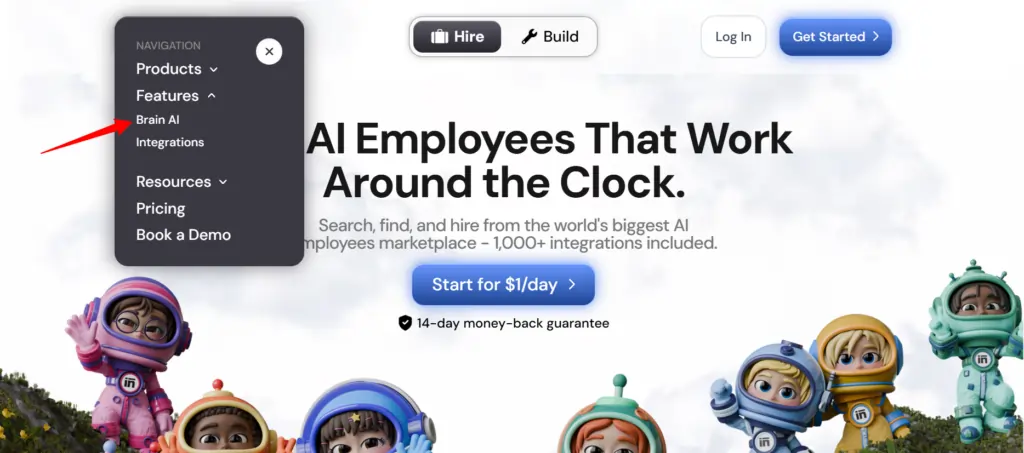
- Encontre a ferramenta — Localize a integração desejada (Gmail, Notion, LinkedIn, etc.) e clique. "Connect"
- Autorize a conta — Uma janela pop-up será aberta. Faça login e conceda as permissões. — O botão Conectar mudará para uma marca de seleção verde.
É isso. A partir desse momento, o profissional responsável ( especialista em marketing por e-mail , analista de dados, gestor de redes sociais, etc.) trabalha com dados reais da sua conta — sem copiar e colar, sem entrada manual de dados.
💡 Dica rápida: Precisa adicionar outra conta para a mesma ferramenta (por exemplo, uma segunda página do Facebook)? Clique em “Conectar” → “Adicionar nova conta” dentro do cérebro AI e faça login com a segunda conta diretamente a partir daí.
O que seus auxiliares do Sintra realmente fazem com essas integrações
Sintra tem 12 unidades pré-construídas. AI especialistas, e cada um está conectado às integrações que fazem sentido para sua função:
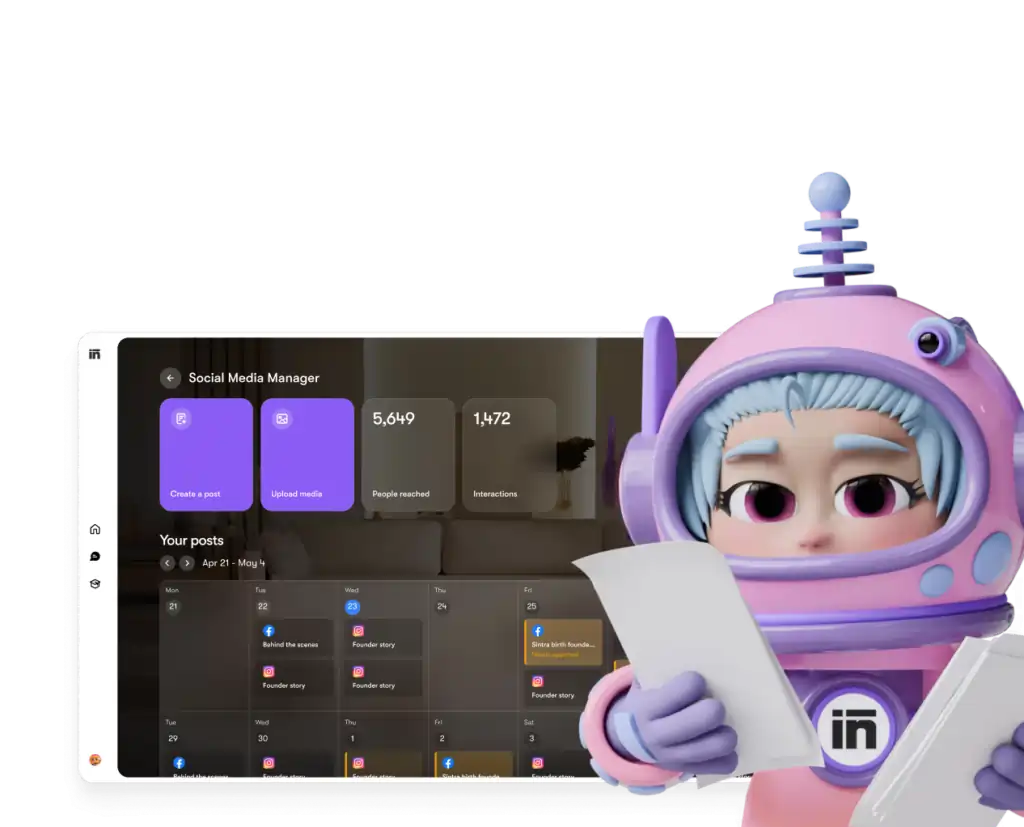
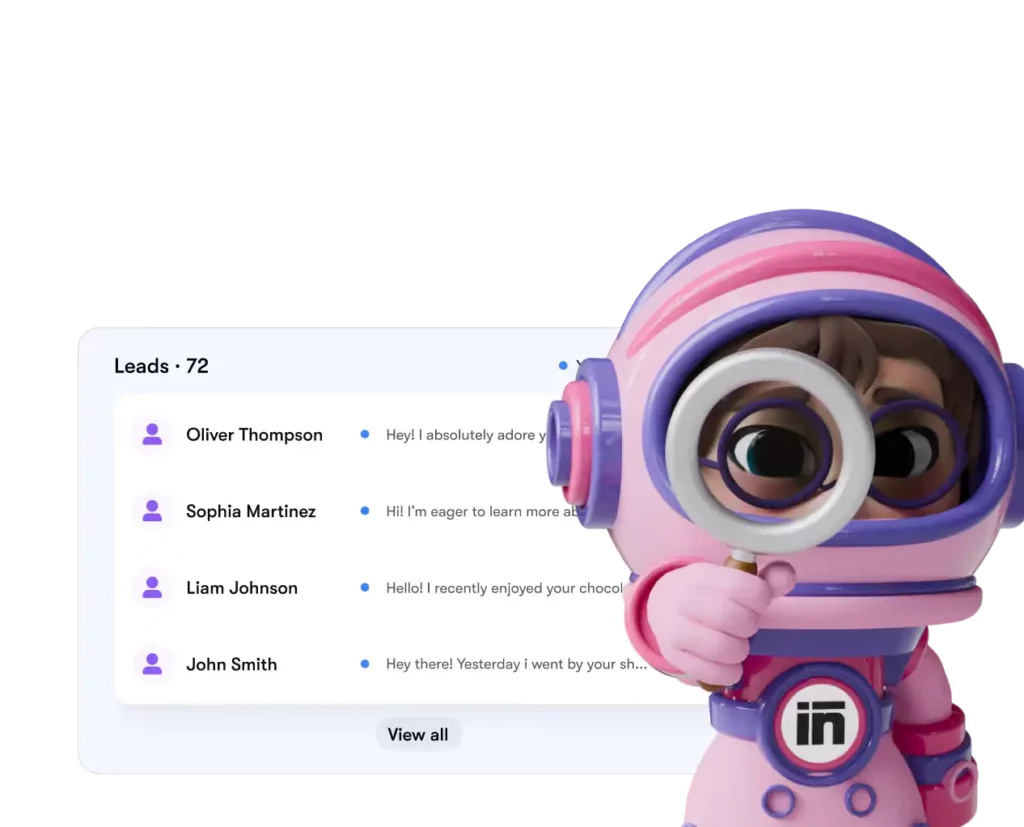
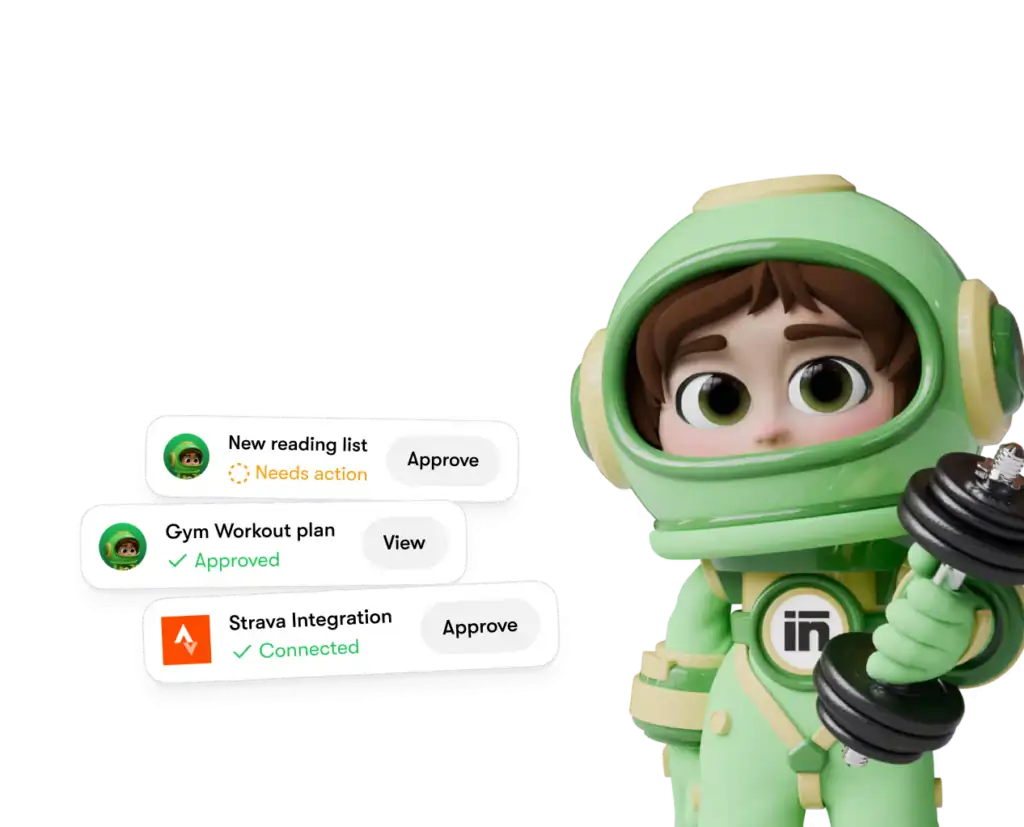
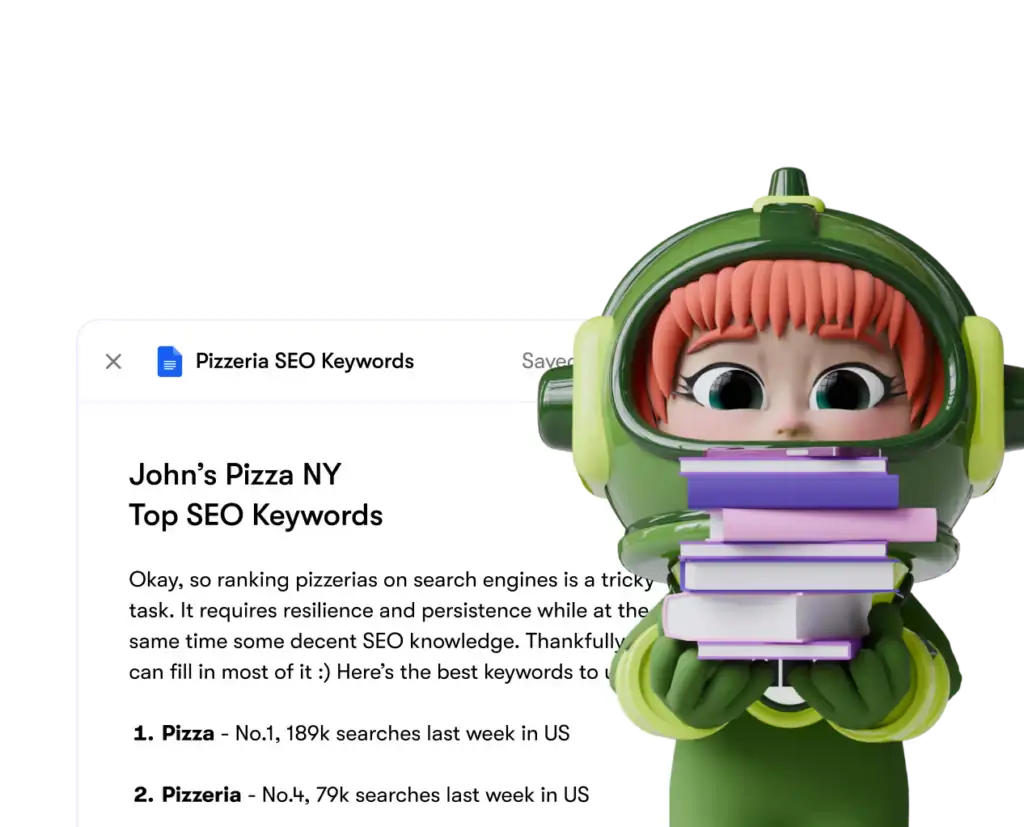
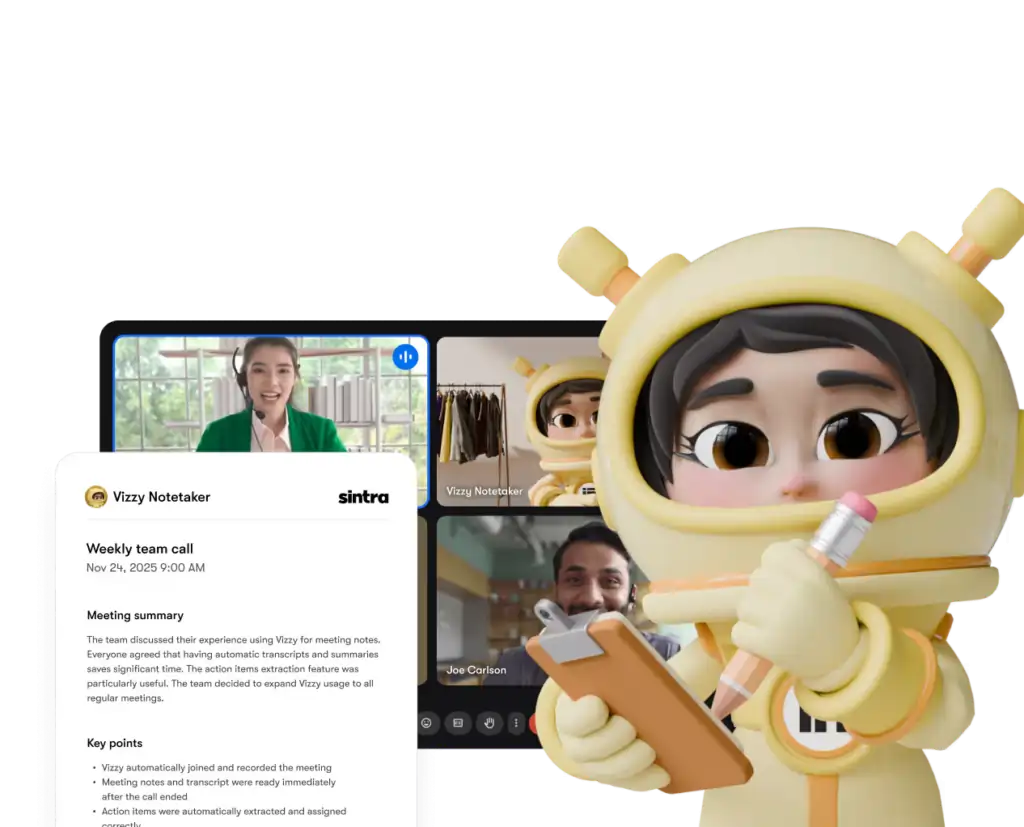
Cada assistente só tem acesso às ferramentas e permissões que você concede explicitamente — e você pode desconectar qualquer integração do seu painel de controle a qualquer momento.
Sintra AI vs. Concorrentes: Profundidade de Integração
Aqui você encontra's como Sintra's A configuração de integração se compara a plataformas similares na mesma faixa de preço:
| Característica | Sintra AI | Generic AI Chatbots | Plataformas de automação (ex: Zapier) |
|---|---|---|---|
| Integrações nativas (sem código) | 1,000+ | Nenhum ao mínimo | Sim, mas não. AI camada |
| AI O auxiliar age sobre os dados | ✅ Sim | ❌ Não | ❌ Não |
| Complexidade de configuração | Autenticação com um clique | N/D | Médio-Alto |
| Auxiliares específicos para funções empresariais | ✅ 12 especialistas | ❌ | ❌ |
| Automação (tarefas recorrentes) | ✅ | ❌ | ✅ |
| Compatível com GDPR | ✅ | Varia | Varia |
O principal diferencial: Plataformas como o Zapier te permitem... de Saúde, mas lá's Sem uma camada inteligente por cima interpretando e agindo sobre os dados. O Sintra oferece ambos: a integração e uma AI que sabe o que fazer com isso.
A alegação de mais de 1,000 integrações — o que isso realmente significa?
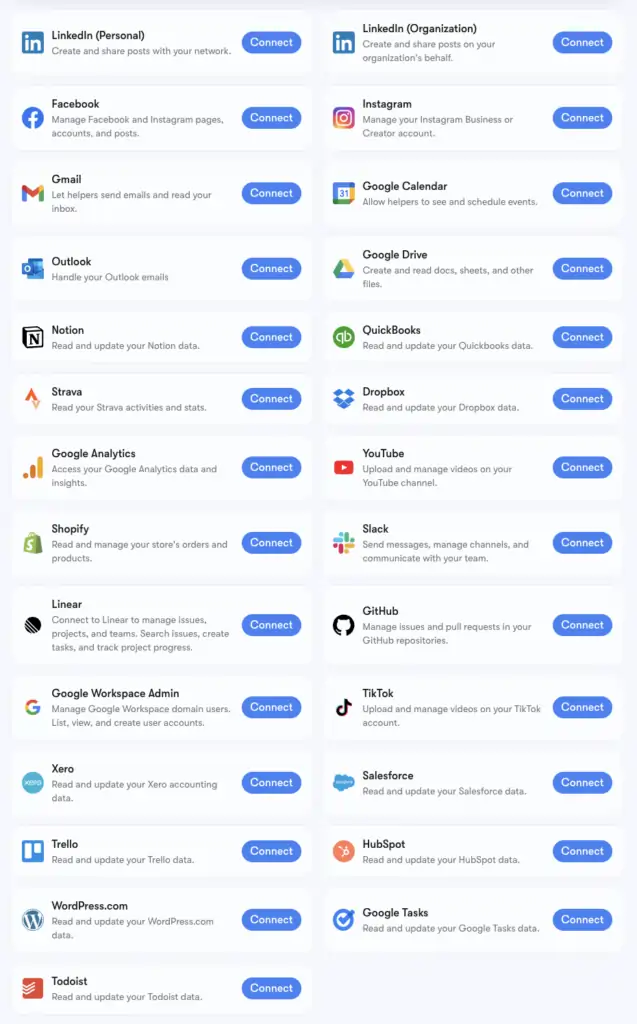
Sintra's O número de mais de 1,000 integrações é impulsionado por Composição, uma infraestrutura de conectores que oferece suporte a aplicativos de todas as categorias: Ferramentas de RHplataformas de agendamento, comércio eletrônico, data warehouses e ferramentas SaaS de nicho são as mais utilizadas. AI As plataformas não se tocam.
Você pode consultar a lista completa em composio.dev/toolkits . As integrações principais com suporte avançado (Gmail, LinkedIn, Notion, Google Analytics, etc.) são as que já vêm integradas nativamente ao Brain AI do Sintra. As mais de 1,000 integrações adicionais estão disponíveis para usuários que precisam de recursos mais específicos para seus fluxos de trabalho.
Se uma ferramenta que você utiliza não estiver listada, você pode solicitá-la diretamente do seu painel de controle do Sintra. Novas integrações são adicionadas continuamente com base na demanda dos usuários.
Configurando o Gmail e o Google Agenda: passo a passo
O conjunto de ferramentas do Google Workspace é o grupo mais comumente conectado, então aqui está.'s o processo exato:
- Clique IA cerebral na barra lateral esquerda
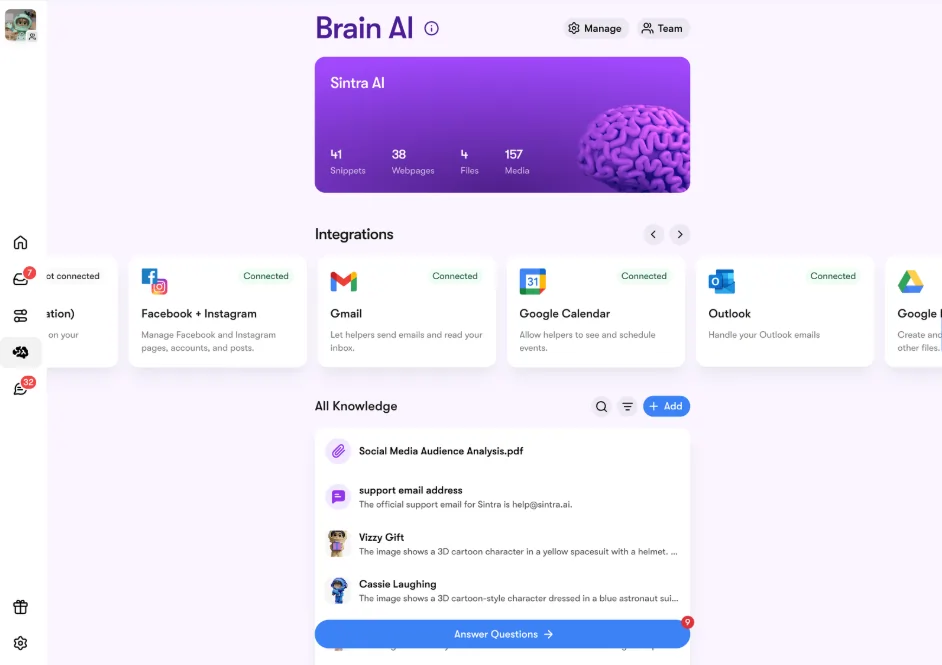
- Localize Gmail, Google Calendar, Google drive, ou Google Analytics na seção Integrações
- Clique Conecte-se → então Conecte-se novamente (ou Adicionar nova conta (para várias contas)
- Uma janela pop-up do navegador será exibida — selecione a conta do Google que você deseja usar.
- Conceda as permissões solicitadas ao aplicativo Sintra.
- O botão fica verde — você está ao vivo.
As quatro ferramentas do Google podem ser conectadas de forma independente ou em conjunto. O Sintra solicita apenas as permissões necessárias para cada tarefa (por exemplo, o Agenda precisa apenas de permissão de leitura/gravação para eventos, e não para toda a sua conta do Google).
Configurando o Facebook e o Instagram
Esta opção tem um pequeno pré-requisito: primeiro, sua conta do Instagram precisa estar vinculada a uma página comercial do Facebook.
- Faça login no Facebook → clique na sua foto de perfil → acesse sua Página Comercial
- Acesse Configurações e privacidade → Configurações → Permissões → Contas vinculadas
- Clique Instagram → Conectar conta e complete o link
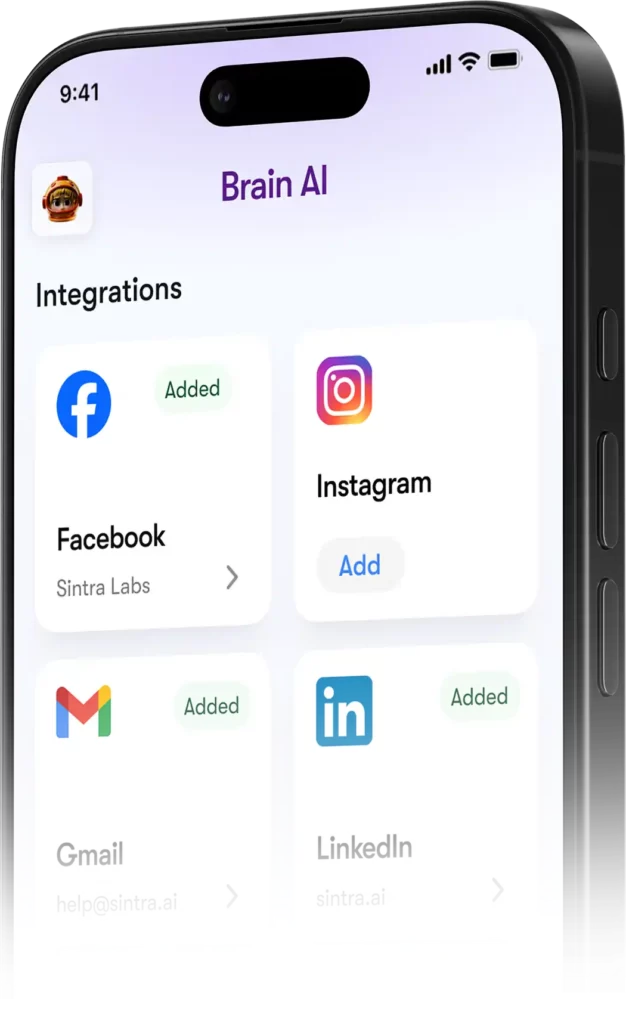
- Em Sintra, vá para Cérebro AI → Integrações → Facebook/Instagram → Conectar
- Faça login com suas credenciais do Facebook e conceda as permissões necessárias.
- Ícone de visto verde = você está conectado em ambas as plataformas.
Após a publicação, Soshie (sua especialista em mídias sociais) poderá postar no Facebook e no Instagram diretamente de uma mensagem de bate-papo ou por meio de um agendamento automático.
Privacidade: O que Sintra pode e não pode ver
Uma pergunta pertinente ao conectar sua conta do Gmail ou do Google Analytics a qualquer plataforma. AI plataforma. Aqui's Sintra's Posição real:
Os assistentes não agem em seu nome, a menos que você os tenha solicitado explicitamente por meio do chat ou configurado uma automação agendada — eles não funcionam em segundo plano fazendo coisas que você não aprovou.
Perguntas frequentes
Quais ferramentas estão disponíveis no Sintra oficial? AI Lista de integrações?
As principais integrações incluem Gmail, Outlook, Google Agenda, Google Drive, LinkedIn, Facebook, Instagram, TikTok, Slack, Notion, HubSpot, Salesforce, QuickBooks, Google Analytics, GitHub, Strava, Shopify e muito mais. A lista completa com mais de 1,000 ferramentas está disponível em composio.dev/toolkits.
Sintra AI Possui uma API pública?
Não — a Sintra não oferece uma API pública. Todas as integrações são conectores prontos para uso, integrados diretamente à plataforma por meio do Composio.
Posso conectar várias contas à mesma ferramenta?
Sim. Clique em “Conectar” → “Adicionar nova conta” dentro do Brain. AI Para vincular contas adicionais na mesma plataforma. Cada conta é gerenciada de forma independente.
As integrações do Sintra funcionam dentro de automações?
Sim — ferramentas conectadas possibilitam automações recorrentes, como resumos diários da caixa de entrada, publicações agendadas em redes sociais e relatórios analíticos semanais. Os assistentes executam essas tarefas no piloto automático, sem que você precise iniciar um chat.
Existe alguma integração com o Strava?
Sim. O Strava se conecta via Brain. AI e permite que seu assistente pessoal leia seus dados de atividade para ajudar a monitorar suas metas de condicionamento físico em conjunto com sua rotina de trabalho.
Quanto tempo leva para configurar uma integração com o Sintra?
Menos de dois minutos. Todo o processo é baseado em OAuth — clique em Conectar, faça login, aprove as permissões e pronto. Não são necessárias chaves de API nem configurações técnicas.
E se uma ferramenta que eu uso não estiver listada no Sintra?'s integrações?
Solicite diretamente pelo seu painel do Sintra — novas integrações são adicionadas continuamente com base na demanda dos usuários. Você também pode consultar a lista completa em composio.dev/toolkits.
São Sintra AI As integrações são seguras para uso com dados empresariais?
Sim — a Sintra está em conformidade com o RGPD, não treina com seus dados e só acessa o que é necessário.'s Necessário para a tarefa específica que você solicitou. Cada integração pode ser desconectada do painel de controle a qualquer momento.
AiMojo recomenda:


 BONUS: Receba nossos $ 200 “AI “Kit de ferramentas de domínio” GRÁTIS ao se inscrever!